Motion Path Ultimate – Documentation
Installation
-
Download the addon .zip file.
-
In Blender, go to Edit > Preferences > Add-ons > Install.
-
Select the .zip file and install.
-
Enable Motion Path Ultimate from the addon list (if it’s not already enabled).
Fix Bugs & Update:
- Ver 1.2:
- Fix scaling keyframes in timeline (adjust animation speed) while preserving motion path. Note, before scaling keyframes in timeline, set all keyframes to Auto Clamped handle.
- Ver 1.2.1
- Fixed crash when copying motion path on Blender 4.5+
- Update Gizmo: Divided into 3 separate gizmo types: move, rotate, scale. When turning on gizmo, you cannot drag points directly to avoid dragging mistakes
- Ver 1.3 (26/09/2025)
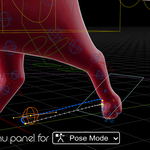
- Pose mode dedicated menu panel
- Edit bone motion paths (Pose Mode) directly in the 3D viewport
- Ver 1.3.1 (30/09/2025)
- Update 3 types of gizmos: move, scale, rotate
- Ver 1.3.2 (06/10/2025)
- Fix bugs about editing motion path for object on blender4.5.3
- Ver 1.4.0 (22/10/2025)
- Stabilize the logic of motion path objects and motion paths of bones
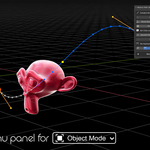
- The logic of the object motion path adjustment function from version 1.4.0 has been changed to ensure better performance.
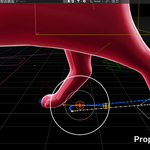
- Add Proportional editing feature
- Ver 1.4.1 (05/11/2025)
- Ver 1.4.2 (13/11/2025)
- New features: smooth, space, reduce keys
- Ver 1.4.3 fix (25/11/2025)
- Merge addon menu panel into Animation tab in n-panel on blender 5.0
- Update compatibility with blender 5.0
- Ver 1.5.0 (08/12/2025)
- Fix Ctrl+click to select loop points
- Adjust the keyframe point of the motion path using the G R S keys
Support
If the problem persists with the latest version of the add-on, please send me a message with a description of the error you are experiencing via inbox on Superhive. Thanks!
 Hoa Vu