 ZEG
Installation
In Blender open Edit, Preferences, Get Extensions, then use Install from Disk and pick the motorcycle_generator zip.
Usage
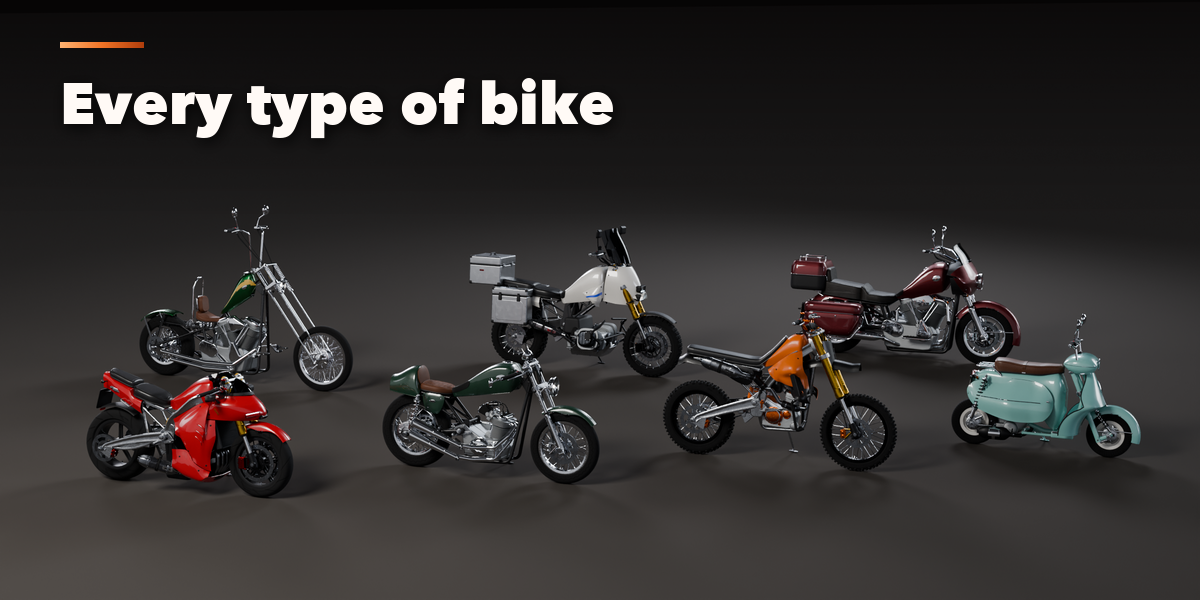
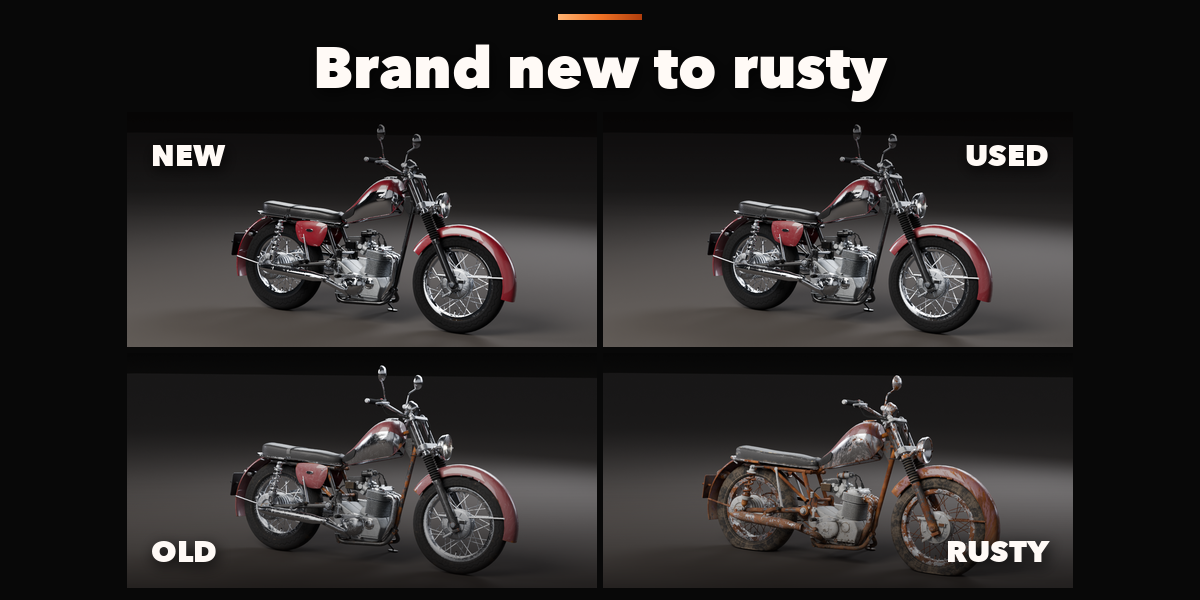
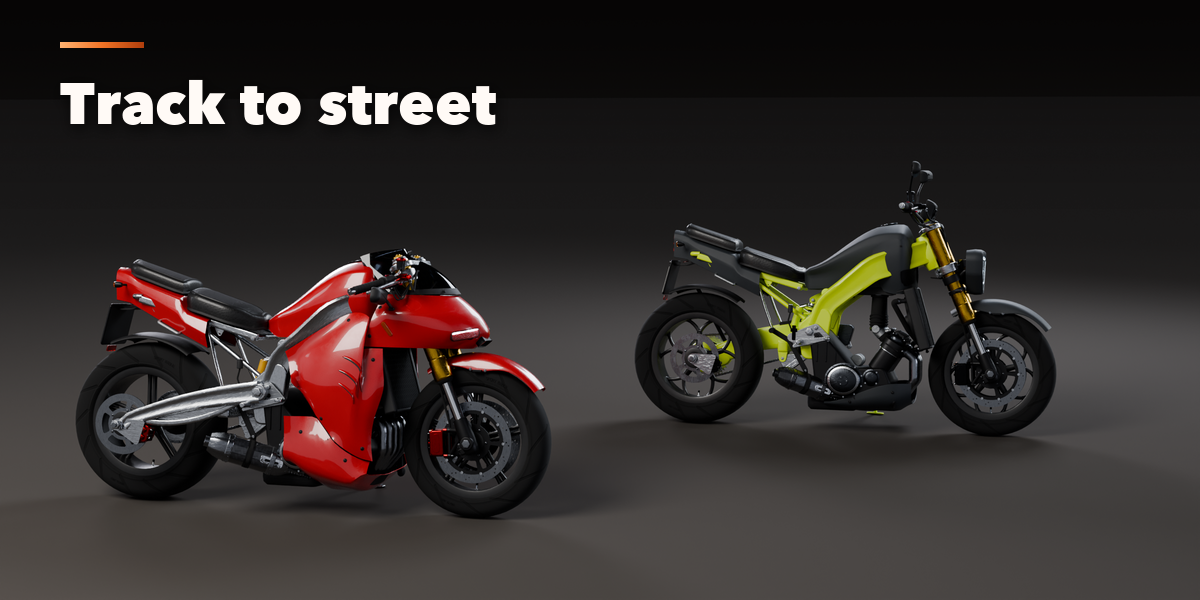
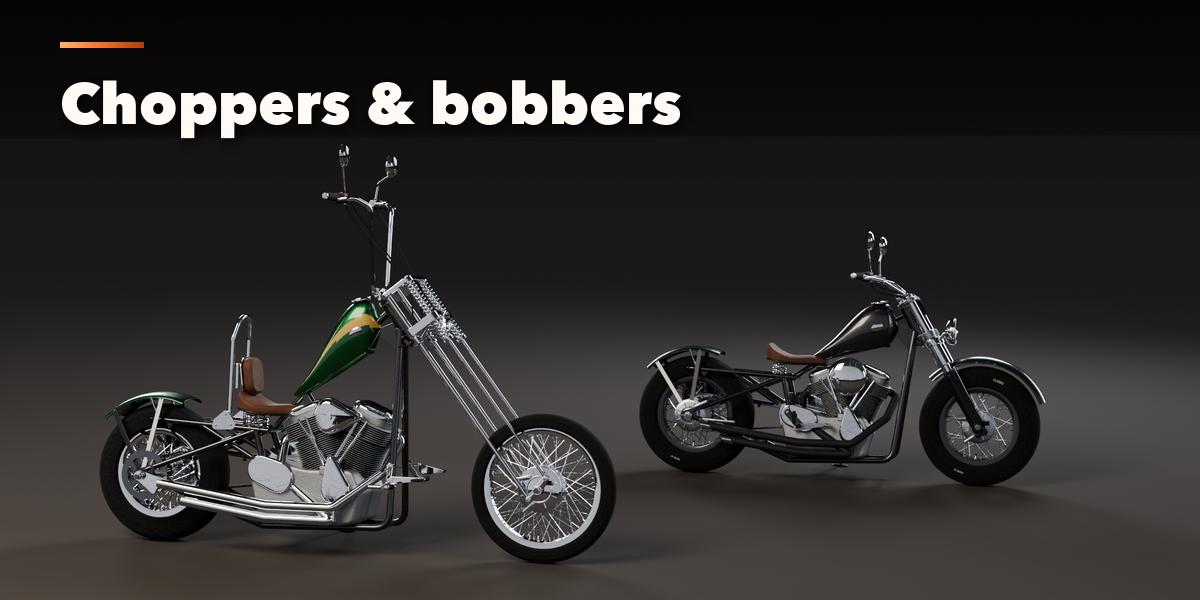
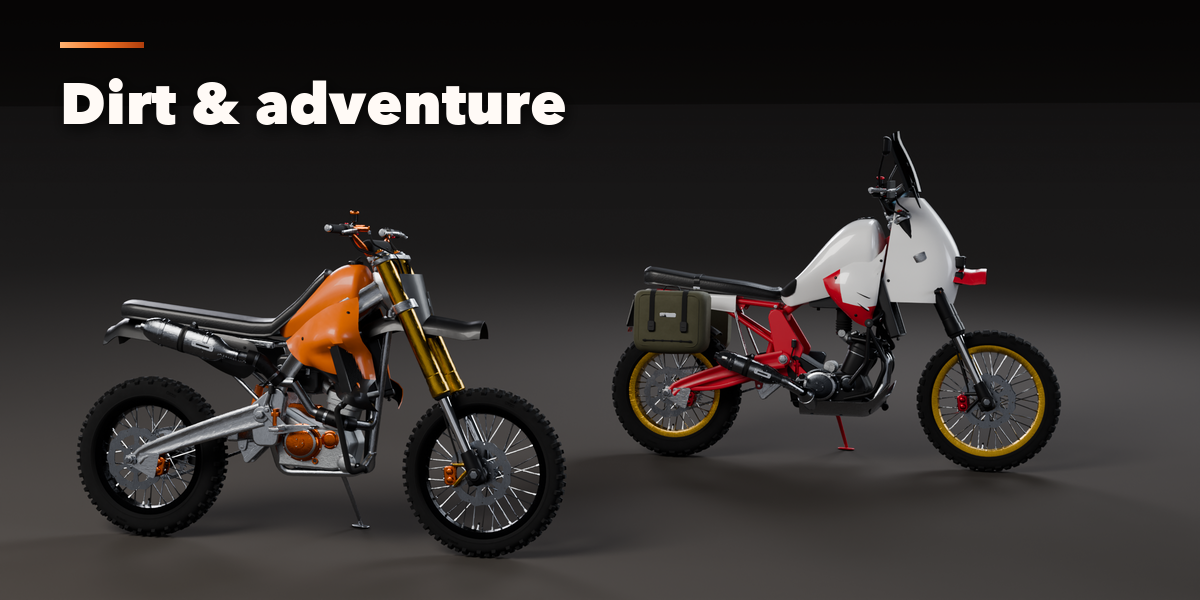
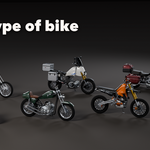
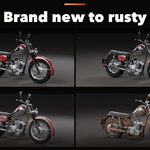
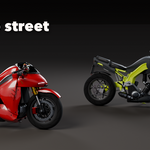
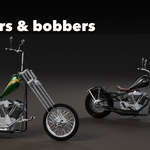
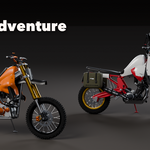
- Open the Motorcycle tab in the 3D viewport sidebar (N). With no bike selected, follow the three steps: pick a type, pick a design and pick a condition (New, Used, Old or Rusty), then press Add Motorcycle to place it at the 3D cursor. You can also use Shift+A, Mesh, Motorcycle.
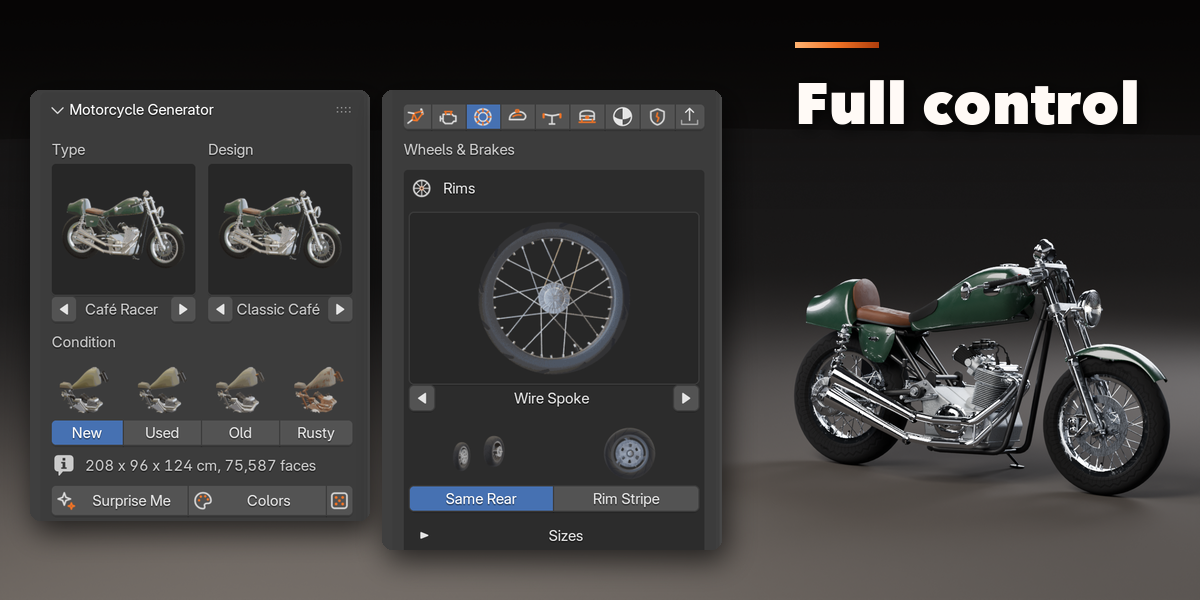
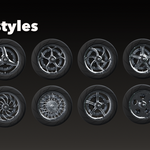
- With a bike selected, the top of the panel shows its type, design and condition as pictures you can change at any time. Surprise Me makes a new random bike of the same type, New Colors repaints it and New Details changes the small random variations. Reset to Design undoes every change.
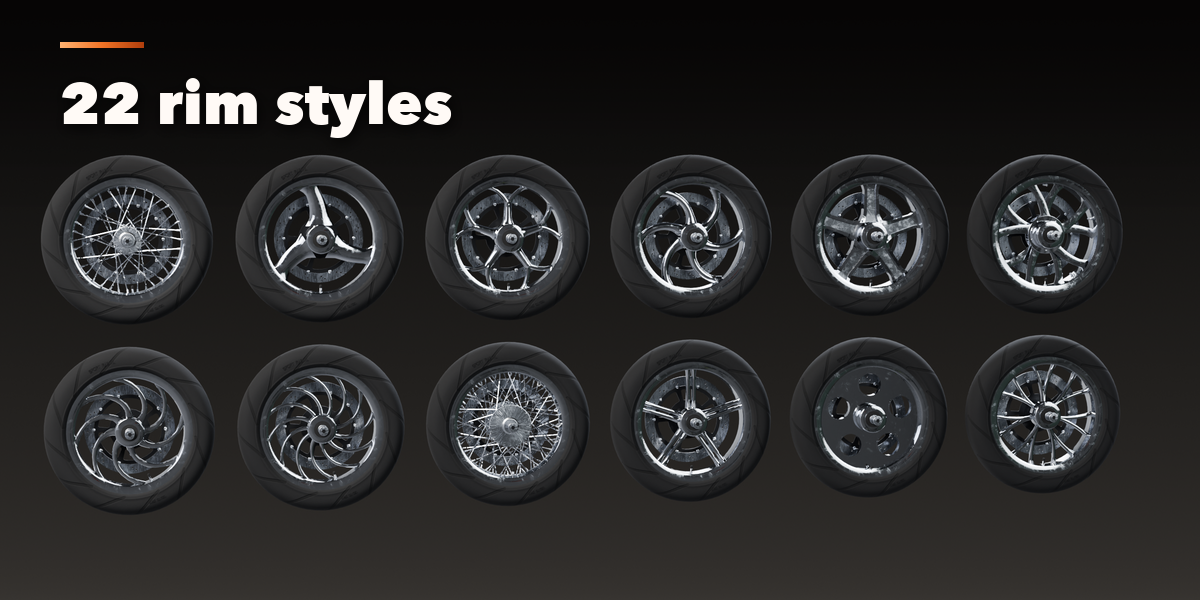
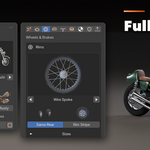
- The icon tabs hold every setting: Frame & Suspension (frame, fork, swingarm, shocks, measurements), Engine & Exhaust (layout, cooling, air filter, drive, exhaust, muffler), Wheels & Brakes (rims, tires, brakes, discs), Bodywork (tank, seat, fairing, fenders, tail, side panels), Cockpit & Lights (handlebar, mirrors, headlight, gauges, tail light, footpegs), Luggage & Extras (luggage, rack, crash bars and more), Paint & Materials (every color slot), Condition & Pose (wear, rust, dirt, mud, flat tires, sag, steering, stand) and Output (detail, part visibility, Make Static, Delete).
- Picture buttons open a grid of every option. The detailed frame geometry (wheelbase, rake, trail and more) opens under Measurements in the first tab.
Materials are PBR texture sets on metric UVs, so the meshes export cleanly to game engines. Make Static turns the bike into plain meshes for export or hand editing.
Have questions about this product?
Login to message
| Blender Extension Compatible | Yes |
| Published | 3 days ago |
| Blender Version | 4.2 - 5.2 |
| Extension Type | Add-on |
| Render Engine Used | Cycles, Eevee |
| License | GPL |

Discover more products like this
motorcycle game ready Motorbike superbike cafe-racer Rust procedural vehicle scooter chopper Generator PBR