Moveset Animations for Any Humanoid Rig
 NoMicro Studio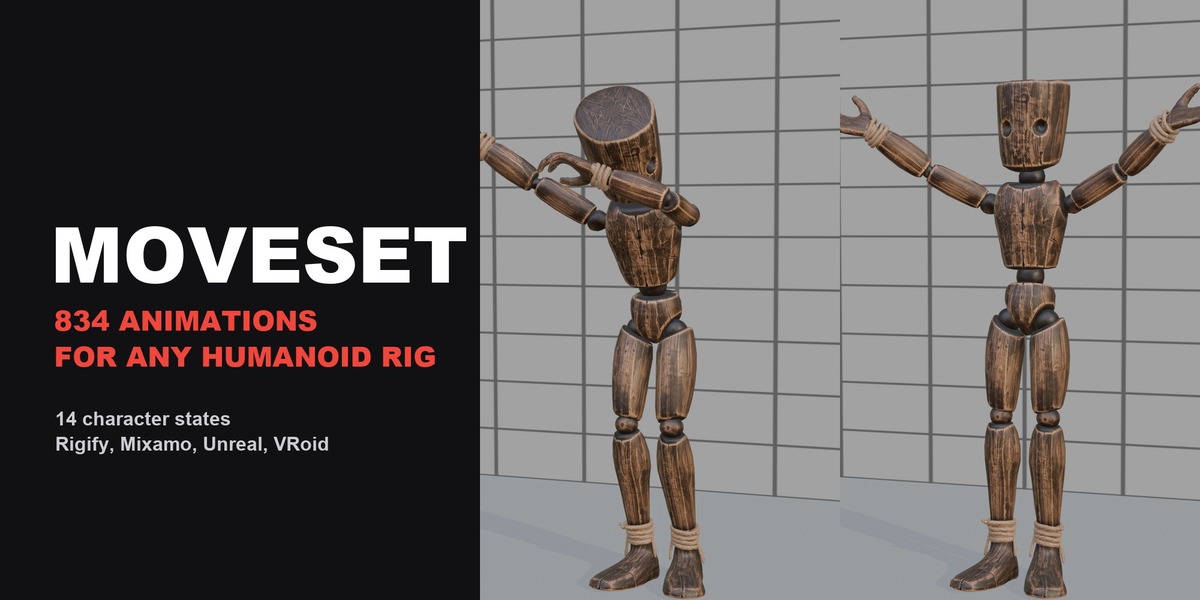
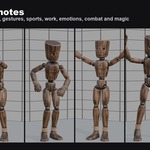
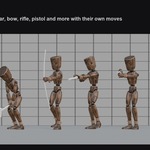
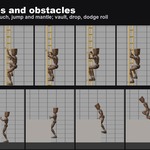
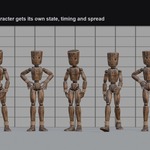
Install
- Download
moveset-1.0.3.zipand do not unpack it - In Blender 4.2 or newer open Edit - Preferences - Get Extensions, click the arrow menu at the top right and choose Install from Disk
- Select the zip and enable the extension
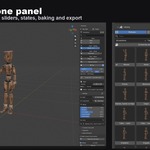
- In the 3D Viewport press N and open the Moveset tab
First animation
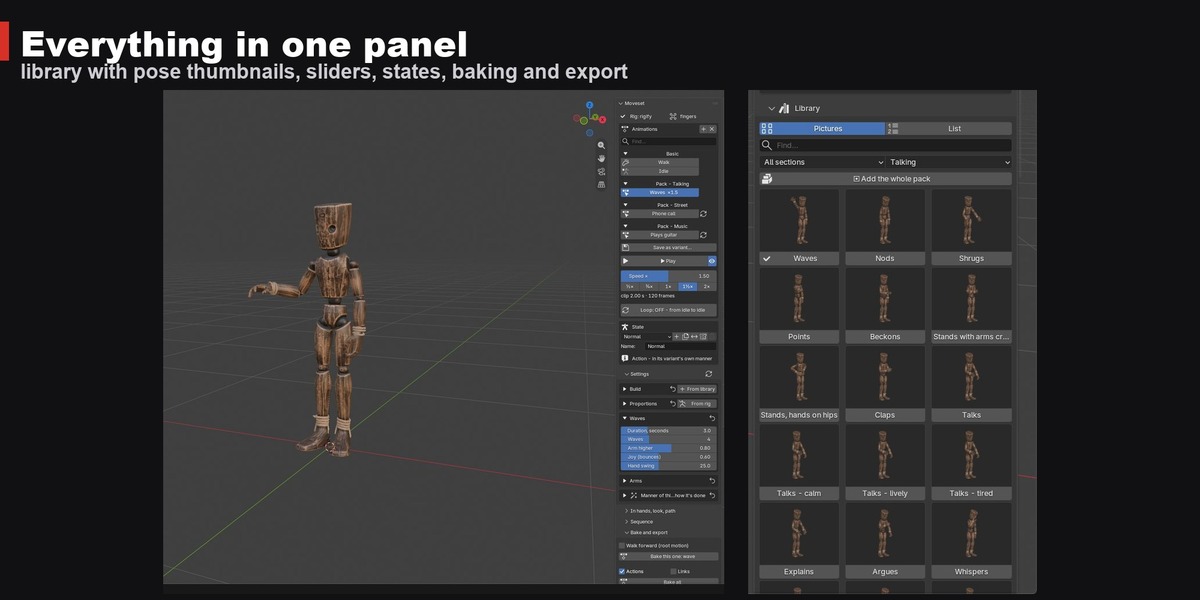
- Select your armature (Rigify, Mixamo, Unreal, VRoid or any humanoid rig). The panel shows the detected rig type; for other rigs use the guided bone map
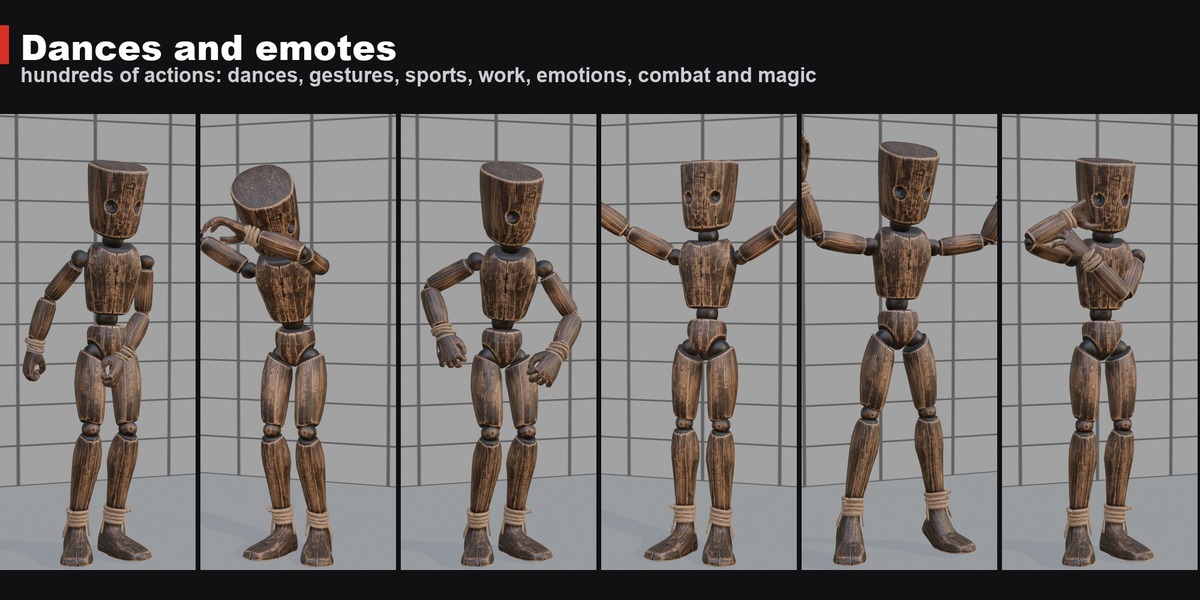
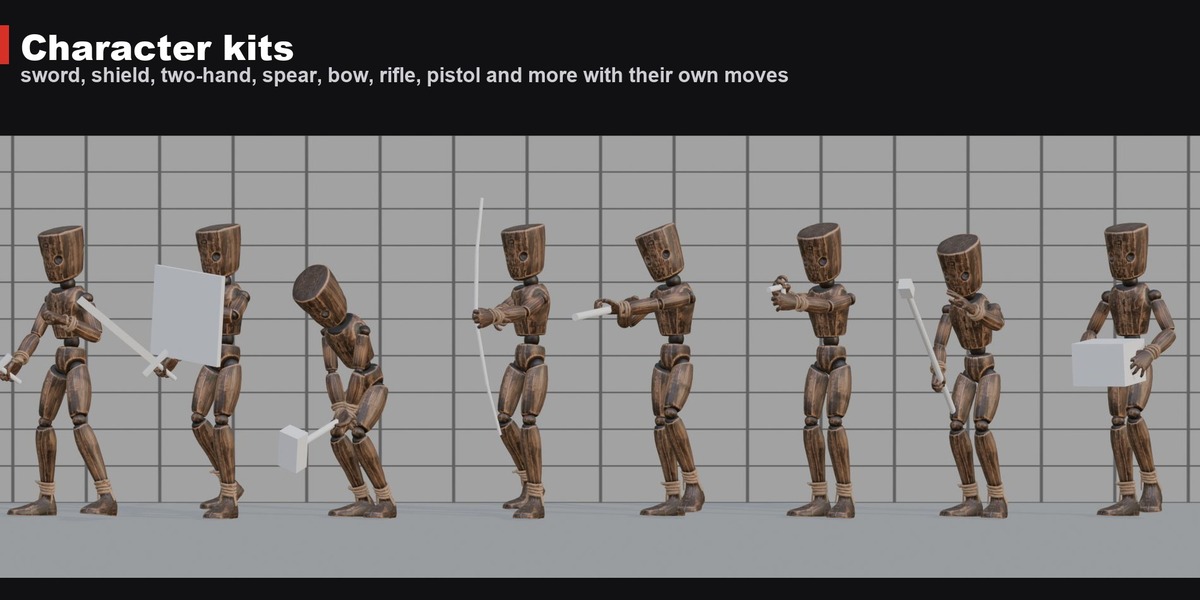
- Add animations from the library with the + button: pick a pack and an action, or search by name
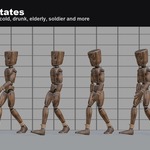
- Press Play to preview, adjust the sliders and choose a character state
- Press Bake this one or Bake all to get ordinary Blender Actions on your rig
For games
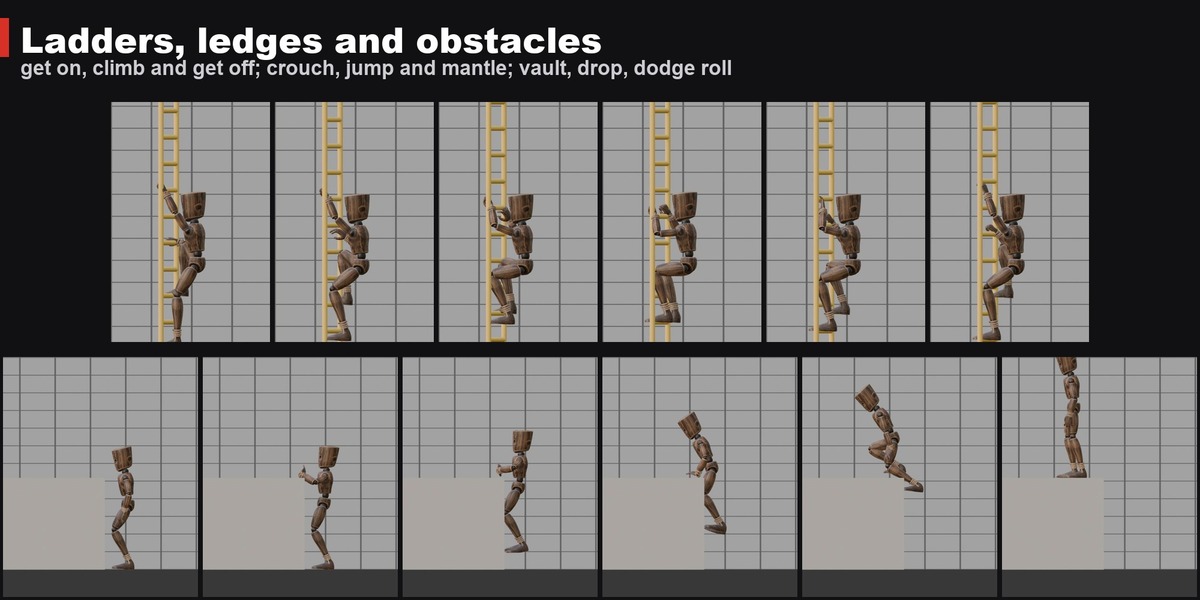
Export baked clips as FBX for Unity and Unreal or GLB for Godot, with root motion if you need it. Locomotion comes as loops, transitions and an 8-way grid for blend spaces.
Full guide
Step by step guide with pictures: moveset3d.com/guide
Every animation in the library: moveset3d.com/gallery
Changelog: moveset3d.com/changelog
Support and bug reports: [email protected]
$30
Have questions about this product?
Login to message
| Blender Extension Compatible | Yes |
| Published | 2 days ago |
| Blender Version | 4.2 - 5.2 |
| Extension Type | Add-on |
| Render Engine Used | Cycles |
| License | GPL |
Discover more products like this
mixamo animation game development rigging locomotion unity Walk Cycle retarget rigify character animation Add-on Procedural Animation