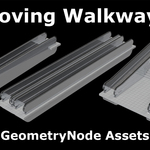
Moving Walkways – Geometry Node Assets
 RaWiLOGIC


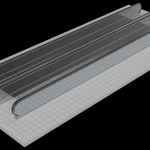
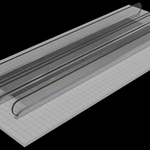
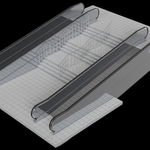
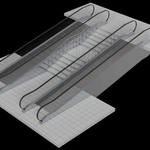
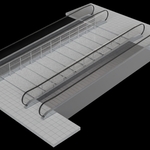
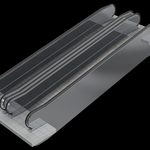
Can I use my own materials?
Yes. Every asset component has a material slot, allowing you to assign your own materials.
Why can I change the number of vertices of the cylinders?
This is important for the railing in the asset “Moving Walkway 3”. If you set the number of vertices to 4 the cylinder becomes a cube. The additional Z‑rotation parameter allows you to rotate this cube correctly.
Examples: Set vertices to 4 → rotate to 45°, set vertices to 6 → rotate to 30°, set vertices to 8 → rotate to 22.5° and so on.
What should be considered regarding animations?
The animation speed is calculated based on the frame number. To determine the correct speed, it is advisable to render a short sequence to check whether the animation is too fast or too slow.
$15
Have questions about this product?
Login to message
| Dev Fund Contributor | |
| Published | 4 months ago |
| Blender Version | 5.1 |
| Render Engine Used | Cycles |
| License | Royalty Free |
Discover more products like this
autowalks travelator moving walkway geometrynodes 3D-AssetLibrary escalator