Text Manager
 Mergim Sahiti


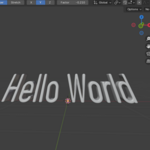
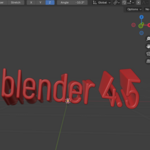
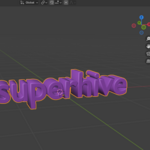
Tabs & Options
-
Text Tab
-
Text Content: Edit the displayed text.
-
Font File: Load your custom font.
-
Size, Alignment, Extrude, Spacing, Bevel Depth & Resolution, Color: Standard text parameters.
-
Transform: Adjust location, rotation, and scale for each axis.
-
Reset All: Restore all parameters to default.
-
-
Deformers Tab
-
Deformer Type: Choose the deformation type (Bend, Twist, Taper, Wave).
-
Amount & Axis: Adjust the deformation strength and axis.
-
-
Animation Tab
-
Animation Type: Choose the animation for the text.
-
Speed & Amplitude: Set speed and intensity of the animation.
-
Axis: Select the axis for the animation.
-
Start/Stop Animation: Easily control the animation.
-
Requirements
-
Blender 4.0 or higher ,with older version can work but not tested.
-
Works only with FONT objects.
-
No other addons required.
Have questions about this product?
Login to message
| Dev Fund Contributor | |
| Published | about 1 year ago |
| Blender Version | 4.0 - 4.5 |
| Extension Type | N/A |
| Render Engine Used | Blender-Internal, Cycles, Eevee |
| License | GPL |

Discover more products like this
animation twist deformer typography Text Manager taper wave font motion graphics 3D text bend reset