Cycman
 Manning Tools




Geometry Nodes
Cyc Wall Type
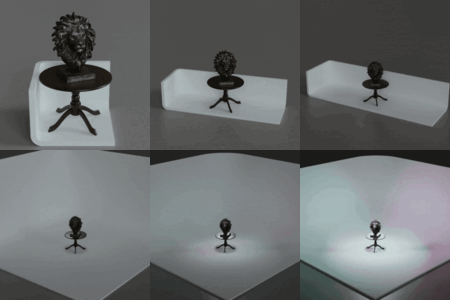
Select which type of default cyc wall shape
Material
Set the material for the cyc wall. Defaults to the CycMan material with the dedicated vector switching node inside. Use this switching node for any custom material setups desired.
Size
X - Adjust scale in the x axis
Y - Adjust scale in the Y axis
Z - Adjust scale in the Z axis
Bevel Amount
Sets the size of the bevel modifier
Bevel Segments
Number of bevel segments
Resolution
Number of sides for dome cyc wall
Make Thick
Sets the solidify modifier and thickens the cyc wall
Thickness
Adjust the thickness of the cyc wall
Camera Projection
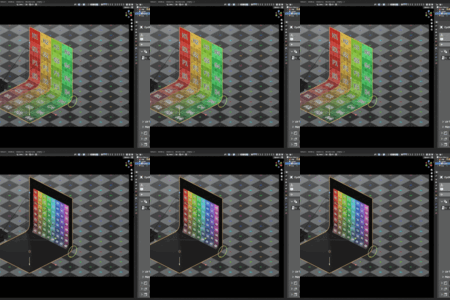
Swaps the auto UV system to the camera projection system
Gradient Rotation
Adjusts the angle of a camera projected gradient
UV Transforms
Translation U
Translate on the UV’s X axis
Translation V
Translate on the UV’s Y axis
Angle
Rotation of the UV map
Scale U
Scale the UV’s X axis
Scale V
Scale the UV’s Y axis
Flip U
Flip along the UV’s X axis
Flip V
Flip along the UV’s X axis
Pivot V
Pivot U
Material Nodes
CycMan Vector Output
The vector output of this node goes directly into the vector input of a texture map.
The gradient output is specifically designed for color ramp nodes. Plug the factor directly in and manipulate the gradient how you like