 mkeyworks



Import Multiple Images From Your OS Browser!
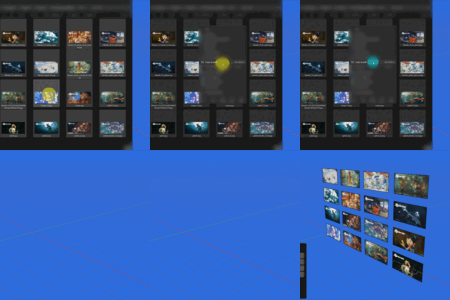
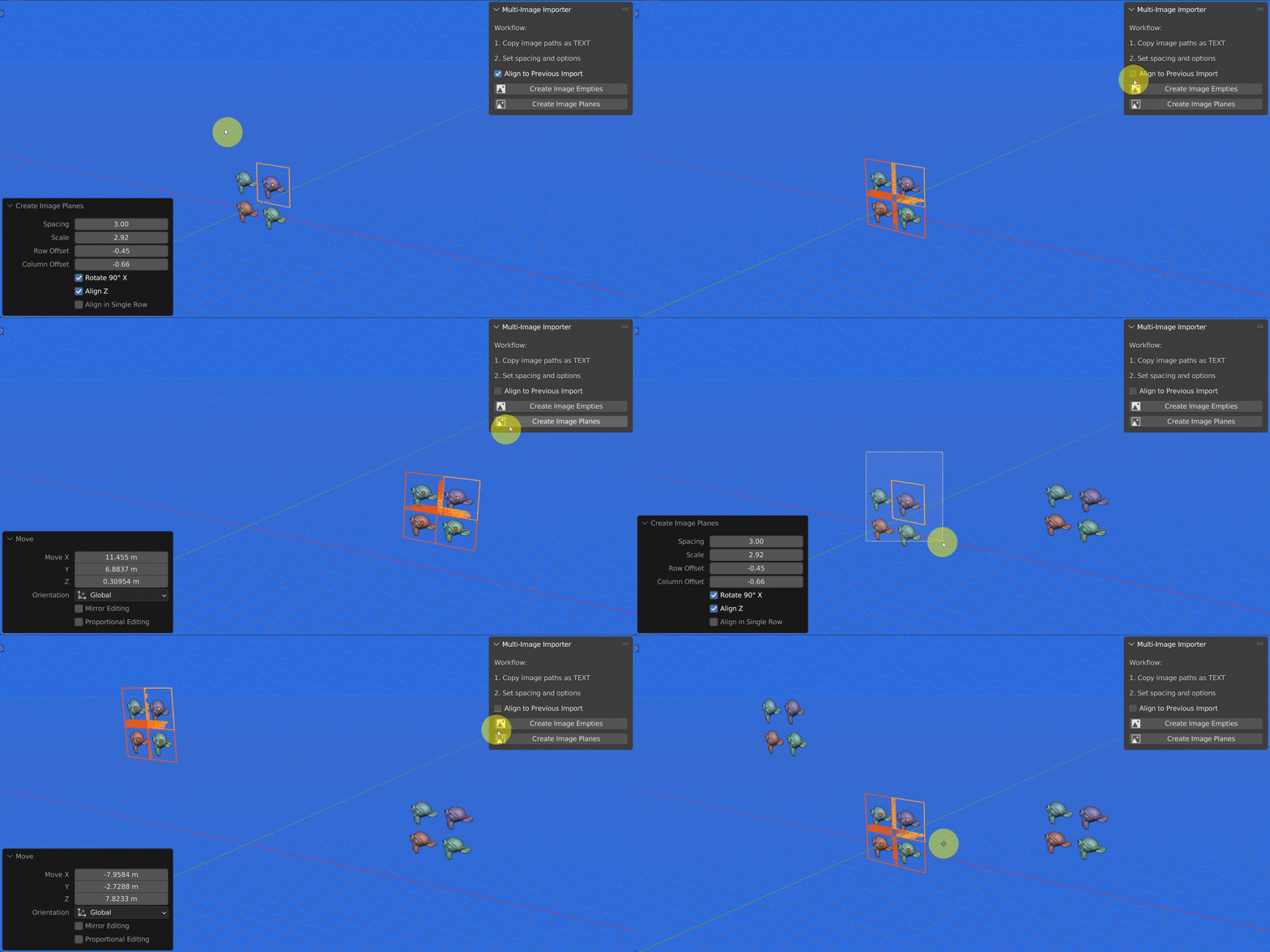
Streamline your workflow and bring efficiency to importing multiple images in Blender with the Multi-Image Importer. This Addon allows you to quickly generate image empties or planes directly from your clipboard, with precise control over alignment, spacing, and scale.
Important!
-
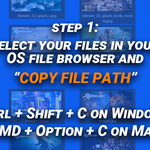
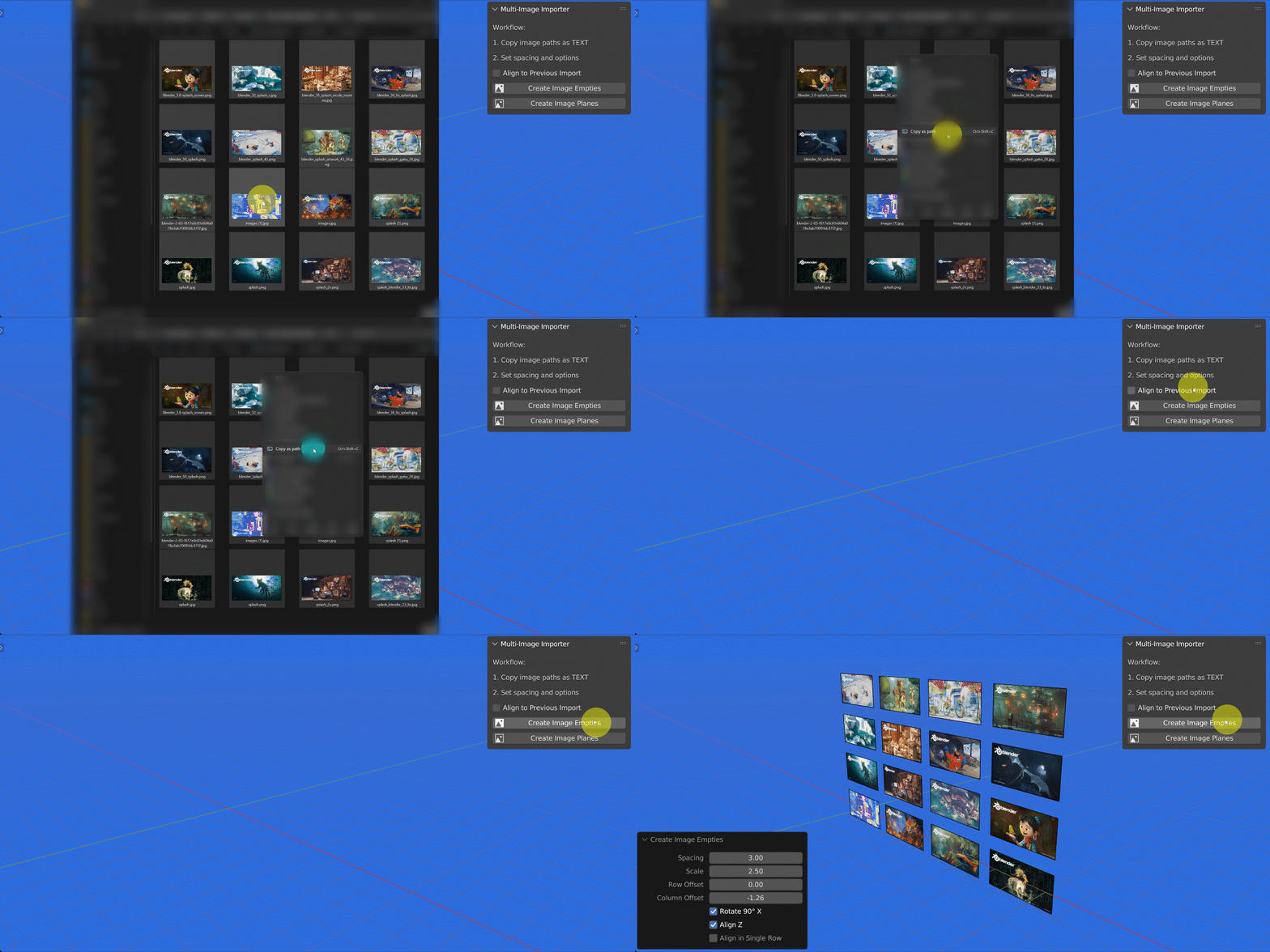
File Paths Required: Works with image paths copied as text.
(Ctrl+Shift+C on Windows, CMD+Option+C on Mac)
Features
-
Clipboard-Based Import: Simply copy your image paths as text, and import them instantly.
-
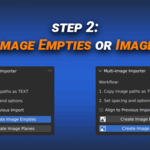
Image Empties & Planes: Create either empties for placeholders or fully textured planes with alpha.
-
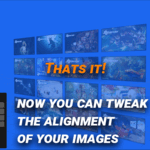
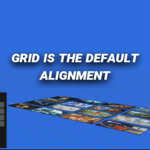
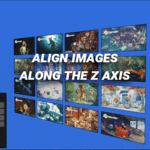
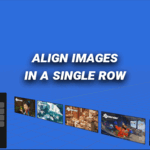
Custom Alignment Options: Arrange images in a single row, grid, or maintain Z-axis alignment.
-
Flexible Spacing and Offsets: Control spacing, row, and column offsets to suit any composition.
-
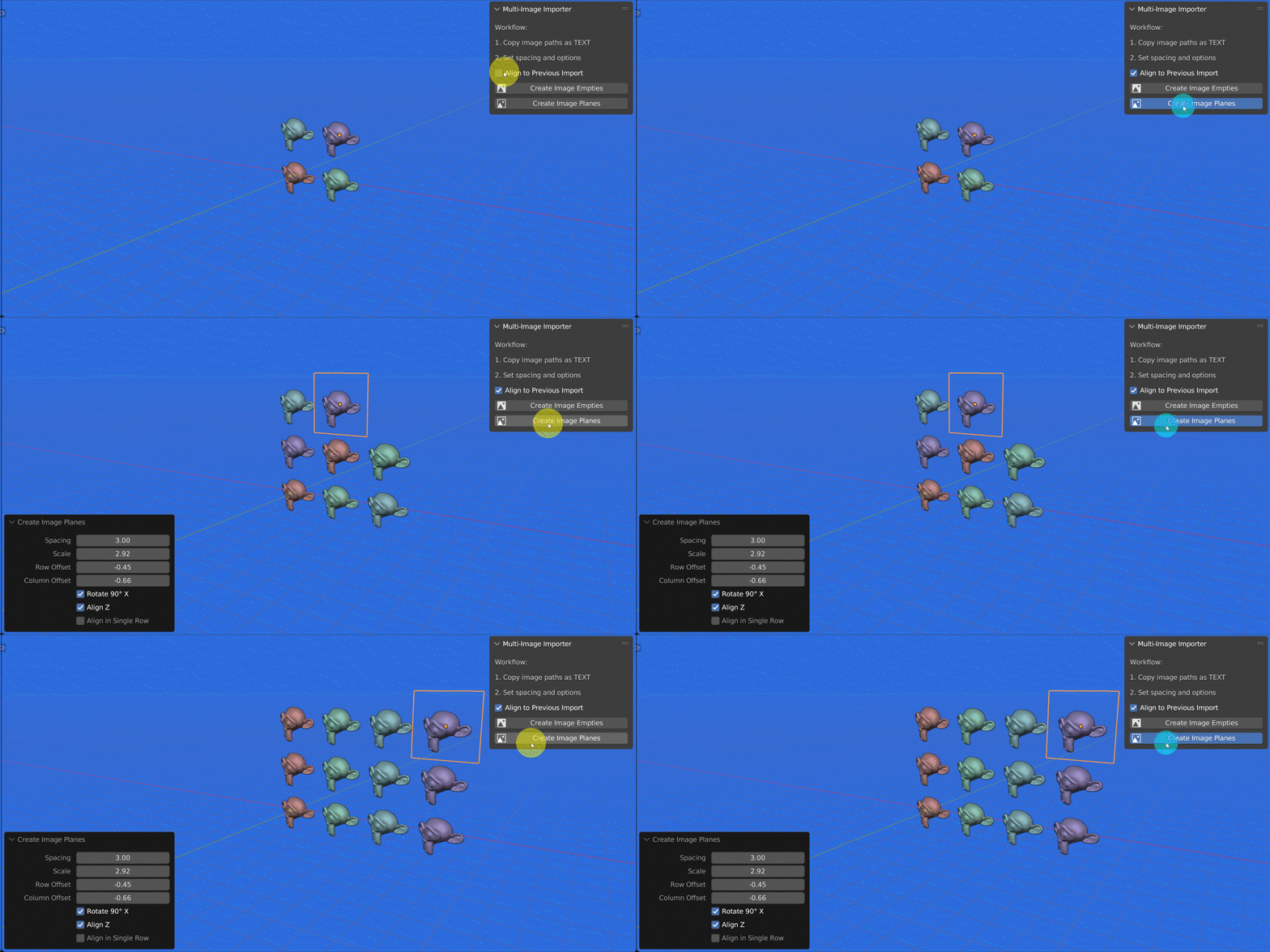
Automatic Continuation: Enable alignment with previously imported images.
-
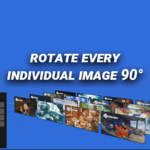
Scale & Rotation Controls: Adjust the size and orientation of images.
-
Blender 4.0+ Compatible: Fully updated to work with the latest Blender versions, including proper alpha handling for image planes.
Native Blender Python API Integration
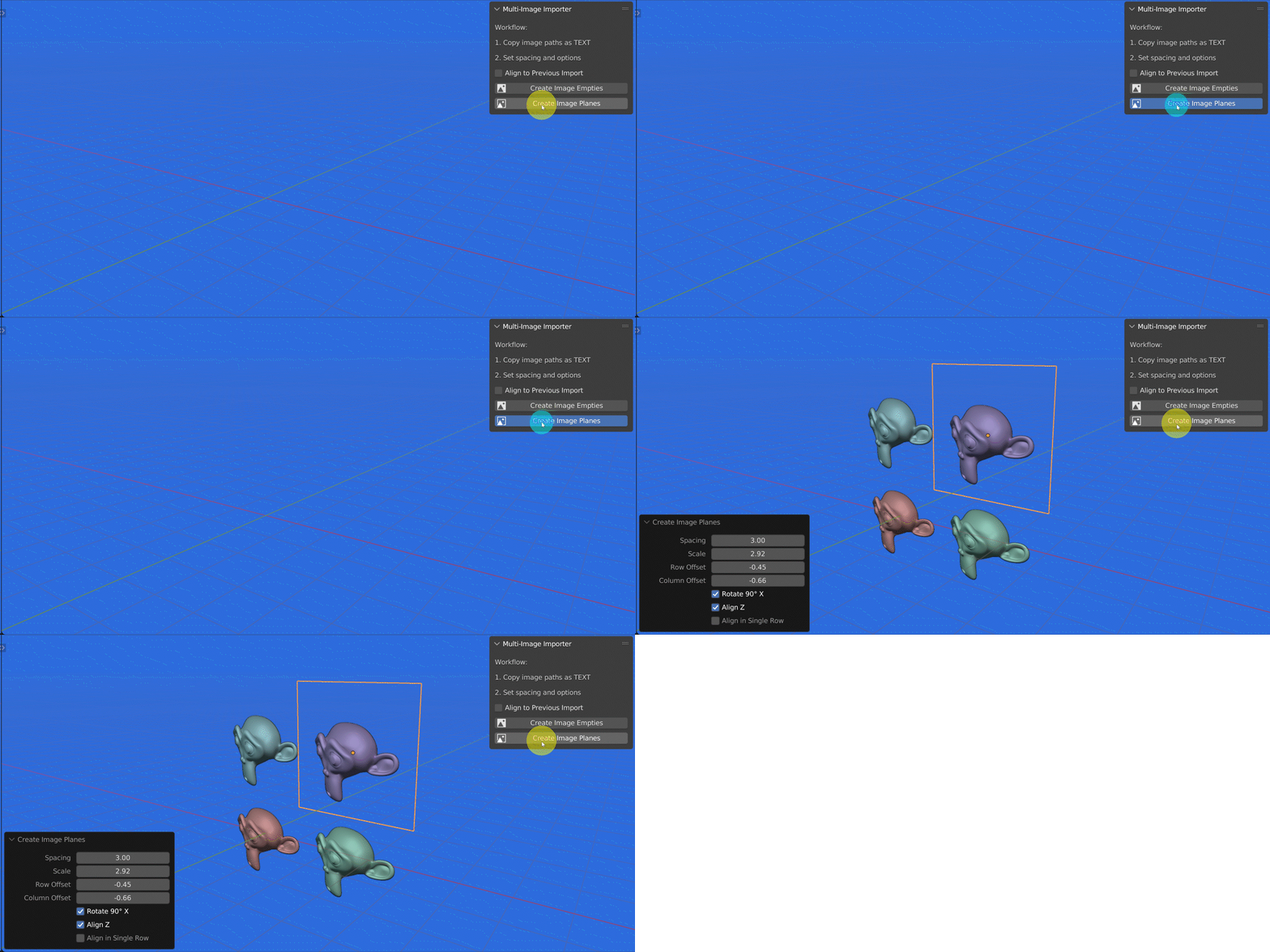
This addon is built entirely using Blender’s native Python (bpy) API, ensuring maximum compatibility, stability, and performance. It does not rely on external libraries, custom binaries, or background processes. All operations—image loading, object creation, material setup, and alignment—are handled directly through Blender’s official API, making the Addon lightweight, reliable, and future-proof across Blender versions.
Installation and Use
Install like any standard Blender Addon, enable it, and access it from the Sidebar in the 3D View under the “Multi-Image” tab. Copy your image paths, adjust settings, and let the Addon handle the layout automatically.
Benefits
-
Saves Time: Import multiple images at once instead of handling each individually.
-
Maintains Scene Organization: Automatically tracks imported objects for easy alignment and updating.
-
Consistent Layouts: Grid and row alignment ensures professional and tidy placement of images.
-
User-Friendly: Minimal setup; simply copy image paths and configure a few parameters.