 dgraphycs



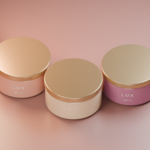
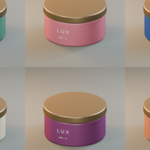
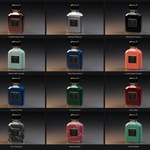
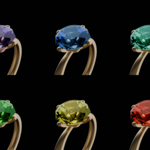
Multi Material Render — MMR
One product. Every variation. Stills and motion.
Explore finishes, compare colorways, and present your collection with Multi Material Render for Blender.
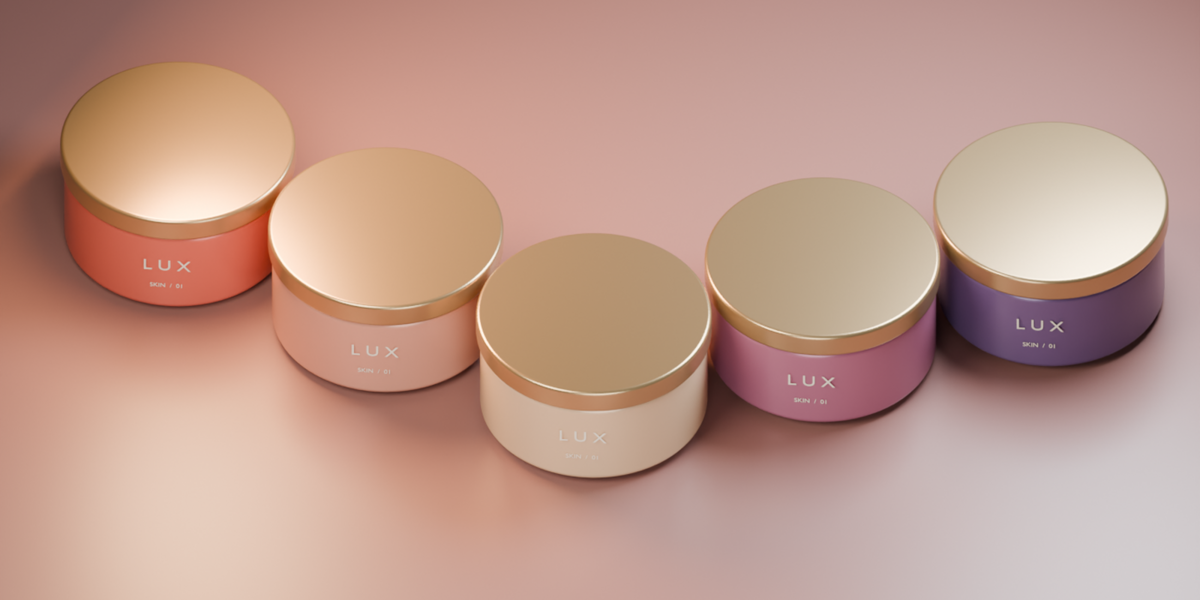
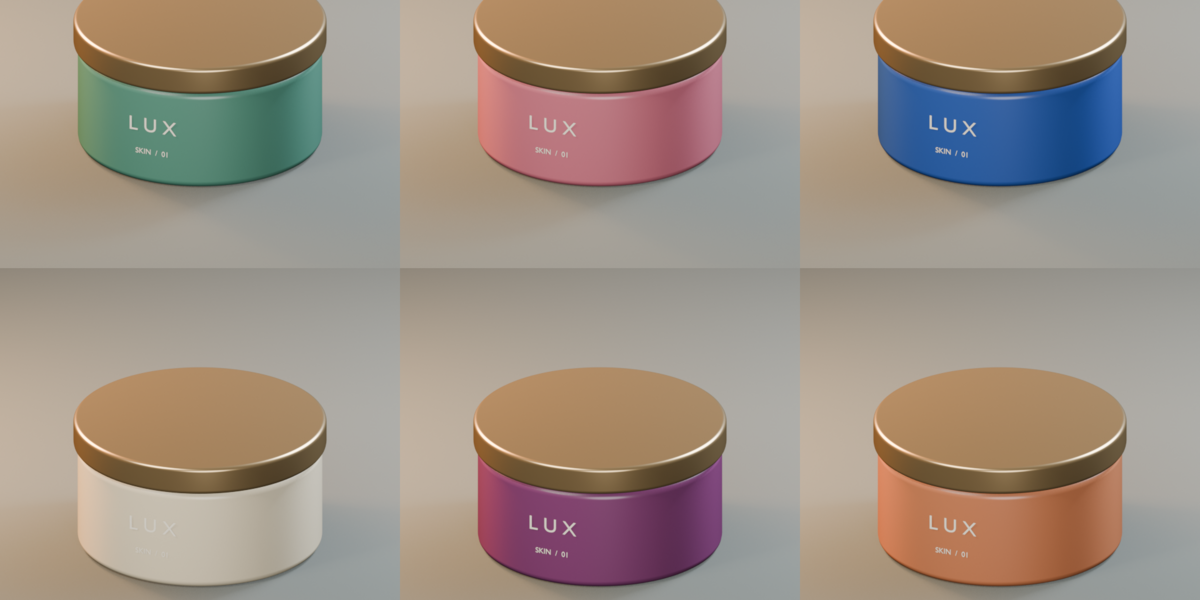
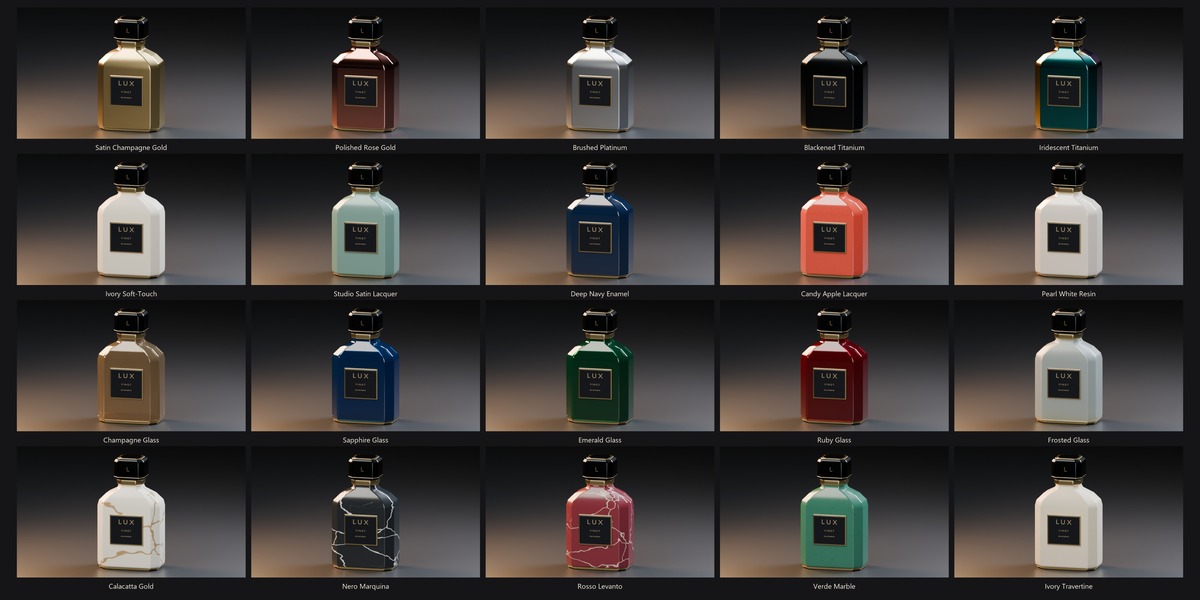
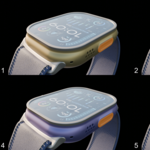
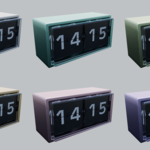
MMR renders your selected material variations as individual images and combines them into a clean collage—making it easy to share options with clients, review ideas with your team, or showcase a material library.
Now your variations can move, too. Render individual videos and an animated collage through your active camera, using the animation already in your scene.
From a few carefully chosen finishes to an entire color collection, MMR turns repetitive material rendering into a straightforward workflow.
Choose. Render. Compare.
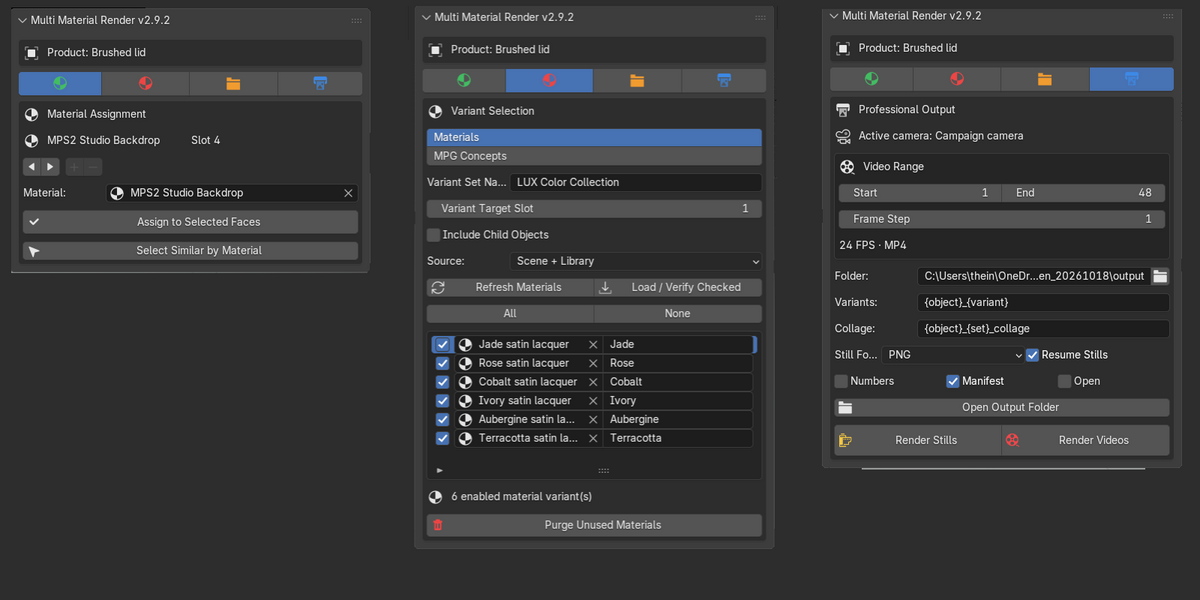
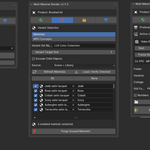
Select your product, choose the materials you want to showcase, and click Render Stills or Render Videos. MMR applies each checked variation to your chosen material slot and handles the batch for you.
Keep the same camera, lighting, and composition across variations so your audience can focus on what changes: the material.
Features
Still images and collages
Export a separate image for each material and a combined collage for easy comparison.
Video variations and animated collages
Render through the active camera across your scene’s frame range, including camera movement and animated objects.
Flexible material selection
Render a small selection or your full checked collection. Choose the material slot to vary, with optional support for child objects.
Reusable material libraries
Choose materials from your scene or browse materials stored in a folder of Blender files.
Easy material assignment
Replace an object’s active material slot, or select faces in Edit Mode and assign a material to the appropriate slot.
MPG ( another one of my addons) Concept support
With MPG installed, render saved concepts containing coordinated material assignments across multiple objects and slots.
Clear presentation and feedback
Use optional numbering to help clients and collaborators identify their preferred variations.
Organized, controllable output
Customize output names, resume existing still batches, and cancel rendering when you need to make changes.
Still images and collages
Export a separate image for each material and a combined collage for easy comparison.
Video variations and animated collages
Render through the active camera across your scene’s frame range, including camera movement and animated objects.
Flexible material selection
Render a small selection or your full checked collection. Choose the material slot to vary, with optional support for child objects.
Reusable material libraries
Choose materials from your scene or browse materials stored in a folder of Blender files.
Easy material assignment
Replace an object’s active material slot, or select faces in Edit Mode and assign a material to the appropriate slot.
MPG ( another one of my addons) Concept support
With MPG installed, render saved concepts containing coordinated material assignments across multiple objects and slots.
Clear presentation and feedback
Use optional numbering to help clients and collaborators identify their preferred variations.
Organized, controllable output
Customize output names, resume existing still batches, and cancel rendering when you need to make changes.
Made for presenting possibilities
Ideal for product artists, material creators, designers, and anyone who needs to show how one design can become an entire collection.
Less repetitive setup. More room to explore.
