 Merdan


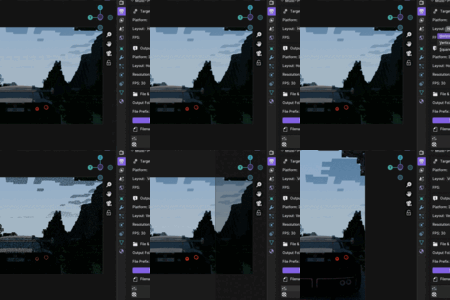
Installation
-
Download the .zip file.
-
Open Blender.
-
Go to Edit → Preferences → Add-ons.
-
Click Install.
-
Select the .zip file.
-
Enable “Multi-Platform Render Output Manager”.
The panel will appear in:
Properties → Output
How To Use
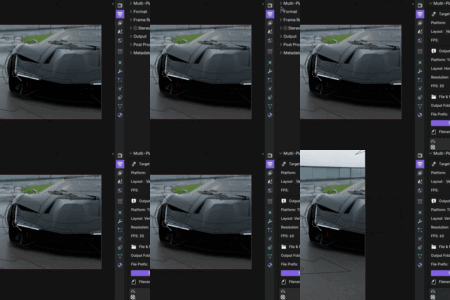
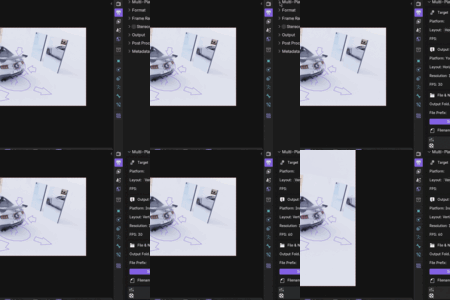
Step 1 — Choose Platform
Select:
-
YouTube
-
TikTok
-
Instagram
Step 2 — Choose Layout
-
Horizontal (16:9)
-
Vertical (9:16)
-
Square (1:1)
Or click “Default” to use platform recommended layout.
Step 3 — Set FPS
Use platform default (30 FPS) or choose:
25 / 30 / 60 / 120
Step 4 — Configure Output
Choose:
-
Output folder
-
File prefix
-
Optional scene name
-
Optional timestamp
You will see a live filename preview.
Step 5 — Apply Preset
Click:
Apply Preset
or
Apply Preset + Render Animation
What The Addon Automatically Configures
-
Resolution
-
Resolution percentage (100%)
-
FPS
-
File format (FFMPEG)
-
H264 codec
-
Bitrate optimized per platform
-
Audio codec (AAC)
-
Output path
If FFMPEG is not available, it automatically falls back to PNG sequence and shows a warning.
Have questions about this product?
Login to message
| Published | 9 months ago |
| Blender Version | 3.6 - 5.0 |
| Extension Type | N/A |
| Render Engine Used | Arnold, Blender-Internal, Blender-Game-Engine, Cycles, Eevee, Freestyle, Luxrender, Mental-Ray, Octane, Vray, Yafaray |
| License | GPL |
