 mkeyworks


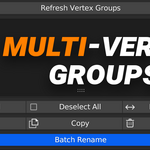
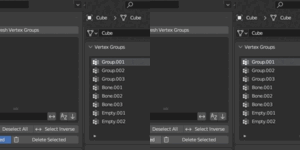
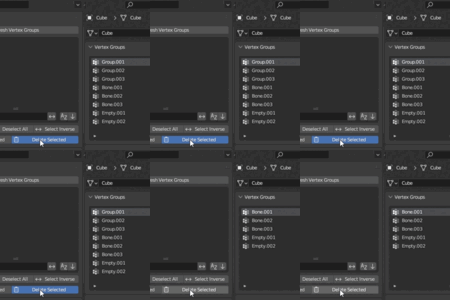
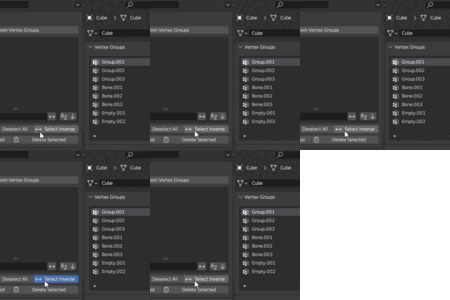
Multi-Vertex Groups — Batch Functions For Multiply Selected Objects!
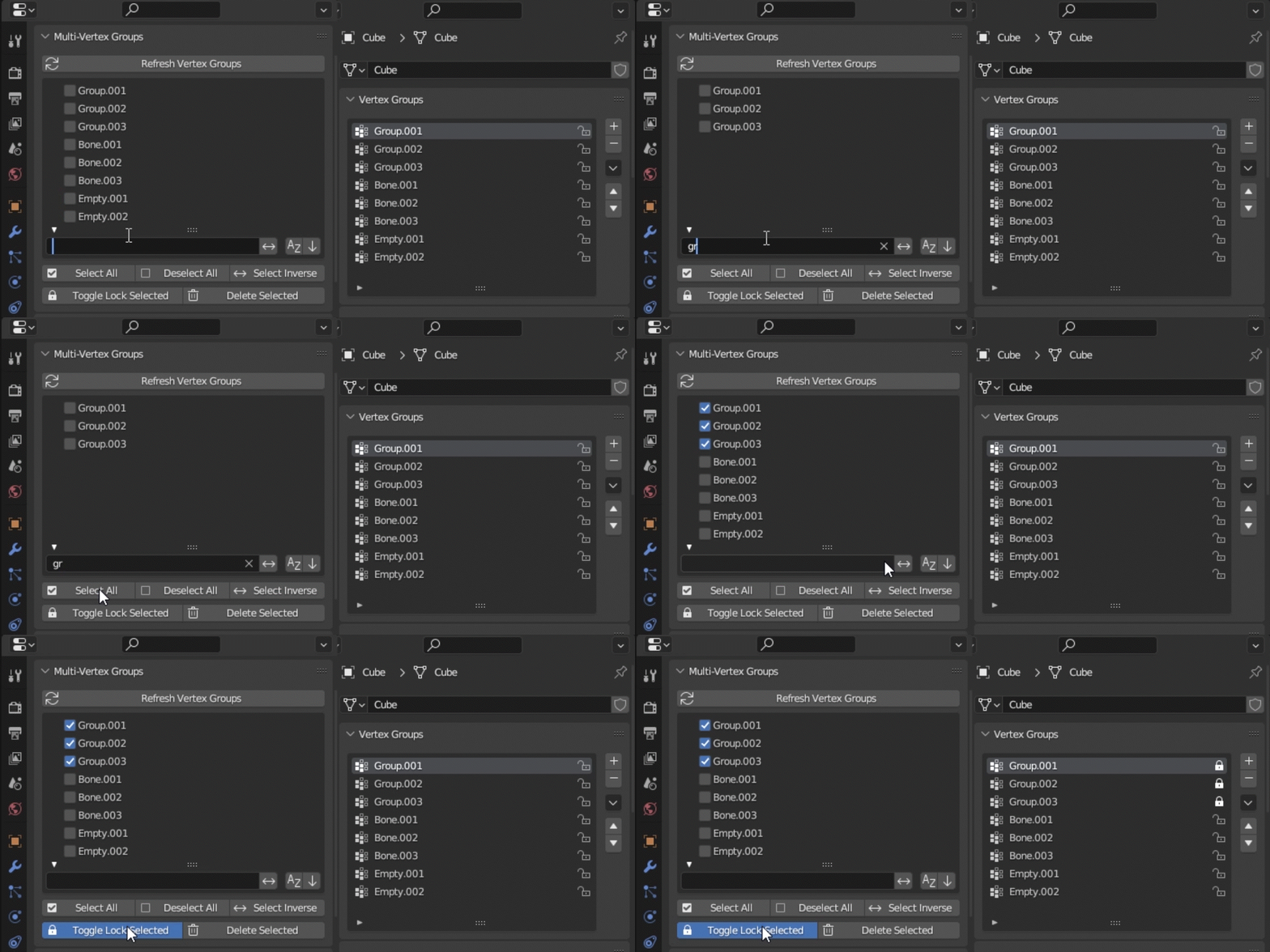
Quickly manage multiple vertex groups foe multiple objects at once — select, filter, lock, copy delete & rename groups in bulk directly from the Object Data tab.
Features
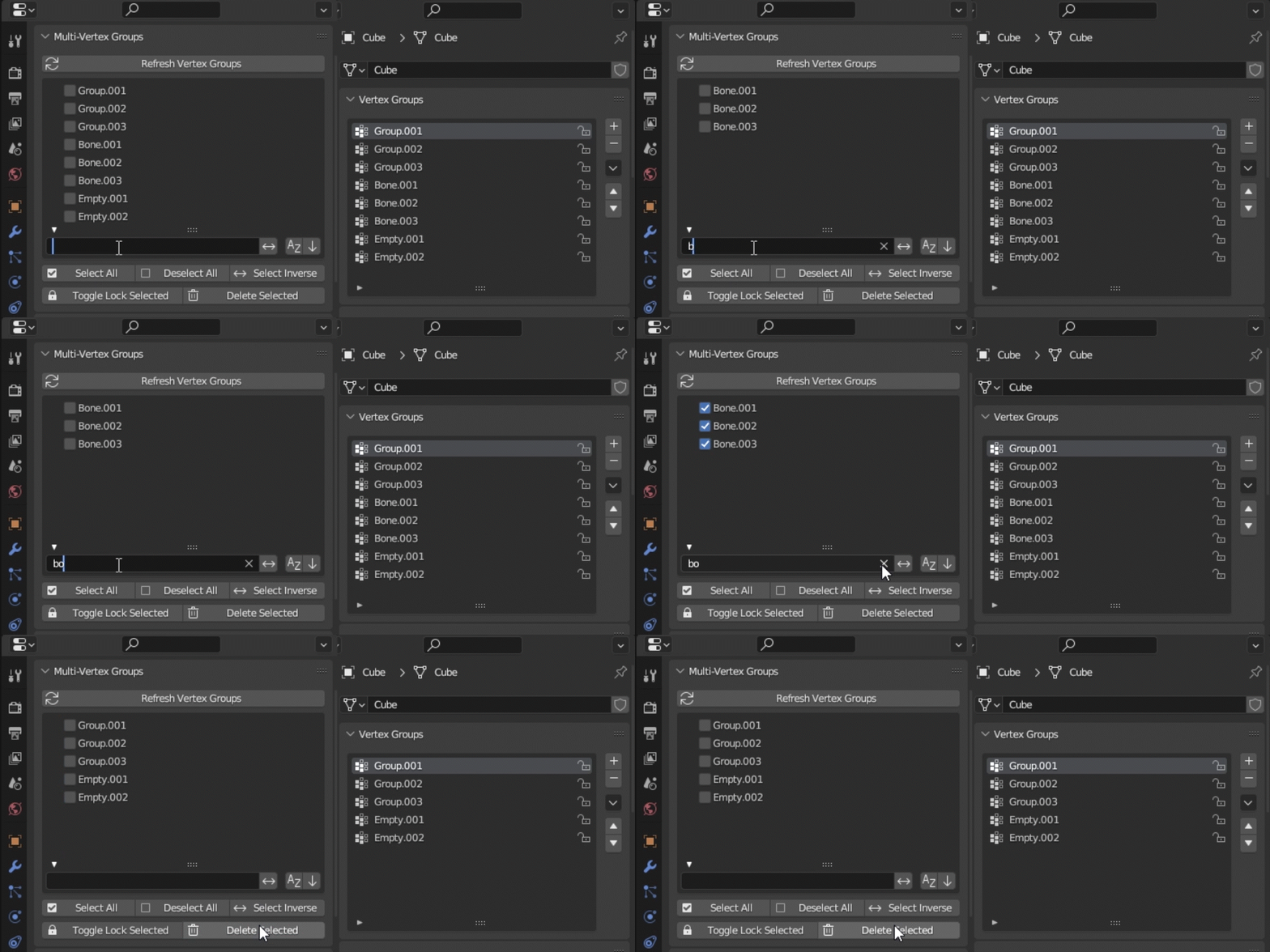
Stop editing vertex groups one by one — simply filter or select the groups you want
and use the Multi-Vertex Group tools for batch operations.
Works entirely inside Properties → Object Data.
Perform multiple operations at once:
-
Name Filtering
-
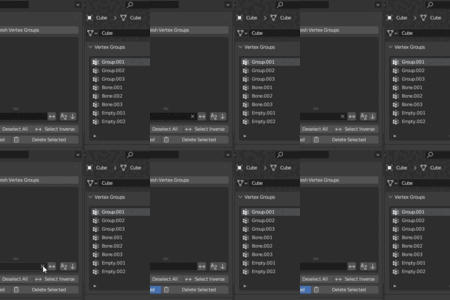
Select All / Deselect All / Select Inverse
-
Lock / Unlock Selected Vertex Groups
-
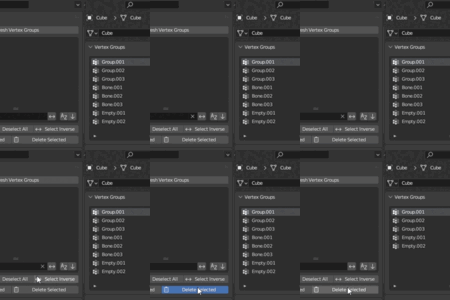
Delete Selected Vertex Groups
Selections only affect the groups currently visible in the filtered list — making bulk editing precise and predictable.
Access
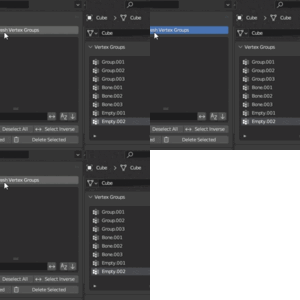
Open Properties → Object Data, scroll to Multi-Vertex Groups, and press Refresh to load the current groups.
Filtering uses Blender’s built-in UIList search field.
All operations work on the active mesh object.
Benefits
Blender does not provide multi-selection or batch tools for vertex groups — this add-on fills that gap with a clean, simple UI.
-
Perfect for rigs with dozens or hundreds of groups
-
Great for rapid weight-cleaning and rig cleanup
Stop individually clicking through endless vertex groups — manage all of them in just a few actions.
Limitations
-
The add-on requires pressing Refresh after vertex groups are added or renamed outside the panel.
-
Sorting is visual only — Blender’s underlying group order remains unchanged.
Installation and Use:
Simply install the add-on via Blender’s Preferences → Add-ons → Install, enable it, and access it under Properties > Object Data. Click Refresh to load all vertex groups, and start selecting, locking, filtering, or deleting with ease.