 Orcavia
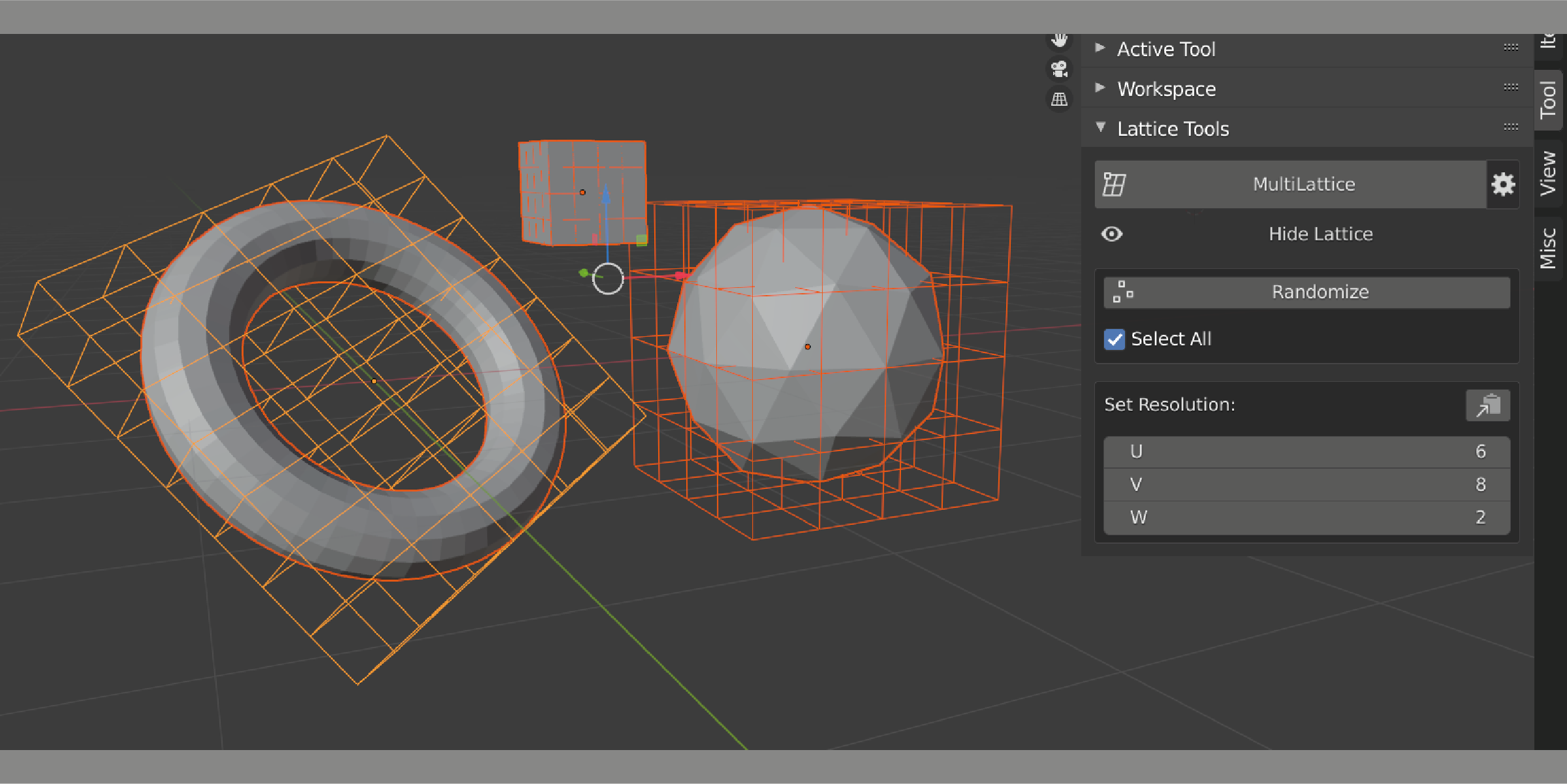
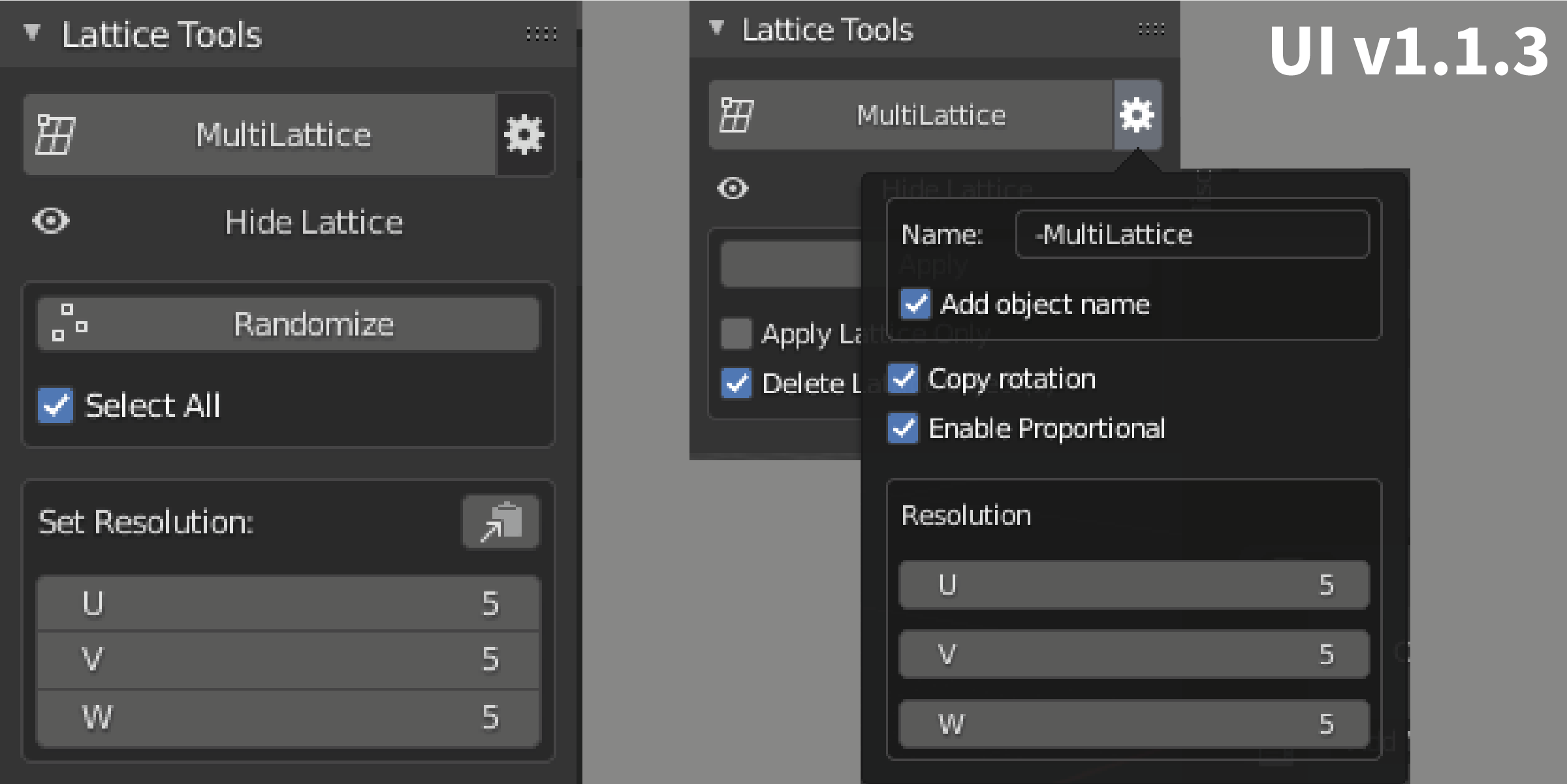
The addon UI can be found on the sidebar of the 3D Viewport under a tab called Lattice tools,
the default hotkey to show the sidebar is N.

Every element of the addon UI has a tooltip so if you don’t know what something does just hover your mouse cursor over it.
--Change Log--
June 2026 (1.2.3)
- Generated lattice objects are now placed in the same collection(s) as the target object instead of the active collection.
- Group lattice generation now places the shared lattice in the selected target object's collection.
- Proportional editing is now disabled by default after generating a lattice.
September 2025 (1.2.2)
- Added blender_manifest.toml for Blender 4.2+ extension support.
- Fixed lattice generation in Individual mode.
- Removed the unwanted MultiLattice panel from the Misc category.
April 2024 (1.2.1)
- Fixed dimension issue on Blender 4.1.
December 4, 2021 (1.1.4)
- Added Blender 3.0 support.
- Added quick rotation operator.
- Updated the UI. The transform panel is now separated into a collapsible subpanel.
- Fixed errors when applying in multiple-user mesh data. The add-on now shows a confirmation popup before continuing.
September 13, 2021 (1.1.3)
- Added the Copy Lattice Resolution button.
- Kept empty lattice modifiers when present on the selected object.
- Updated the UI.
September 8, 2021 (1.12)
- Default name can be changed in settings.
- Fixed inaccurate lattice dimensions when Copy Rotation is unchecked.
- Minor improvements.
September 3, 2021 (1.01)
- Initial release.
$4.99
Have questions about this product?
Login to message