 Designers
N-Panel Scaler — Documentation
Author: nuhun
Compatibility: Blender 5.2+
Location:
Compatibility: Blender 5.2+
Location:
3D Viewport > Header (Top-Right) & 3D Viewport > Sidebar (N) > N-Scale
1. Overview
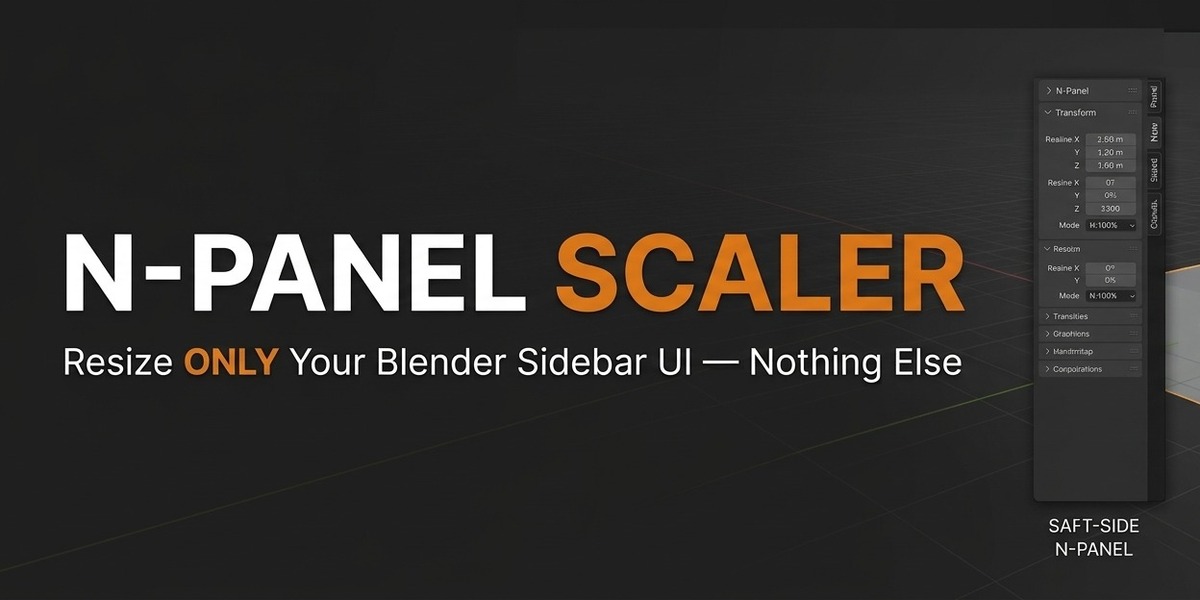
N-Panel Scaler allows you to zoom only the 3D Viewport Sidebar (
N-Panel) up or down without changing Blender’s global Resolution Scale. Your viewport gizmos, top menus, Outliner, Properties editor, and timeline remain completely untouched at 100%.2. Installation
- Download the
n_panel_scaler.pyfile from your Superhive orders page. - Open Blender 5.2+.
- Go to Edit > Preferences > Add-ons.
- Click the menu icon (
⌄) in the top-right corner of the Add-ons window and select Install from Disk... - Locate and select
n_panel_scaler.py, then click Install from Disk. - Enable the checkbox next to Interface: N-Panel Scaler.
(No external dependencies or extra setup required.)
3. How to Use
A. 3D Viewport Header Controls (Always Accessible)
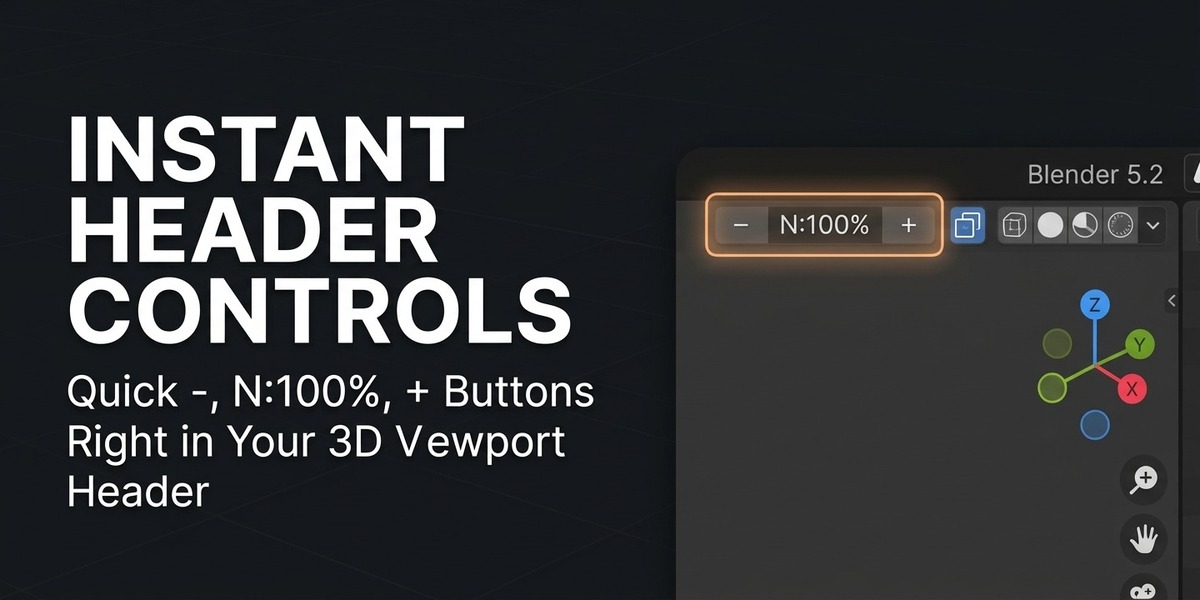
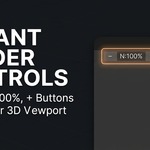
Once enabled, three compact buttons appear in the top-right corner of your 3D Viewport Header:
-(Zoom Out): Decreases the N-Panel UI scale.N:100%(Instant Reset): Resets the N-Panel back to its default100%scale with a single click.+(Zoom In): Increases the N-Panel UI scale.
Smart Auto-Open: If your N-Panel is currently closed, clicking+or-will automatically open the sidebar and apply your zoom.
B. The
N-Scale Sidebar TabPress
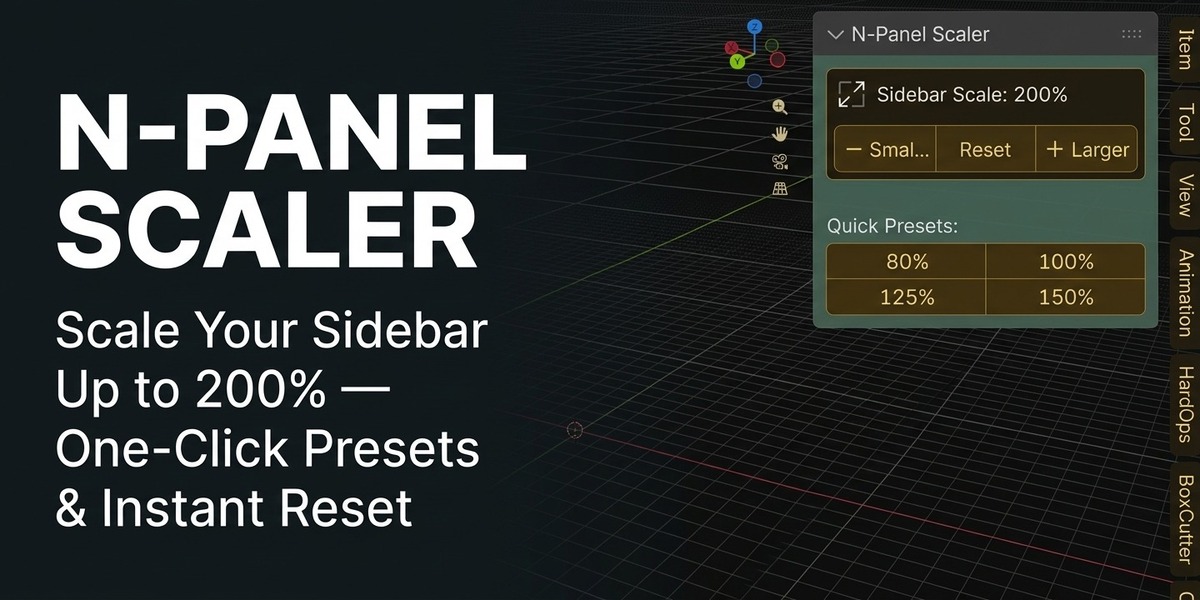
N in the 3D Viewport to open the sidebar and select the N-Scale tab for full controls:- Step Controls: Click Smaller, Reset, or Larger to adjust the zoom incrementally.
-
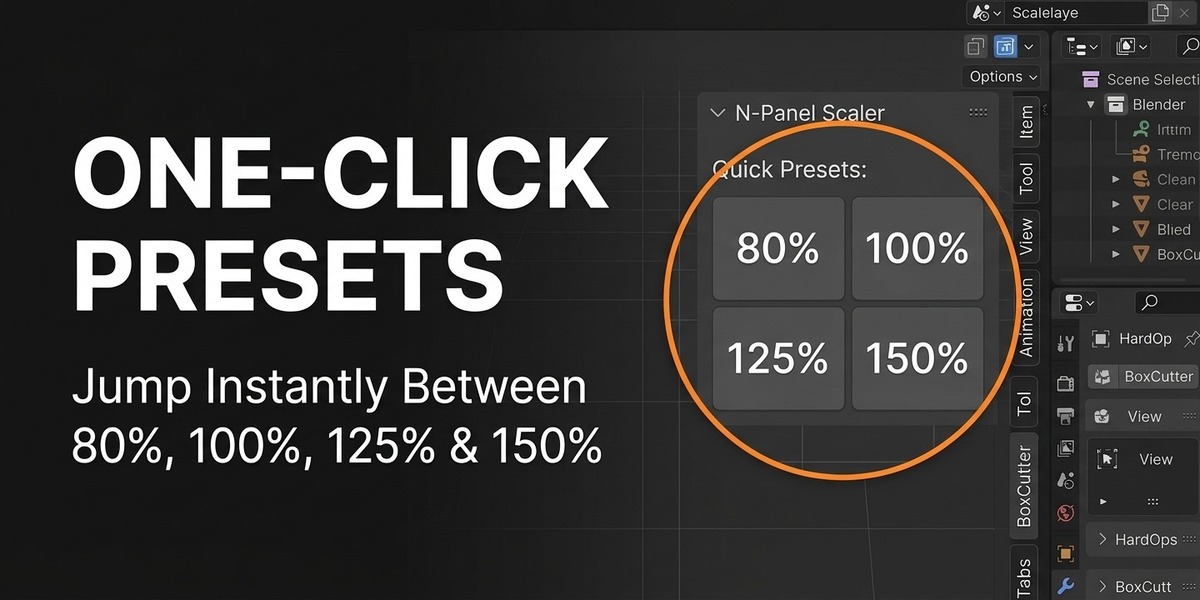
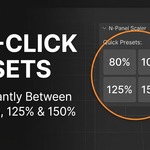
Quick Presets: Jump immediately to common scale levels:
- 80% — Compact mode for tall, button-heavy add-on panels
- 100% — Default Blender scale
- 125% — Comfortable reading on 1440p / high-DPI displays
- 150% — Large view for 4K monitors and accessibility
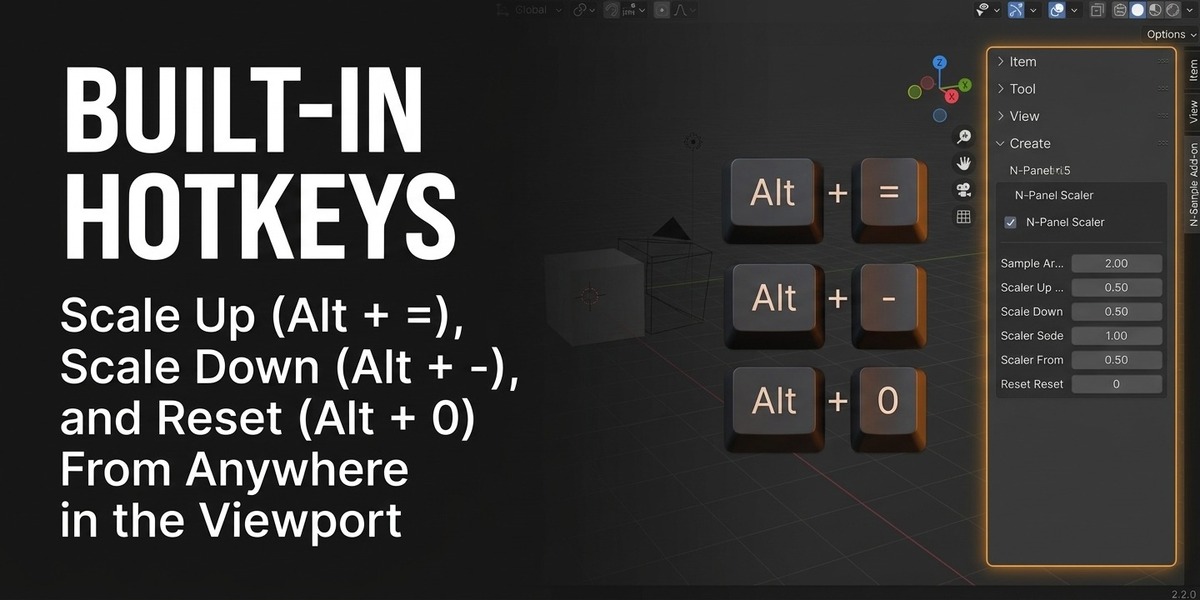
C. Keyboard Shortcuts
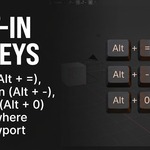
Hover your mouse cursor anywhere inside the 3D Viewport and use the built-in hotkeys:
| Shortcut | Action |
|---|---|
Alt + = |
Scale N-Panel Up (Zoom In) |
Alt + - |
Scale N-Panel Down (Zoom Out) |
Alt + 0 |
Reset N-Panel to 100% |
(Note: Shortcuts can also be customized or remapped anytime under Edit > Preferences > Keymap by searching for
N-Panel.)4. FAQ & Troubleshooting
Q: Does this affect other editors like the Outliner, Shader Editor, or UV Editor?
A: No. N-Panel Scaler targets strictly the
A: No. N-Panel Scaler targets strictly the
UI region of the 3D Viewport (VIEW_3D). Every other panel, menu, and editor in Blender stays at its native scale.
Q: Can I use this alongside other sidebar management add-ons (like tab organizers or sub-tab tools)?
A: Yes. Because N-Panel Scaler uses Blender’s native region zoom system, it works seamlessly with all third-party N-Panel add-ons.
Q: Text looks slightly cut off when zoomed in to 150% or 200%. How do I fix that?
A: Simply drag the left edge of the N-Panel inward to widen the sidebar column just like you normally would in Blender.
Q: How do I update the add-on?
A: Go to Edit > Preferences > Add-ons, search for N-Panel Scaler, click Remove, restart Blender, and install the new
A: Go to Edit > Preferences > Add-ons, search for N-Panel Scaler, click Remove, restart Blender, and install the new
.py file using the installation steps above.5. Changelog
- v1.0.0 — Initial release for Blender 5.2+ with 3D Viewport header controls,
N-Scalesidebar panel, quick presets (80%–150%), smart auto-open, andAlthotkeys.
Have questions about this product?
Login to message
| Published | about 24 hours ago |
| Blender Version | 5.2 |
| Extension Type | N/A |
| Render Engine Used | Eevee |
| License | GPL |