 Designers
N-Panel Scaler — Resize ONLY Your Blender N-Panel, Nothing Else
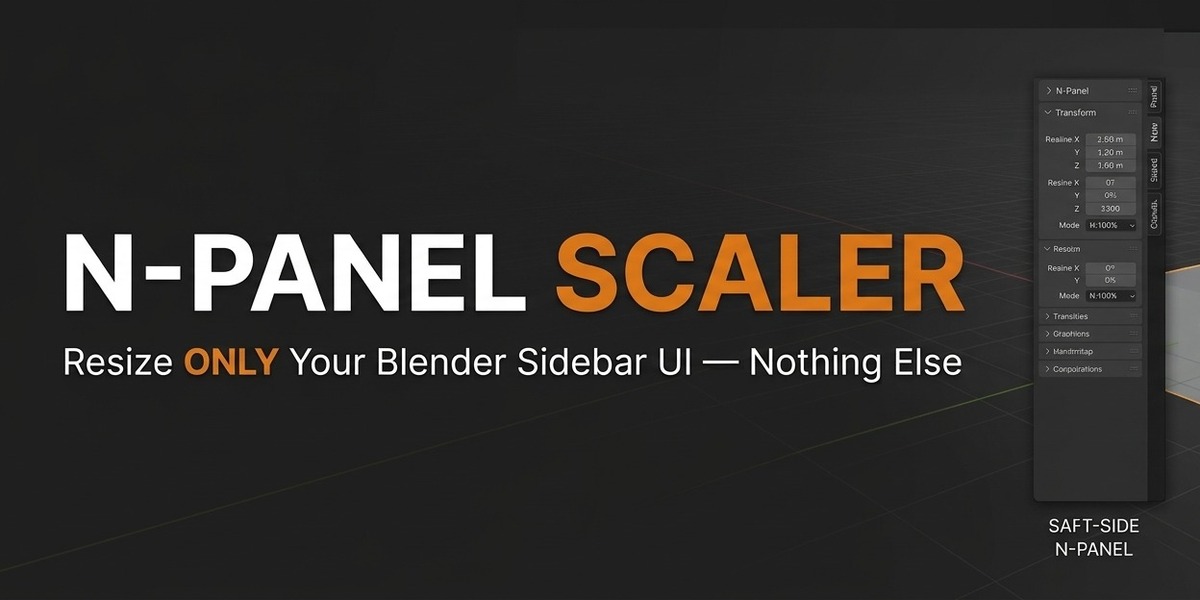
Stop changing your entire Blender Resolution Scale just to read tiny add-on buttons—and stop letting oversized sidebars eat up your 3D Viewport.
N-Panel Scaler gives you complete, independent zoom control over the 3D Viewport Sidebar (
N-Panel) without affecting your viewport gizmos, top menus, Outliner, Properties editor, or timeline.Why You Need This
- High-DPI & 4K Monitor Friendly: Make cramped add-on panels comfortable to read without blowing up the rest of Blender’s interface.
- Compact Mode for Complex Add-ons: Scale your N-Panel down to 80% when working with tall, button-heavy toolkits to reduce scrolling.
- Zero Clutter: Lightweight, single-file add-on with instant response and zero performance overhead.
Key Features
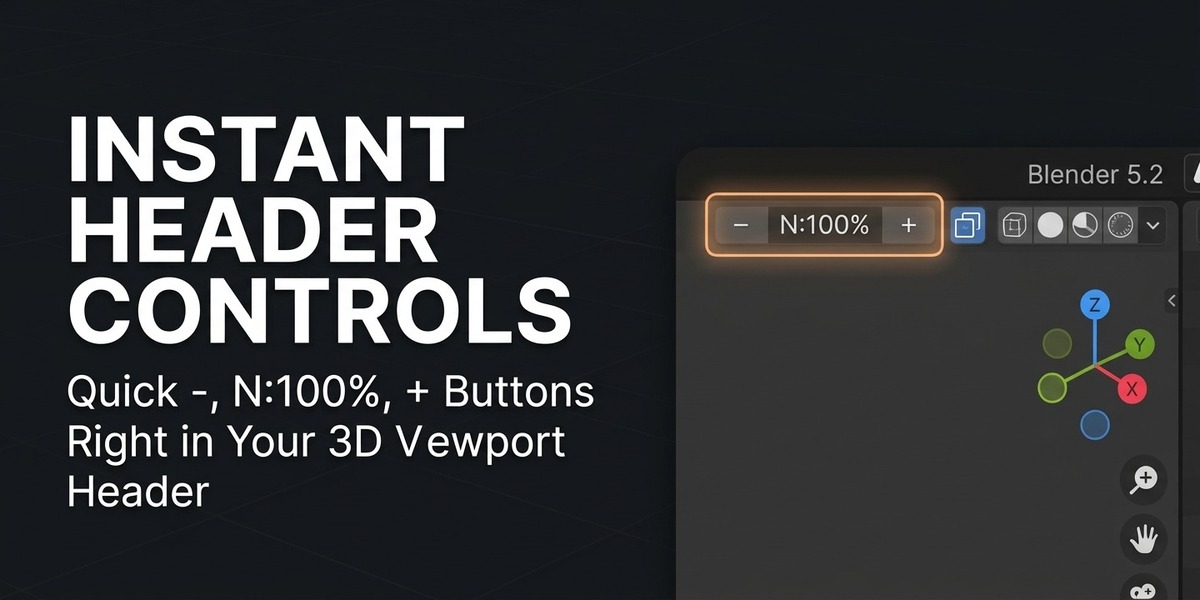
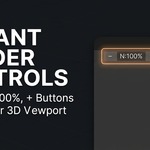
- Always-Accessible Header Controls: Compact
-,N:100%(instant reset), and+buttons right in the top-right corner of your 3D Viewport header—even if the N-Panel is collapsed or scaled way down. - Dedicated
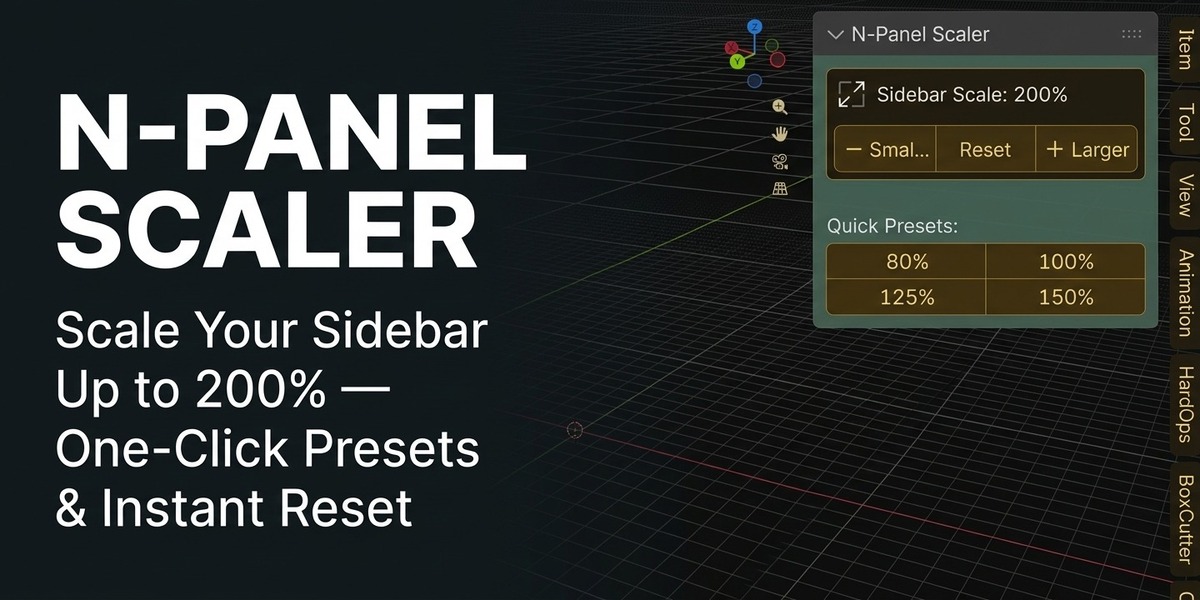
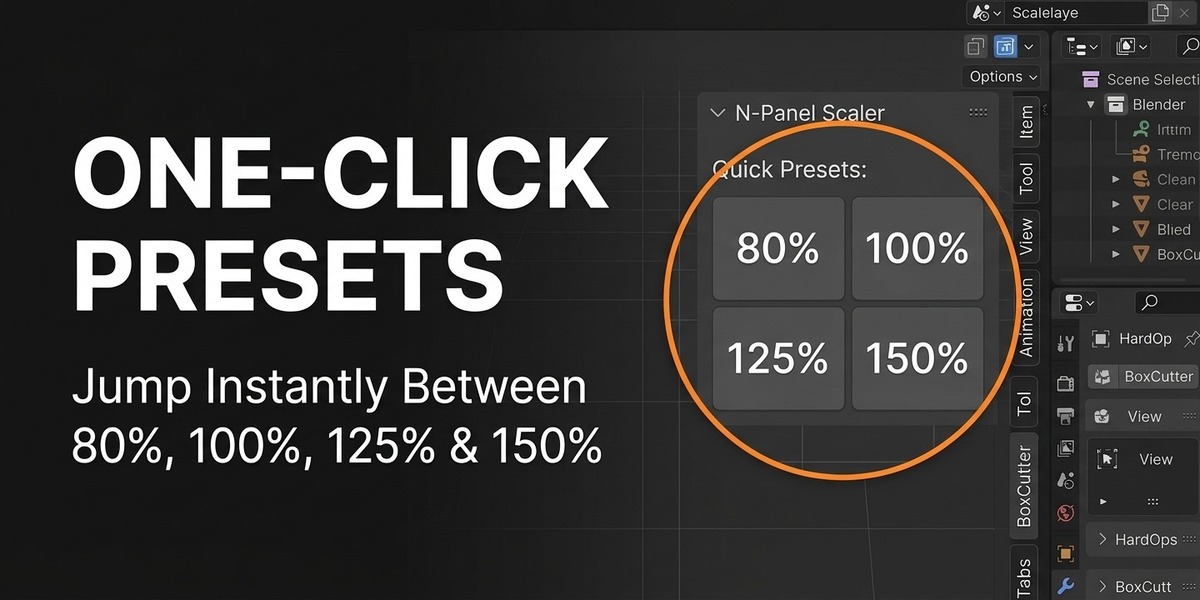
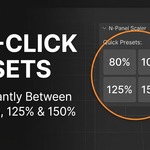
N-ScaleSidebar Tab: Includes Smaller, Larger, and Reset to 100% controls plus one-click zoom presets (80%, 100%, 125%, 150%). - Smart Auto-Open: Clicking
+or-automatically opens the N-Panel if it is currently hidden. -
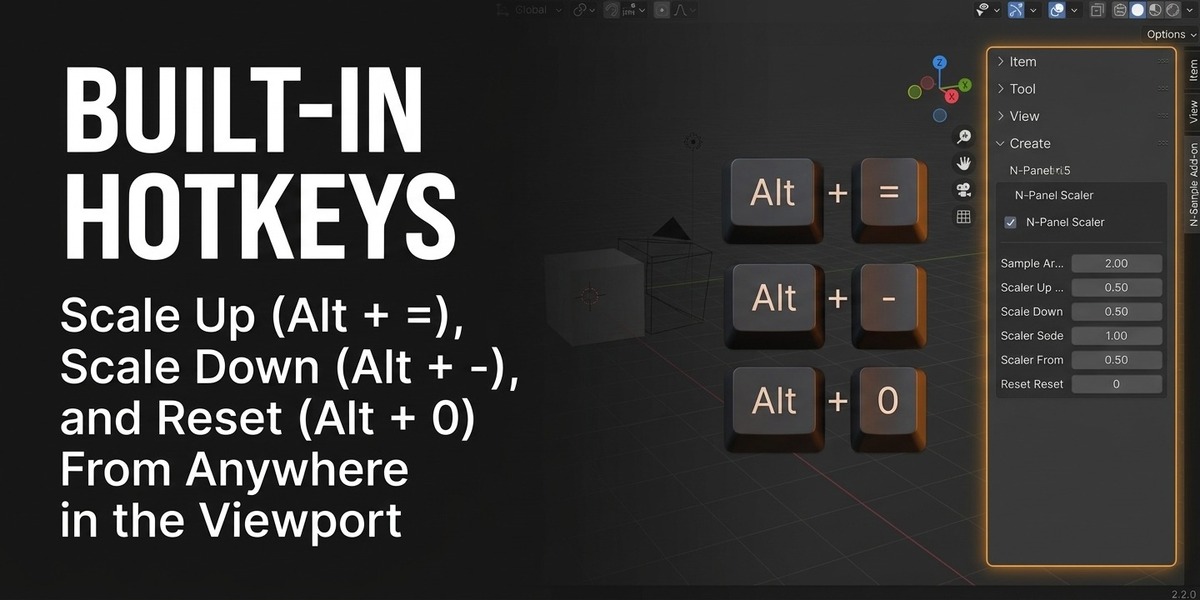
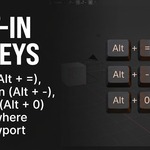
Built-In Keyboard Shortcuts:
Alt + =— Scale N-Panel UpAlt + -— Scale N-Panel DownAlt + 0— Reset N-Panel to 100%
Installation & Usage
- Download
n_panel_scaler.py. - In Blender, go to Edit > Preferences > Add-ons, click the top-right menu arrow, and select Install from Disk...
- Select
n_panel_scaler.pyand enable Interface: N-Panel Scaler. - Use the
-/N:100%/+controls in the 3D Viewport header, open the N-Scale tab in your sidebar (N), or use theAlthotkeys anytime.
Compatibility
- Blender Version: Built and tested for Blender 5.2+
- Works With: All N-Panel add-ons and custom sidebar tabs