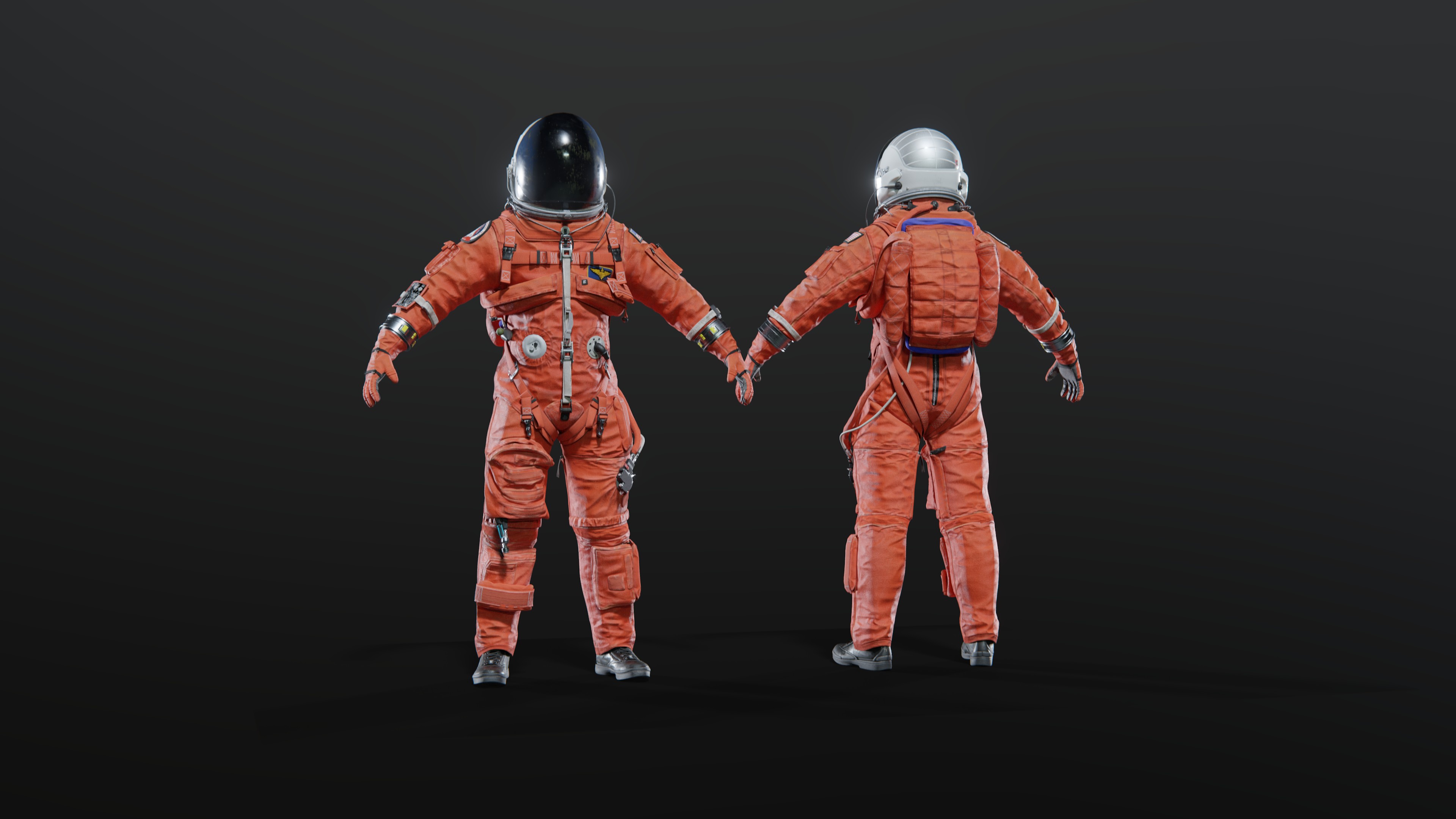
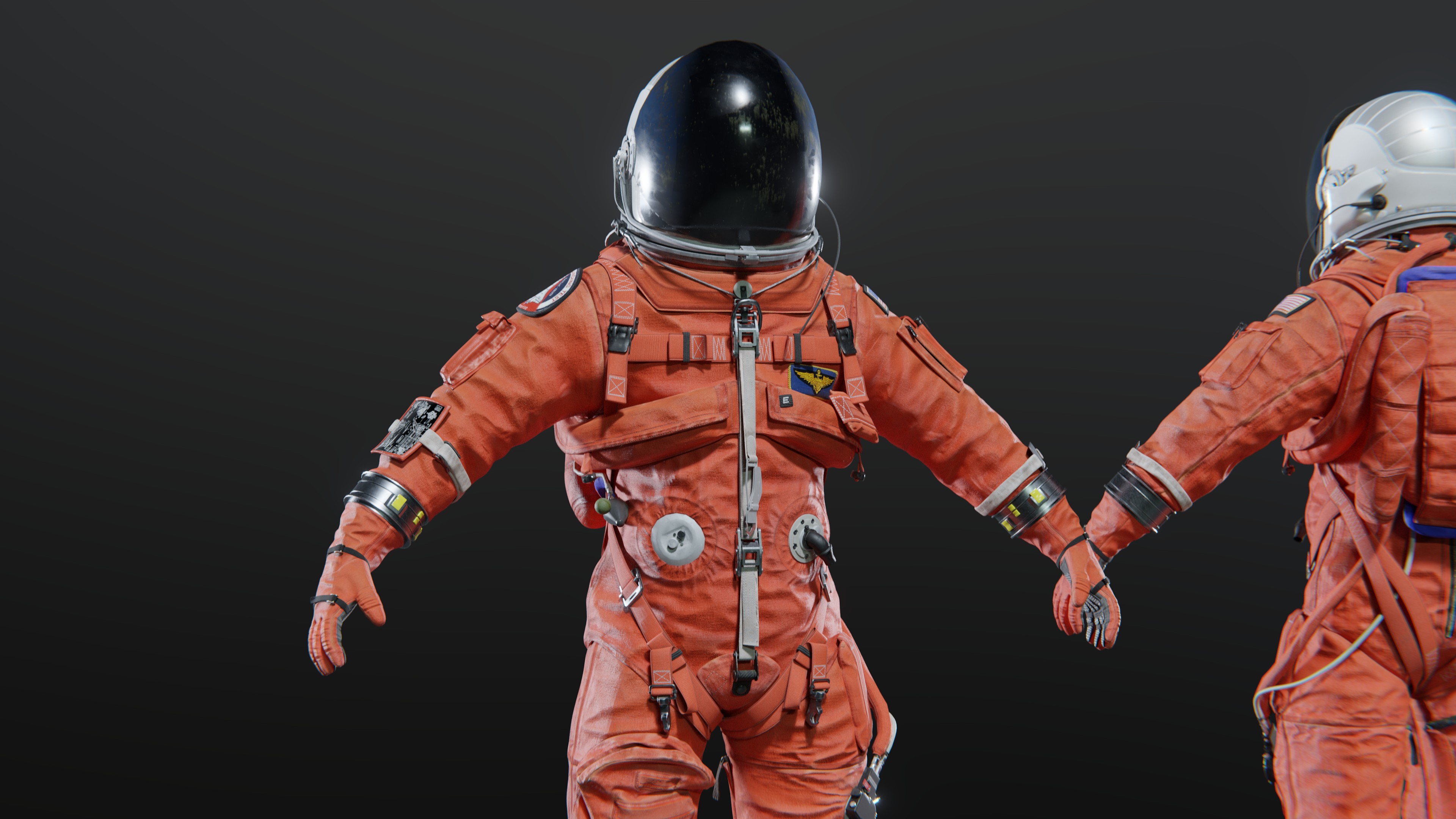
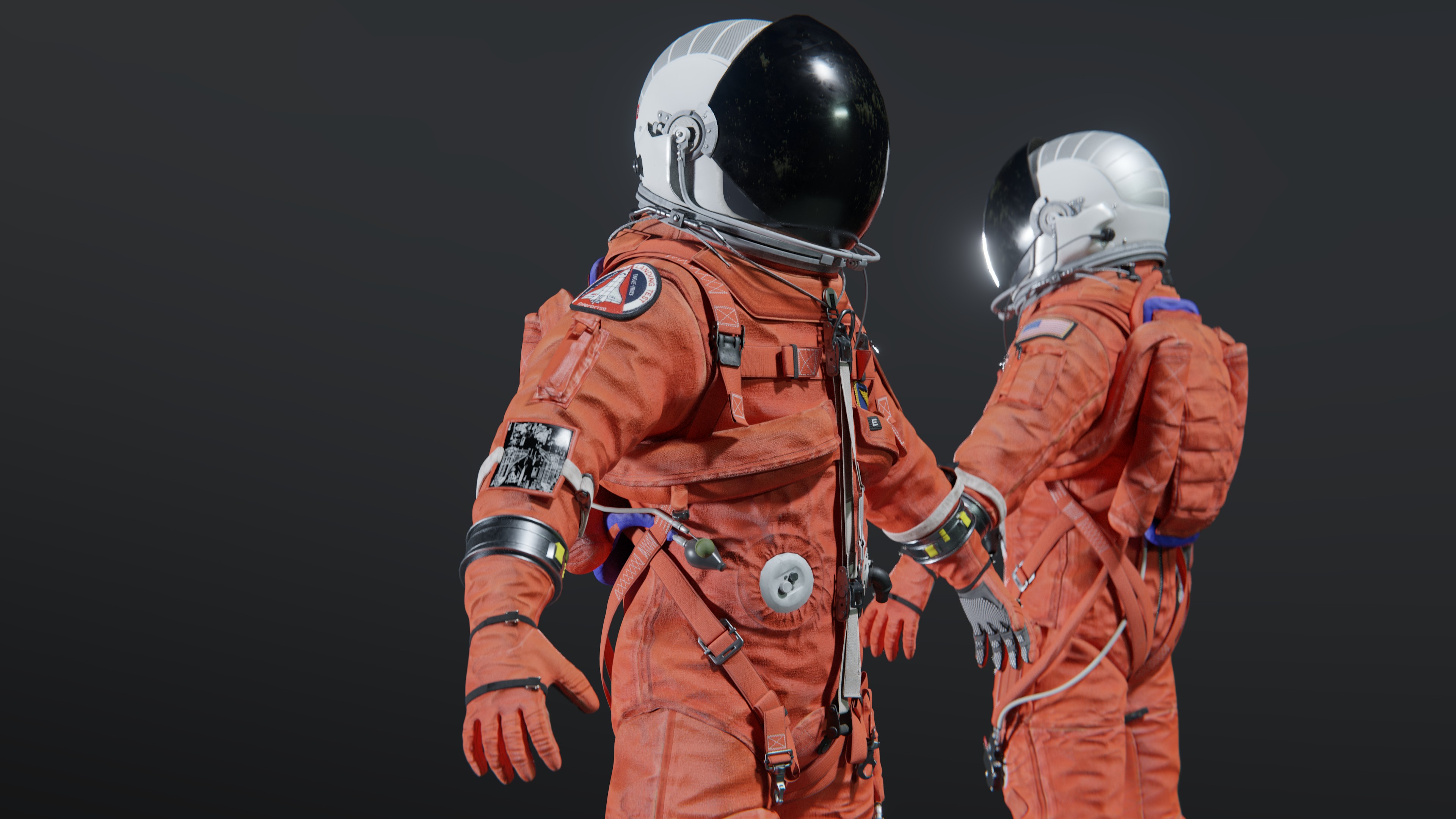
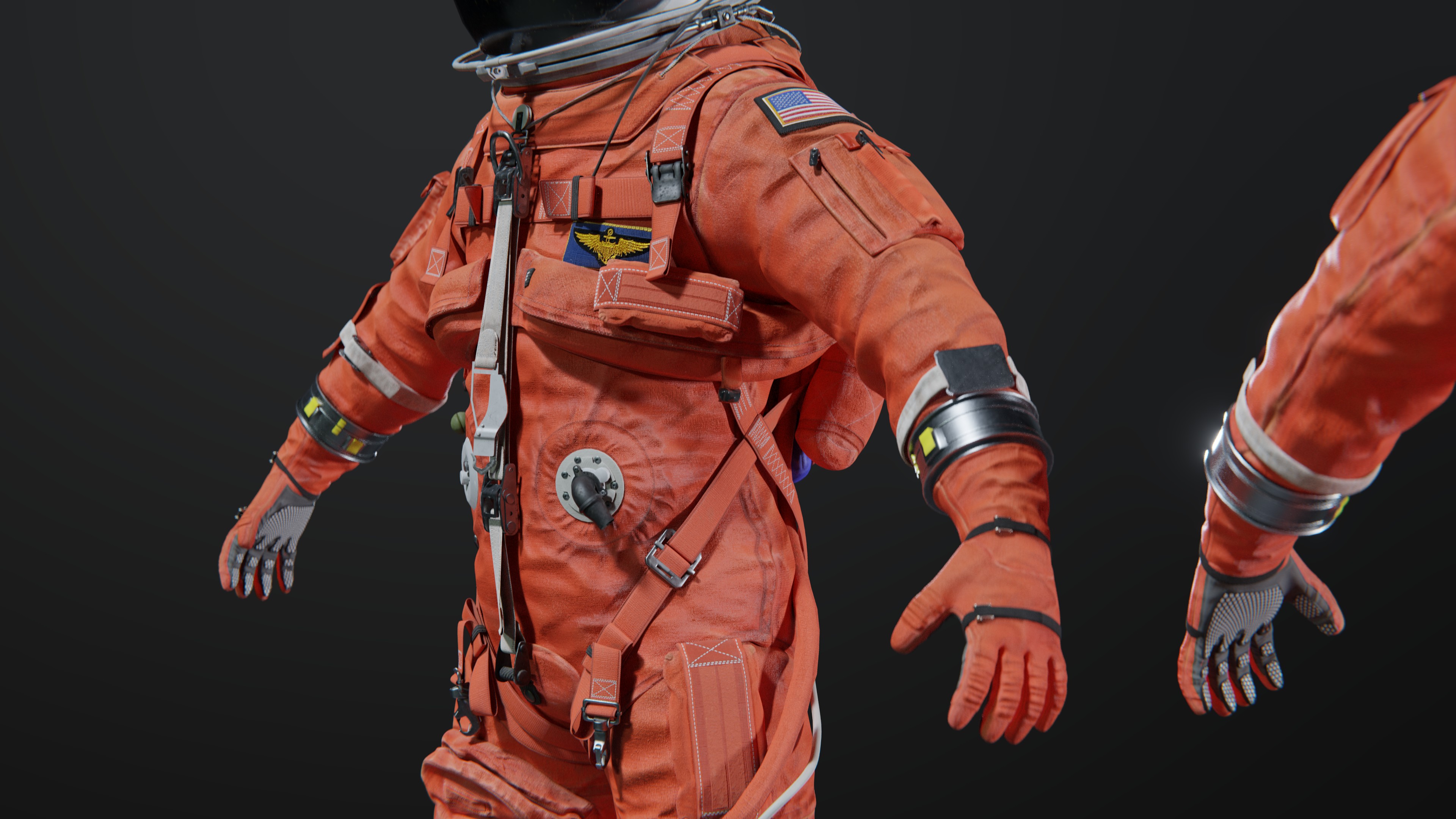
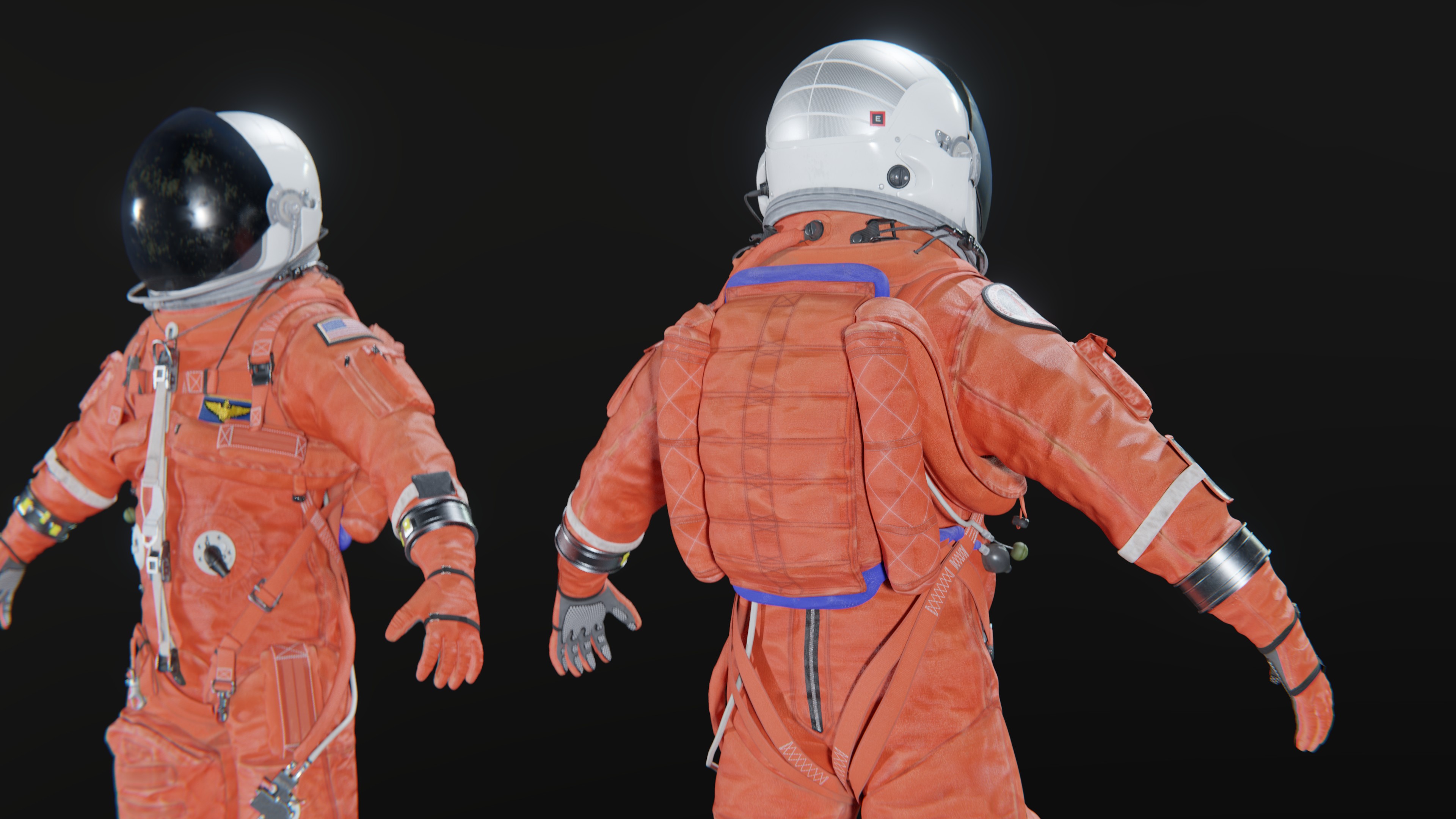
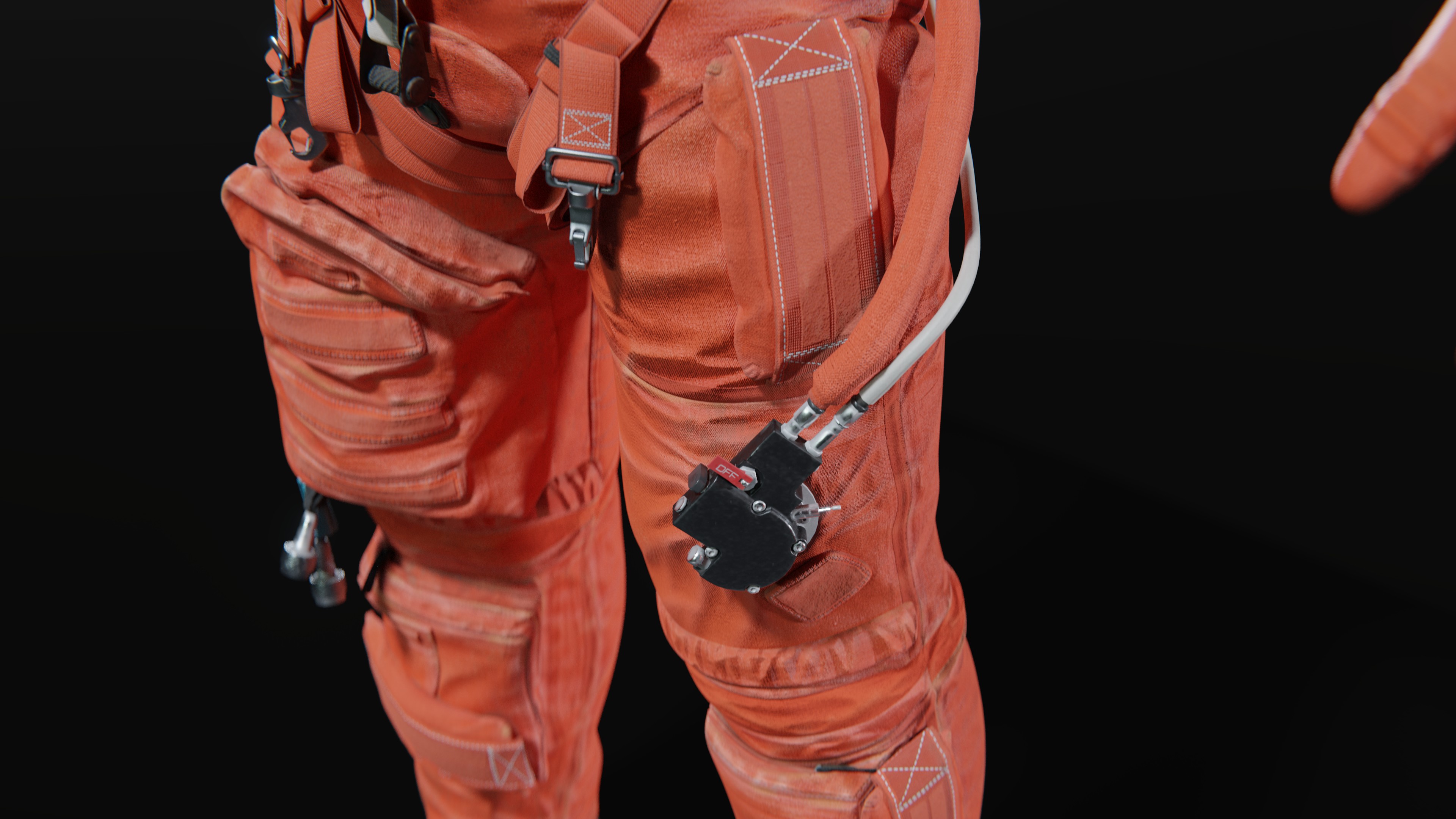
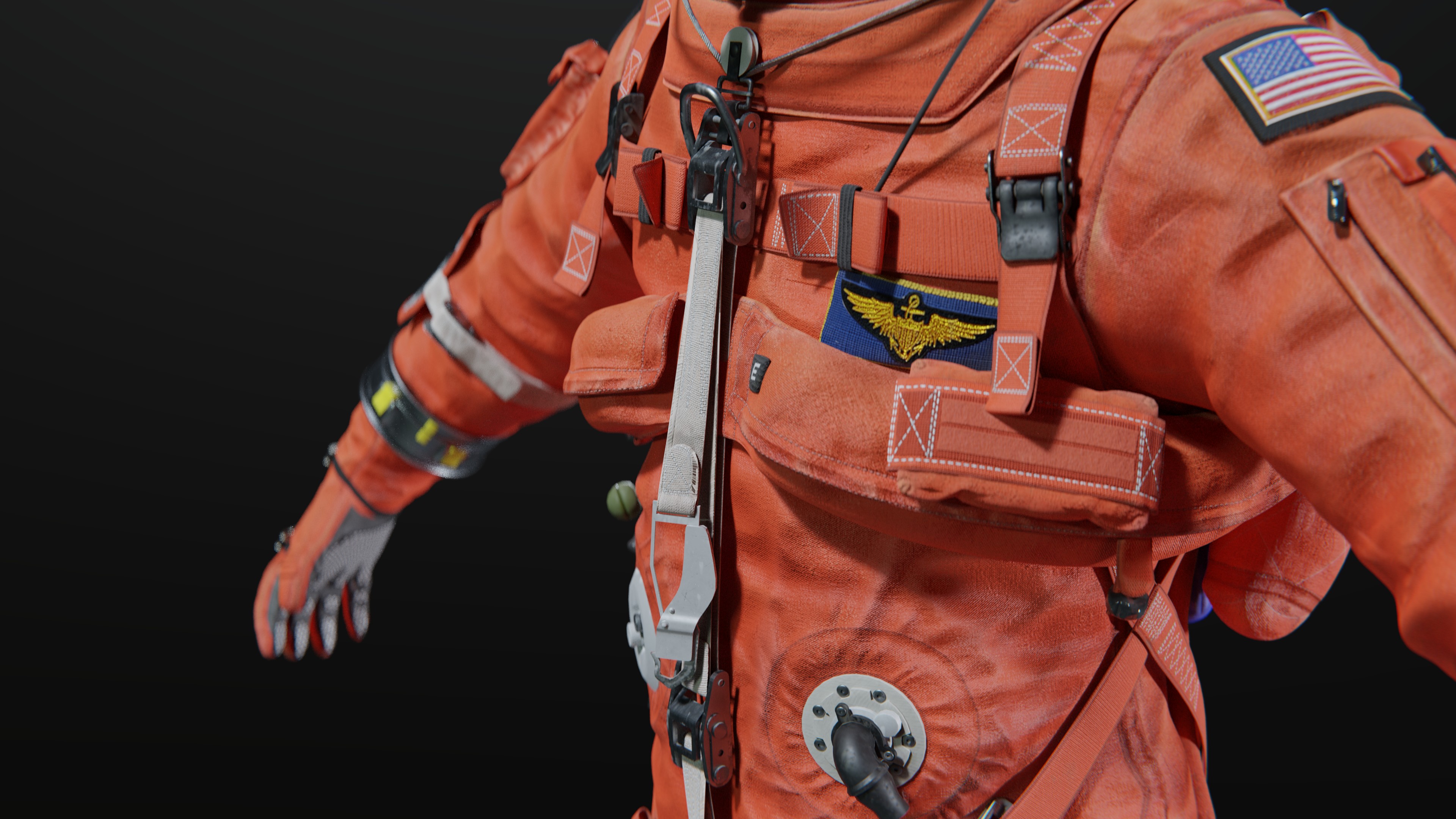
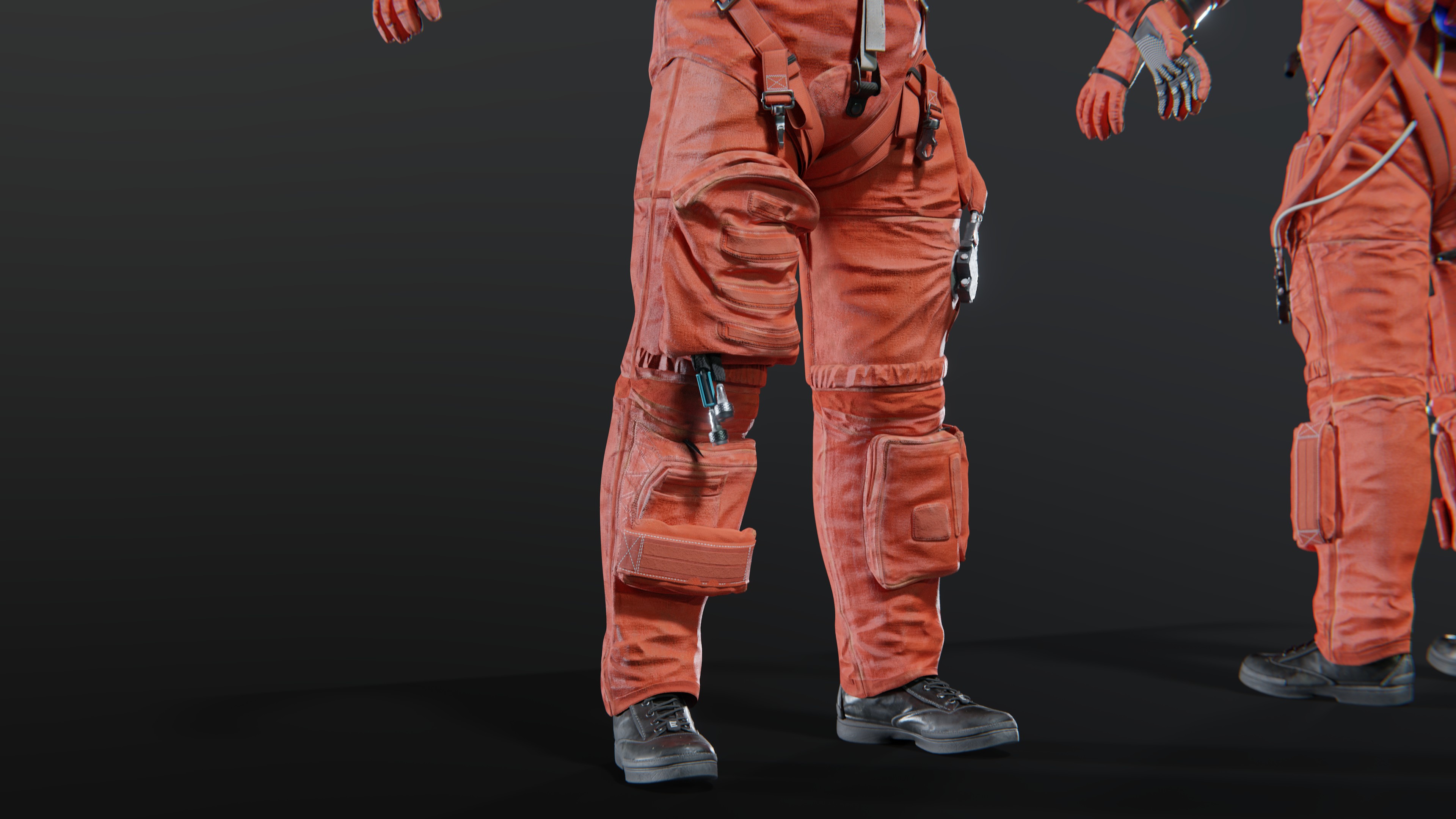
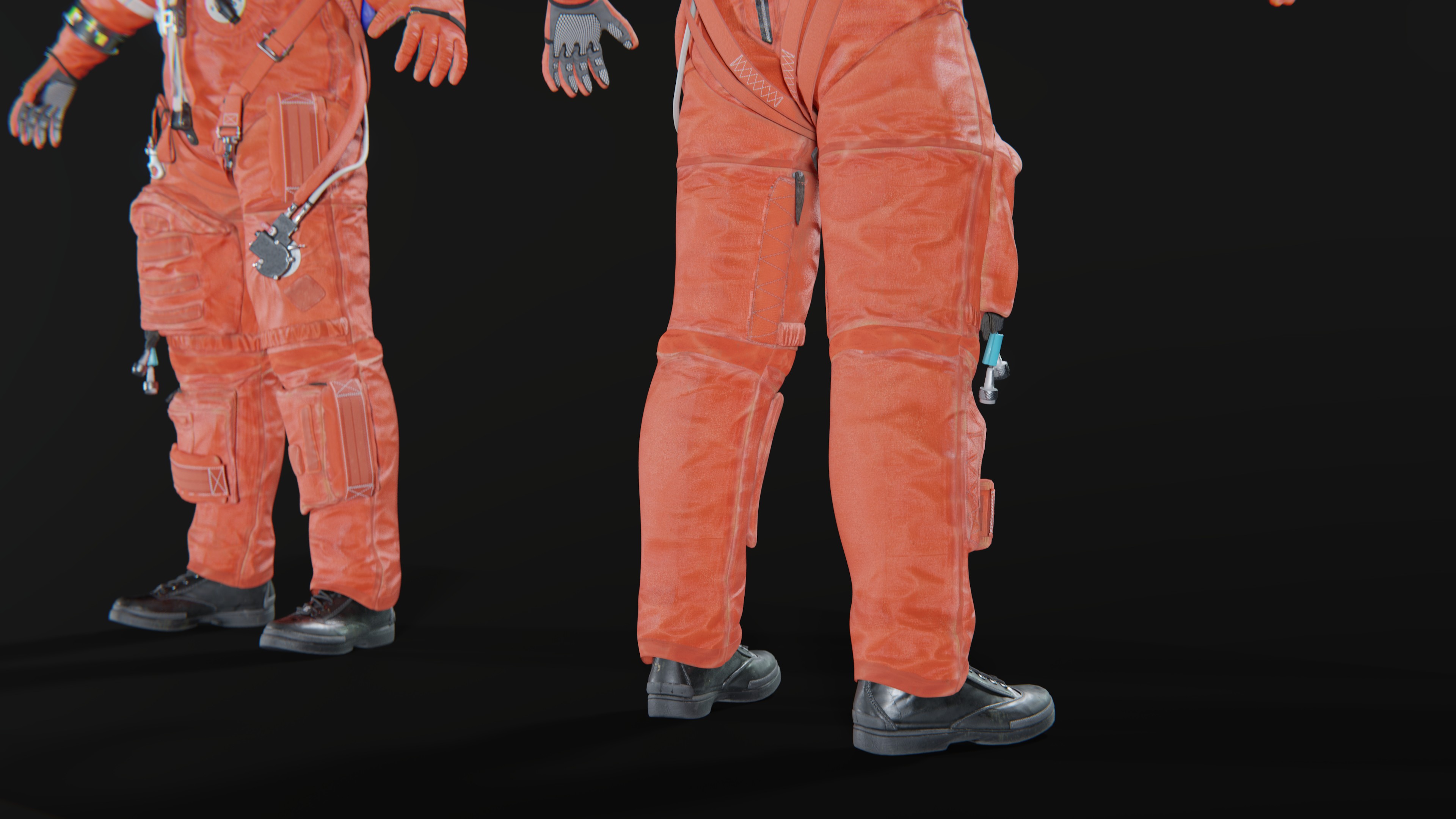
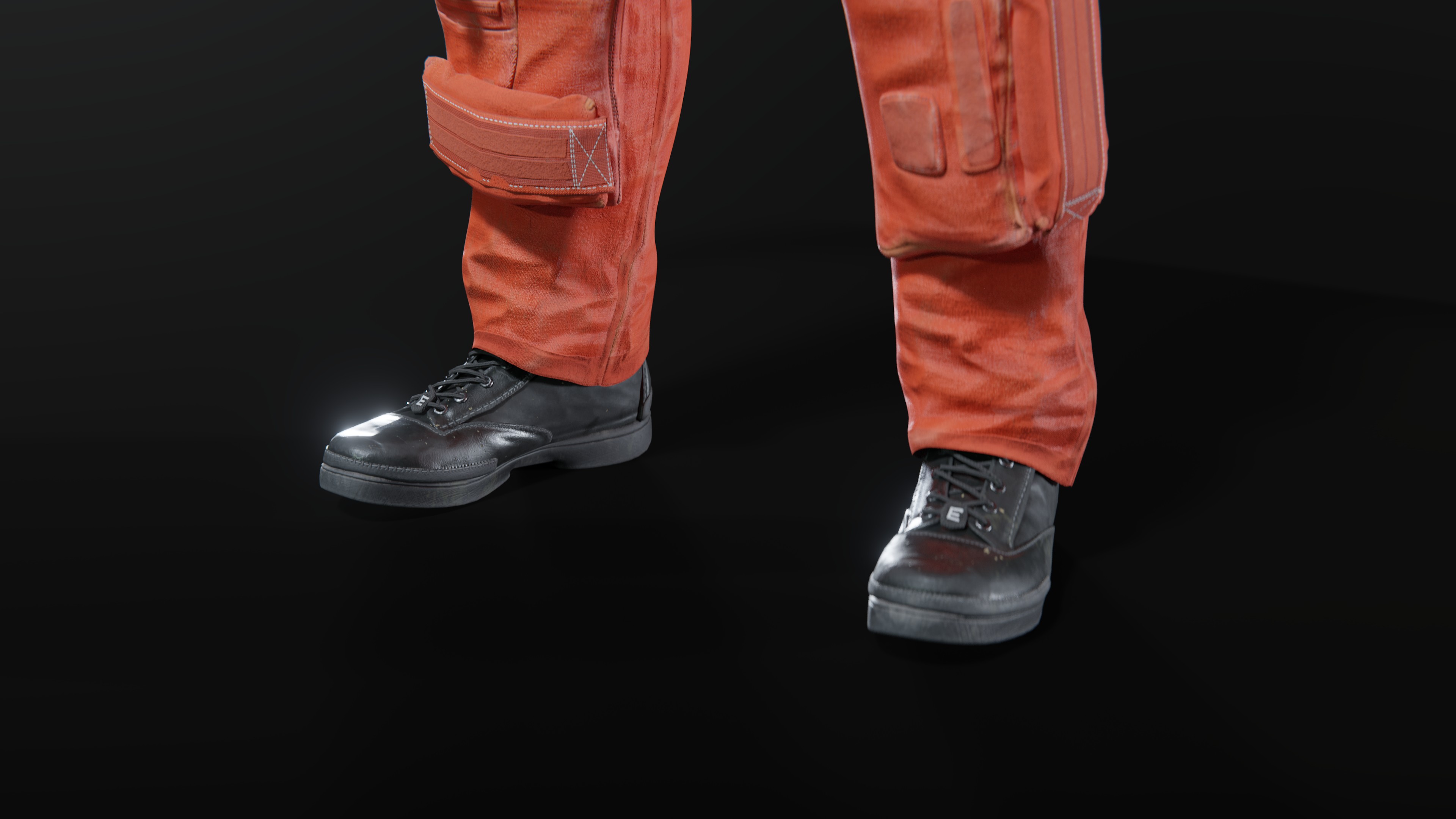
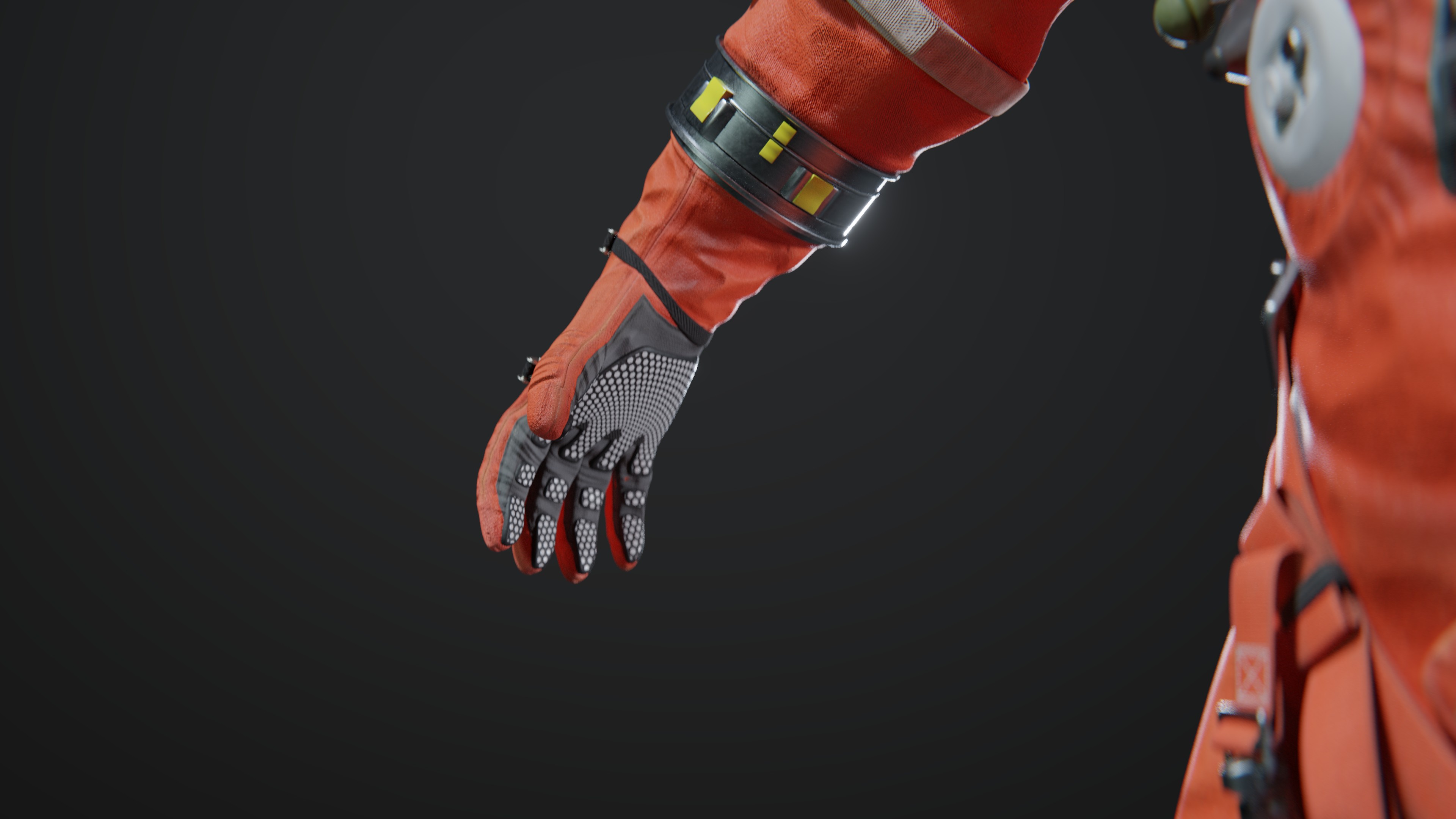
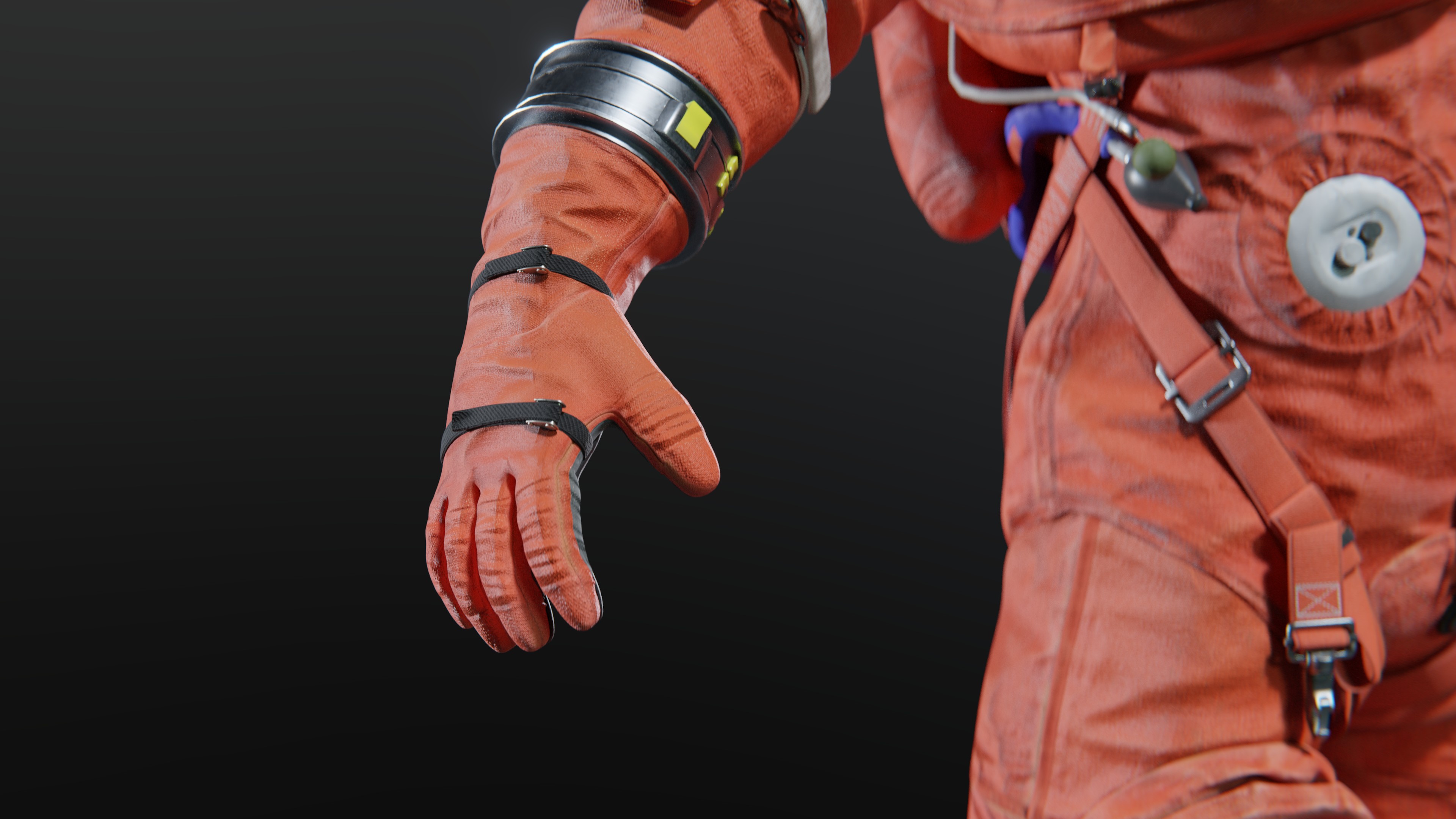
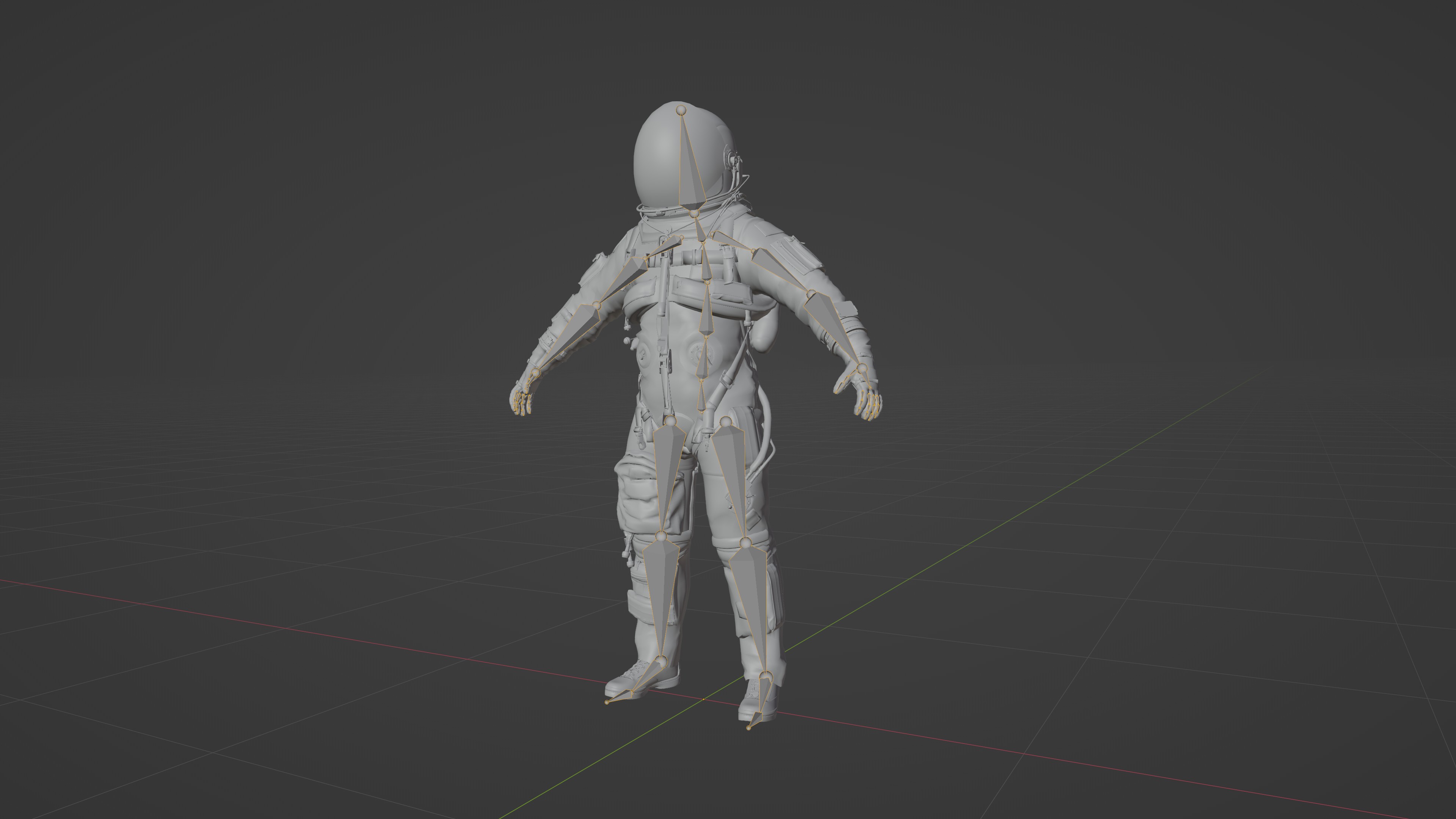
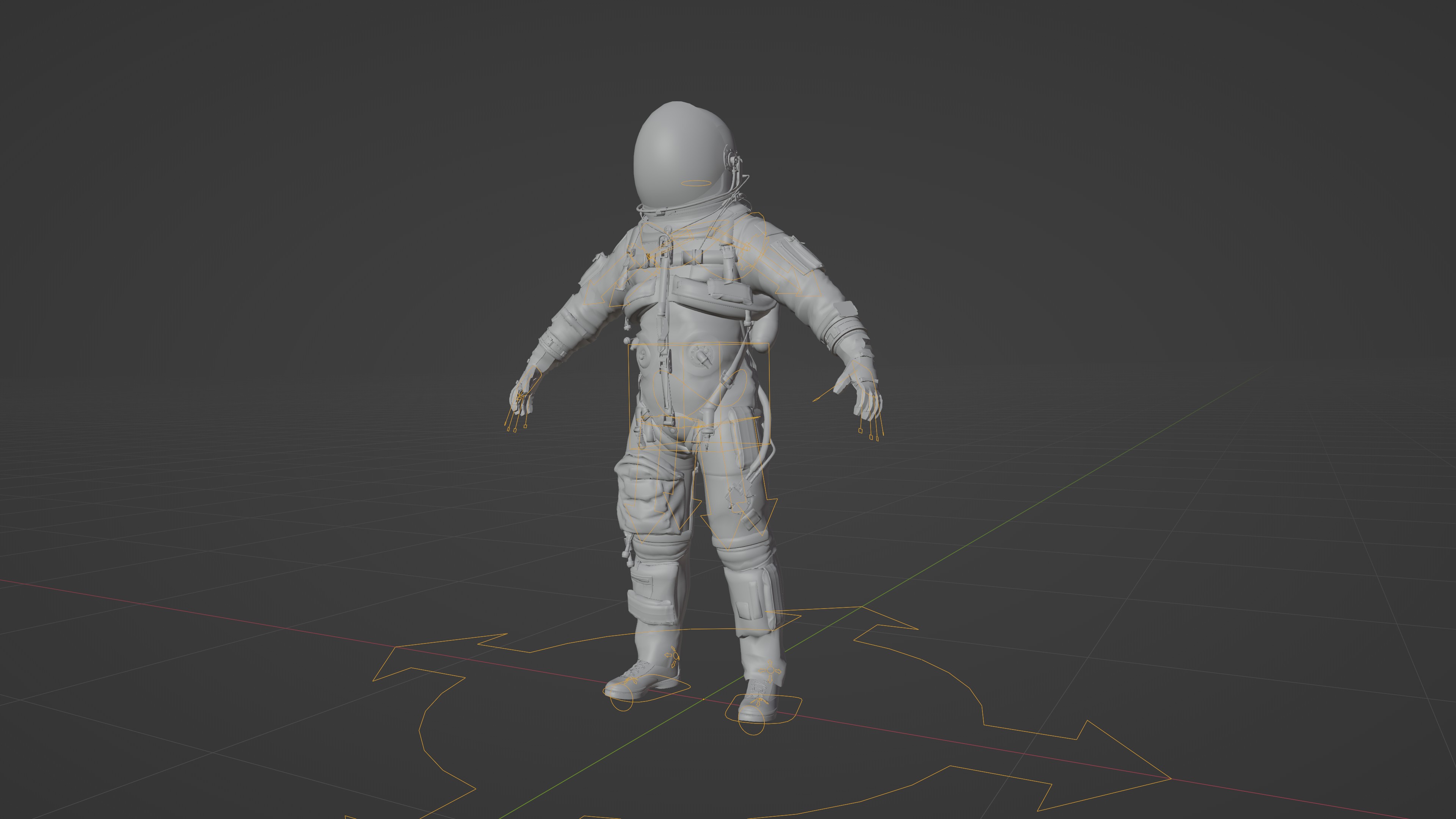
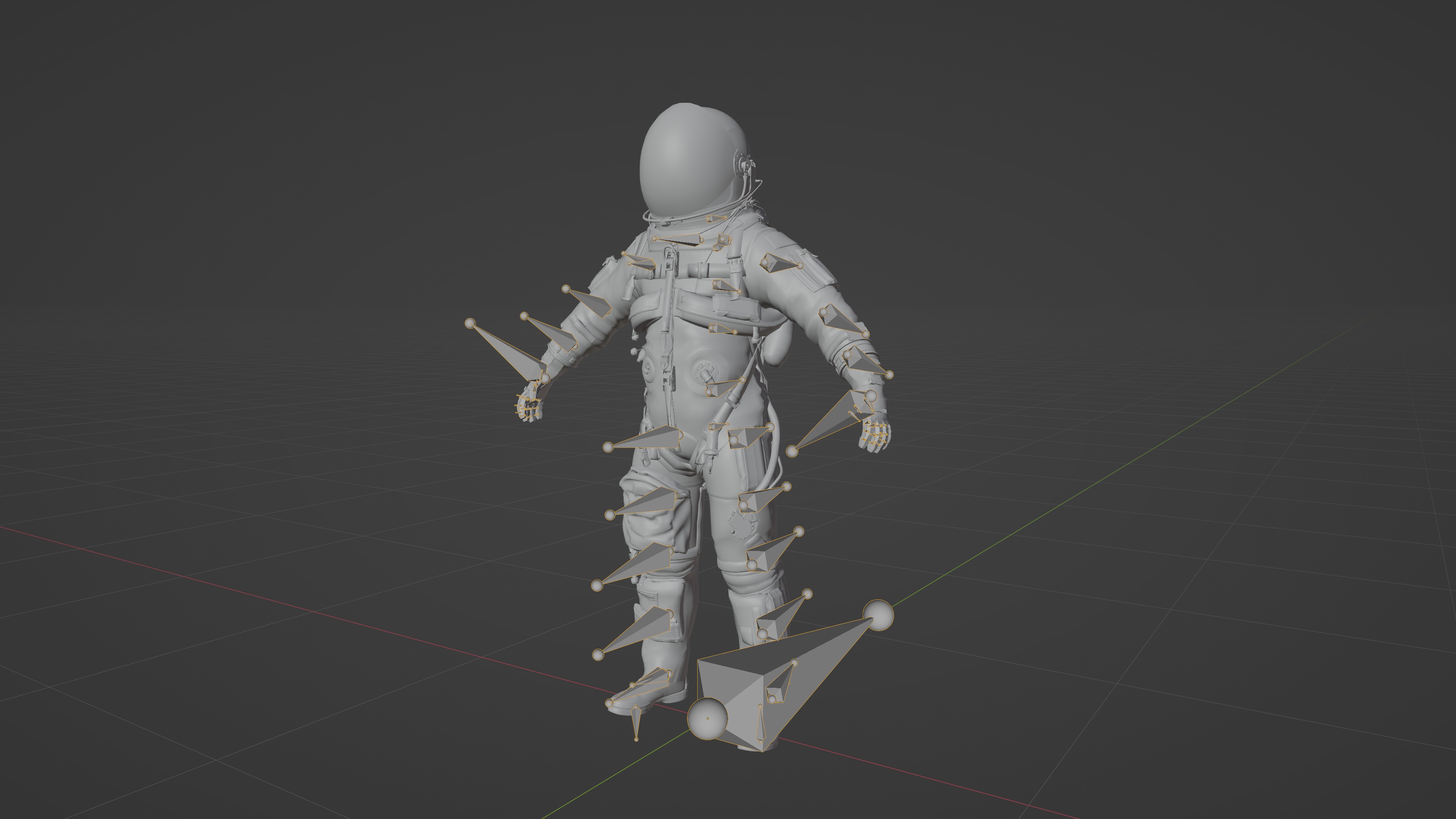
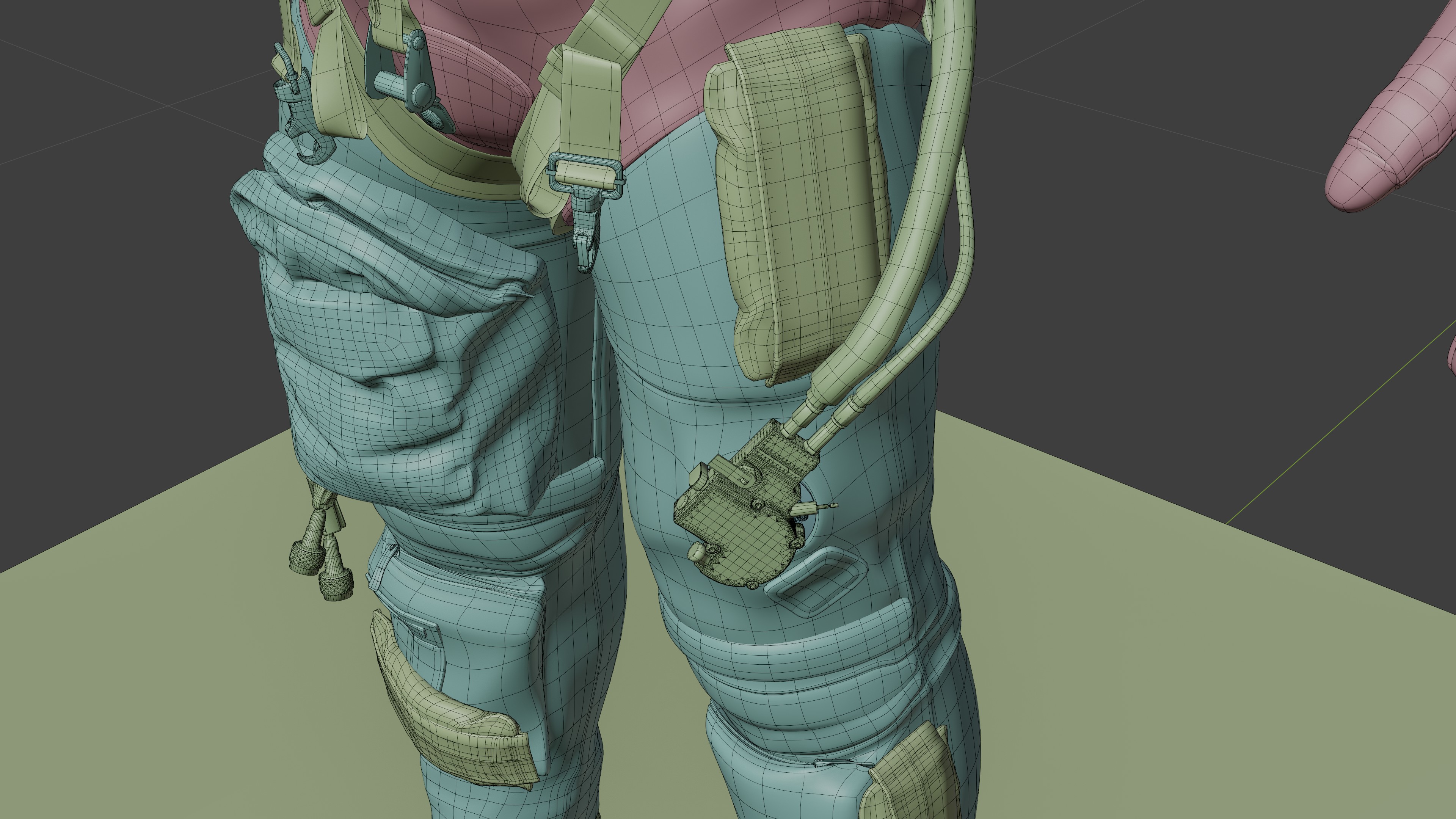
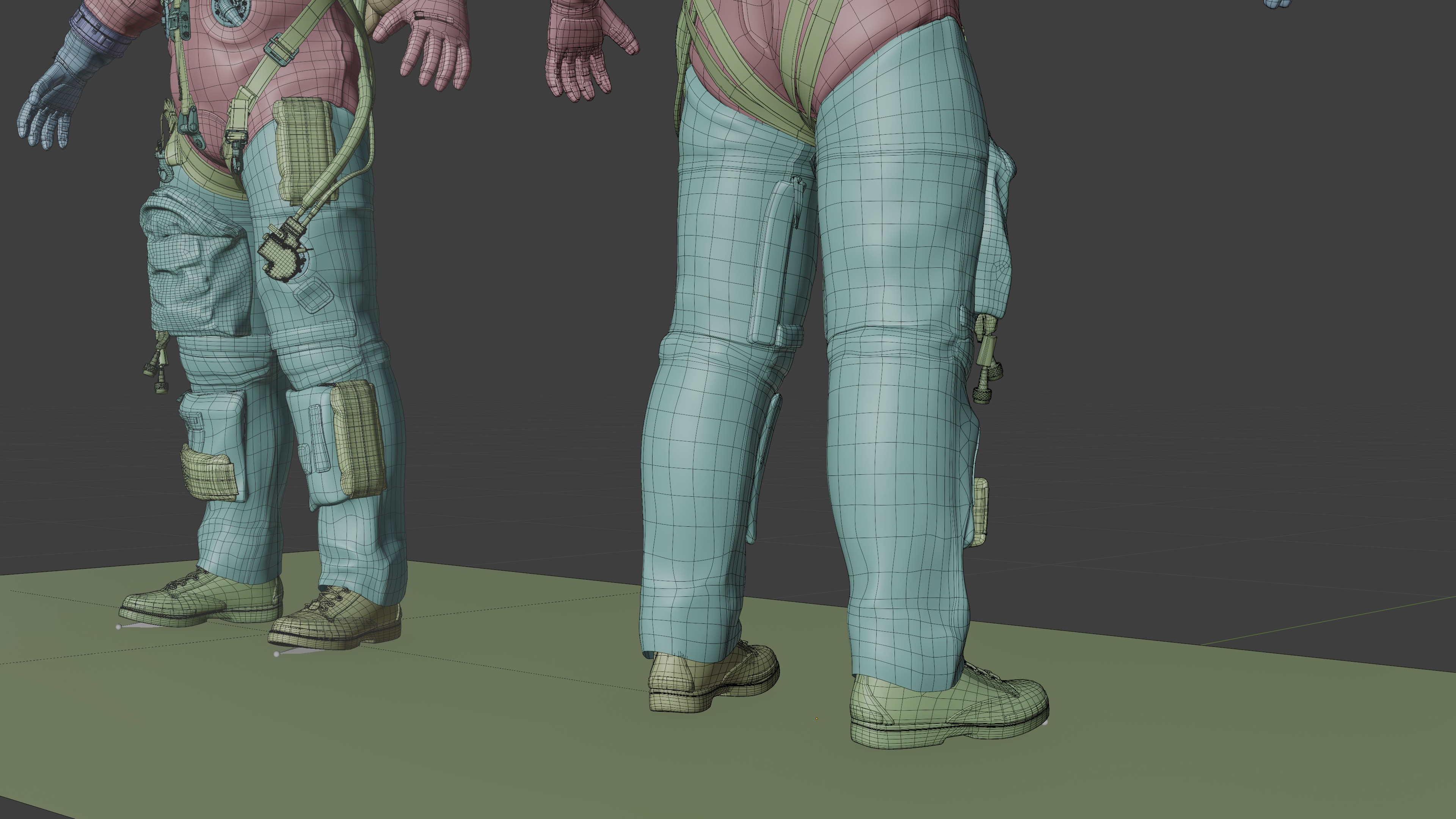
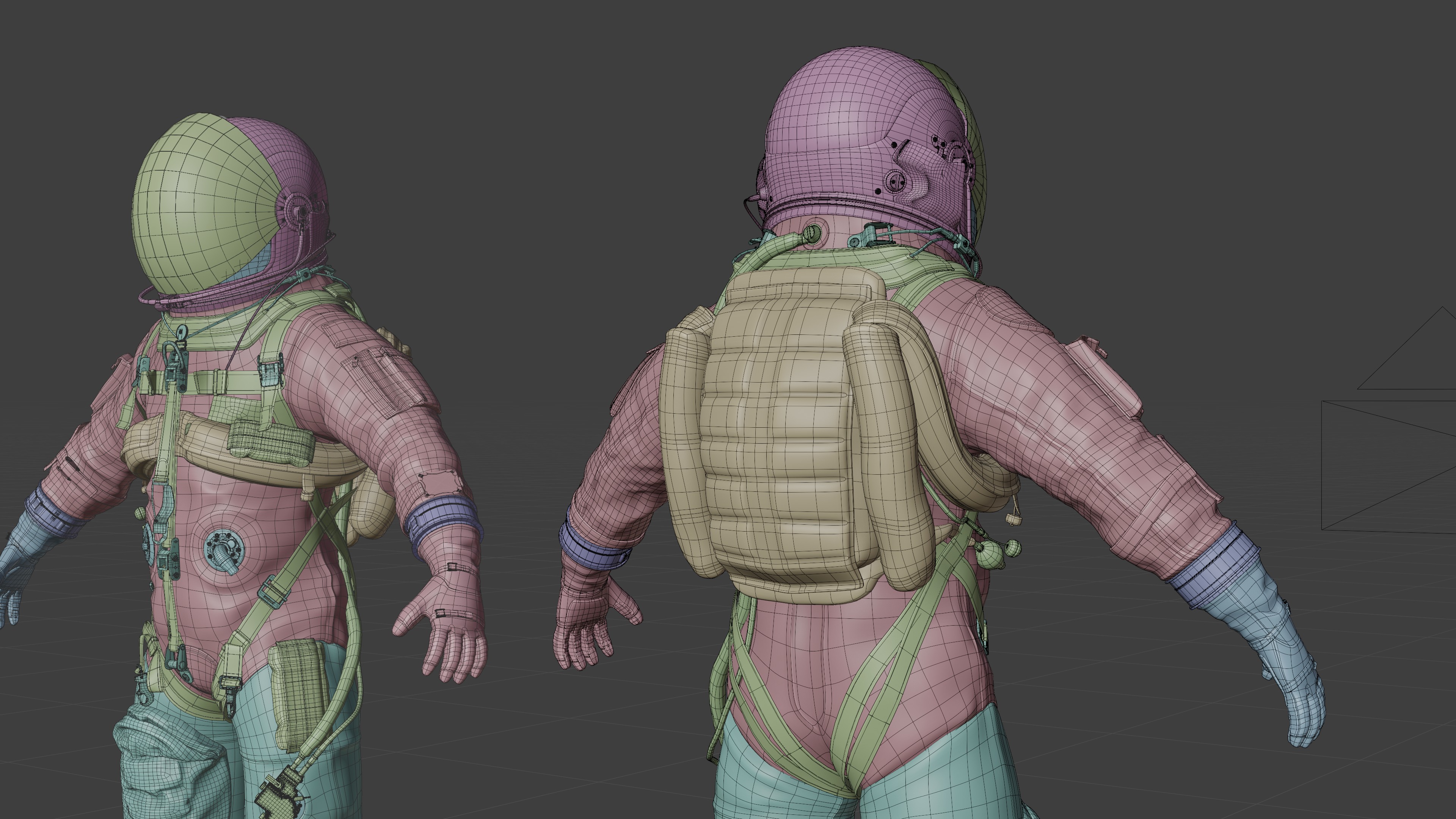
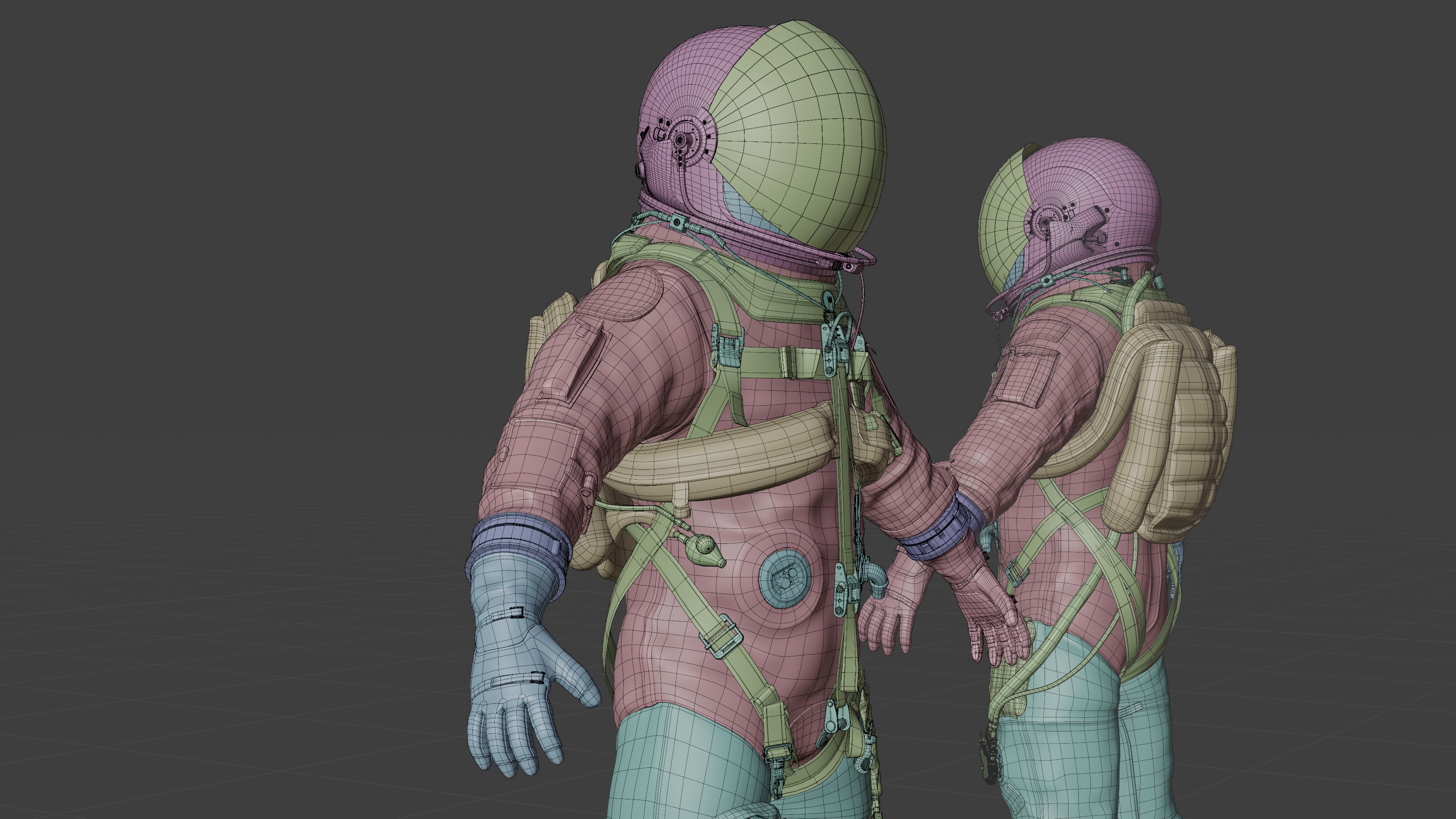
Aces Orange Spacesuit Rigged
 Albin BKB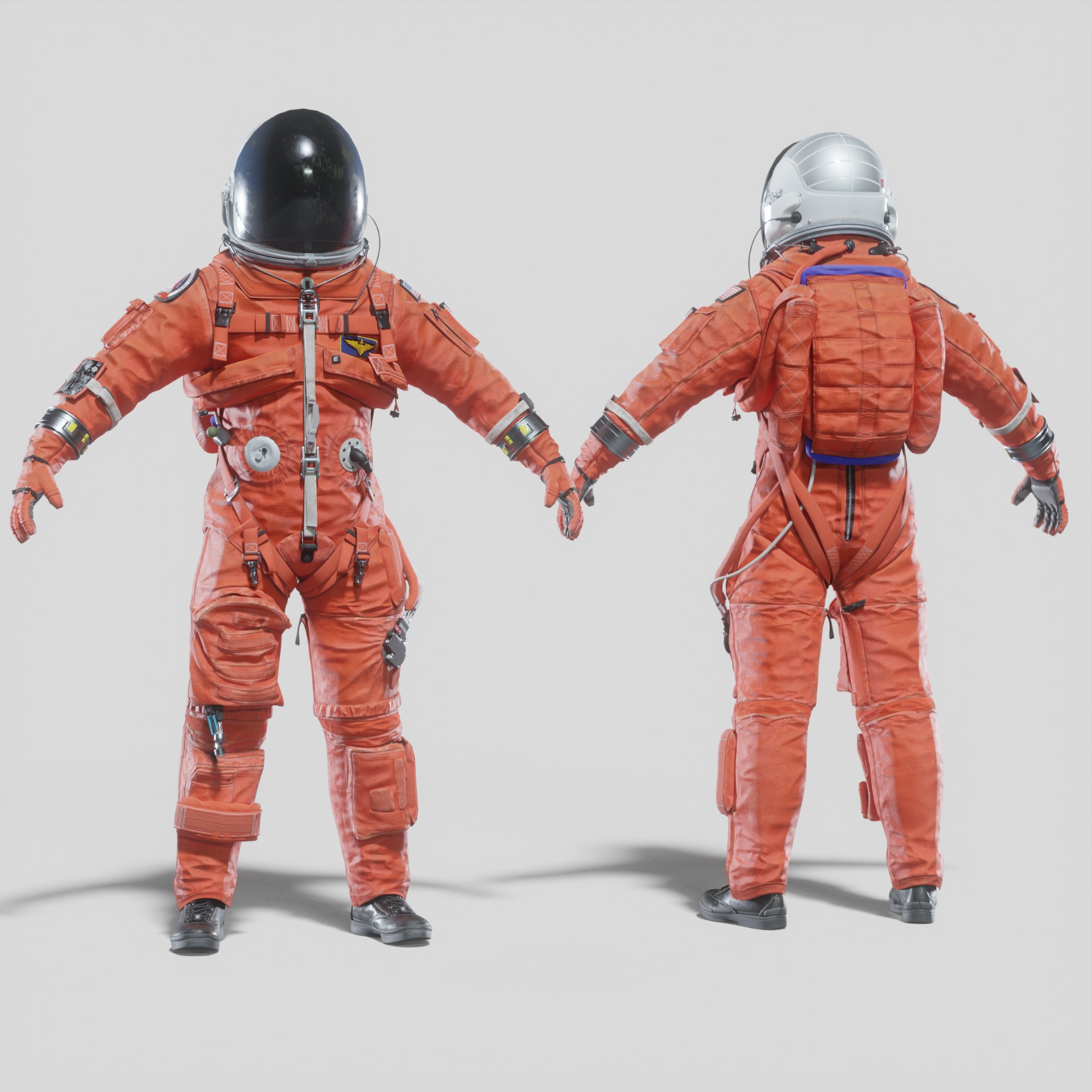
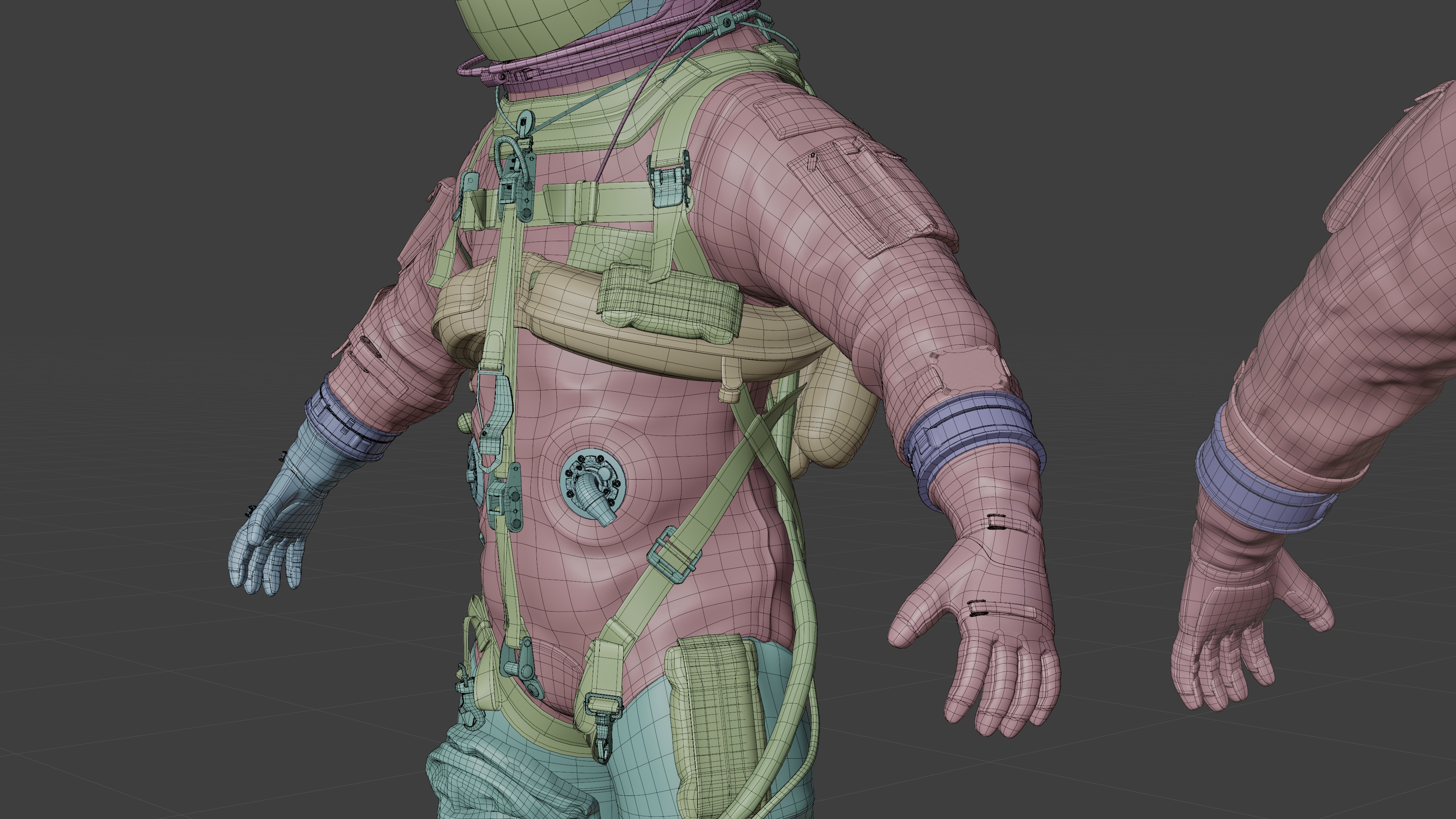
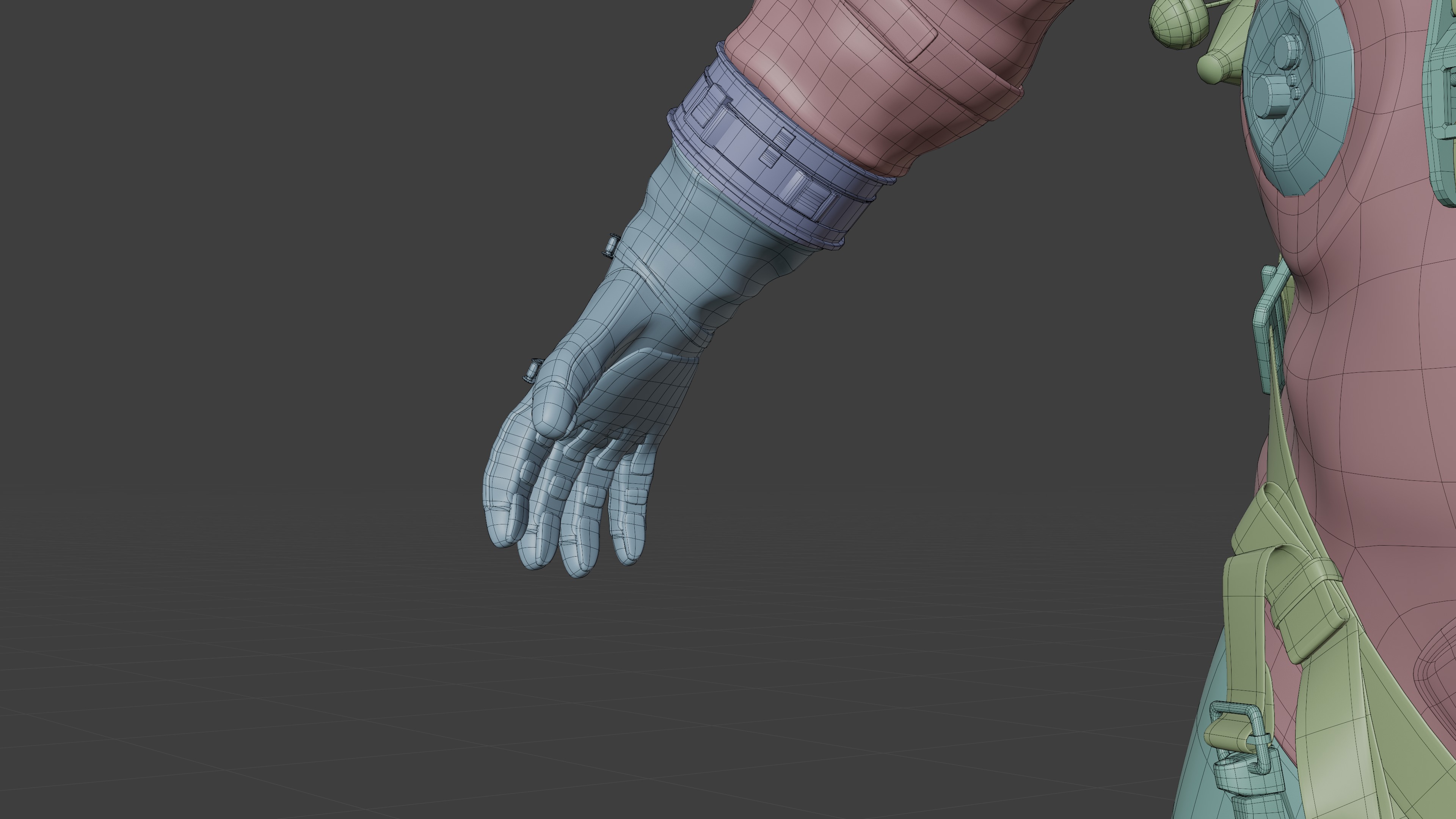
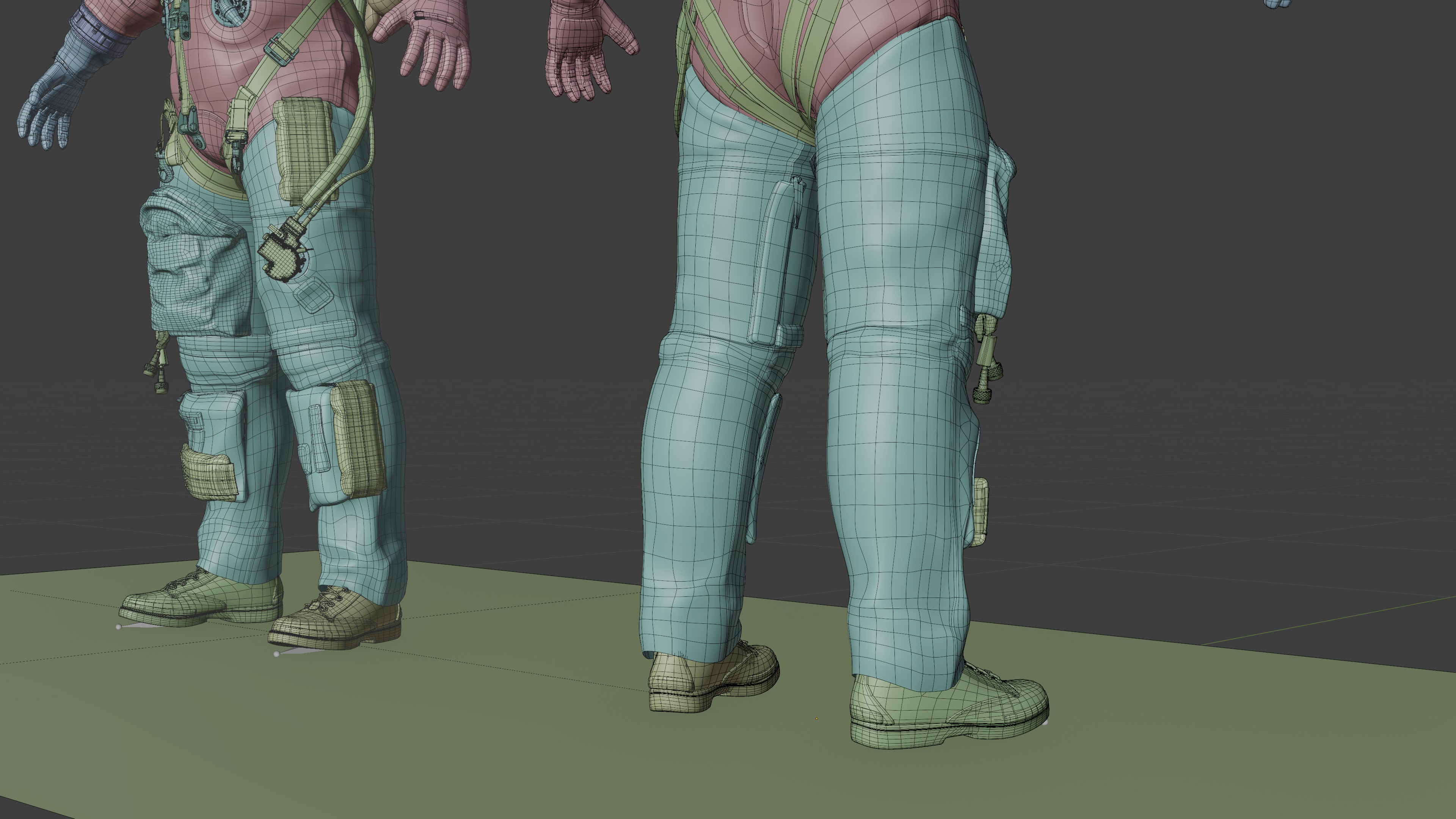
Once the textures.zip file is uncompressed, Open the Blend file and go to File > External data > find missing files > and select the texture folder. Blender will reload automatically all textures.
$60
Have questions about this product?
Login to message
| Sales | 30+ |
| Published | almost 5 years ago |
| Blender Version | 3.4 |
| Render Engine Used | Cycles, Eevee |
| Misc Data | Uvs-Unwrapped, Rigged, Normal-Mapped, Textured |
| License | Editorial |
