Natural Lighting - Animated Gobo Lights
 BlenderAddon
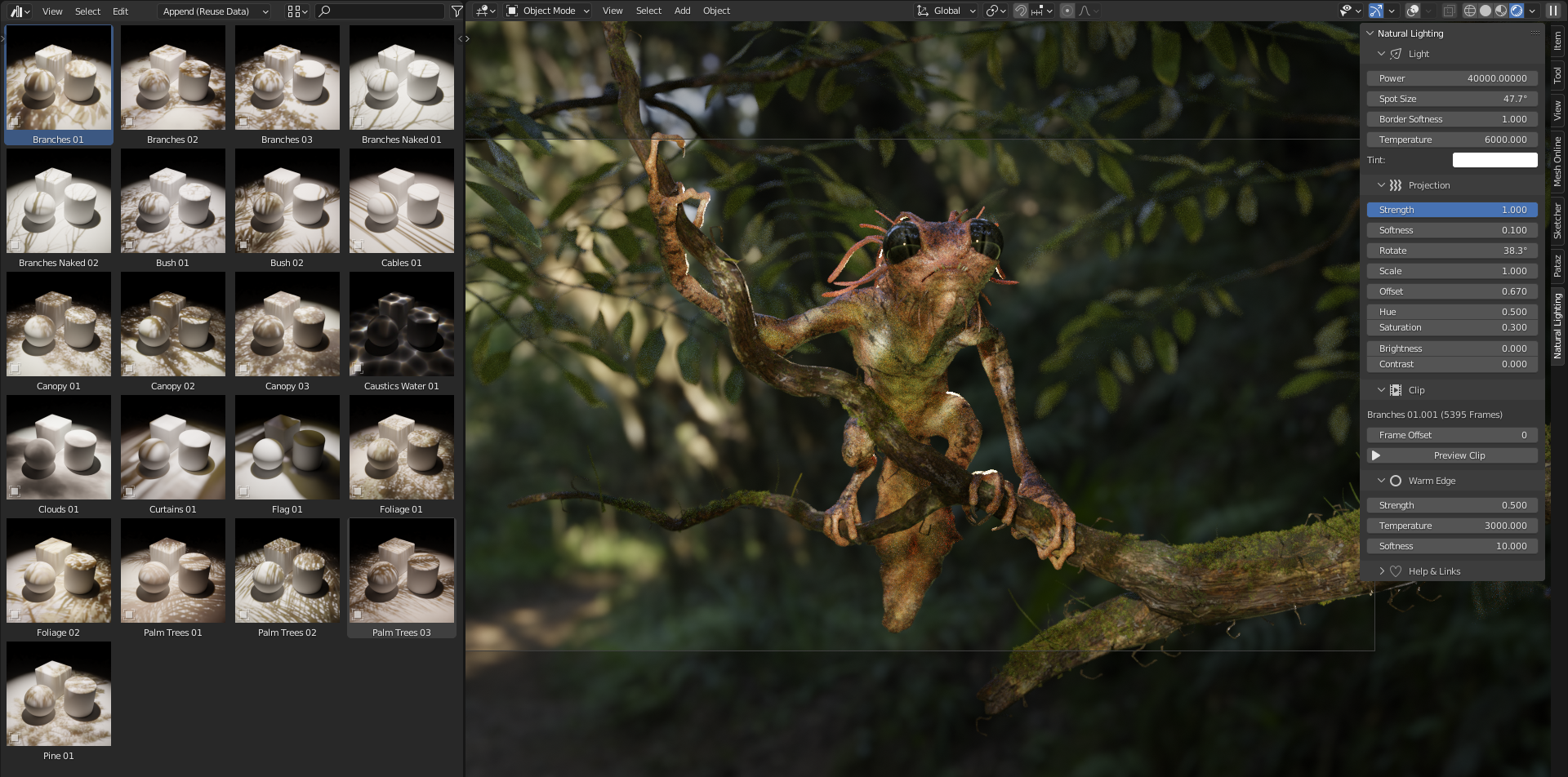
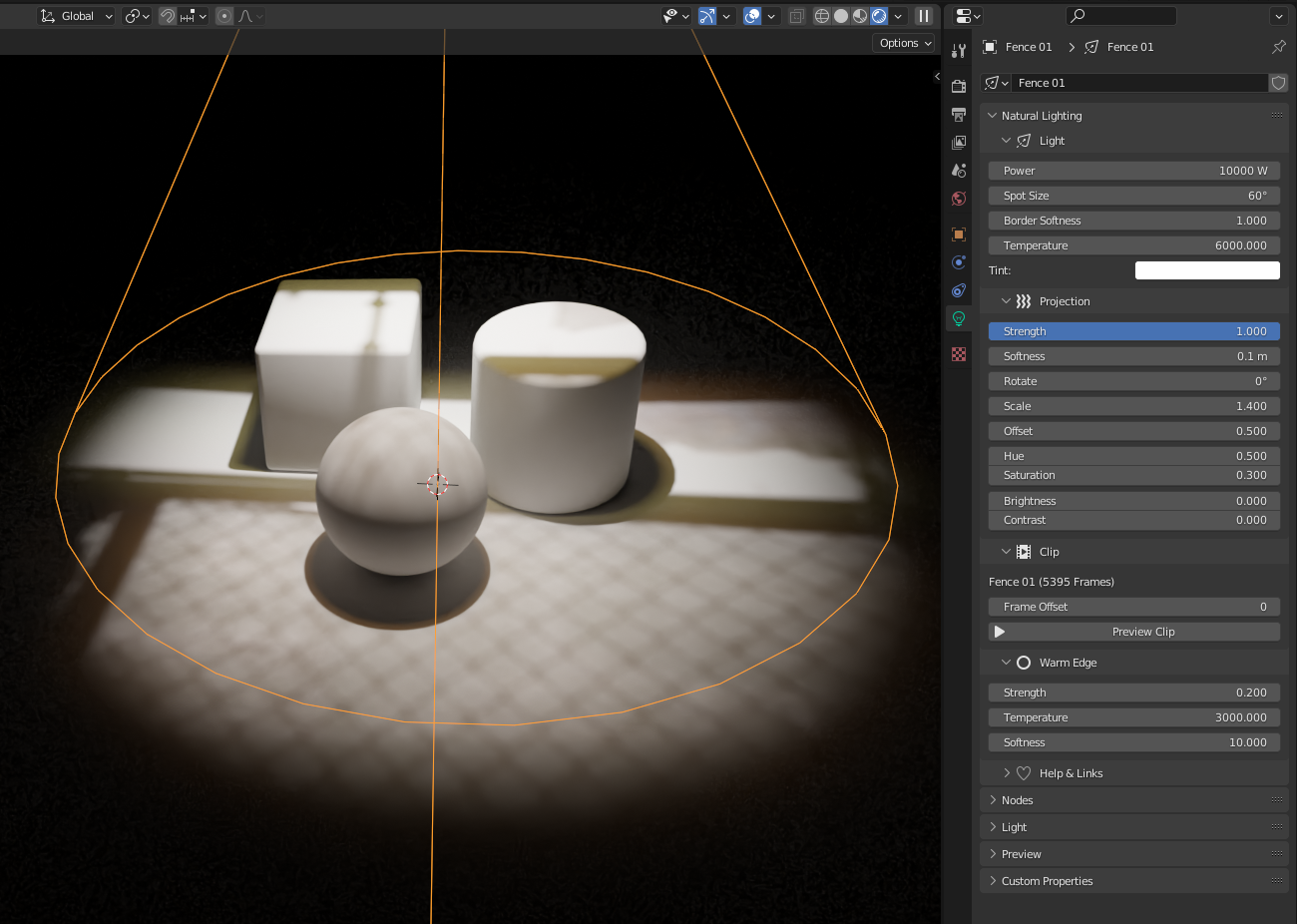
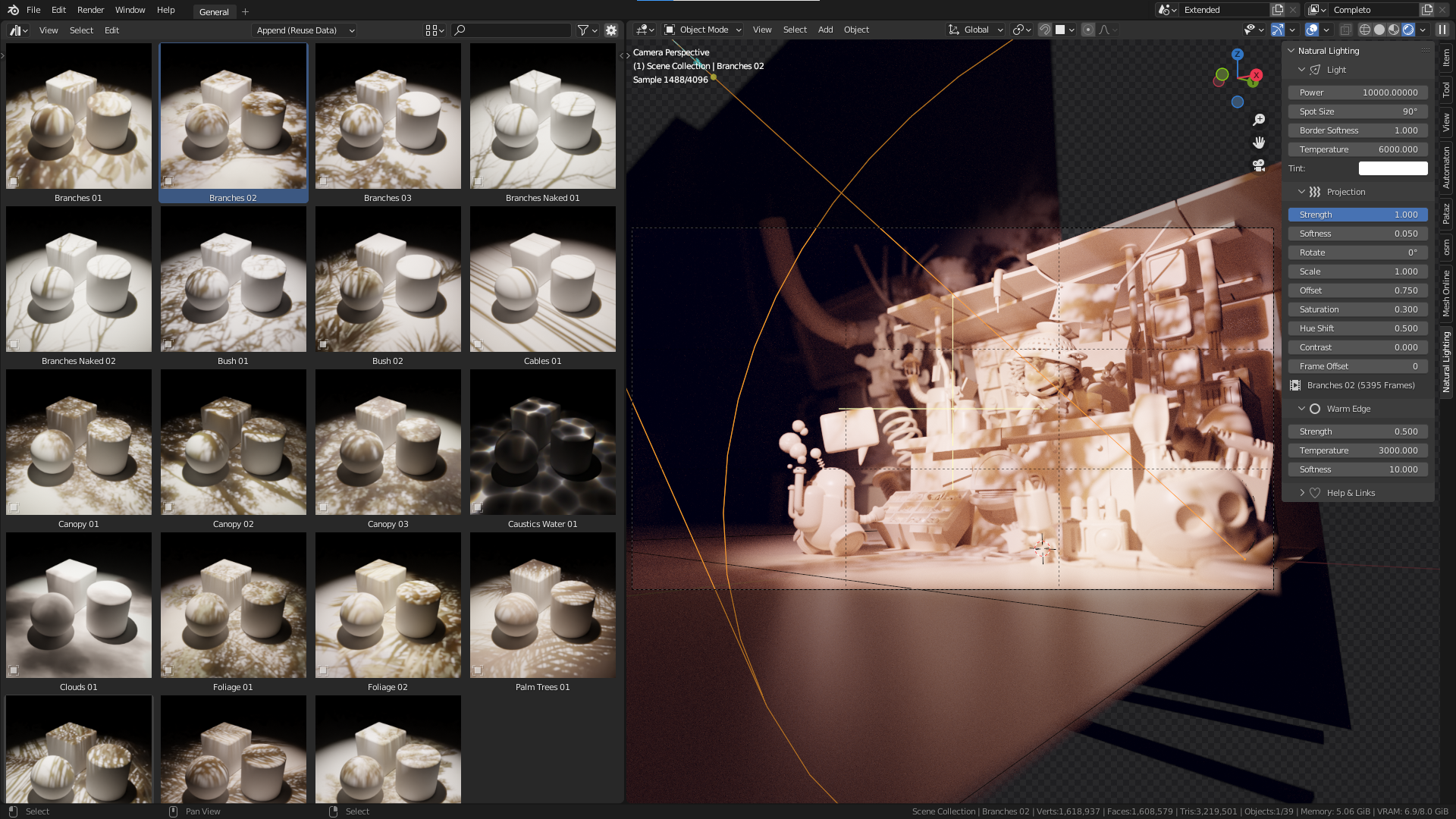
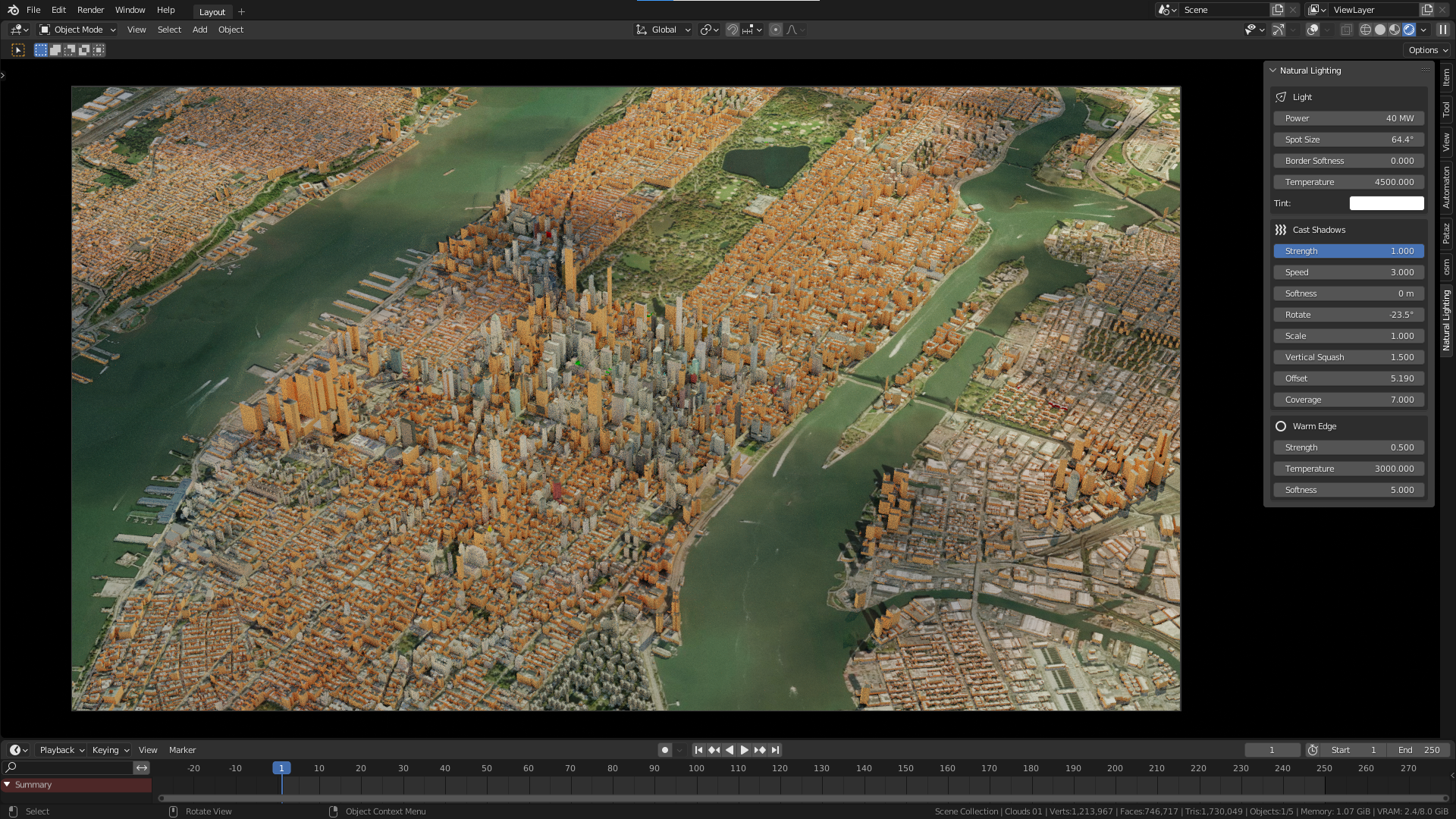
Natural Lighting User Manual
Realistic Animated Lighting System
01 Introduction
The UI has been moved from the 3D Viewport sidebar to the Light Data Properties panel.
Quick introduction to using Natural Lighting:
02 Installation
2.1 Setting up the Asset Library
- Unpack the provided zip file.
- Go to Preferences > File Paths.
- Click the + icon to add a library.
- Navigate to the
Natural Lightingfolder and click Add Asset Library.

Do not click on the Sources directory. The path should end in \Natural Lighting\.

Make sure your new asset library is correctly named:

2.2 Allowing Python Execution
Enable automatic python execution in Save & Load preferences so the UI loads automatically.

03 Usage & Interface
- Open the Asset Browser and select Natural Lighting.

- Drag an asset into your scene and position the lamp.
- Select the light and go to the Light Data Properties (Green Bulb Icon). Look for the Natural Lighting tab.
3.1 Feature Overview
Note: Some Natural Lights have slightly different functionality and interface.

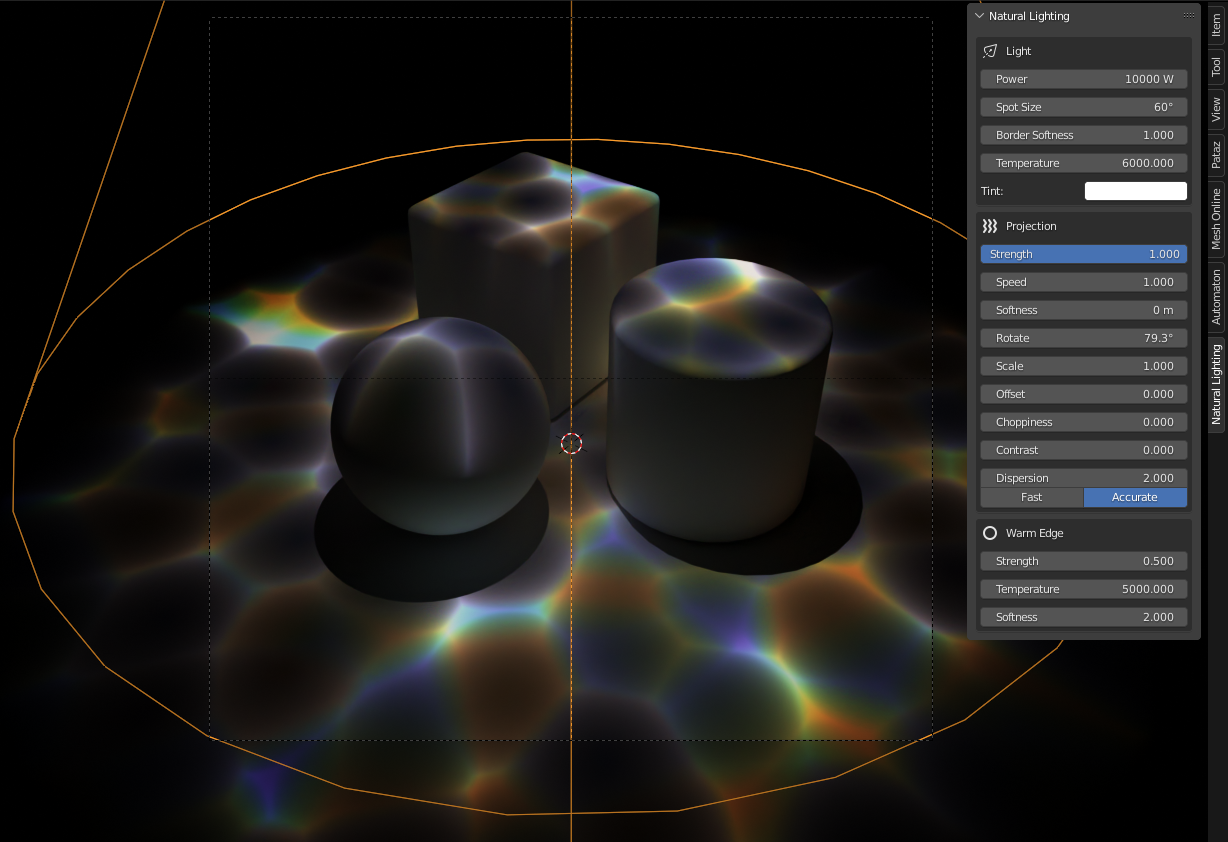
04 Light & Bloom Settings
Main Light
- Power & Exposure: Controls energy in Watts and exponential scaling.
- Spot Size & Softness: Controls the angle and edge softness.
-
Temperature (Kelvin): Based on black body radiation.
2500K = Warm Yellow | 6500K = Daylight White | 12000K = Cool Blue


- Tint: Colorize the light with an RGB picker.
Bloom (Warm Edge)
Adds a soft warm glow, mostly visible at shadow edges.
-
Strength: Factor of main light power (0.5 = half power).


- Temperature: Usually half the main temp for a "warm" effect.
- Softness: Usually much softer than the main light for a glowy look.
05 Projection & Animation
5.1 Projection (Cast Shadows)
Controls the cast shadow pattern effect.
0.0 turns effect off. Lower than 1.0 is subtle.
Higher values blur the shadows.
Rotate, Scale, and Offset the pattern.
Hue, Saturation, Brightness, Contrast.
5.2 Clip Settings
Natural Lighting is based on curated movie clips.
- Length: Total available length of the clip in frames.
- Frame Offset: Offset the clip to select a different starting point.
© blenderaddon.com
-
$18
Freelancers, Hobbyists, Students
-
$48
Companies, Teams, Educational Institutions
Have questions about this product?
Login to message
| Sales | 400+ |
| Rating | 2 ratings |
| Published | over 4 years ago |
| Blender Version | 3.6 - 5.2 |
| Render Engine Used | Cycles, Eevee |
| License | Royalty Free |
Discover more products like this
natural eevee animated-clouds Lighting Cycles asset pack lighting asset pack 3d lighting assets gobos gobo clouds assets for vfx