 Impression Sunrise


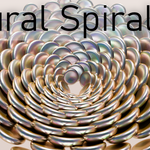

Natural Spirals
Generate natural spiral arrays in seconds — with live updates, instancing, and a clean finalize workflow.
One-Click Setup
Use the active object as a seed and build a dedicated collection centered on the 3D cursor. The source is hidden automatically.
Live Updates
Every parameter change is displayed in real time.
Finalize Cleanly
Join all instances into a single editable mesh and tidy the collection in one click.
Features
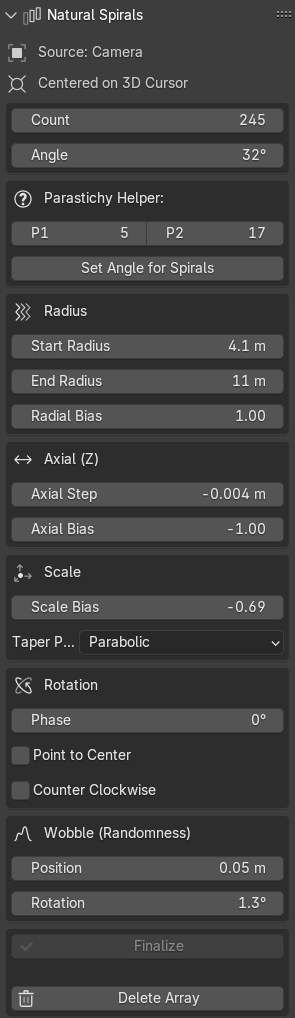
- Divergence Angle: Golden Angle by default; fully adjustable with a Parastichy Helper (set angle from P1/P2 spiral counts).
- Count & Direction: Precise instance count with clockwise/counter-clockwise toggle.
- Radius Controls: Start/End radius with a Radial Bias curve for organic spacing.
- Axial Growth (Z): Axial step plus Axial Bias for tapered stacks or cones.
- Scale & Taper: Global scale bias with Linear or Parabolic taper profiles.
- Phase & Aim: Global phase rotation and optional Point to Center orientation.
- Natural Variation: Position and rotation wobble (randomized) for non-uniform, lifelike arrangements.
- Non-Destructive Workflow: Create/Reset, Delete Array, and Finalize (join to a single mesh) operators.
- Instancing-First: Fast object instancing using the active object’s mesh data; source is hidden for edit and render.
Here's a quick (silent) video of me running through the features.
To avoid “spokes” (straight arms), choose consecutive Fibonacci counts for P1/P2 — e.g. 5/8, 8/13, 13/21, 21/34, 34/55, 55/89. These pairs are coprime and drive the divergence angle toward the golden angle (~137.5°), which strongly suppresses radial banding caused by simple fractions of 360°.
- Small arrays (<150 instances): 13/21
- Medium (150–400): 21/34
- Large (400–1000): 34/55
- Very large (>1000): 55/89
Tip: If you still see arms, bump to the next Fibonacci pair or nudge the angle by ±0.2–1°. Avoid small, simple ratios (e.g. 1/2, 1/3, 2/5) — they align points into visible rays.
Quick Start
- Select any mesh object.
- Open Sidebar → Natural Spirals.
- Click Create Array and tweak parameters live.
- Click Finalize to join instances into one editable mesh (optional).
Compatibility: Blender 3.00+ · Location: View3D → Sidebar → Create · Install: Preferences → Add-ons → Install… →
Support
Questions or bugs? Please message me and I'll try to get right on it :)
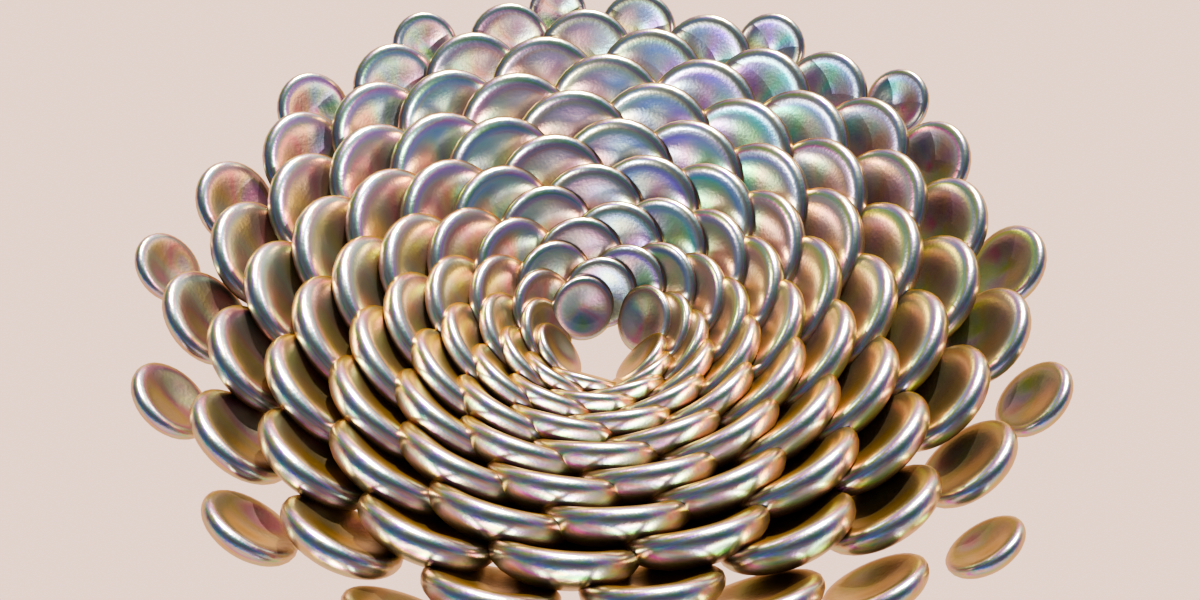
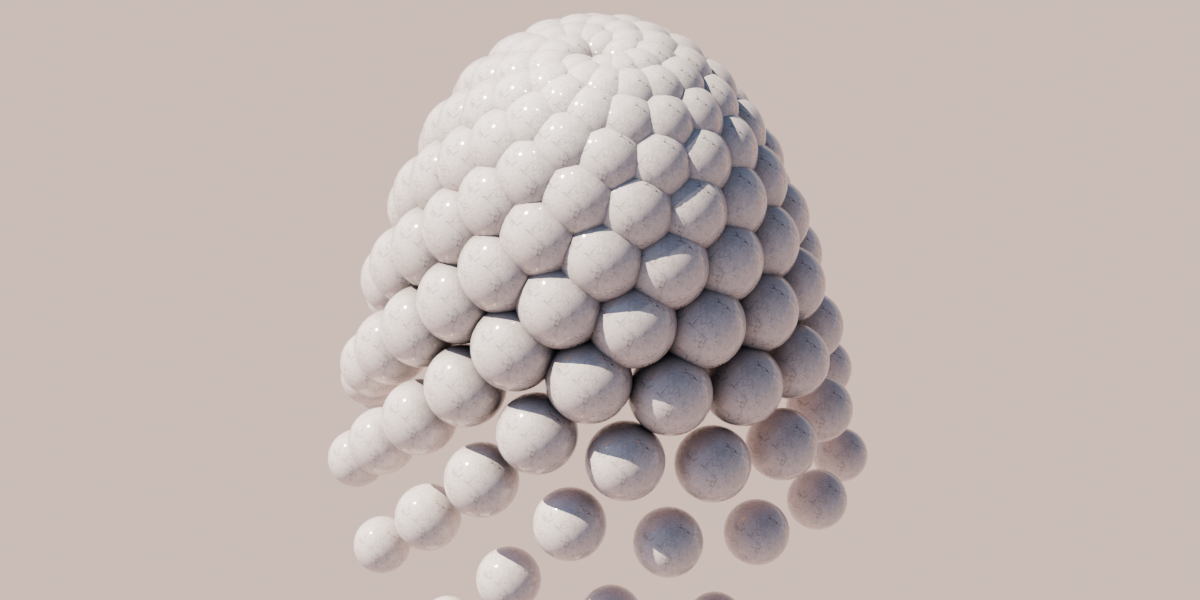
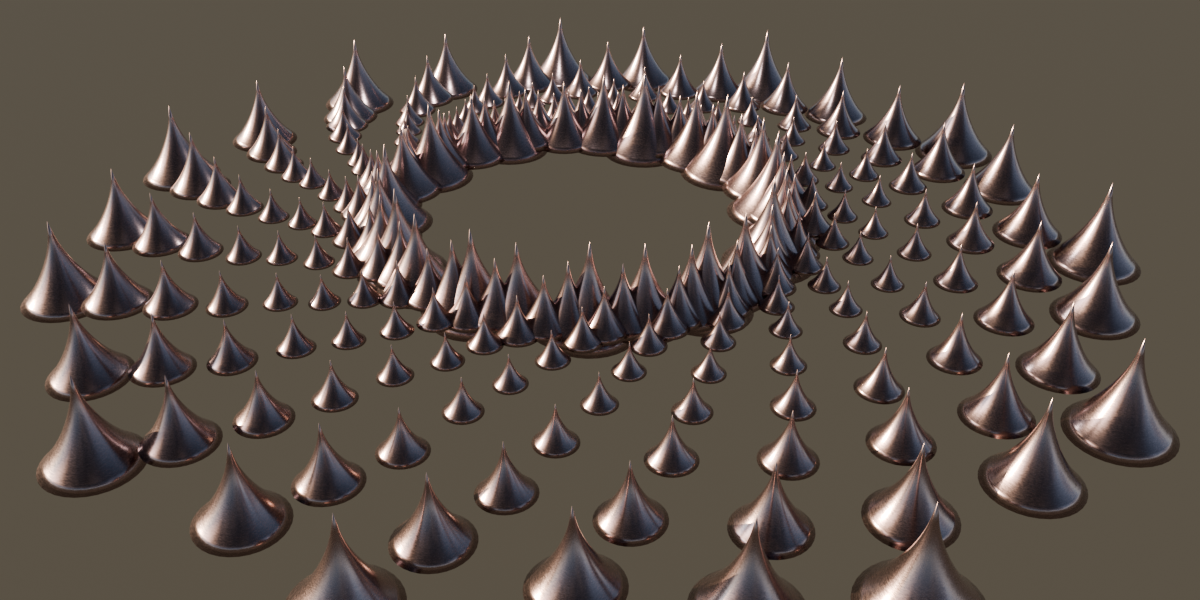
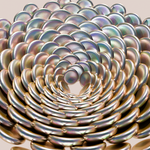
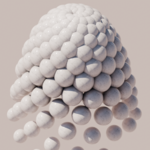
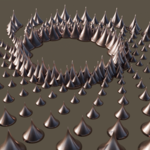
Here's a quick video and some example of what can be made with it.