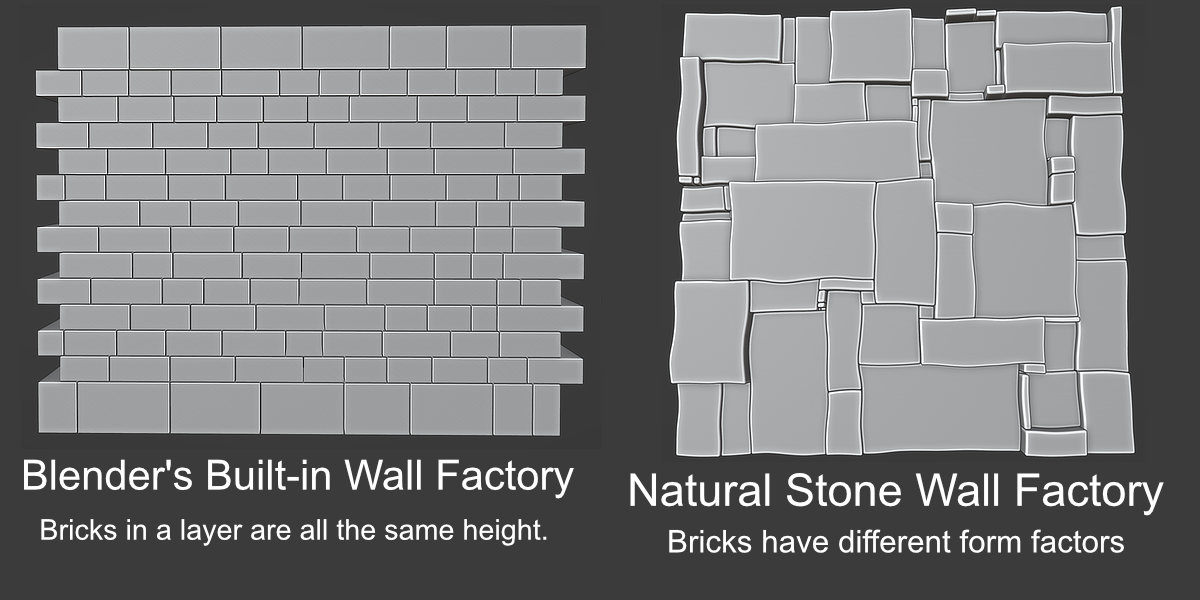
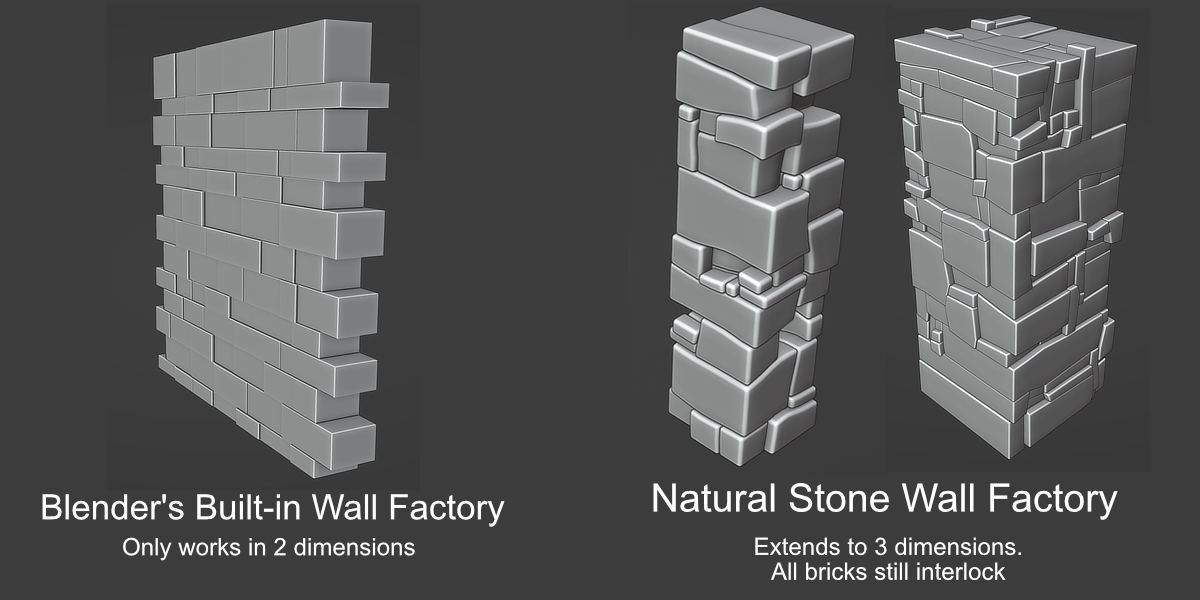
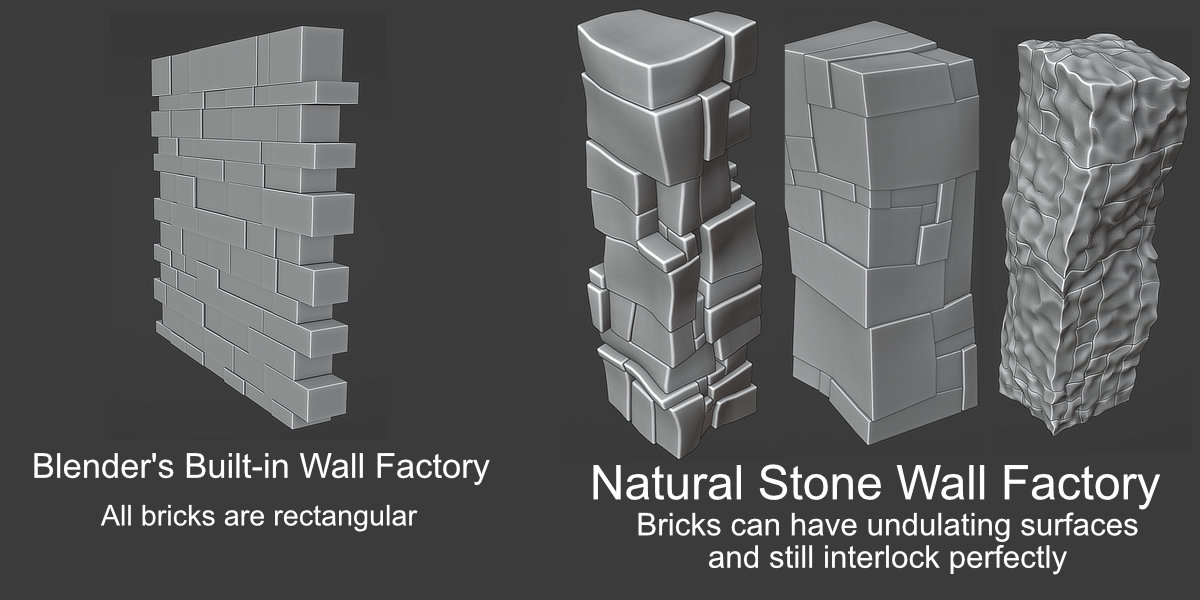
Natural Stone Wall Factory
 Johann Anton Myburgh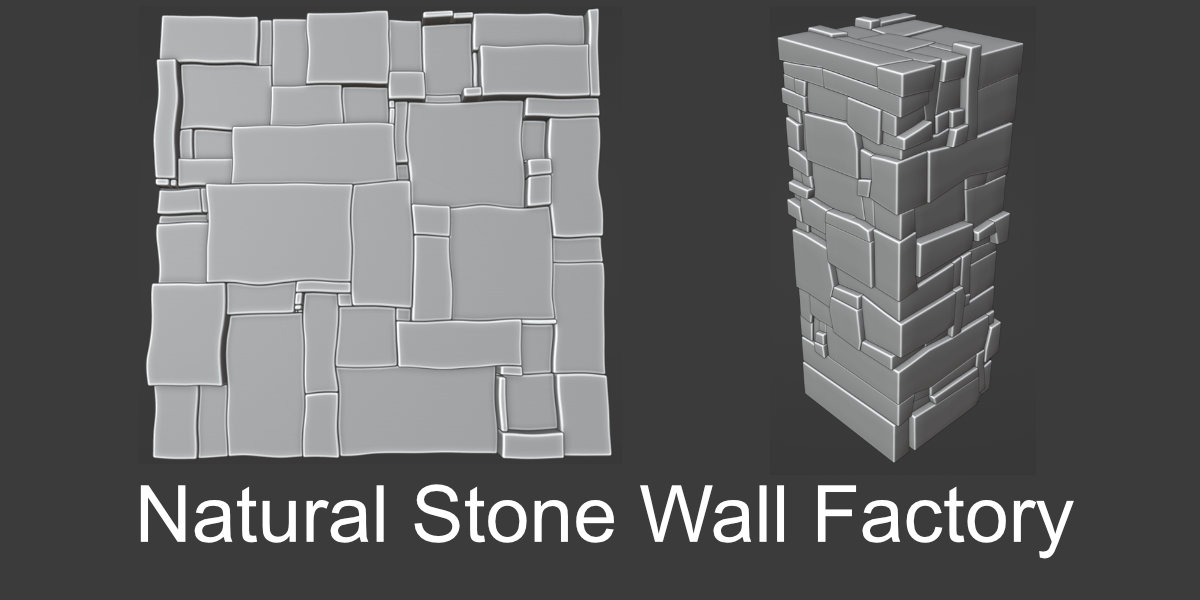


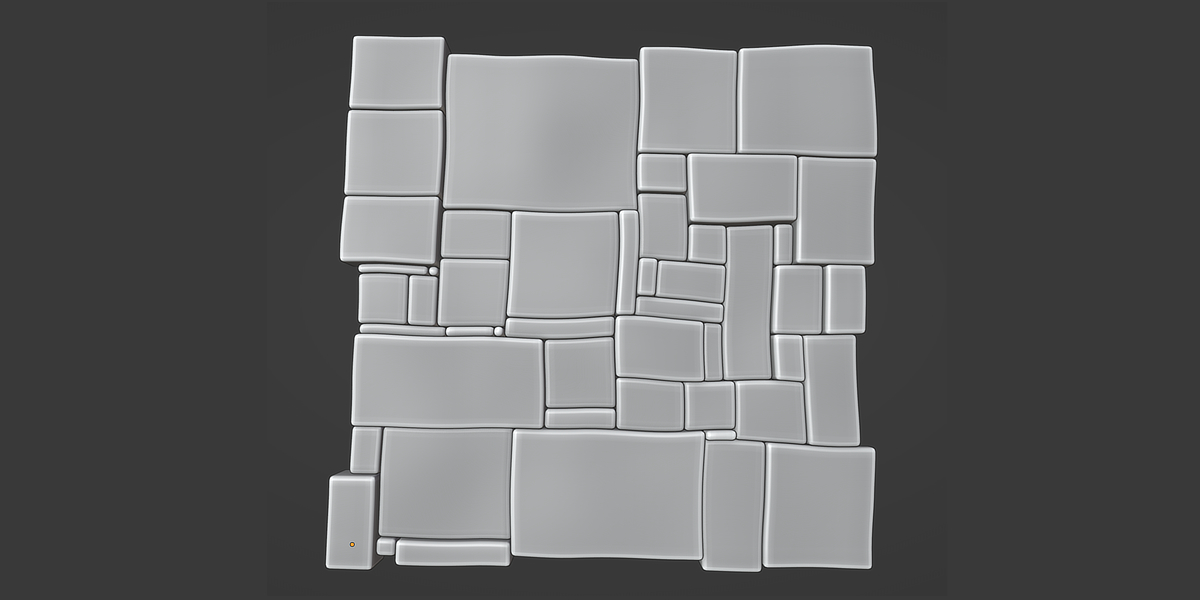
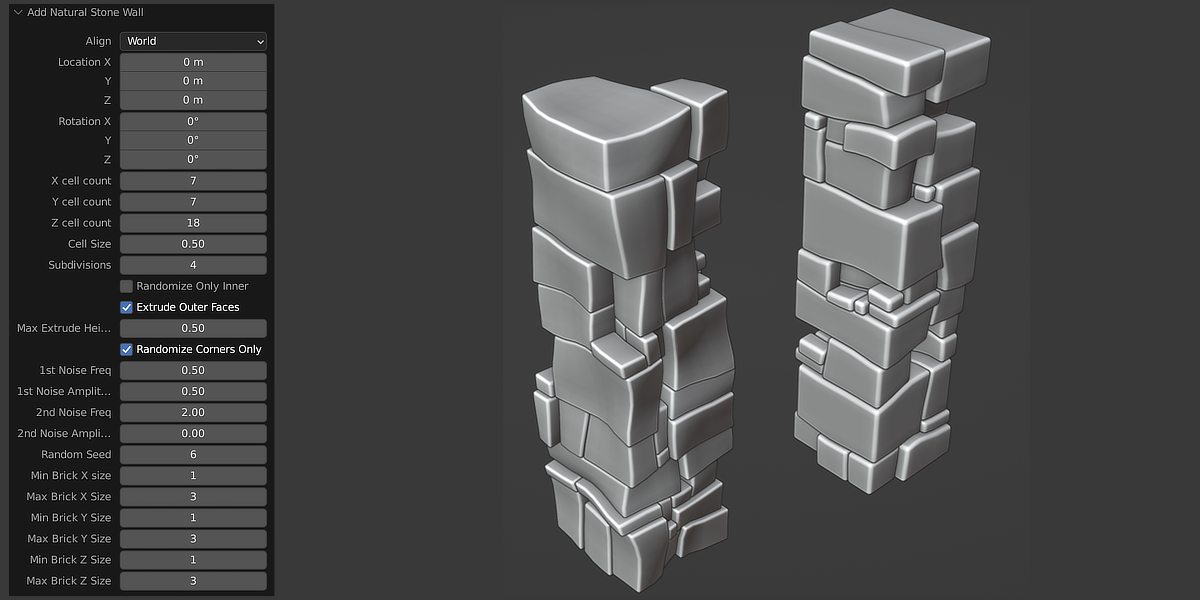
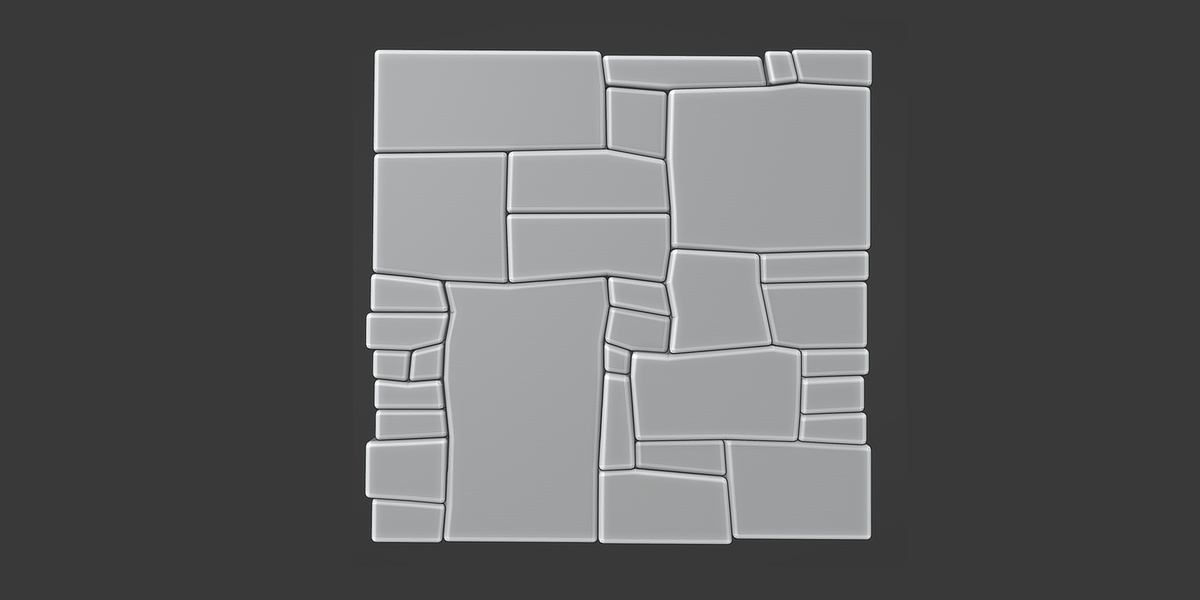
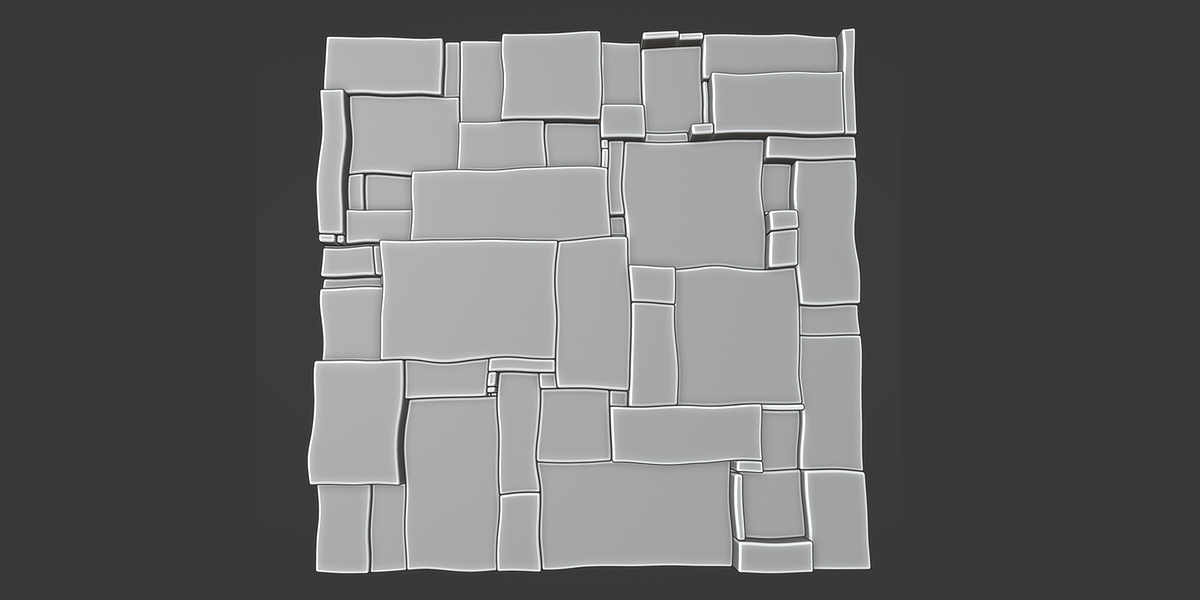
HOW TO INSTALL:
1. Go to “Edit” in the Top Bar and choose “preferences.”
2. The preferences window will open. On the left side are several tabs. Select the tab labeled “Add-Ons.”
3. From the preferences window, click the “Install” button on the top right.
4. Navigate to the location on your computer where the downloaded addon_NaturalStoneWall.zip file for the add-on is located.
5. Select the file. Click Install Addon.
6. At the top right of the add-on preferences is a search box. Type in 'Natural Stone Wall' to find it in the list. Check on the box to the left of the add-on to activate it.
HOW TO USE:
1. Go to the 'Add->Mesh' menu and click on 'Add Natural Stone Wall' at the very bottom.
2. Set the parameters to your liking.
Have questions about this product?
Login to message

Discover more products like this
wall factory natural interlocking stone bricks columns volumetric