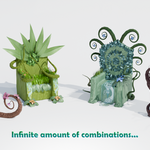
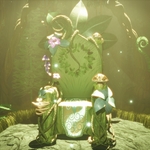
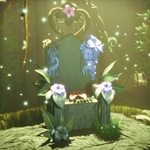
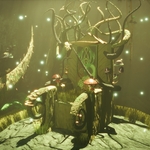
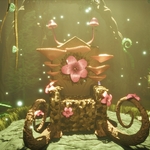
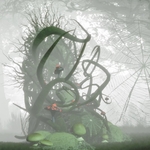
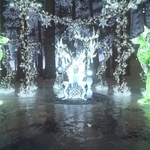
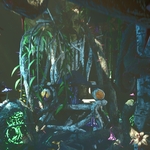
The Druid Throne - Your Fantasy Nature Assets Kit
 Da_Drood's Grove


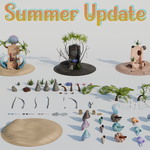
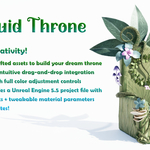
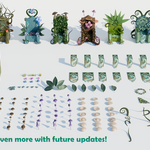
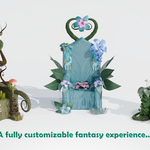
IMPORTANT – Blender File Usage
The included .blend file is intended to be used as an Asset Browser library, not as a project file to open directly. Due to the large number of assets (nearly 1650 pieces) and the use of 2K textures to keep the file size manageable, opening it directly may cause performance issues or crashes on systems with less than 6-8 GB of VRAM.
How to set it up as an Asset Library:
In Blender, go to Edit → Preferences → File Paths.
Under Asset Libraries, click the + button.
Browse to the folder containing the .blend file (not the file itself) and add it as a library.
Open the Asset Browser editor and select the library from the dropdown menu.
You can now drag and drop objects and collections directly into your scenes.
Alternative Workflows:
If you prefer not to use the Asset Browser, the pack also includes:
A full Unreal Engine 5 project with all assets, textures, and materials ready to use.
A folder with FBX files and textures up to 4K for use in any other engine or pipeline.
If you experience any issues, feel free to contact me.
INSTRUCTIONS FOR FBX FOLDER FILES
You will find 3 folders:
- FBXs: contains all the meshes in .fbx format, compatible with the major game engines
- Druidic_Throne_textures: contains the textures (1k, 2k and 4k) for all of the assets, except for the banner variants.
- Extra_Banner_textures: contains the textures (1k, 2k and 4k) for all the banner variants meshes.
Special Materials in Unreal Engine and Blender:
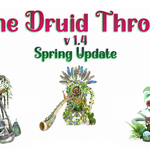
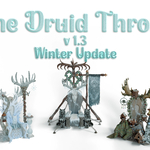
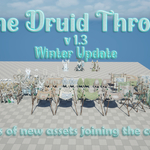
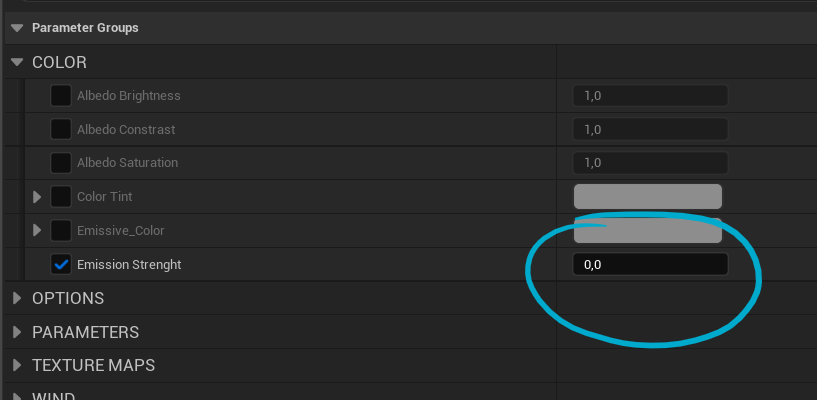
- some assets, like the new Winter Update assets, have snow layers assigned to the emissive channel, so this way you can decide whether you want them covered with some snow or completely clean. Make sure to set a value in the "Emission Strength" field if you want to see snow appearing.
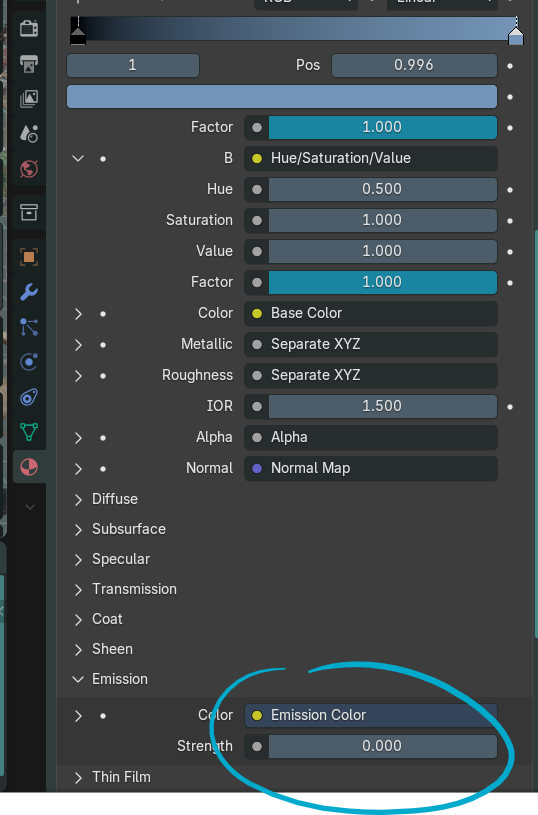
Same goes for Blender: set the Strength value above 0 to see the snow texture appearing on the assets. Fun fact: if you play a bit with emissive color (adding a color ramp node in Blender, like for the Diffuse channel) you can also make it look kind of like blood! XD It's not meant to be that way, but who am I to deny you this pleasure?!
-
$1
This is where it all started from. Have a taste of the possibilities offered by The Druid Throne.
-
$44.99
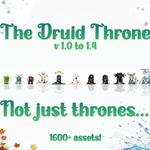
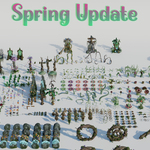
Get the full experience with 4 seasonal updates. 1600+ assets!
Have questions about this product?
Login to message
| Dev Fund Contributor | |
| Published | over 1 year ago |
| Blender Version | 4.4 |
| Render Engine Used | Cycles, Eevee |
| Misc Data | Uvs-Unwrapped, Normal-Mapped, Textured |
| License | Royalty Free |
Discover more products like this
asset-browser 3D Nature Scene 3D Fantasy Models throne Nature Druid Throne 3D modular kit 3D Fantasy Art 3D Nature Model druid 3d-model-pbr unreal-engine-ue5 customizable