Nebula Clouds Animated Texture
 Satabol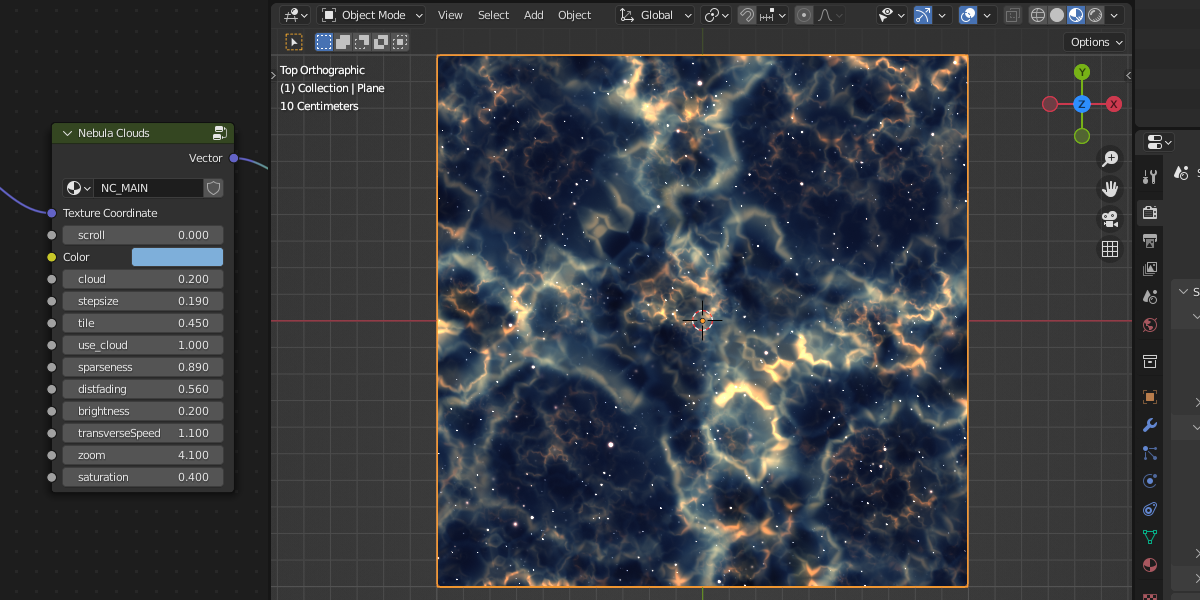
How to use texture
1,2. Open Menu File->Append
3. Select .blend file you received
4. Open Material
5. Select "Nebule Cloud Texture"
6. Press Button "Append"
7. Select render Eevee or Cycles
8. Select object and select "Material" tab
9. Open Material list and select "Nebula Cloud texture"

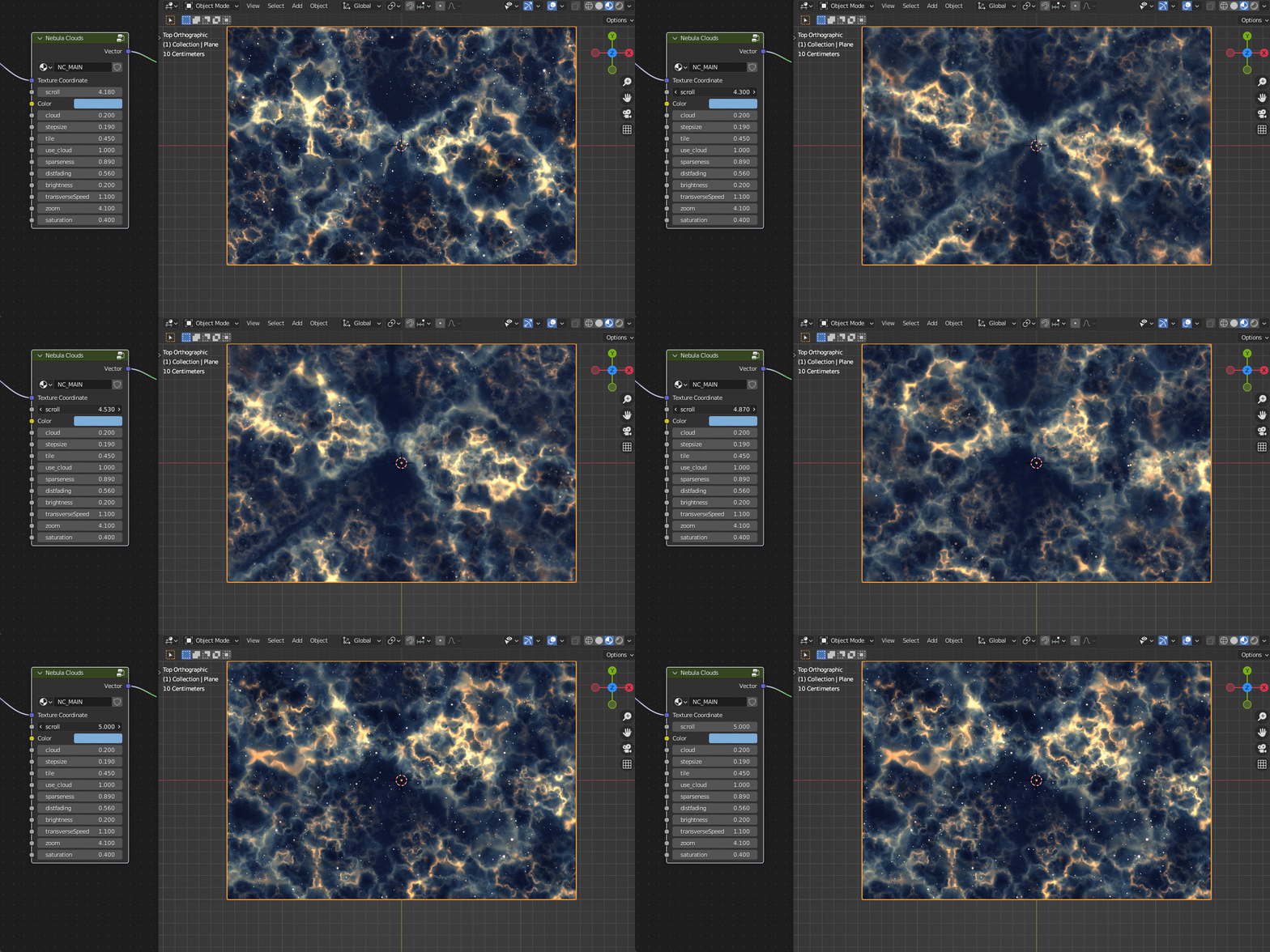
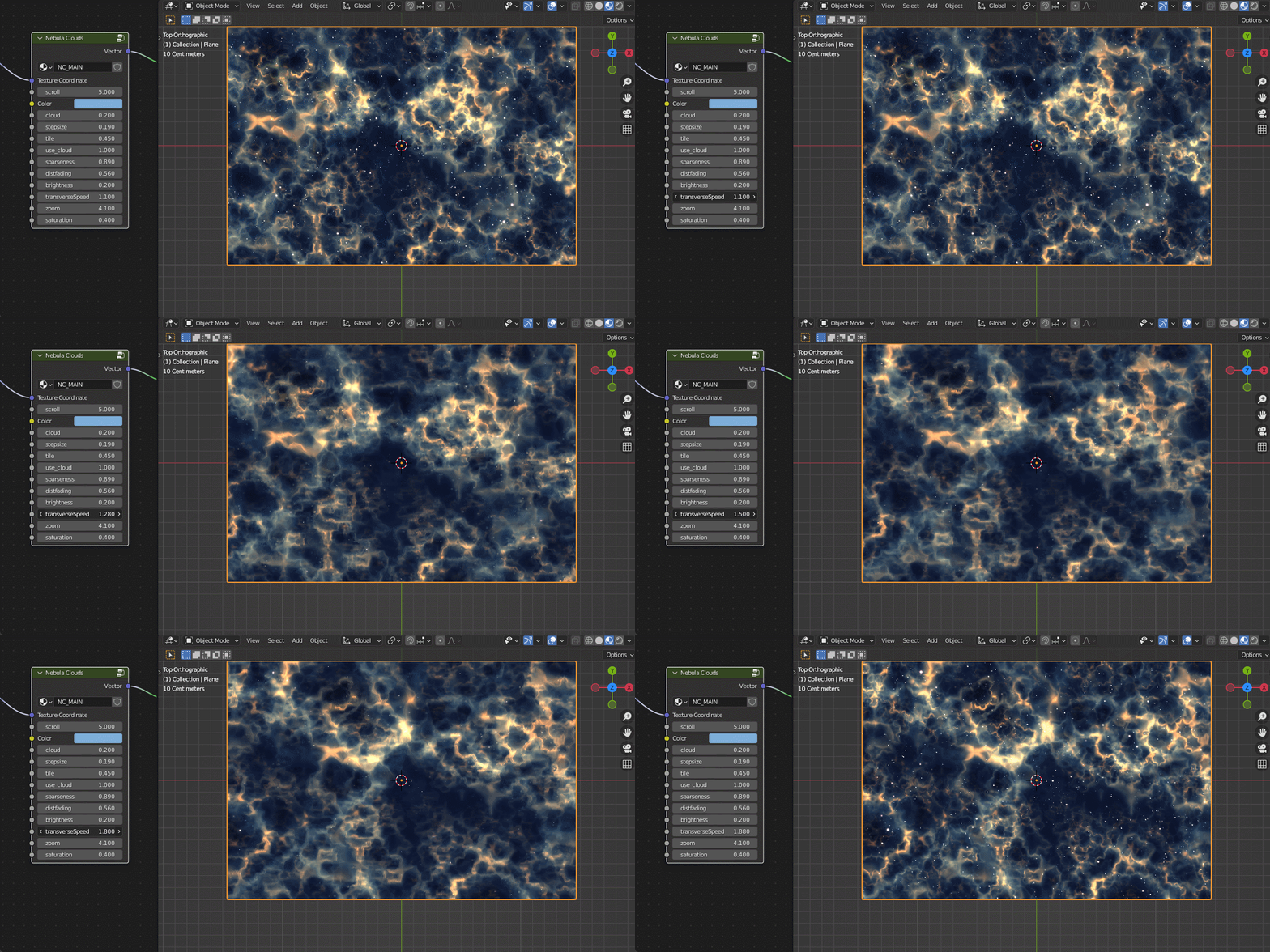
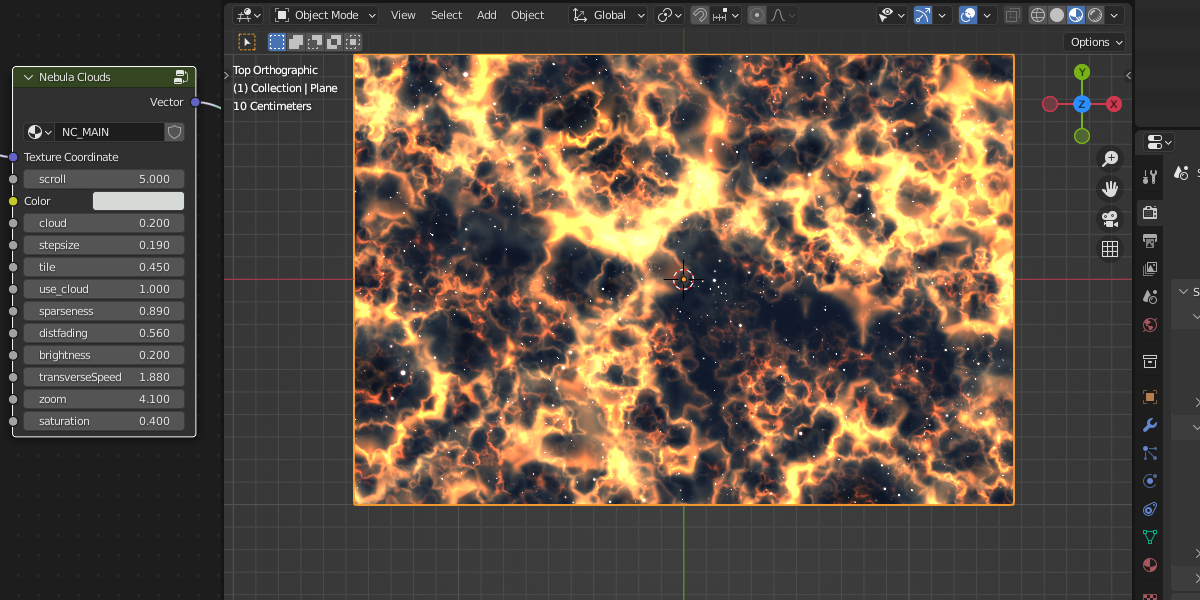
Now you can see material on the object. Adjust material by params in Shader window:

This material contains only Shader Nodes. This is advantage you can use it with Eevee:

If your computer has slow performance then you can decrease count of main nodes:

*Except input "isLast"! Last Node must has isLast=1.
P.S.
This texture has many maths nodes so... try some tests. )))
$2
Have questions about this product?
Login to message
| Sales | 20+ |
| Published | over 2 years ago |
| Blender Version | 3.0, 3.1, 3.2, 3.3, 3.4, 3.5, 3.6, 4.0 |
| License | Creative Commons |