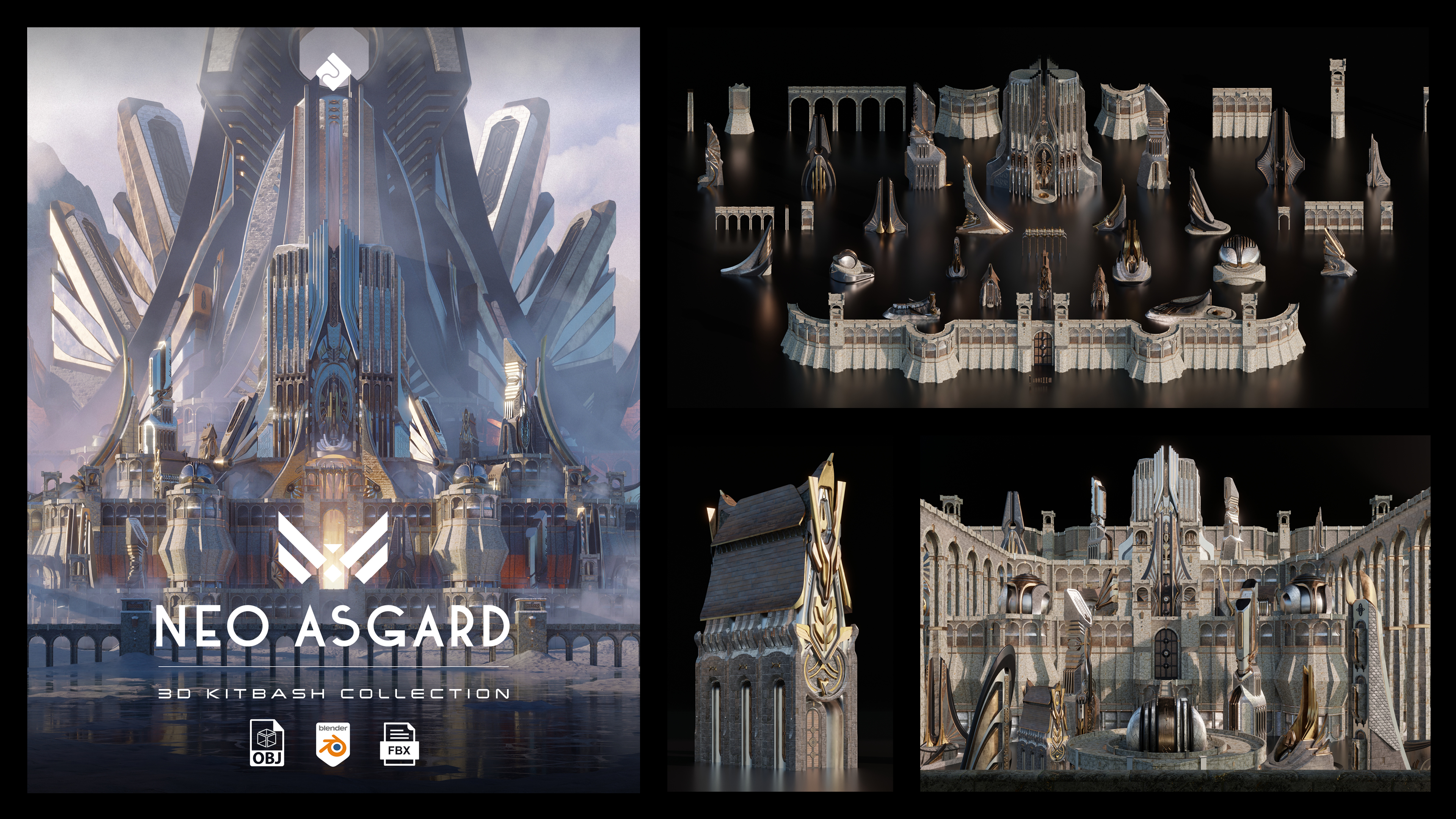
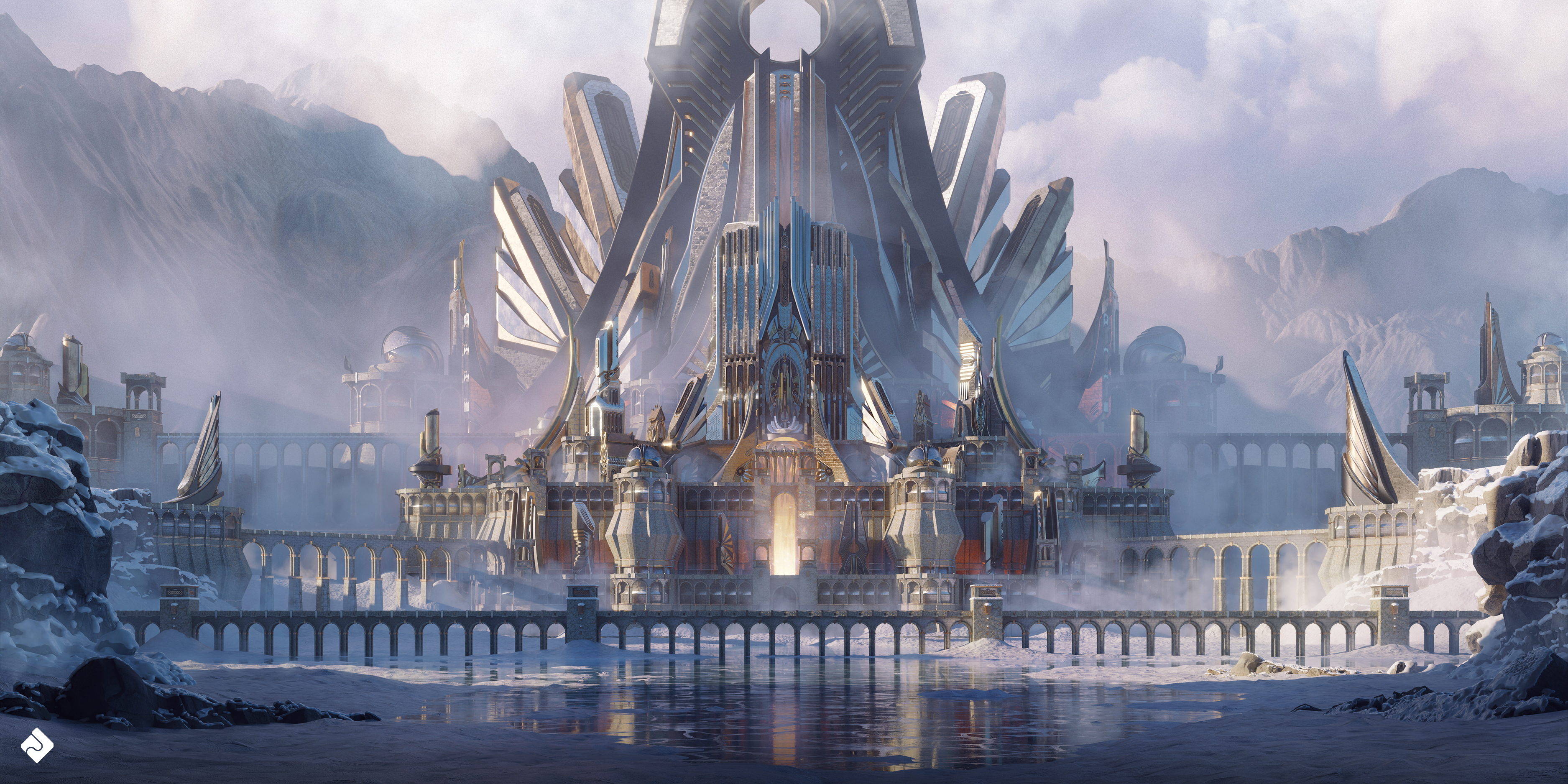
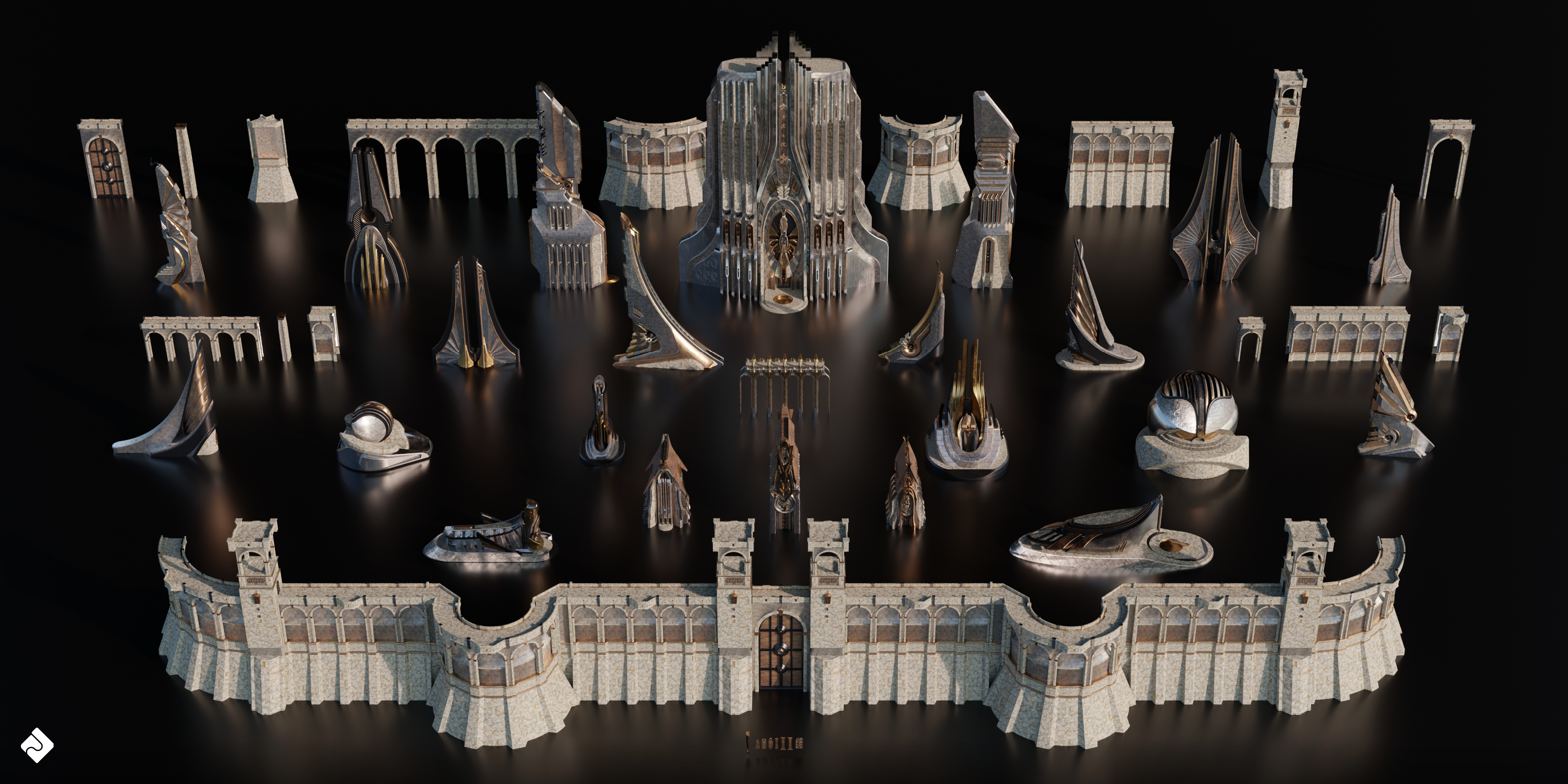
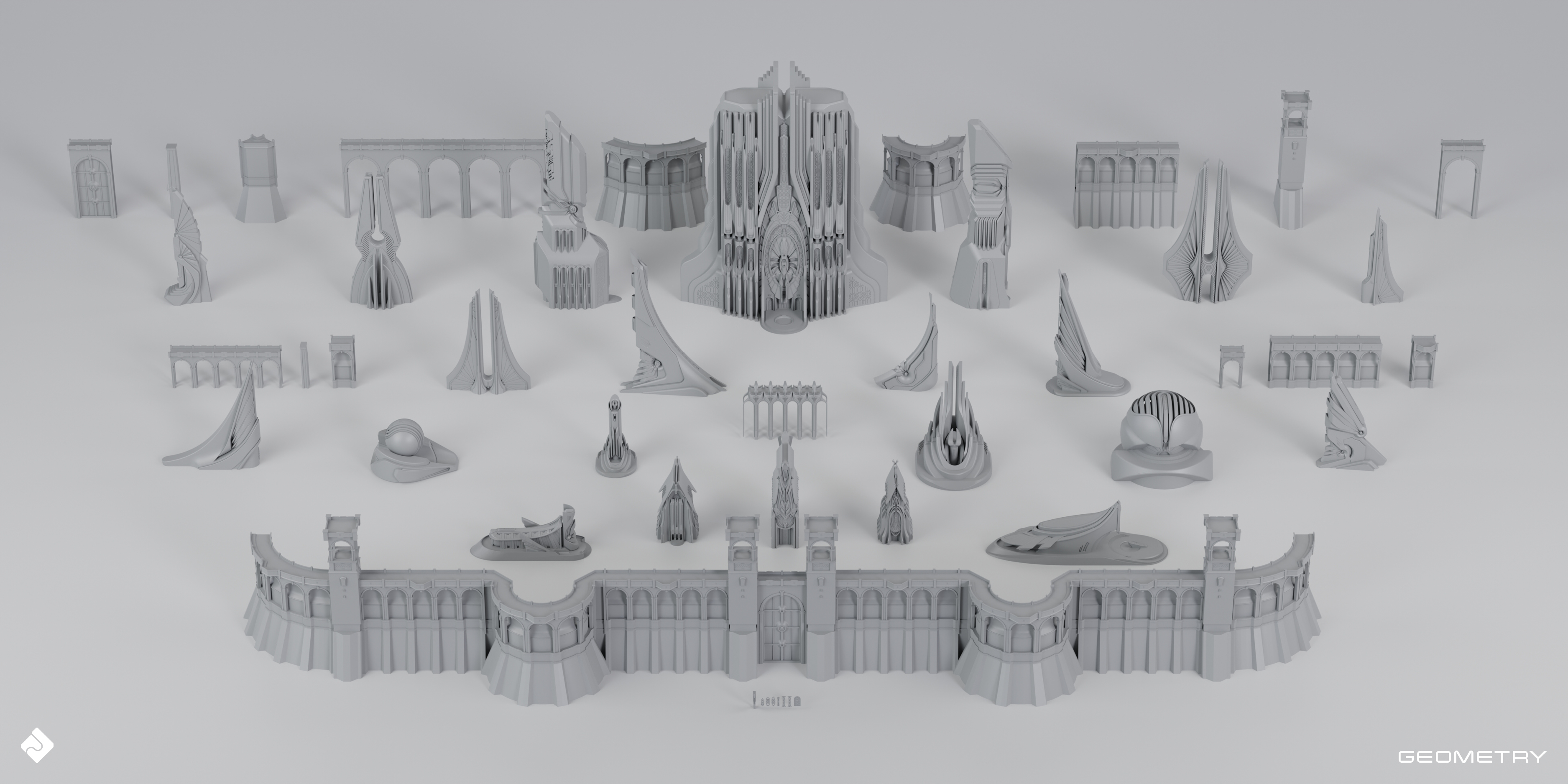
Neo Asgard - Nordic Fantasy Style Buildings Kitbash Pack
 Asset Smash
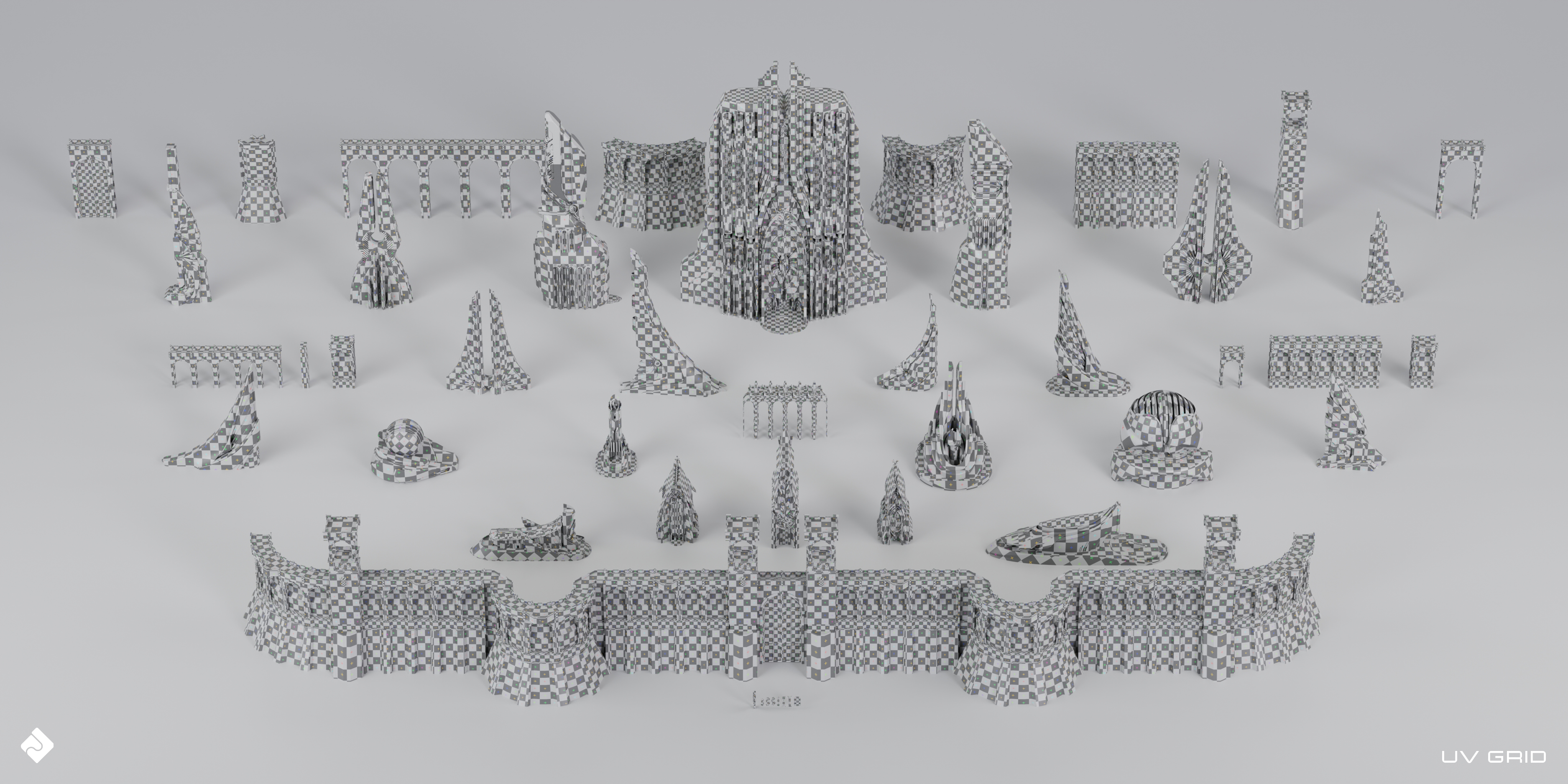
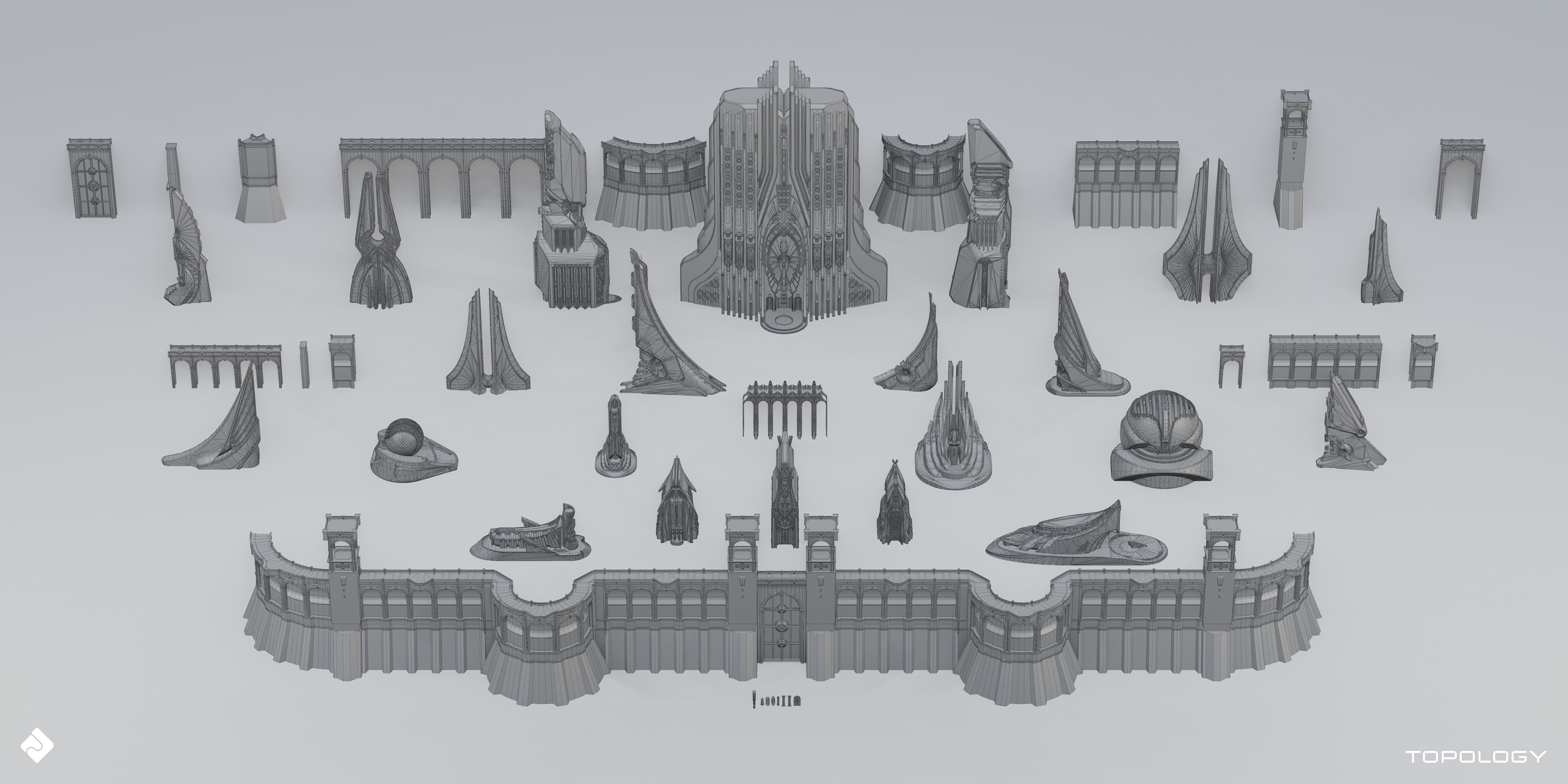
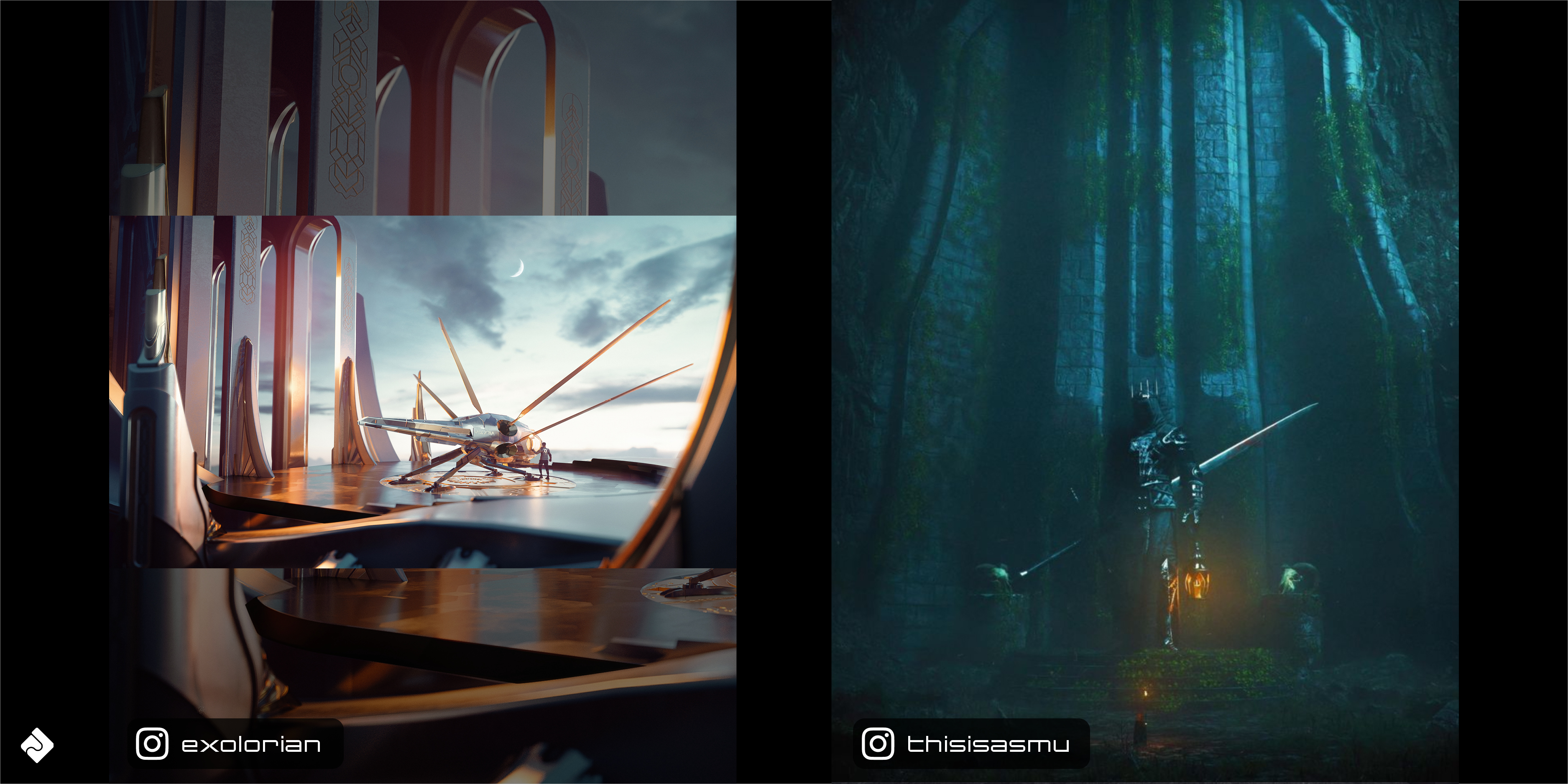
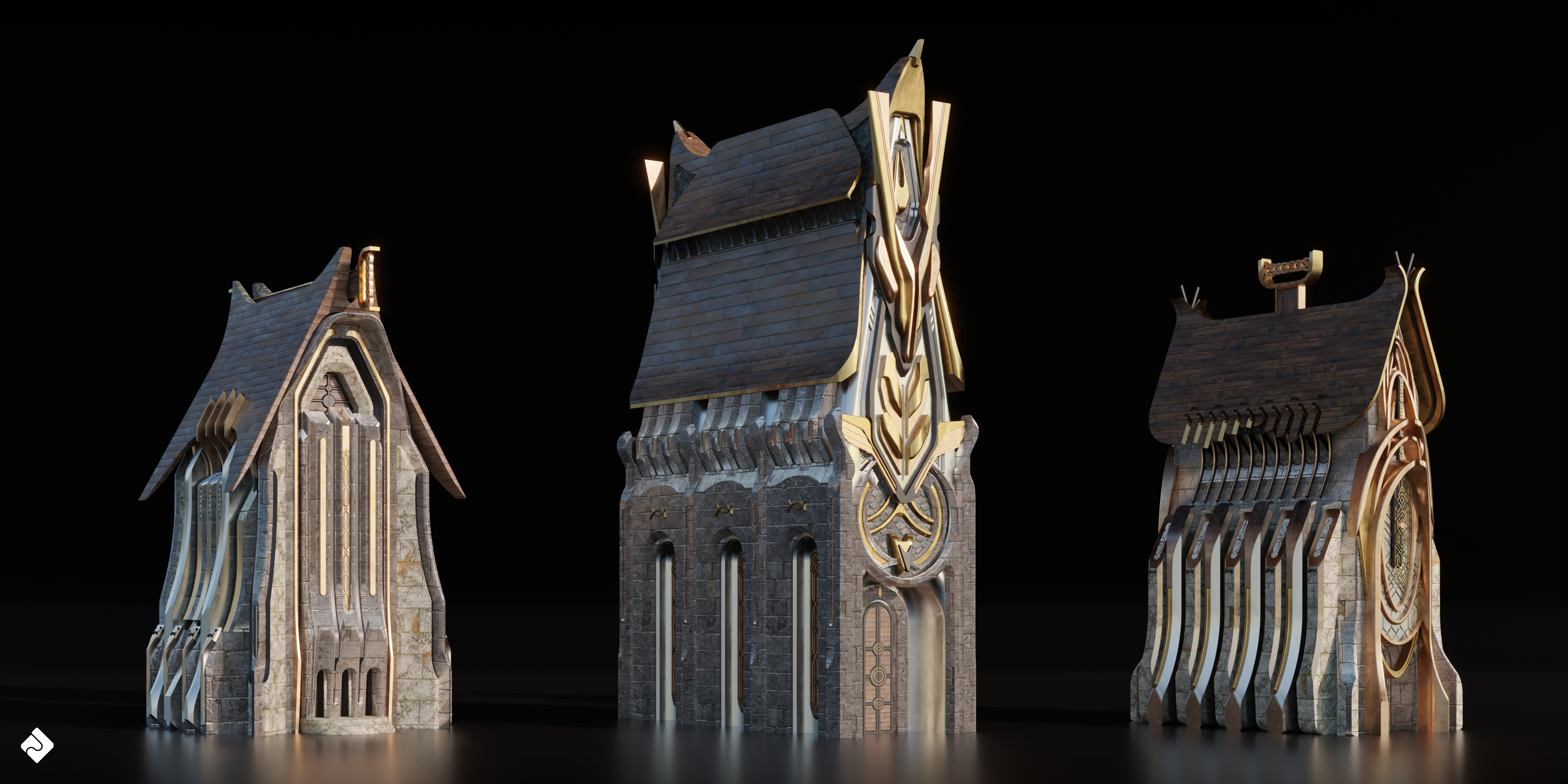
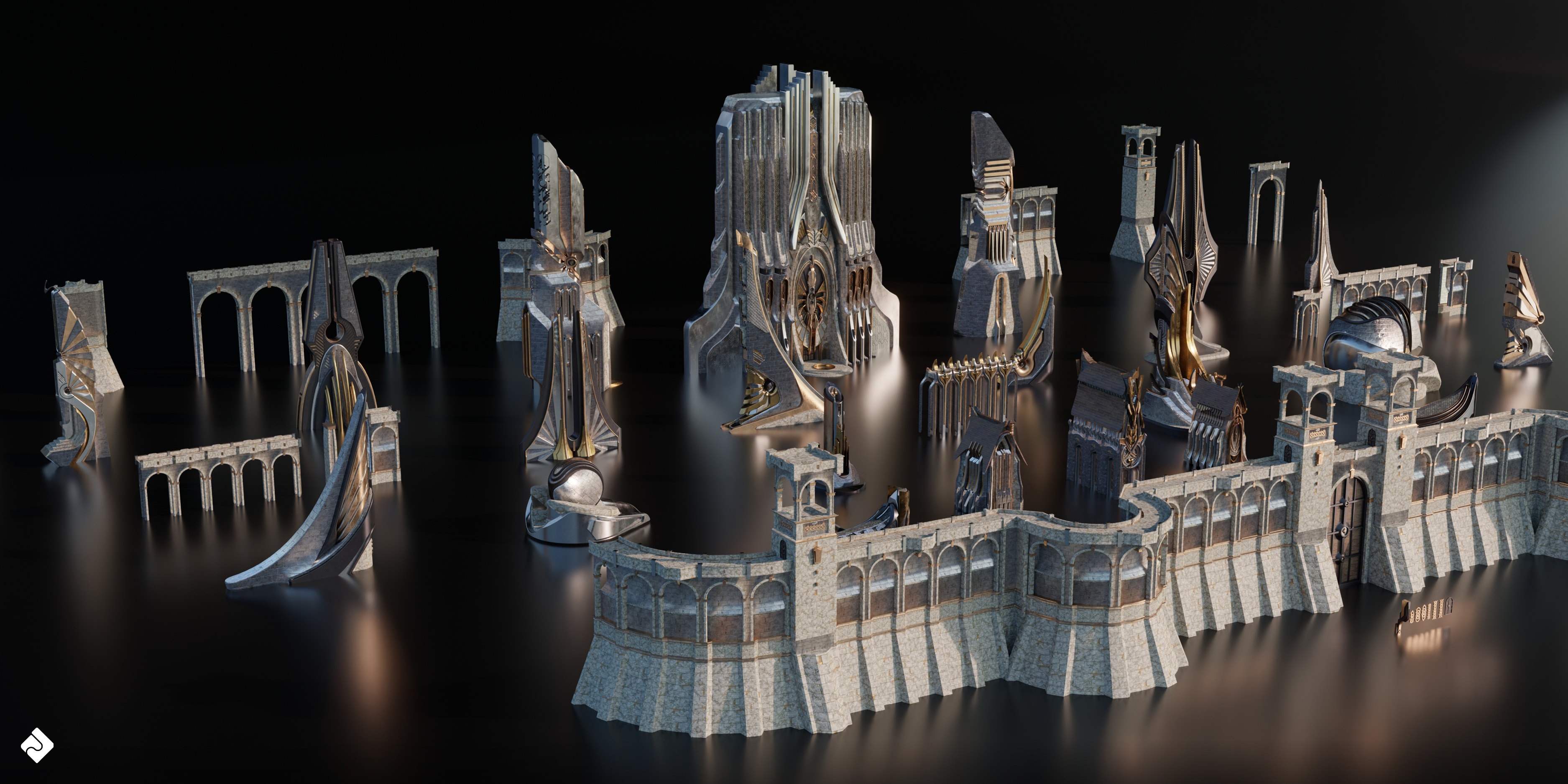
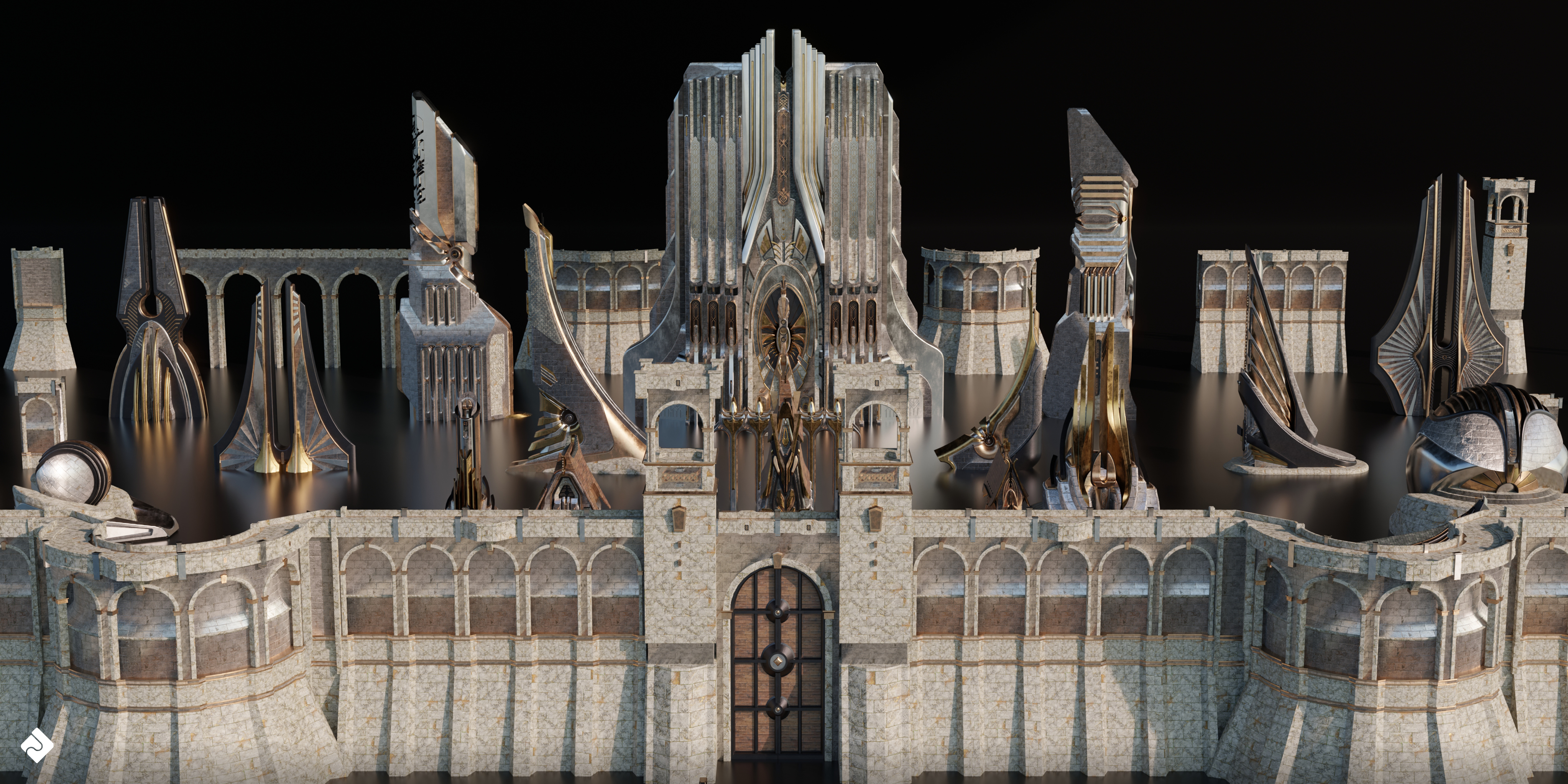
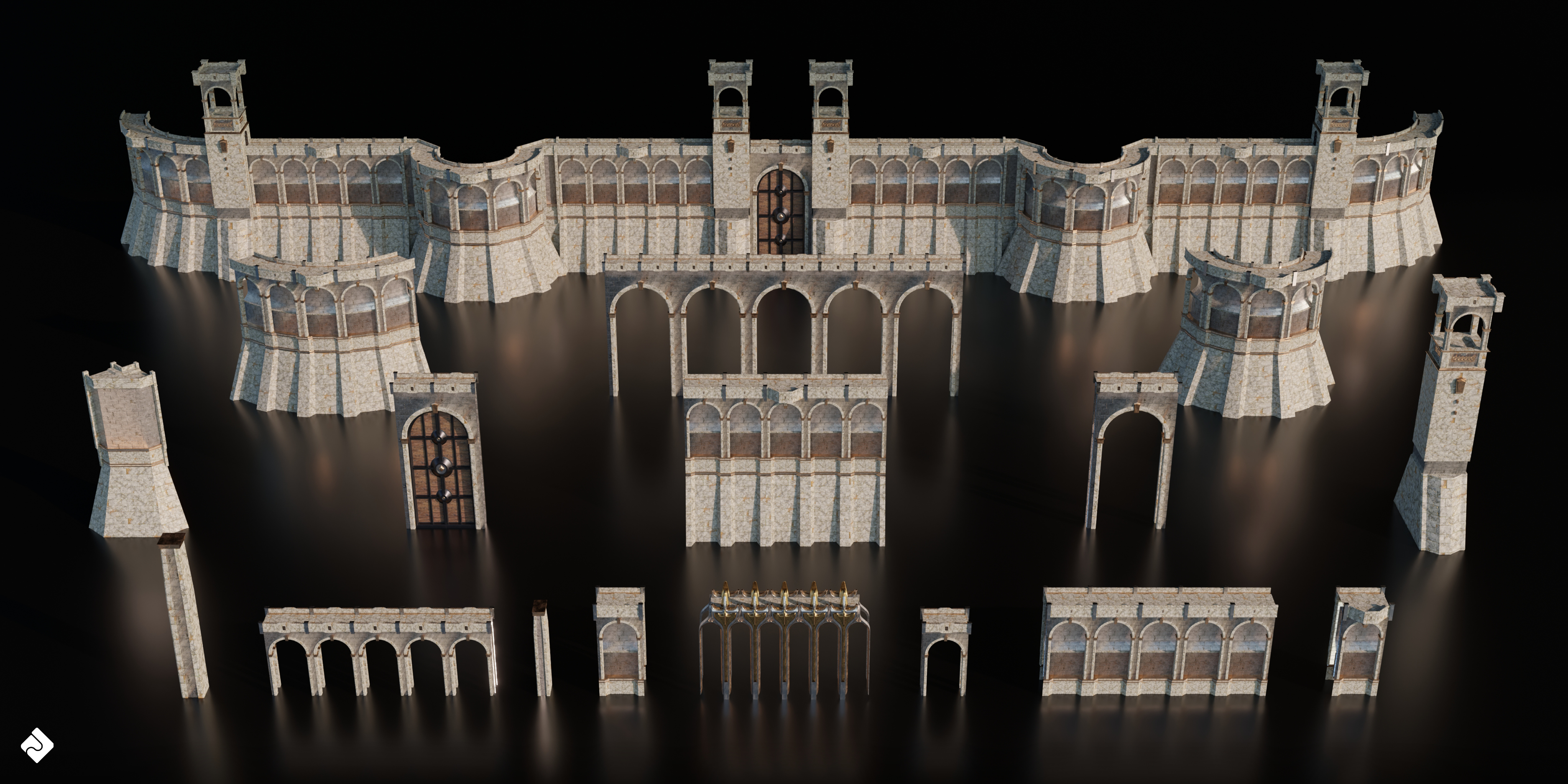
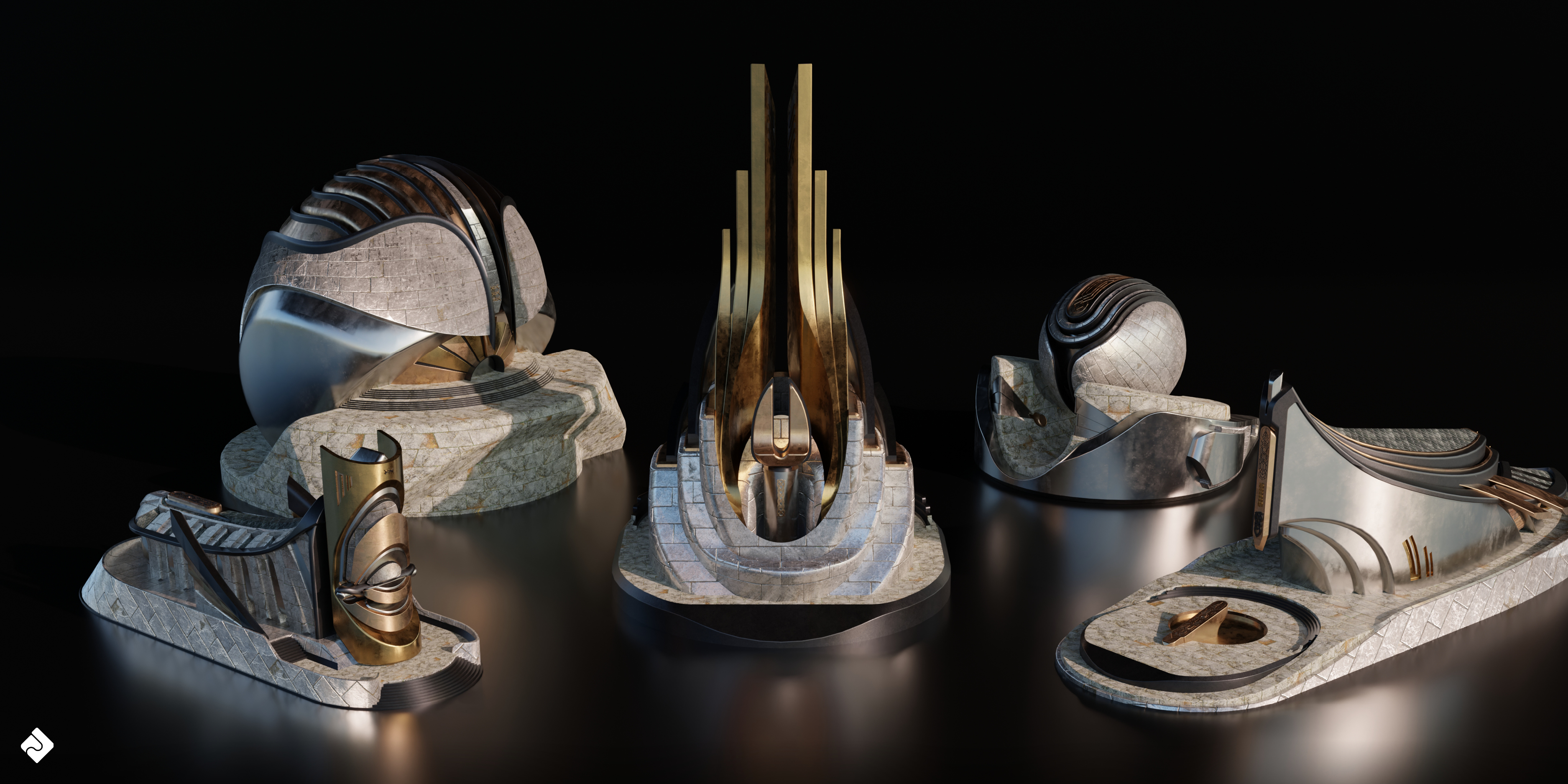
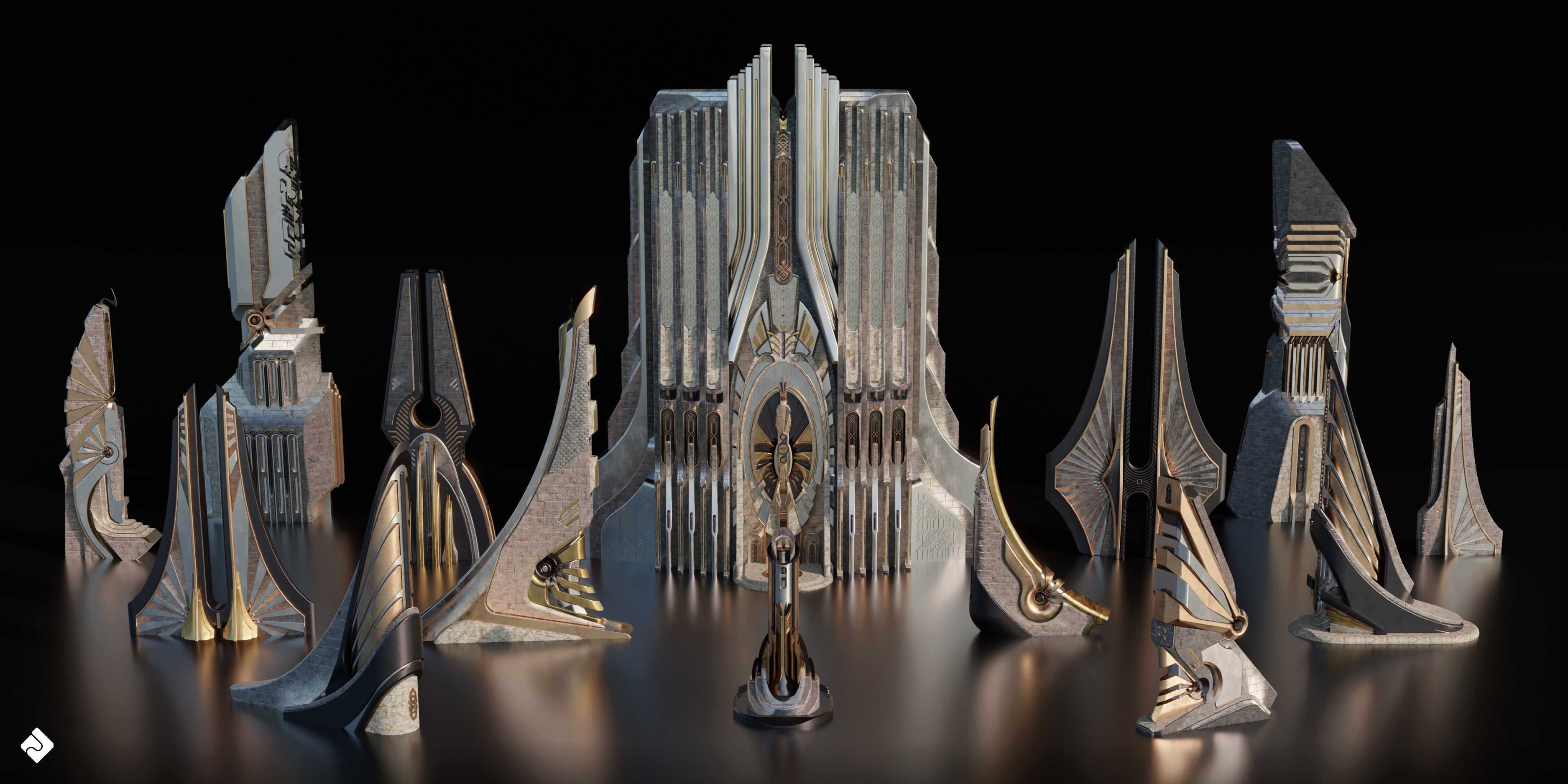
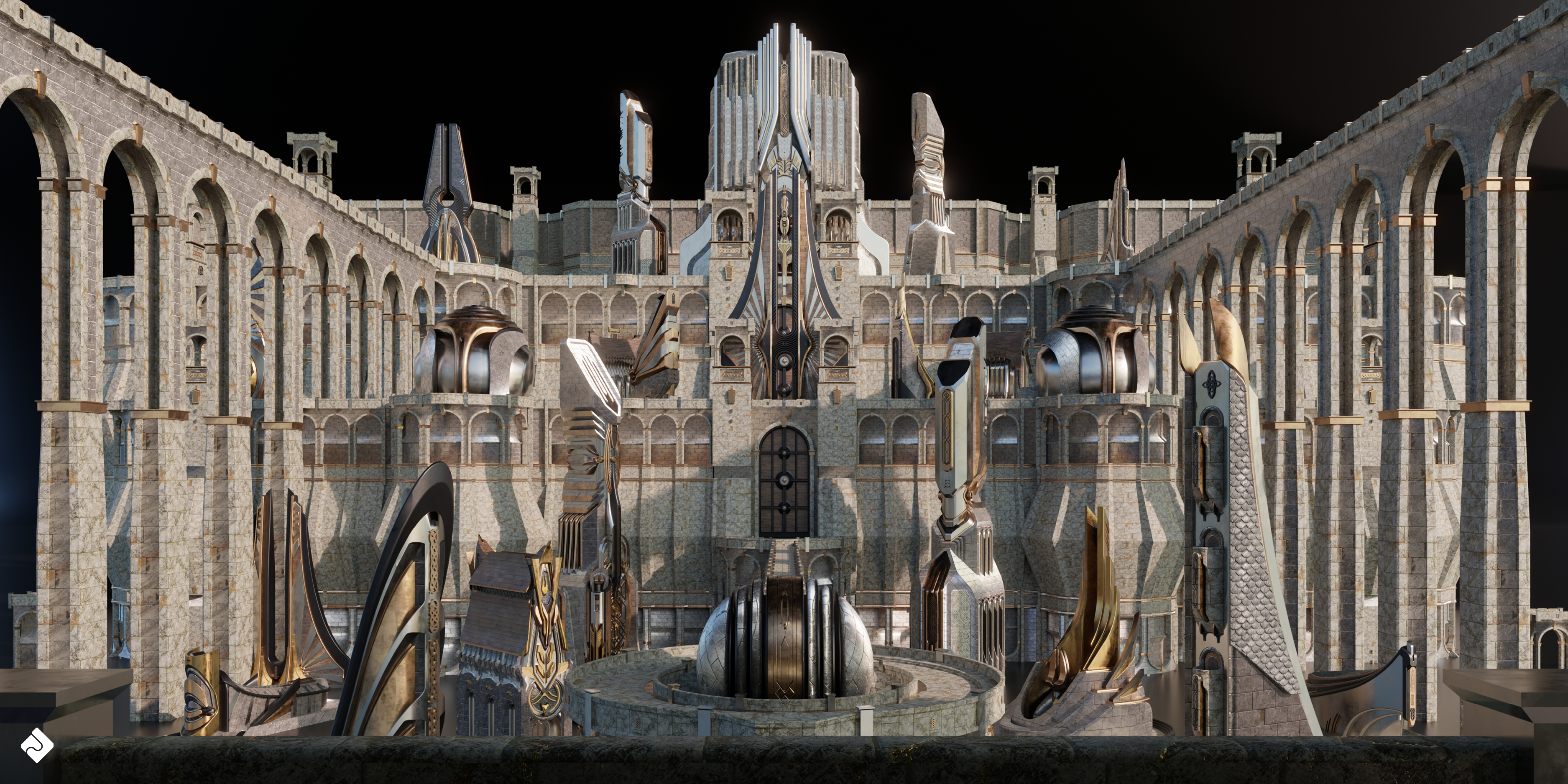
Using Asset Smash 3D Assets in Your Own Work:
- Download and extract the provided ZIP file containing the 3D assets and textures.
- Open Blender and create a new project or open an existing one.
- Go to File > Import and select the appropriate file format (.blend, .obj or .fbx) to import the 3D model.
- Locate and select the asset file from the extracted folder and click "Import."
- The asset will now be visible in your scene. You can move, scale, and rotate it to fit your requirements.
- If the textures are not automatically applied, either: Go to File > External Data > Find Missing Files OR Open the Shader Editor and create a new material for the asset. Connect the PBR textures (albedo, normal, roughness, height, and metallic) to the corresponding inputs in the Principled BSDF shader.
- Render your scene using your preferred render engine (Cycles or Eevee).
Have questions about this product?
Login to message
| Sales | 70+ |
| Dev Fund Contributor | |
| Published | almost 3 years ago |
| Blender Version | 3.6 |
| Render Engine Used | Cycles |
| License | Royalty Free |
Discover more products like this
3d building asset blender Valhalla digital 3D fantasy Asgard 3d kitbash asset 3d building asset cityscape 3d textured building for blender monuments 3d urban city building asset high detail realistic Environmental Concept Art & Design bridges structures VFX for Film 3d kitbash PBR 3D architectural design kitbash 3d building model 3d models architecture 3d city asset building kitbash 3d-textured-building-asset towers 3d architecture models 3d kitbash model nordic #Architectural Concepts TV & Animation 3d architecture warhammer 3d asset pack 3d-Asset 3d building asset for blender textured FantasyWorld 3d building architectural render ready 3d buildings 3d building pack