 AngBury
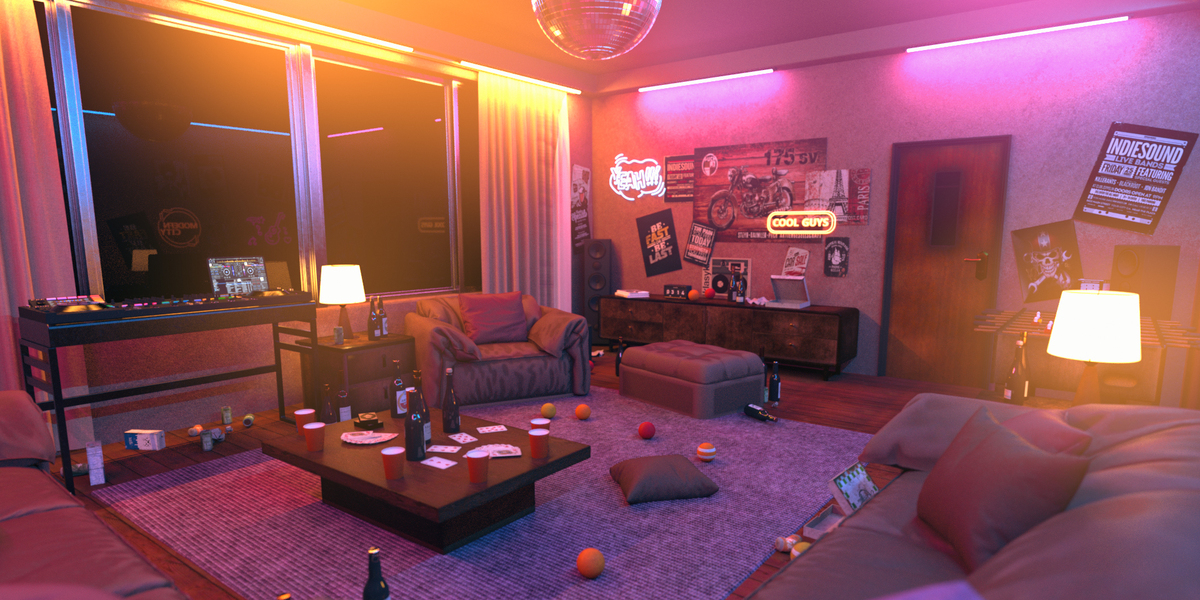
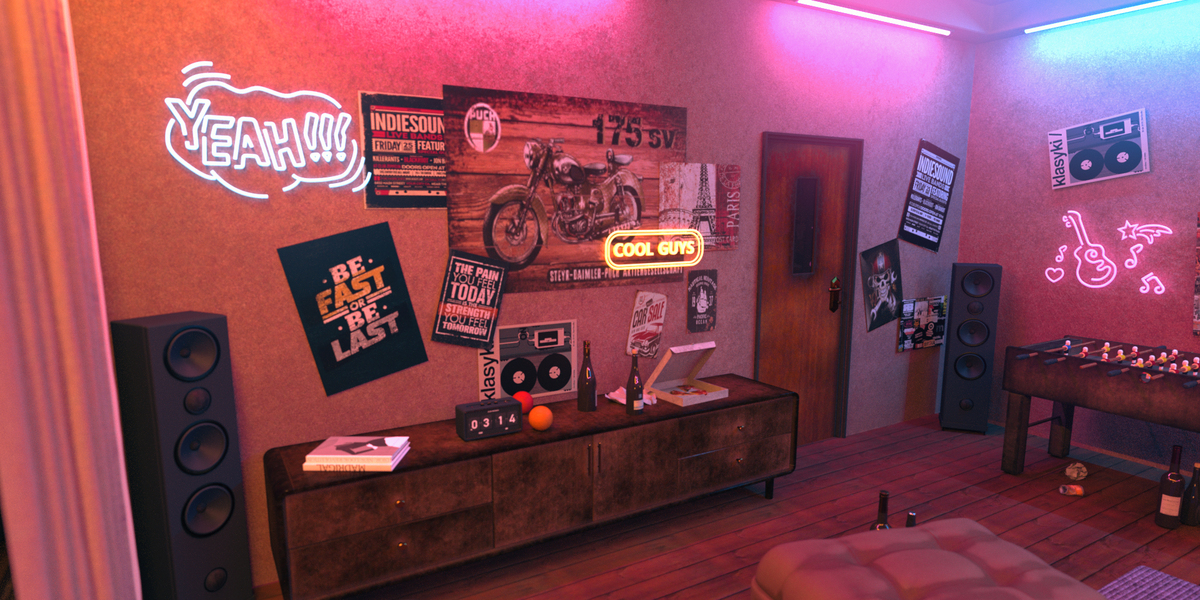
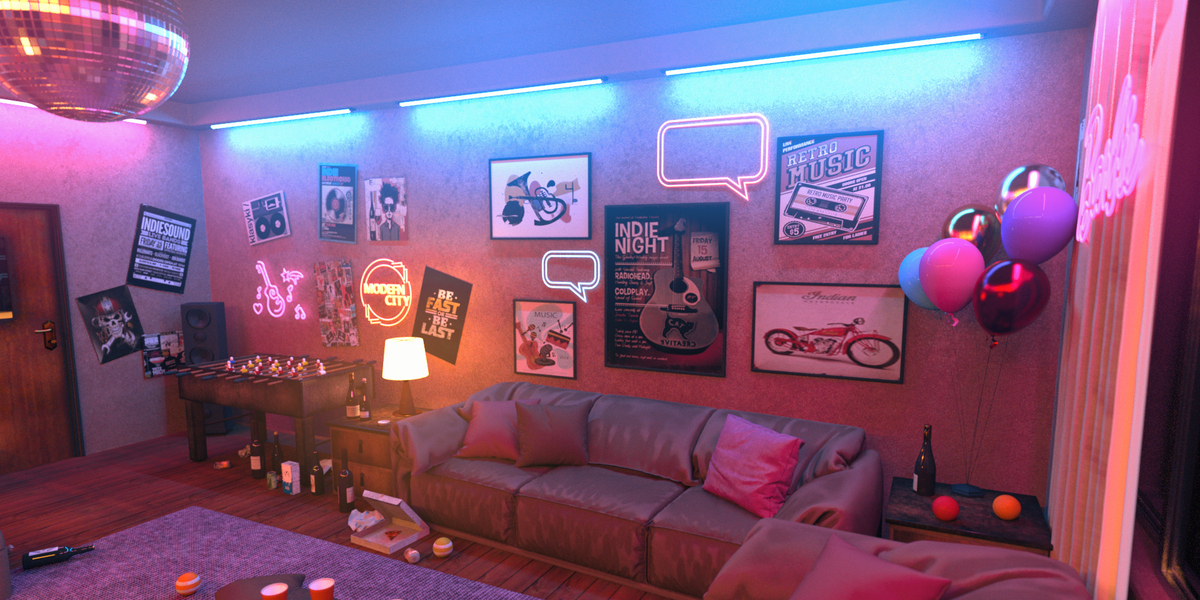
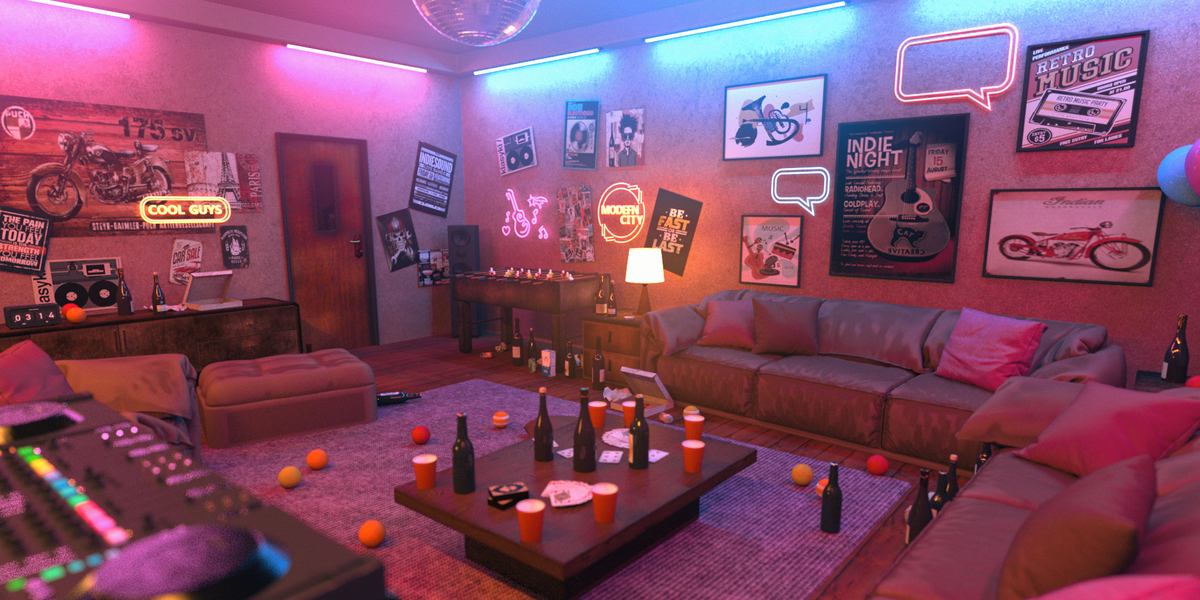
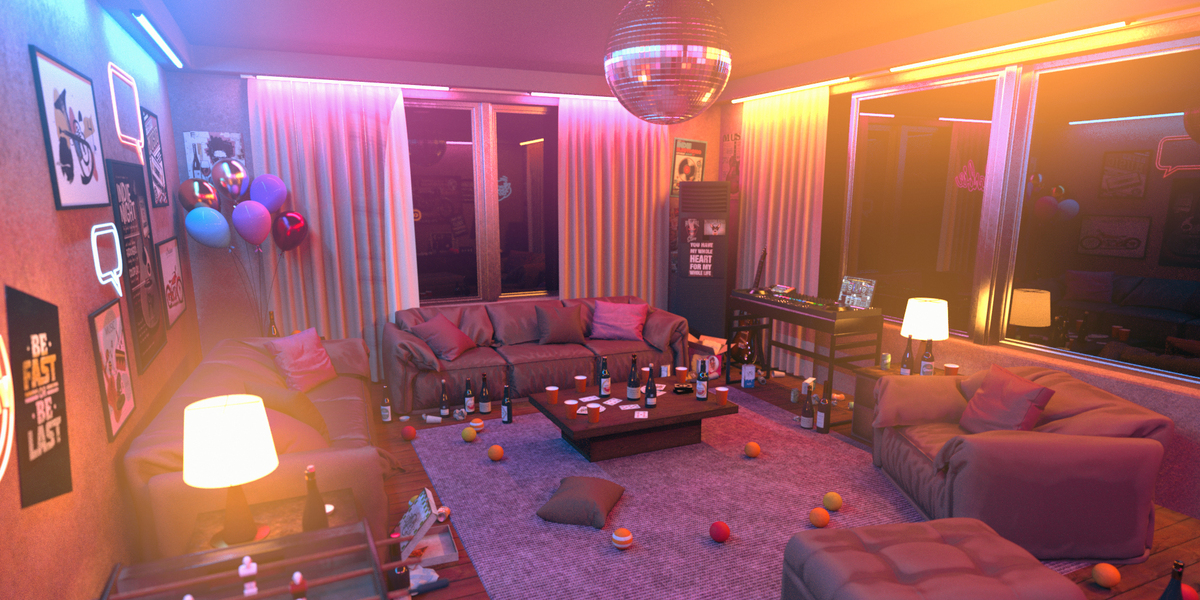
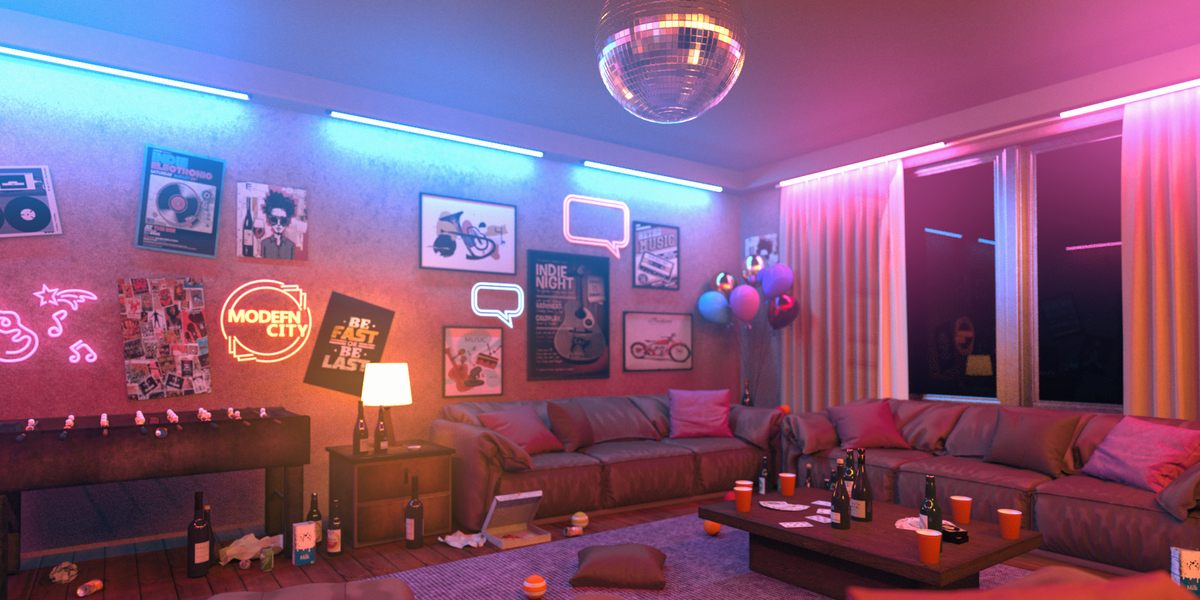
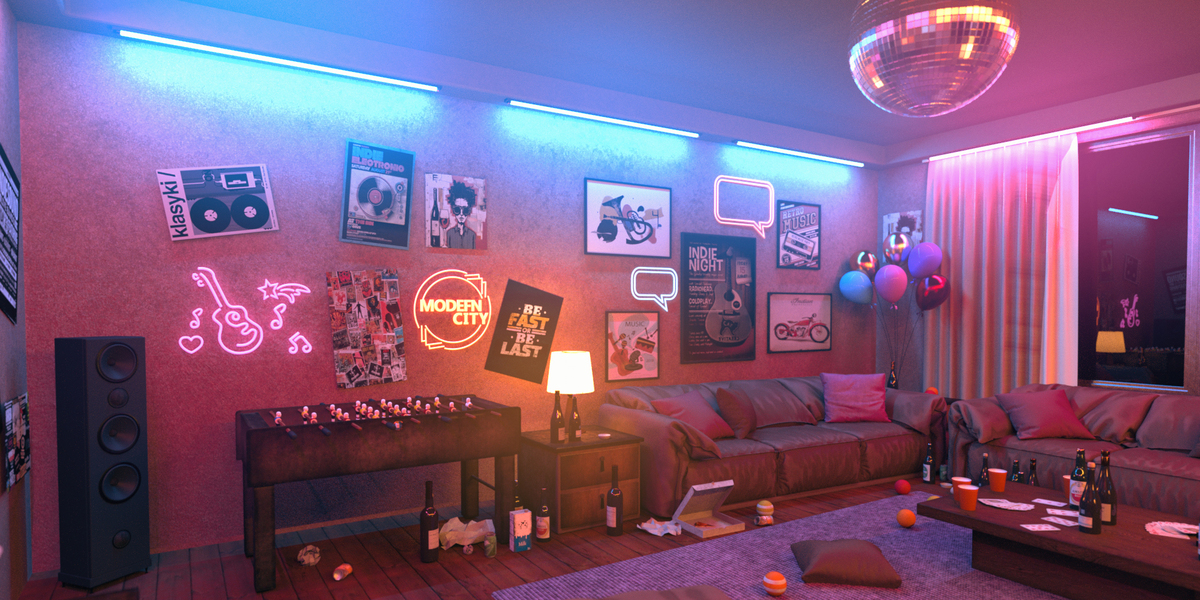
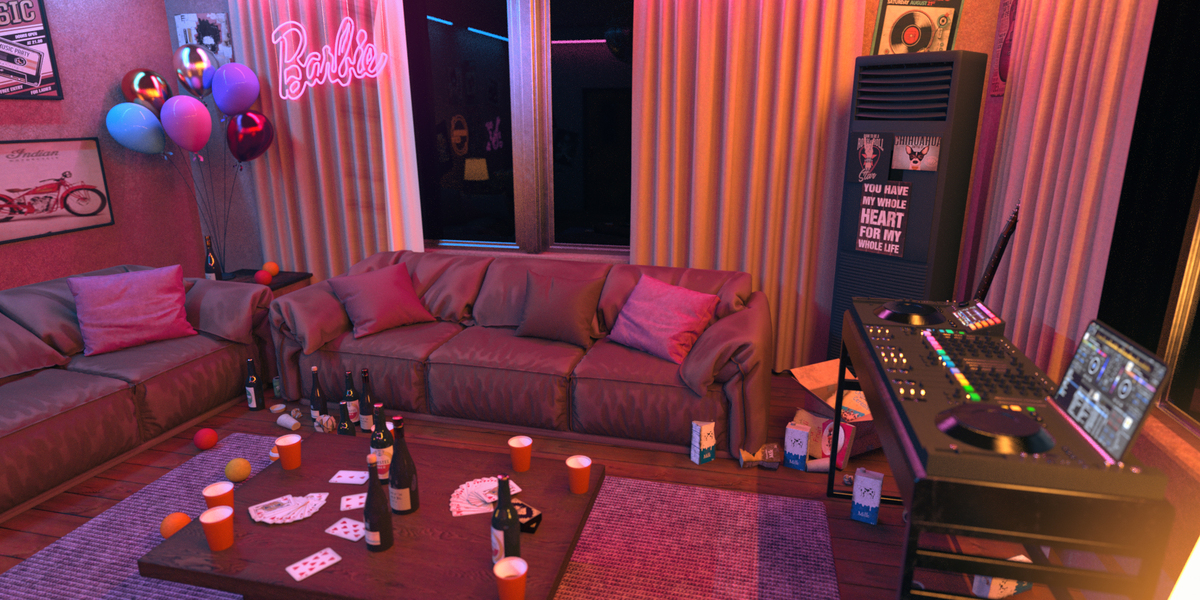
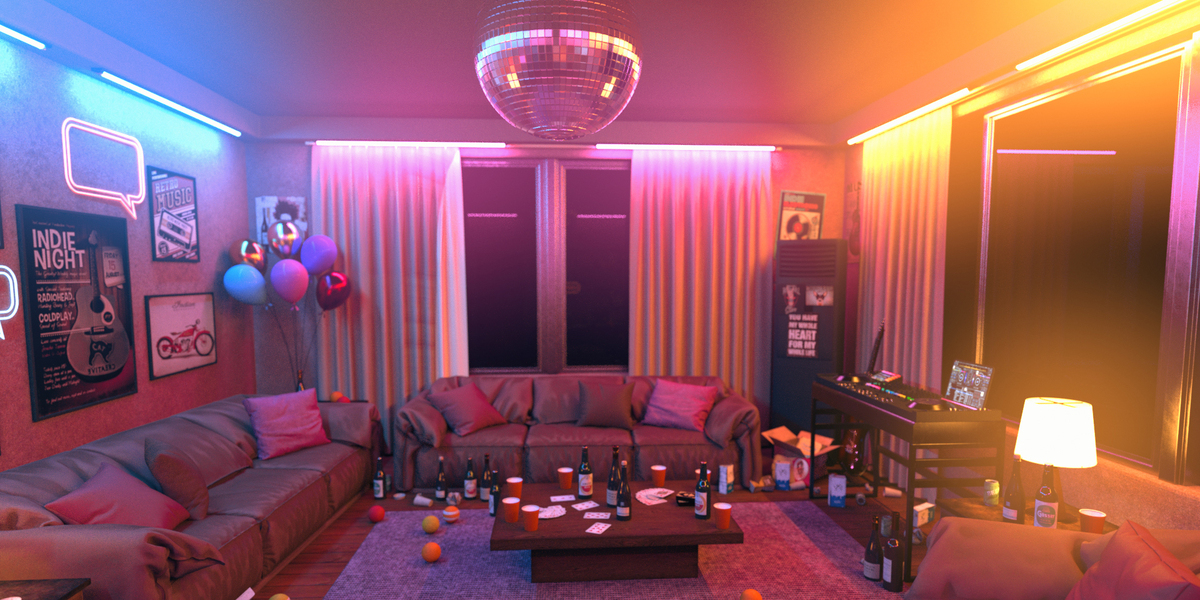
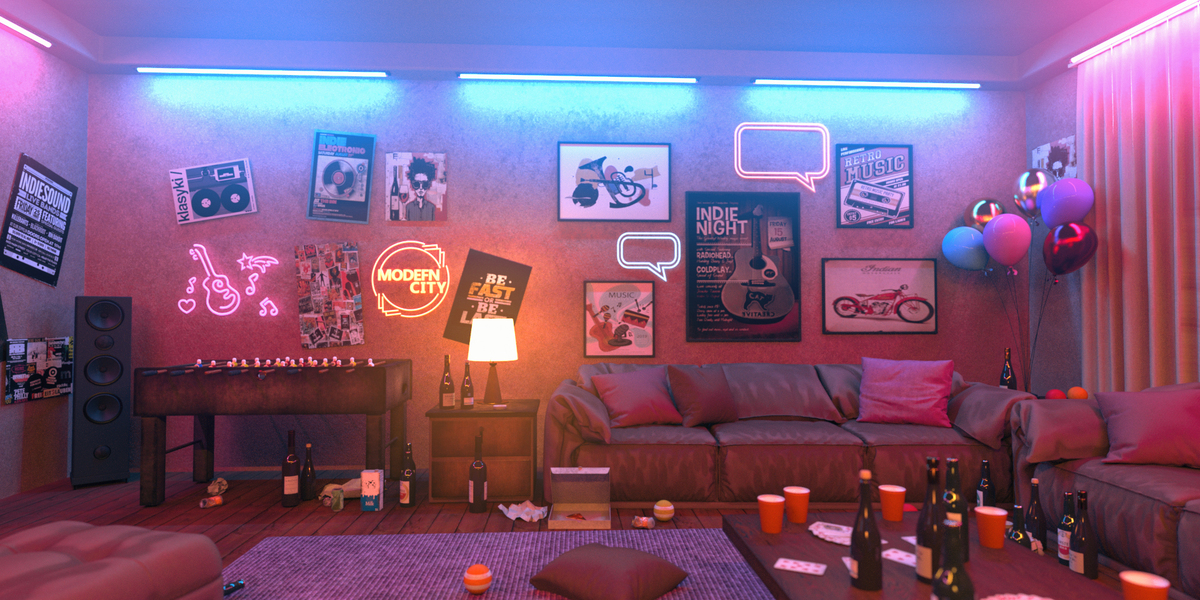
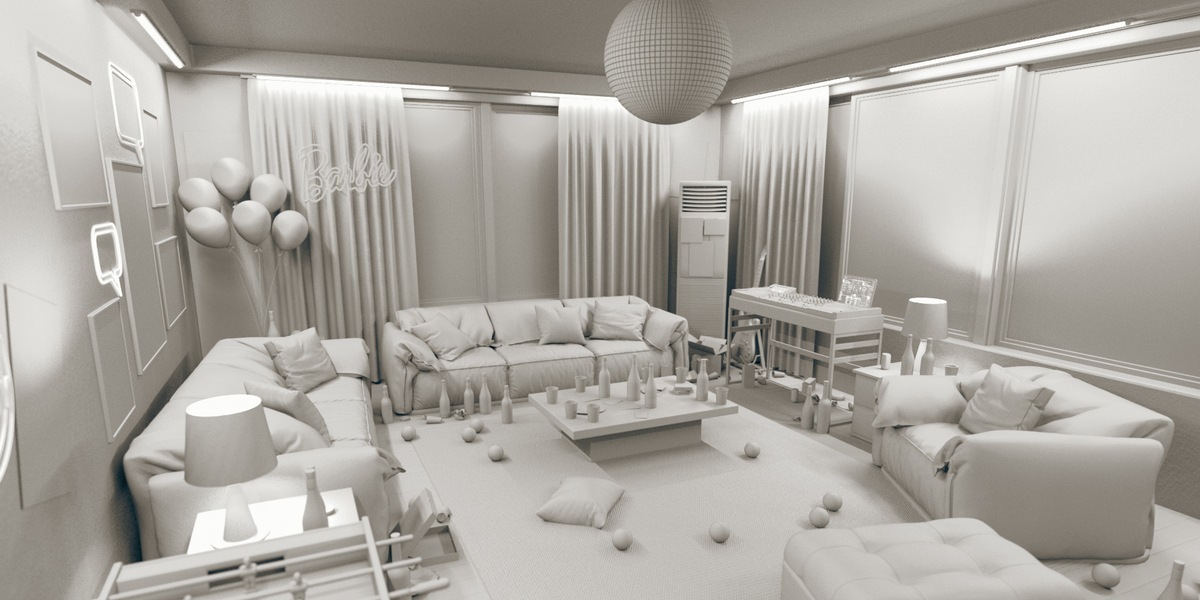
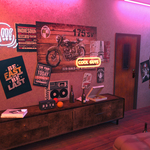
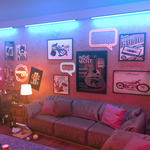
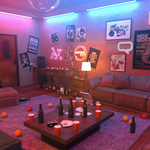
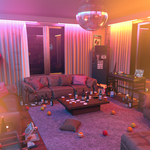
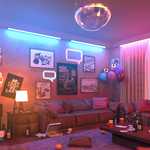
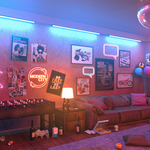
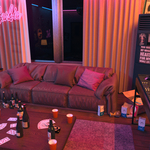
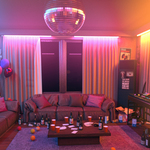
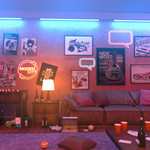
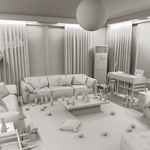
Getting started with Neon Party Room
Extract the download. In Blender, choose File → Open and select
NeonPartyRoom.blend.In the 3D Viewport, choose View → Cameras → Active Camera to see the default shot from
NPR Camera 01. To switch angles, expandNPR Camera Groupin the Outliner, select a camera, then choose View → Cameras → Set Active Object as Camera in Object Mode.To adjust a wall or the ceiling for your shot, select the
NPR Living Roomarmature and enter Pose Mode. Select the named bone you want to move. For cushions, use the corresponding bones inNPR Sofa,NPR Sofa (2), orNPR Small Sofa.Choose Render → Render Image to preview the shot in Cycles. The scene is set to render at 1920 × 1080.
Have questions about this product?
Login to message
| Published | 26 minutes ago |
| Blender Version | 4.5 - 5.2 |
| Render Engine Used | Cycles, Eevee |
| Misc Data | Uvs-Unwrapped, Normal-Mapped, Textured |
| License | Royalty Free |

Discover more products like this
DJ setup neon party room retro lounge 3d-interior living room house party blender-scene party props disco ball neon lighting foosball-table