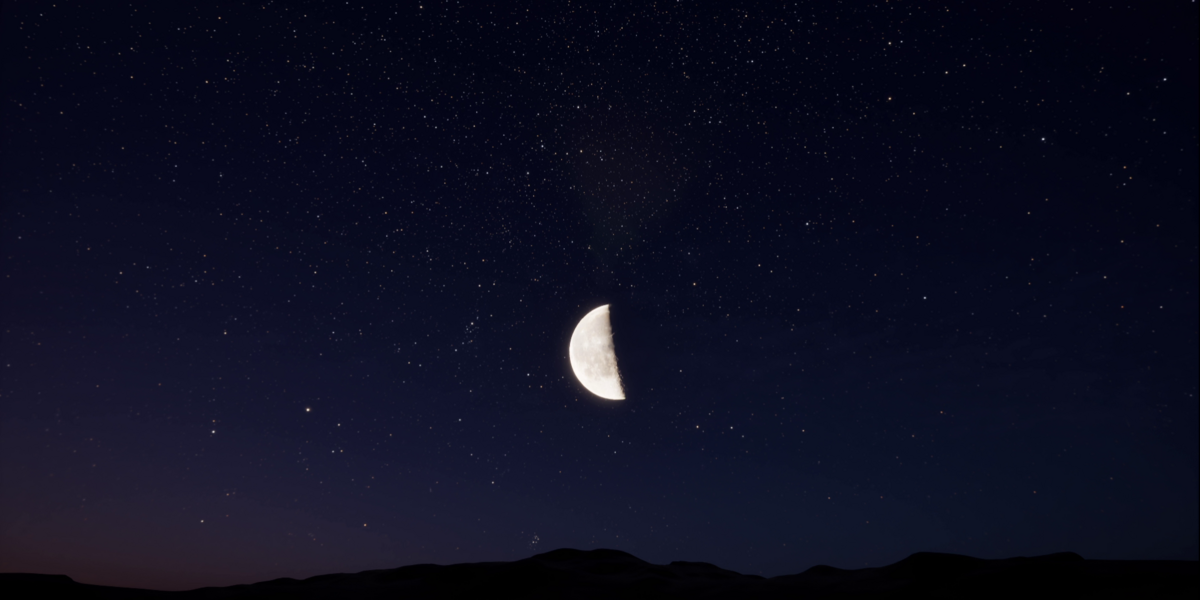
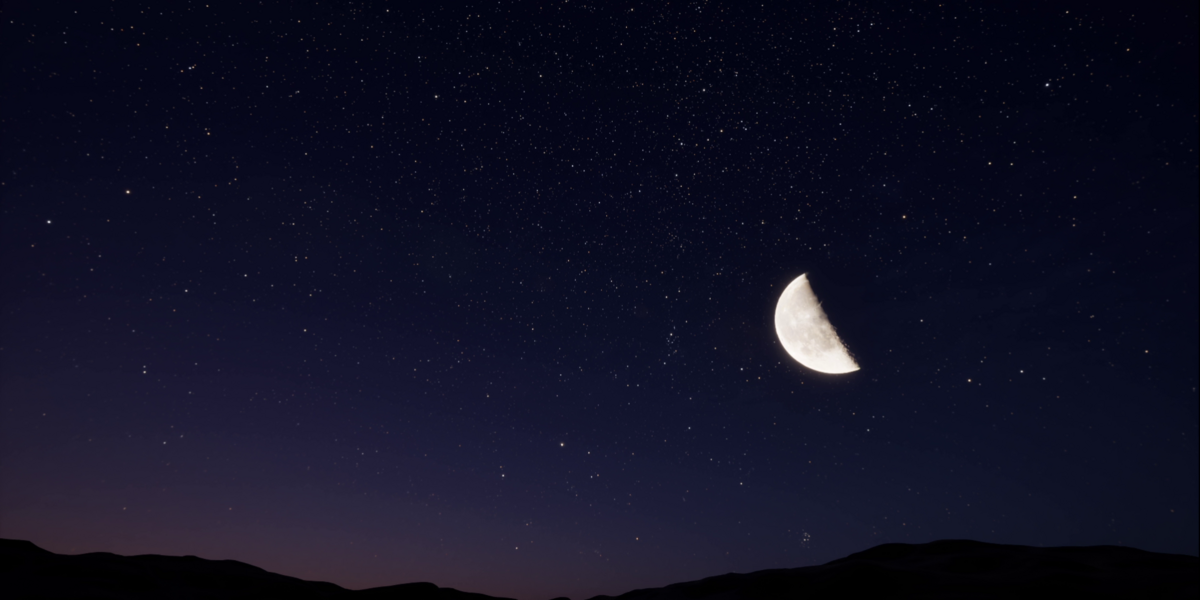
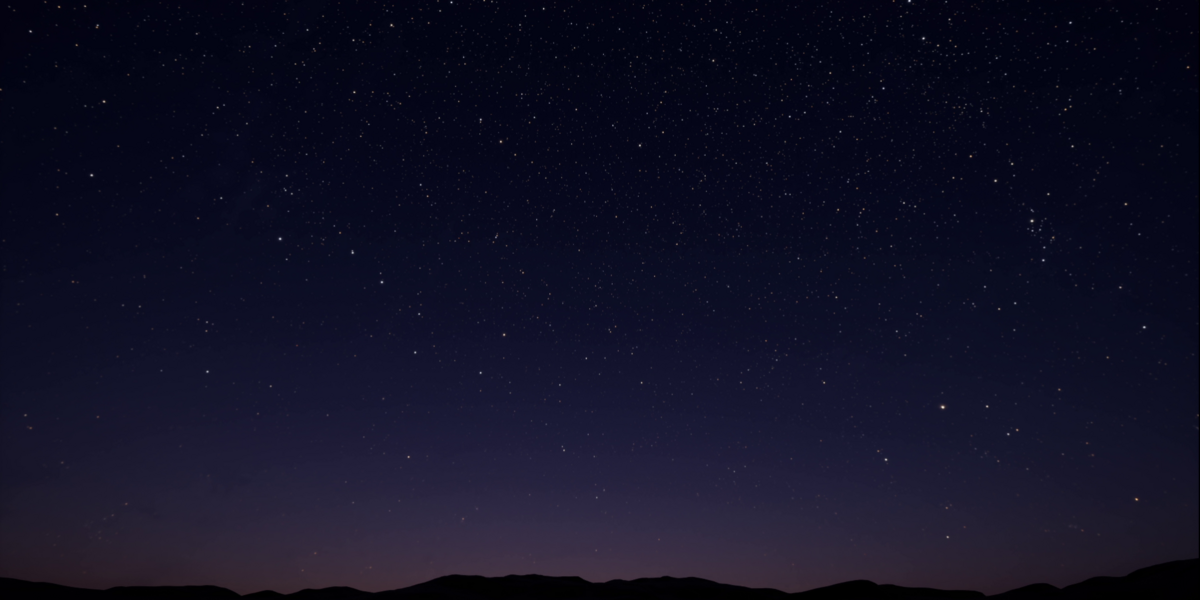
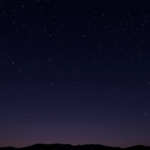
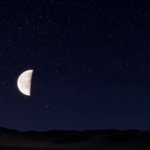
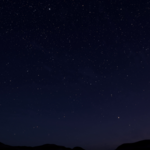
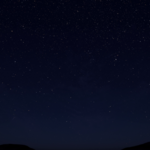
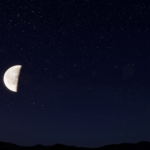
Nightsky Skybox Hdri
 VoidGhost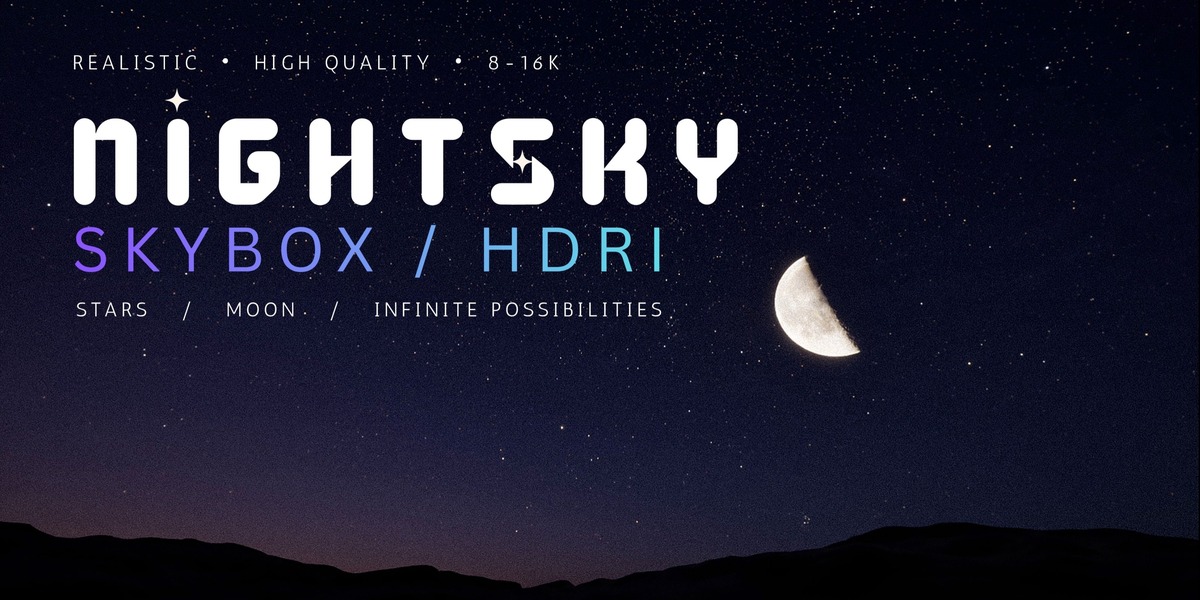
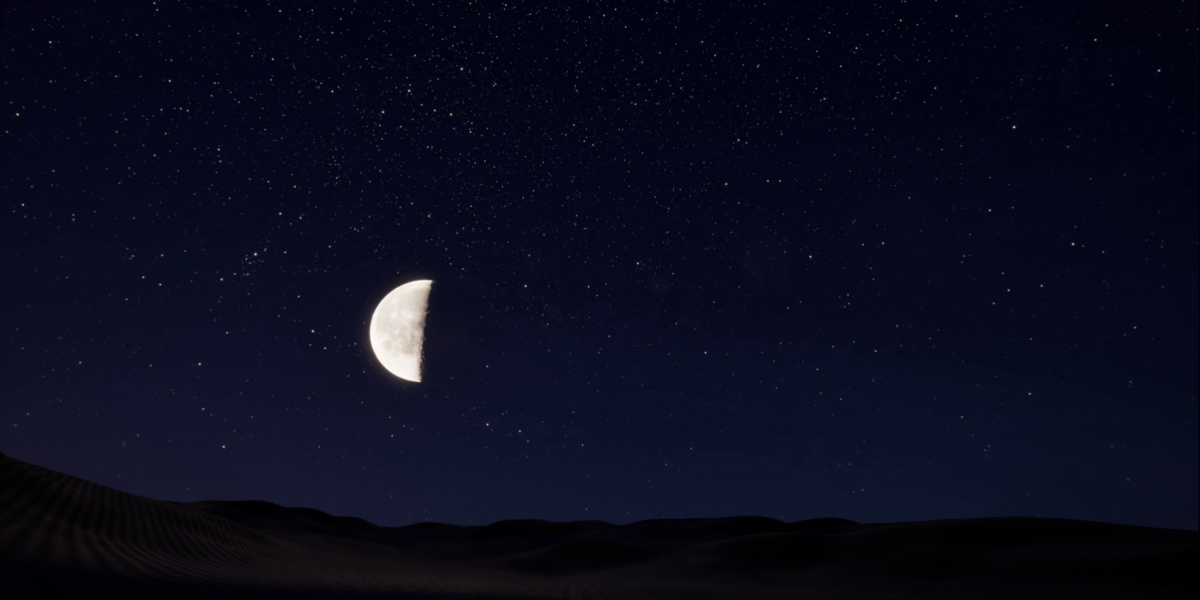
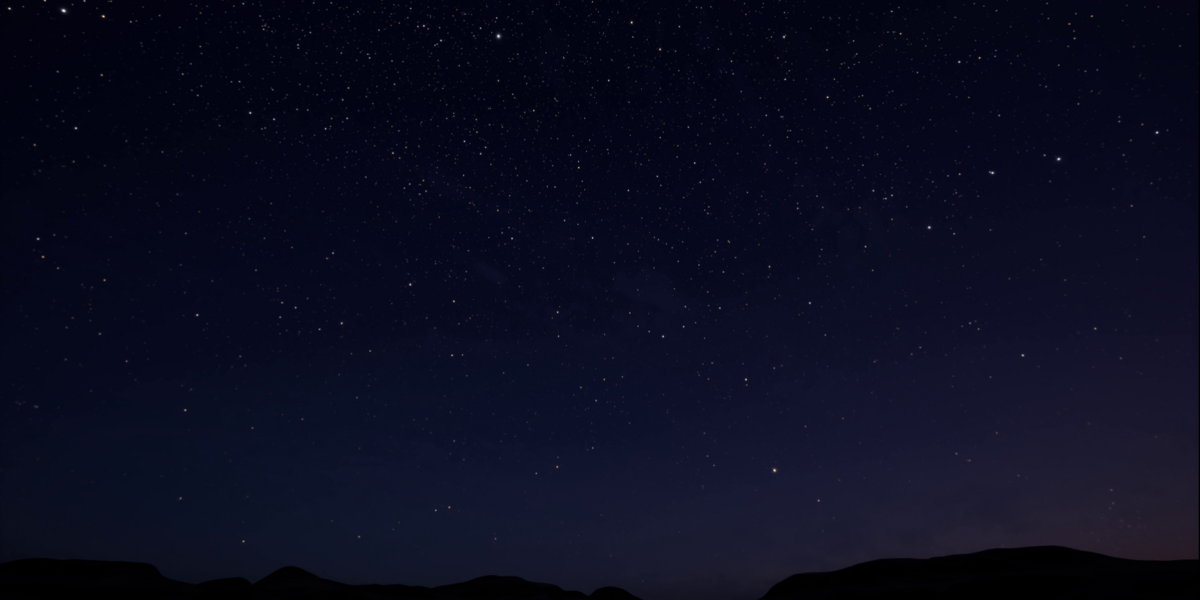
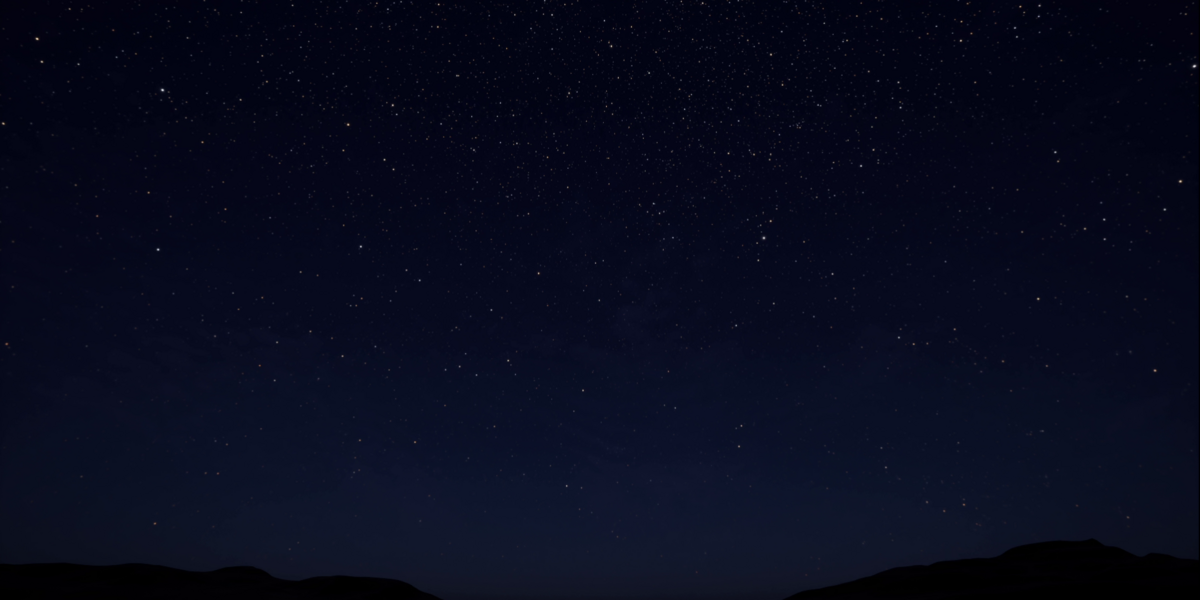
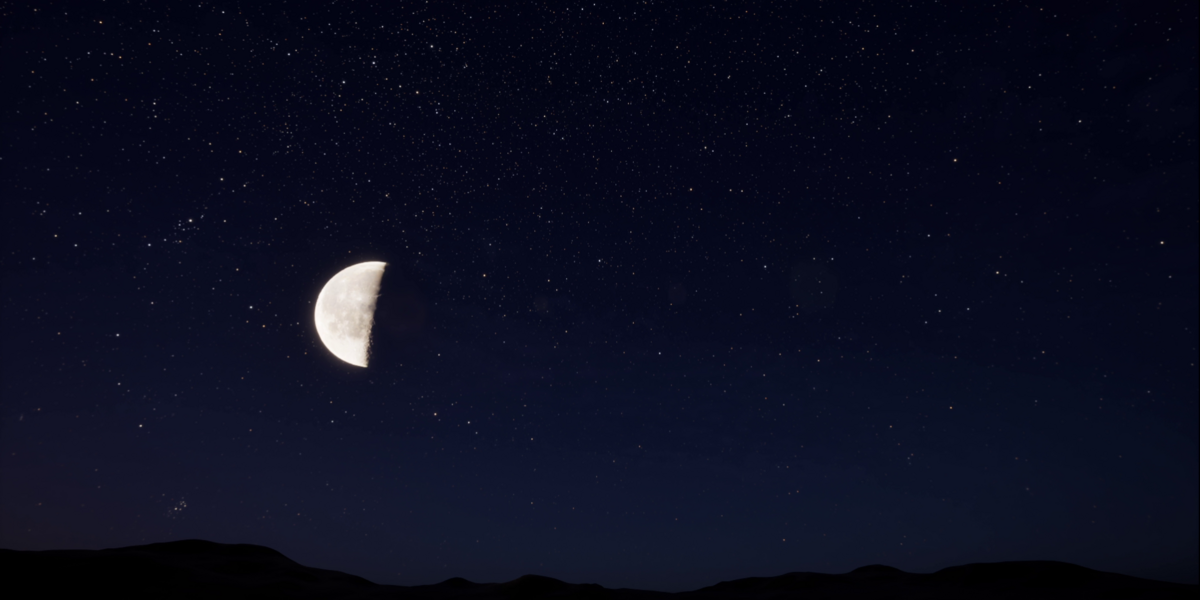
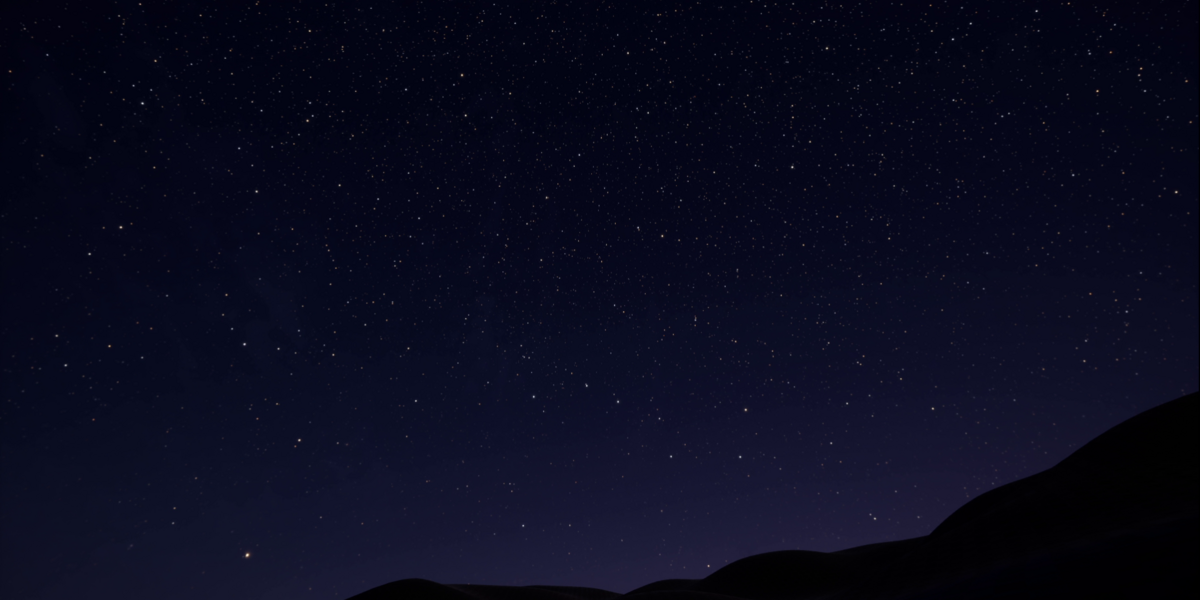
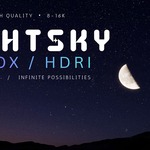
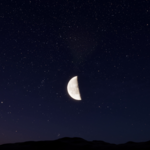
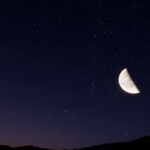
How to Use
1. Import the HDRI
Import the included .HDR / .EXR file into your 3D software or game engine.
2. Add It as an Environment
Assign the HDRI to your application's:
- World / Environment
- Sky / Skybox
- HDRI / Dome Light
- Environment Lighting
The exact option may vary depending on the software or engine.
3. Adjust the Rotation
Rotate the HDRI horizontally to position the sunset and lighting direction exactly where you want it.
4. Adjust the Intensity
Increase or decrease the environment/lighting intensity to achieve the desired brightness.
5. Fine-Tune Your Scene
For a more cinematic result, combine the HDRI with additional lights, fog, exposure, and color grading as needed.
-
$4.99
For an Individual creator or a small team
-
$14.99
For studios or other entities
Have questions about this product?
Login to message
| Dev Fund Contributor | |
| Published | 21 days ago |
| Blender Version | 3.0 - 5.2 |
| Render Engine Used | Arnold, Blender-Internal, Blender-Game-Engine, Cycles, Eevee, Freestyle, Luxrender, Mental-Ray, Octane, Vray, Yafaray |
| Misc Data | Low-High-Resolution |
| License | Royalty Free |