 Bala
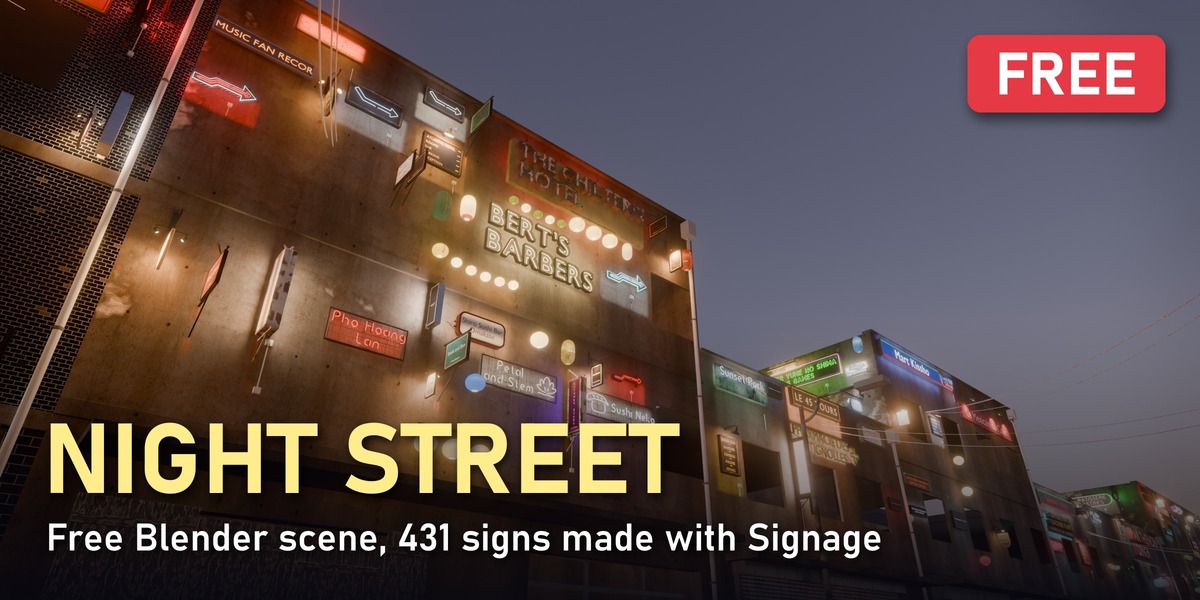
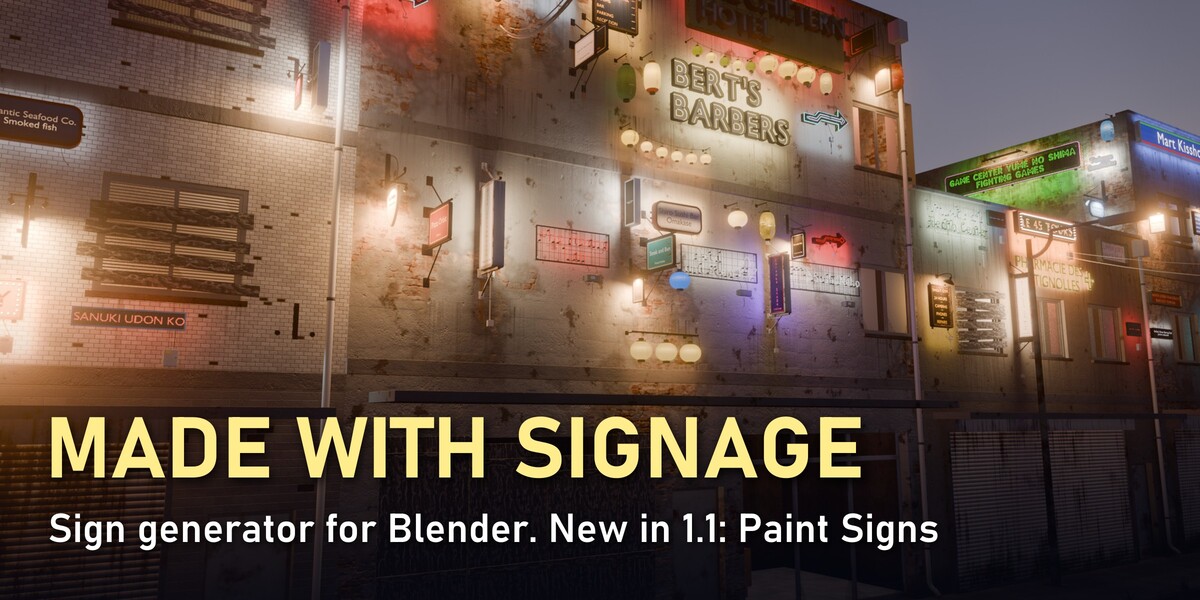
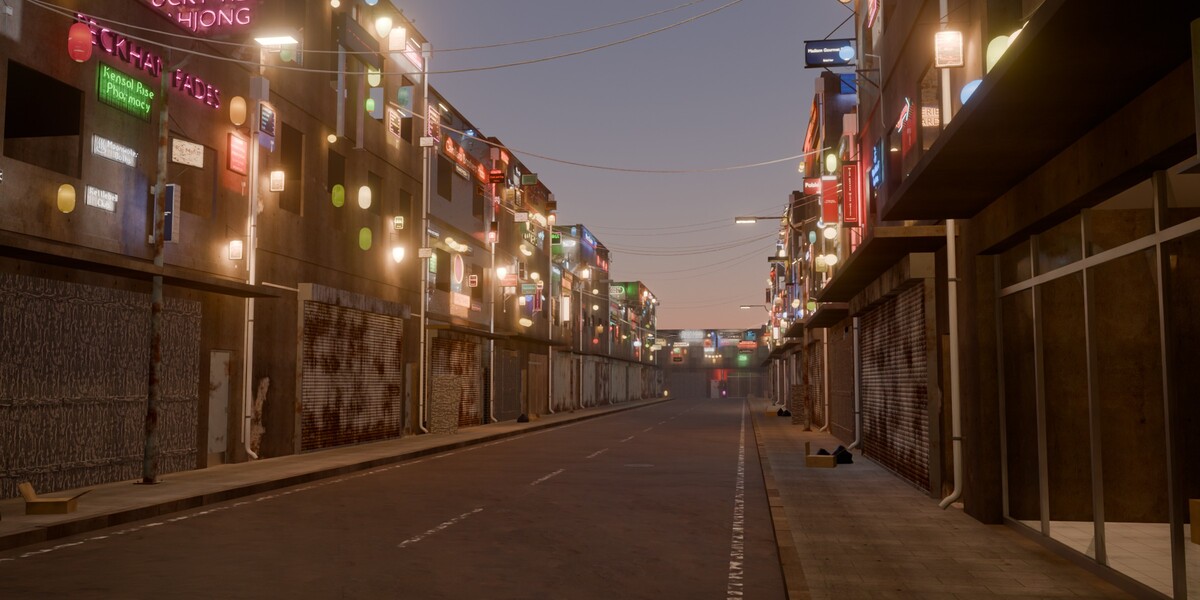
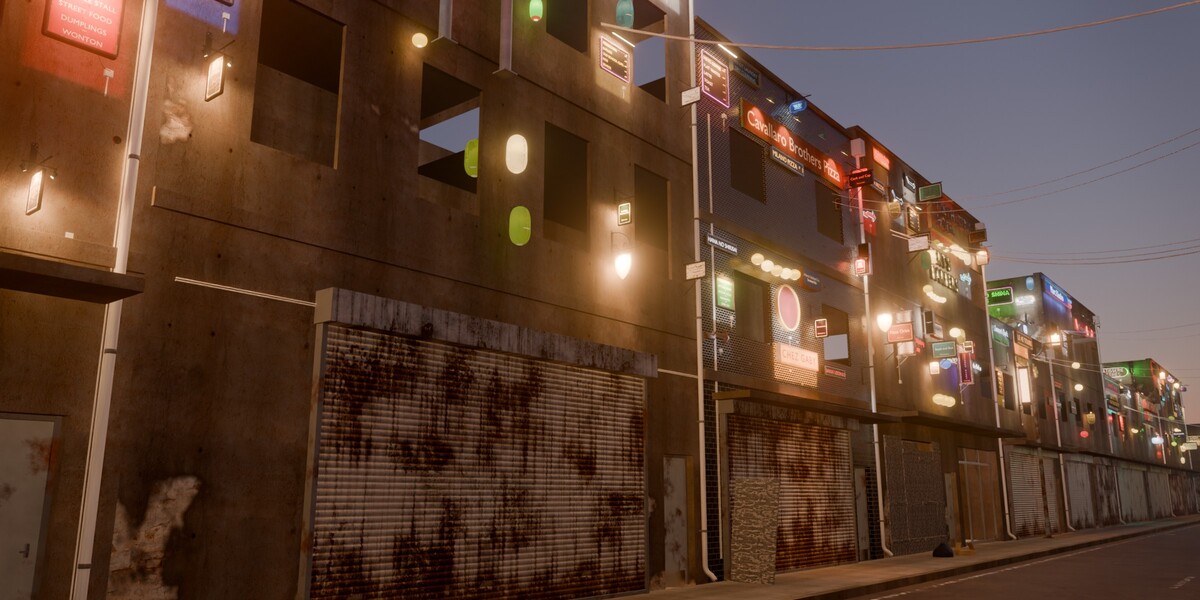
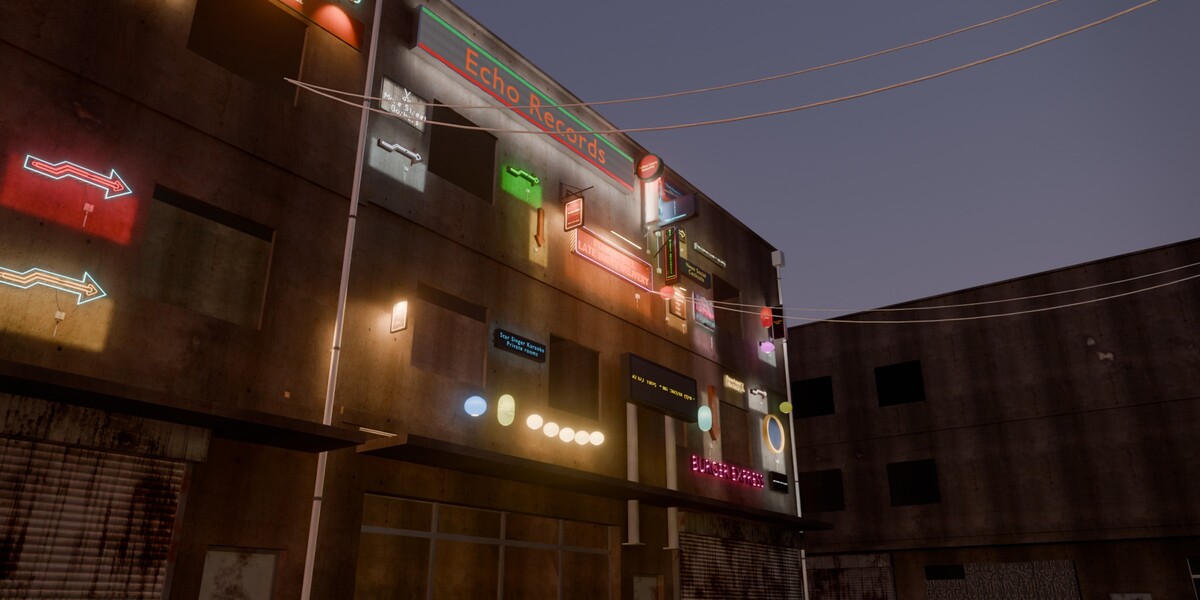
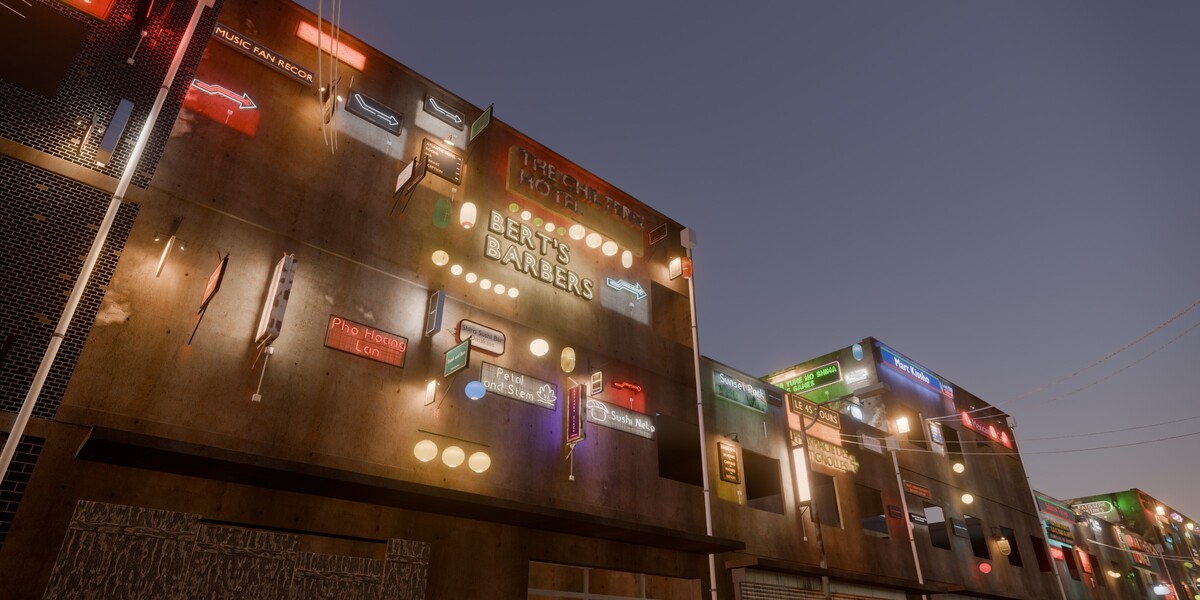
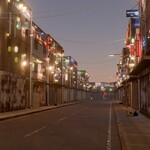
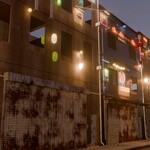
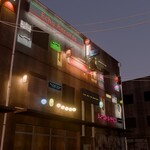
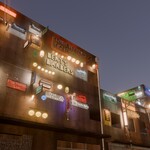
Open the scene
- Unzip Night_Street_Free_Scene.zip.
- Open night_street_free.blend in Blender 5.2 or newer. It is a big scene (about 8 million triangles), so give it a moment to open.
- Press F12 to render the Street View camera. The scene is set to Cycles.
Cameras
Street View, Shop Fronts and Hotel Corner. Select one in the Cameras collection, then Ctrl + Numpad 0 to look through it.
Render engines
Cycles works in Blender 5.2 and 5.3. EEVEE works in Blender 5.2. Blender 5.3.0 has a bug that makes materials with Noise Texture nodes use huge amounts of memory in EEVEE, and the sign materials use a lot of them. Blender has fixed it for 5.3.1. Until then, use Cycles in 5.3.0.
The signs
The 431 signs are plain 3D models made with Signage, my sign generator for Blender. To make your own signs with your text, colours and lights, get Signage or try Signage Free.
Textures
All textures are packed into the .blend file. They come from Poly Haven (CC0).
Have questions about this product?
Login to message
| Downloads | 1 |
| Published | about 2 hours ago |
| Blender Version | 5.2 - 5.3 |
| Render Engine Used | Cycles, Eevee |
| Misc Data | Uvs-Unwrapped, Normal-Mapped, Textured |
| License | Royalty Free |
Discover more products like this
blender-scene free scene street scene neon signs night street shop signs cyberpunk urban city signage buildings Night Scene