 Bala
Free sceneMade with Signage
Night Street
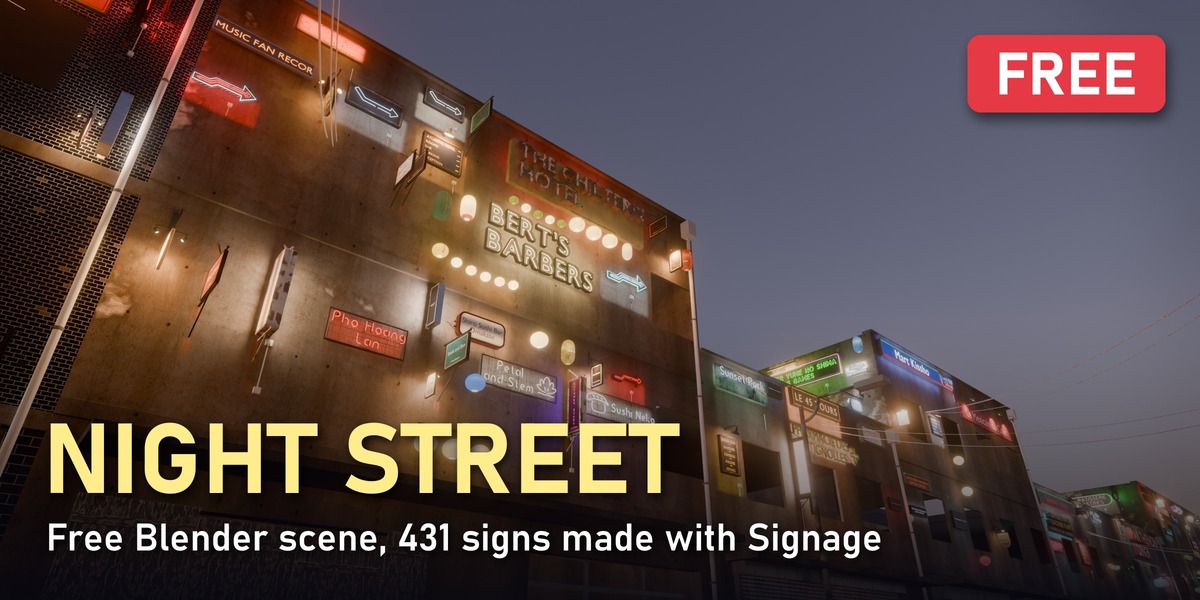
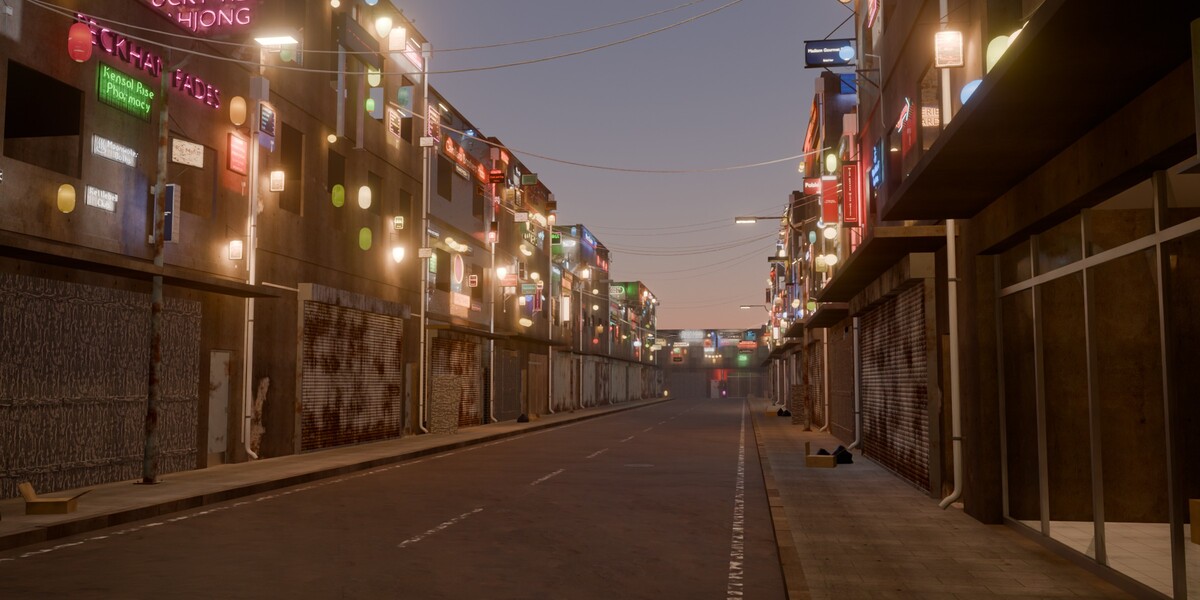
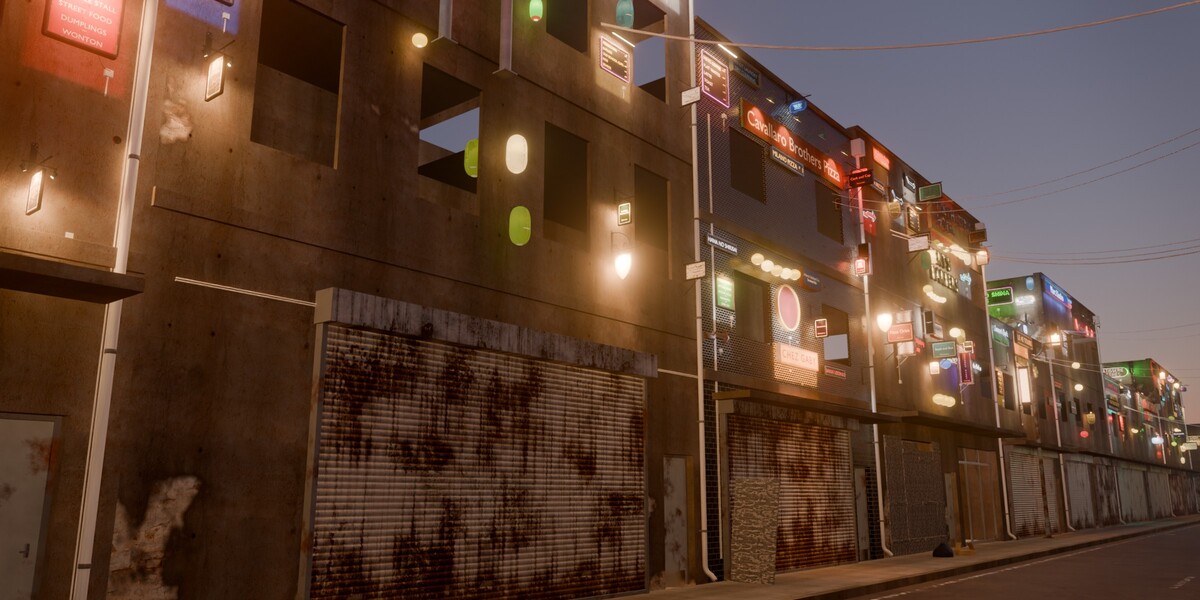
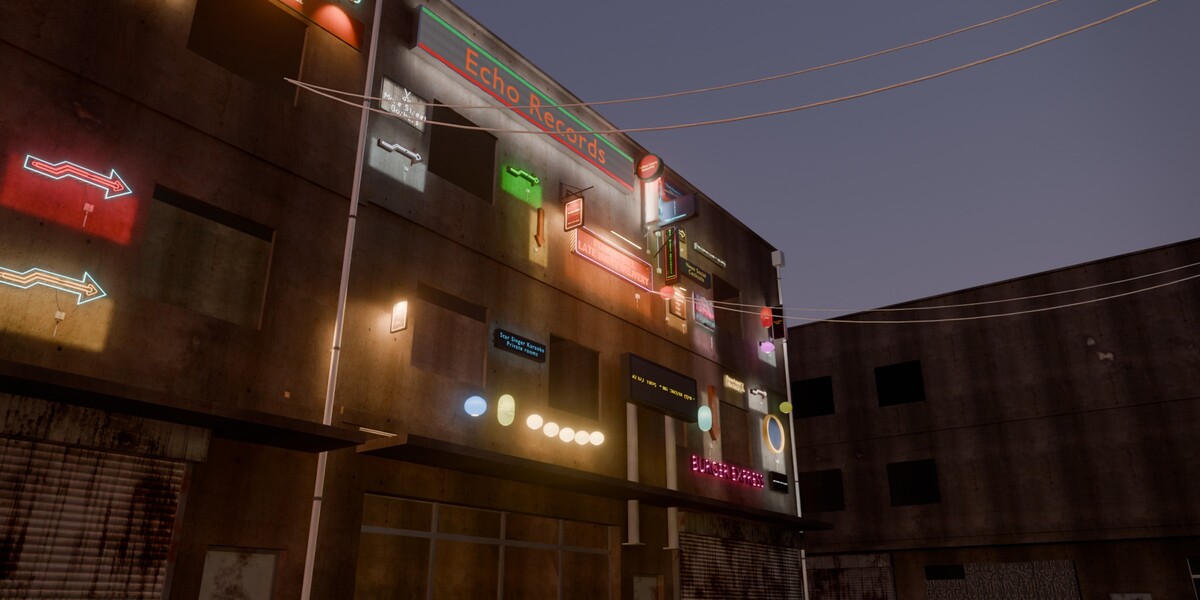
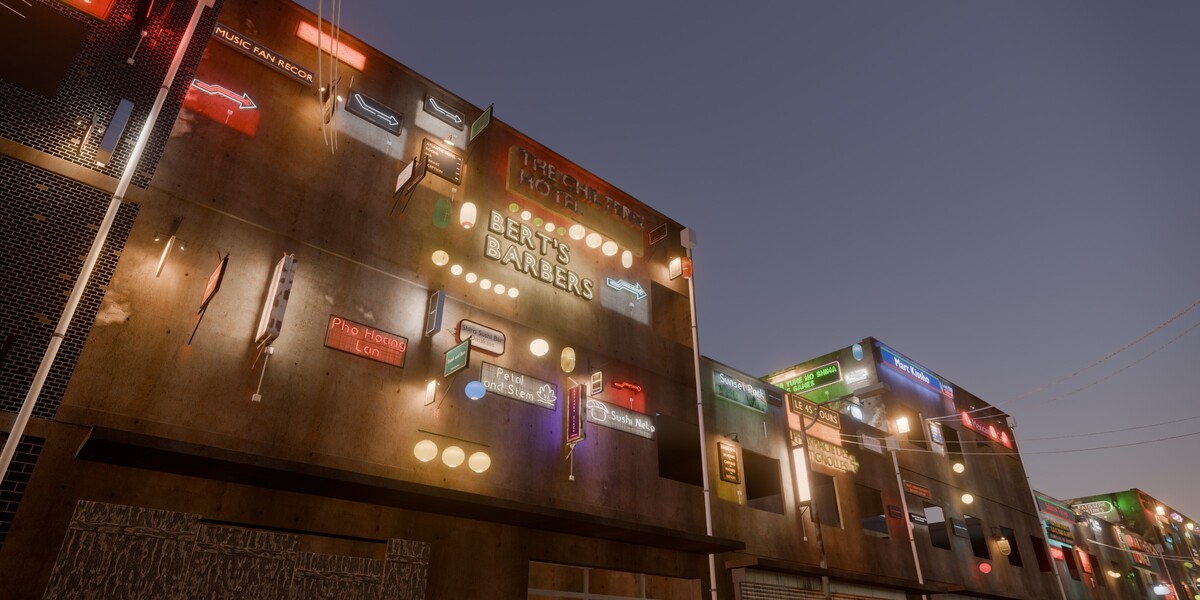
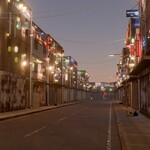
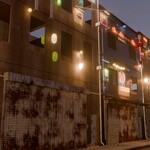
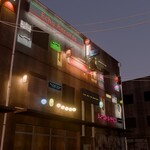
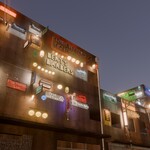
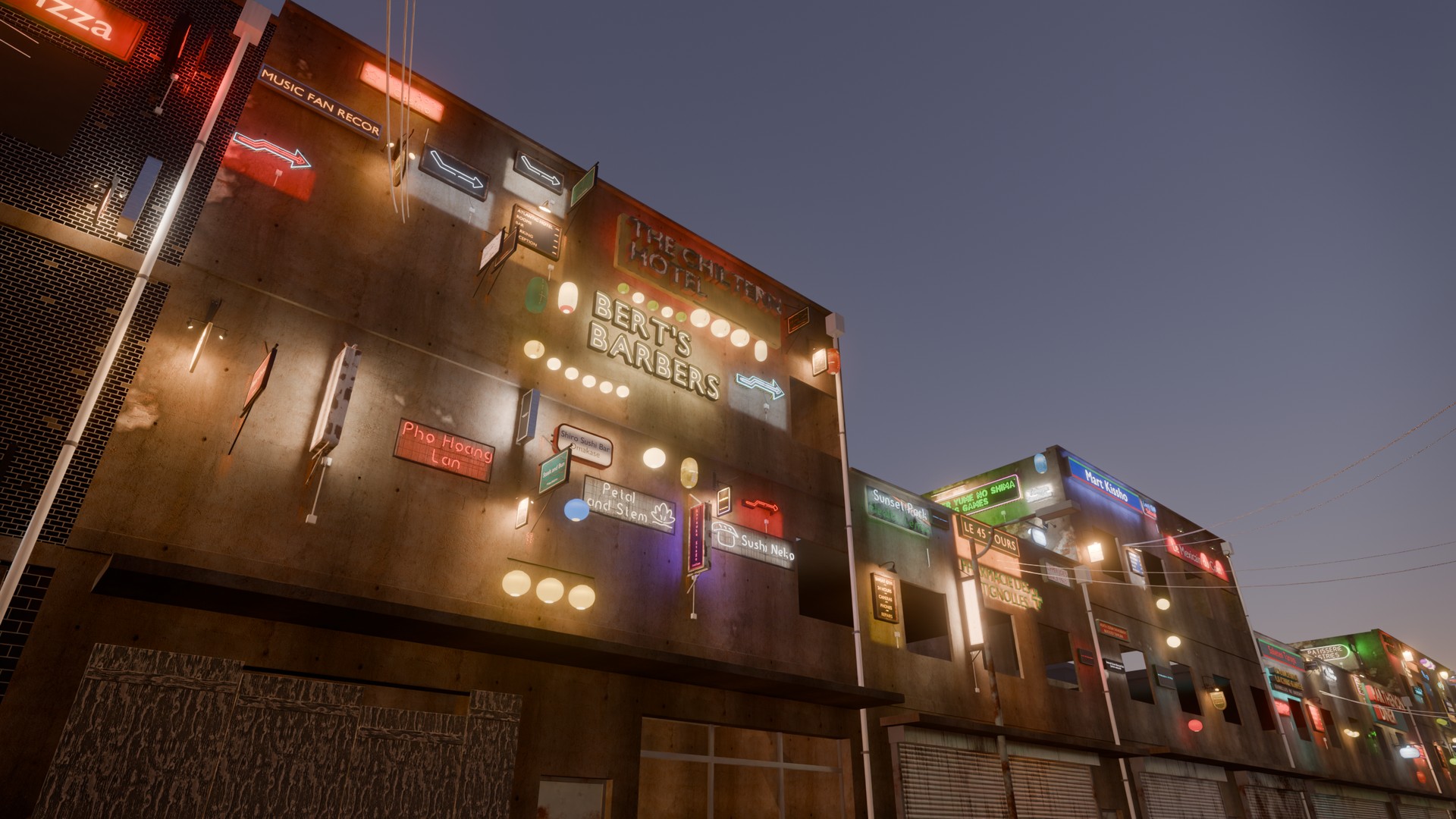
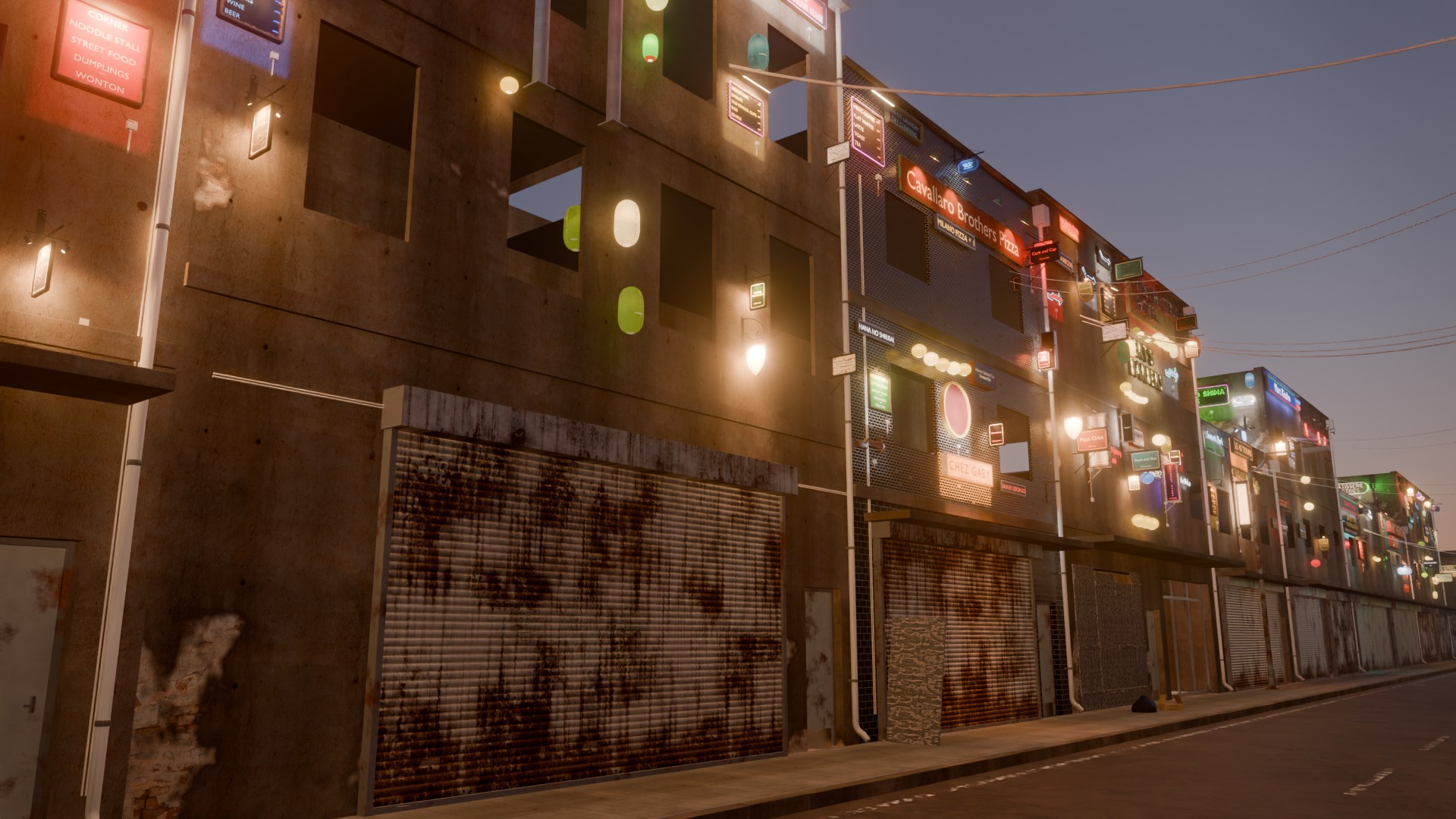
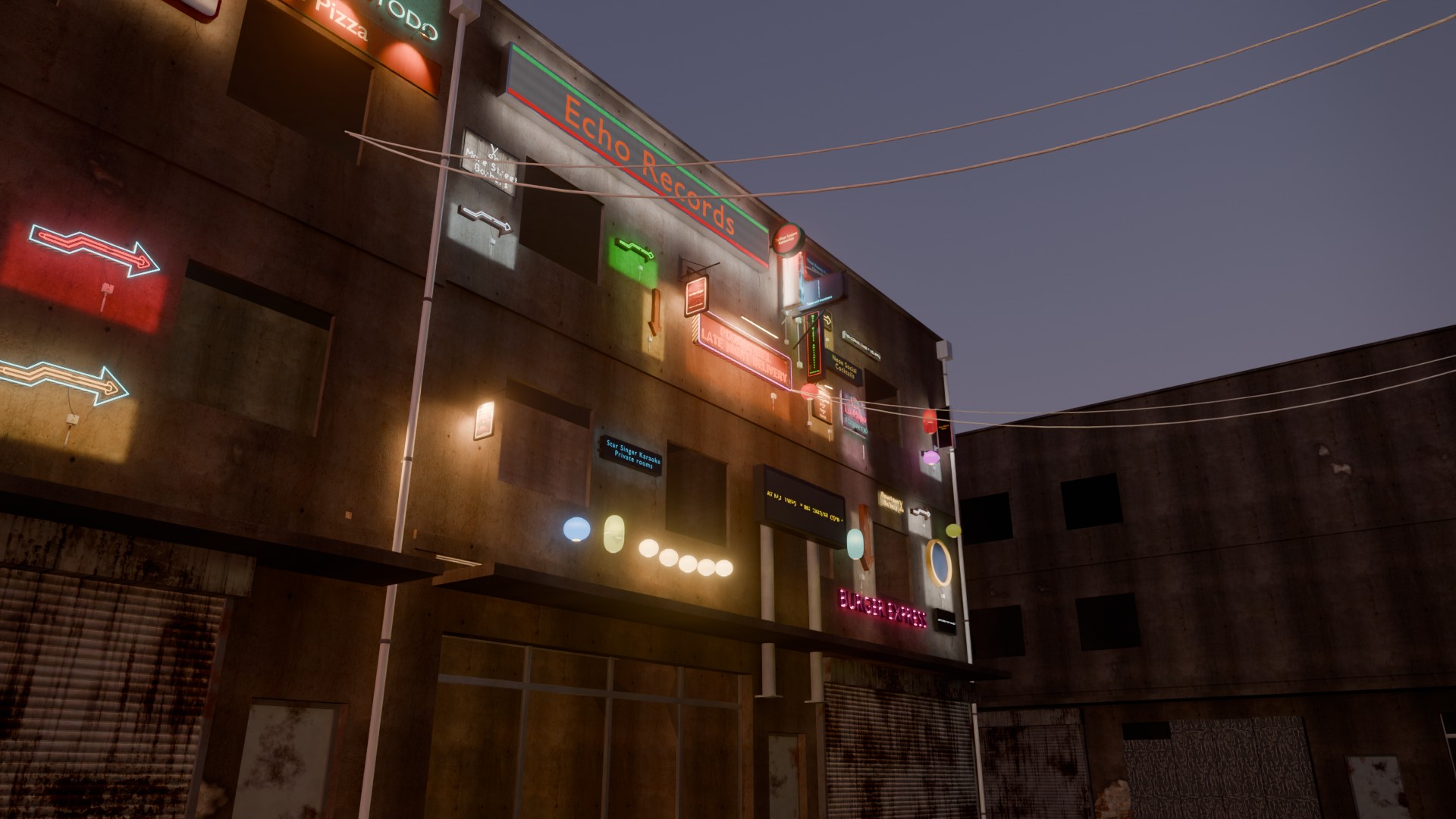
A narrow street at night with 20 old buildings and 431 glowing signs, ready to render in Blender. Every sign in this street was made with Signage, my sign generator for Blender.
What you get
- 20 buildings, the street, kerbs and pavements, manholes and street lamps
- 431 signs with their lights: neon, light boxes, blade signs, lanterns and more
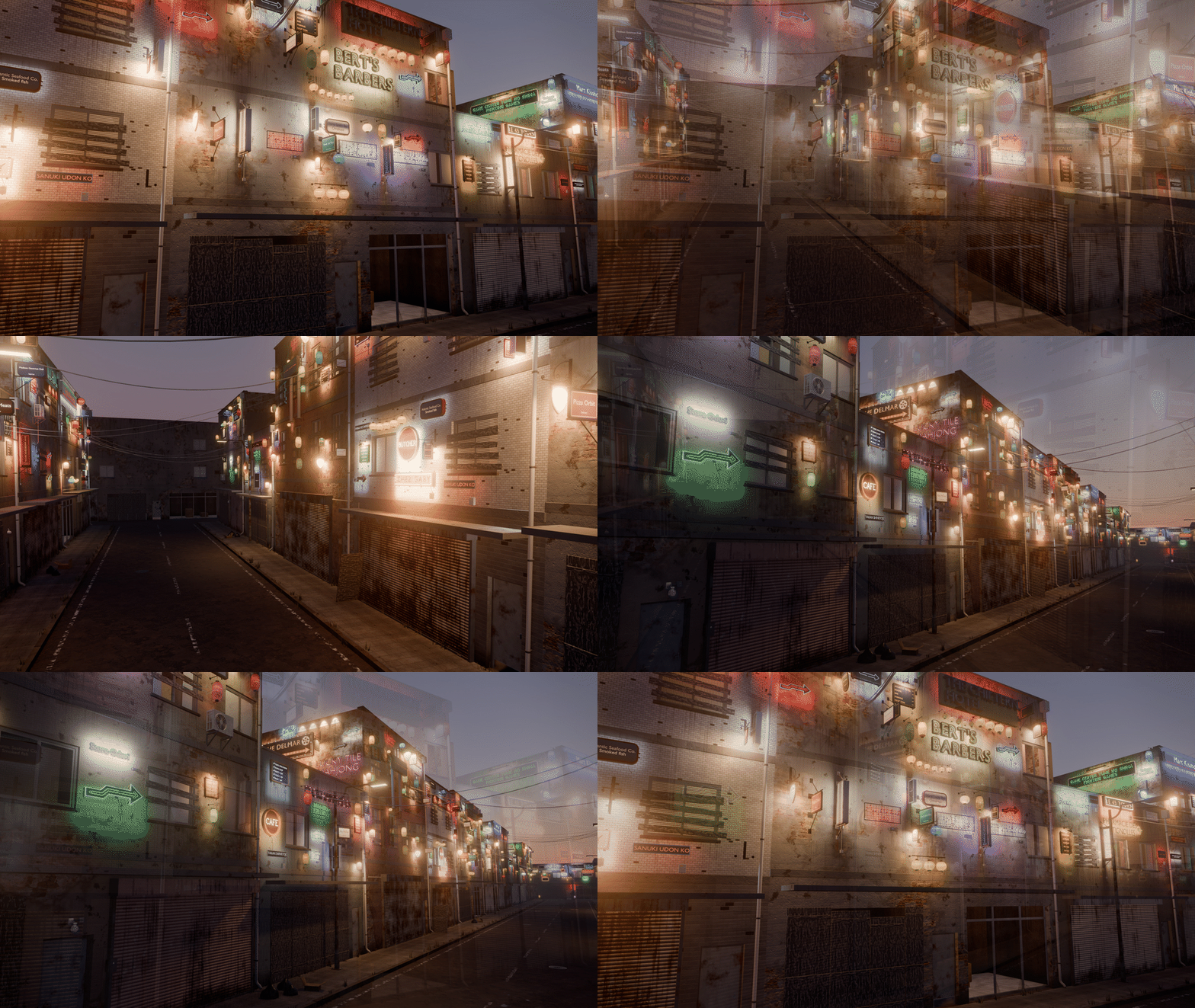
- 3 cameras: Street View, Shop Fronts and Hotel Corner
- One .blend file with all textures packed
- Set to Cycles, which works in Blender 5.2 and 5.3
The signs
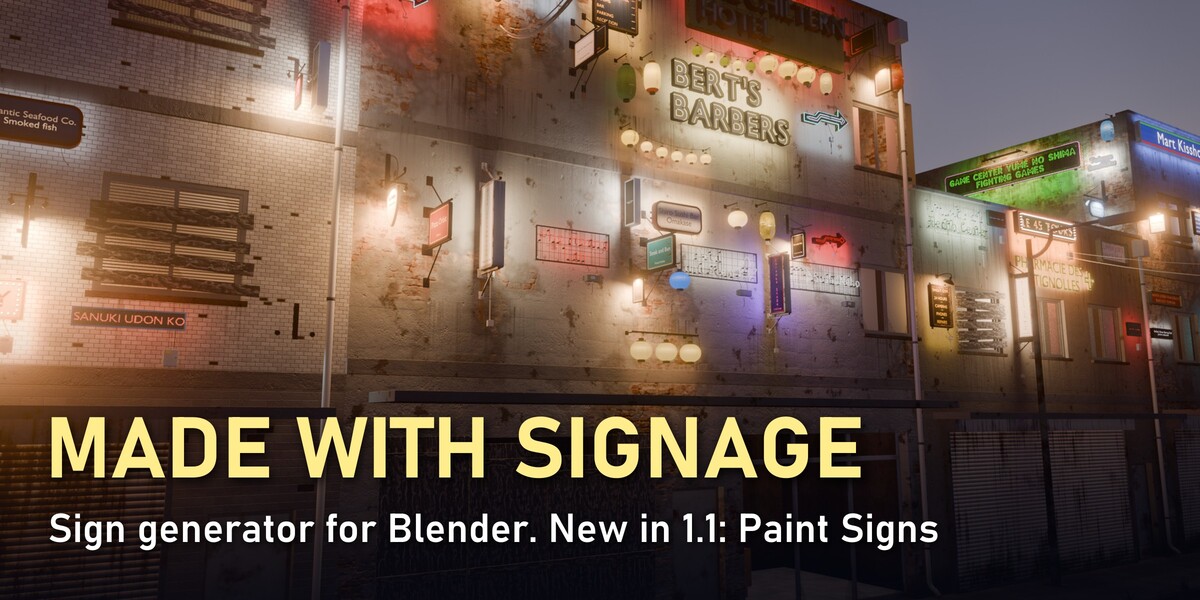
Made with Signage
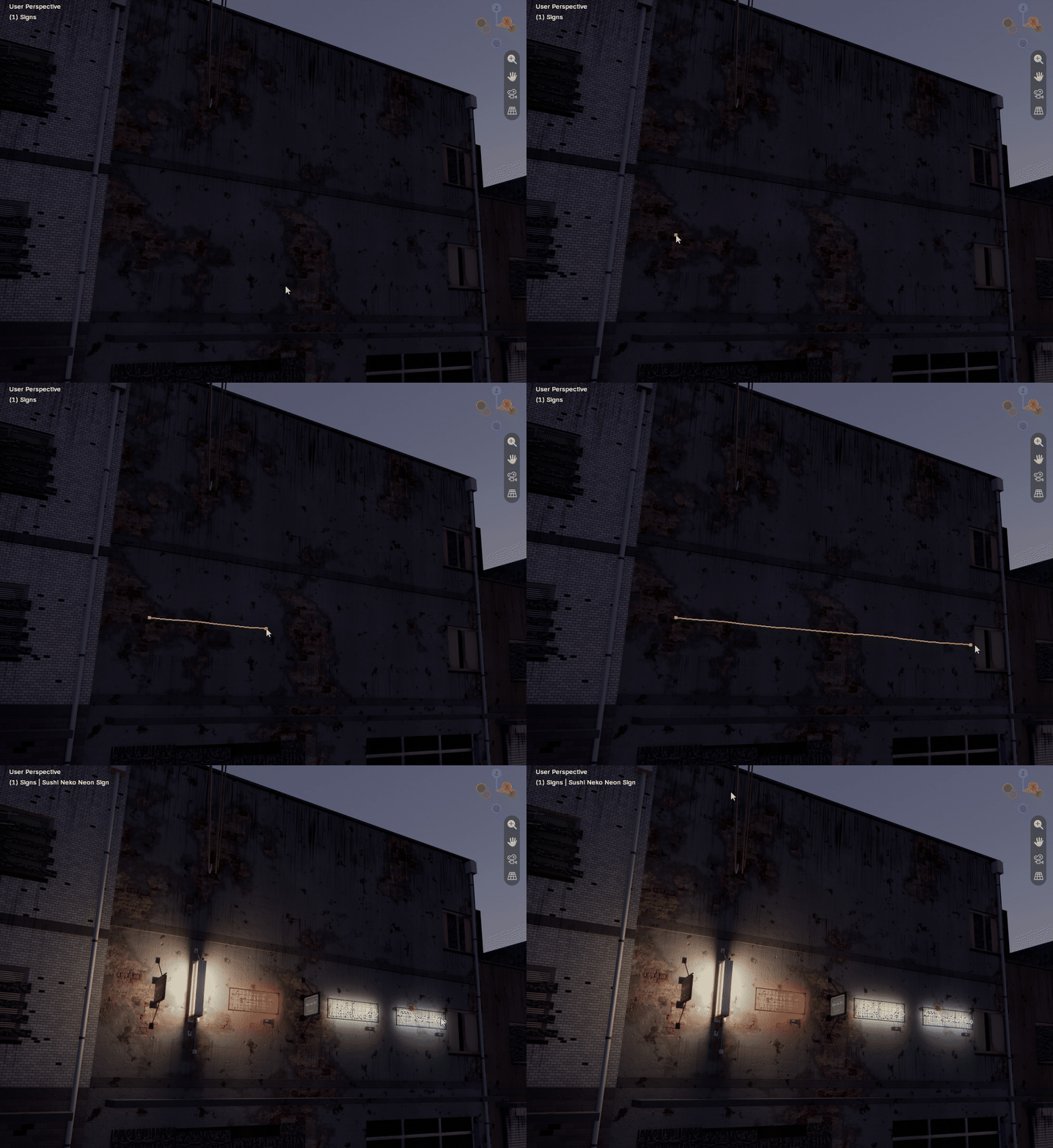
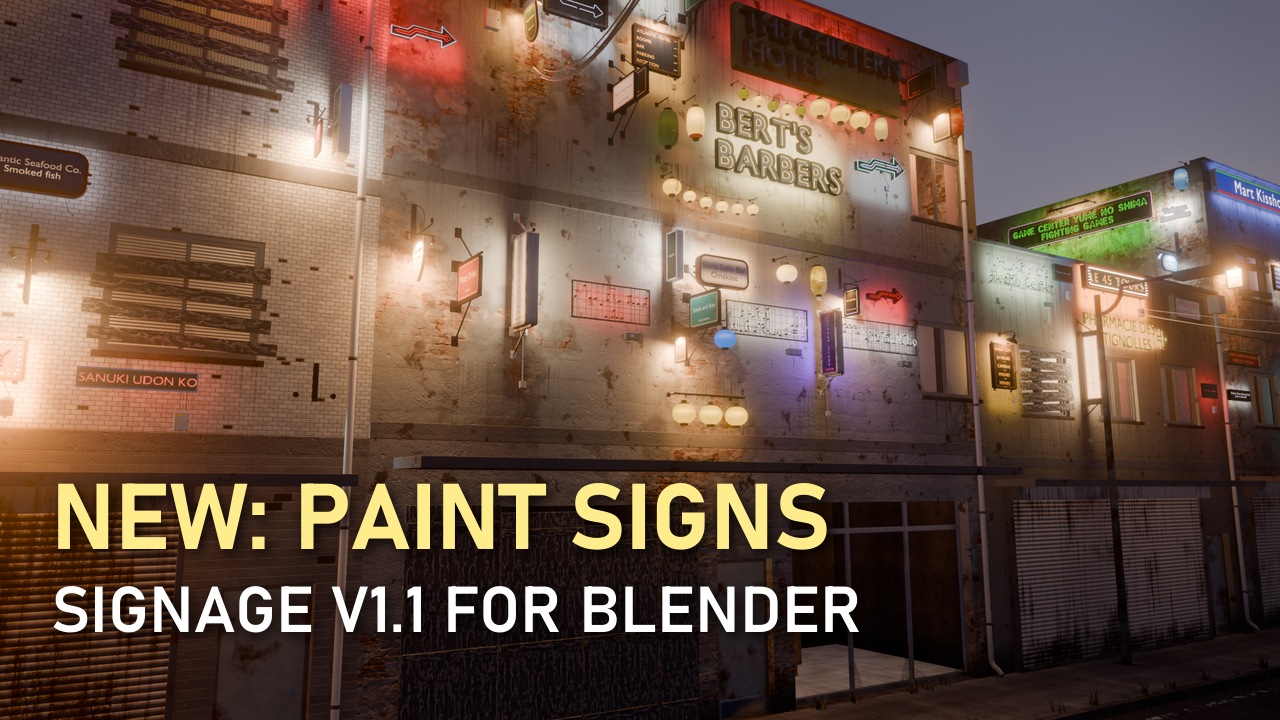
In this file the signs are plain 3D models, so they render anywhere, but you can't change their text or colours. With Signage you make them yourself: pick a sign, type your text, choose the colours and the lights, and it glows. New in Signage 1.1, Paint Signs lets you drag along a wall and the signs show up along your line.
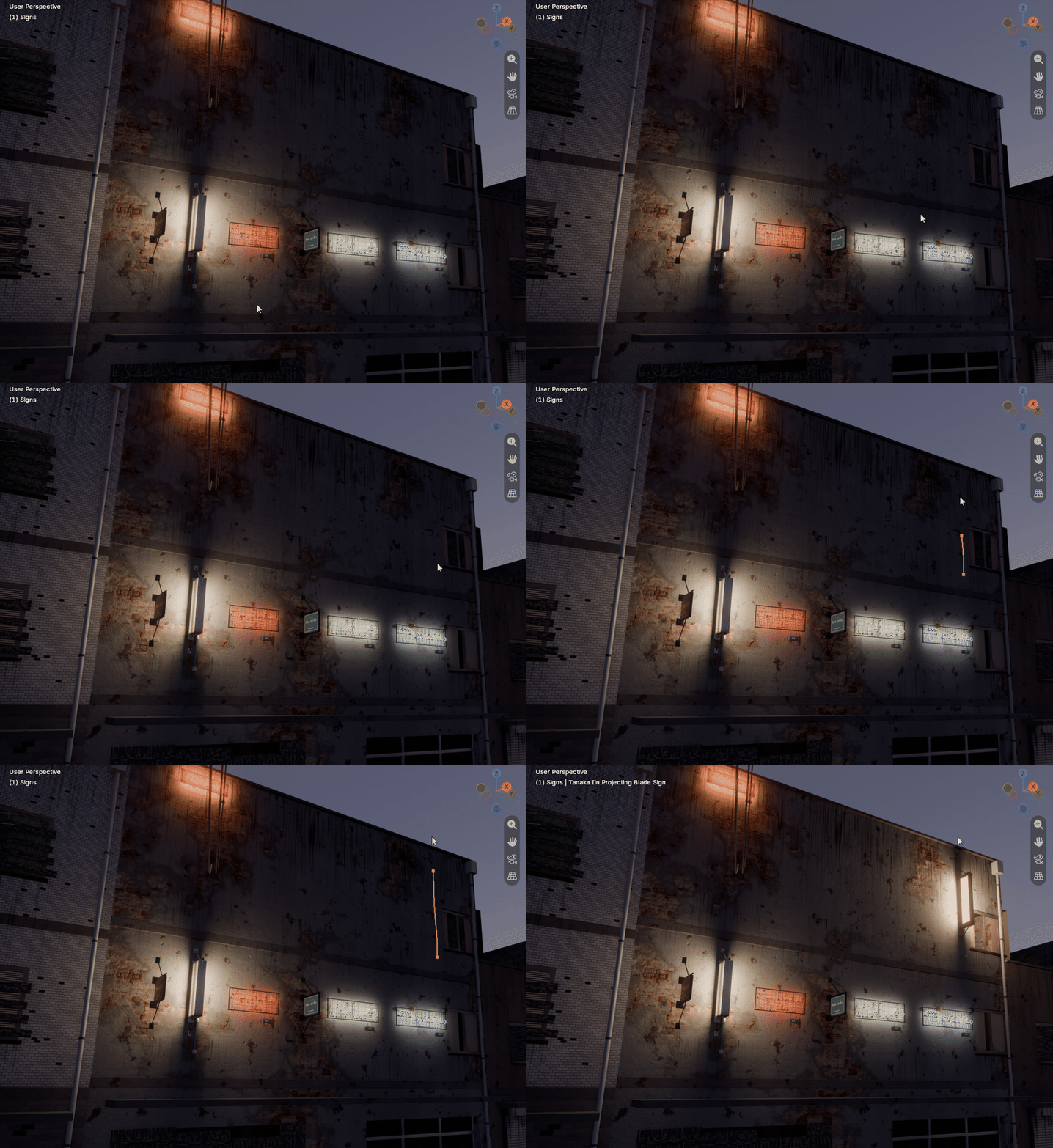
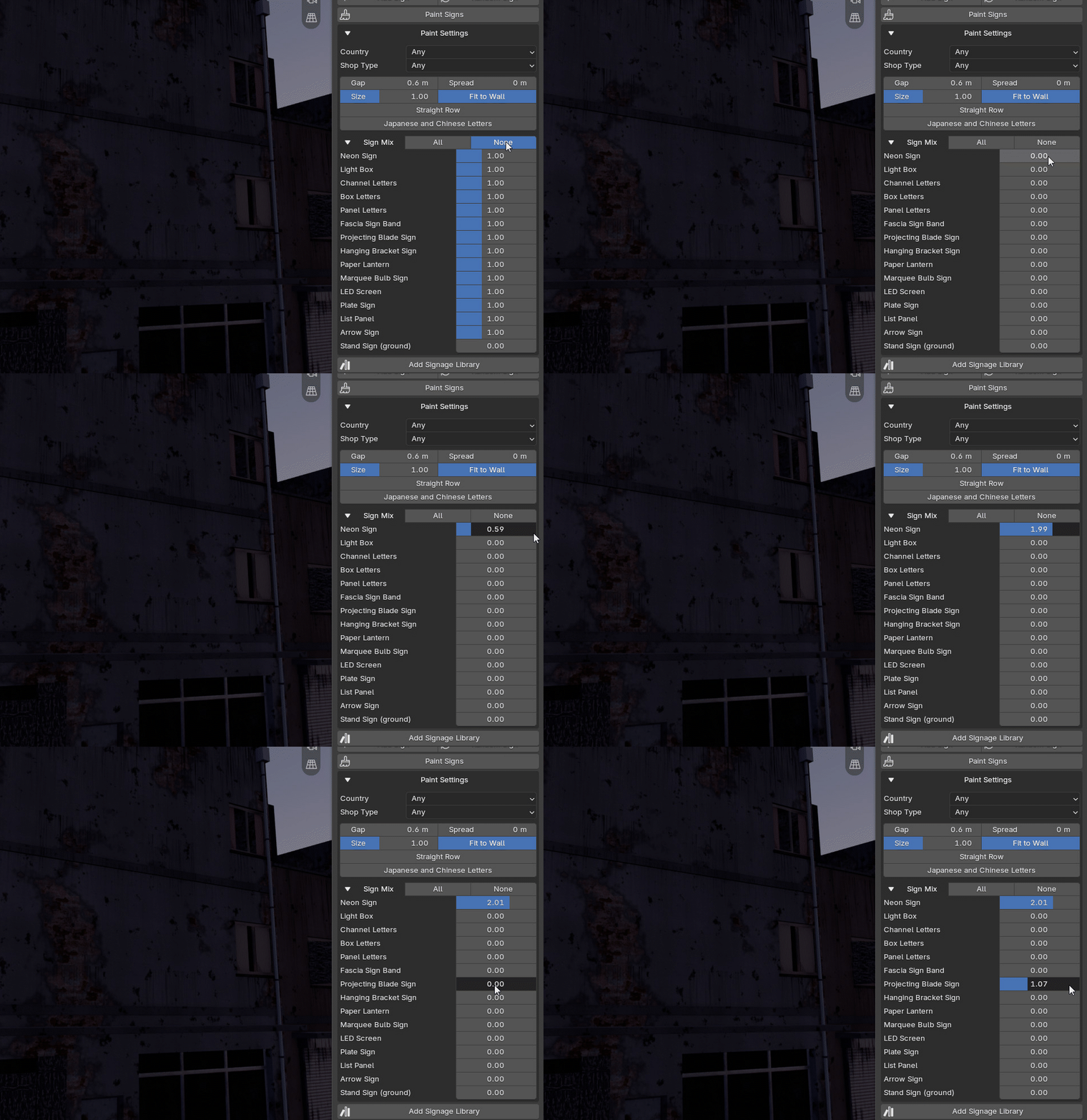
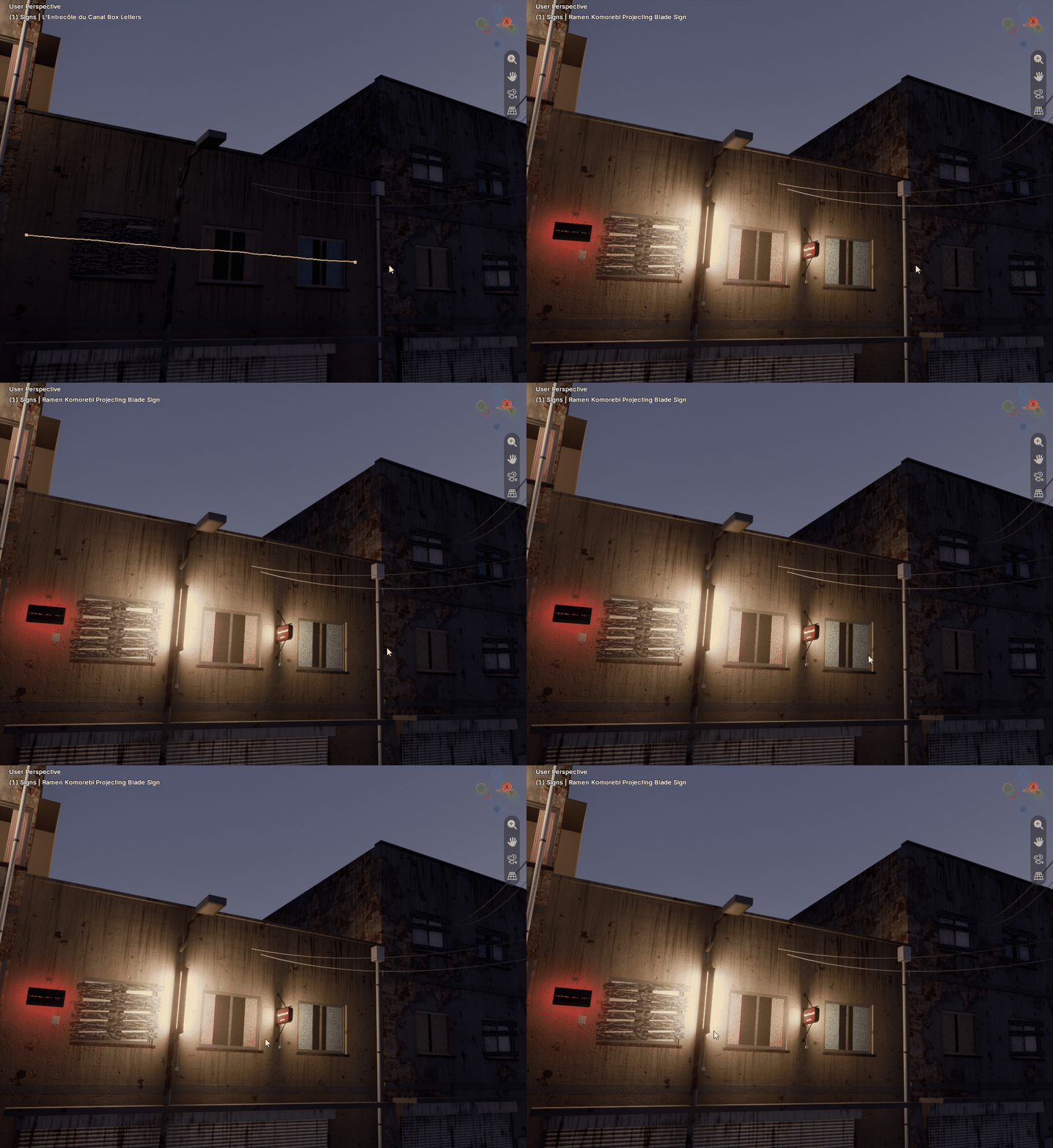
See how this street was made
The Paint Signs tutorial fills this exact street with signs, from an empty street to the lit one.
Good to know
- Made in Blender 5.3. Open it in Blender 5.2 or newer.
- Everything is plain mesh, so no add-on is needed to open or render it.
- About 8 million triangles and 1,300 small lights from the signs, so give it a moment to open and to start the first render.
- EEVEE: Blender 5.3.0 has a bug that makes materials with Noise Texture nodes use huge amounts of memory in EEVEE, and these sign materials use a lot of them. Blender has fixed it for 5.3.1. Until then, use Cycles in 5.3.0, or Blender 5.2 for EEVEE.
- Textures from Poly Haven (CC0).
- Free for personal and commercial work. Please don't resell or re-share the file as it is.
More of my add-ons and scenes: superhivemarket.com/creators/bala