 Blender Renaissance


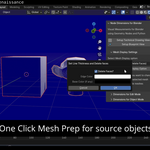
Supports Blender 5.2
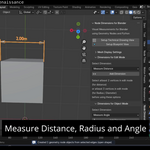
Add non-destructive CAD style Distance, Radius, and Angle measurements to your mesh with Geometry Nodes using this blender addon. Create Dimensions, technical drawings and blueprints.
- What are Node Dimensions?
- Backstory behind the product
- 3 Geometry Node Dimensions
- Measure Distance
- Measure Radius
- Measure Angle
- All dimensions support animation (keyframes auto-added)
- Unique materials per dimension type, editable color
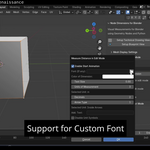
- Support for Custom Font
- Popup + modifier options for full control
- Supports comma decimal and extra text
- Dimensions stick to source mesh vertices
- No need to apply scale, dimensions update automatically
- Auto-generated Geometry Nodes using Python
- 1-click thick wireframe option
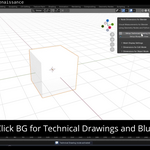
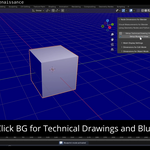
- Background toggle: white / blueprint blue
- Auto-adjust text color for contrast
- For Cycles and Eevee
- Made in Geometry Nodes
- For Personal and Commercial use
- Extensive PDF Documentation
- 30 Day Refund Guarantee
- Quick Support
- Multi-platform support (macOS, Linux, Windows)
- All future updates are FREE
- About the Creator
- In Conclusion
For PDF and Video Documentation, Click here. Just type zero, you will get the link of the documentation in your inbox.
What are Node Dimensions?
Node Dimensions are pre-built, customizable visual measurement tools that let you add Distance, Radius, and Angle dimensions directly into your Blender scene using Geometry Nodes and Python.
Whether you're creating product visualizations, architectural models, or technical animations, these dimension overlays make it easy to present measurements clearly, without having to build them from scratch.
With just a few clicks, you can insert clean, CAD-style annotations that are editable, animated, and update automatically when geometry changes, saving time while adding clarity to your work.
3 Geometry Node Dimensions
Includes Distance, Radius, and Angle measurement tools, all built with Geometry Nodes. Each dimension type is tailored for precision and visual clarity in 3D space. Ideal for CAD-style annotations, tech visualizations, and procedural workflows.
Measure Distance
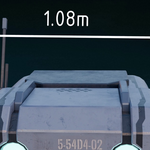
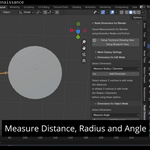
Add precise distance measurements between two points with customizable arrows. Choose from 3 arrow types and 6 units including mm, cm, m, inch, ft, and yd. Perfect for tech-style annotations and scale references in 3D scenes.
You can select 2 vertices in edit mode and click the button to add an object with a distance geo node mesh.
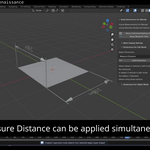
You can select more than 2 vertices and have geo node instance at every 2 vertices (For example, selecting A,B,C would give 2 geo node instances consisting of A,B and B,C).
Selecting a closed shape (like a plane), will create 4 instances of geo nodes with the last and first vertex joining as well. (A,B,C,D in a plane becomes A,B / B,C / C,D / D,A )
Measure Radius
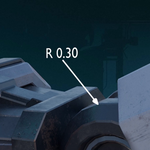
Quickly visualize the radius of any circular mesh or arc segment. Works well with rounded geometry and curves in engineering models. Clean and scalable, ideal for CAD-style presentations.
You can select 3 vertices in edit mode and click the button to add an object with a Radius / Diameter geo node mesh.
Measure Angle
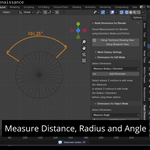
You can select a mesh, click the button and select 3 vertices in object mode to calculate angle between them. The vertices are selected via the draw method using python by the cursor one-by-one.
Showcase angular relationships with clean arc visuals and angle values. Great for mechanical setups, rigging angles, or architecture layouts. Snaps to selected vertices and updates dynamically.
All dimensions support animation (keyframes auto-added)
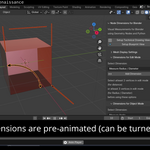
All dimensions are animatable with keyframes auto-added by the python script. Easily showcase transformations, morphs, or dynamic setups. Perfect for motion graphics or animated tech explainer videos.
Unique materials per dimension type, editable color

Each dimension (distance, radius, angle) gets its own material. Materials are made out of Emission shaders. Quickly tweak color schemes for better organization and visibility. Helps differentiate measurements in complex scenes.
Support for Custom font
Use any font or choose from two built-in technical fonts: ISOCP & ISOCPEUR. Achieve that blueprint or CAD document look instantly. Font styling is editable per dimension type.
Popup + modifier options for full control
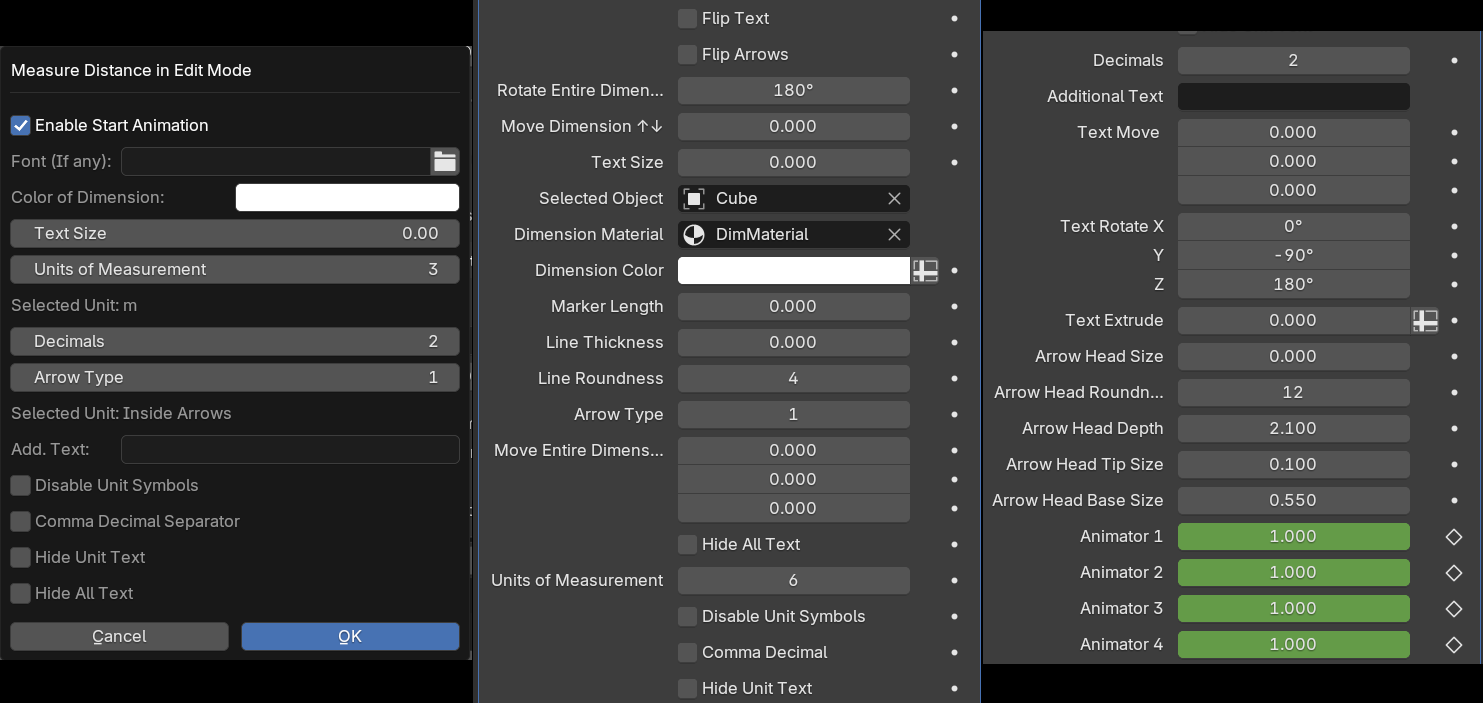
Options for Measure Distance. Different dimensions have different options. Only Measure Distance has different units.
Trigger a control popup or use modifier panel for all dimension settings. Customize units, font size, color, labels, and more. Streamlines the workflow without needing to dive into node trees.
Supports comma decimal and extra text
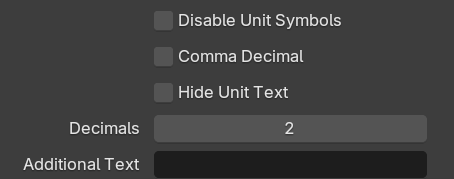
All Dimensions support number formatting with commas, and additional labels like "Length". Easily constrain dimension objects to reference geometry. Gives extra flexibility for polished annotations.
Dimensions stick to source mesh vertices
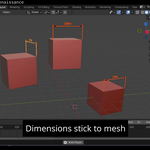
Dimensions are snapped to the source mesh vertices automatically. They update in real-time with any transformation or animation. Zero effort, just set once and forget.
Move, scale, or rotate your source mesh in object mode freely. Dimensions adjust snapping to match the new form instantly. Maintains measurement integrity no matter the changes.
Your original mesh remains untouched by the dimension system. Dimensions are added as separate instances or modifiers. Preserves your base geometry and keeps things clean.
No need to apply scale, dimensions update automatically
No need to apply scale to the mesh dimensions still stay accurate. Automatically adapts to changes in scale or transform. Saves time in non-destructive modeling workflows.
Auto-generated Geometry Nodes using Python
All node setups are generated behind the scenes via Python. No manual node wrangling required, fully procedural and fast. Delivers precision and automation in one click.
1-click thick wireframe option
Toggle a thick wireframe overlay for clearer visibility. Great for presentations, tech drawings, or blueprints. Applies without affecting mesh structure.
Background toggle: white / blueprint blue
Switch background color between white and blueprint-style blue. Built-in contrast presets for clean rendering and screenshots. Perfect for technical drawings and blueprints.
Auto-adjust text color for contrast
The Color of Newly added text auto-adjusts for max readability over any background. No need to tweak colors manually for every scene. Ensures visibility in both technical drawing and blueprint mode.
For Cycles and Eevee:
This product works seamlessly with both Cycles and Eevee render engines. If you're on an NVIDIA GPU, Eevee is a great choice. For CPU users or those with lower-end GPUs, Cycles works just as well.
Render speeds are nearly identical, since the dimensional meshes are low-poly and use emission shaders. It really comes down to your personal workflow preference.
Made in Geometry Nodes:
All the dimension visuals are created using Blender’s Geometry Nodes, with Python used for automating the setup.
Want a basic explanation? Start here:
https://docs.blender.org/manual/en/latest/modeling/geometry_nodes/introduction.html
Limitless customization:
Each element of the dimensions can be fine-tuned to suit your needs. Colors, sizes, fonts, and positioning are all fully adjustable.For Personal and Commercial use:
You can freely use this tool in freelance projects or commercial work.
1. Pro - Single Seat: Full product license for individuals or freelancers, covers both personal and professional usage.
2. Pro - Multi Seat: Studio license for unlimited users within the same company, for all commercial and personal projects.
Assets like the poster, trailer, videos, and PDF tutorial fall under the Standard Royalty Free license:
https://support.superhivemarket.com/article/49-standard-royalty-free-license
The Python add-on is released under the GPL 3.0 license:
https://www.gnu.org/licenses/gpl-3.0.html
Full licensing details are included in the download folder.
You can also check the superhivemarket documentation on licenses.
Extensive PDF Documentation:
Prefer reading over watching tutorials? This product includes a well-organized PDF guide so you can quickly find the information you need, without sitting through lengthy videos.
30 Day Refund Guarantee:
BlenderMarket guarantees a full refund within 30 days of purchase, no questions asked.
I highly recommend trying out the free documentation first to get a feel for the tool.
If you run into any issues post-purchase, you can reach me directly via the support inbox or email me at [email protected].
Still, if you encounter any issue, then contact blendermarket for a refund.
Quick Support:

Questions? Technical issues? I’m just a message away. Reach out via the support inbox or drop me an email at [email protected].
Multi-platform support (macOS, Linux, Windows):
This tool is fully compatible with Windows, macOS, and Linux. Blender runs natively on Linux, and rendering is often faster on it, too. I actually built this product on Ubuntu Linux.
All future updates are FREE:
All future updates and improvements will be included at no extra cost for existing customers.
The price may go up in future releases, so purchasing now locks in your access to upcoming features for free.
About the Creator:

Hey! I’m Vikrant Jadhav, a motion graphics artist and creator behind the Blender Renaissance brand on YouTube and BlenderMarket.
My earlier addon “Node Charts: Info Graphs For Blender Using Geometry Nodes” has sold over 150 copies with great reviews, eight 5-star ratings and one 4-star.
My other addons like Motion Presets for Blender and Node + VSE titles also have sales and good rating
I’ve worked professionally with Blender for over a decade, delivering explainer videos and app promos to clients across the US, Spain, India, and New Zealand.
In Conclusion:
When I first needed to add technical measurements inside Blender, I couldn’t find a python created geometry nodes based solution. That’s why I built Node Dimensions.
Now, I can quickly add editable, accurate markers for distance, radius, and angle using just Geometry Nodes. It’s become a key part of my workflow, and I believe it’ll speed up yours too.
Want accurate, CAD-style dimensions inside Blender?
Get Node Dimensions now.
Thanking you,
-Vikrant Jadhav
Blender Renaissance