Tamata Soft


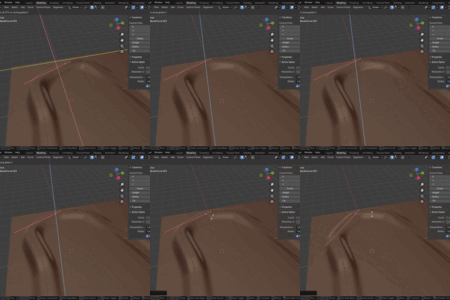
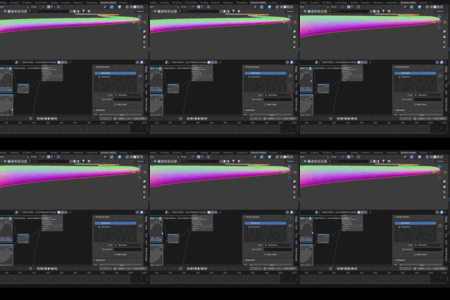
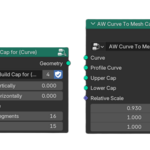
🧩 Node Lab Update 01 — Curve Motion Simulation (New!)
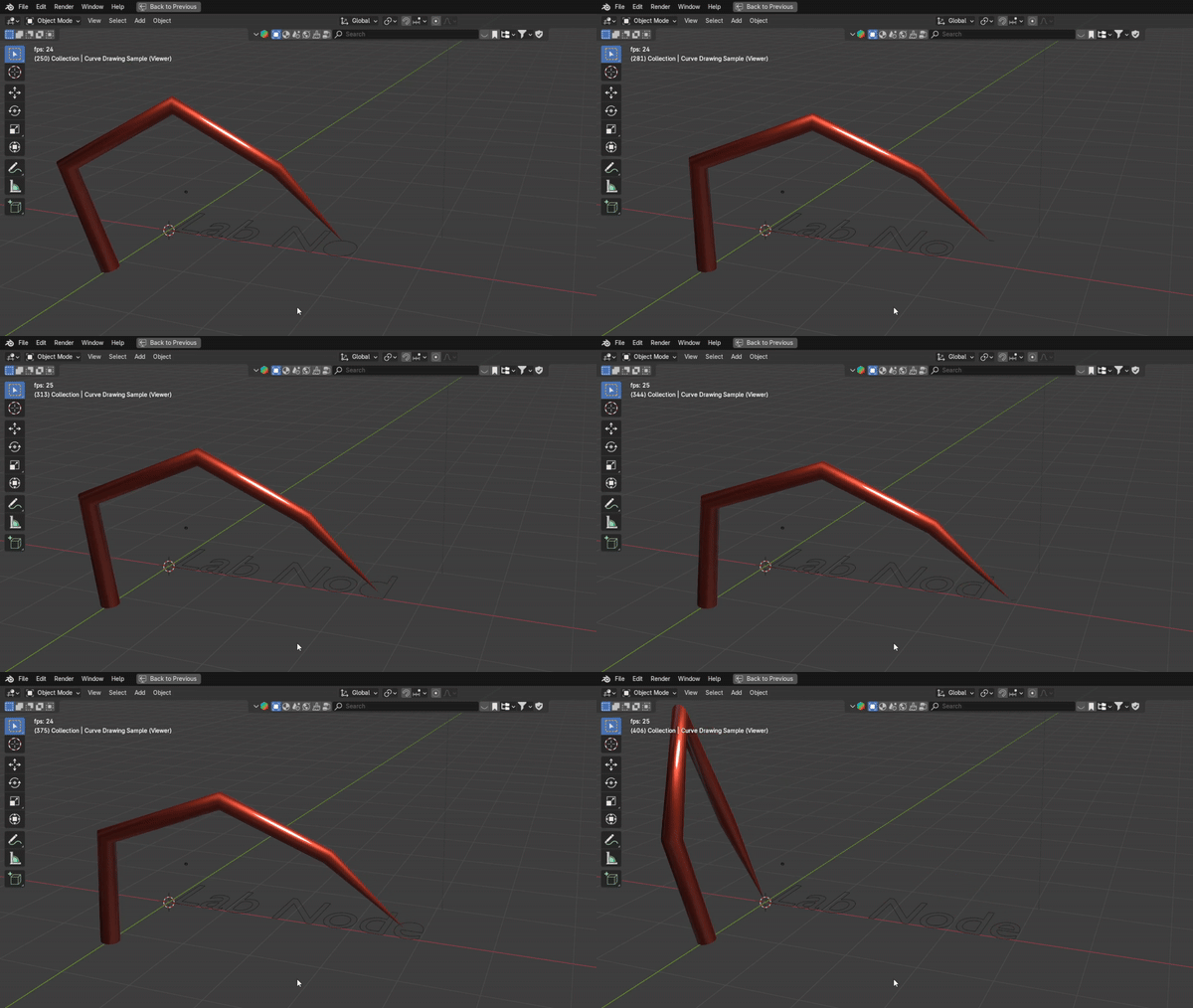
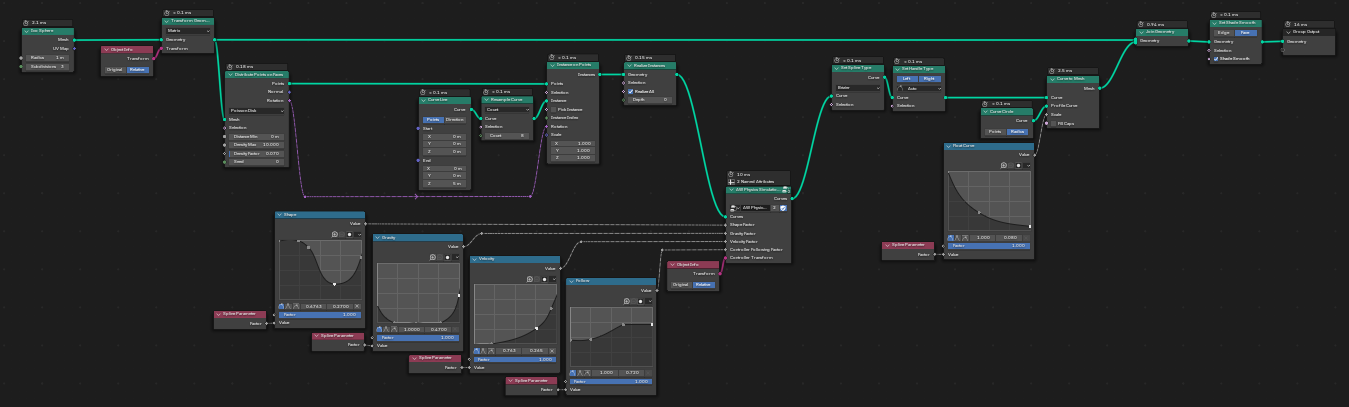
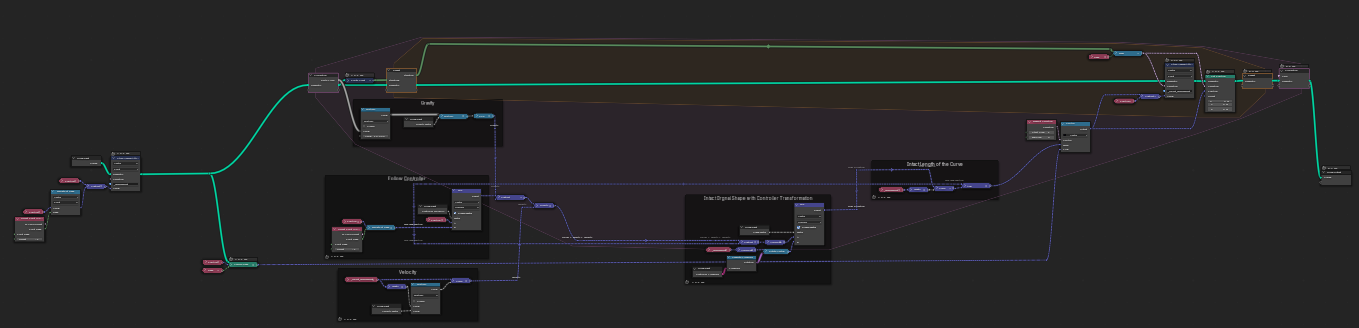
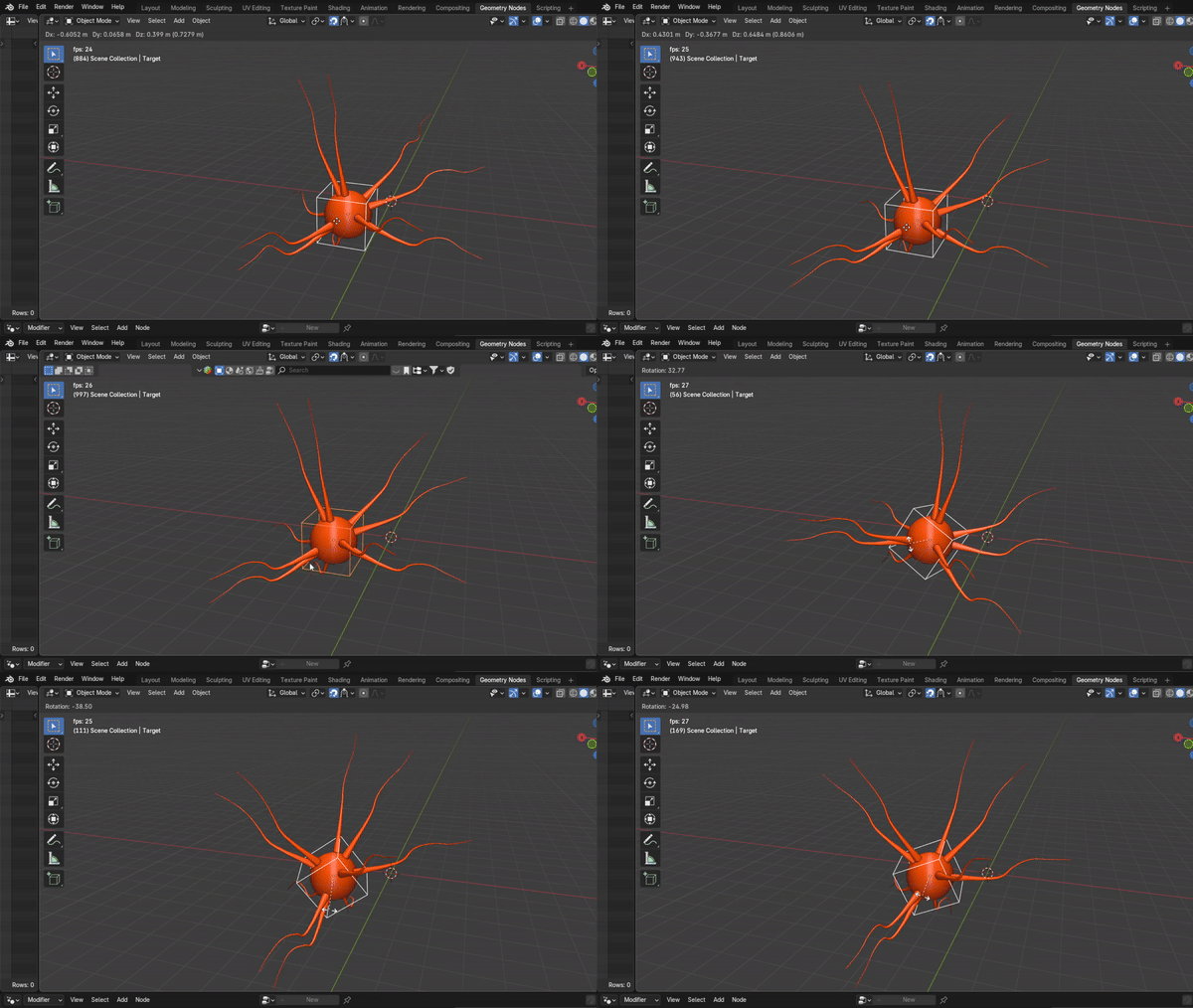
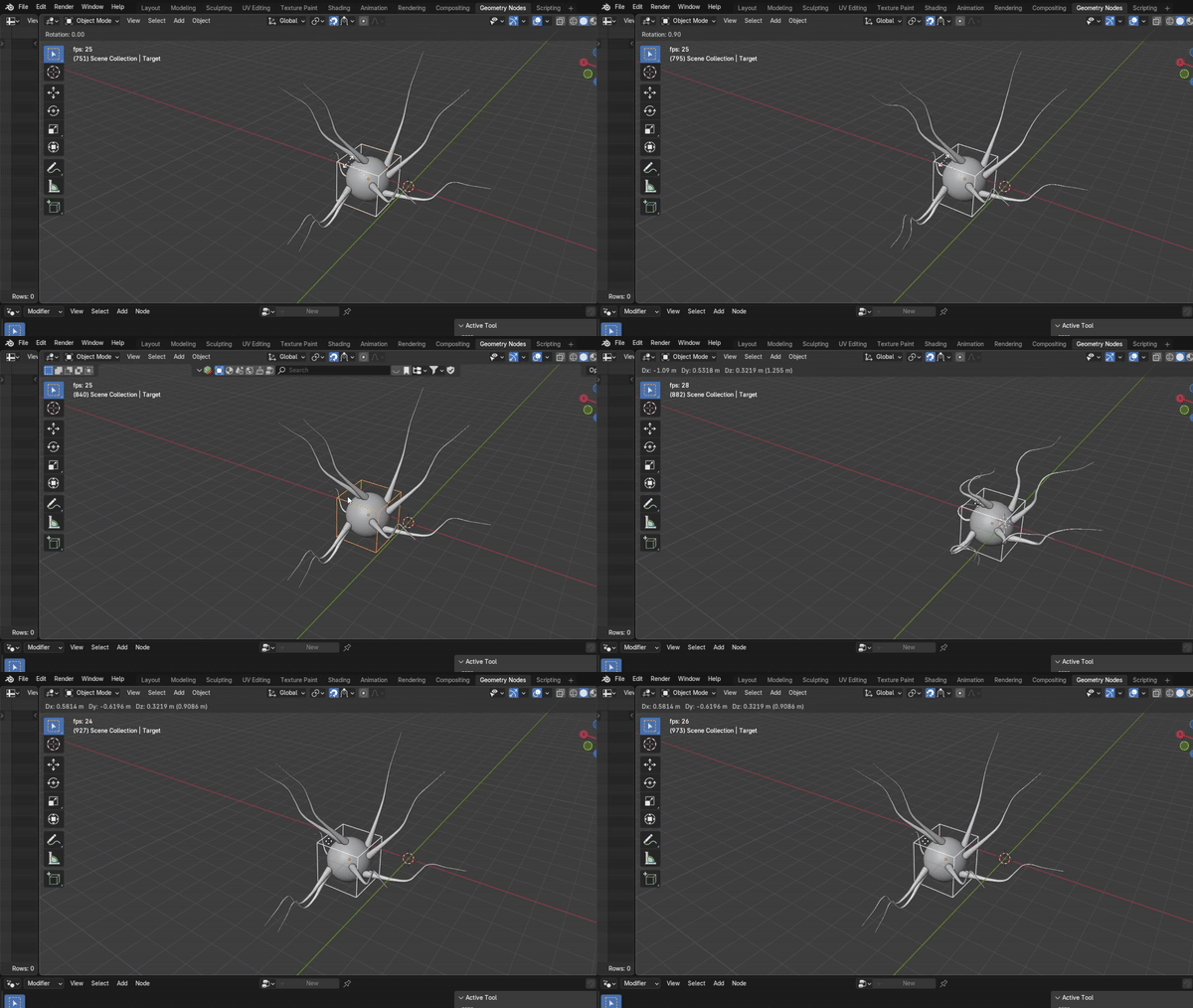
We’re excited to announce a brand-new simulation node set — Curve Motion Simulation 🎉
This update introduces physics-inspired curve dynamics, allowing curves to move and react naturally to forces. Whether you’re simulating swaying cables, procedural motion paths, or dynamic rigs, this node set adds a whole new layer of realism to your geometry workflows.
💡 Inspiration: Based on @harryblends’ YouTube video, adapted into a fully modular geometry node system.
✨ Node Lab keeps evolving — more modular nodes and updates are on the way!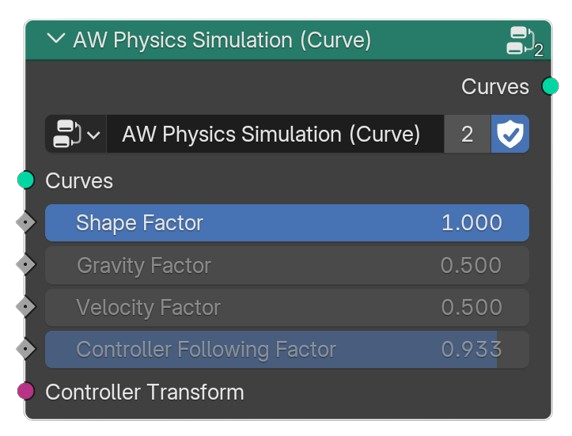

🌐 Node Lab — Modular Geometry Nodes Toolkit for Blender
Node Lab is a growing library of general-purpose modular geometry nodes, designed to simplify your workflow and unlock new creative possibilities in Blender. Whether you’re building simulations, animations, or procedural assets, Node Lab helps you achieve more with less effort.
🚀 Why Node Lab?
-
Save time with ready-to-use modular nodes.
-
Versatile applications from road generation to droplet simulations.
-
Procedural flexibility — combine nodes to create advanced effects.
-
Constantly evolving — new nodes will be added based on your needs.
🛠️ What’s Inside
Node Lab currently includes a wide range of nodes such as:
-
Curve Capping → customize caps for curves (used in droplet simulation).
-
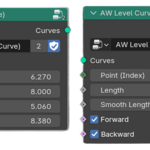
Level Geometry Along Curve → align geometry to terrain (road generator).
-
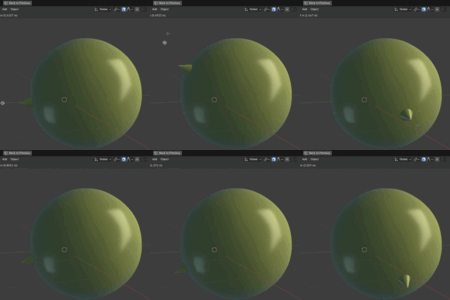
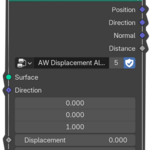
Displacement Along Surface → move geometry along surfaces (gravity simulation).
-
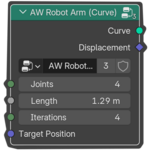
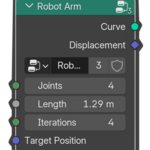
Arm Motion → build robotic arms, spider legs, and more.
-
Draw Progressive Curves → animate handwriting or progressive drawing.
-
… and many more!
✨ Experiment in Action
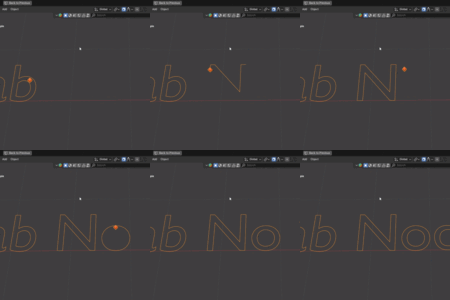
By combining Arm Motion and Draw Progressive Curves, Node Lab can even simulate a robotic arm writing text — showing the power of modular design.
🔮 The Vision
Node Lab isn’t just a static product — it’s an evolving toolkit. My goal is to build a comprehensive set of geometry nodes that adapts to your requirements, making Blender’s procedural workflow faster, easier, and more creative for everyone.
📂 Node Details
Each node in Node Lab is designed to be modular, flexible, and easy to integrate into your workflow. Below you’ll find a breakdown of the included nodes, their purpose, and how they can help in your projects.
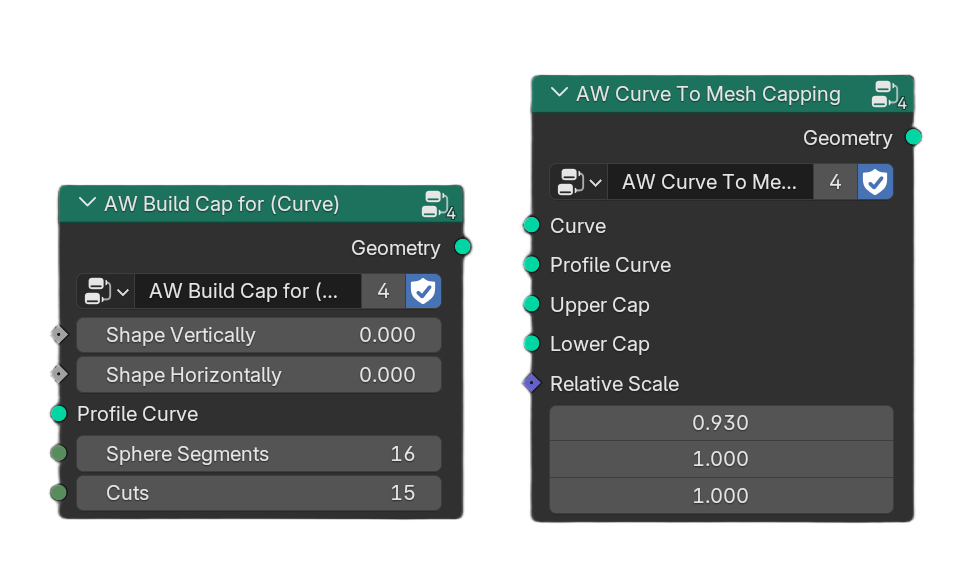
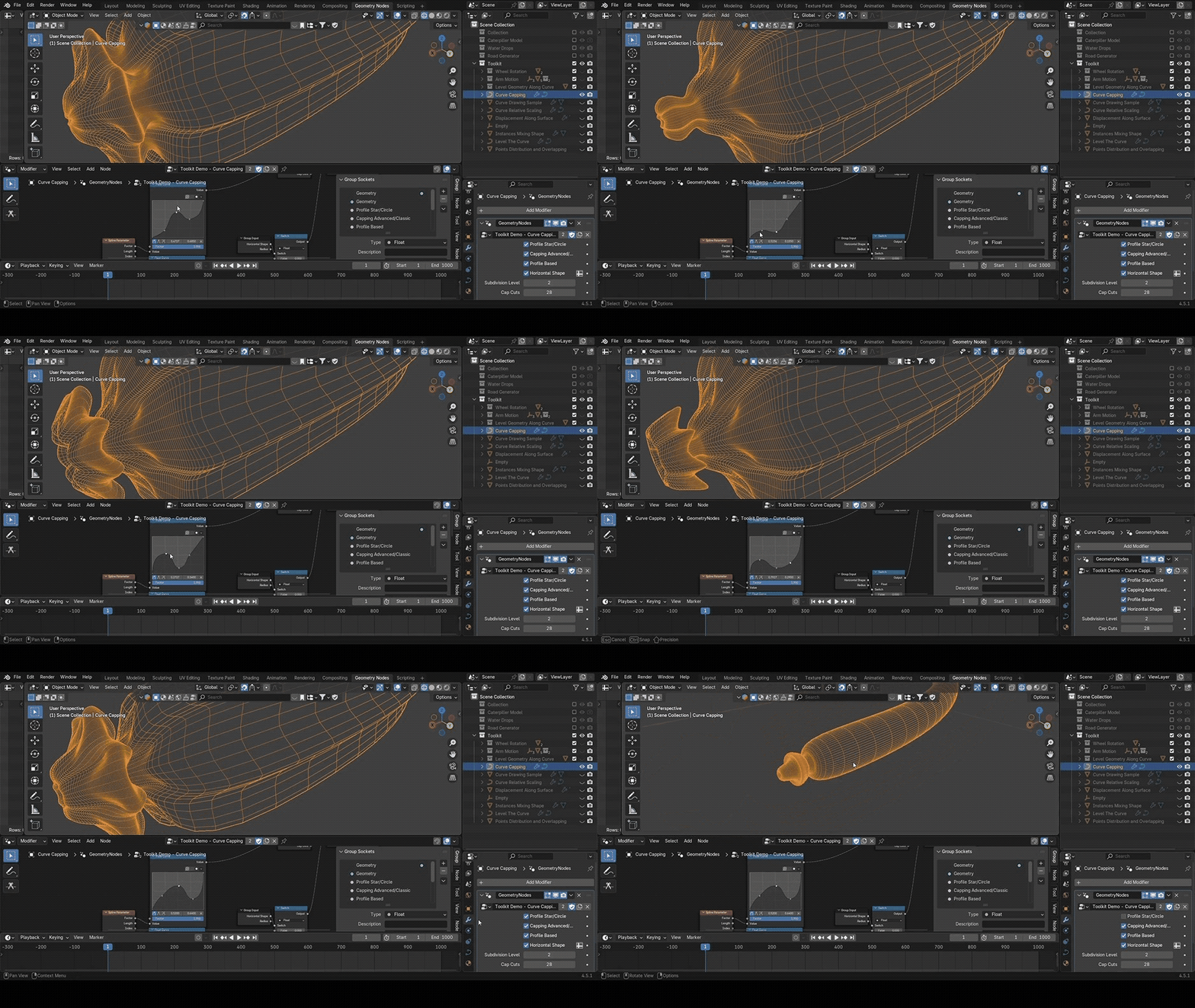
🔹 Curve Capping
Generate curve profiles with fully customizable caps on both the head and tail. Perfect for creating smooth terminations, decorative endings, or organic shapes.
🛠️ Used In: Drop Simulation Project – to create realistic droplet forms.
🔹 Curve to Mesh+
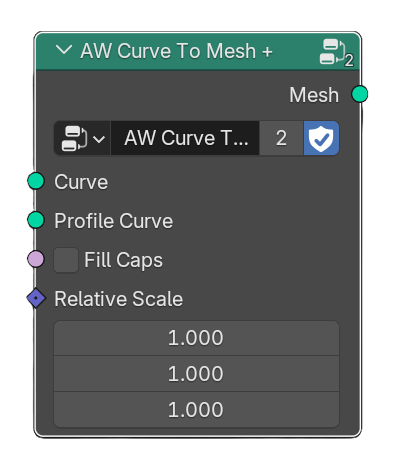
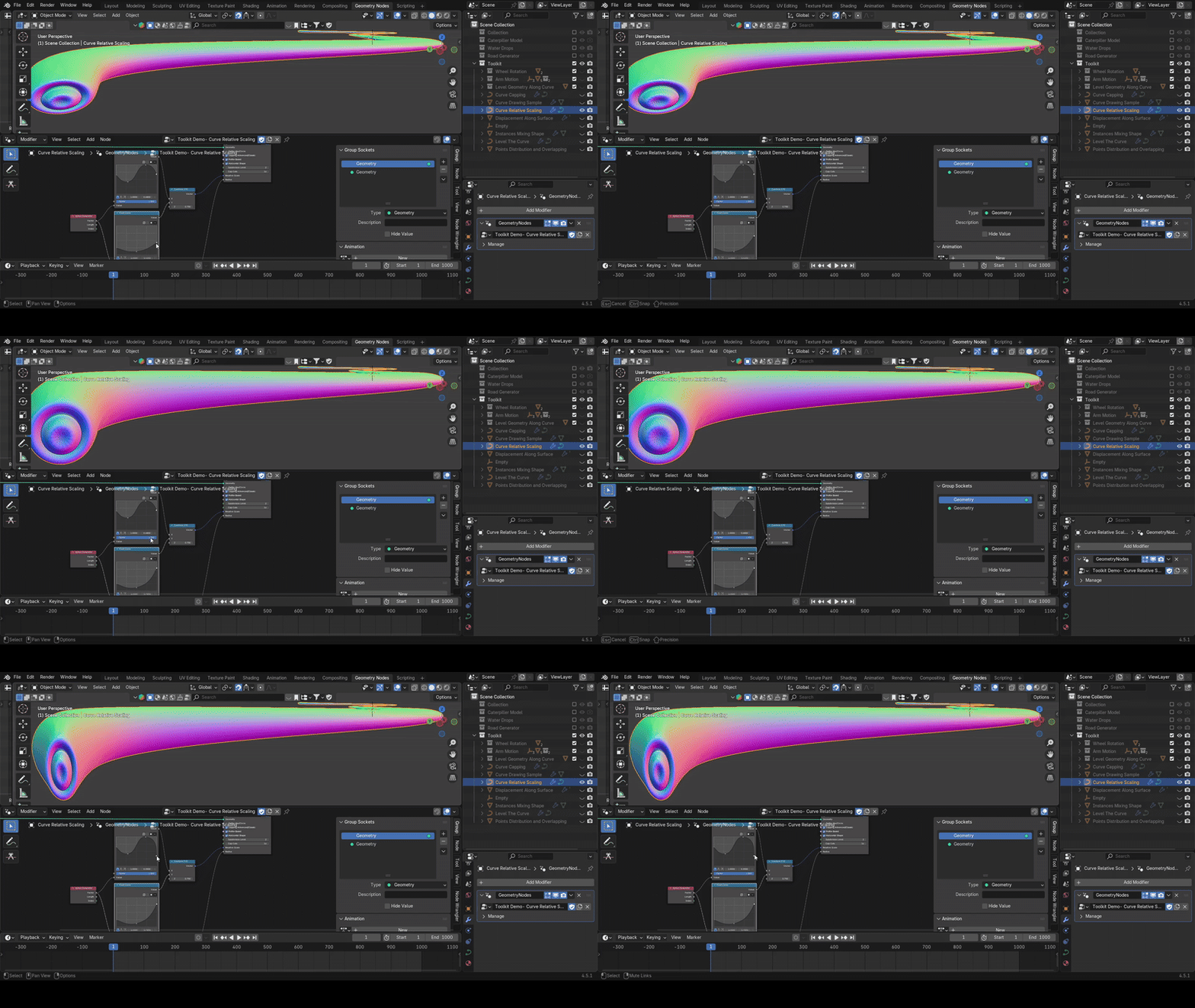
An enhanced version of the standard Curve to Mesh node. It allows non-uniform profile scaling with independent values for X, Y, and Z, relative to the curve’s radius. Simple yet powerful for shaping meshes with precision.
🛠️ Used In: Drop Simulation Project – to create realistic droplet forms.
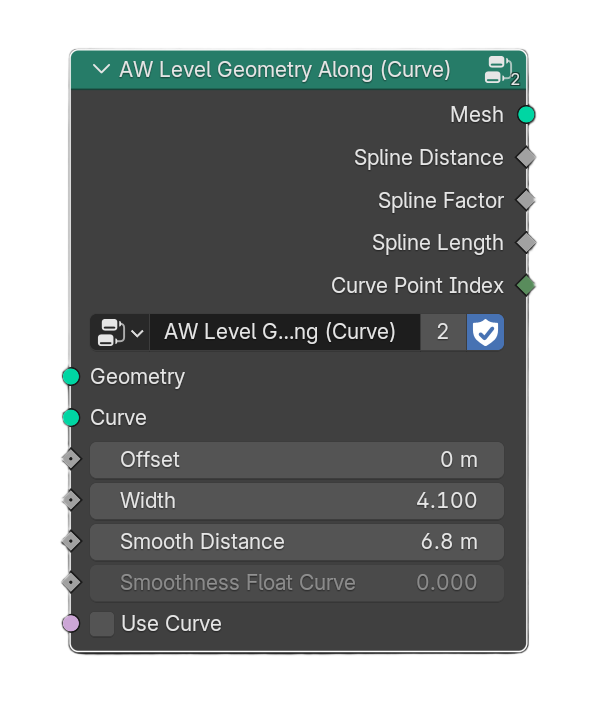
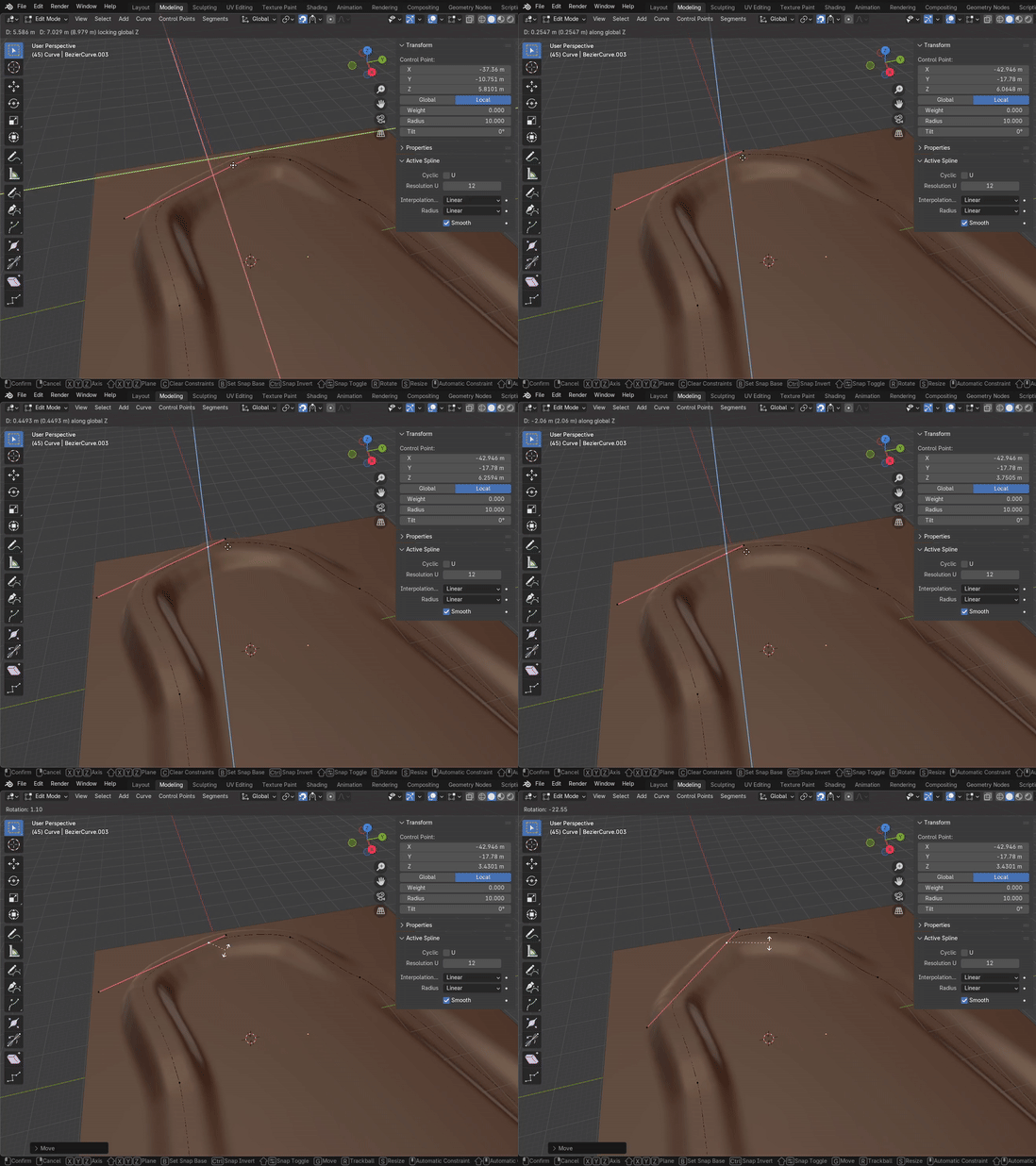
🔹 Level Geometry Along Curve
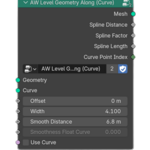
Aligns and levels geometry along a curve with precision. Perfect for keeping meshes stable and consistent on curved paths.
🛠️ Used In: Road Generator Project – to build smooth and realistic roads across terrain.
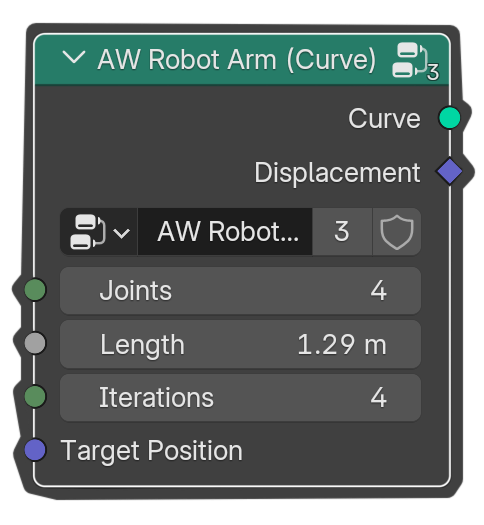
🔹 Arm Motion
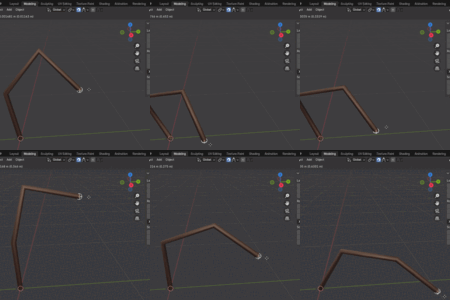
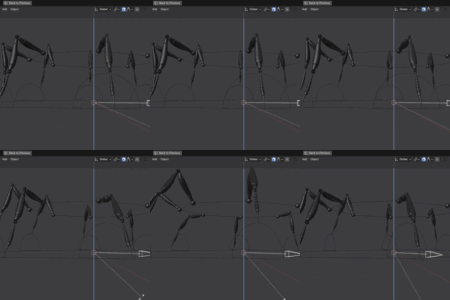
Generates an arm-like curve with a configurable number of joints. This curve can be used as the foundation for building robotic arms, spider legs, and many other articulated structures.
🛠️ Used In: Spider Leg Generator – as a procedural base for creating articulated spider legs.
💡 Inspiration: Inspired by @mtranimation’s YouTube video, which sparked the idea of turning procedural curves into flexible arm structures.


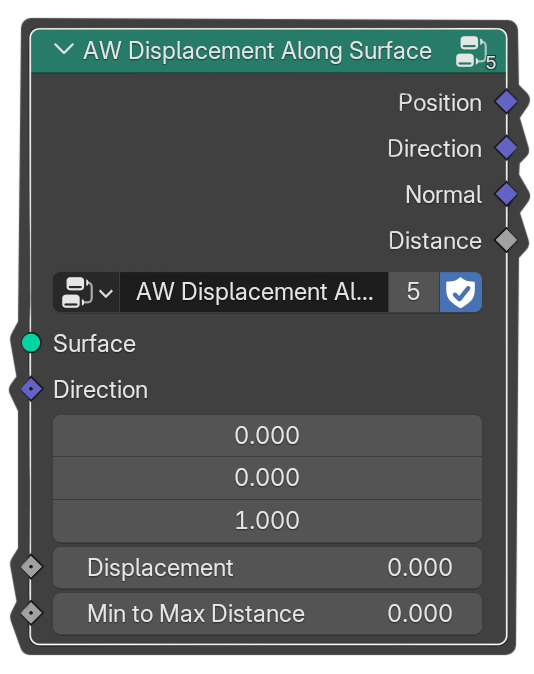
🔹 Displacement Along Surface
Displaces geometry along a surface in a specified direction, making it easy to control movement relative to the surface normal or a chosen vector.
🛠️ Used In: Drop Simulation Project – to move droplets realistically along surfaces under the influence of gravity.
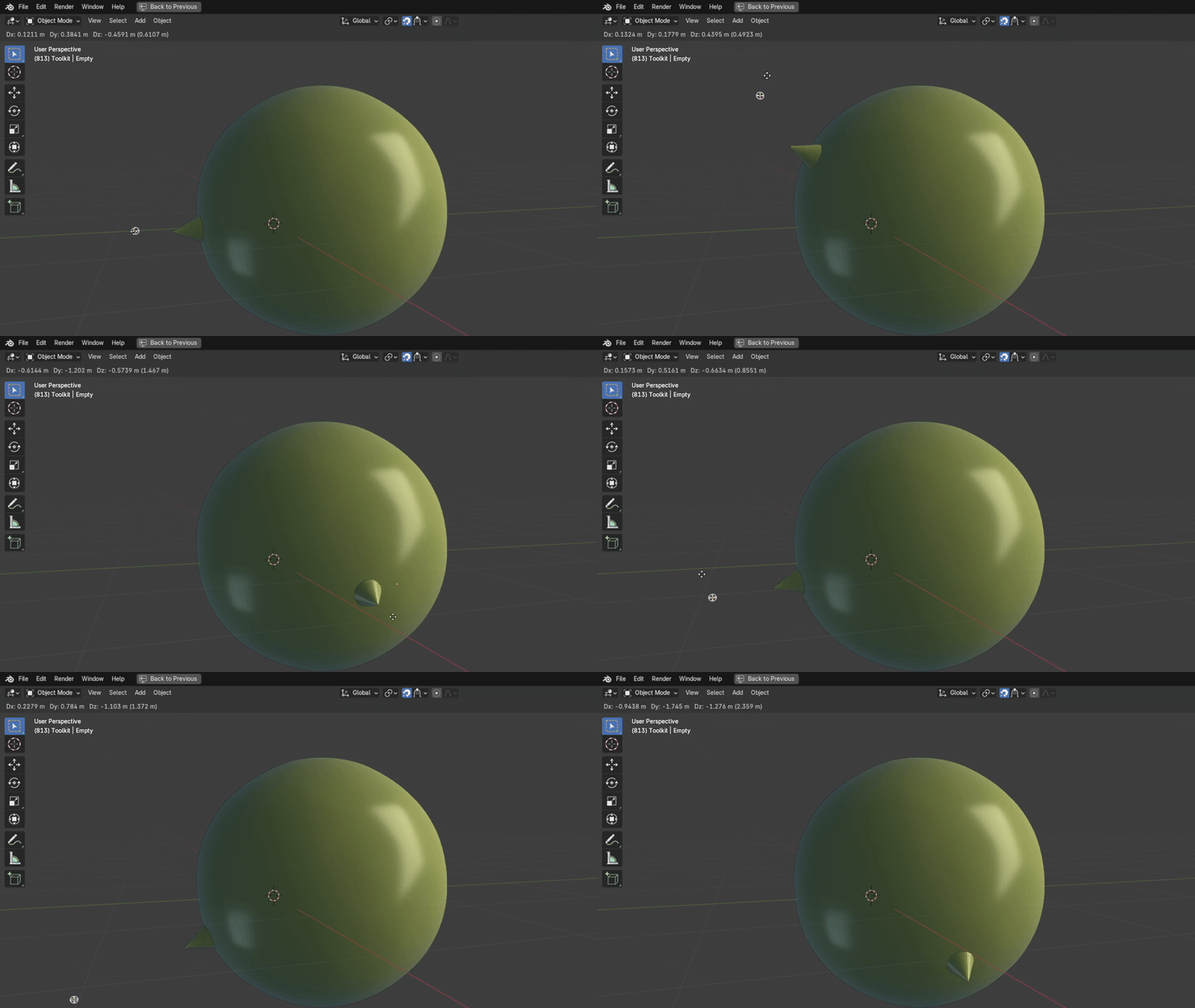
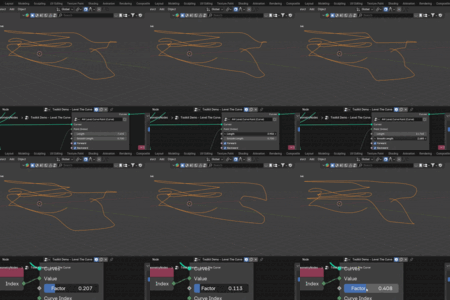
🔹 Level The Curve
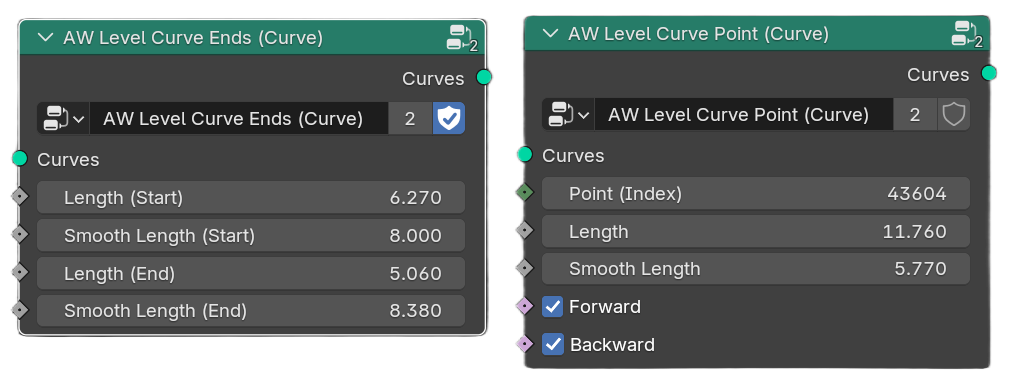
Levels a curve at any defined point with customizable smoothness. Perfect for creating controlled flat areas while maintaining natural transitions.
🛠️ Used In: Road Generator Project – to level road ends for flat intersections connected seamlessly with smooth ramp roads.

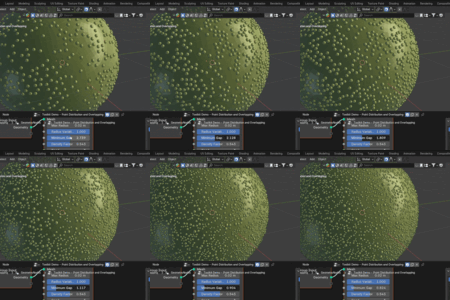
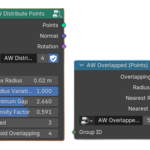
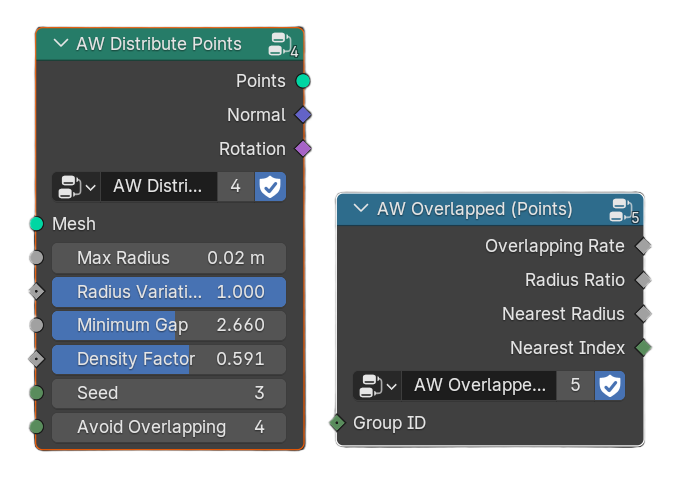
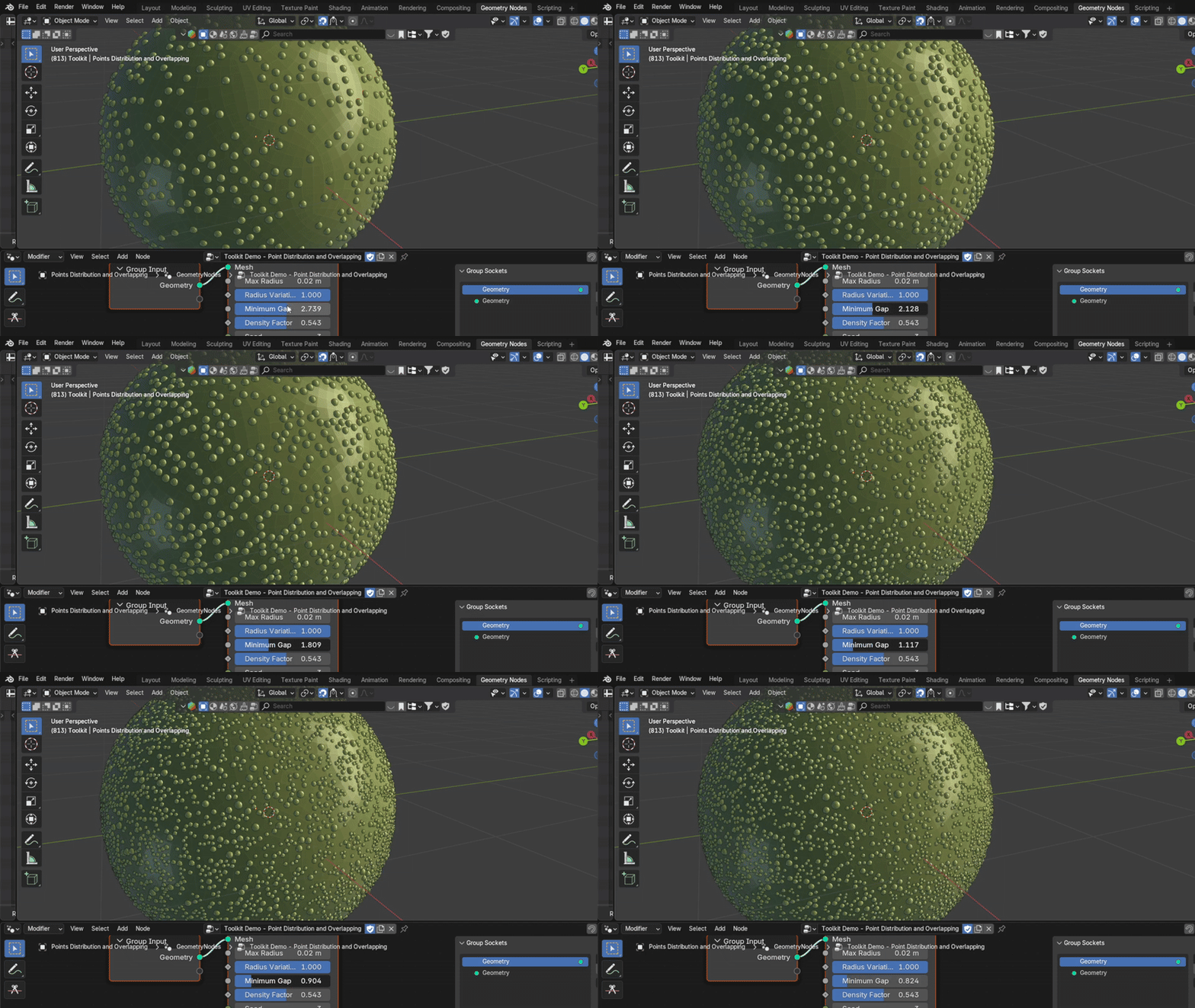
🔹 Points Distribution
Distributes points of varying radii across a surface while preventing overlaps. Includes an additional utility for detecting overlapping points, enabling more realistic interactions.
🛠️ Used In: Drop Simulation Project – to distribute droplets of different sizes and detect overlaps during simulation for realistic joining and dissolving effects.
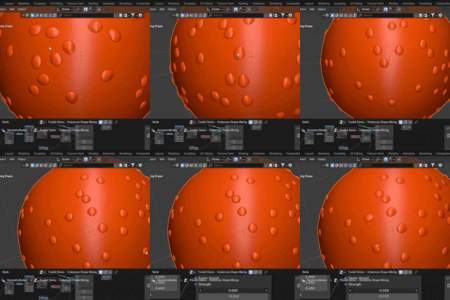
🔹 Instances Shape Mixing
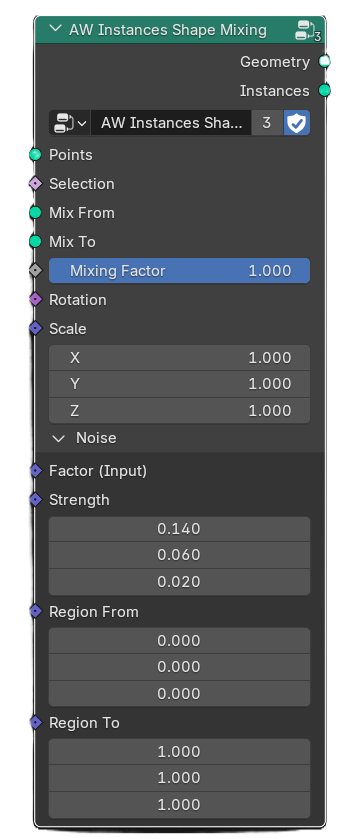
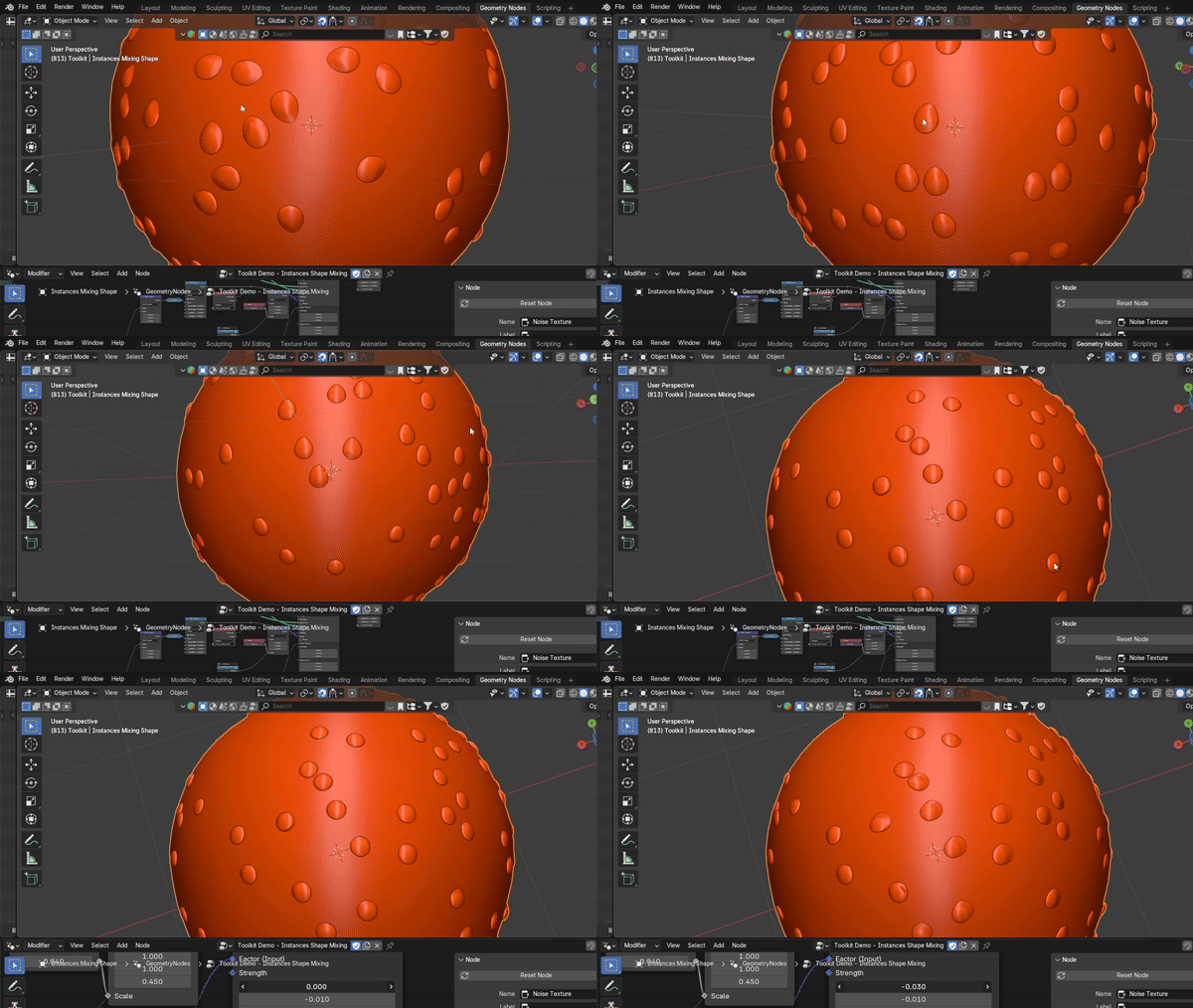
An enhanced version of Blender’s Instances on Points node, designed to add greater realism and variation. It blends two geometries with equal point counts using a per-instance Mixing Factor, and can apply noise for additional randomness. This makes each instance unique, helping to break repetition and achieve more natural results.
🛠️ Used In: Drop Simulation Project – to blend static and moving droplets for realistic drop movement effects.
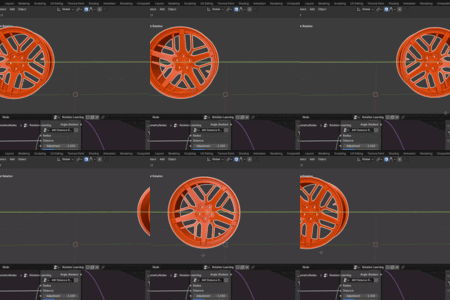
🔹 Translate Linear to Angular Motion
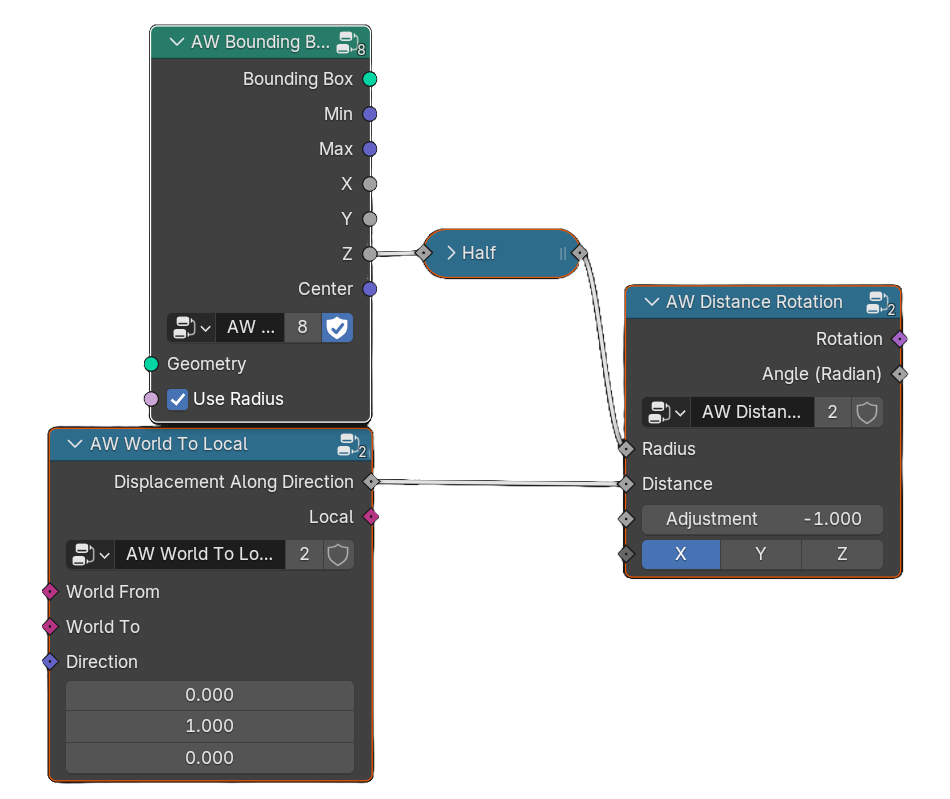
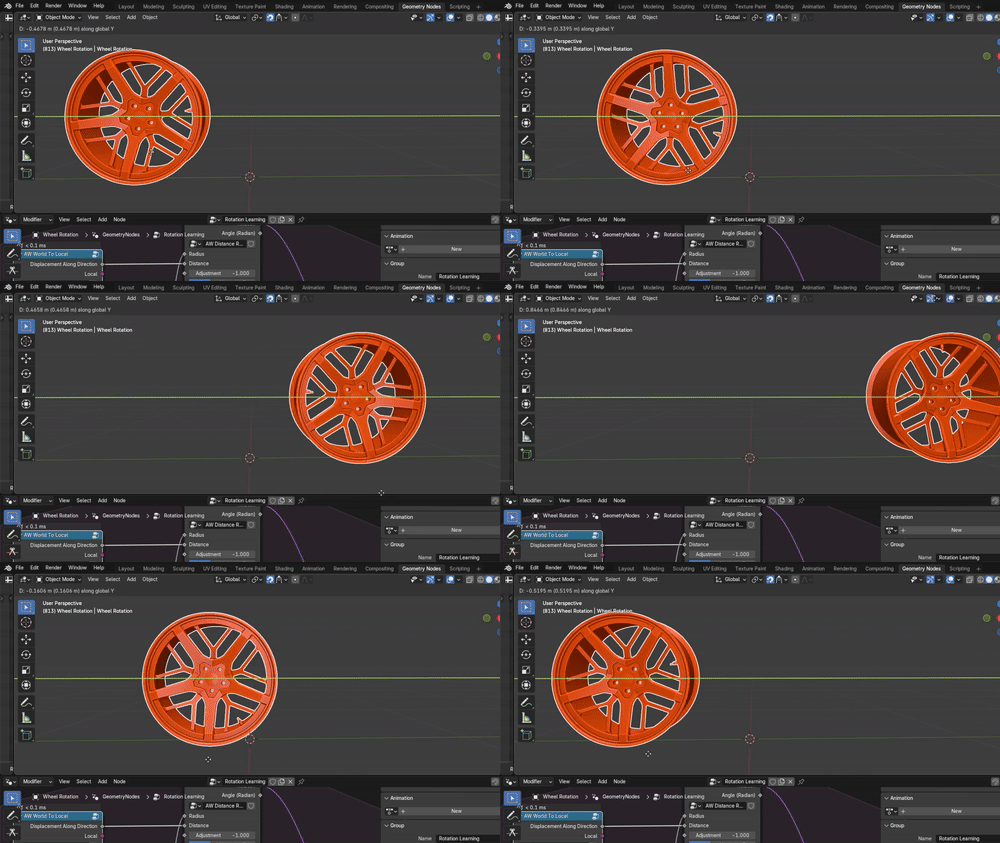
Converts linear motion into angular motion along a specified direction. Ideal for simulating real-world mechanics such as rotating wheels based on displacement, making it highly useful in vehicle simulations and other mechanical setups.
🛠️ Used In: Vehicle Simulation Prototypes – to rotate wheels accurately based on linear displacement.
💡 Inspiration: Inspired by @JohnnyMatthews’ YouTube video on wheel rotation mechanics, adapted into a modular geometry node setup.
🔹 Draw Progressive Curves
Draws curves progressively up to the prior index, and reveals the selected curve incrementally based on a factor or length value. This allows you to simulate handwriting effects, path-based animations, or progressive sketching of shapes and objects.
🛠️ Used In: Procedural Writing & Drawing Simulations – to animate the gradual appearance of words and drawings.
💡 Inspiration: Inspired by @JohnnyMatthews’ YouTube video “Wait, I Can Rig with Geometry Nodes”, which demonstrated the potential of using curves for rigging and progressive animation effects.


🧪 Experiment: Robotic Arm Writing Simulation
I combined the Arm Motion and Draw Progressive Curves node sets to simulate a robotic arm writing text. This experiment demonstrates how different modular nodes from Node Lab can be blended together to create advanced procedural animations and creative effects.