 Jakob
Jakob
Documentation
NODEE
Patterns
1.0
Blender 3.5
How to install?
After downloading Nodee_Patterns.blend file, inside Blender go to edit > preferences

Under the File Paths tab go on the bottom and create a new Asset Library. Choose name and file path on your disk, and after that put Nodee_Patterns.blend inside of that folder

Then you can open Asset Browser panel

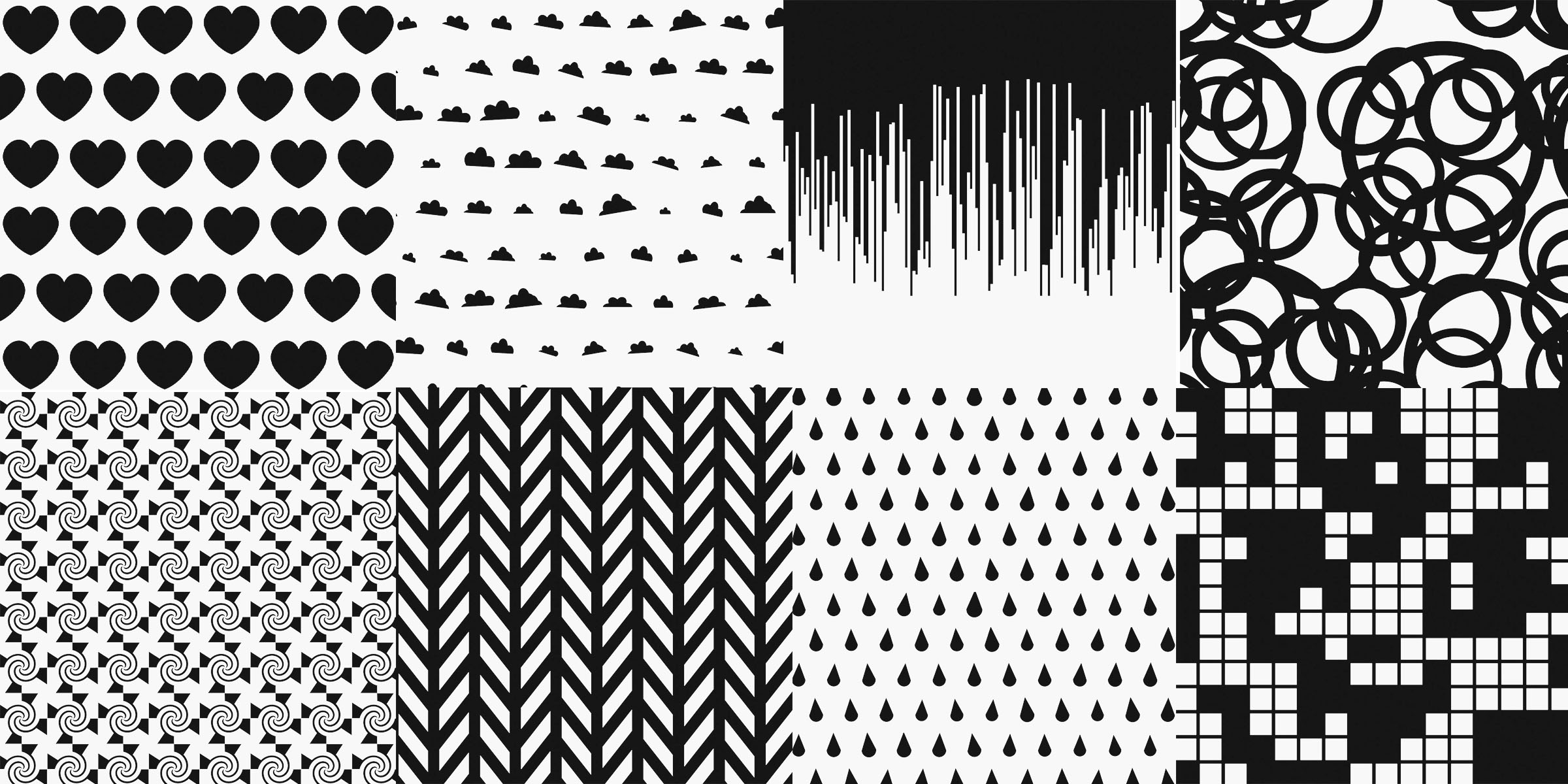
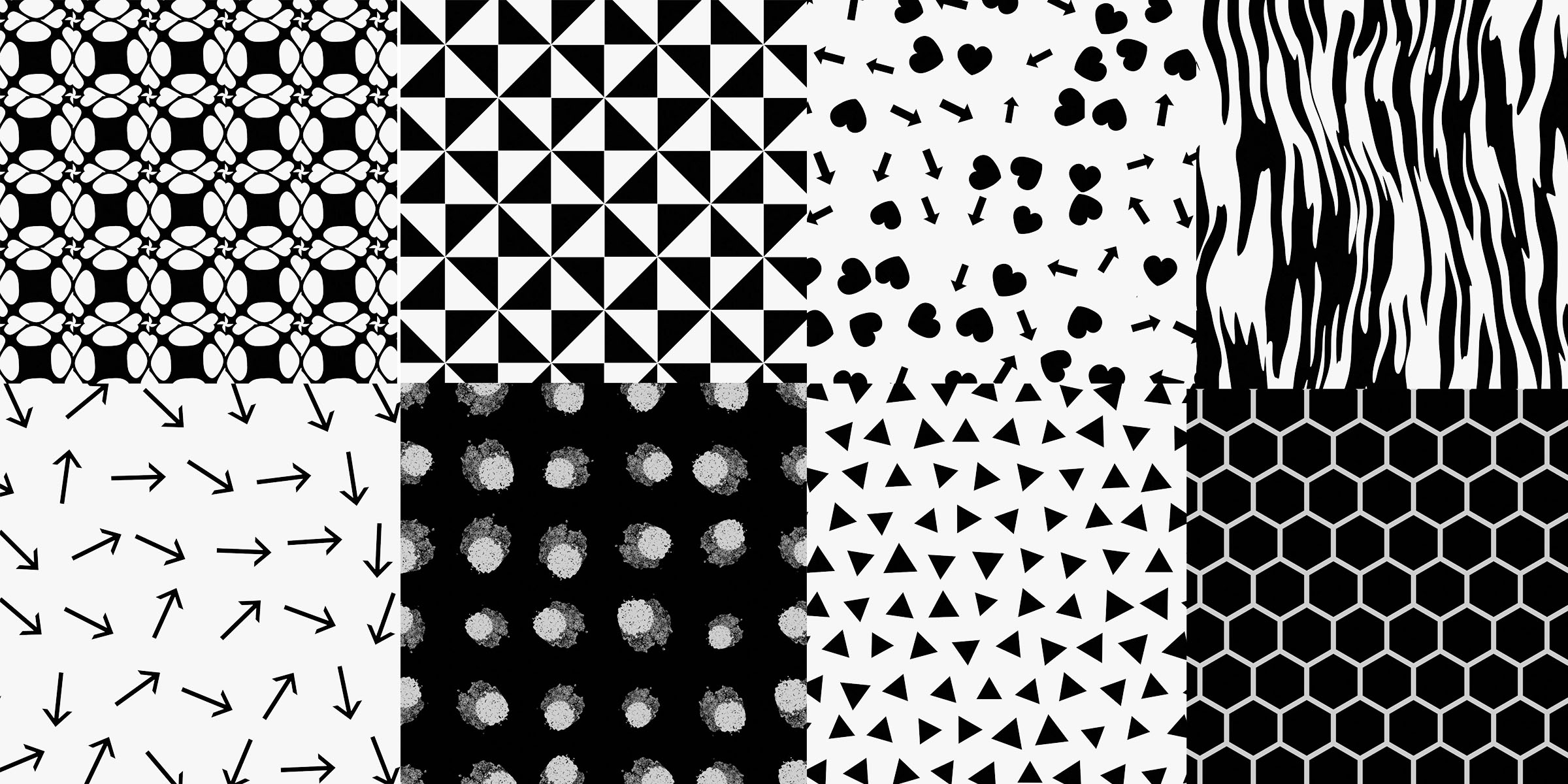
You can search for right pattern using search bar. Thanks to tag system each pattern have multiple tags, that allow to find them easier.
-
$11
If you don't plan to make money with this product.
-
$22
If you plan to make money with this product.
Have questions about this product?
Login to message
| Sales | 50+ |
| Published | over 3 years ago |
| Blender Version | 4.2, 4.1, 4.0, 3.6, 3.5 |
| License | Royalty Free |

Discover more products like this
procedural Shader Pack ornament patterns blender procedural materials summer24 material pack node groups pattern spring24 bfcm24 geometric pattern animated-procedural-texture winter24 nodee