 孙堪伟
孙堪伟


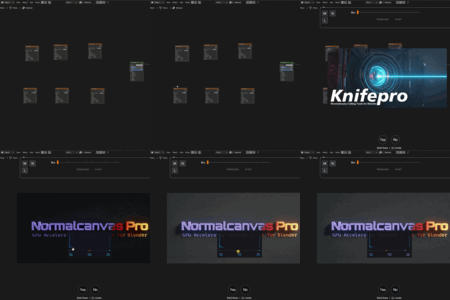
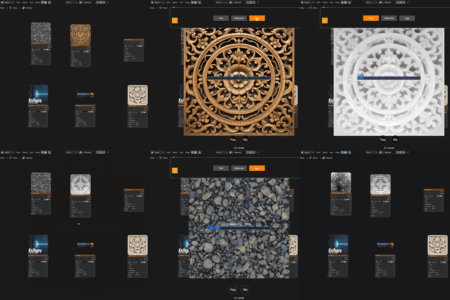
NormalCanvas Pro - Quick Start Guide
ℹ️ Ready to use out of the box!
You do NOT need to install the AI environment to use the main features.
The following core tools work immediately after installation:
- ✅ Real-time Normal Gen
- ✅ Blur / Sharpen / Levels
- ✅ Selection Tools
- ✅ Image Editing Suite
Note on AI Depth: The "AI Depth Generation" is an optional feature.
* The automated installer is now available for multiple platforms. (macOS/Linux support is currently in Beta).
1. Installation
- Open Blender Preferences (Edit > Preferences > Add-ons).
- Click Install... and select the
NormalCanvas_Pro.zipfile. - Enable the addon checkbox. Done!
2. Optional: Enable AI Depth
Want to generate Depth Maps from images?
We provide a one-click installer to help set up the AI engine automatically.
- Go to Add-on Preferences > AI Environment Setup.
- Select a folder where you want to store the engine.
- Click "Download & Install".
- Wait for the process to finish. (Process may vary based on OS configuration).
-
$16
Single Seat. Tailored for individual artists and freelancers. Includes commercial license.
-
$64
For Teams & Studios (4+ users). Get unlimited seats for your entire organization.
Have questions about this product?
Login to message
| Sales | 30+ |
| Published | 10 months ago |
| Blender Version | 4.5 - 5.0 |
| Extension Type | N/A |
| License | GPL |
Discover more products like this
Generator normal map image editing bump map texture editor Workflow shader editor ai Material PBR depth map Texture Painting