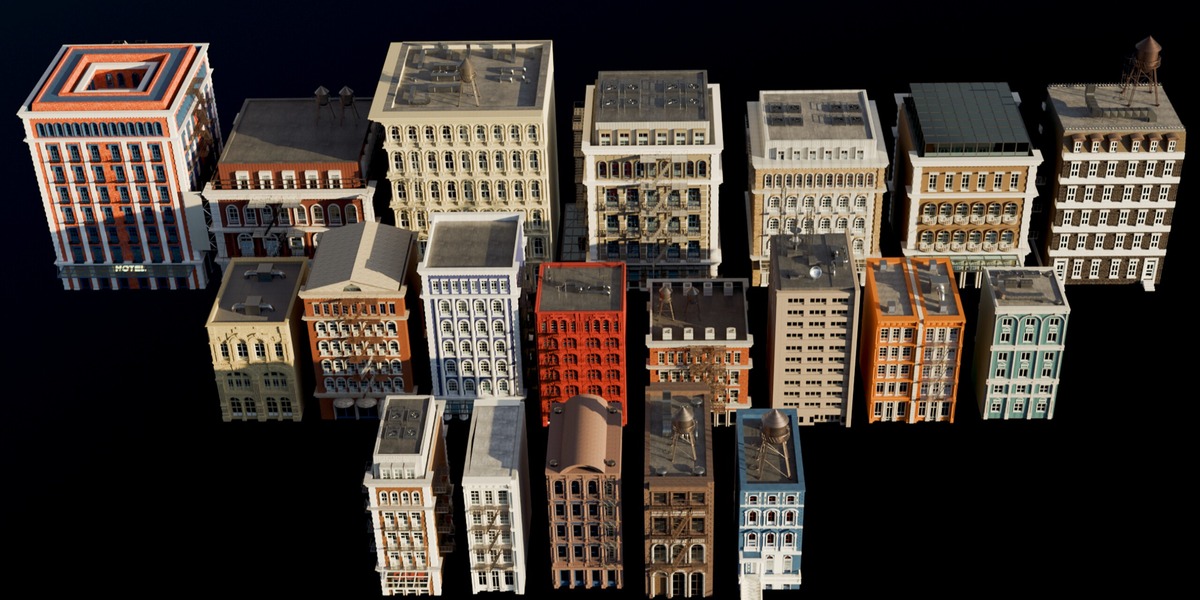
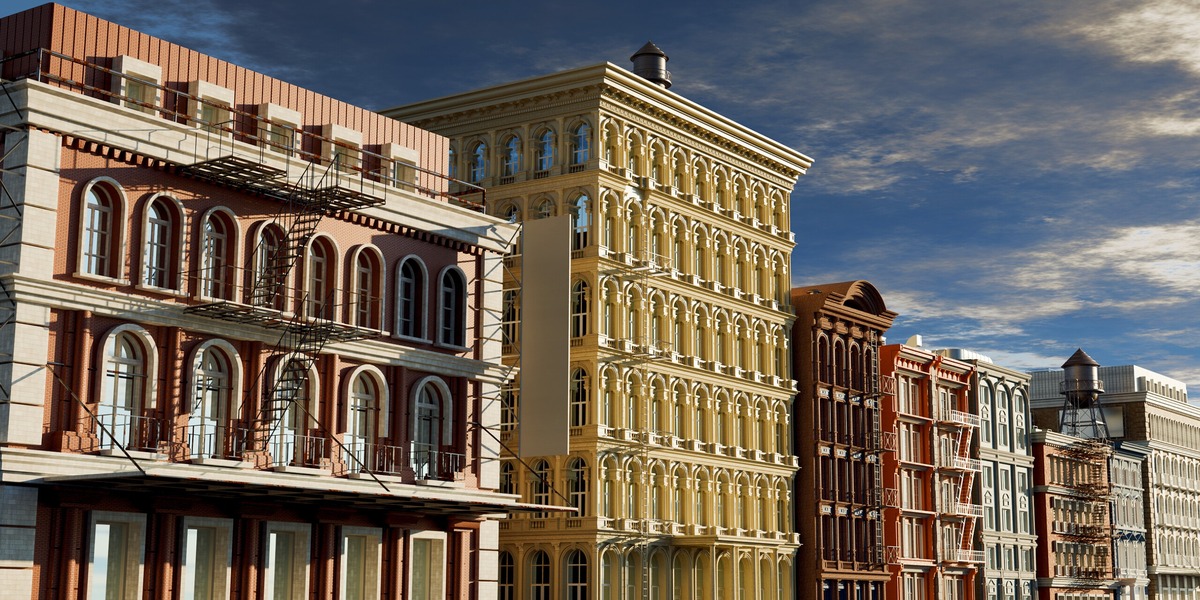
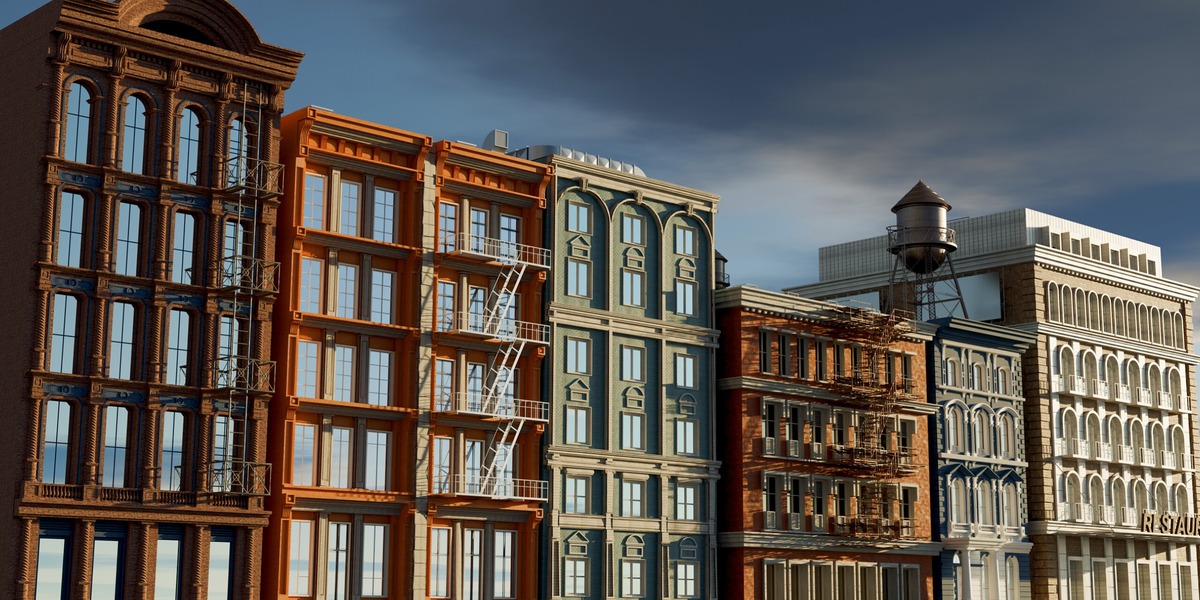
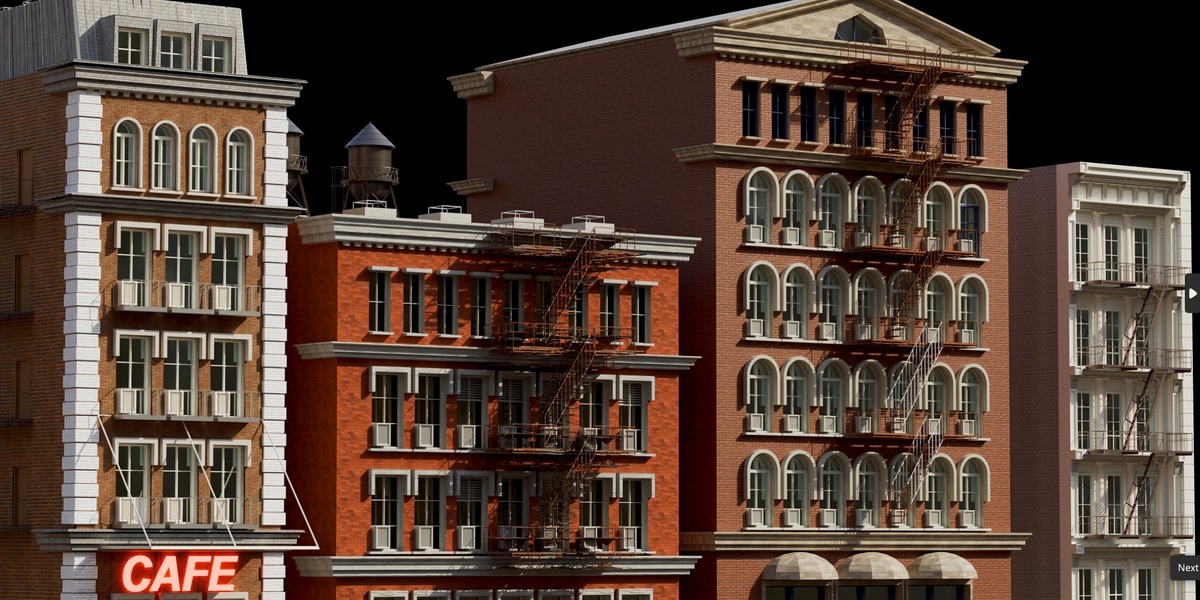
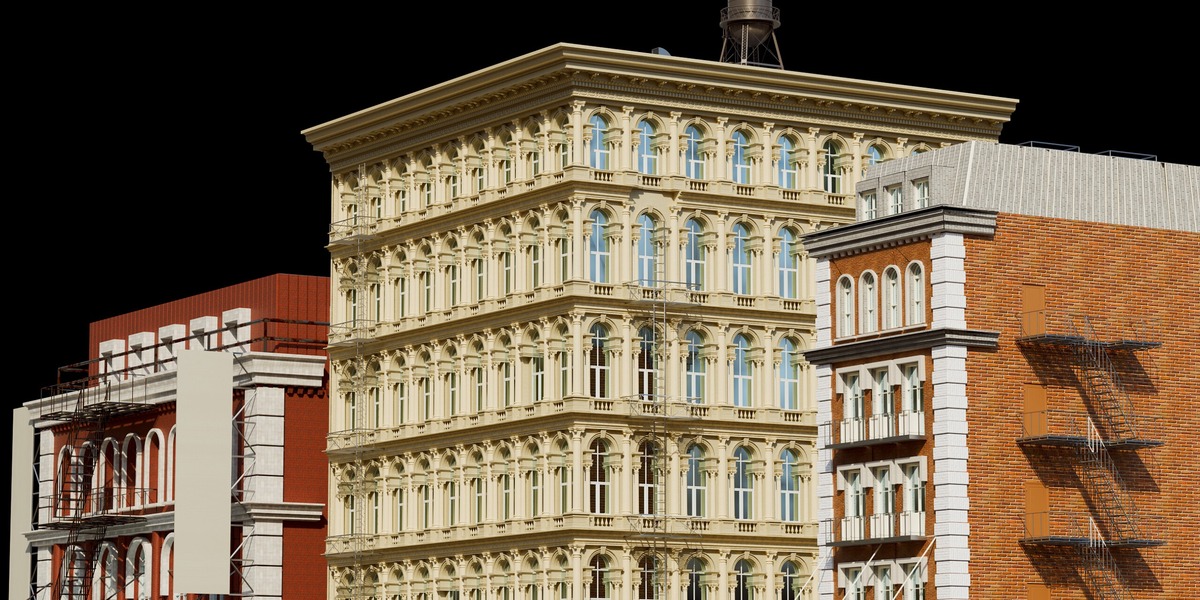
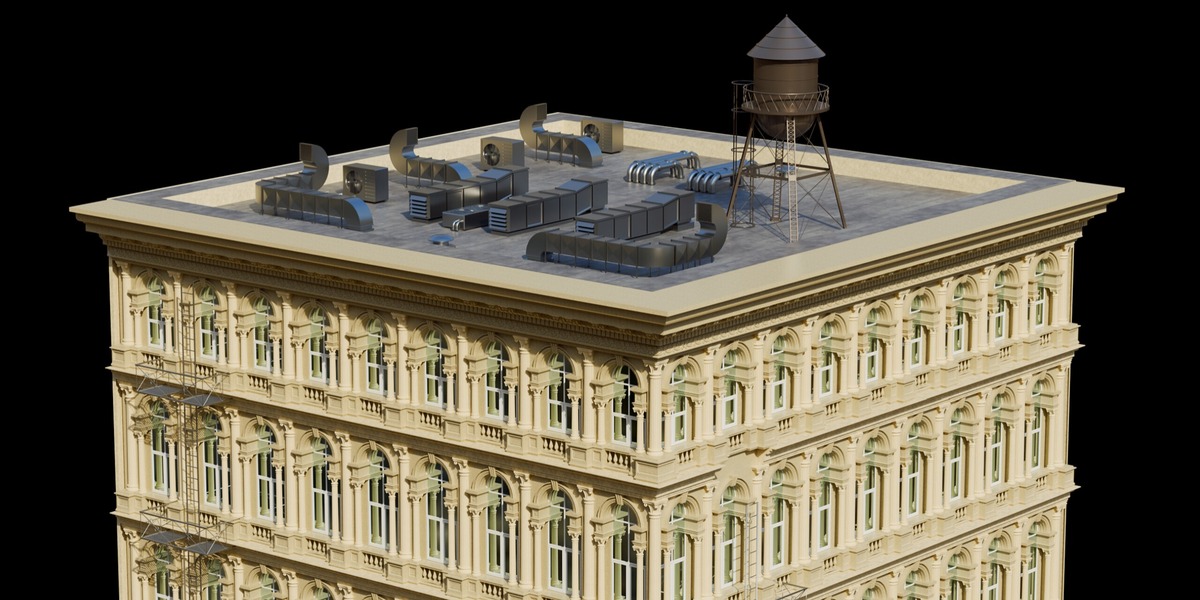
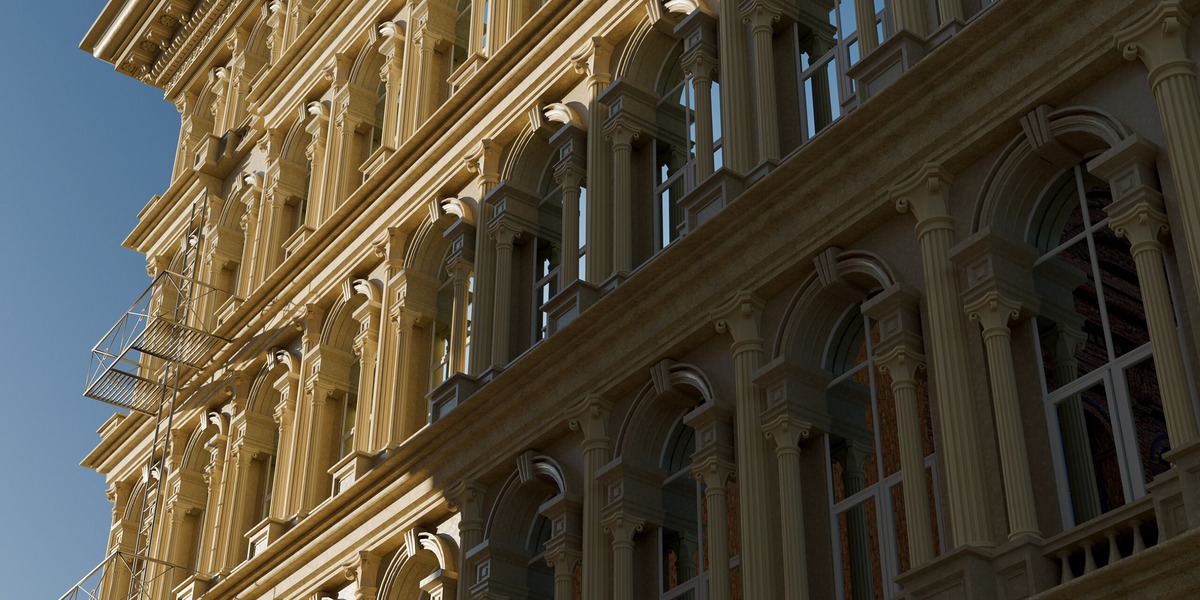
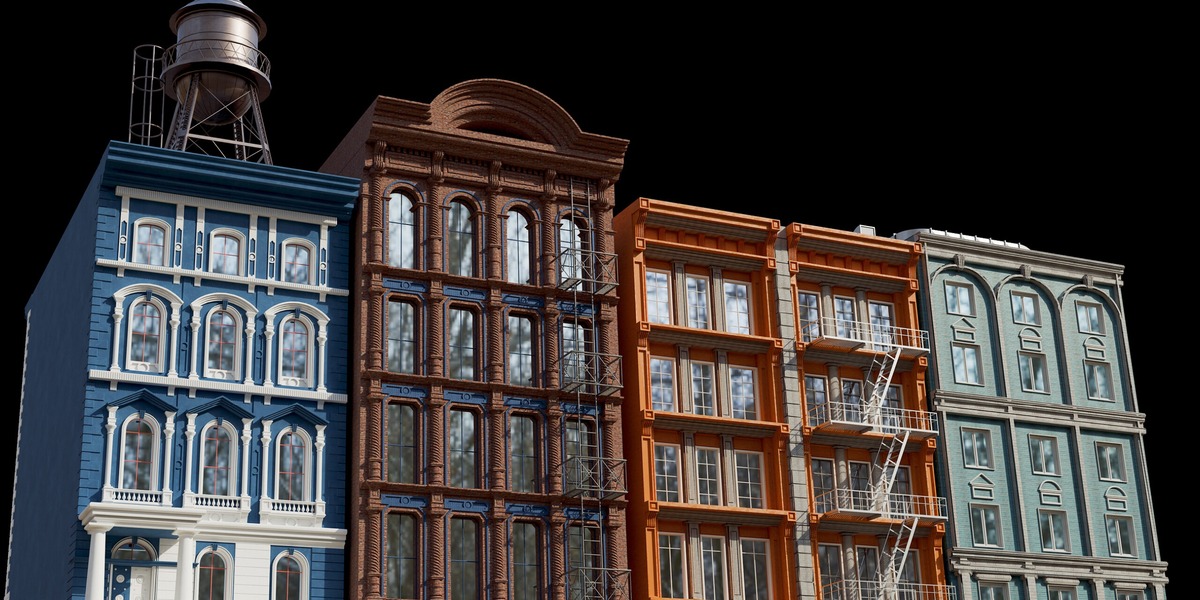
NYC Downtown Brooklyn City Pack - 20 Buildings With Fire Escapes & Water Towers
 CREATION-CREW
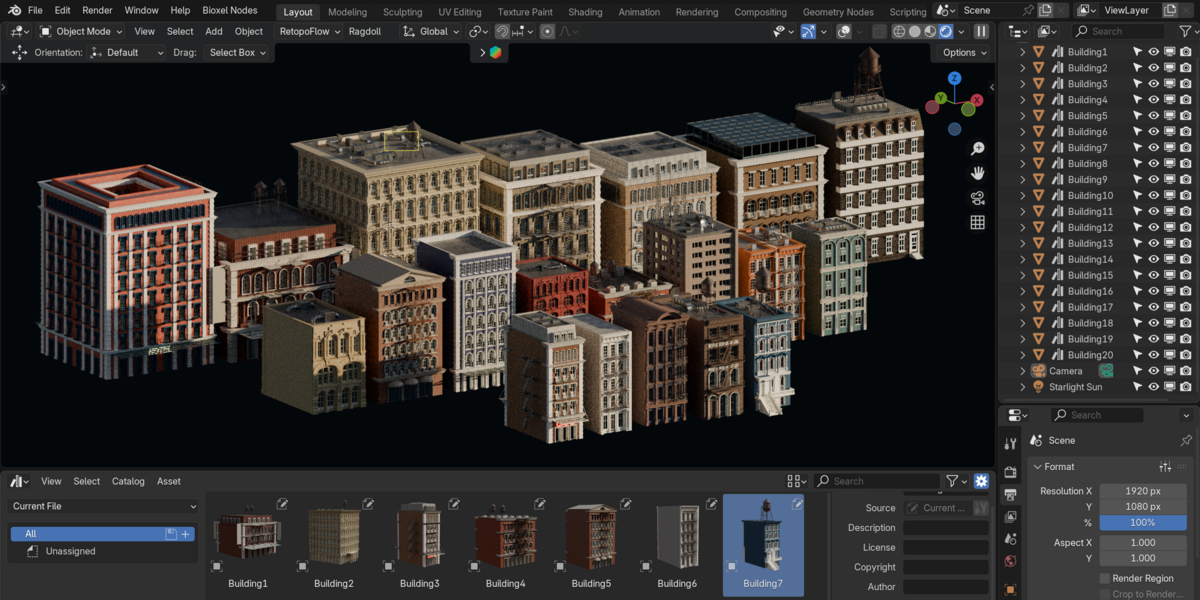
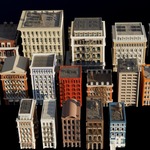
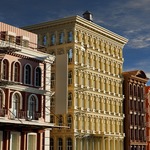
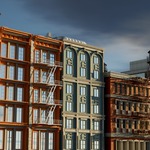
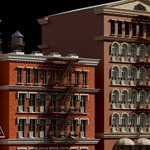
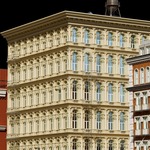
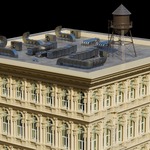

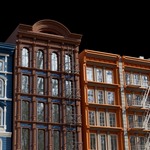
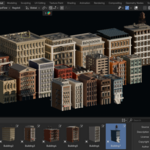
Downtown Brooklyn Building Pack: Quick Start
What’s included
- 1 .blend file with 20 unique buildings (Building1 to Building20)
- Every building is a separate object and is marked as an asset for the Asset Browser
- Preview thumbnails for every asset
- [Materials: procedural / image textures / packed, specify]
Requirements
- Blender [version, e.g. 4.2 or newer]
- Works with Cycles and Eevee [adjust to what you tested]
- No add-ons required [confirm this]
Method 1: Use the Asset Browser (recommended)
- Save the .blend file in a folder, for example
Brooklyn_Pack. - Go to Edit > Preferences > File Paths > Asset Libraries.
- Click + and select the folder that holds the file.
- Open any Asset Browser editor and choose the new library from the dropdown.
- Drag a building into your 3D viewport.
Tip: Drag-and-drop Link keeps your project file small. Append gives you a fully editable copy. You can switch this in the Asset Browser’s import settings.
Method 2: Append from file
- Go to File > Append and select the pack’s .blend file.
- Open the Object folder and pick the buildings you want (Building1 to Building20).
- Click Append.
Have questions about this product?
Login to message
| Published | about 19 hours ago |
| Blender Version | 3.0 - 5.3 |
| Render Engine Used | Blender-Internal, Blender-Game-Engine, Cycles, Eevee |
| Misc Data | Low-High-Resolution, Textured |
| License | Creative Commons |
Discover more products like this
new york city buildings brooklyn asset-browser building pack nyc cityscape street downtown brooklyn urban architecture environment