 joe3dm


Tested on Blender 4.4 to 5.1
This product comes with two zip files, one for blender 5.1 which includes face center snapping and one for 4.4 to 5.0 which does not. Make sure you install the correct one for your version of blender. If you already have one installed and are upgrading just drag and drop the new one to install like usual and restart blender.
Description
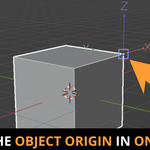
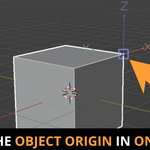
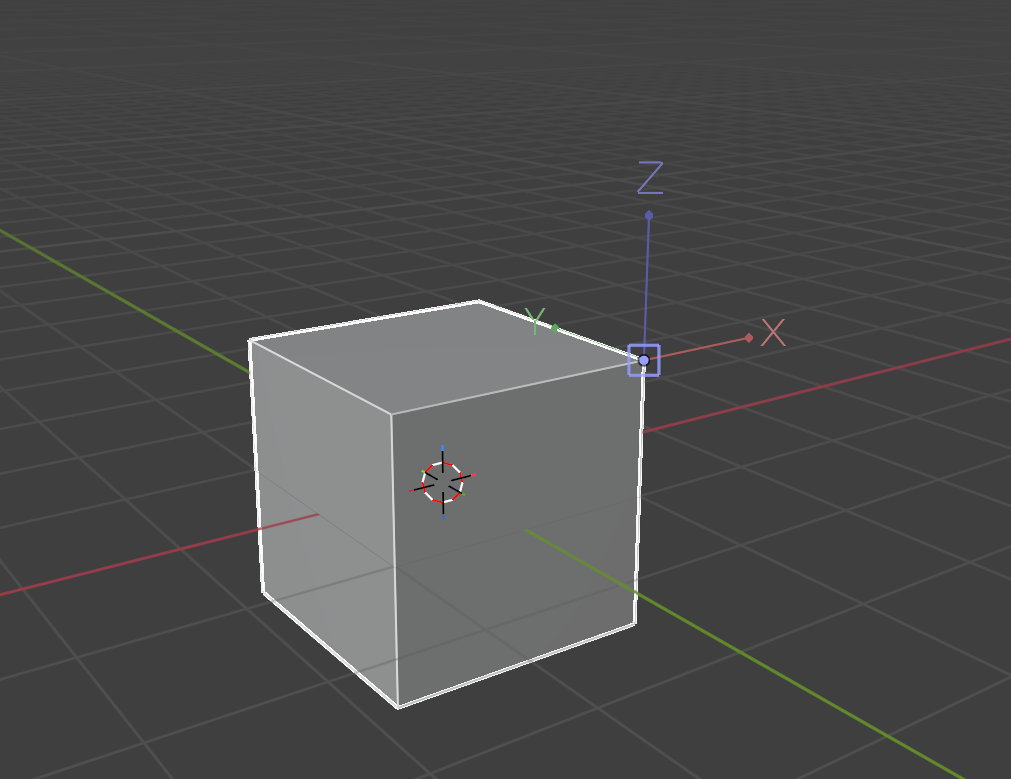
Object Origin Mover allows you to quickly and easily move the object origin in Object Mode. This tool is designed for object mode only. Select an object (or multiple), press E, move the origin and confirm. That's it.
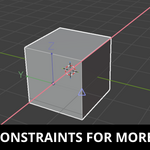
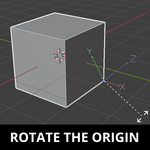
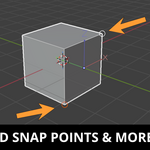
Because this tool is built on blenders move operator, you can do things such as axis constrain, add snap points or even rotate. You also do not need to setup any snapping settings. The operator will temporarily override your current snap settings and return them to what they were after.
Things to know
- Product is internally known as simpl3 object origin mover - this is what will show up in the addon preferences
- Snapping modes are all enabled at the same time by design and can not be toggled off individually.
- Works in Object Mode only
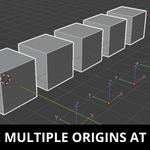
- Works on multiple objects at the same time
- Hotkey E by default but you can change it to whatever you want in blenders keymap preferences. Search for "SIMPL3: Object Origin Mover" or keymap E to find it.