Office Starter Kit
 ET Design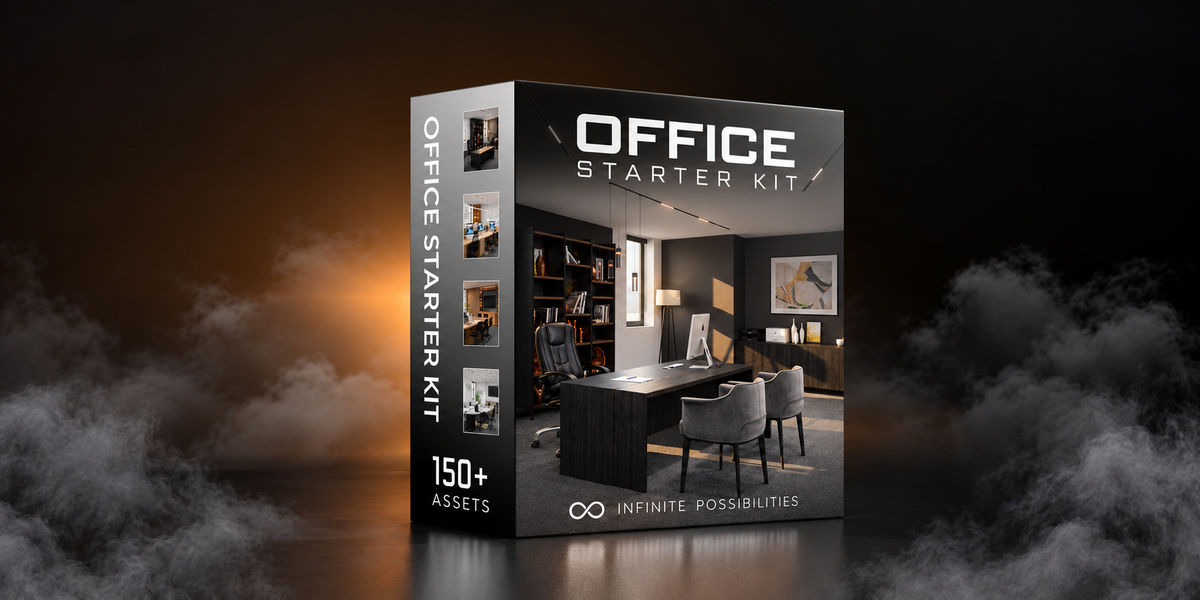
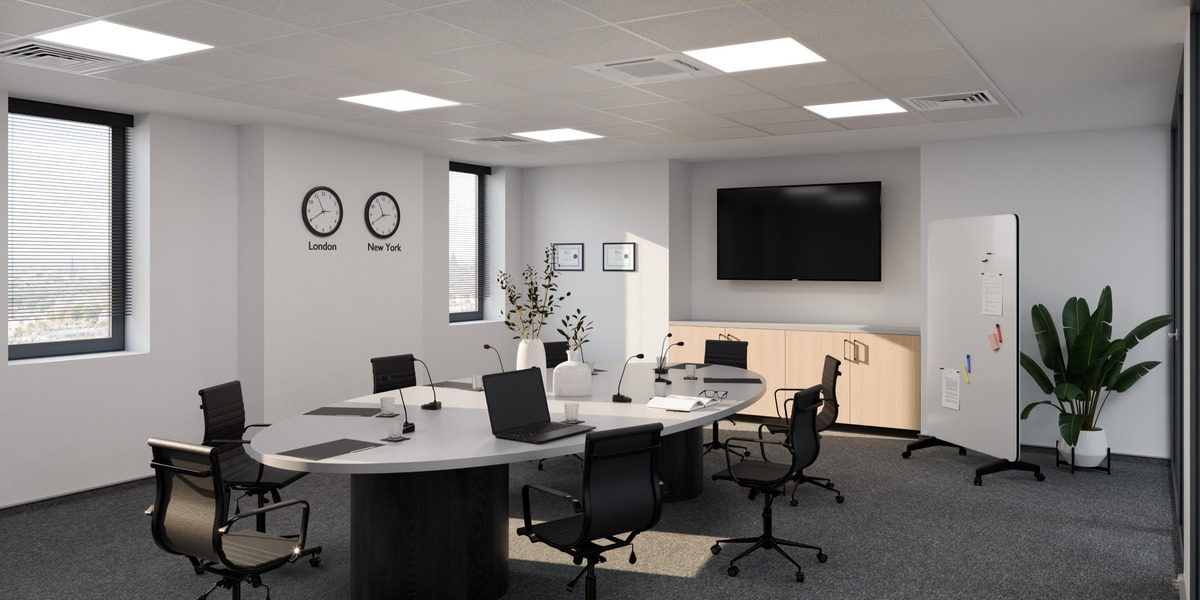
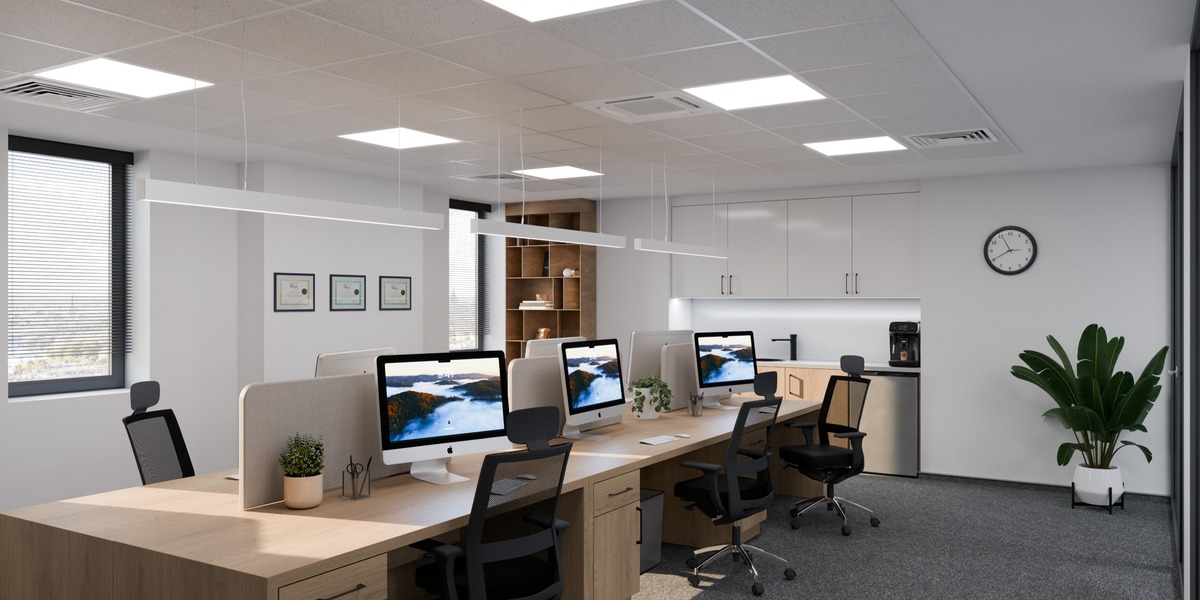
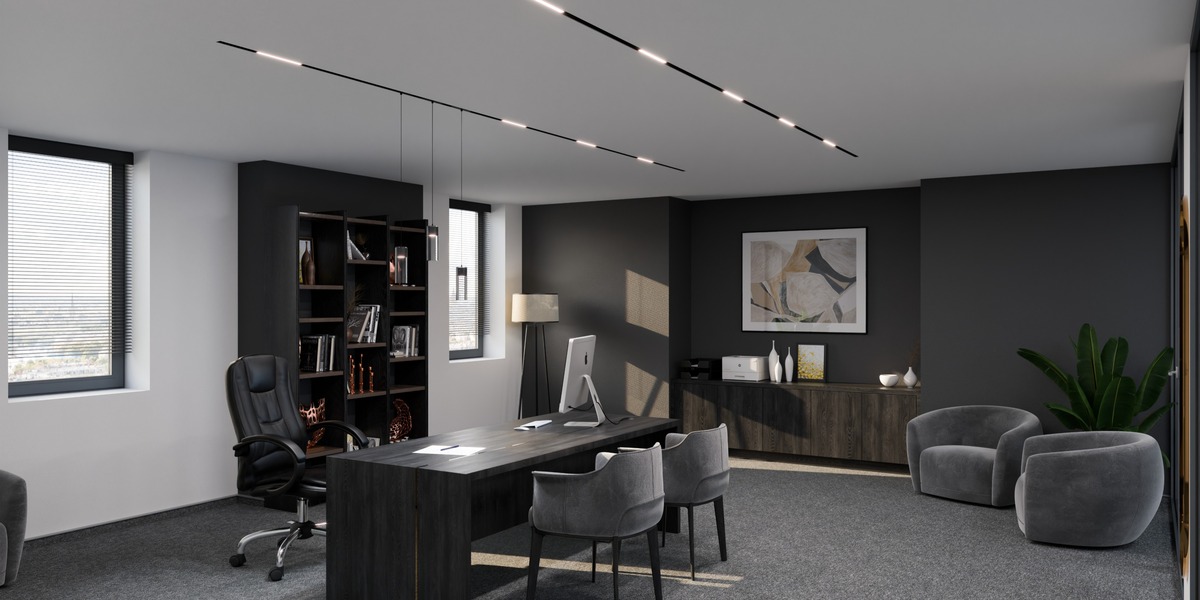
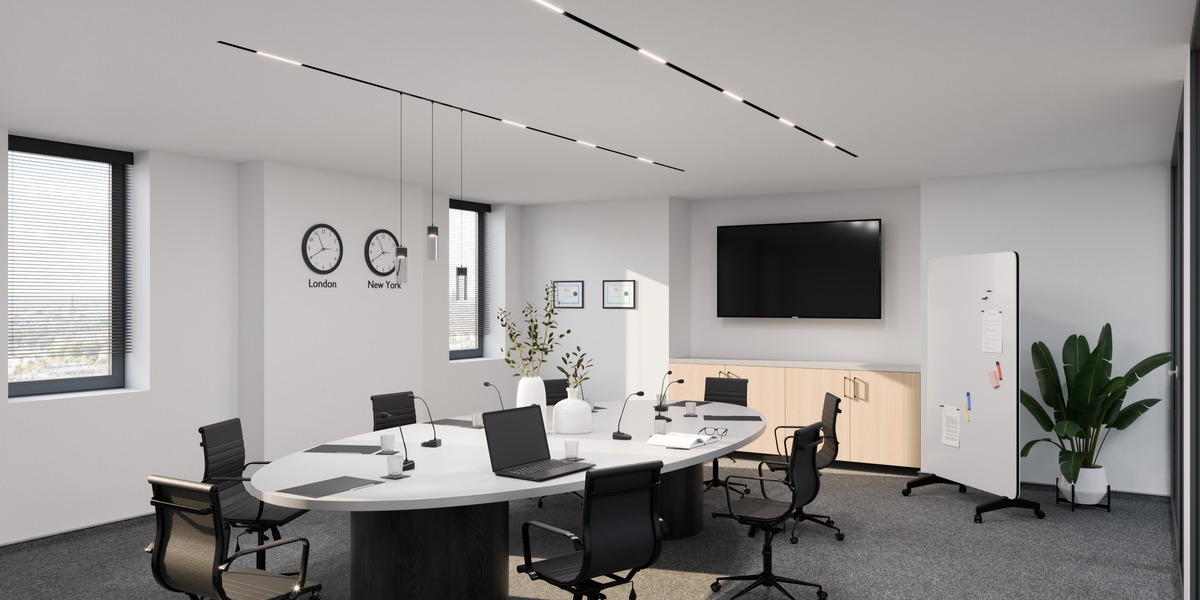

Documentation
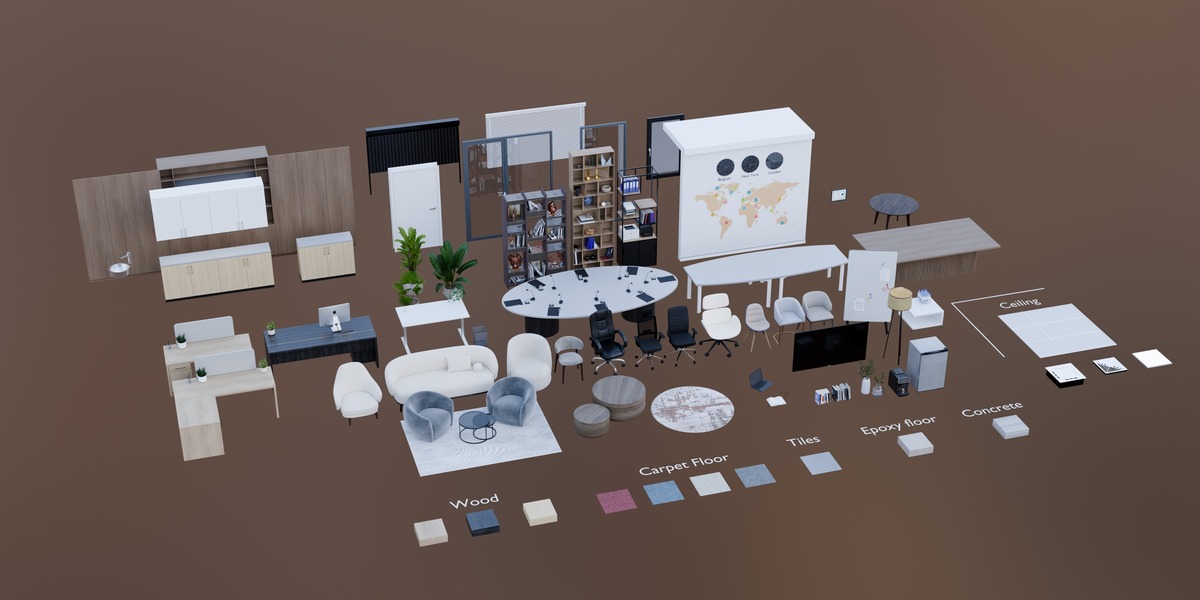
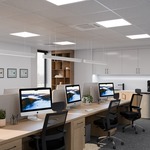
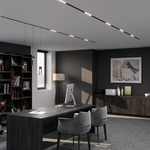
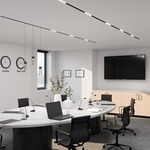
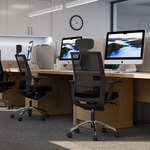
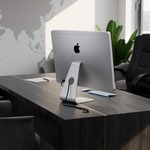
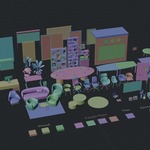
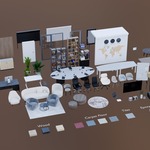
The Office Starter Kit is designed to be simple and ready to use, so no additional setup is required.
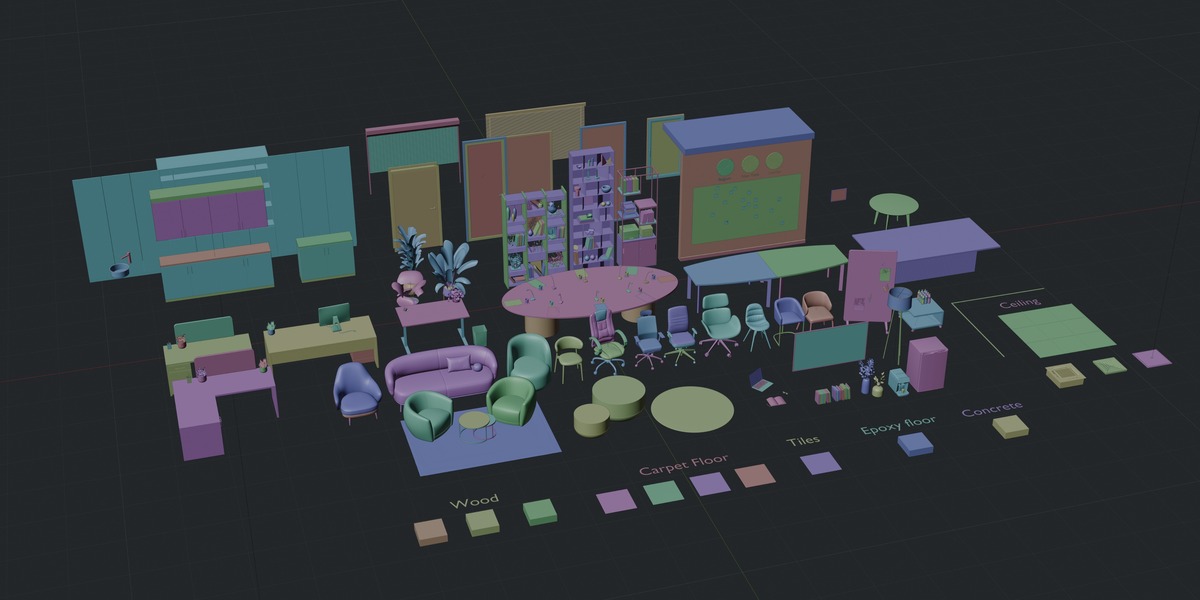
After opening the project, you can select the assets you need and add them to your scene.
Asset Structure
Multi-part models are usually parented together for easier selection, movement, rotation, and placement.
Removing a Parent
If you need to separate individual objects from a parent, select the object and use:
Alt + P → Clear Parent
Modifiers
Many modifiers are intentionally left active. This allows you to easily adjust and customize the models for your specific project.
Materials
All materials are set up for Cycles. Materials and shaders remain editable, allowing you to change colors, finishes, roughness, and other properties.
Textures
All required textures are included with the project.
Customization
You are free to modify, delete, duplicate, combine, or reorganize the assets depending on the needs of your scene.
Need Help?
If you experience any issues with the product, feel free to contact me through Superhive.
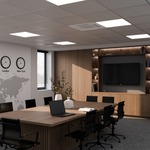
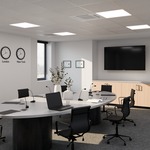
Bonus Scene: Included (from the 360 Link)
Have questions about this product?
Login to message
| Dev Fund Contributor | |
| Published | 2 days ago |
| Blender Version | 4.0 - 5.2 |
| Render Engine Used | Cycles |
| Misc Data | Uvs-Unwrapped, Low-High-Resolution, Normal-Mapped, Textured |
| License | Royalty Free |
Discover more products like this
plants storage furniture Tables seating officeprops Lighting decorations