 BLUE NILE 3D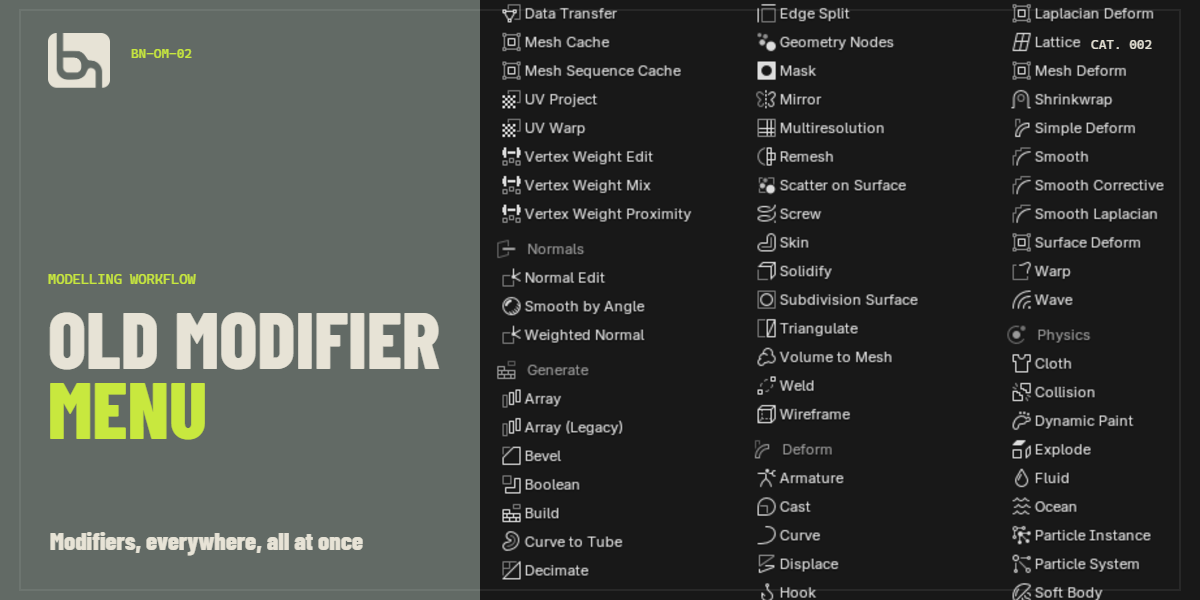
Old Modifier Menu / BN-OM-03
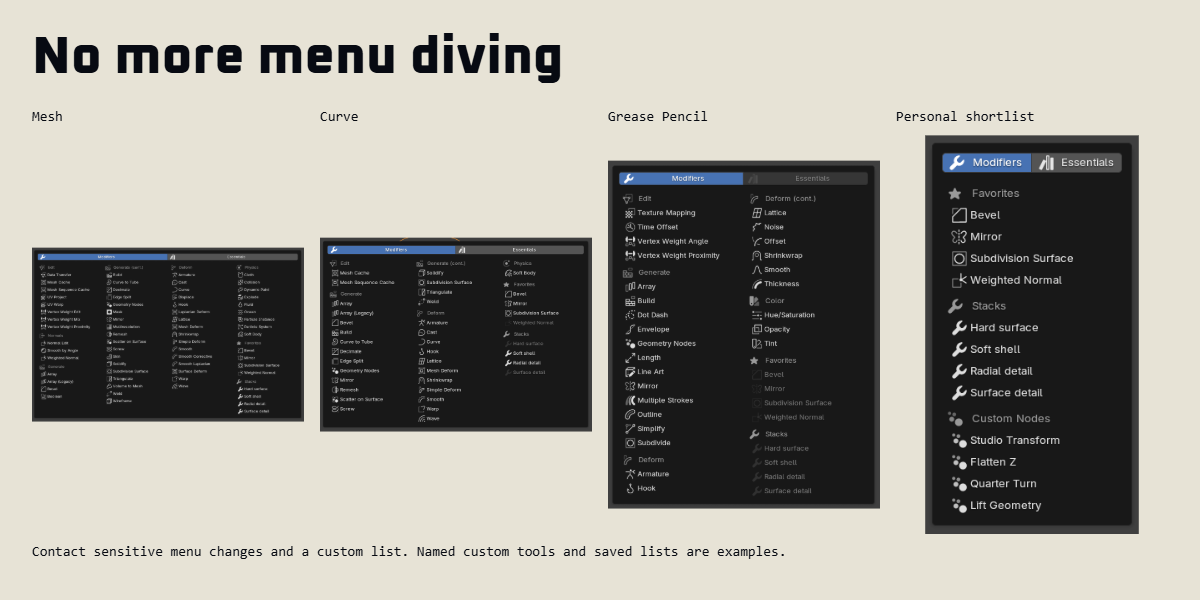
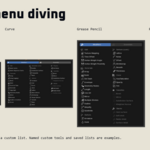
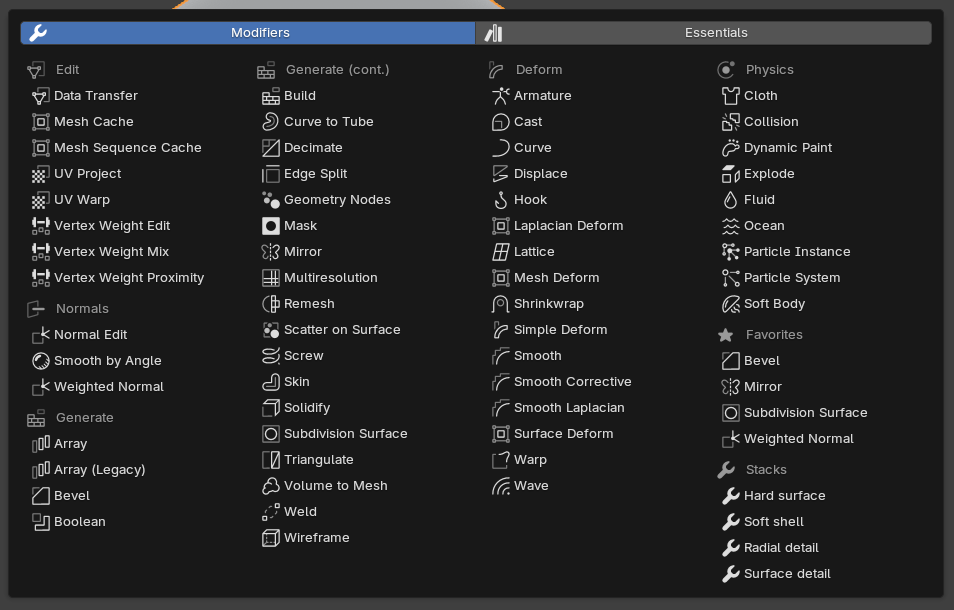
No more menu diving
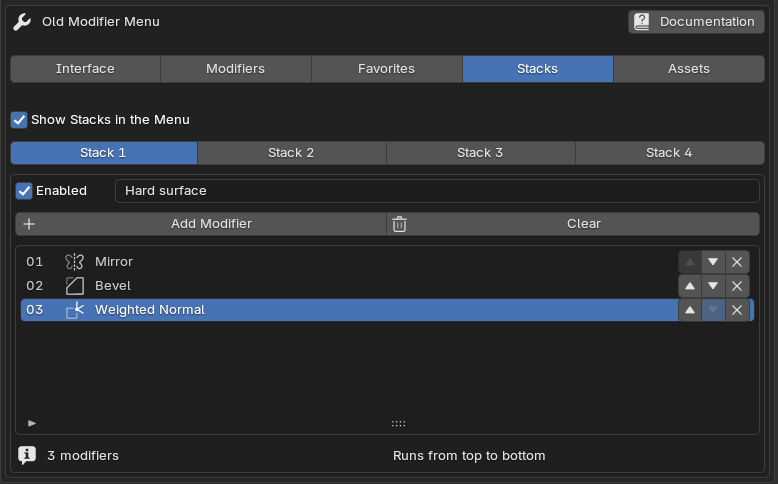
Bring back the old Blender modifier menu - showing all options at once. Edit the menu as you like, create favorites and add frequently used modifier combinations in one click.
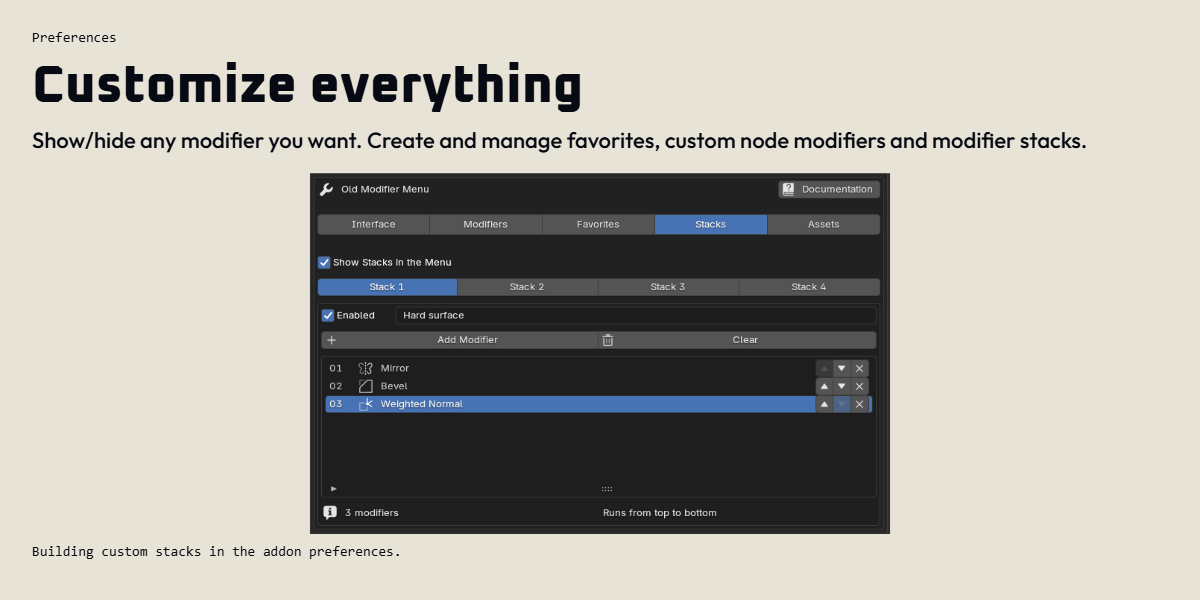
Preferences
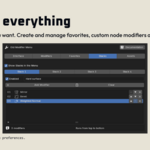
Customize everything
An example stack
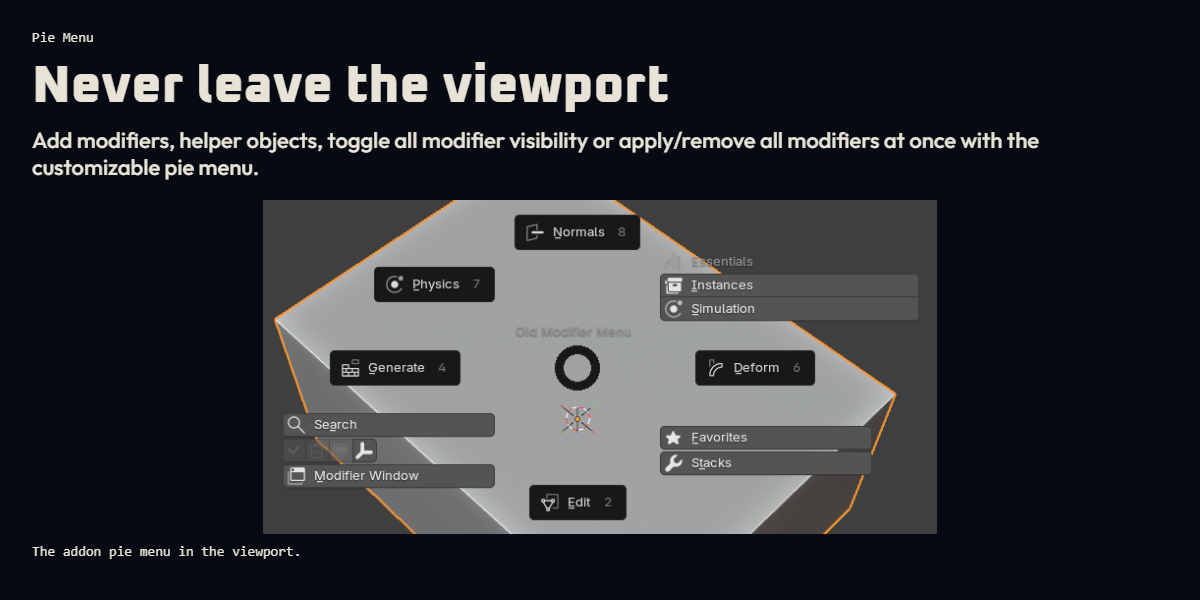
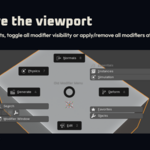
Pie Menu
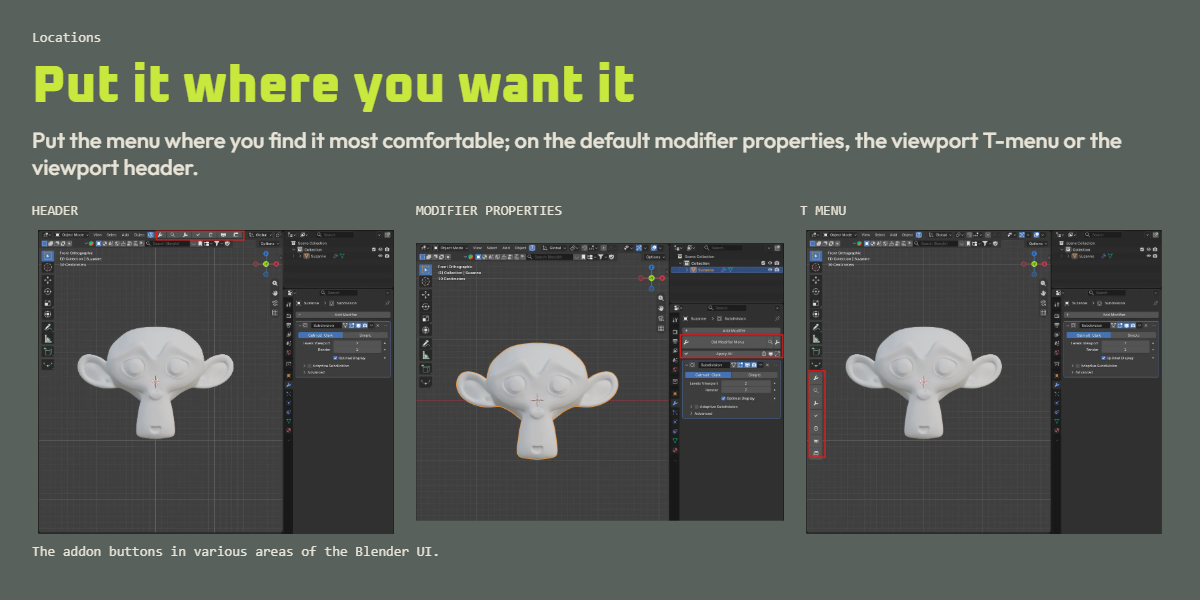
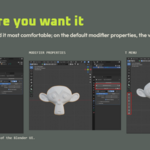
Put the menu where it works
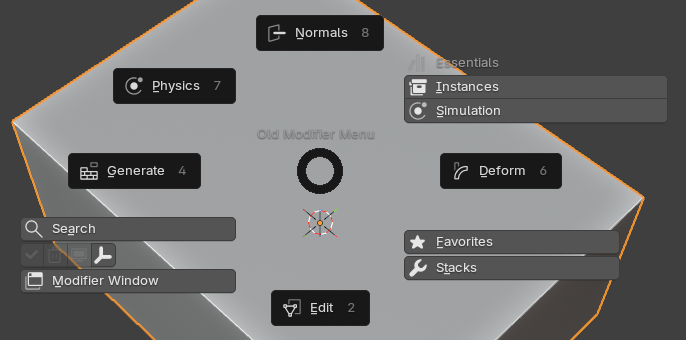
Put the menu on modifier properties, the viewport T-menu or the viewport header. Or add modifiers straight from the viewport with the pie menu.
HEADER

MODIFIER PROPERTIES

T MENU

Image credit / artist / source
Custom Nodes
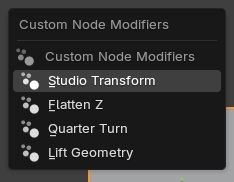
Add your custom node tools
Add up to four Geometry Nodes groups alongside your usual modifiers.
Blender Essentials
Blender Essentials, expanded
Browse supported Blender Essentials assets alongside your modifiers, including hair tools, instances and simulation assets.
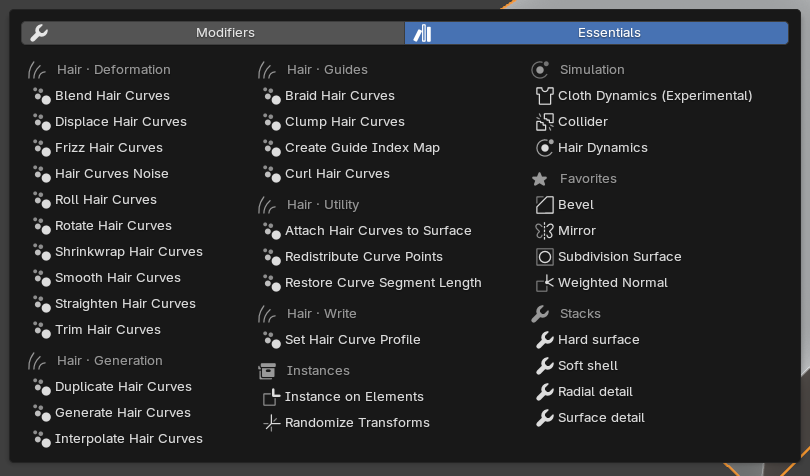
Essentials availability depends on Blender and object type. Generate / Instances: Blender 5.0+. Simulation: Blender 5.2; Cloth Dynamics is experimental.
Helper objects
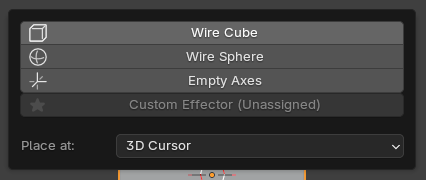
Help is just a click away
Some modifiers - such as mirrors or booleans - work great with empties of helper objects. Add a wire cube, wire sphere, empty or any custom object straight from the main menus or pie menu.
Pop Up
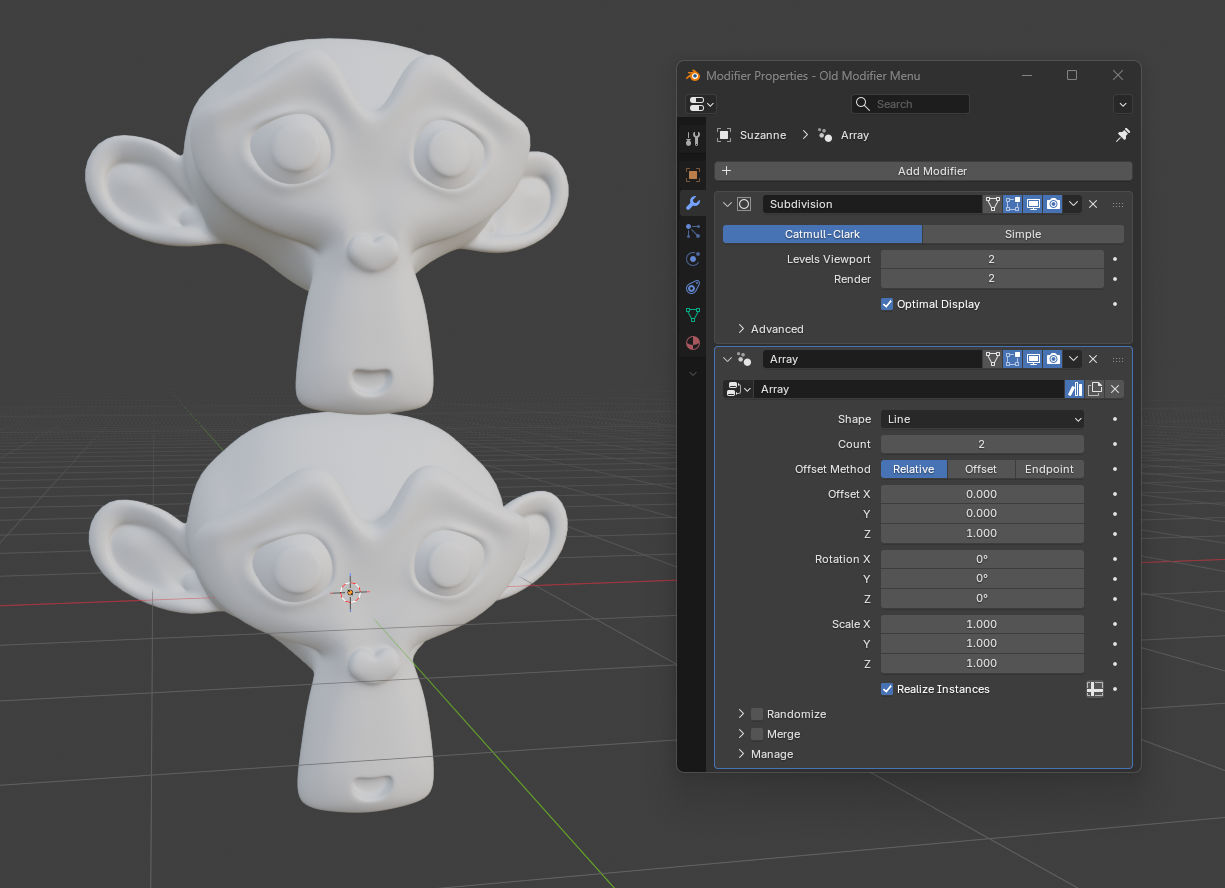
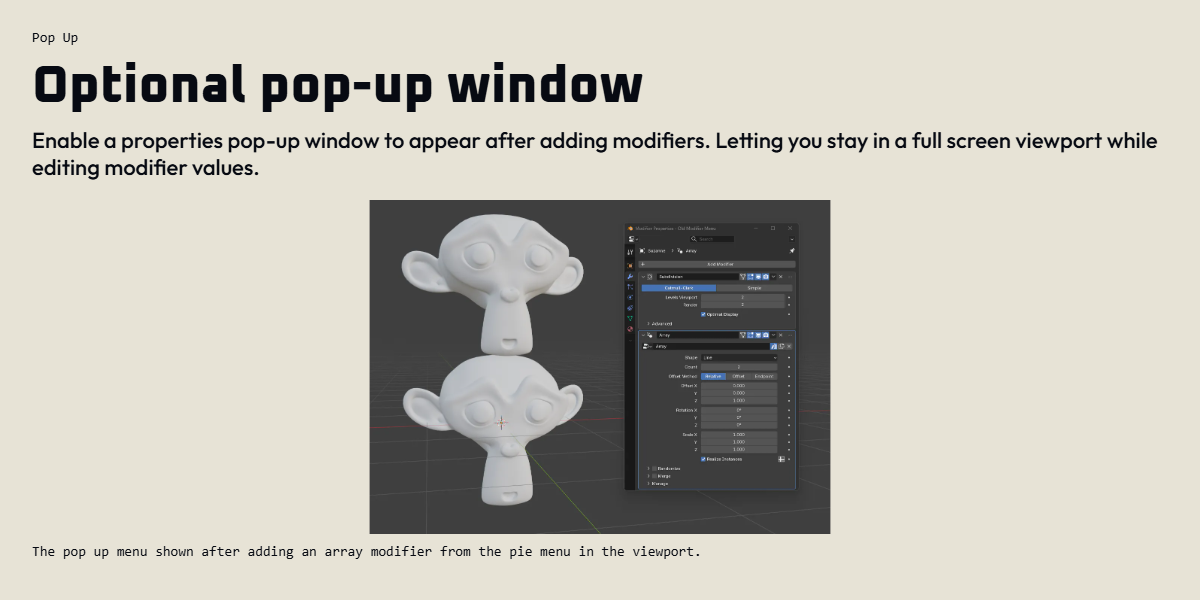
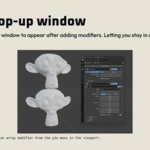
Optional pop-up window
Optionally open a pop-up modifier properties window when adding modifiers, so you never need to leave the viewport when modelling.