 aurelien
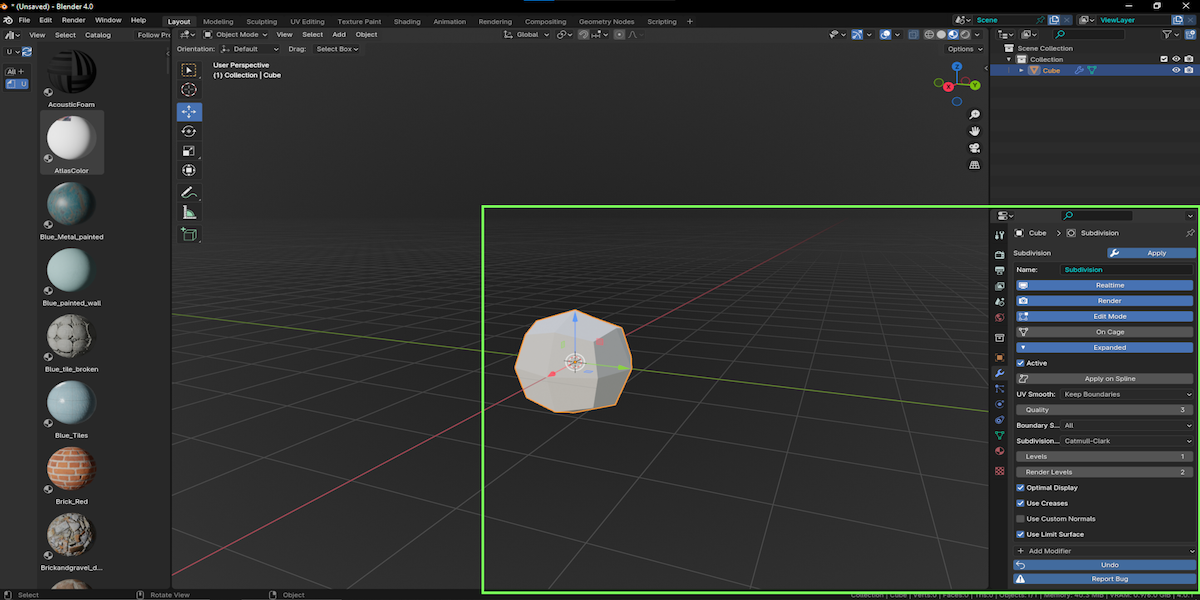
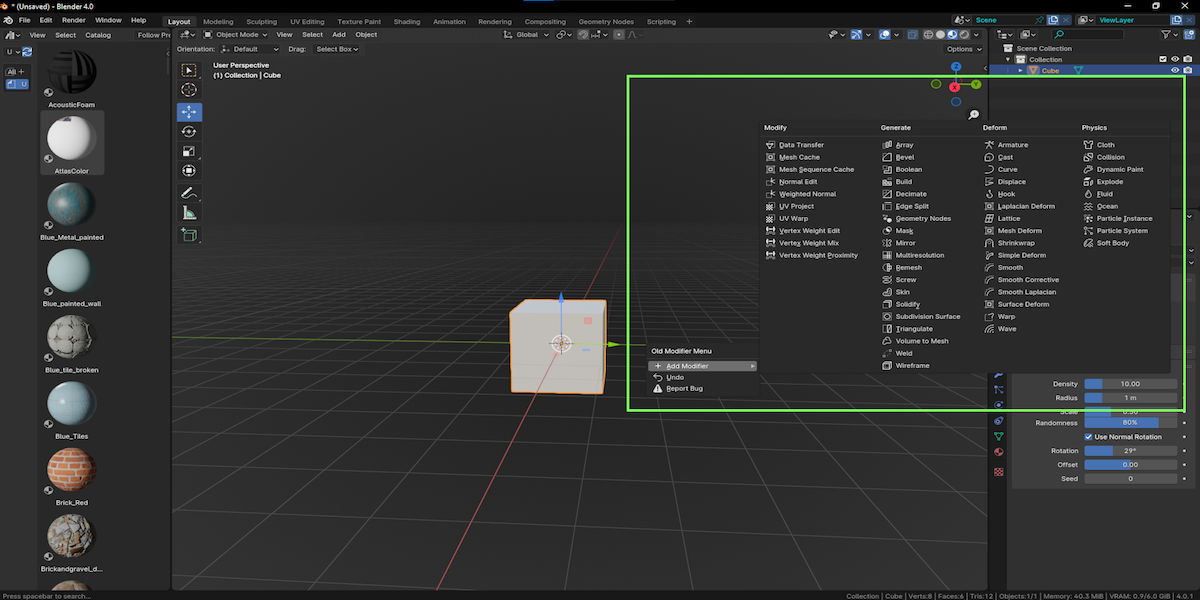
Old Modifier Menu
- Install Guide : Open your blender !
- select Edit
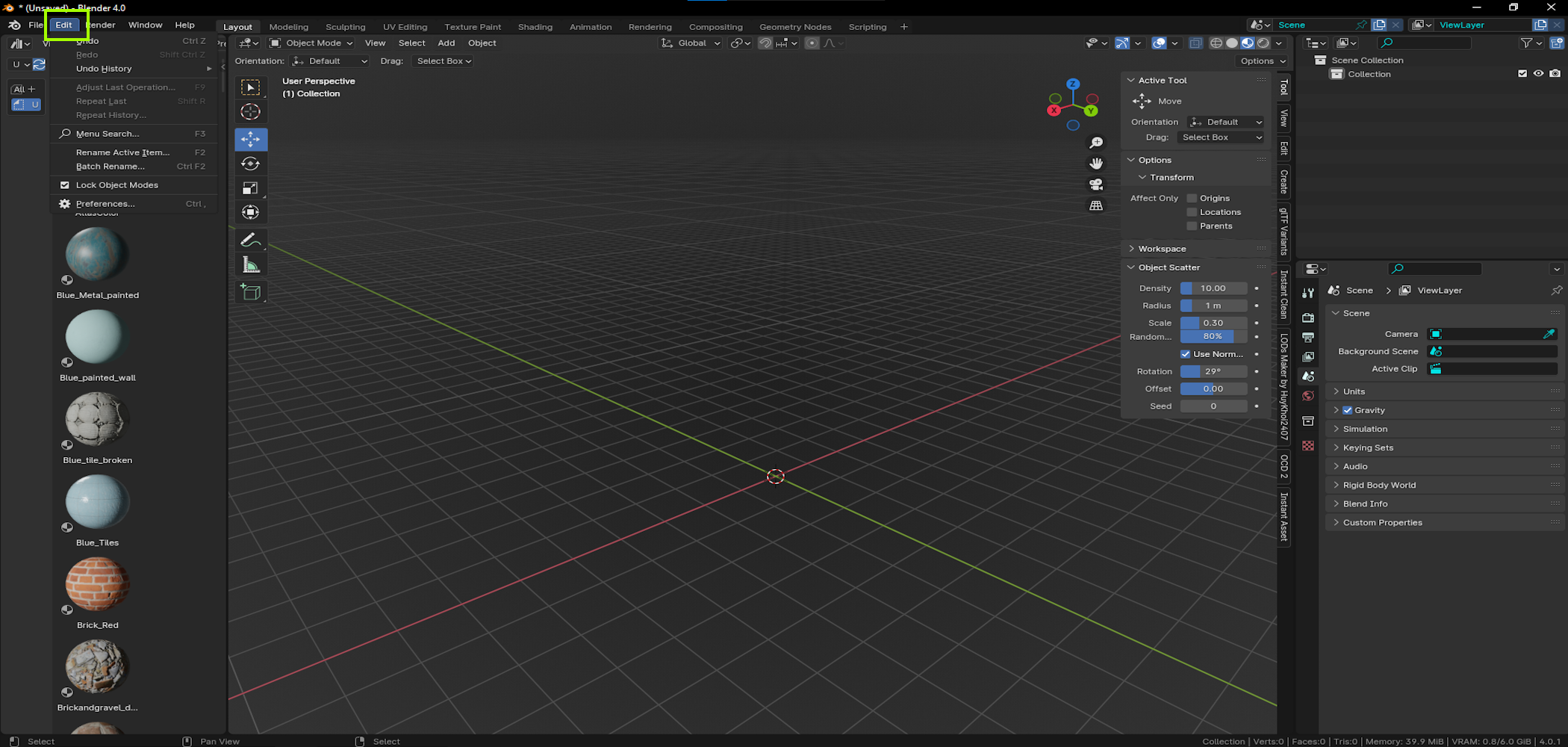
- Select preferences
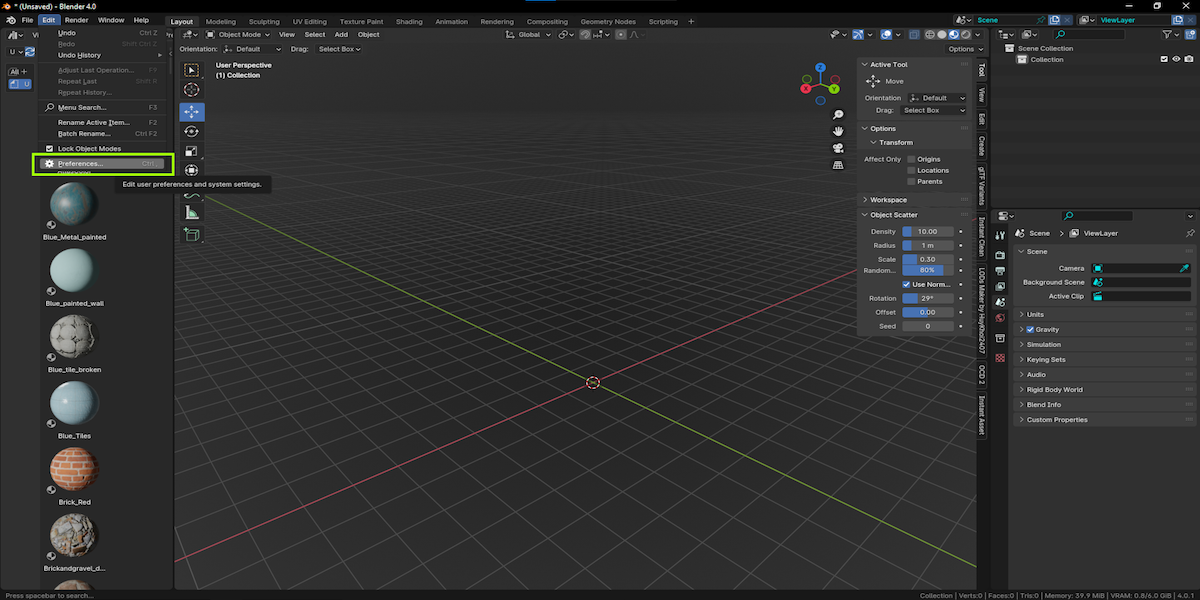
- Select Install
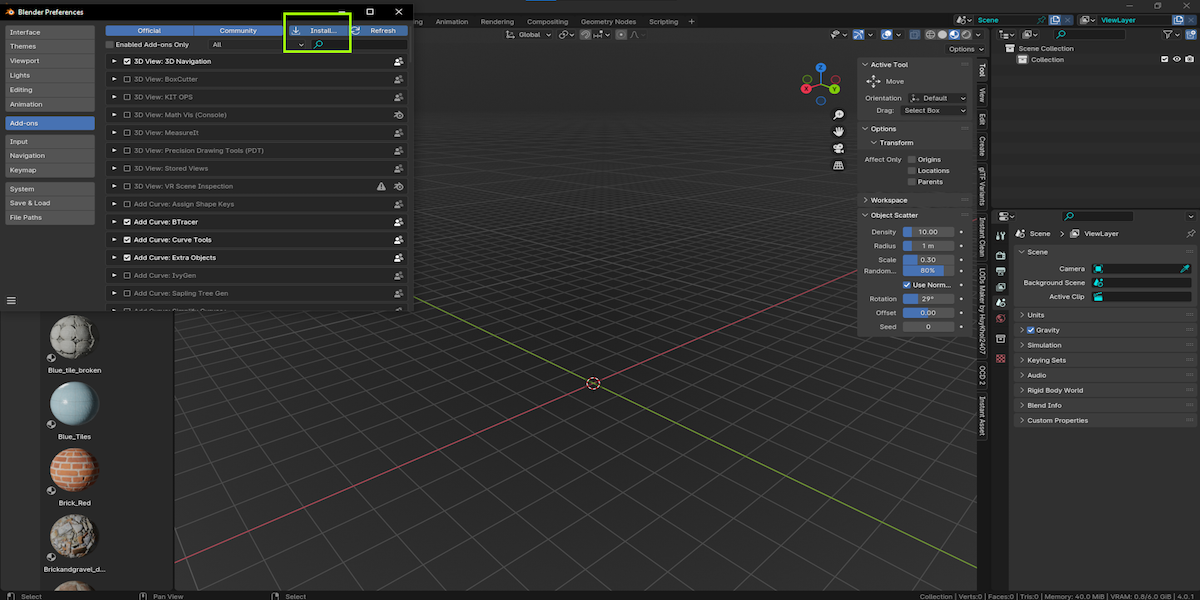
- Or ..
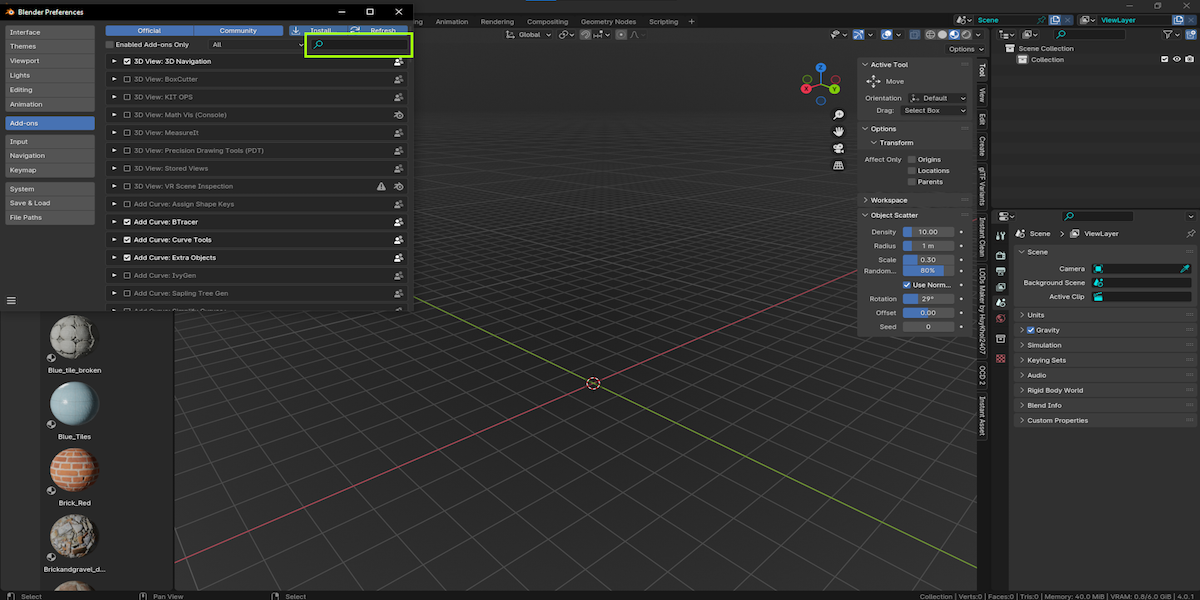
- Click to active my addon
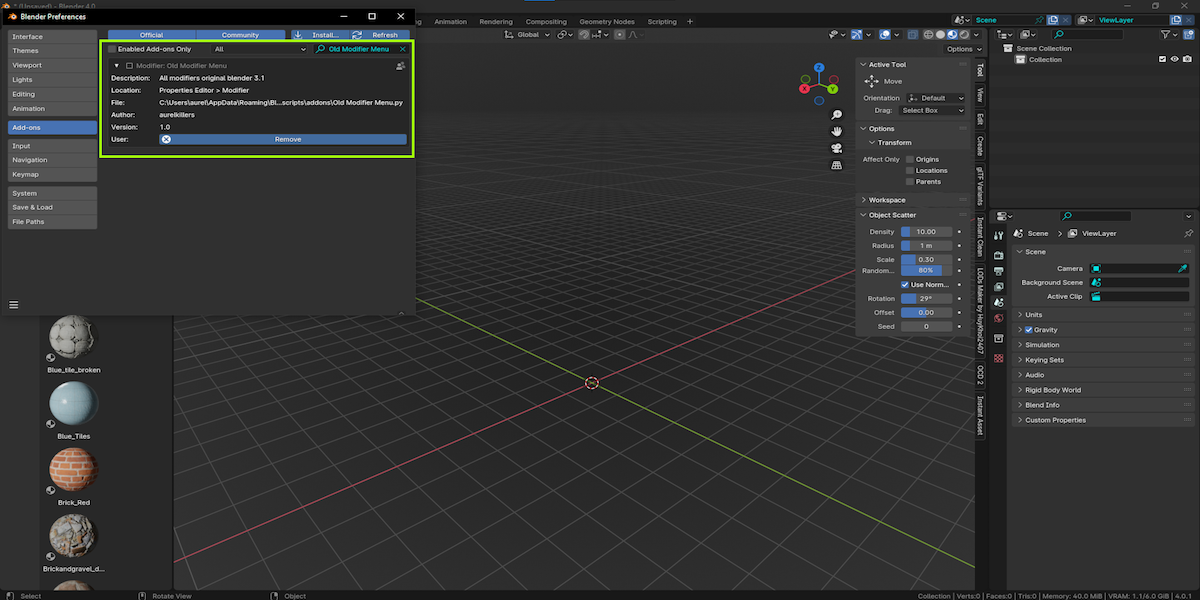
- This is ready for use !
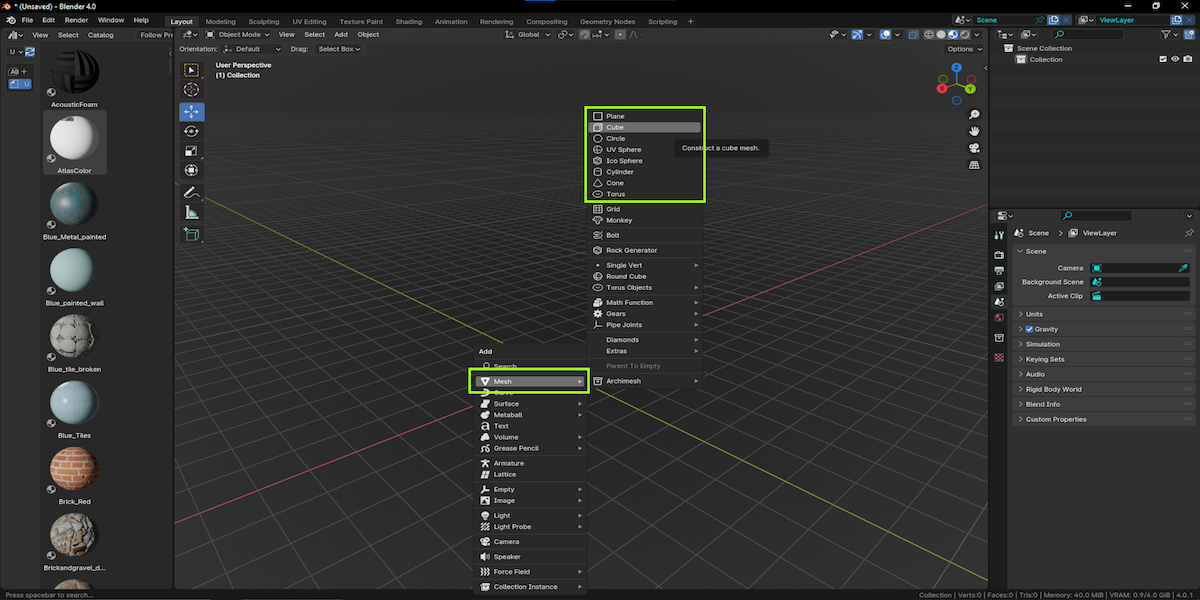
- Add mesh and select ( your mesh )
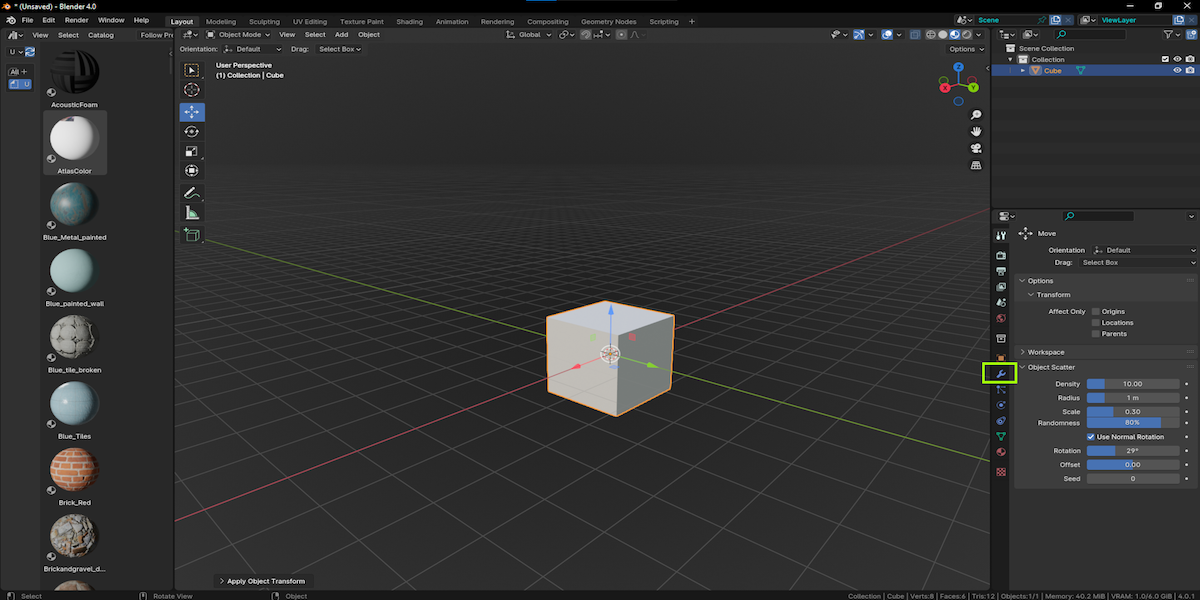
- Select Modifier Panel
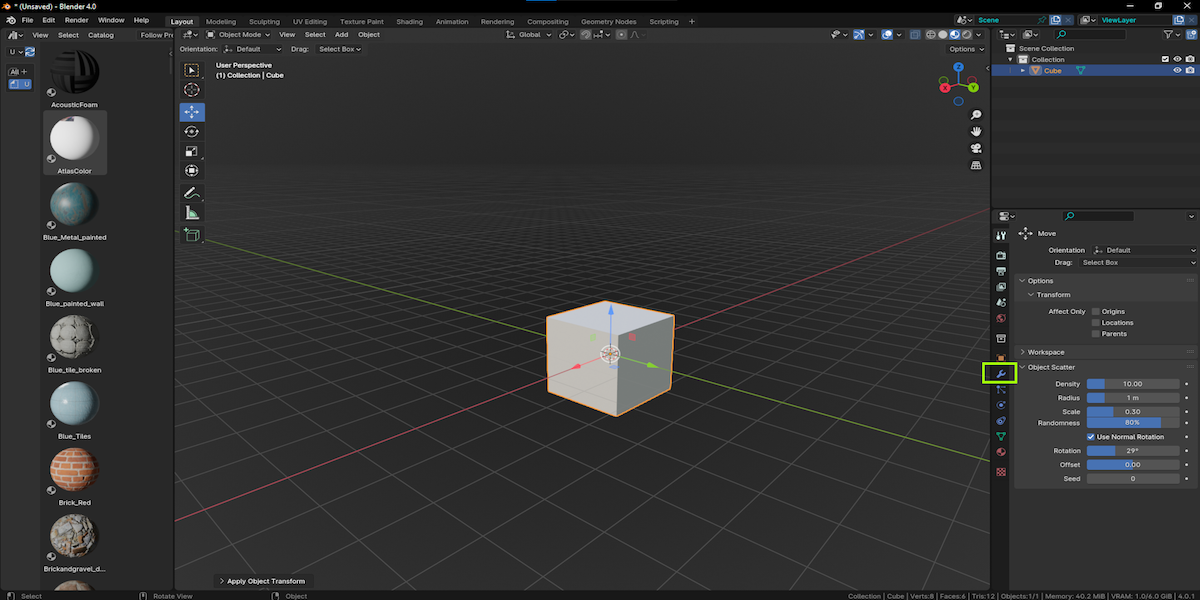
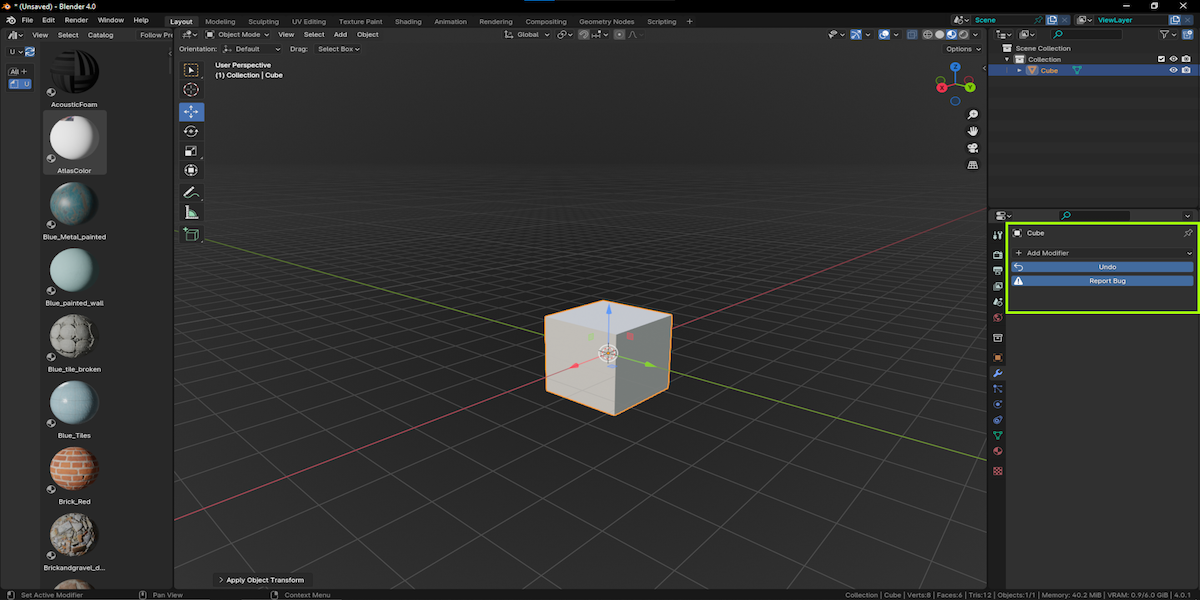
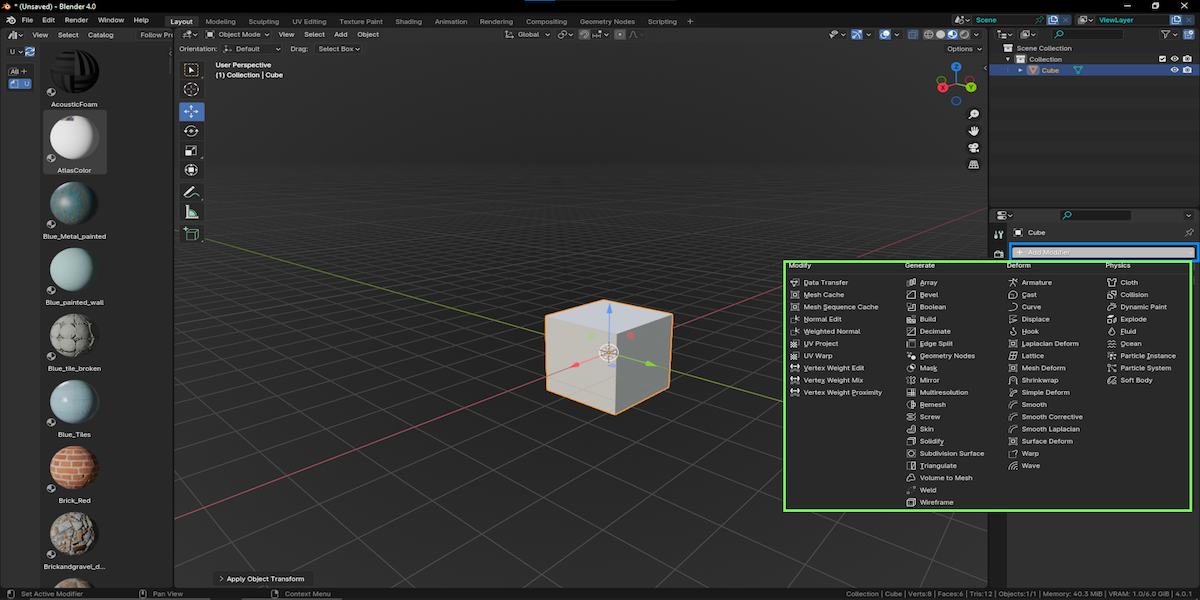
- Select modifiers And add
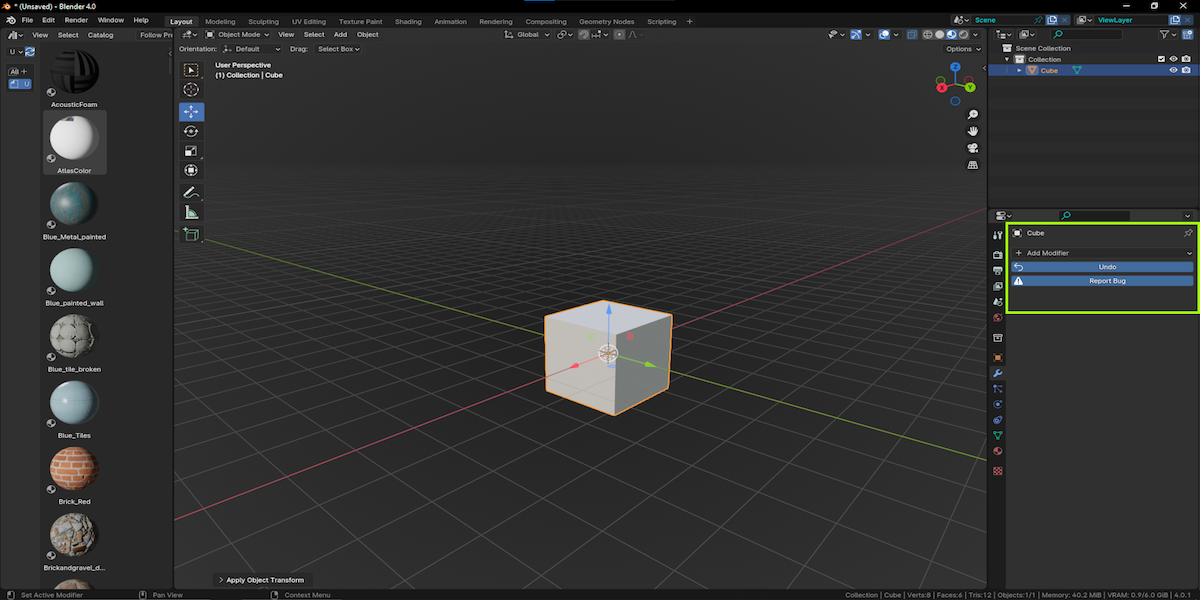
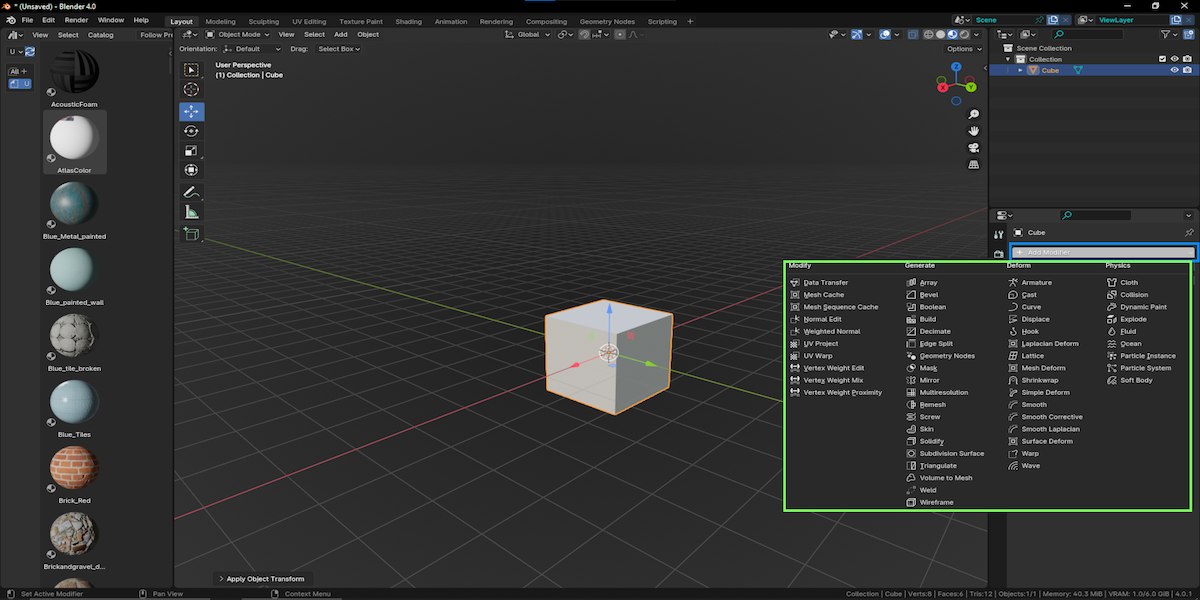
- Select and use modifiers
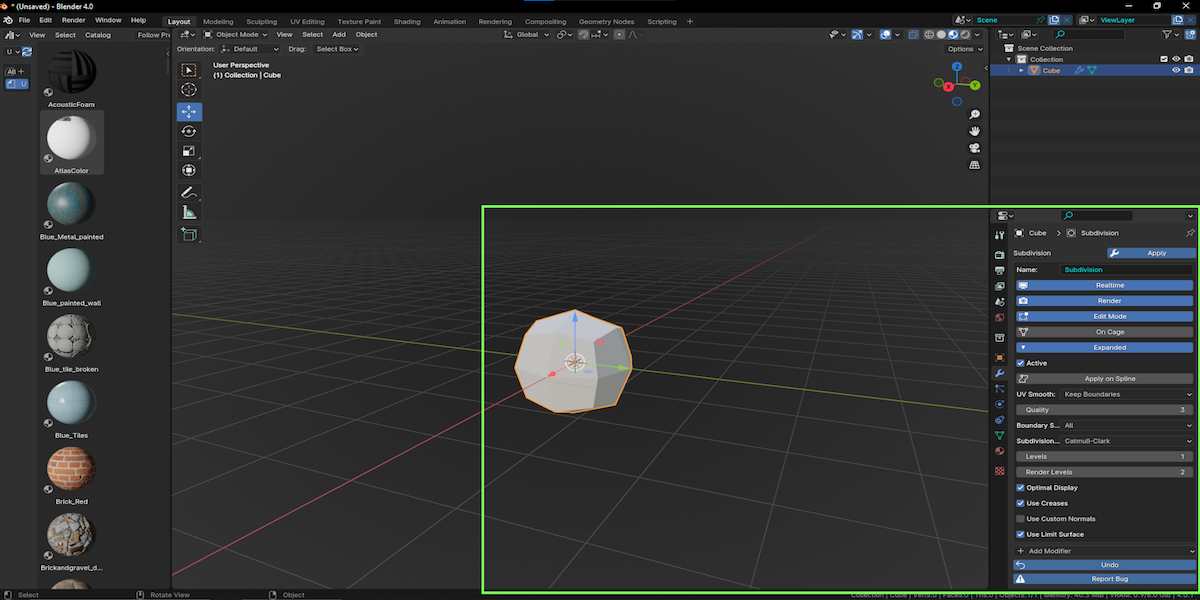
- And make your settings for the modifier you chose !
- Open shortcut menu !
- Default keys ( CTRL+SPACE )
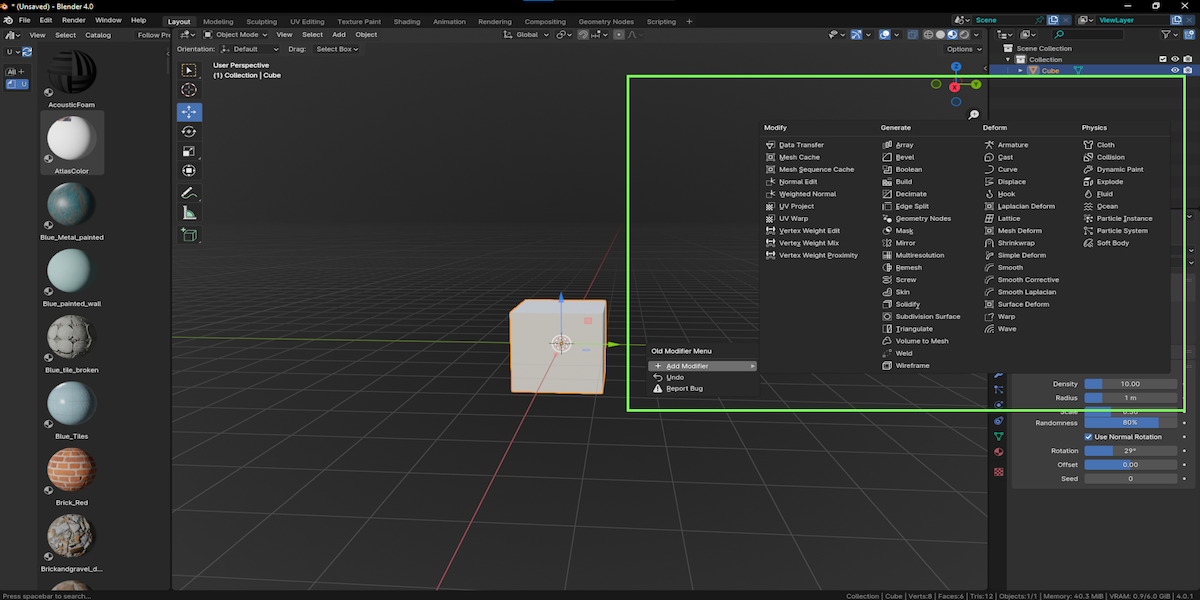
- Change the default key !
- Open edit
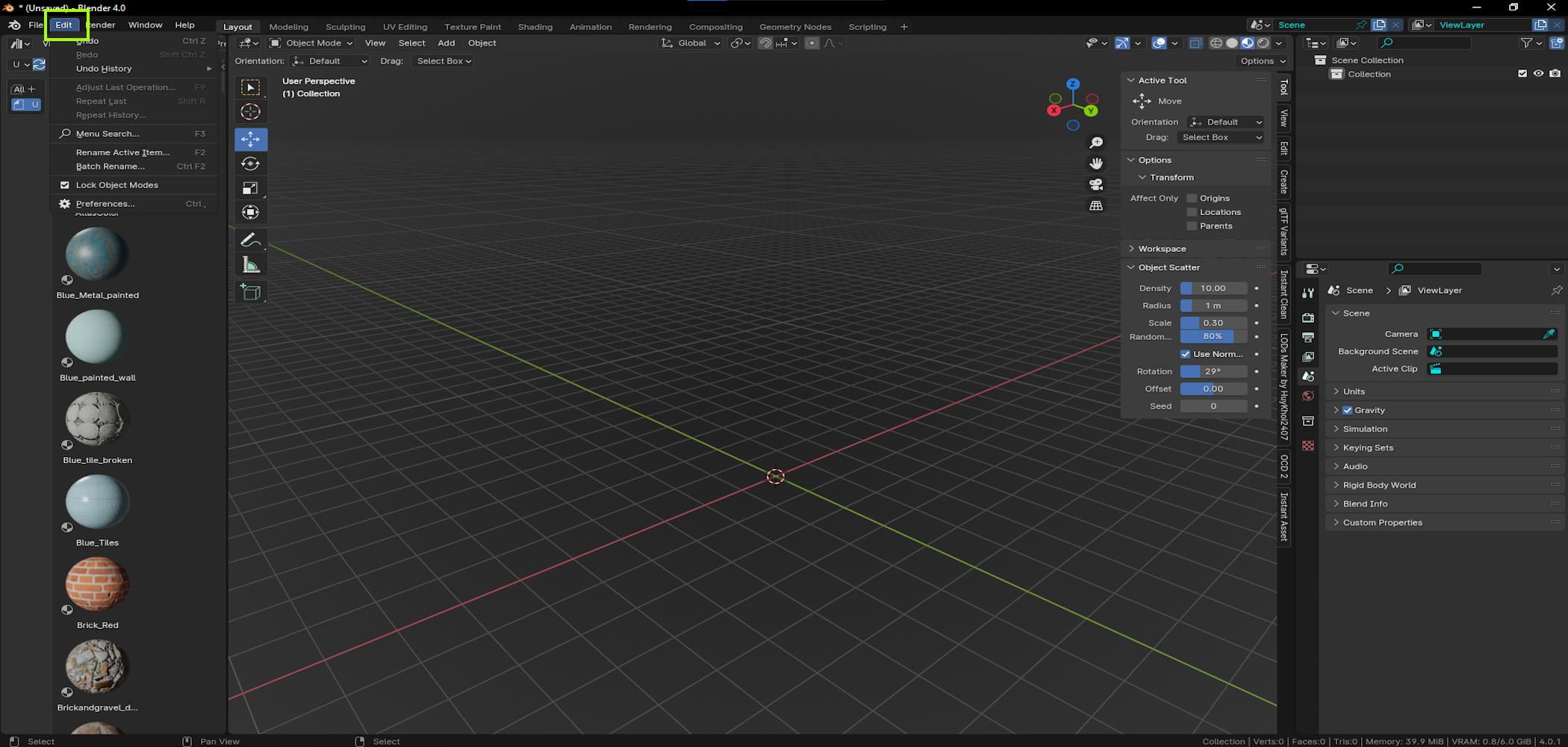
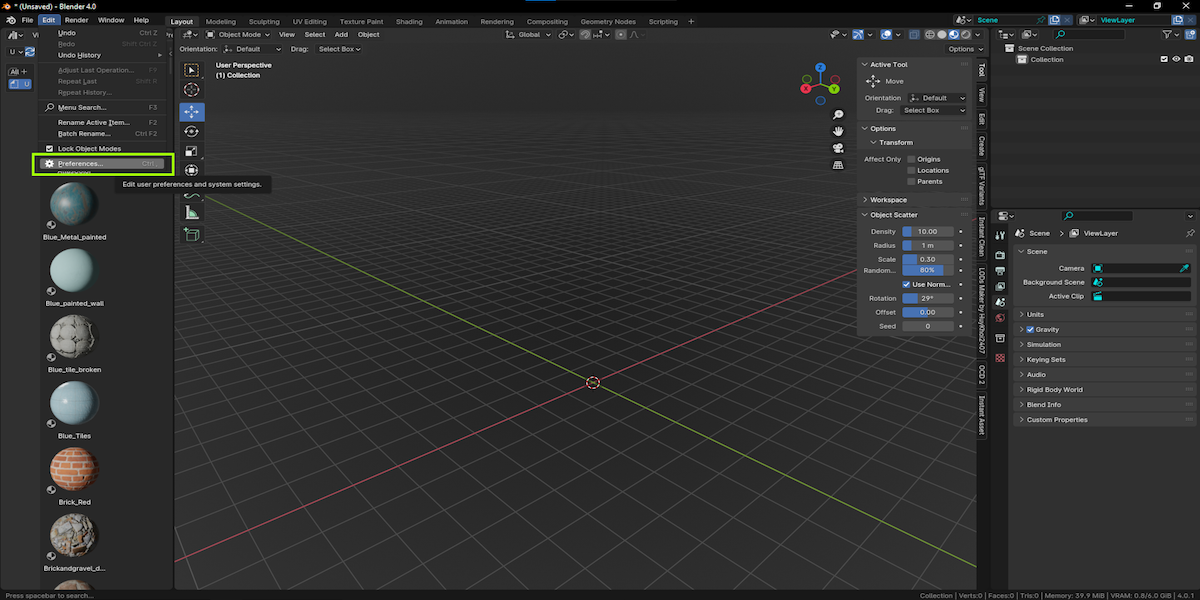
- Select preferences
- Go to Keymap
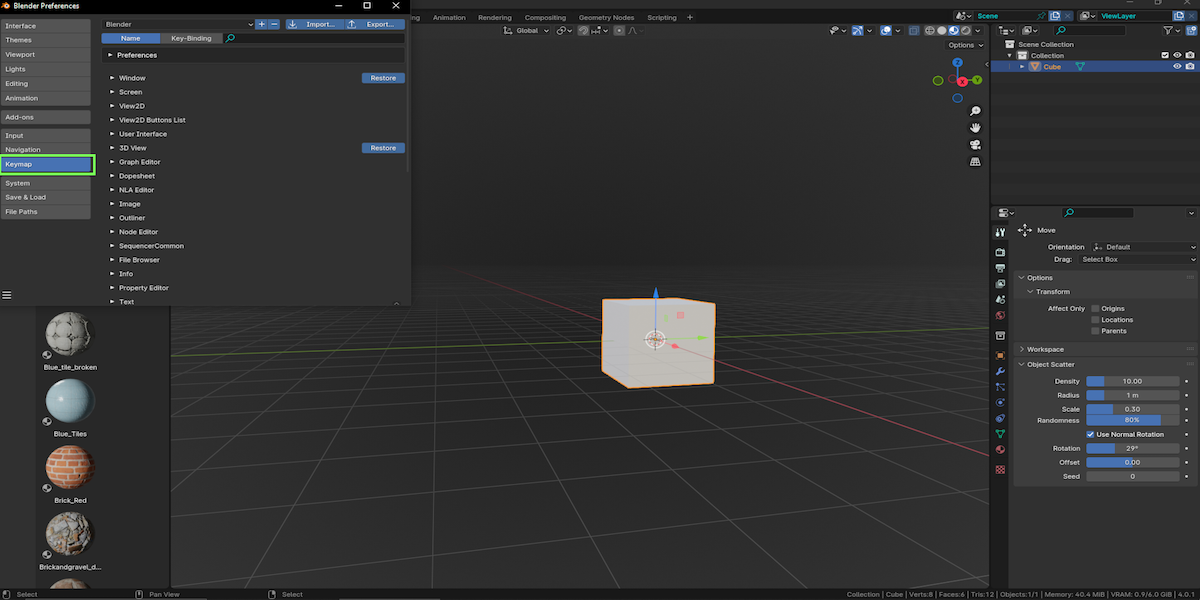
- Select 3D view / Global and look my addon name select you Input !
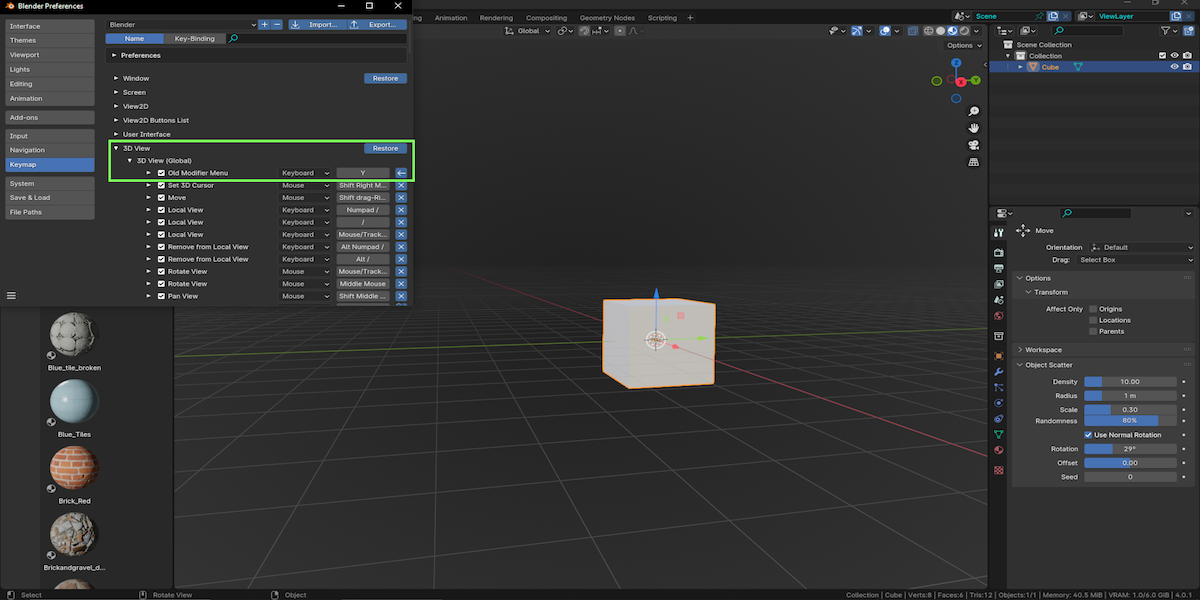
You are ready for use my Addon !
- Addon Information !
In summary, this addon aims to enhance the user experience when manipulating modifiers in Blender. It provides a more user-friendly interface and additional features for managing modifiers.
- !!!! INFOS !!!!!
- I try to be as active as possible with updates and bug fixes!
- because I also have to take care of the baby
- Thank
