 vkblender


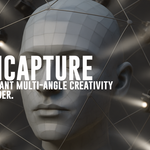
OmniCapture: Effortless Multi-Camera Rigging in Blender
Transform Your 3D Workflow with Precision and Ease
Imagine setting up a complex camera rig in Blender with just a few clicks—no more tedious manual placements or viewport freezes. OmniCapture makes this a reality, streamlining your 3D workflow and enhancing your creative freedom.
The Story Behind OmniCapture
Born out of the challenges faced during 3D scanning and photogrammetry projects, OmniCapture was developed to simplify the process of creating camera arrays. The goal was to eliminate the repetitive tasks and technical hurdles, allowing artists and developers to focus on their creative vision.
Key Features
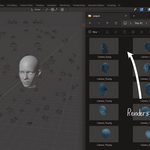
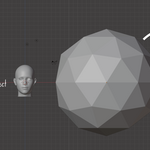
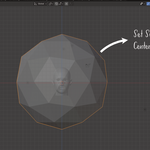
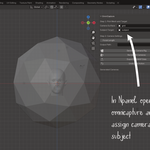
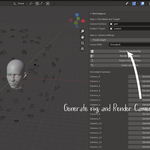
Instant Camera Array Generation: Create spherical, cylindrical, or custom camera rigs around your subject effortlessly.
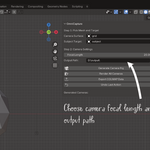
Seamless Viewport Integration: Automatically switch to the active camera view, mimicking the Numpad 0 functionality.
Optimized Performance: Designed to prevent viewport lags and freezes, ensuring a smooth user experience.
User-Friendly Interface: Intuitive controls and clear labeling make it accessible for users of all skill levels.
Compatibility: Fully compatible with Blender 4.4 and above.
Benefits to Your Workflow
Time-Saving: Drastically reduce the time spent on setting up camera rigs.
Enhanced Precision: Achieve consistent and accurate camera placements for your projects.
Improved Productivity: Focus more on creativity and less on technical setup.
Get Started Today
Elevate your Blender projects with OmniCapture. Experience the ease of automated camera rigging and take your 3D creations to the next level.
Have questions about this product?
Login to message
| Blender Extension Compatible | Yes |
| Published | over 1 year ago |
| Blender Version | 4.4 |
| Extension Type | Add-on |
| Render Engine Used | Cycles, Eevee |
| License | GPL |