One Click Cycles to Renderman
 3dwithmaro




Installation & Setup
- Ensure Pixar RenderMan and Pixar's official RenderManForBlender add-on are installed and enabled in Blender.
- In Blender, go to Edit > Preferences > Add-ons (or Extensions in Blender 4.2+), click Install from Disk, and select
One_Click_Cycles_to_Renderman_v1.0.0.zip. - Enable the add-on checkbox: One Click Cycles to Renderman.
- Find the add-on panel in the 3D Viewport sidebar (press
N> RenderMan) and in the Shader Editor sidebar.
Quick Start Guide
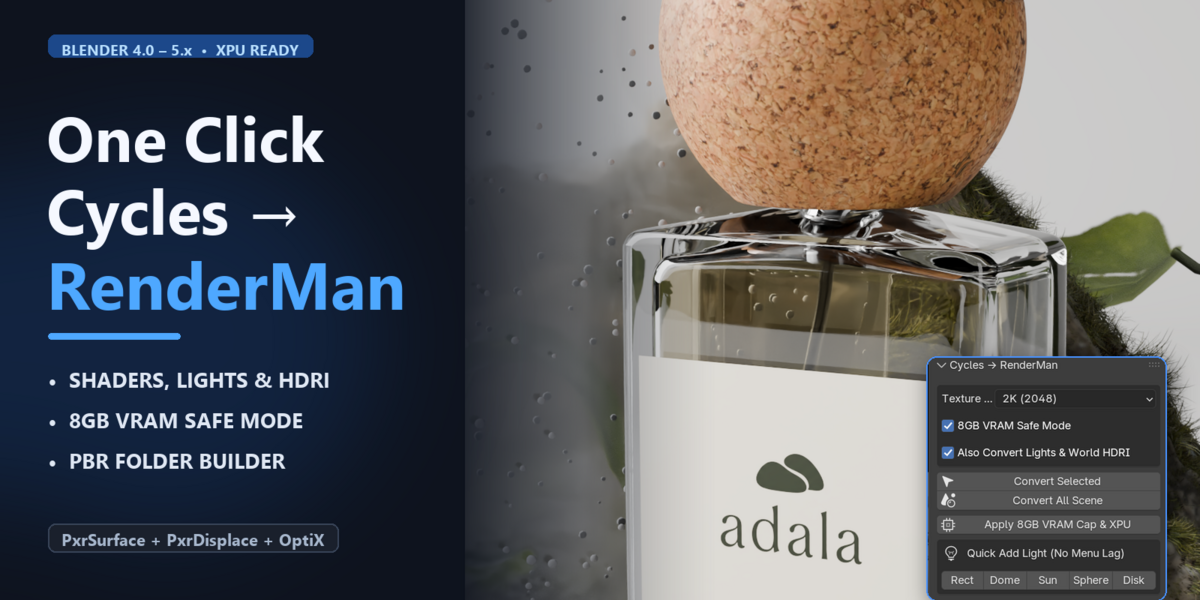
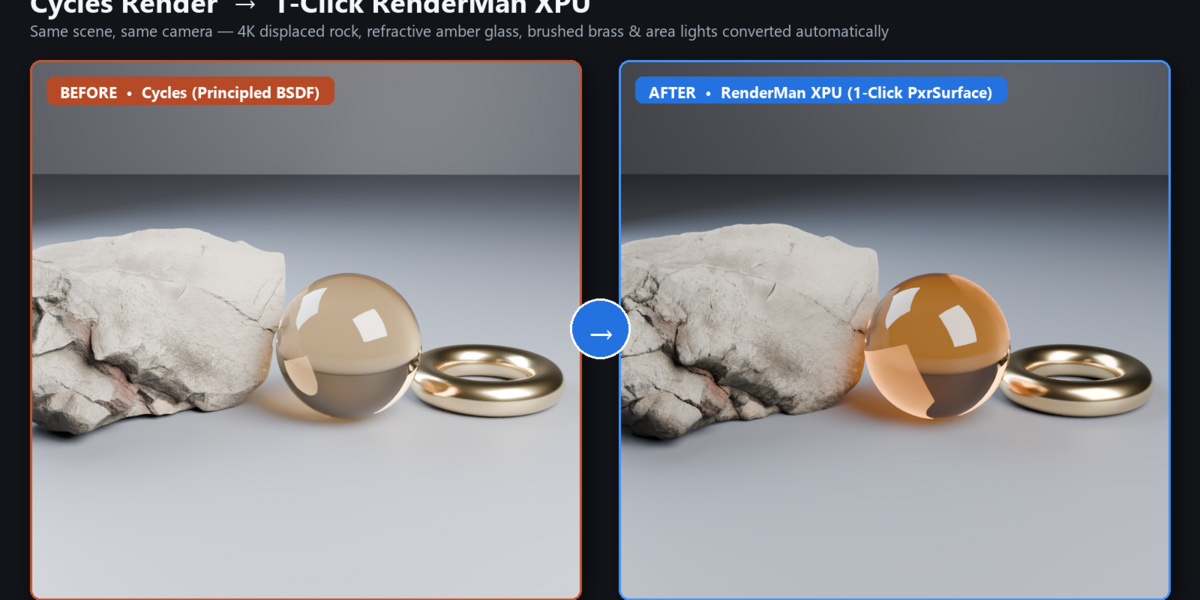
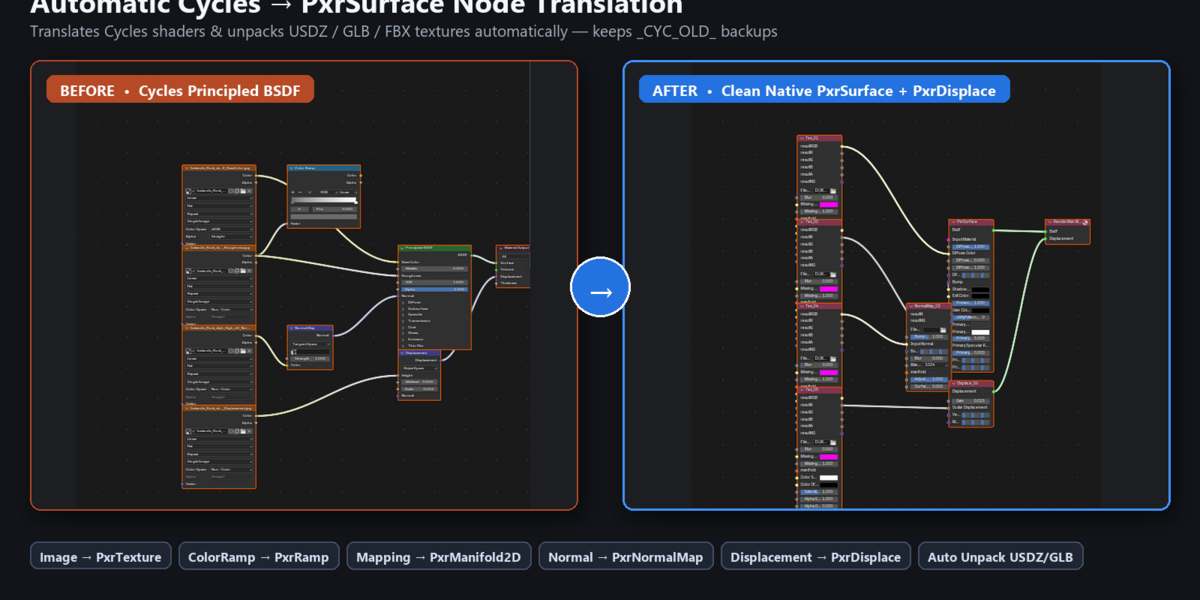
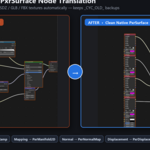
- Convert Entire Scene: Click "Convert Scene to RenderMan" in the sidebar. All Principled BSDF materials, lights, and world HDRIs are converted into native PxrSurface, Pxr* lights, and PxrDomeLight setups.
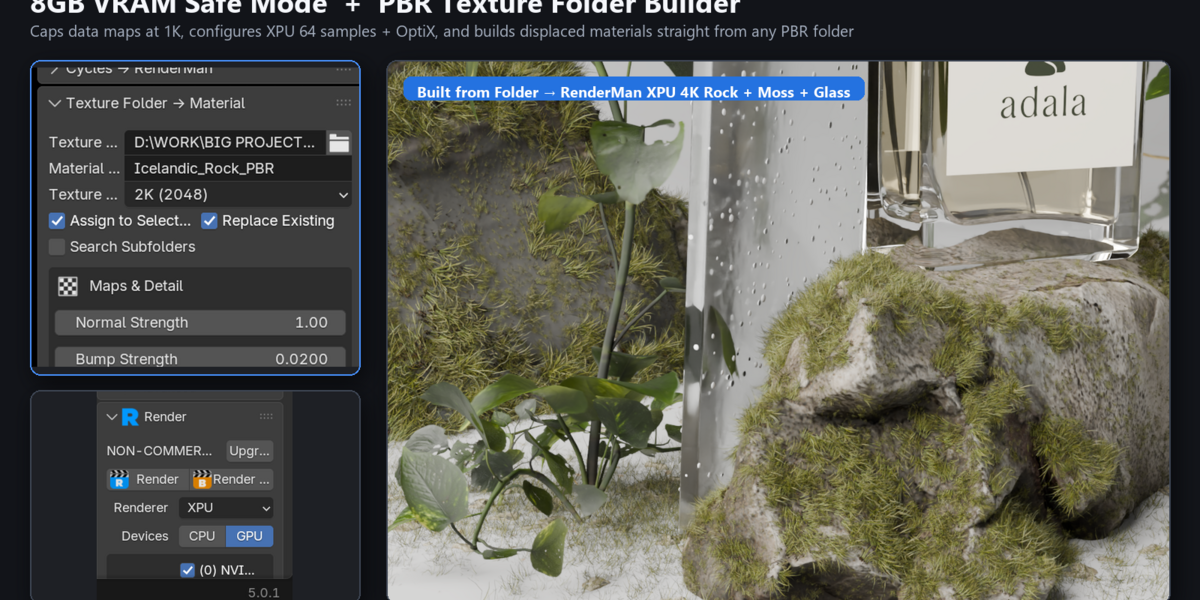
- 8GB VRAM Safe Mode: Enable "8GB VRAM Safe Mode" before converting large scenes. This caps heavy textures (down to 1K for data maps), disables redundant texture looks, and configures XPU + OptiX denoising.
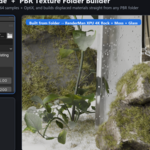
- PBR Folder to Material: Select a folder containing PBR texture maps (BaseColor, Normal, Roughness, etc.) and click "Build PxrSurface Material" to create an auto-connected shader network.
- Quick Lights: Use the dedicated Rect, Sun, Point, Spot, and HDRI buttons to instantly add pre-configured RenderMan lights without viewport lag.
 Included
Includes 12 months of
- Support from 3dwithmaro
- Product updates
Extend this product’s Support Period +12 months: 50% of product price
Have questions before purchasing?
Login to message
| Blender Extension Compatible | Yes |
| Published | about 16 hours ago |
| Blender Version | 4.0 - 5.0 |
| Extension Type | Add-on |
| Render Engine Used | Cycles |
| License | GPL |