 Lazy3D
This add-on helps to reduce time creating materials from textures. You can get roughness, specular and bump textures from one original image at one click, every one of them can be adjusted by you.
Just press alt+t after selecting principled bsdf shader, and you will get working node tree.
Saves up to 40 seconds per material.
How your 3d model material will look like without our add-on:
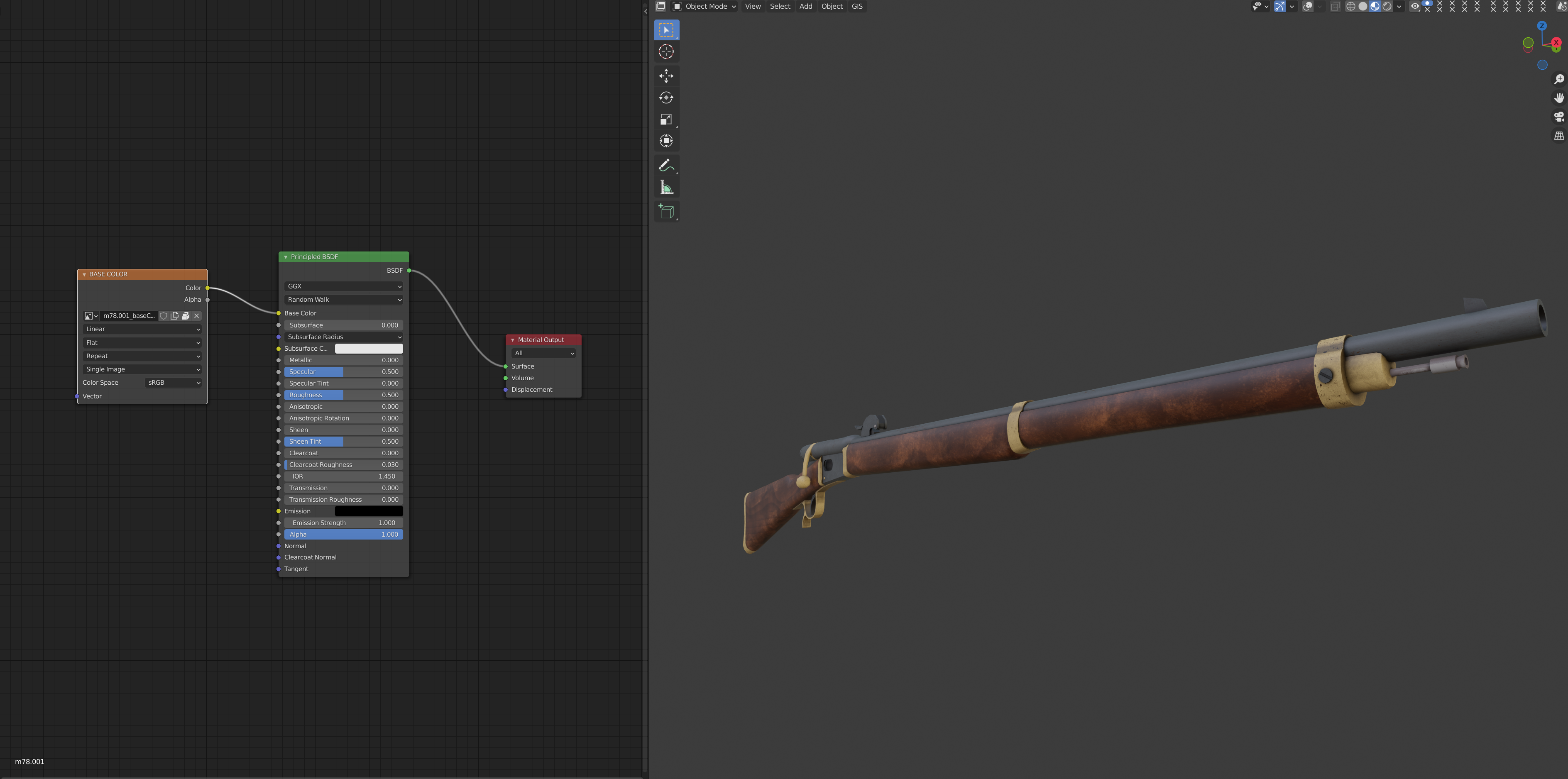
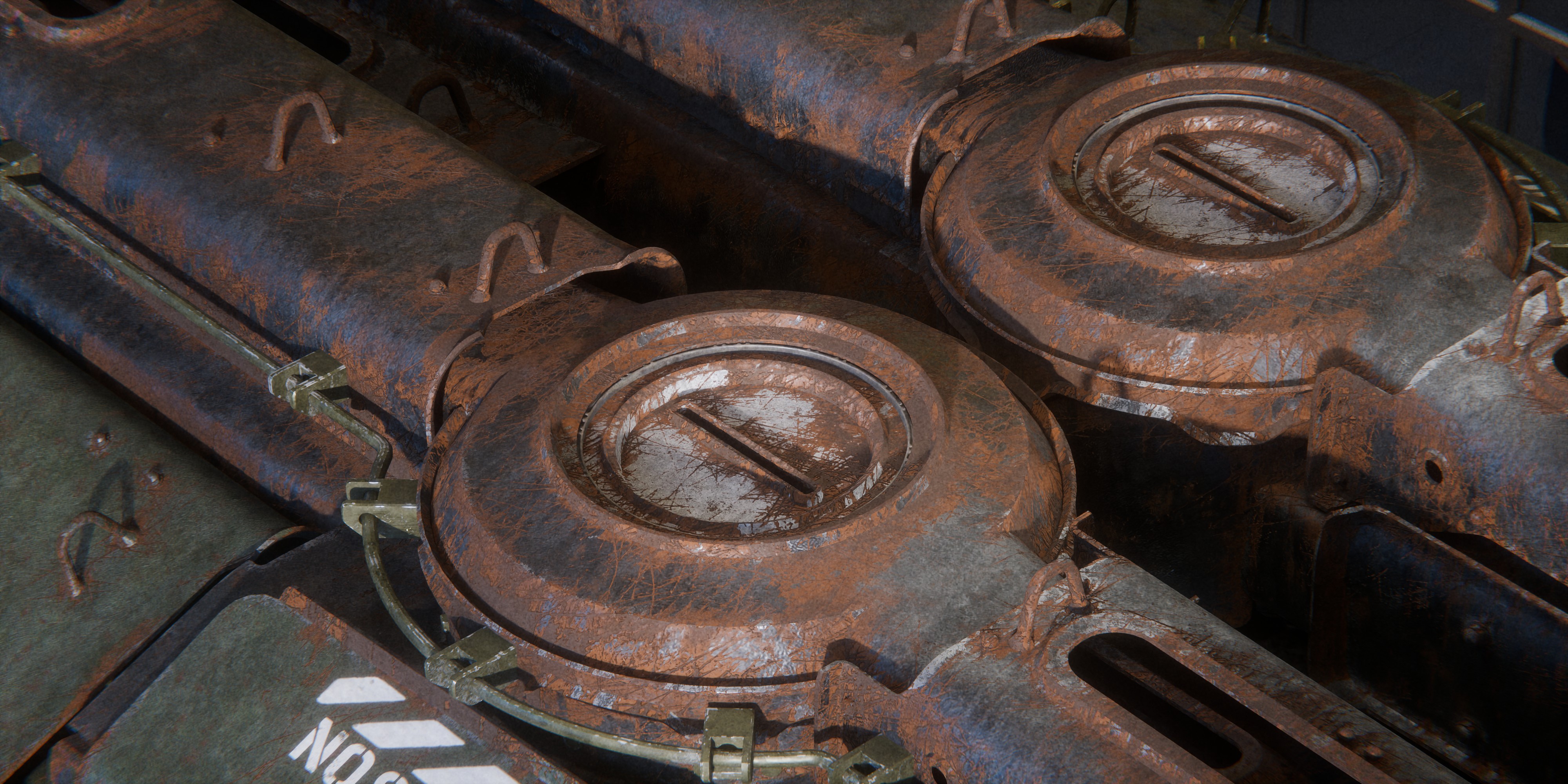
And now with our add-on. Just simply click alt+t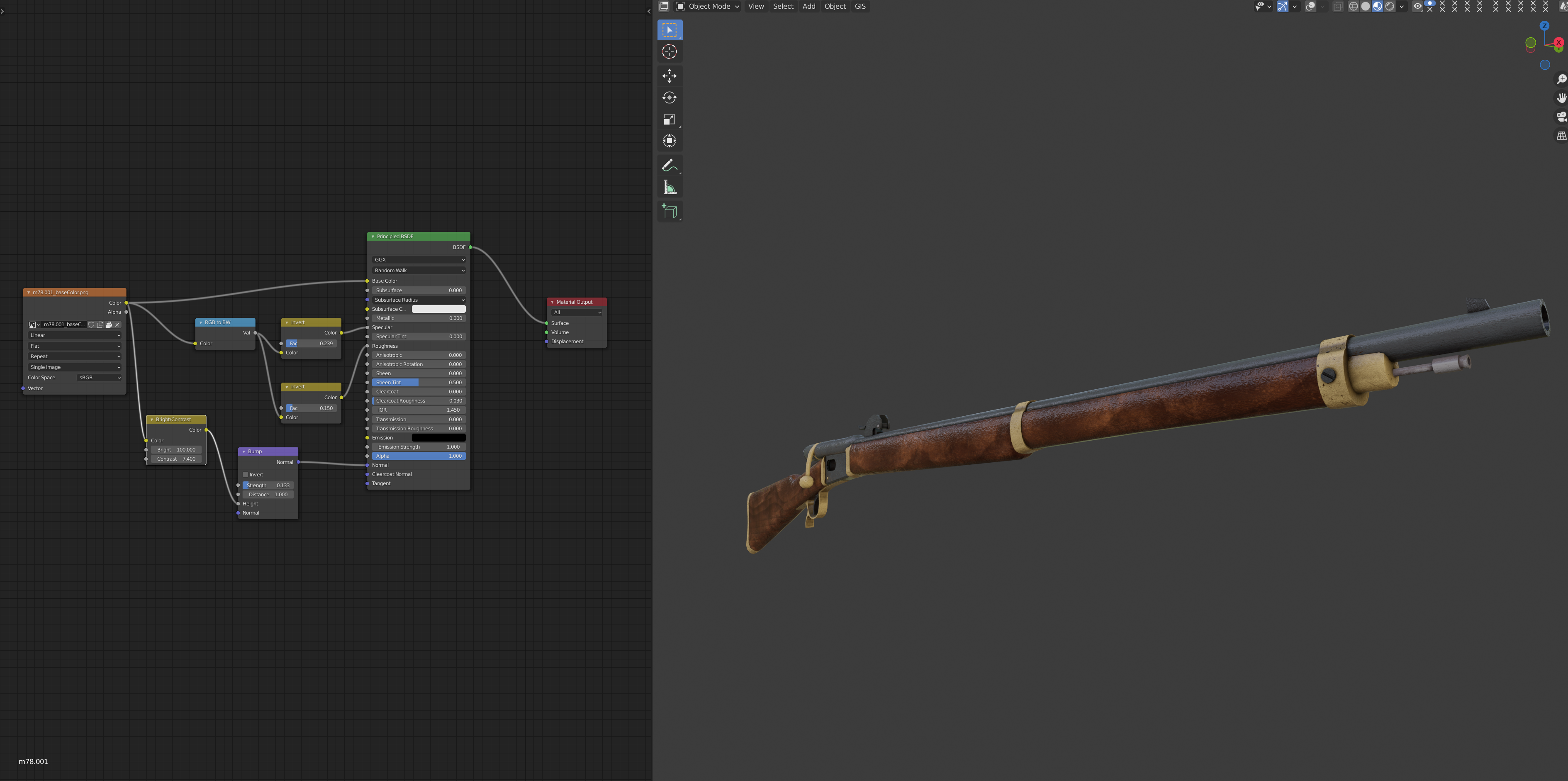
You can see the difference between materials with add-on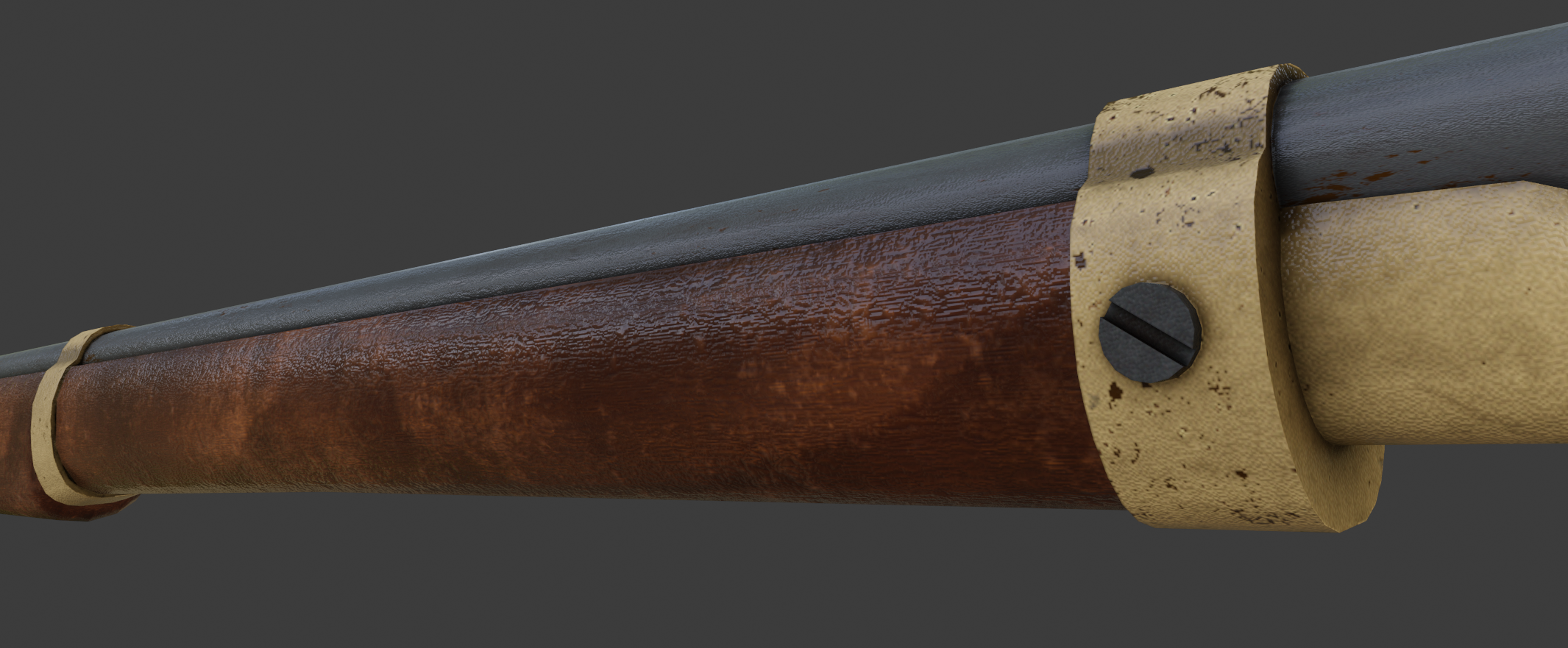
without add-on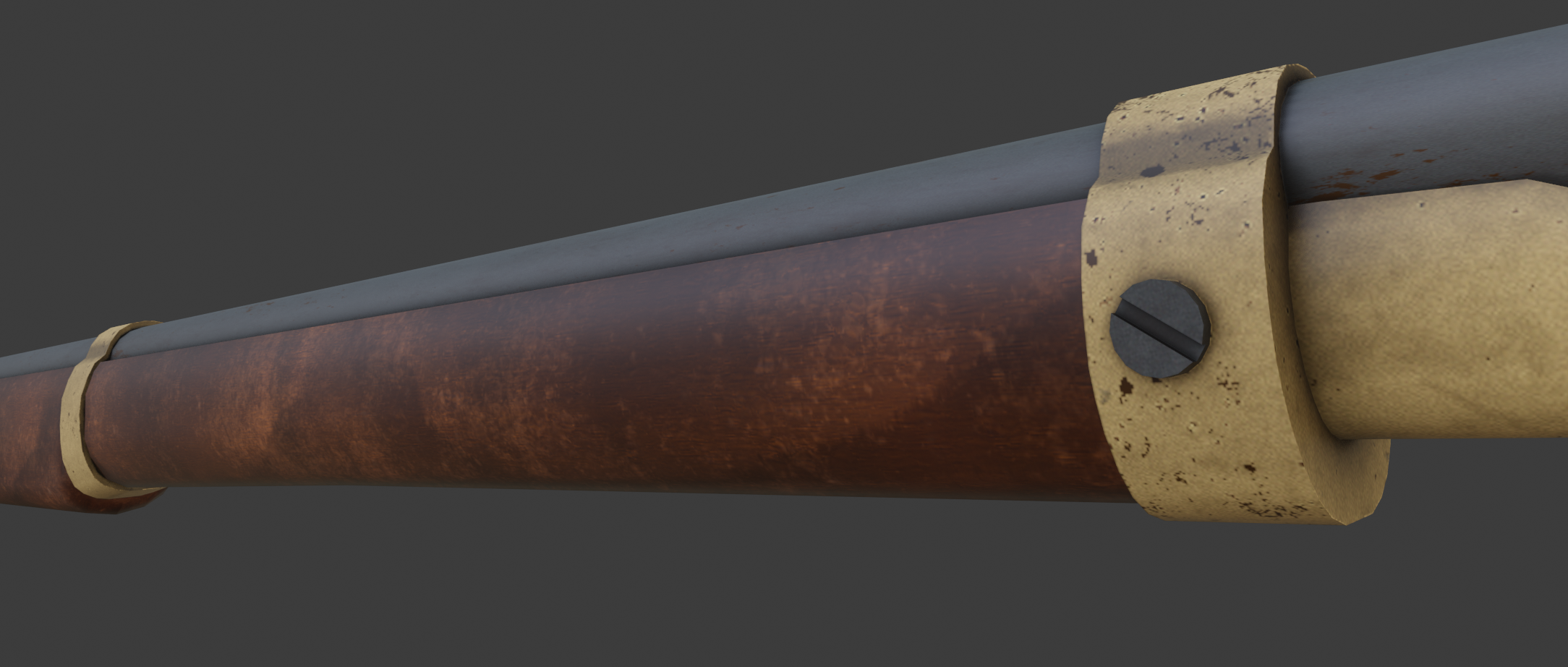
Update Roadmap:
In future updates, we are planning to add new node tree presets, which will improve your workflow. We are also ready to work with your requests. So feel free to send us a message.


Before img - 
After -



img 1

img2

img 3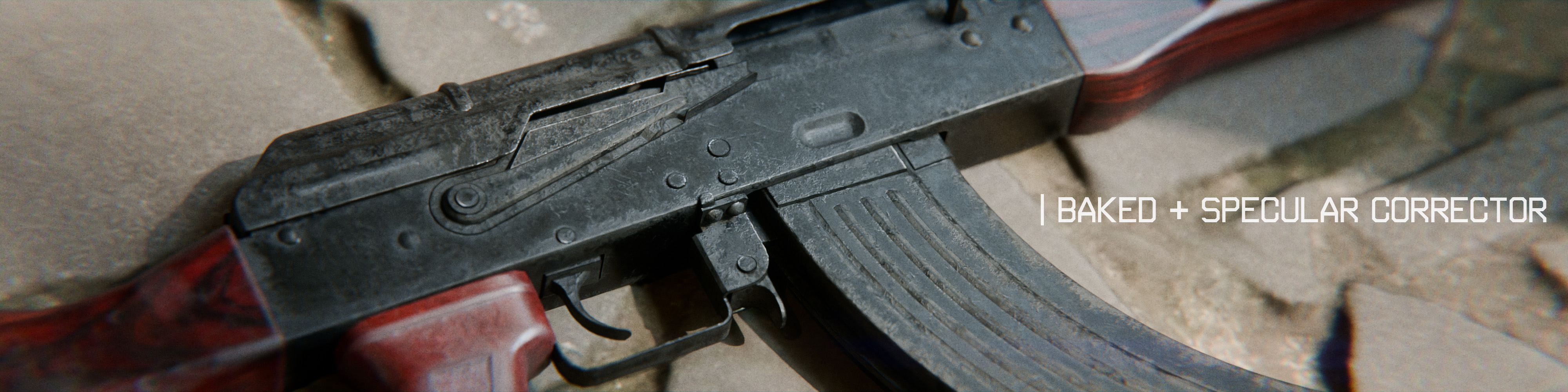
discoloration
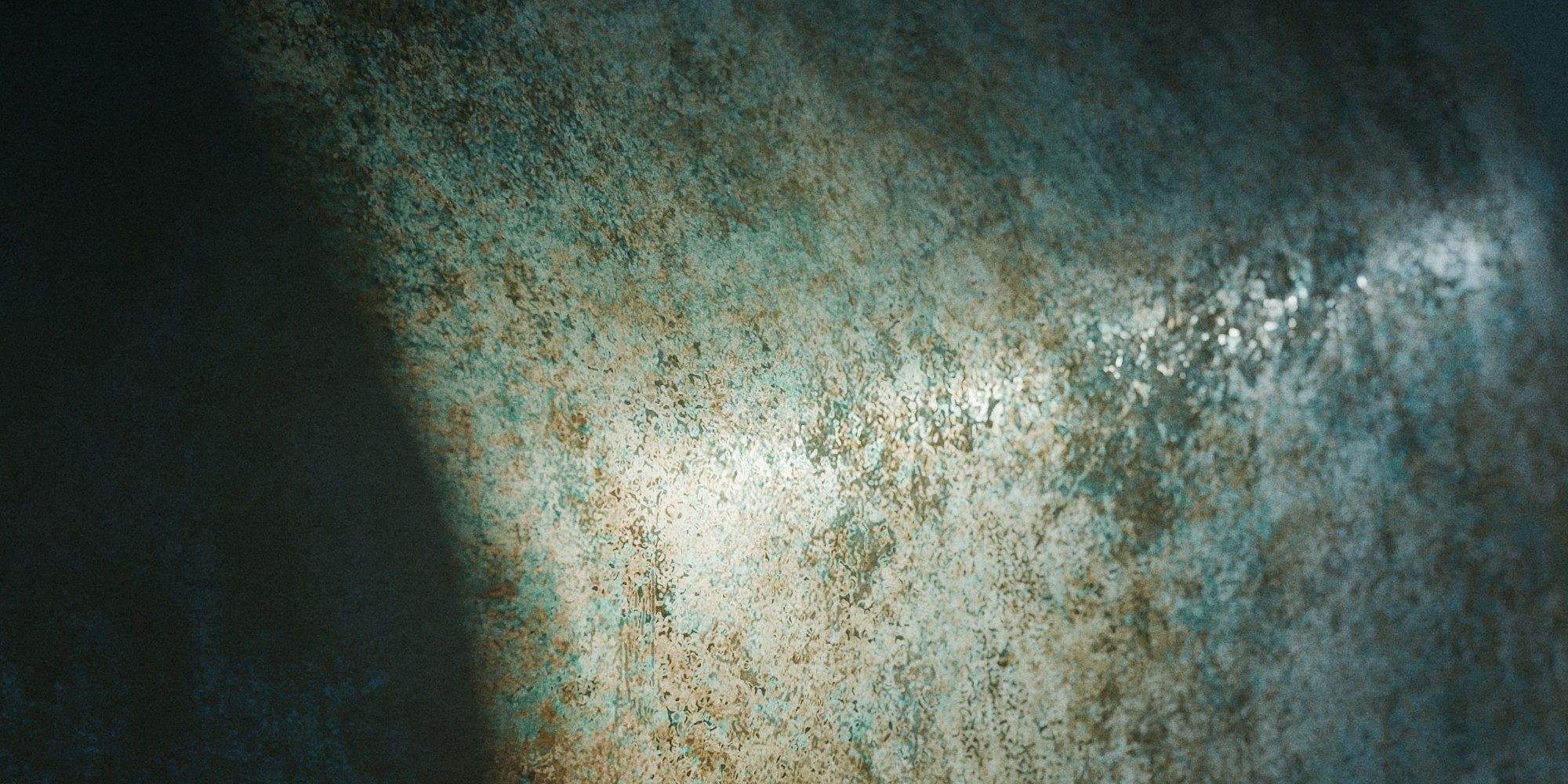
metal and rough
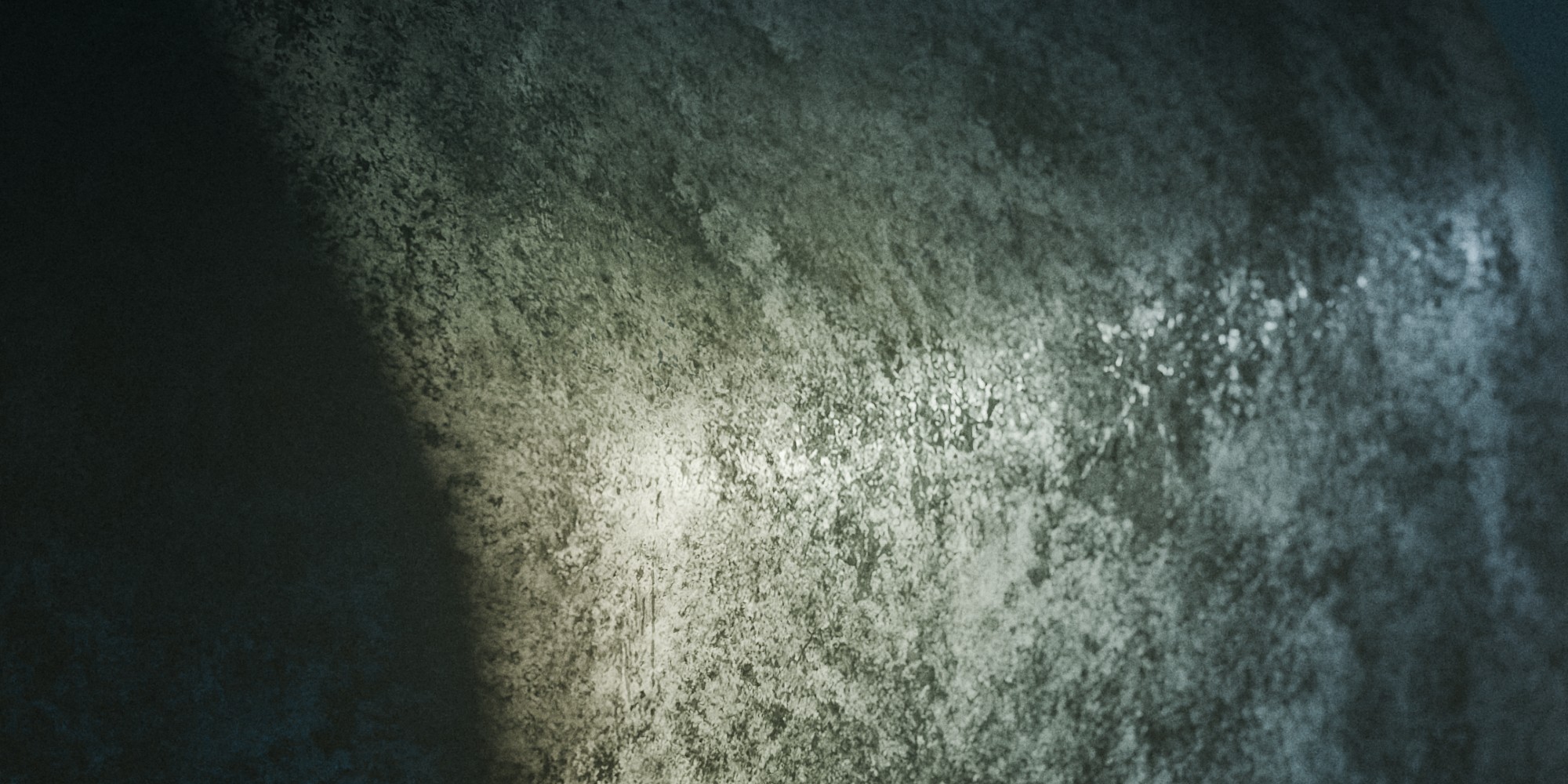
edgewear
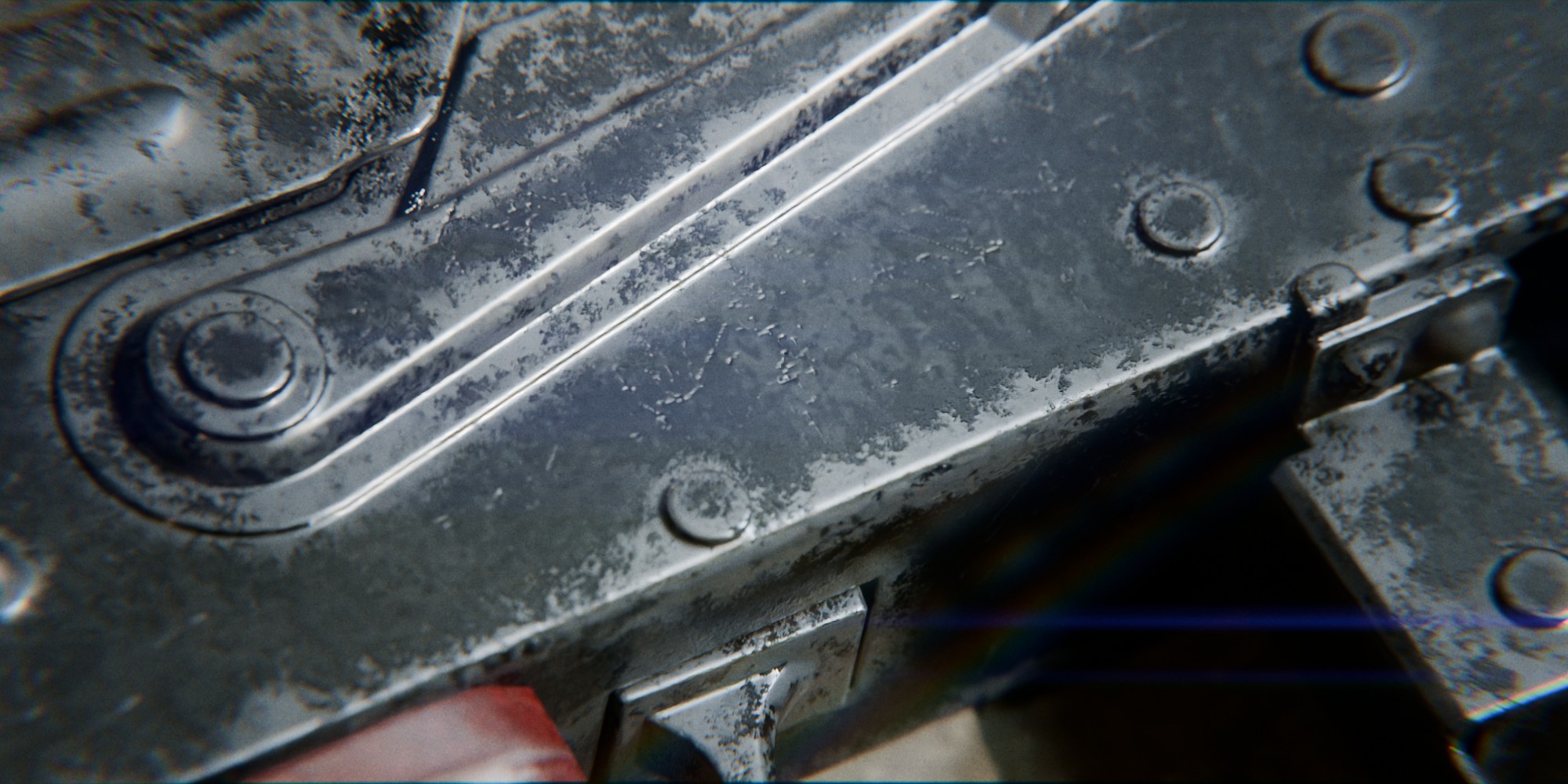
paint damage
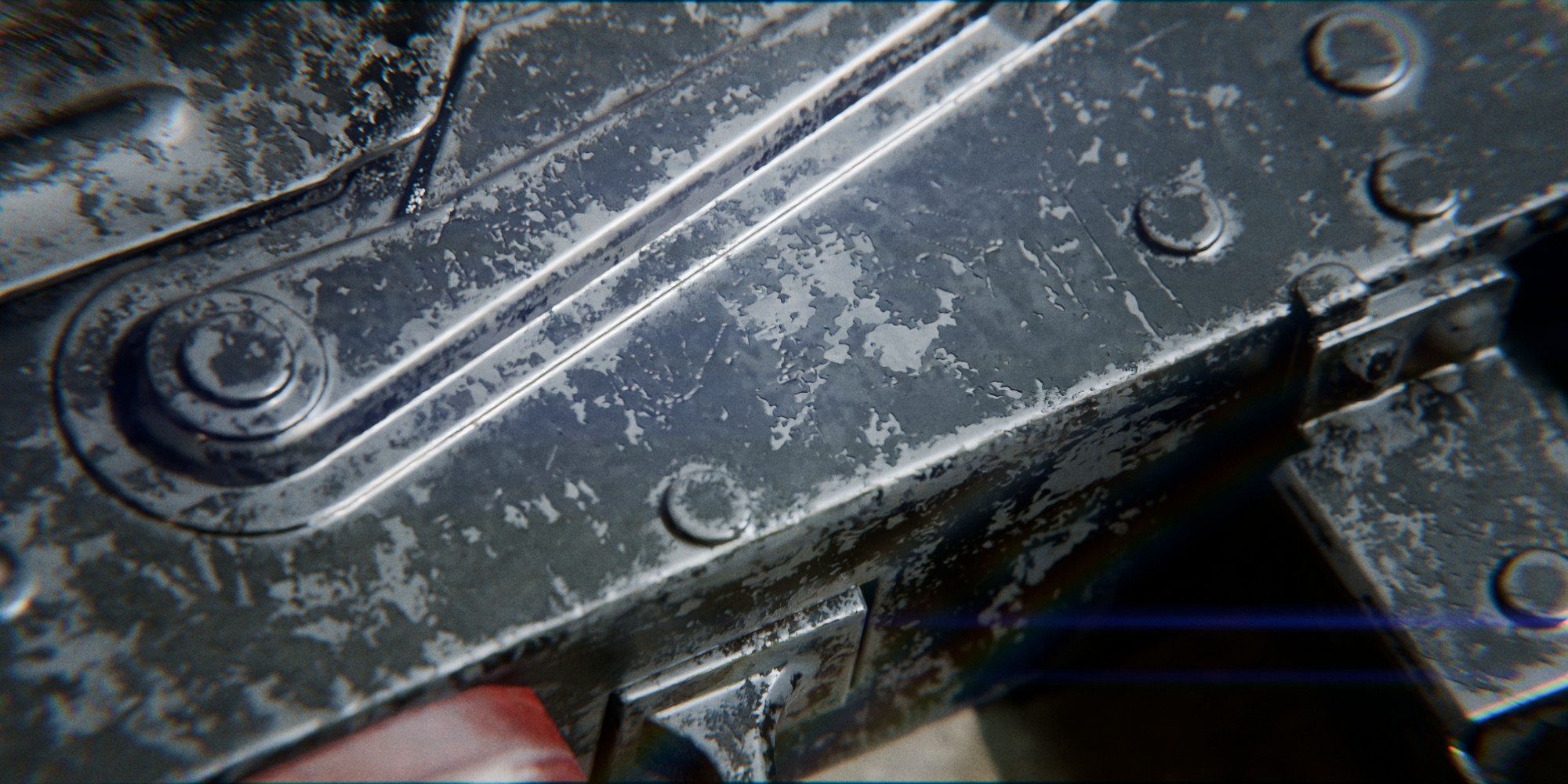
damage
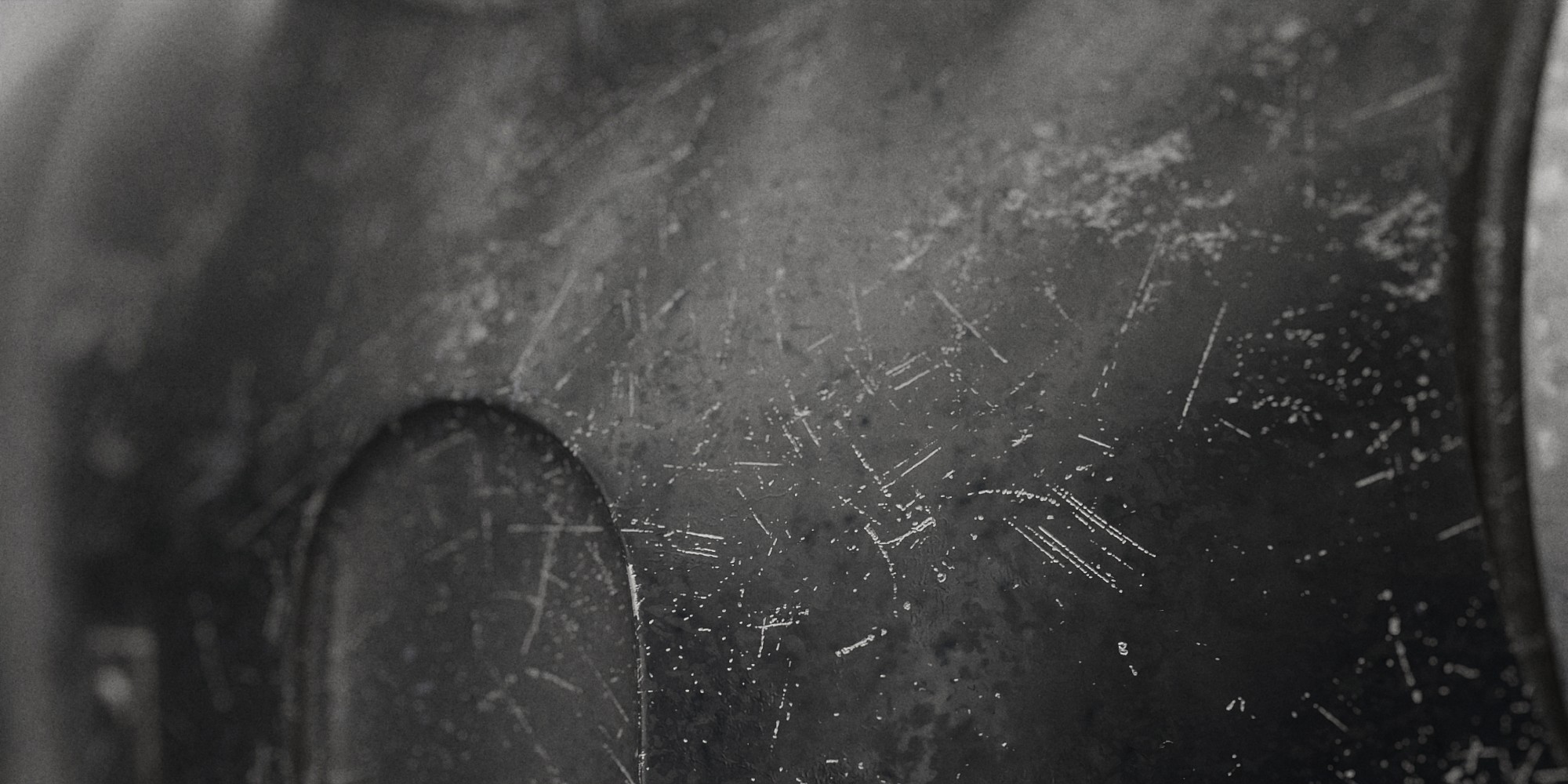
rust
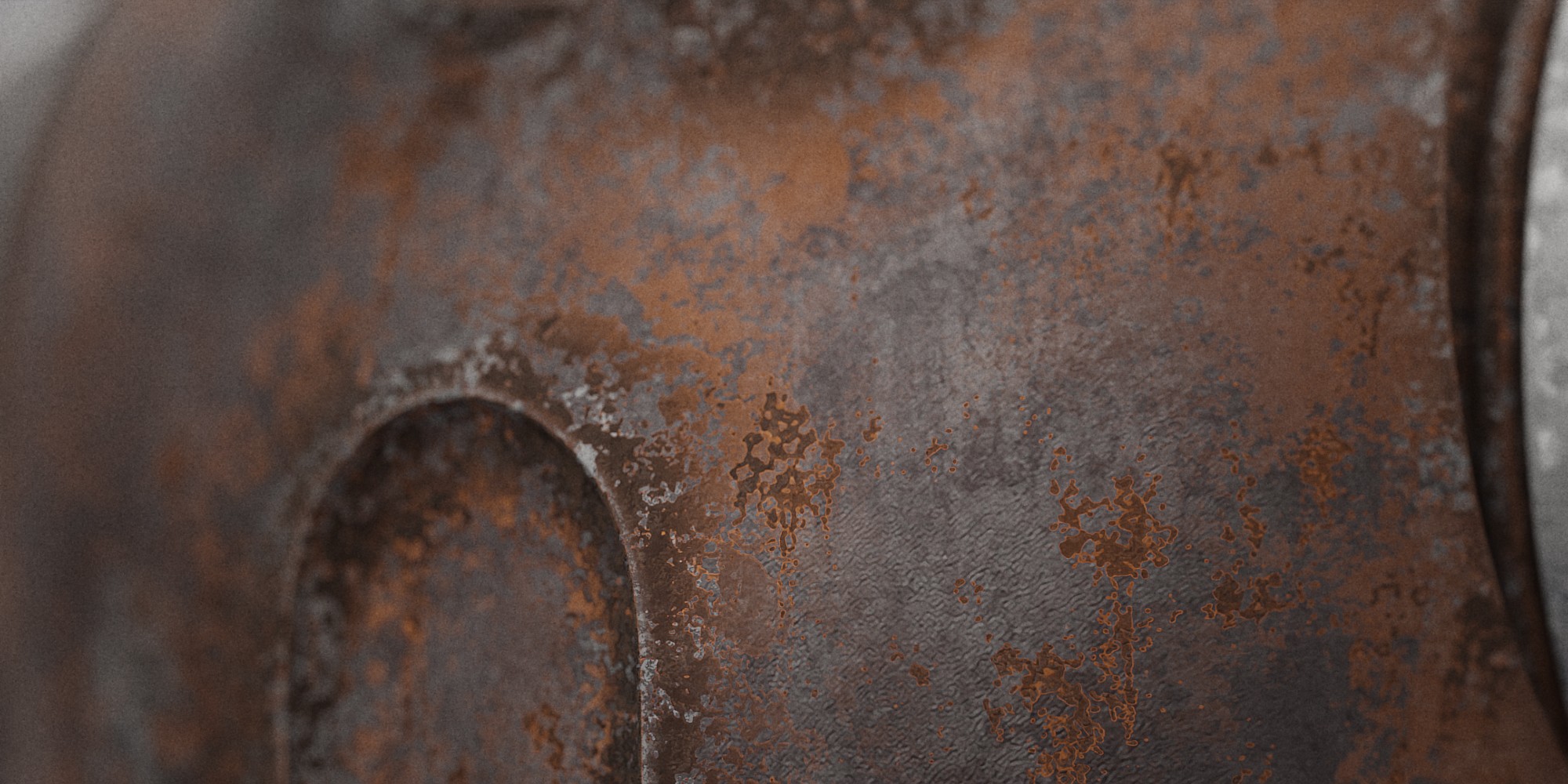
dirt
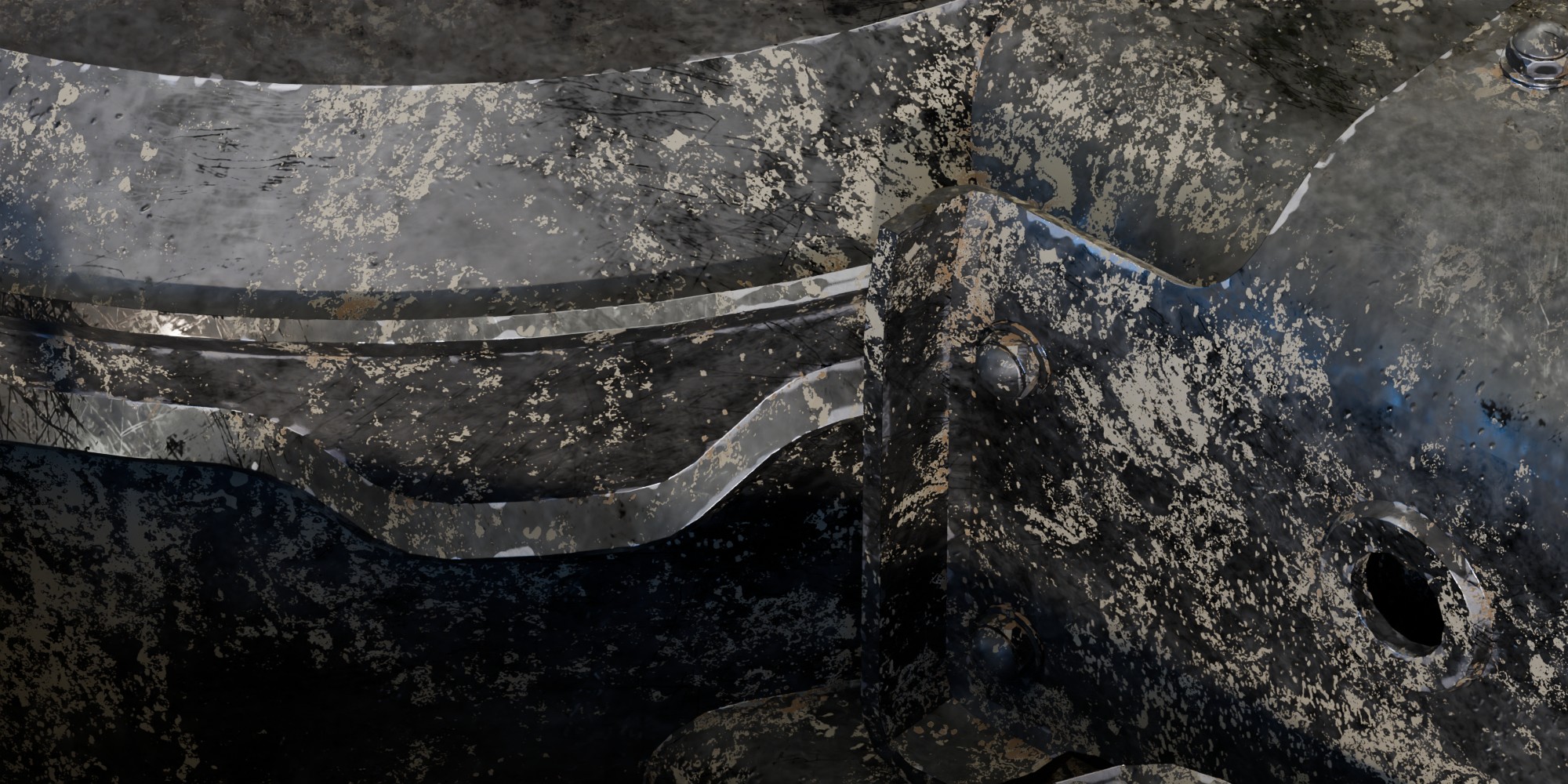
Paint Bumps
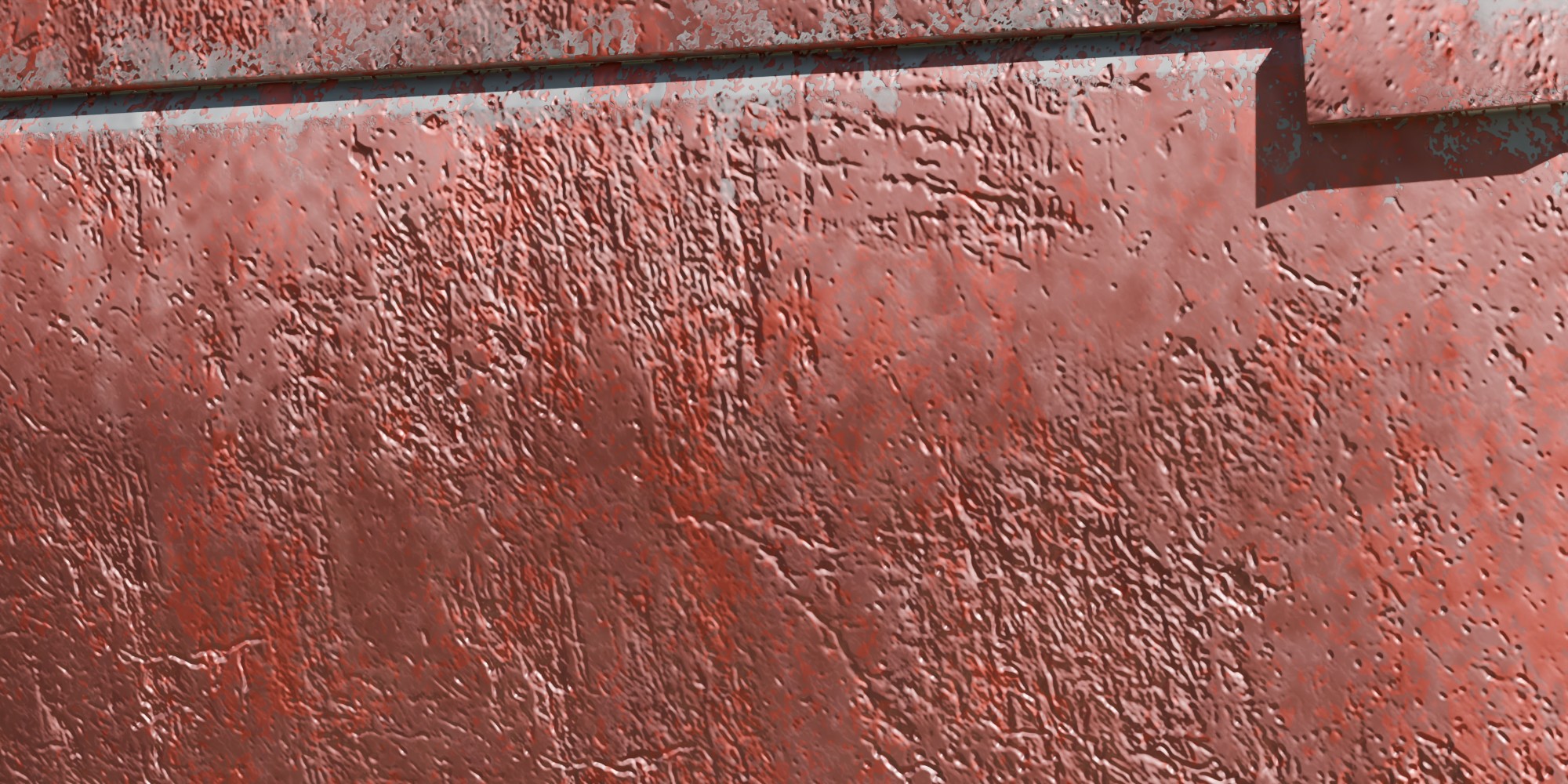
chippinfs
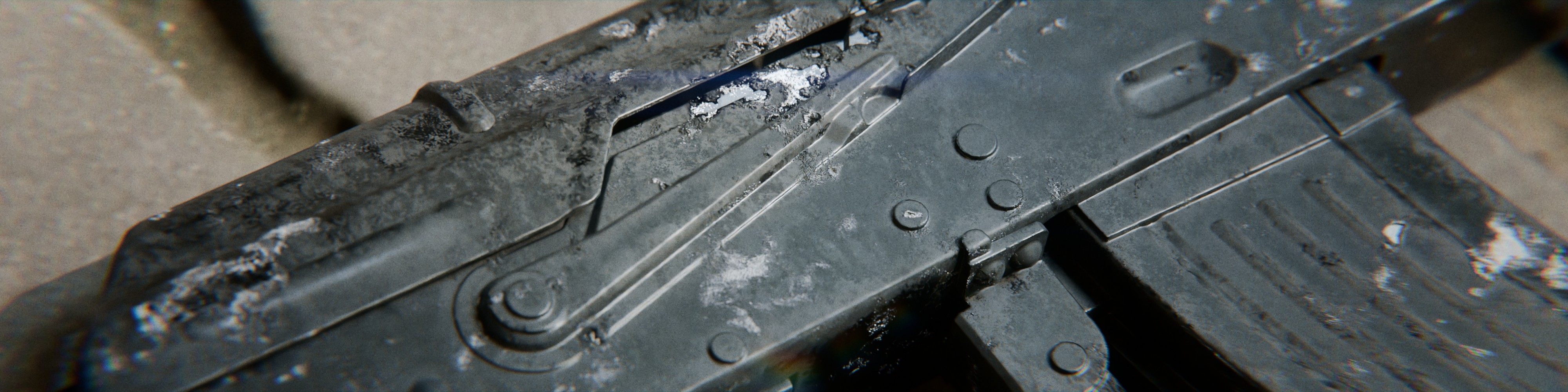
img 1 steps

2 2 start image

2 3 first step - add label = starting point
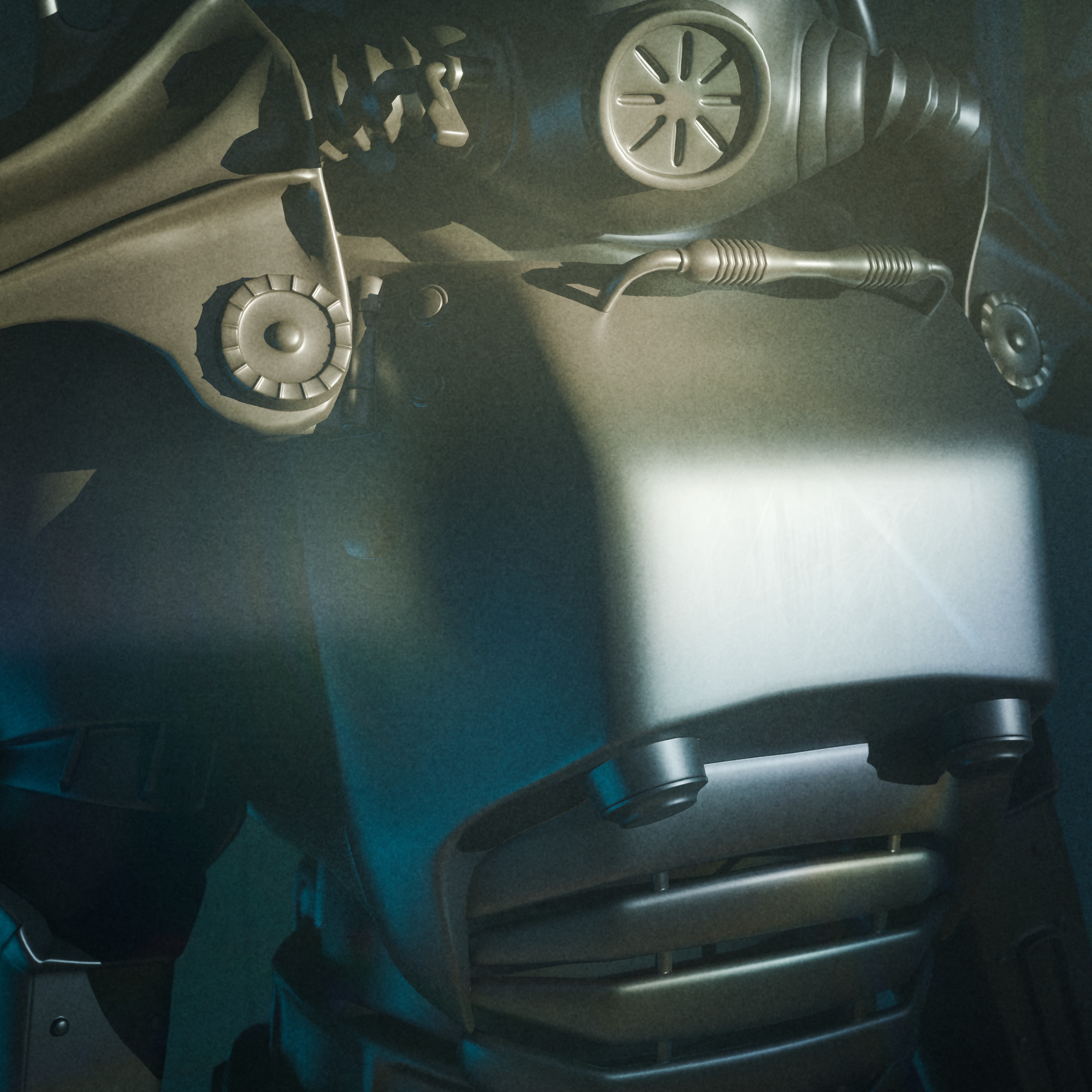
2 4 second step = discoloration and metallic map
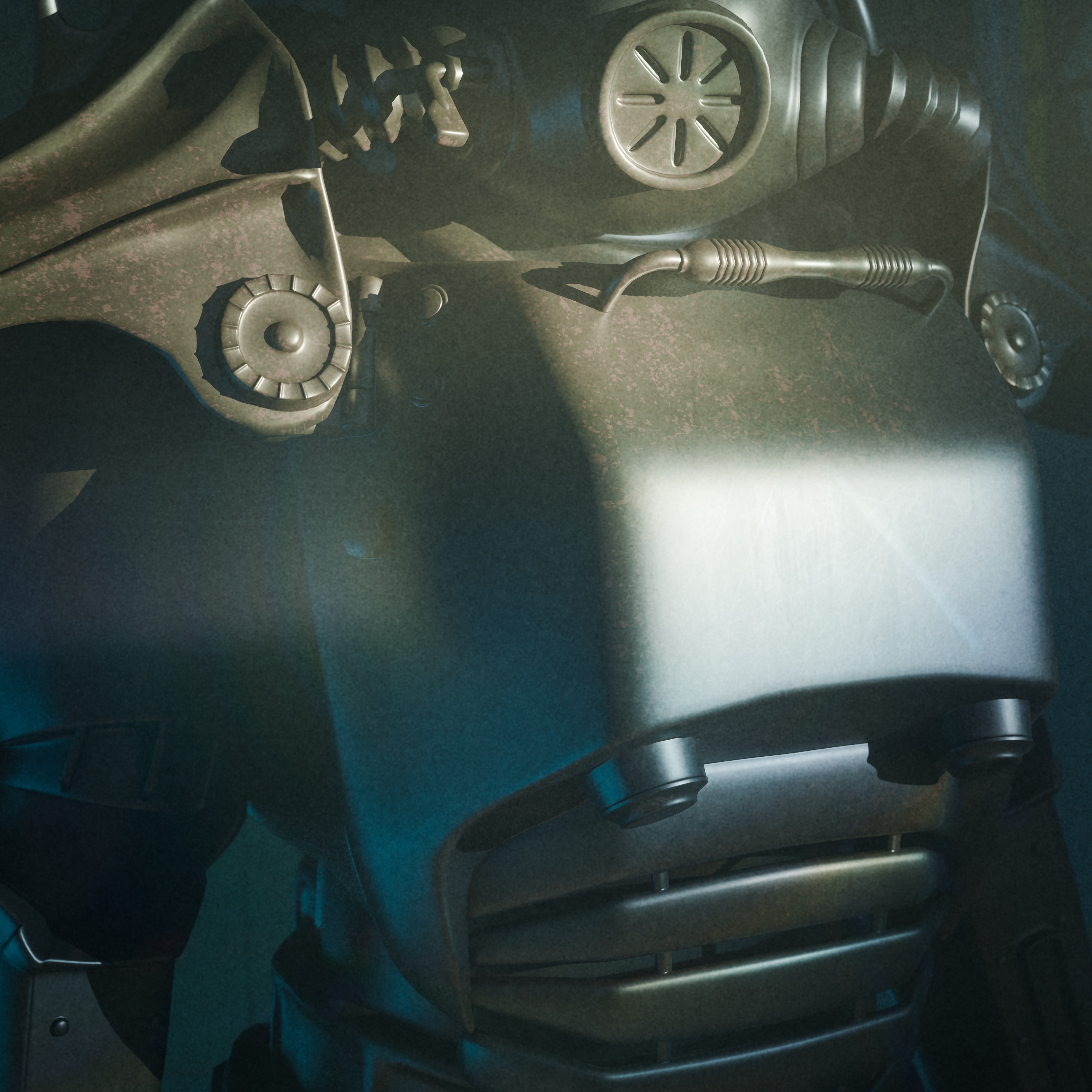
2 5 third step = roughness map
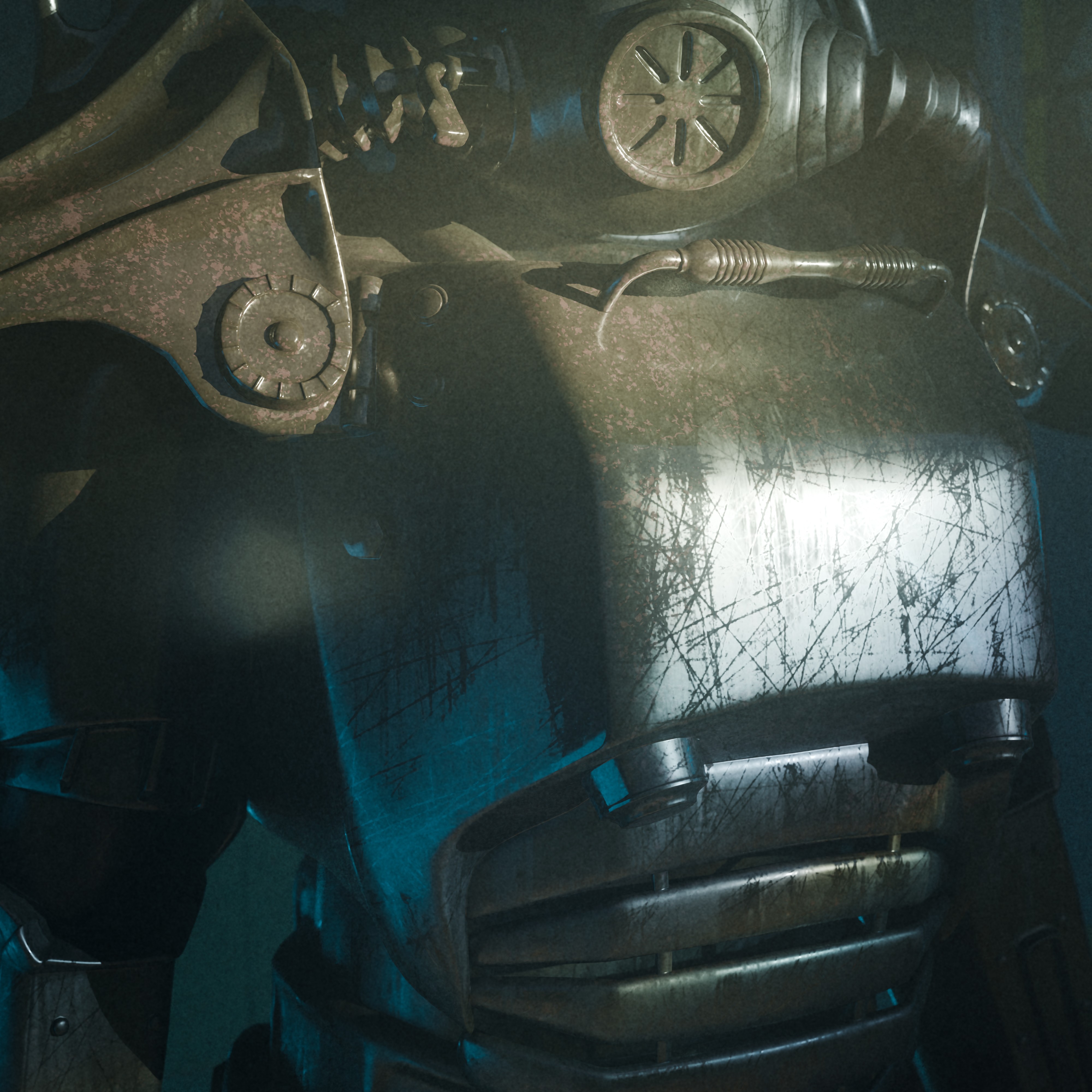
2 6 fouth step = edge wear
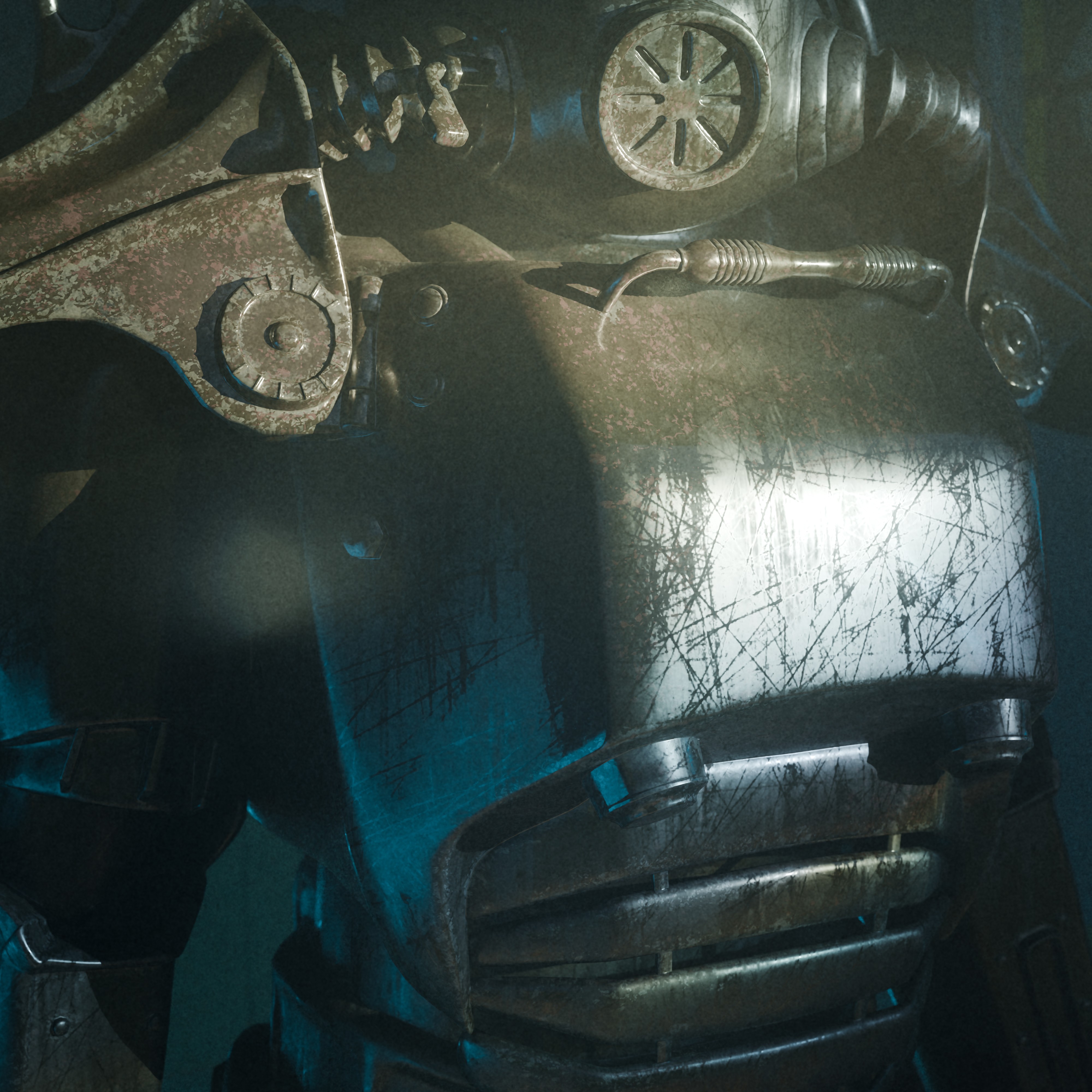
2 7 fifth step = damage
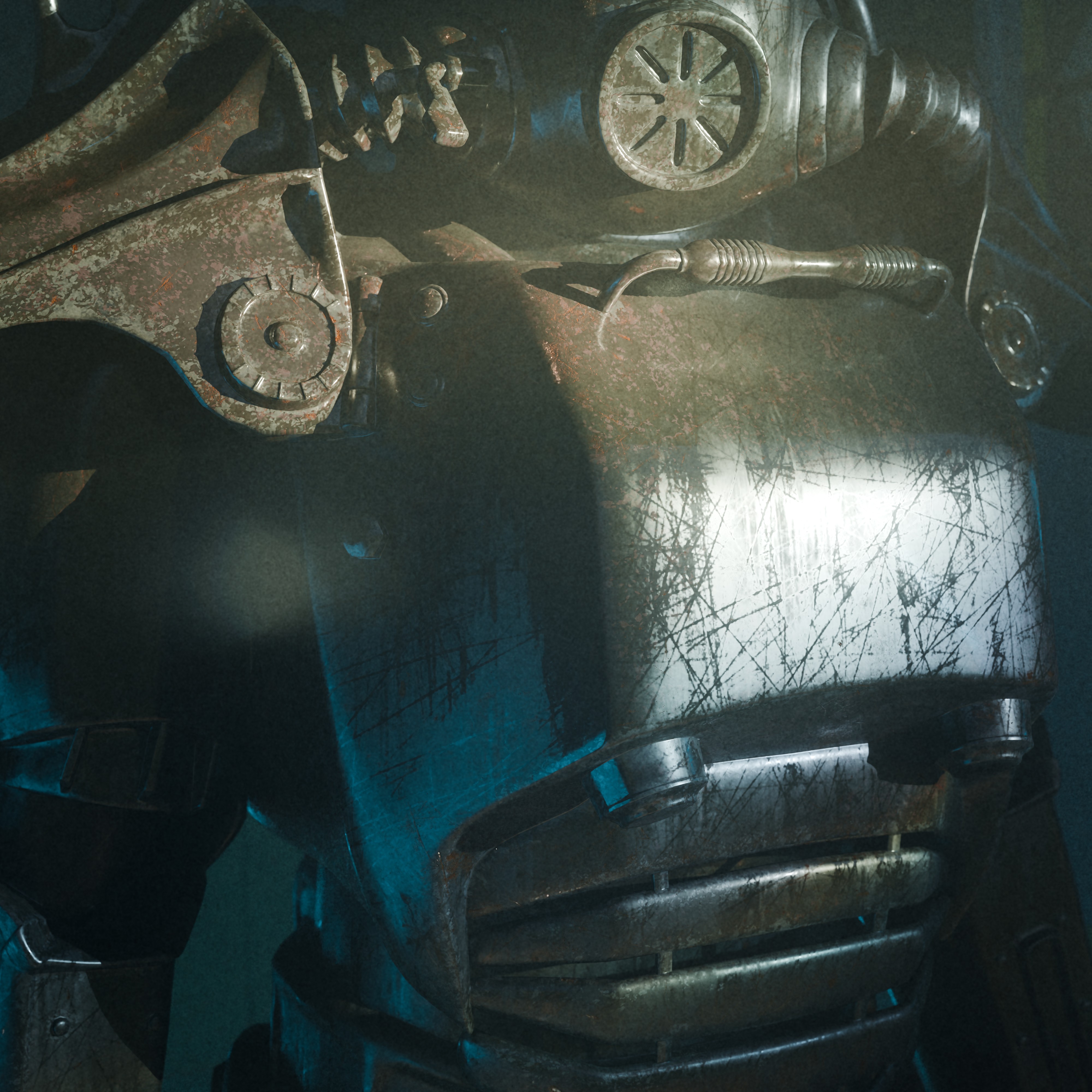
2 8 sixth step = rust
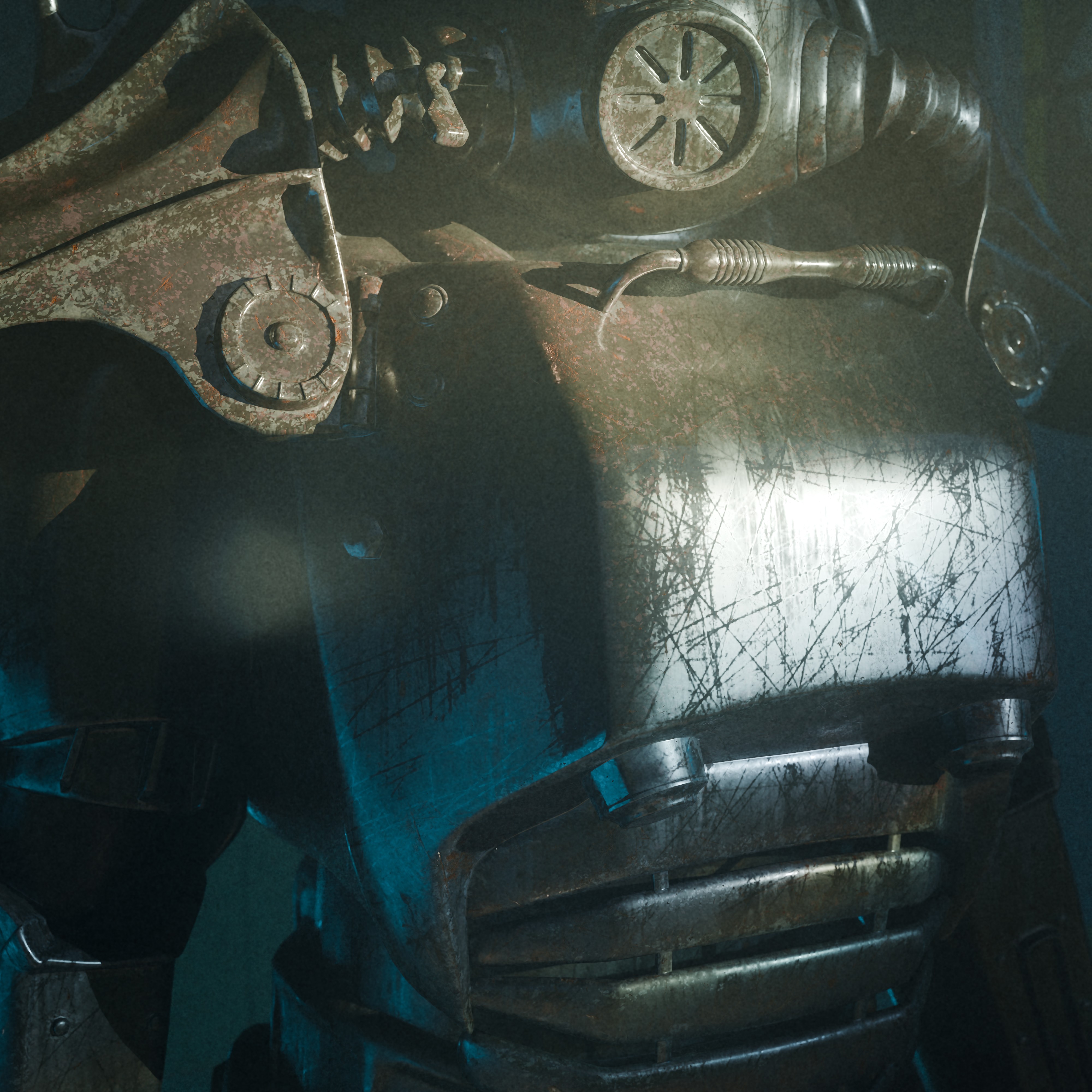
2 9 seventh step = dirt

after seventh show this and label paint bumps and chippings

master
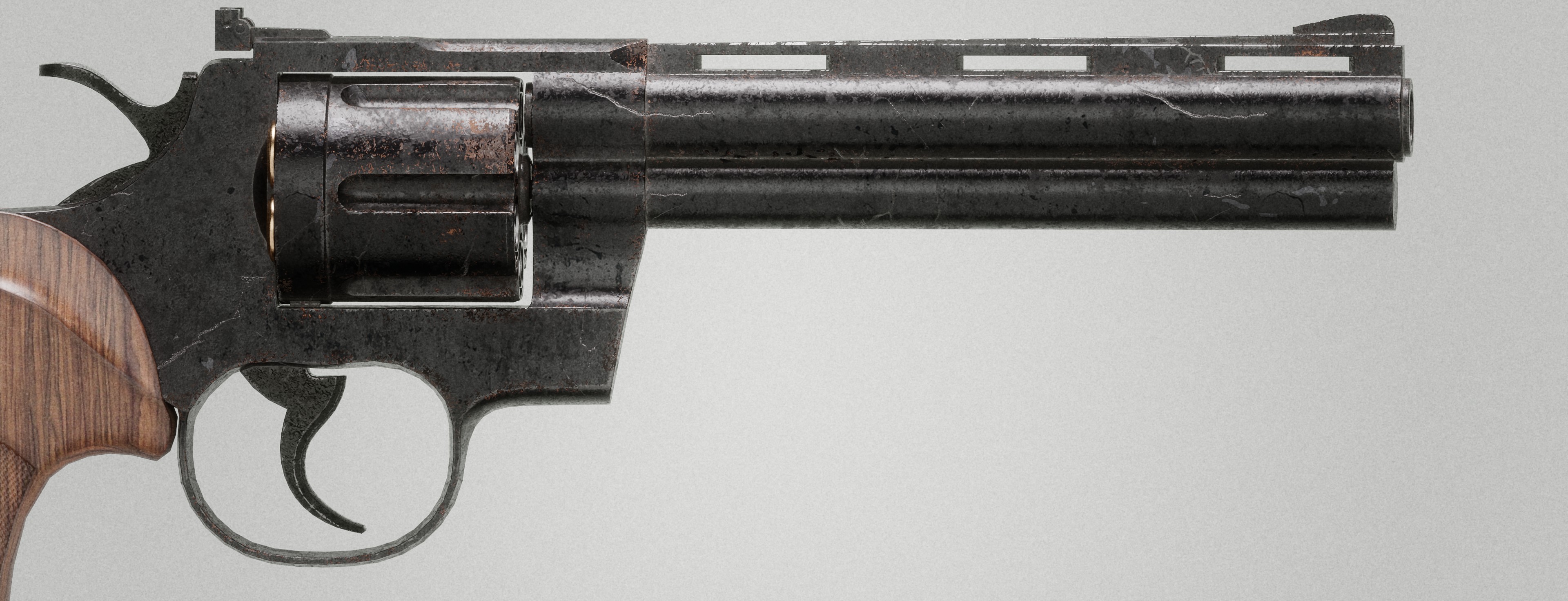

presets
set1

set 2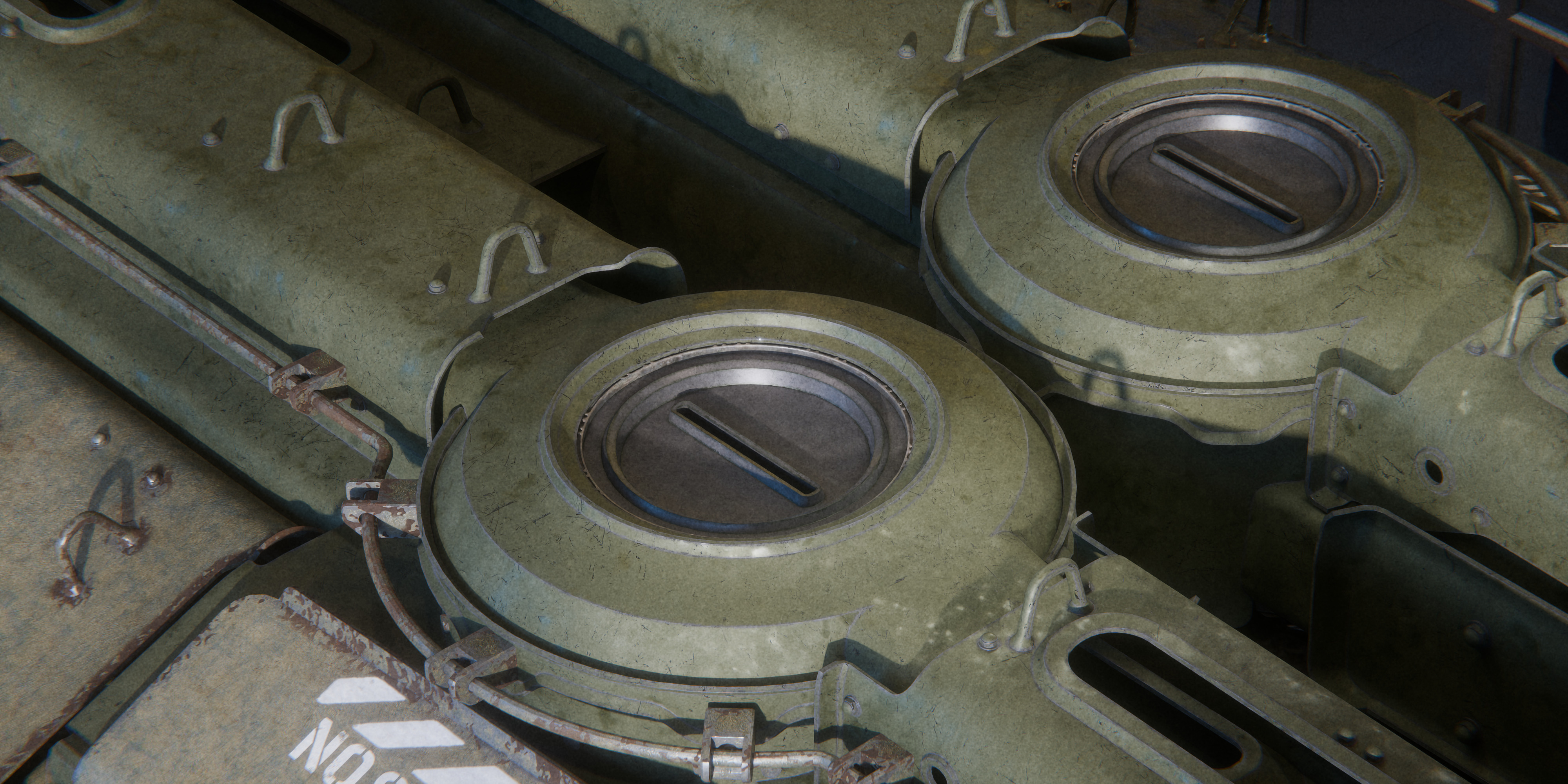
set 3
banner1

master

90off

80off


80

70

60

summer sale

60off better

sale lazy

50off fin

end
