One Click Normal Map Generator
 Blender Procedural

🧪 One-Click Normal Map Generator – Documentation
🔧 Overview
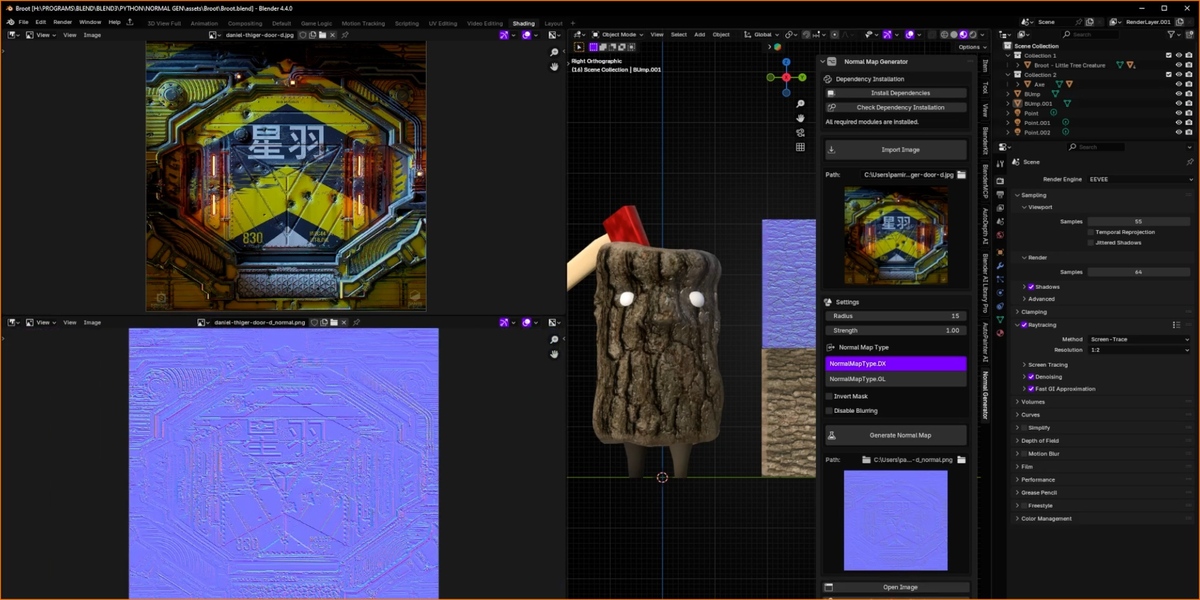
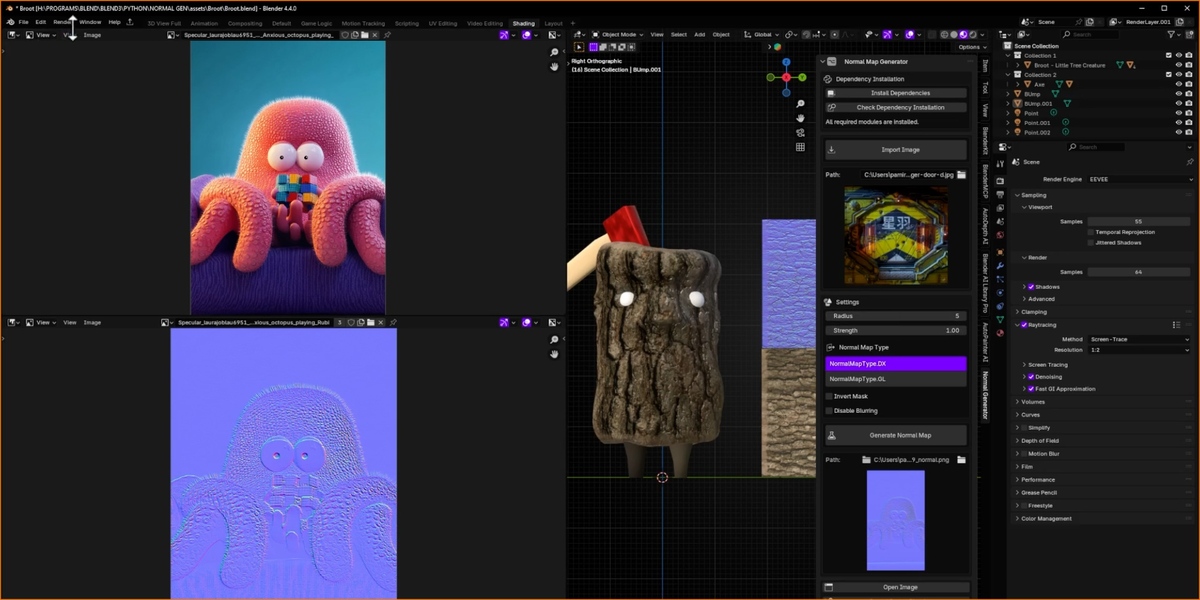
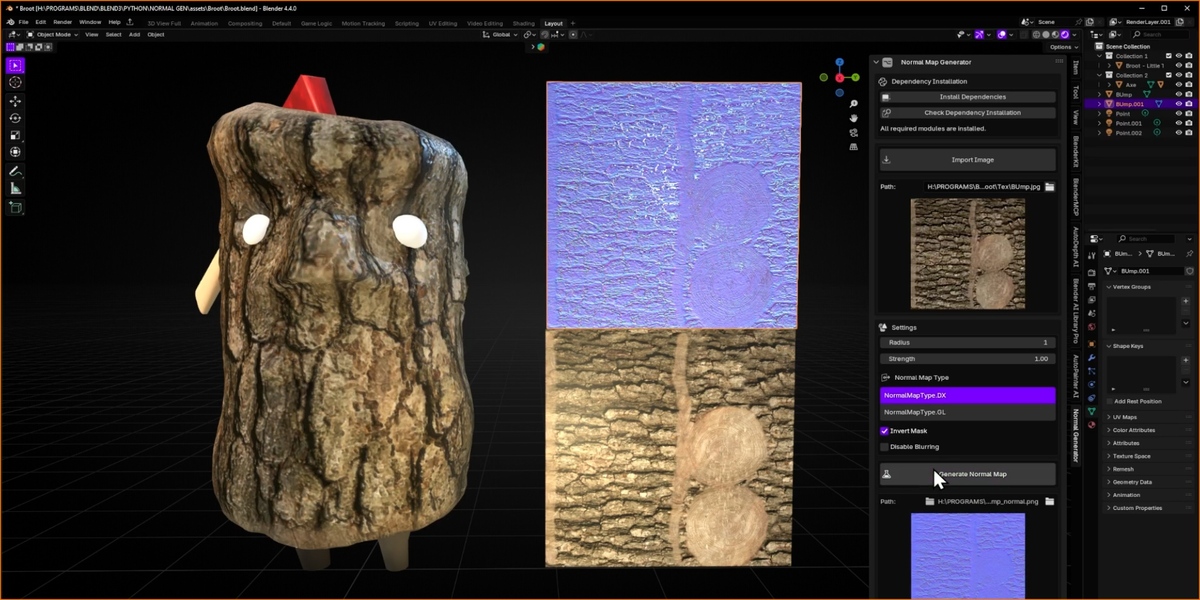
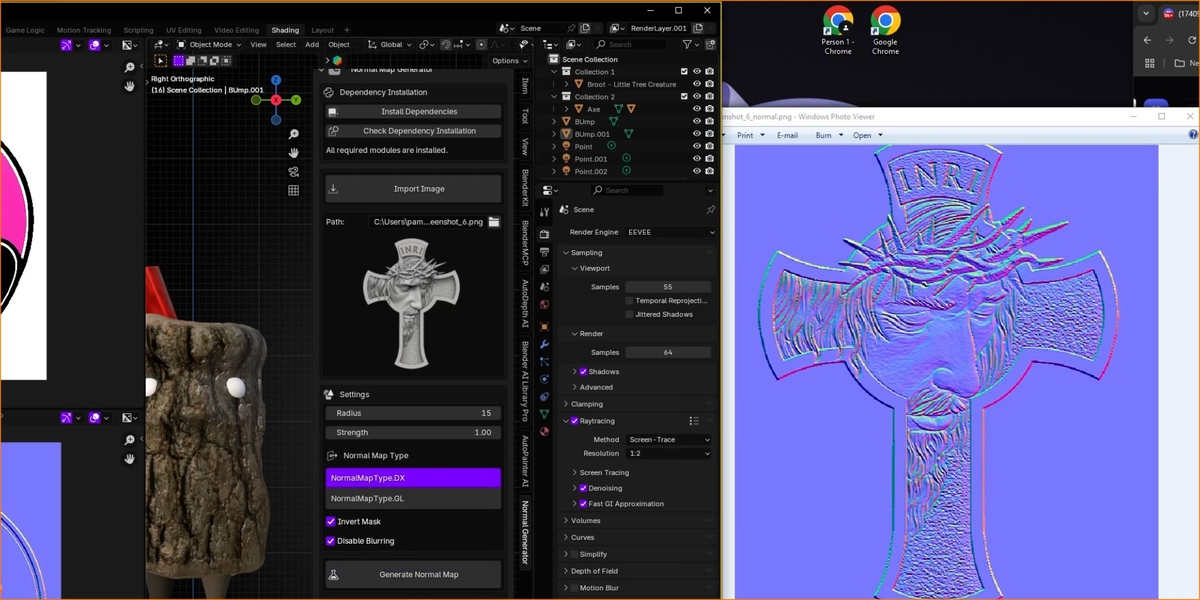
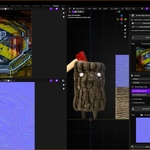
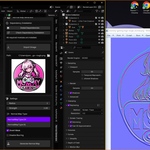
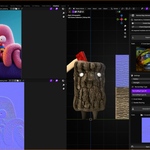
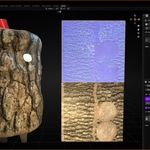
The One-Click Normal Map Generator allows you to quickly and easily convert grayscale mask images into high-quality normal maps inside Blender. The addon provides a clean, interactive panel to import your image, tweak settings, and generate normal maps in seconds.
📦 Sections & Functions
✅ Dependency Installation
-
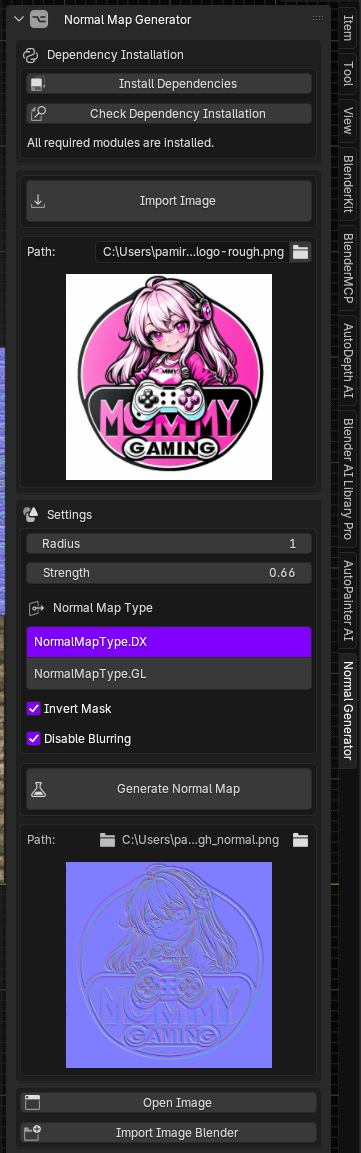
Install Dependencies
(For Windows Users Please Run Blender as Administrator on the first installation.)
Automatically installs all required Python modules (numpy,opencv-python,Pillow,requests) into Blender's environment. -
Check Dependency Installation
Verifies whether all necessary modules are installed. Displays a confirmation message if successful.
🖼 Import Image
-
Import Image
Opens a file browser to choose a grayscale image (e.g., height map, roughness, logo, etc.). -
Path
Displays the selected file path. -
Preview
Shows a live thumbnail of the imported image.
⚙️ Settings
-
Radius
Controls the edge blur radius for slope simulation. Larger values create smoother transitions. -
Strength
Adjusts the intensity of the resulting normal map.
🧭 Normal Map Type
-
NormalMapType.DX (DirectX)
Y+ axis normal map style (used in many engines like Unreal Engine). -
NormalMapType.GL (OpenGL)
Y- axis normal map style (used in engines like Unity or Blender default).
🔁 Options
-
Invert Mask
Inverts black/white values before processing. -
Disable Blurring
Skips the slope generation blur and uses the raw mask as a height map.
🧪 Generate Normal Map
-
Button:
Generate Normal Map
Processes the image and creates a normal map based on your current settings. Saves the result in the same directory as the source image with a_normal.pngsuffix. -
Output Path
Displays where the new normal map is saved. -
Preview
Shows a live thumbnail of the generated normal map.
📂 Post Processing
-
Open Image
Opens the generated normal map in Blender’s image editor. -
Import Image Blender
Loads the normal map directly into Blender’s image datablock for use in materials or texture slots.
📝 Notes
-
This addon runs fully in the background and refreshes the UI automatically after generation.
-
Ideal for logos, decals, masks, and PBR workflows where quick depth simulation is needed.
Have questions about this product?
Login to message
| Blender Extension Compatible | Yes |
| Sales | 100+ |
| Rating | 1 ratings |
| Dev Fund Contributor | |
| Published | over 1 year ago |
| Blender Version | 4.0 - 4.5 |
| Extension Type | Add-on |
| Render Engine Used | Arnold, Blender-Internal, Blender-Game-Engine, Cycles, Eevee, Freestyle, Luxrender, Mental-Ray, Octane, Vray, Yafaray |
| License | GPL |
Discover more products like this
detail map generator pbr normal map texture-generation pbr-textures modifier addon procedural modifiers blender tools blender normal map bake normal maps advanced surface tools normal baking one-click normal map pbr-material texture tools surface modifiers Blender material tools surface tools pbr-workflow blender texture tools blender addons blender modifier addon Blender Automation pbr texture workflow normal map addon normal map tools grayscale to normal texture addon automatic normal map pbr surface generation custom modifier normal map tool blender utility addon opencv blender procedural surfaces blender pbr addon surface detailing texture-creation procedural texturing advanced shading Normal Map Generator PBR Shading texture mapping tools Blender Modifiers material editor