 Domenas


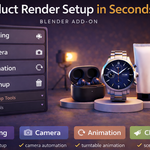
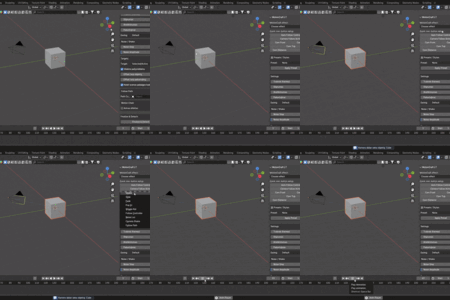
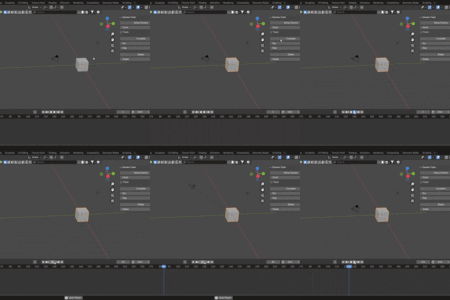
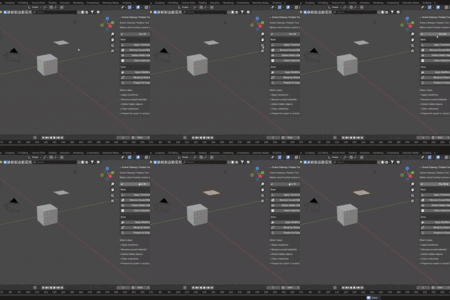
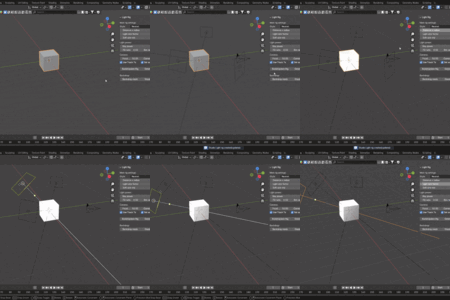
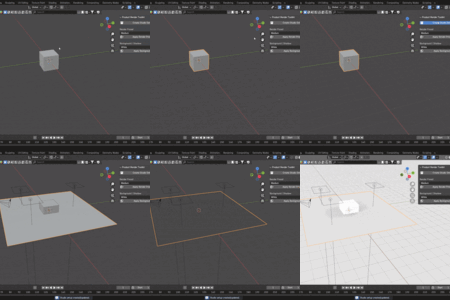
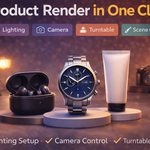
Studio Tools Toolkit is a Blender add-on that provides a set of utility tools for scene setup, lighting, camera control, animation, and scene cleanup.
The add-on installs a Tools tab in the 3D Viewport sidebar (N-panel), where all features are grouped into separate panels.
Lighting Tools
-
Creates a three-point lighting rig (Key, Fill, Rim) around the active object
-
Light placement is based on the object’s bounding box size
-
Optional camera and target object creation
-
Preset light intensity profiles
-
Optional backdrop and shadow plane creation
Product Render Toolkit
-
Quick setup for studio-style product renders
-
Creates camera, lights, world setup, and shadow plane
-
Intended for Cycles-based product visualization
Camera Tools
-
Automatic camera creation and setup
-
Target-based camera tracking
-
Turntable animation generation
-
Camera shake animation tools
-
Uses standard Blender objects and keyframes
Animation Tools
-
Quick animation effects using keyframes
-
Position, rotation, and scale-based effects
-
Bounce, spin, shake, slide, pulse, and follow-style animations
-
All animations are fully editable after creation
Scene Cleanup
-
Apply transforms and modifiers
-
Remove unused data blocks
-
Delete hidden objects
-
Merge geometry by distance
-
Prepare scenes for export or rendering
Notes
-
No external libraries or internet access required
-
Uses standard Blender data, constraints, and keyframes
-
All operations are non-destructive and reversible
-
Compatible with Blender 3.6 and newer
Have questions about this product?
Login to message
| Published | 9 months ago |
| Blender Version | 3.6 - 4.5 |
| Extension Type | N/A |
| Render Engine Used | Cycles, Eevee |
| License | GPL |

Discover more products like this
product rendering scene cleanup Studio Lighting automation animation tools camera-tools Lighting product render Workflow render setup blender addon turntable