 Shift4cube



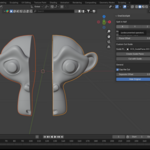
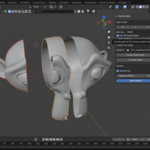
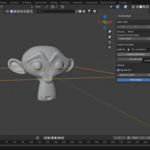
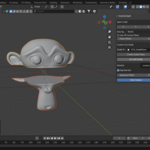
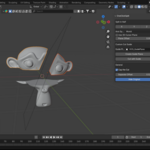
Quickly cut any mesh into two clean halves with just one click!
This lightweight add-on is perfect for mockups, hard-surface blocking, 3D printing prep, and fast prototyping inside Blender.
✂️ Features
Split by Axis (X / Y / Z): Instantly slice your mesh in half along world or local axes.
Cut with Guide Plane: Use a movable/rotatable plane to slice at any custom angle.
Cap the Cut (Toggle): Choose whether to fill the cut surface or leave it open.
Separate Offset: Push halves apart for a clear split view.
Supports modifiers: Works with evaluated meshes (keeps your non-applied modifiers in mind).
⚡ Quick Start (30 Seconds)
Select your mesh.
Open
N-panel → OneClickSplit.Click your split method: Axis or Guide Plane.
Optional: Toggle Cap the Cut or adjust Separate Offset.
Your object is cleanly cut into two halves, while the original mesh is hidden safely.
✅ Requirements
Blender 3.0+ (tested on 4.5)
Works only on mesh objects