Optimize You Workflow! - Blender Object Hotkeyer
 Alex Quill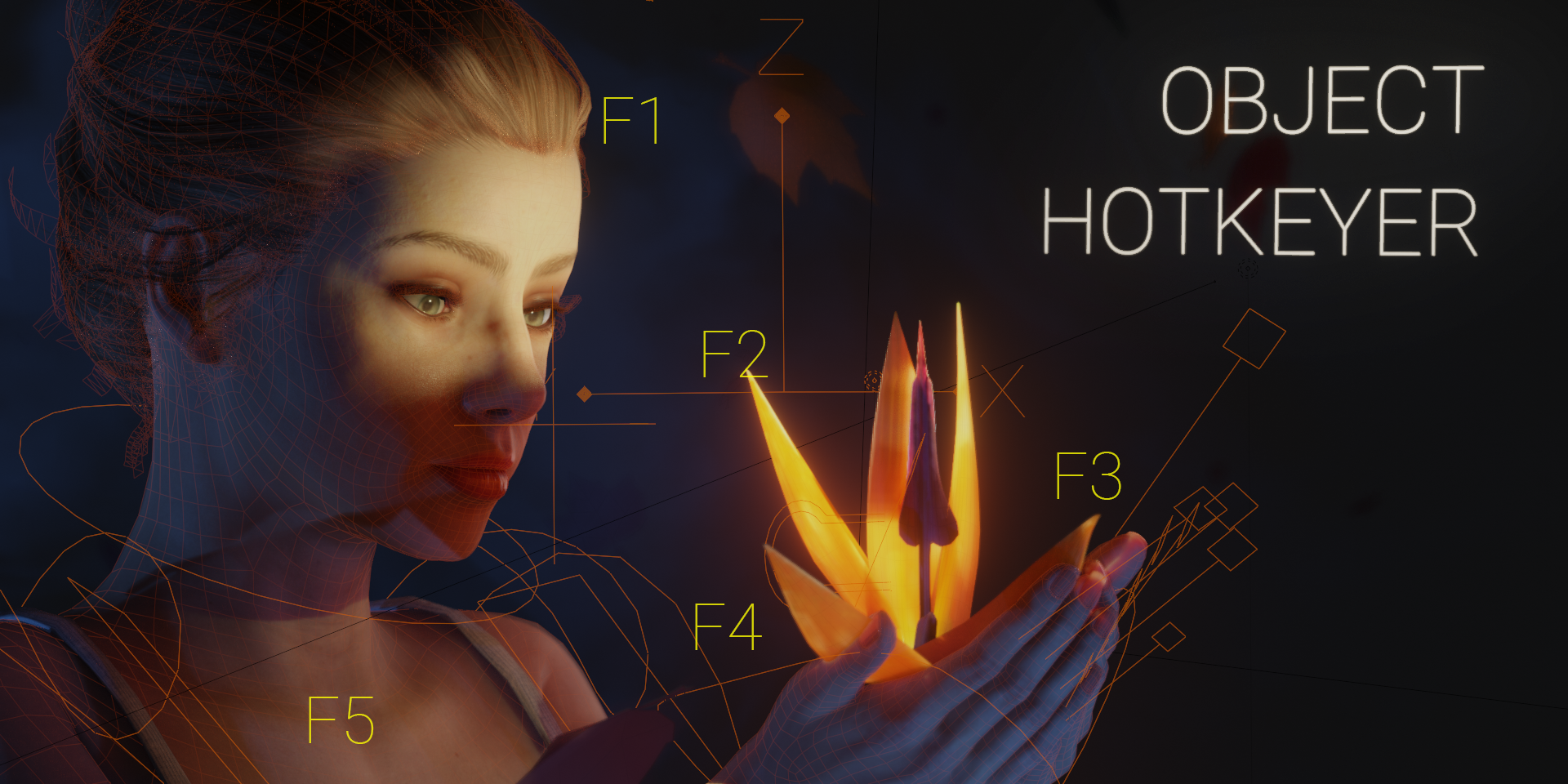
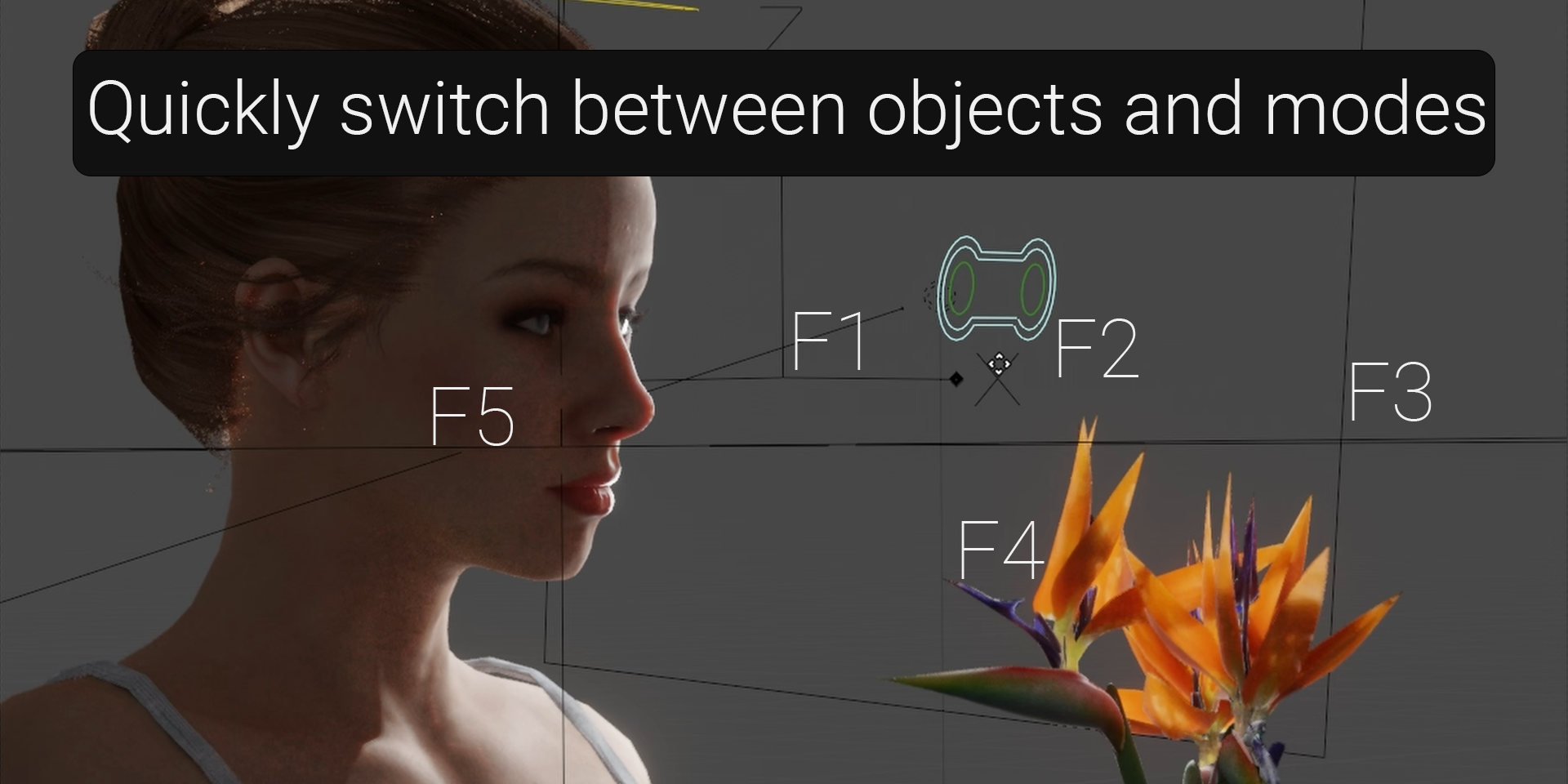
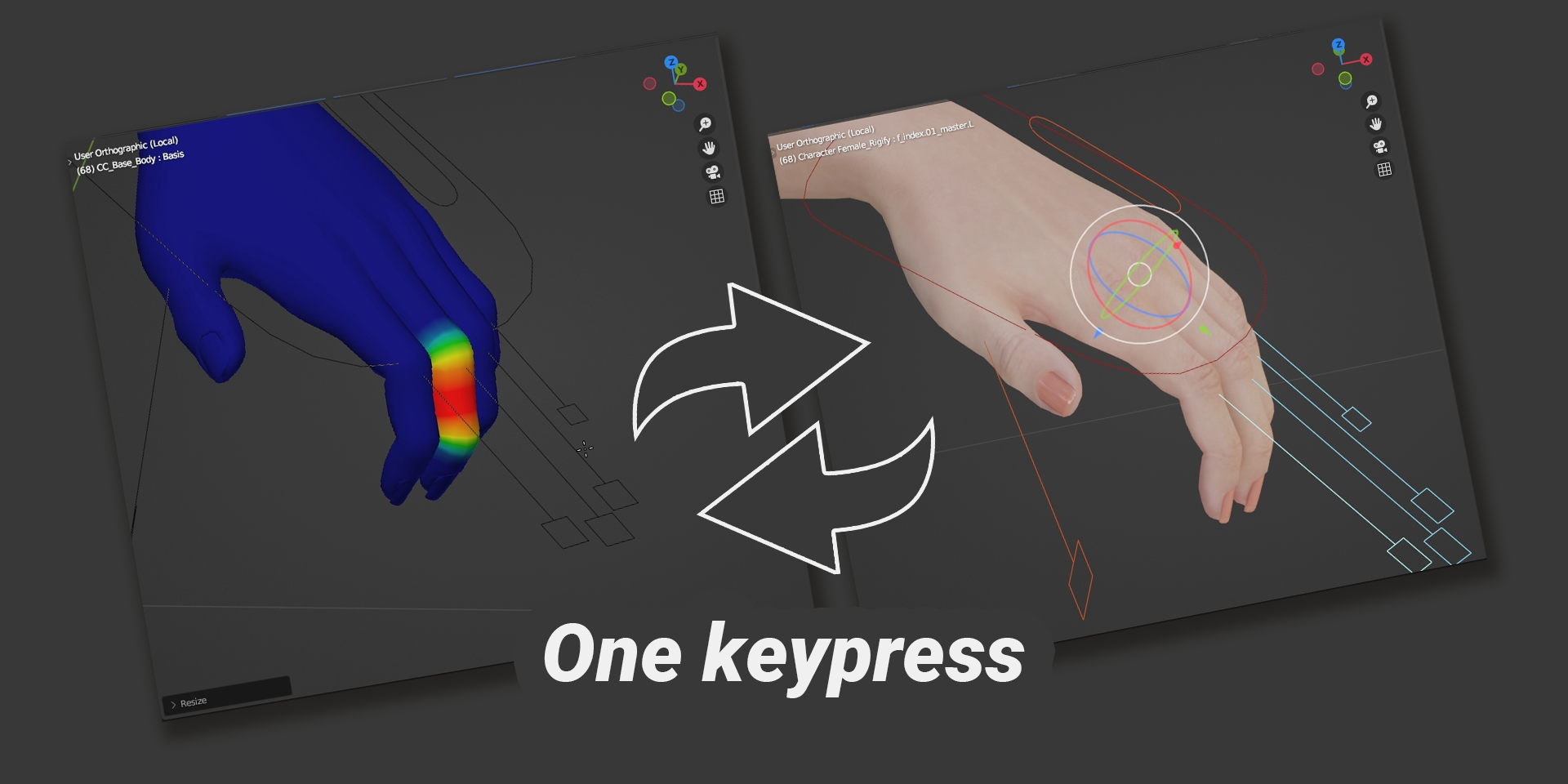
How to use the Object Hotkeyer
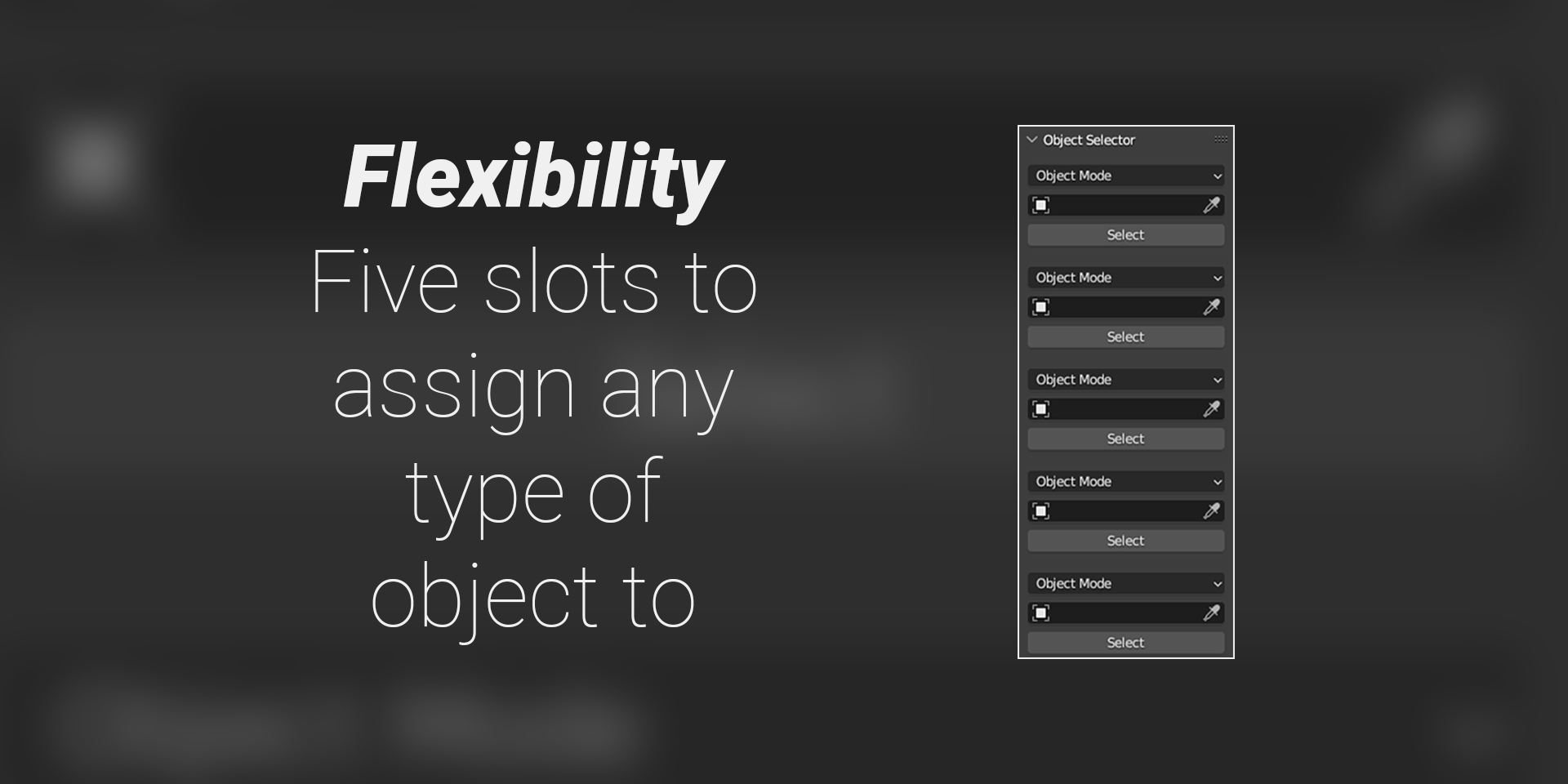
Step 1: Find the newly added tab on your 3D viewport side panel.
Step 2: Click on the object selector box to assign this slot to a desired object.
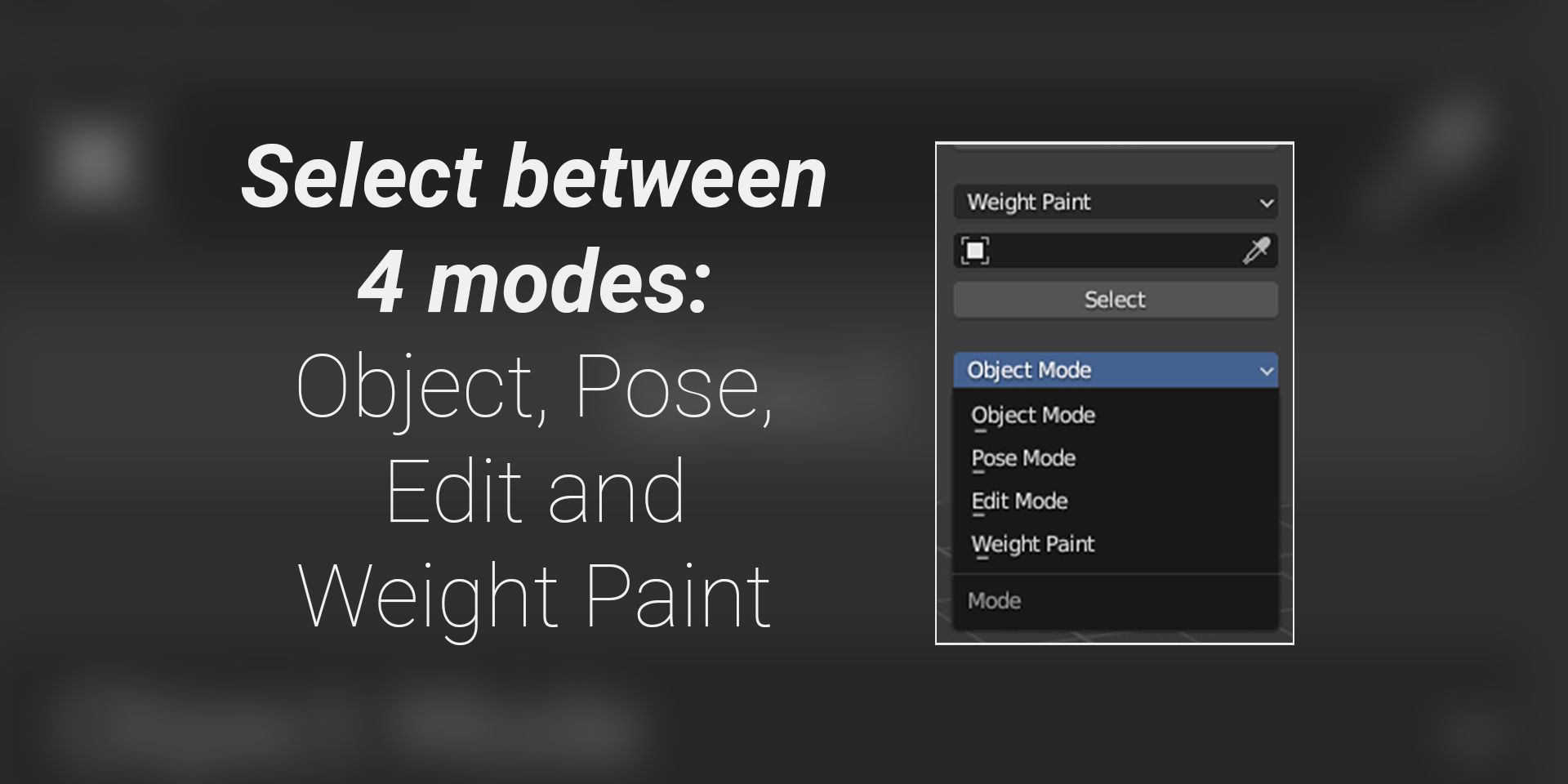
Step 3: Optionally, select the desired mode to be associated with this specific hotkey.
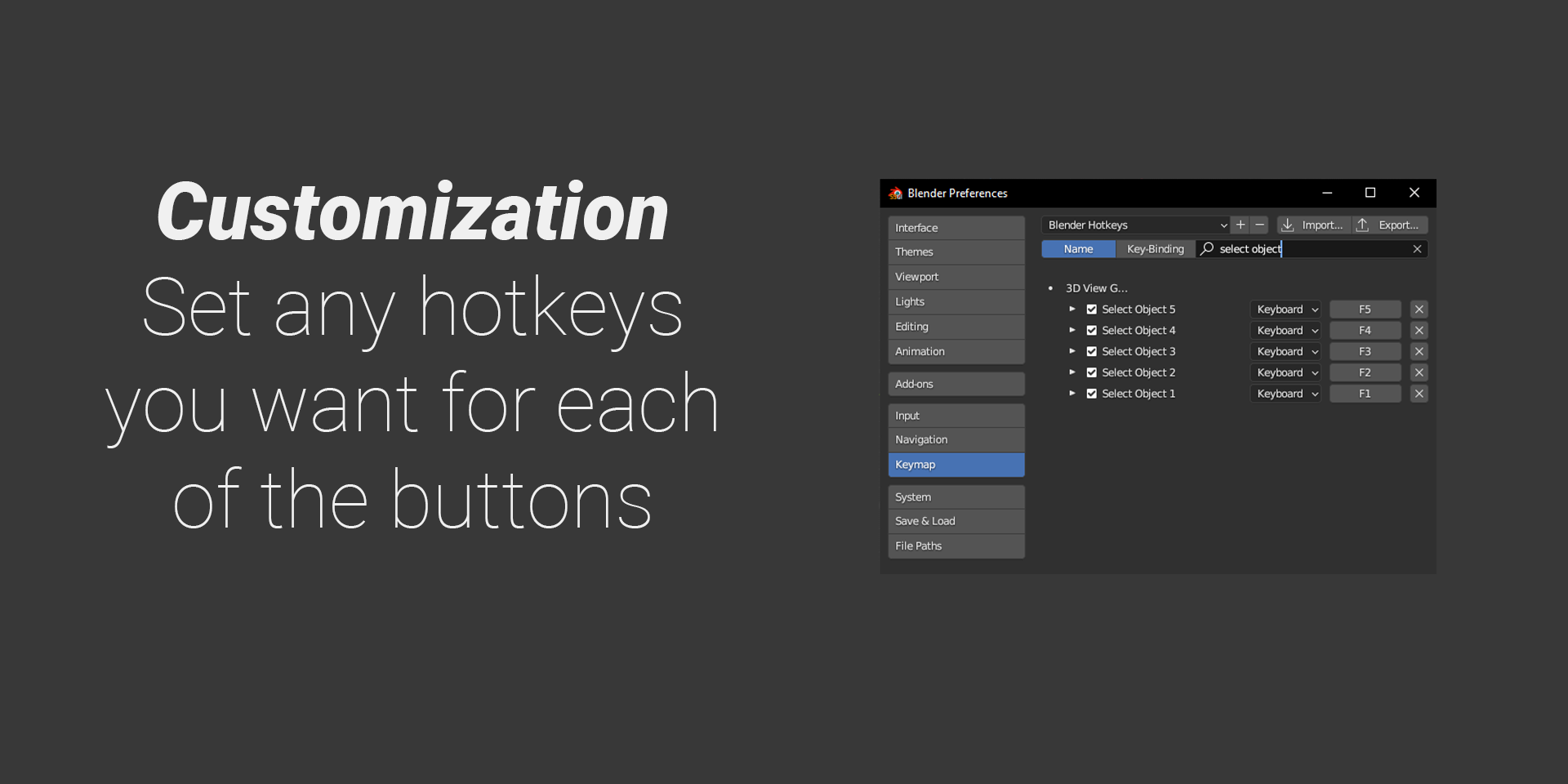
Step 4: Press F1 - F5 to select the respective object from the list of objects you assigned. This works in any of the supported modes (armature, edit, object and weight paint). Once pressed, your selection will clear and you will select the object associated to the hokey. Your current mode will also switch to the one you specified there.
$3.99
Have questions about this product?
Login to message
| Blender Extension Compatible | Yes |
| Sales | 30+ |
| Dev Fund Contributor | |
| Published | almost 3 years ago |
| Blender Version | 4.3, 4.2, 4.1, 4.0, 3.6, 3.5, 3.4, 3.3, 3.2, 3.1, 3.0 |
| Extension Type | Add-on |
| License | GPL |