 Blender Procedural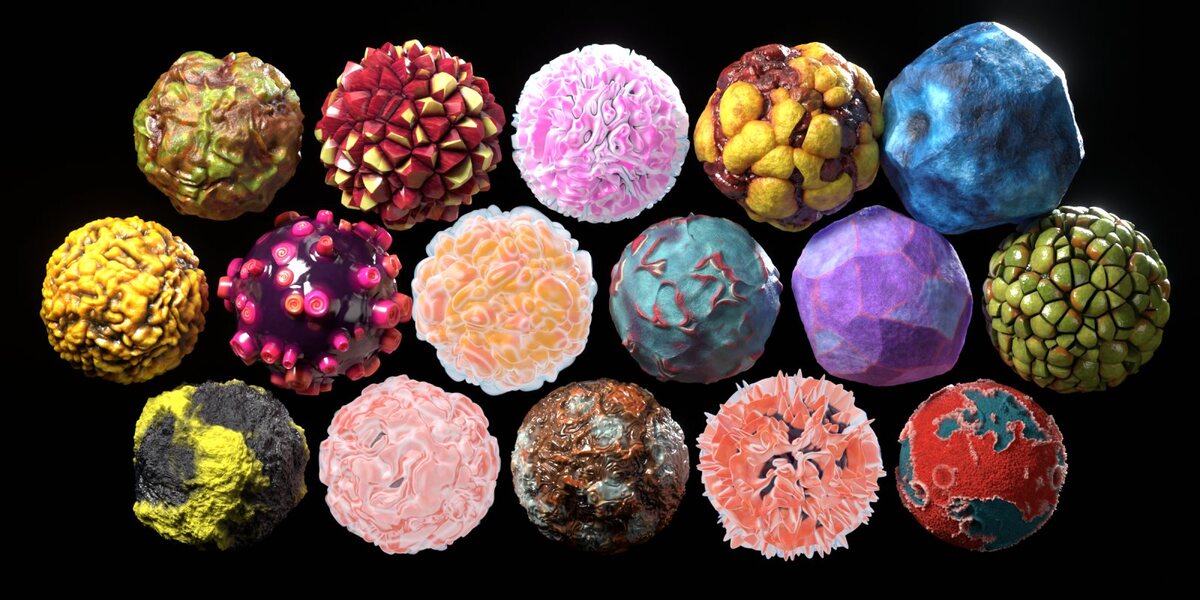
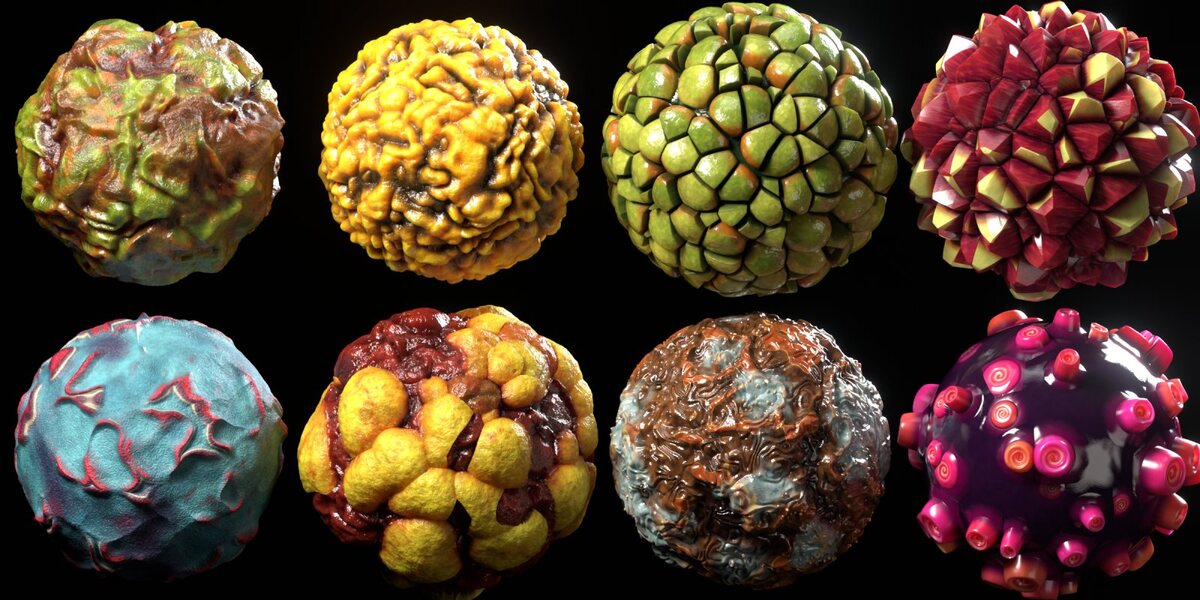
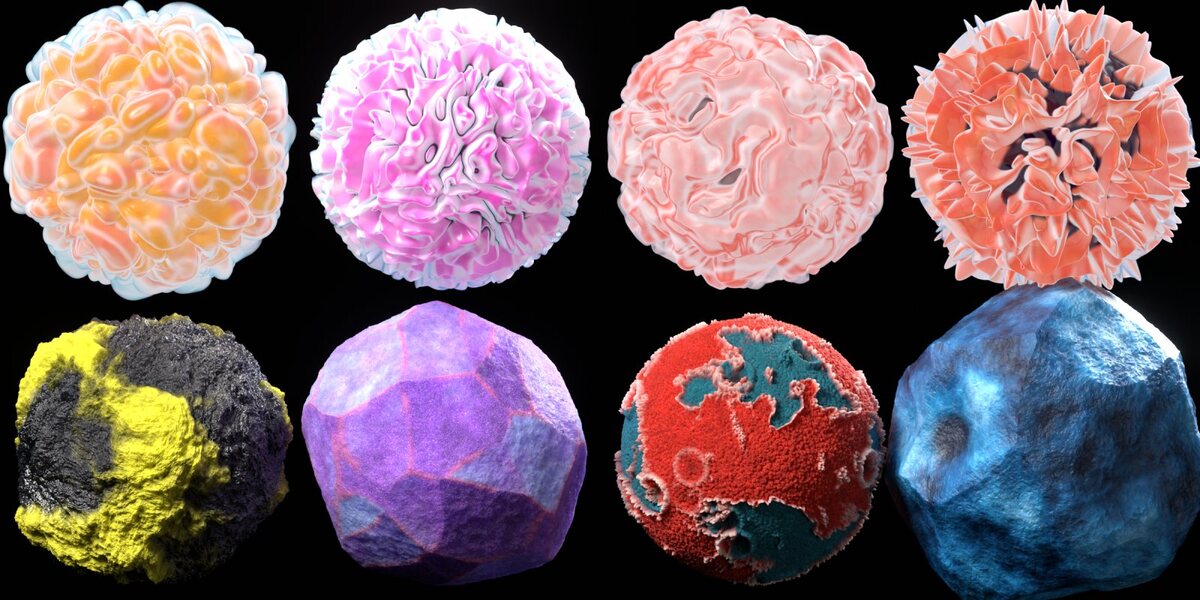
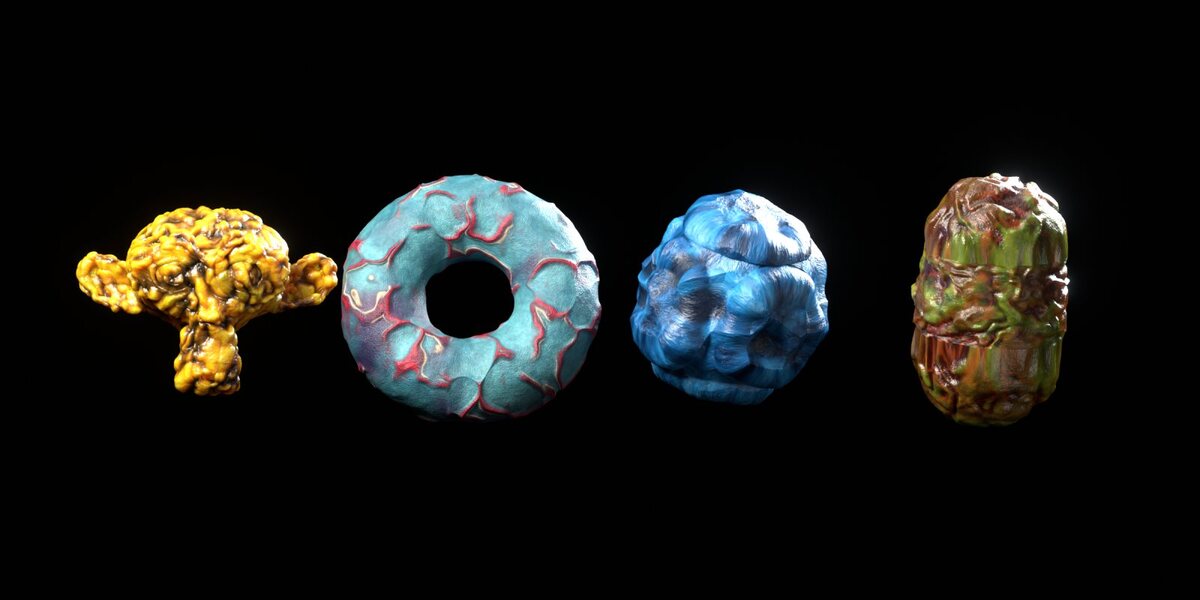
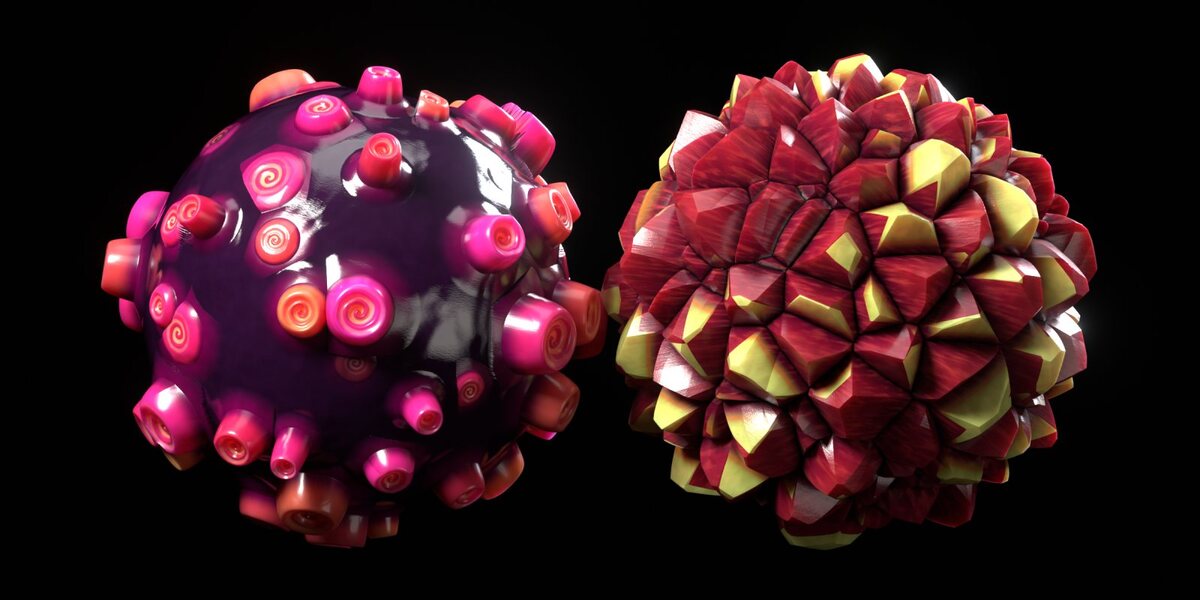
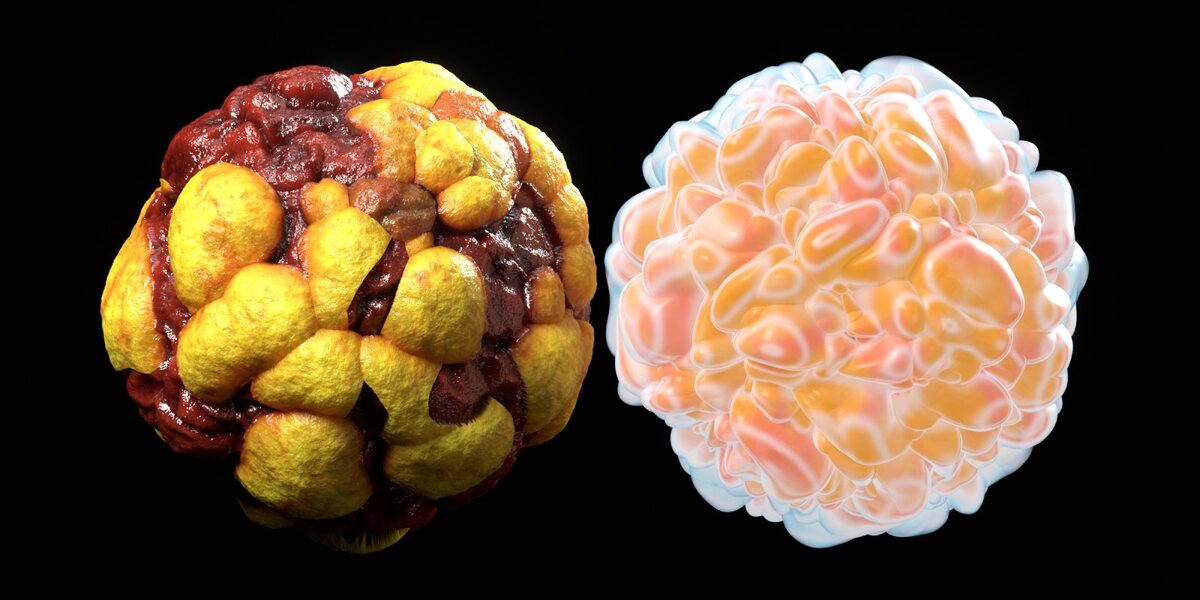
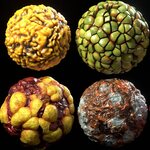
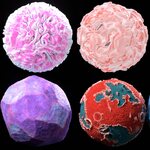
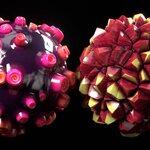
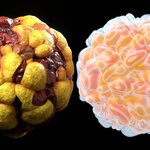
Browse all 16 materials in the interactive showcase
Organic Spheres is a library of 16 hand-tuned procedural materials for creatures, alien worlds, sci-fi props, motion design and abstract art.
Every material is built only from shader nodes, with no image textures, so it never shows a seam, a tiling repeat or a resolution limit. Each one combines real displacement, subsurface scattering, a wet coat layer and micro detail such as pores, grain and wrinkles.
What's inside
- Flesh & Tissue: Bog Flesh, Amber Brain, Golden Tumor, Molten Hide
- Scales & Spikes: Pistachio Scales, Crimson Crystals, Rose Thorn
- Glow: Peach Jelly, Orchid Fluff, Coral Bloom, Fire Anemone (self-lit, translucent fringes)
- Skin & Moss: Abyss Hide, Wasp Moss
- Rock & Coral: Amethyst Boulder, Red Coral, Glacier Stone
- Utilities: OS Ready Sphere, a sphere with subdivision, adaptive dicing and Rest Position already set up
Why use it
- Asset Browser ready. The library comes with catalogs, a description and tags for every material, and a rendered preview of each one.
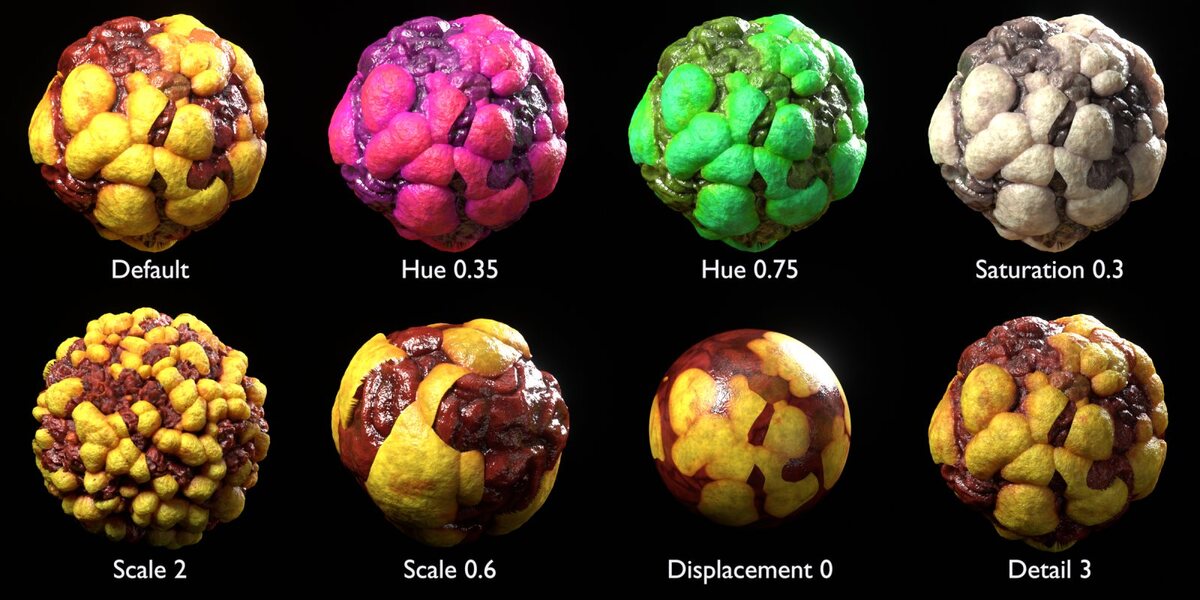
- Simple controls. Each material is one node group with Scale, Displacement, Detail, Hue, Saturation and Brightness. Glow materials also have a Glow strength control.
- Real geometry. The relief is true displacement, not just bump: adaptive subdivision in Cycles, and regular subdivision in EEVEE.
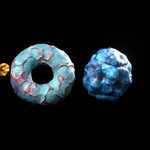
- Works on any mesh. The materials were designed on spheres but also work on characters, rocks, props and abstract shapes. No UV maps needed.
- Render-ready demo scene. Open the demo file, press F12, and you get the showcase grid.
Compatibility
- Blender 4.5 LTS and newer, tested in 4.5 and 5.2.
- Cycles (recommended) and EEVEE.
- No add-on and no external files.
Included files
- Organic Spheres Library/Organic_Spheres_Materials.blend: 16 materials and OS Ready Sphere, marked as assets
- Organic Spheres Library/blender_assets.cats.txt: asset catalogs (keep it next to the .blend)
- Organic_Spheres_Demo.blend: the 4 x 4 showcase scene, render-ready in Cycles
- README.txt: installation and usage notes
Installing the asset library
- Unzip the download and move the Organic Spheres Library folder somewhere permanent.
- Go to Edit > Preferences > File Paths > Asset Libraries, click +, and select that folder. Set Import Method to Append (Reuse Data).
- Open an Asset Browser and choose the library. The materials are under the Organic Spheres catalog.
Applying a material
Quickest way: Drag OS Ready Sphere from the Utilities catalog into your scene, then drag any material onto it.
On your own mesh:
- Drag the material onto the object.
- Add a Subdivision Surface modifier.
- EEVEE: Set Render levels to 4 to 6.
- Cycles in Blender 5.x: Enable Adaptive Subdivision in the modifier.
- Cycles in Blender 4.x: Set Render Properties > Feature Set to Experimental, then enable Object Properties > Subdivision > Adaptive Subdivision.
- Optional but recommended: go to Object Data Properties > Shape Keys and tick Add Rest Position. This keeps the colours locked to the displaced relief.
Scale
The patterns are sized for a sphere with a radius of 1 m. For other sizes, set the material's Scale input to roughly 1 / radius. For example, a sphere with a 0.1 m radius needs Scale 10. You can also apply the object's scale instead.
Controls
You'll find the controls on the "OS ..." group node inside each material. To see or edit the full node network, select the group node and press Tab.
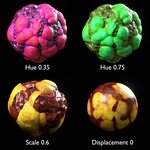
- Scale: pattern size
- Displacement: relief height multiplier; 0 gives a flat surface with bump detail only
- Detail: micro-bump strength (pores, grain, wrinkles)
- Hue: colour shift; 0.5 keeps the original colours
- Saturation / Brightness: colour grading
- Glow: self-illumination (Glow materials only)
FAQ
The surface looks smooth or blurry.
The object needs a Subdivision Surface modifier. Raise its render levels in EEVEE, or enable adaptive subdivision in Cycles.
The pattern is too big or too small.
Change the Scale input, or apply your object's scale with Ctrl+A > Scale.
Can I use these on characters or other meshes?
Yes. The textures are 3D procedural, so they need no UV maps.
Do I need an add-on?
No. The download is plain .blend files and a catalog file.
The Glow materials look washed out.
They are self-lit and use transparent fringes, so they look best on a dark background. Lower the Glow input if they are too bright.