 3DMass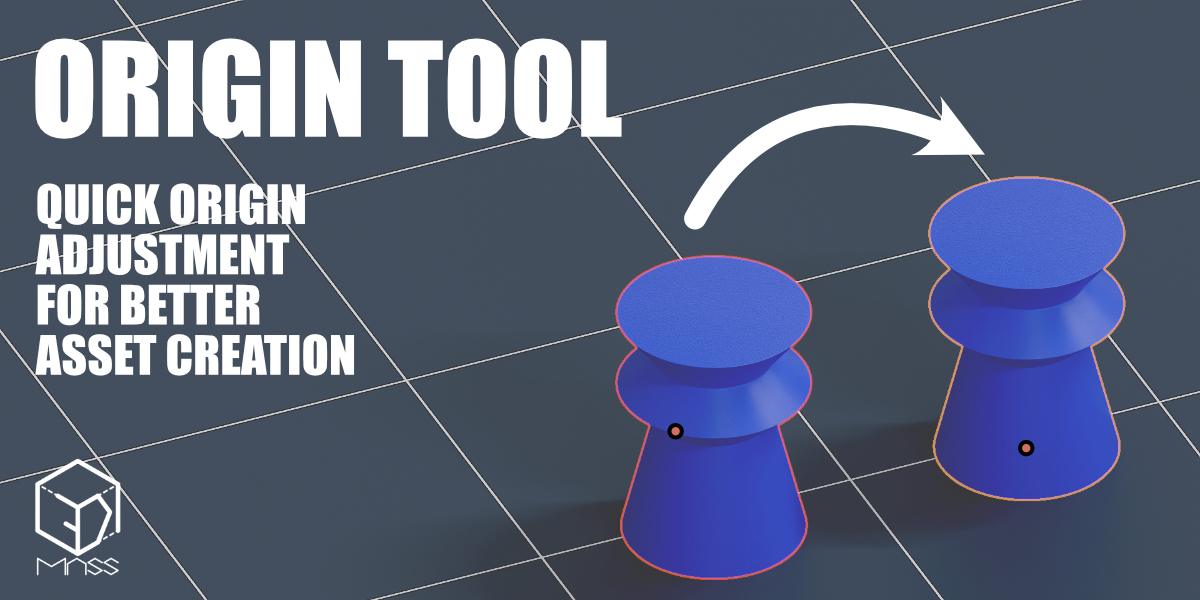
Features:
-
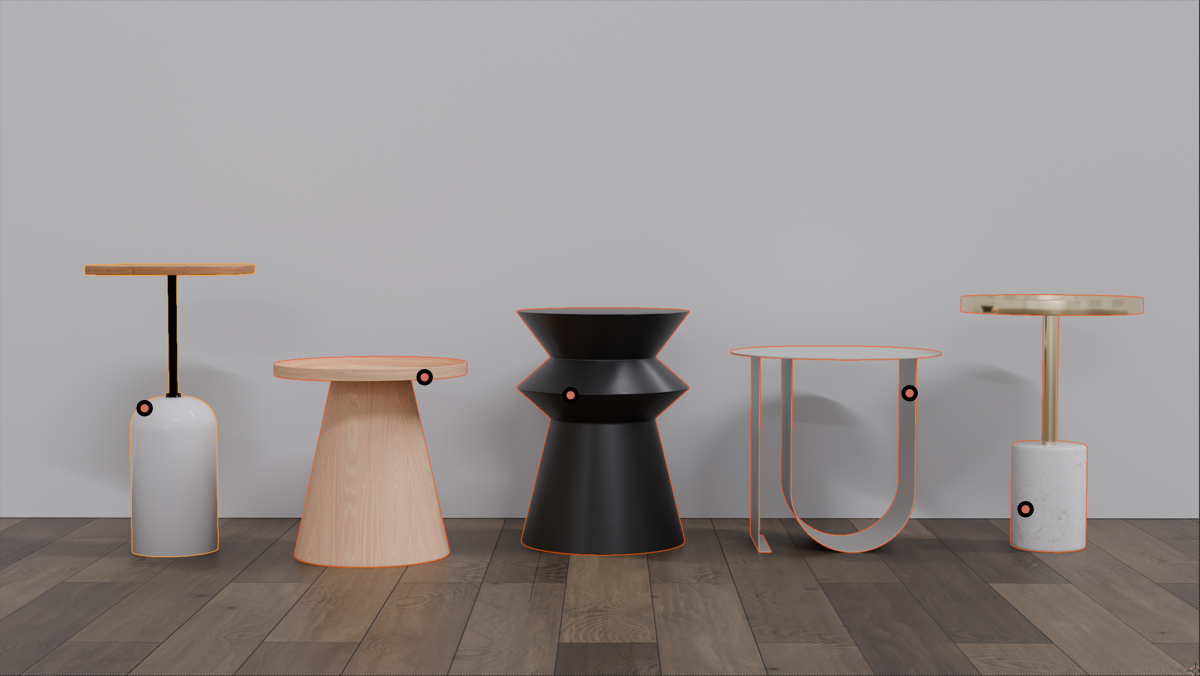
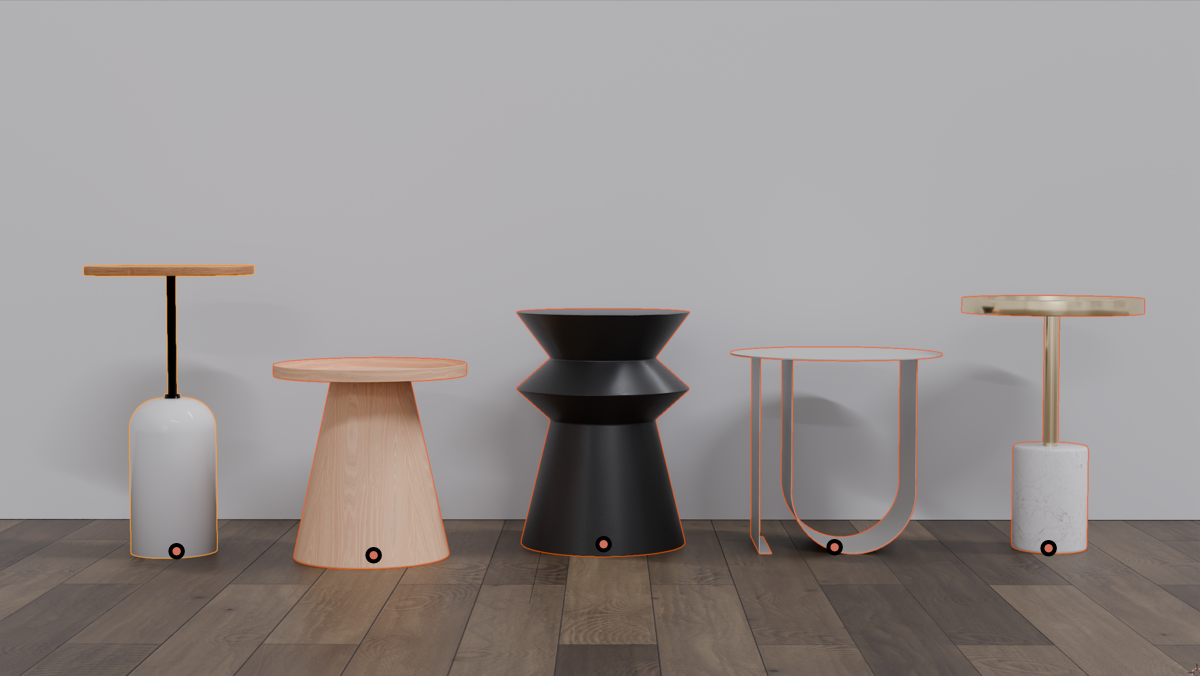
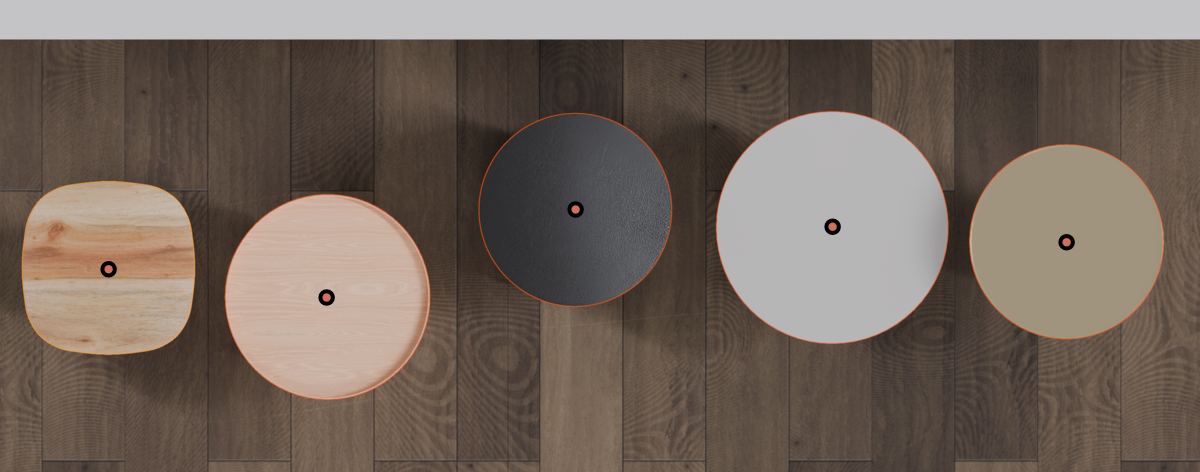
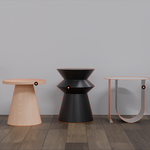
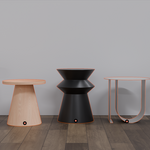
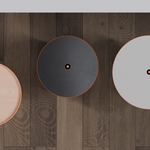
Centers the origin on the X and Y axes based on the object's bounding box.
-
Aligns the origin to the bottom-most point on the Z-axis, placing the origin at the object’s lowest point.
-
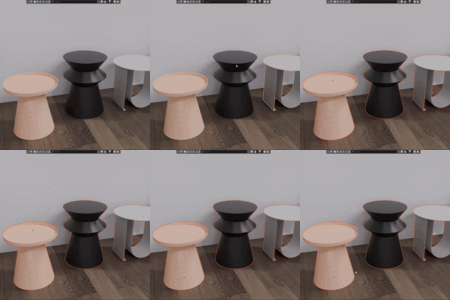
Supports multiple object selection. You can set the origin for all selected objects simultaneously, adjusting each object's origin to its own bottom-most point.
How to Use:
-
Installation:
-
Download the
origin_tool.zipfile. -
Open Blender, then go to Edit > Preferences > Add-ons > Install....
-
Select the downloaded ZIP file and click Install Add-on.
-
Enable the addon by ticking the checkbox.
-
-
Using the Button:
-
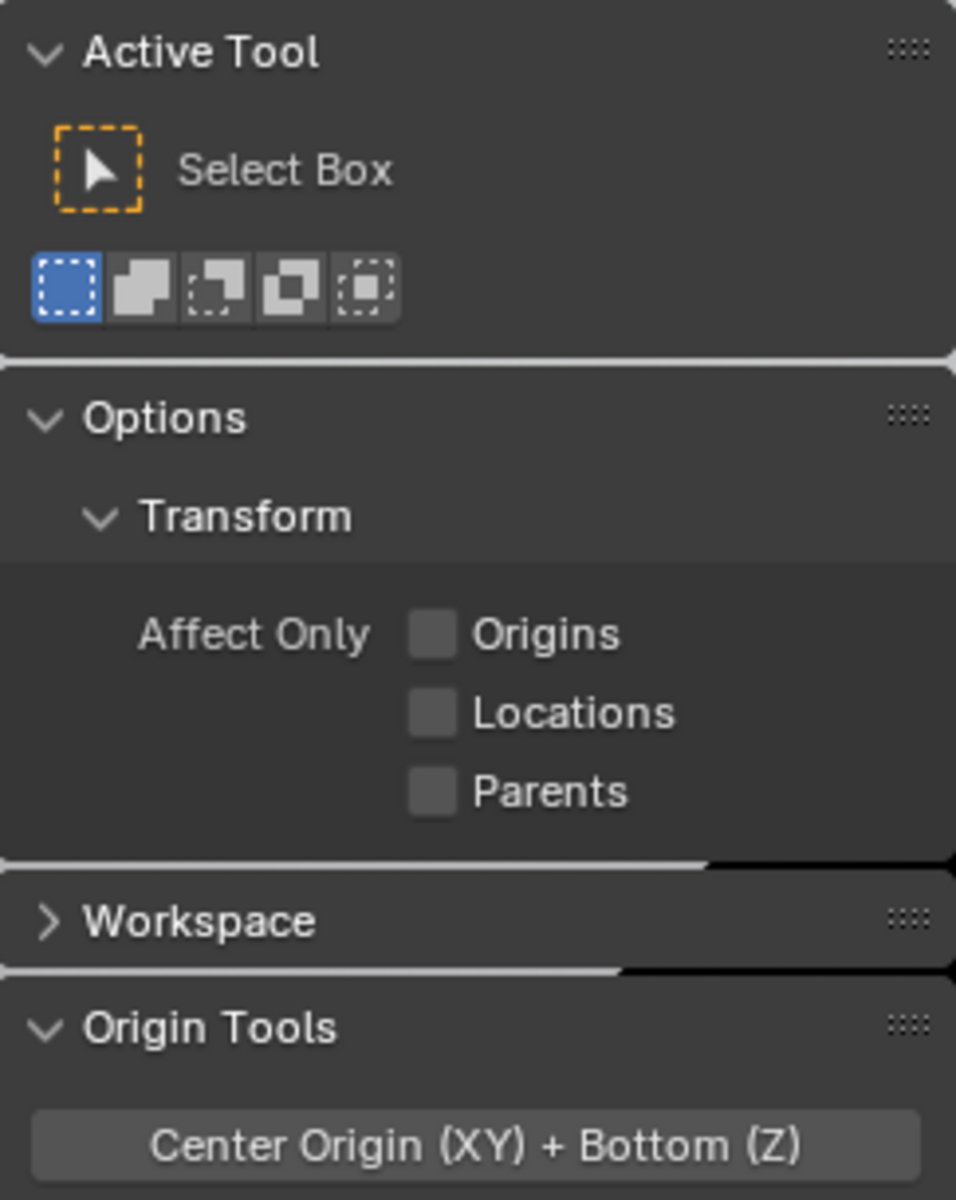
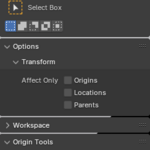
After installation, a new panel called Origin Tools will appear on the right side of the 3D view (under the Tool tab).
-
Select one or more objects in the 3D view, then click the Origin Tool panel's Center Origin (XY) + Bottom (Z) button. This will center the origin on the X and Y axes and align it to the bottom of each object on the Z-axis.
-
-
Limitations:
-
The addon only works with MESH type objects. Selecting other types (e.g., lights or cameras) will not result in any changes.
-
License:
This addon is free to use and modify, but please do not redistribute the source code for commercial purposes without proper permission.
Have questions about this product?
Login to message
| Sales | 10+ |
| Published | over 1 year ago |
| Blender Version | 4.4, 4.3, 4.2, 4.1, 4.0, 3.6, 3.5, 3.4, 3.3, 3.2, 3.1, 3.0, 2.93, 2.92, 2.91, 2.9, 2.83, 2.82, 2.81, 2.8 |
| Extension Type | N/A |
| Render Engine Used | Cycles |
| License | GPL |
