 Day Lane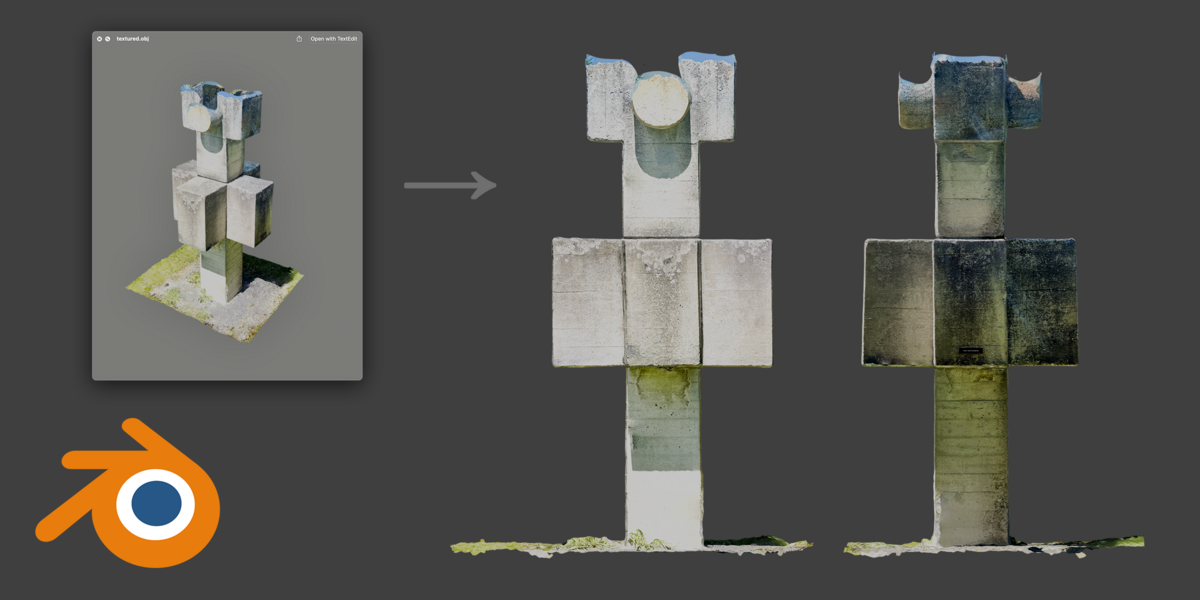

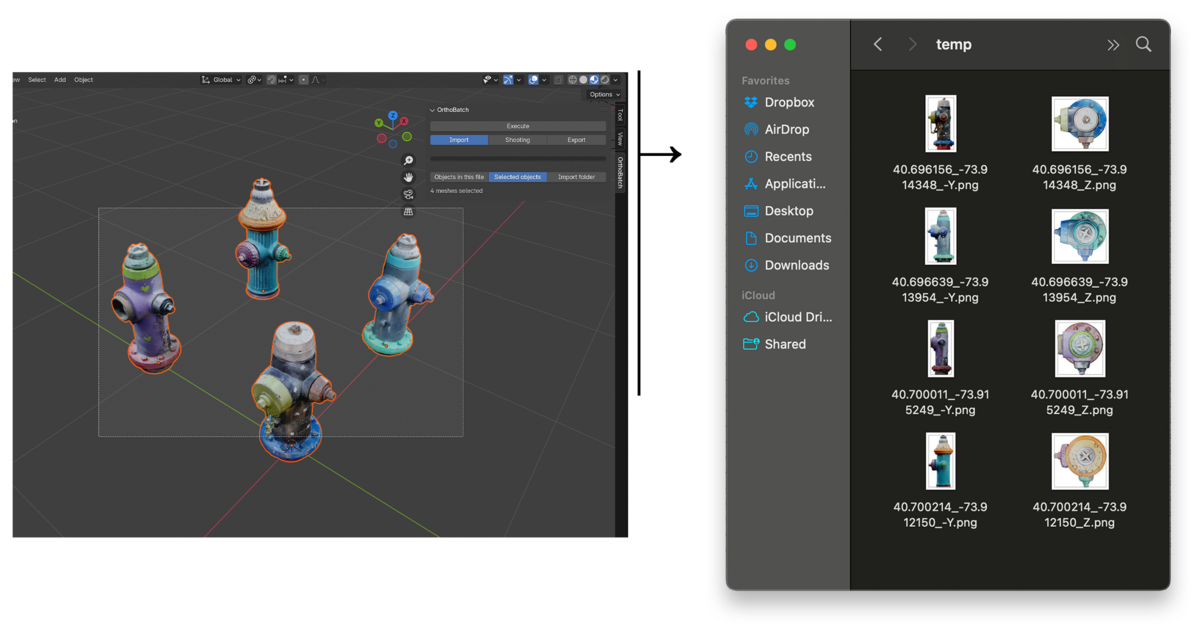
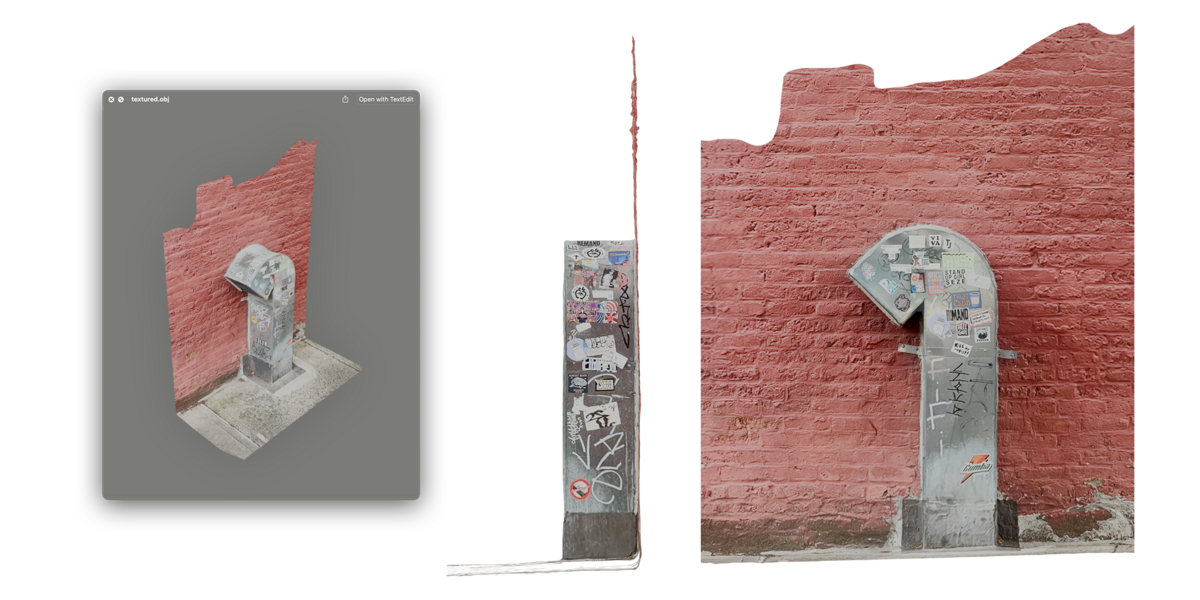
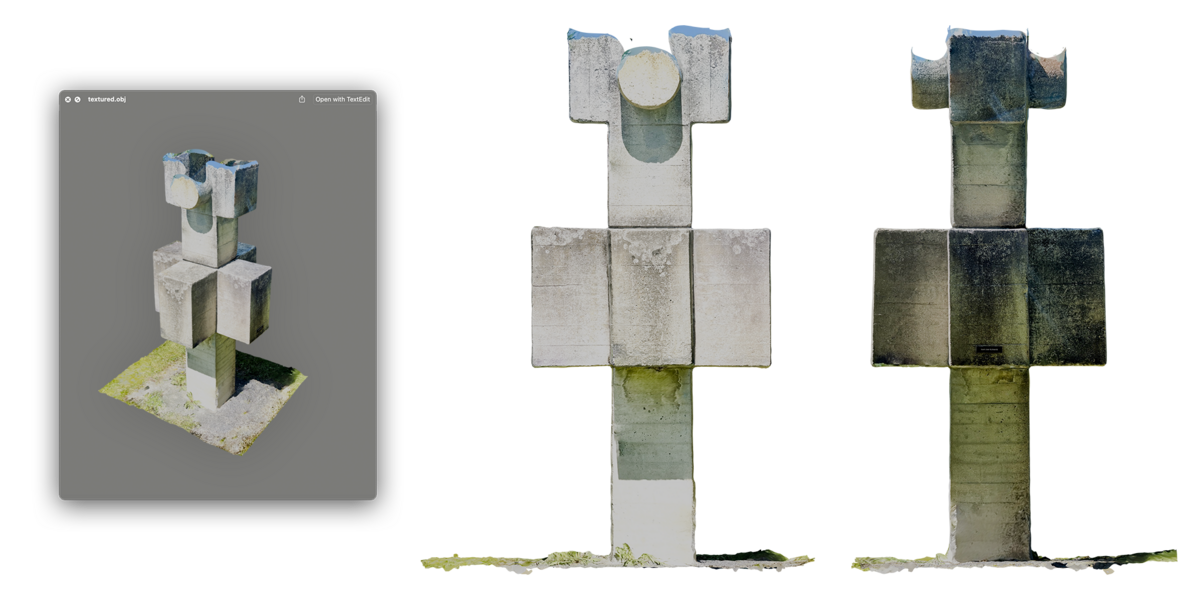
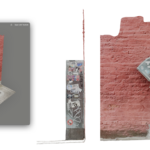
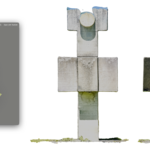
Using OrthoBatch:
- Install OrthoBatch with Blender 4.0 or later by using Preferences > Add-ons > Install from Disk or by dragging the .zip file into Blender
- Find OrthoBatch in the 3D View Sidebar
- Customize settings in the Import, Shooting, and Export tabs of the OrthoBatch panel
- Press Execute
Known Issues:
- When using "Import folder" under the Import tab and importing many models at once, Blender can leak memory and crash. For this reason, when using "Import folder" it is recommended to use the "Limit maximum models" and "Start after first model" options under the Import tab to split large quantities of models into a few smaller (15-25 model) executes.
- If you are able to trace and solve this memory leak, you will be credited on all future releases of OrthoBatch
$9.99
Have questions about this product?
Login to message
| Blender Extension Compatible | Yes |
| Dev Fund Contributor | |
| Published | over 1 year ago |
| Blender Version | 4.3, 4.2, 4.1, 4.0 |
| Extension Type | Add-on |
| License | GPL |
Discover more products like this
batch-models Batch Export Tool bulk isometric floor plan isometric architecture bulk-scan batch-model-export isometric-exporting batch-import iso batch-scan isometric 3d bulk-orthographic orthographic batch blender isometric architectural visualization 3D export orthographic-export plan batch-plan isographic batch-model-exporting bulk-isometric orthographic-exporting batch-model batch-export isometric-export batch-orthographic batch-iso ortho-exporting bulk importer batch-plan-photo isometric architectural design bulk-model batch-model-importing batch-isometric 3D Exporting isomorphic isographic-export cartesian batch isometric batch-model-import ortho-export