 AnimPal


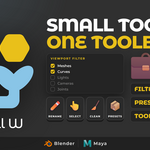
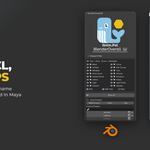

A real scene is never tidy. Rigs full of controls, lights you are not working on, cameras, helpers, three copies of Body_Geo.001, and a hand named L_Arm whose mirror is still called Arm.002. None of these problems is big on its own, but every one of them costs a few clicks, and you hit them all day.
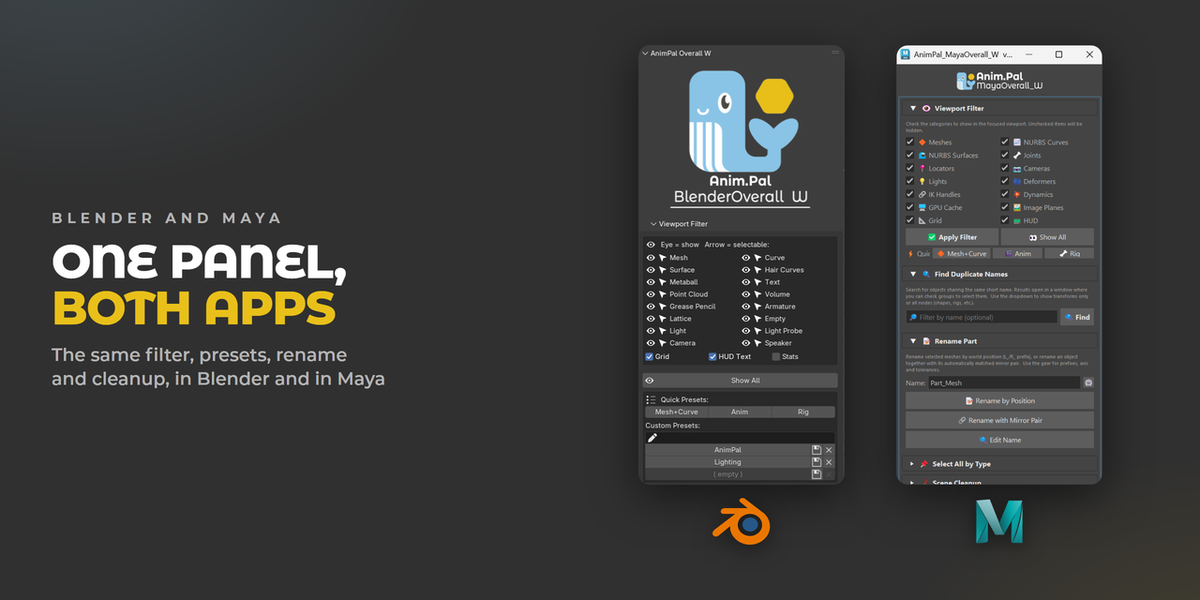
I built Overall W as one panel for all of those small jobs. It is not one big feature, it is a set of little ones that live in the same place, so the things you do fifty times a day are one click away instead of three menus deep.
| Blender | 2026.01 | Lower than 1 MB |
To look at just the character you open the Object Types Visibility menu, untick lights, untick cameras, untick armatures, then do it again the next time you need them back. It works, but it is a long list to dig through every time you want a different view.


Blender can already hide object types, the settings are just scattered. Overall W puts every type in one readable list: tick what you want to see, apply, and the rest is gone. In Blender each type also has its own selectable switch, so you can keep an object visible but stop clicking it by accident.


Quick Presets switch the viewport for the job in front of you: Mesh+Curve for modeling, Anim for animation, Rig for rigging. Save your own combinations as Custom Presets and bring them back with one click. Show All puts everything back.

Names break exports, scripts and references, so Overall W finds the bad ones for you.
Find Numbered Names lists every object that picked up an automatic .001 style number, groups them by base name, and renames a whole group at once with your own base name, separator, digits and start number.

Rename by Position works out which side an object sits on and names it for you, and Rename with Mirror Pair matches each part with its mirror and names both. Find and Replace handles everything else, with a swap for flipping L_ and R_ in one pass.


Tick the types you want (meshes, curves, lights, armatures and so on) and select every one of them in the scene at once. The Except field skips anything whose name contains the keywords you type, so the controls you care about stay out of the selection.

Scene Cleanup: purge orphan data, remove unused material slots and check for missing files, all non destructive.
Optimise Viewports for a lightweight display in every viewport at once when a scene gets heavy.
Grid, HUD text and stats toggles next to the filter in Blender.
Find Numbered Names: every automatic .001 style name, grouped by base name and renamed a whole group at once.
