KVD
KVD
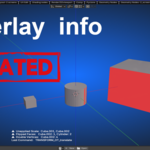
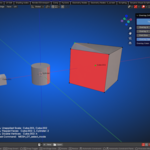
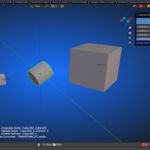
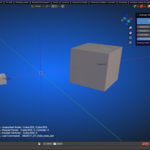
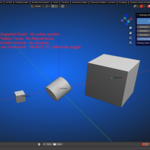
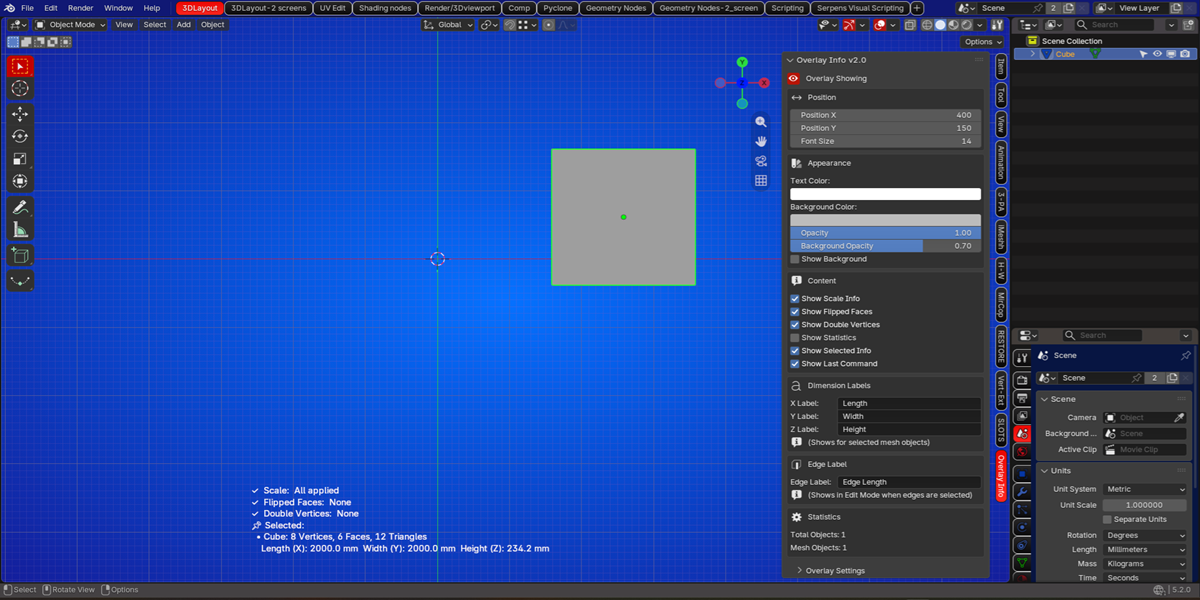
The OVERLAY INFO add-on:
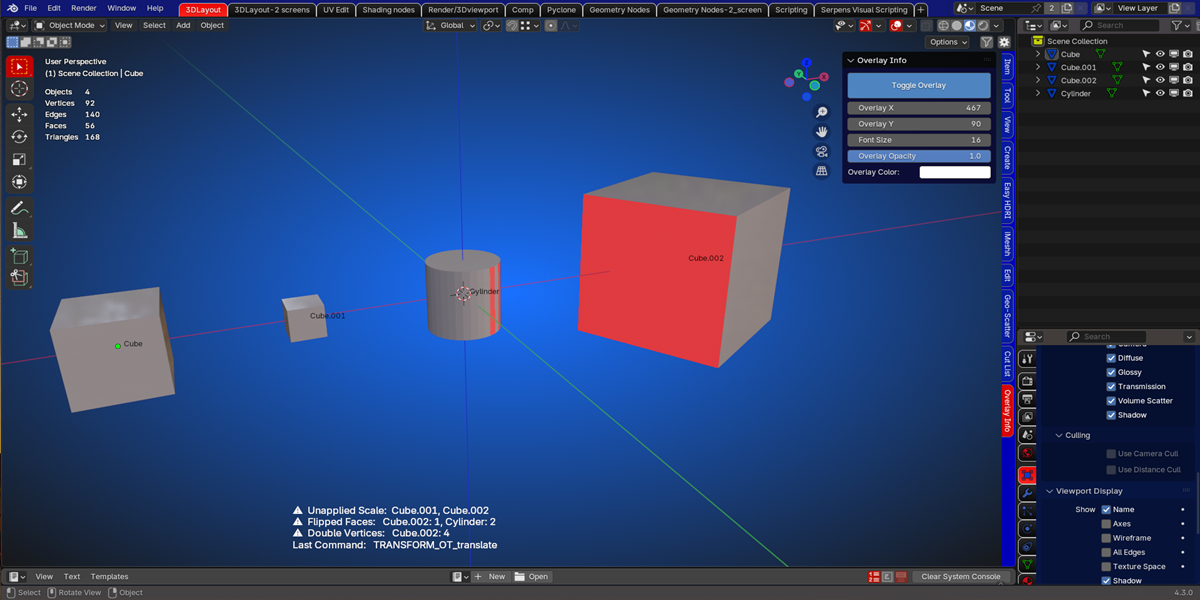
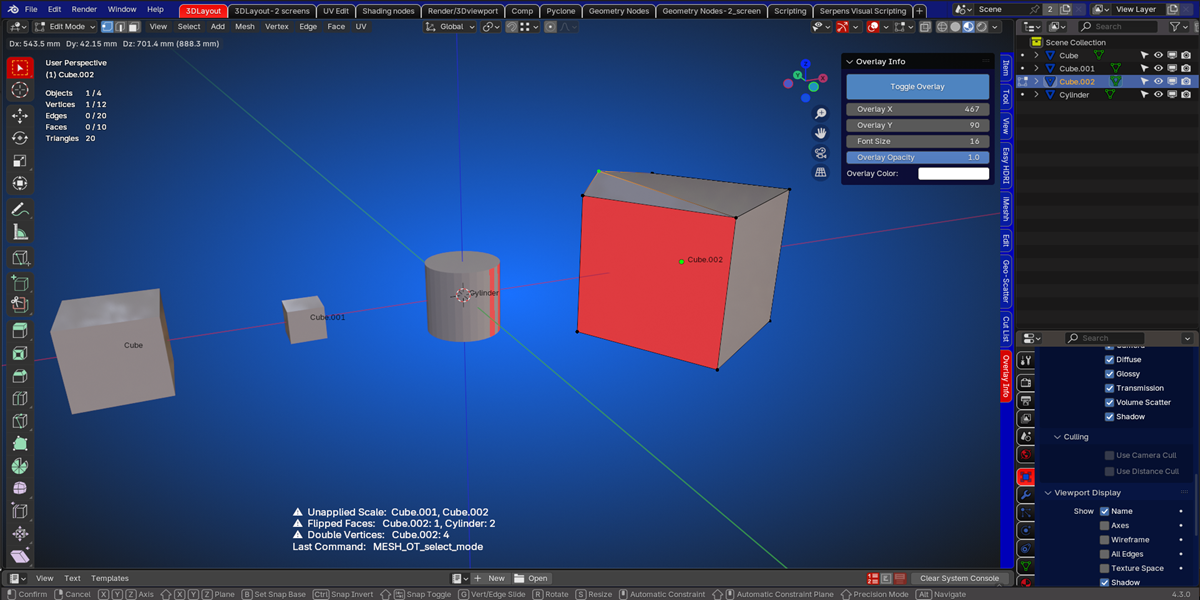
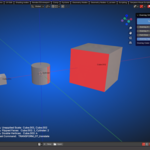
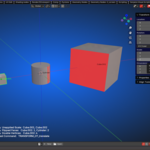
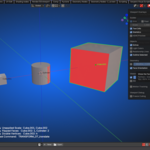
When this add-on is installed, you get a panel in the viewport.
There is a toggle button, if pressed, it will show you an overlay.
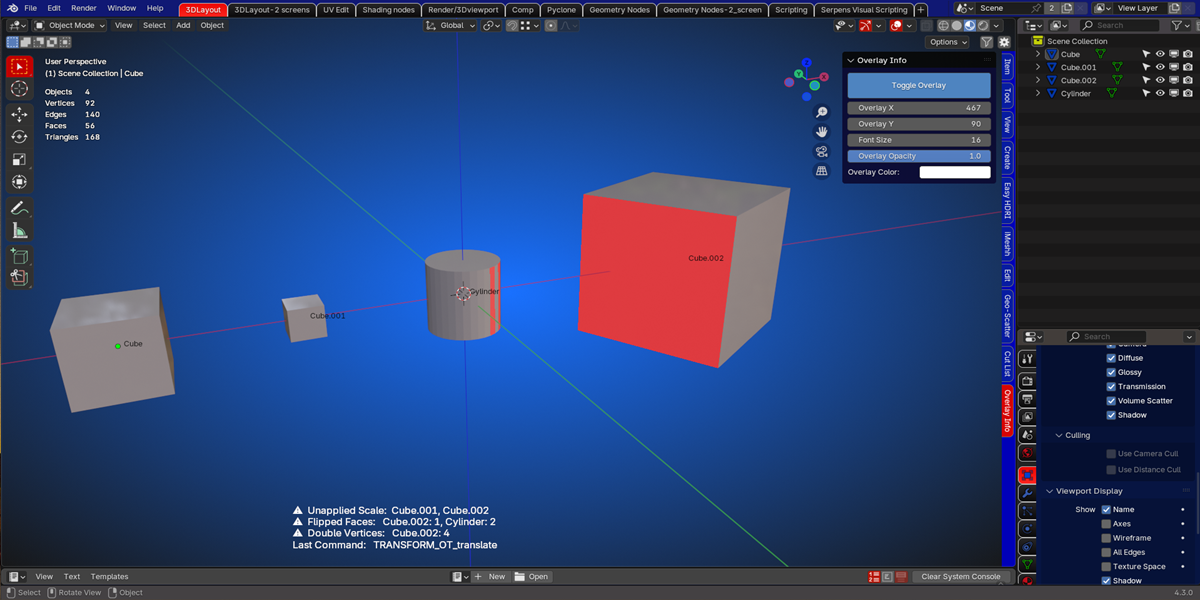
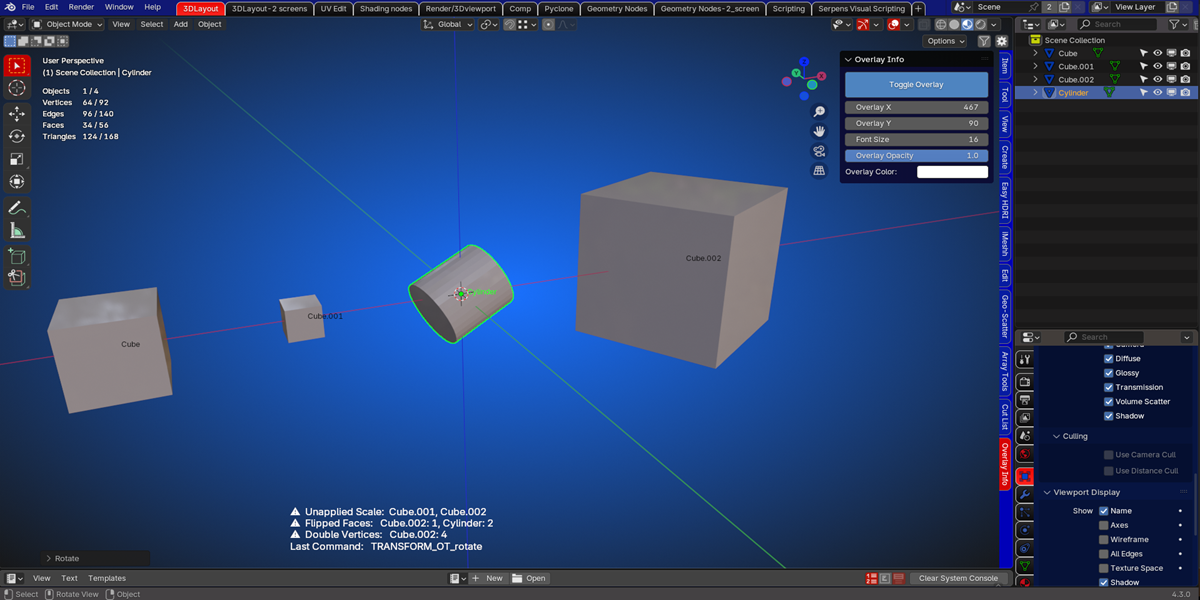
In that overlay you get some more information.
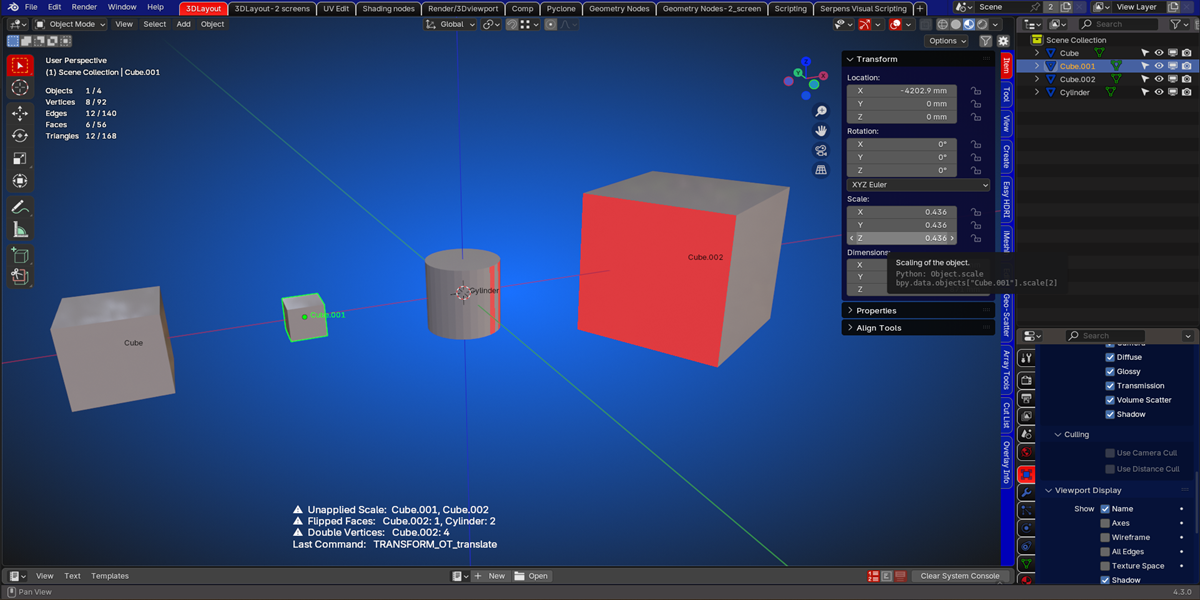
There will be a warning sign and the names of the objects will appear of where the scale has not been applied
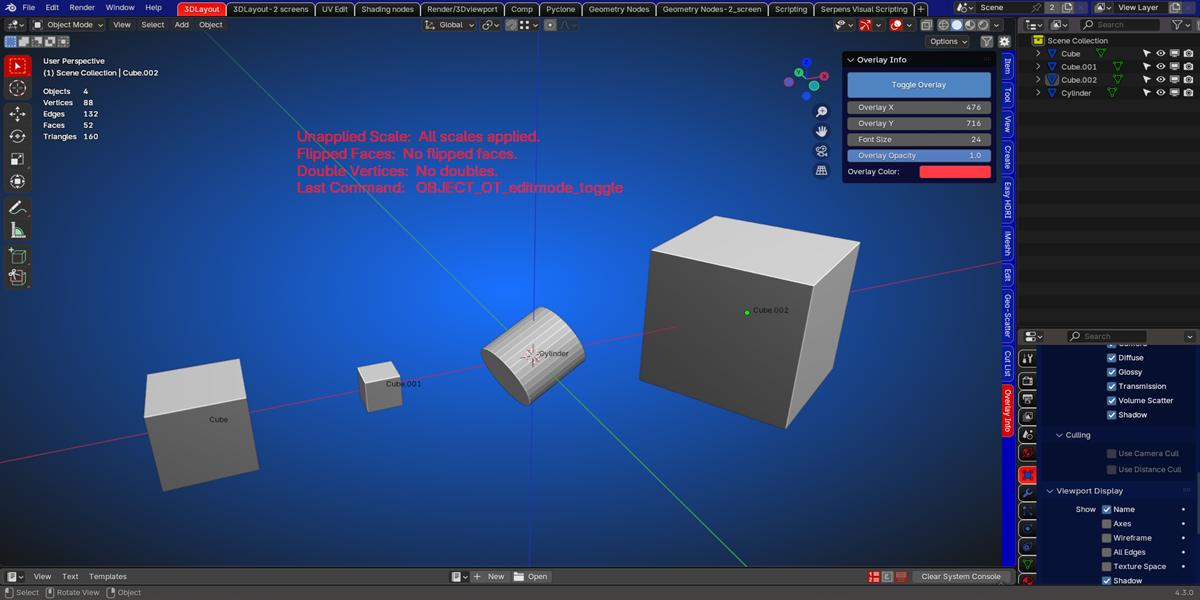
If there are no problems with the scale, the text 'All scales applied' is visible.
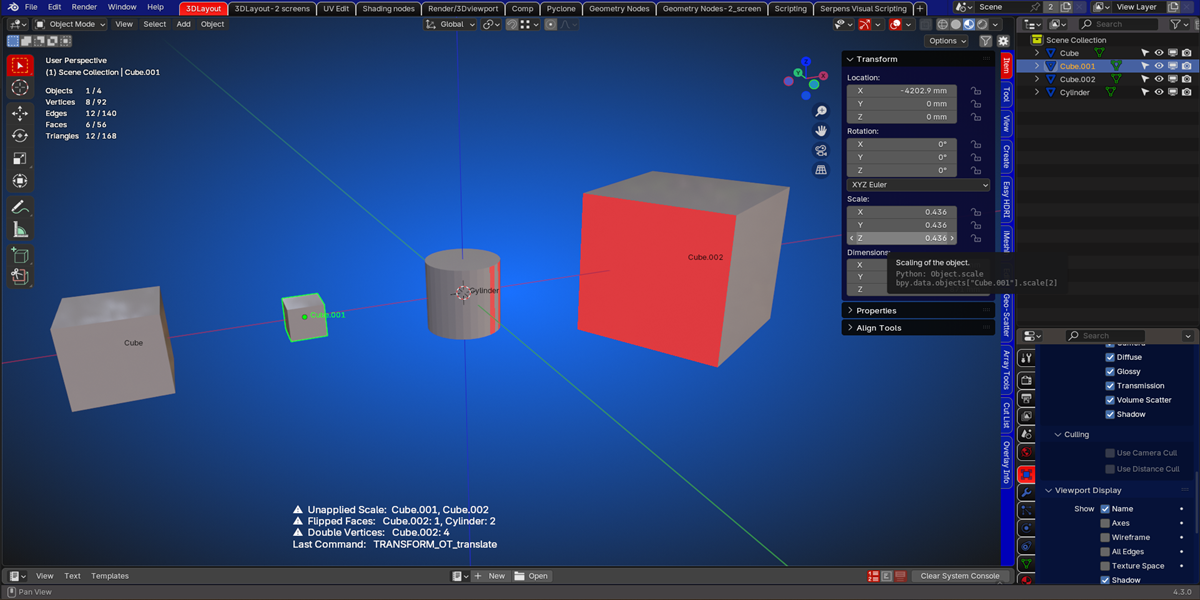
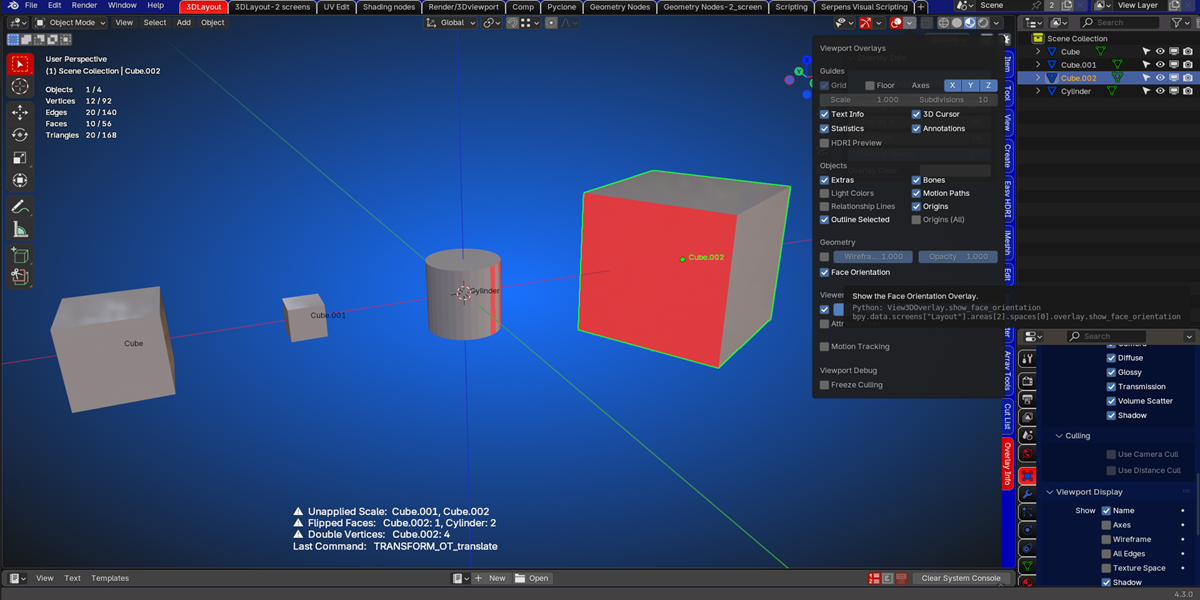
The second info is when the orientation of the faces is incorrect.
The names of those objects will be shown and the number of flipped faces.
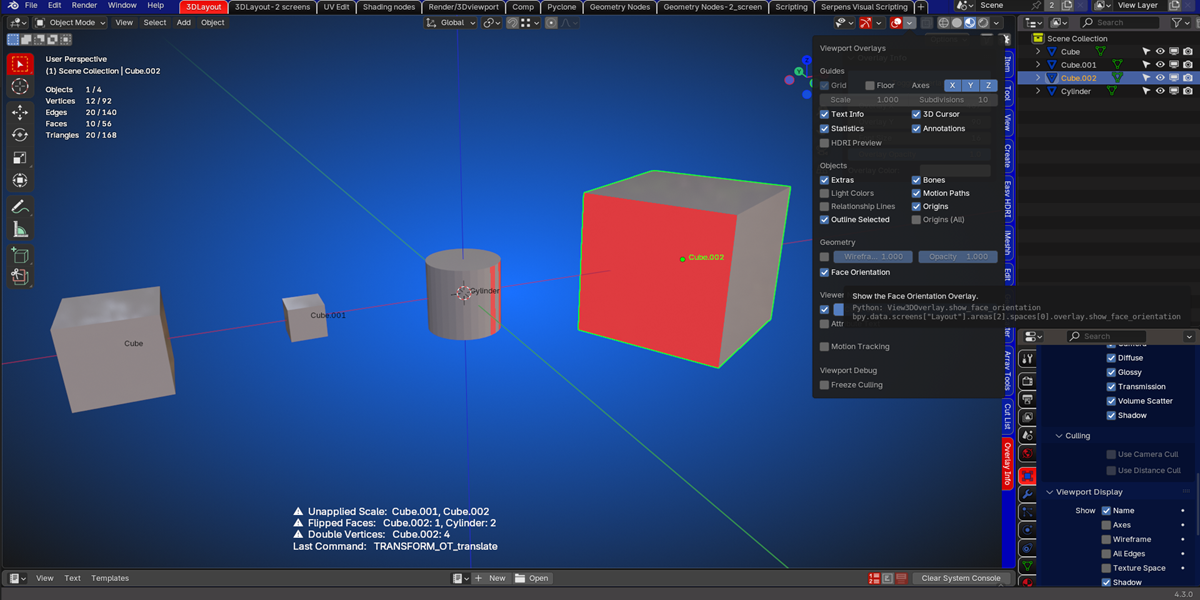
The third info you see is if there are objects with double vertices.
The name of the object will appear and the number of doubles.
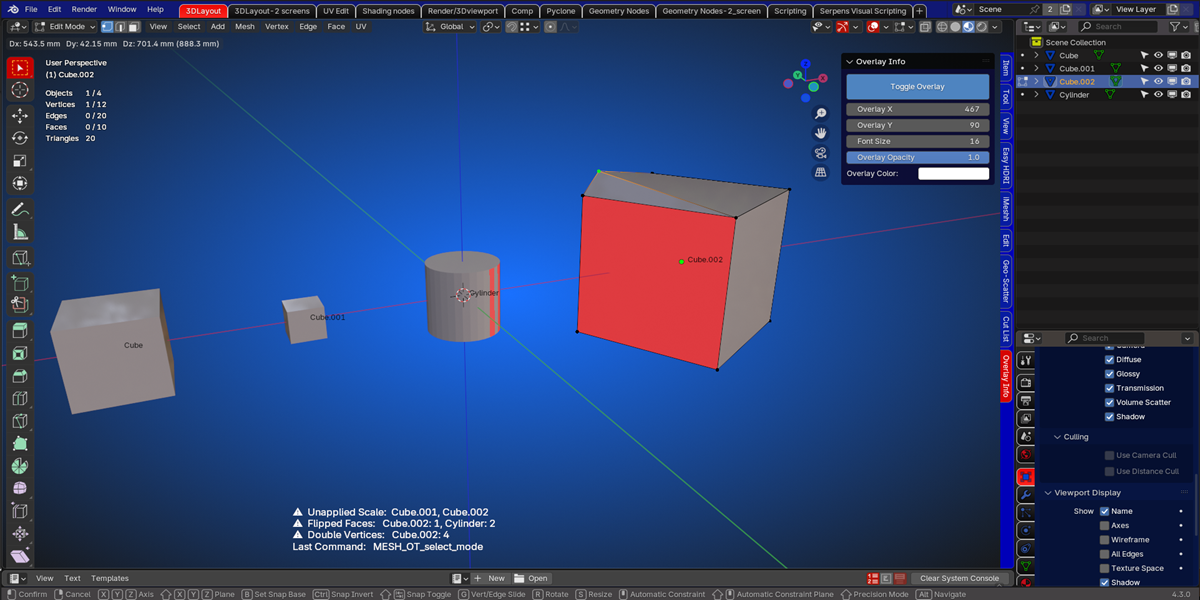
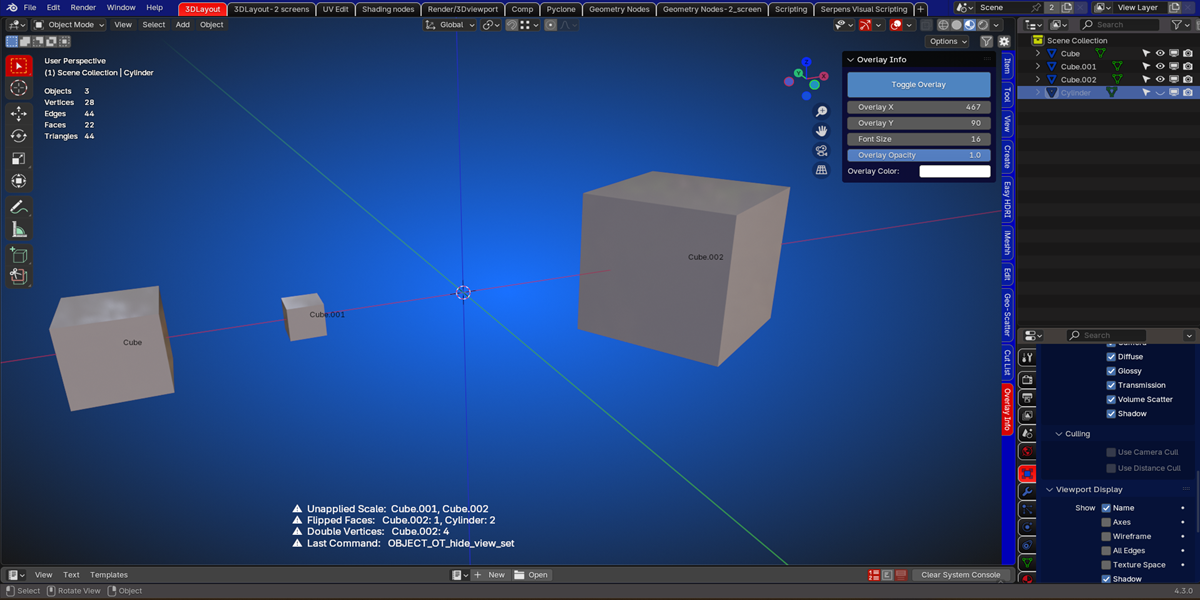
The fourth info that the overlay shows, is the last performed command.
The operator name will be shown.
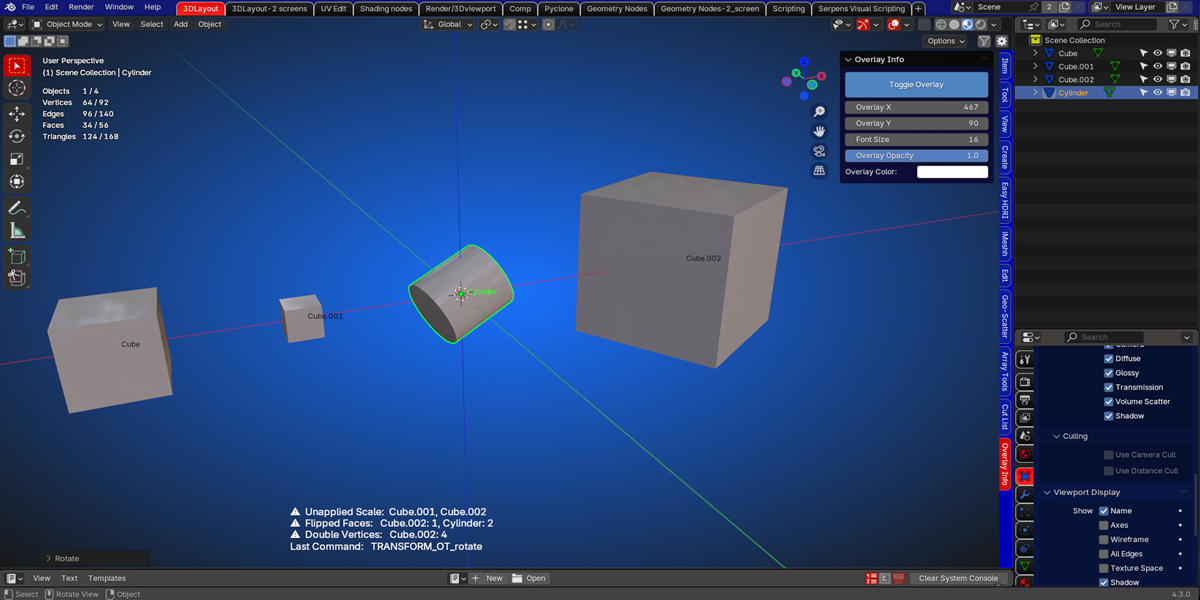
If you accidentally pressed the H key, and your object gets hidden, this command will have an additional warning icon showing.
But this is only for that command.
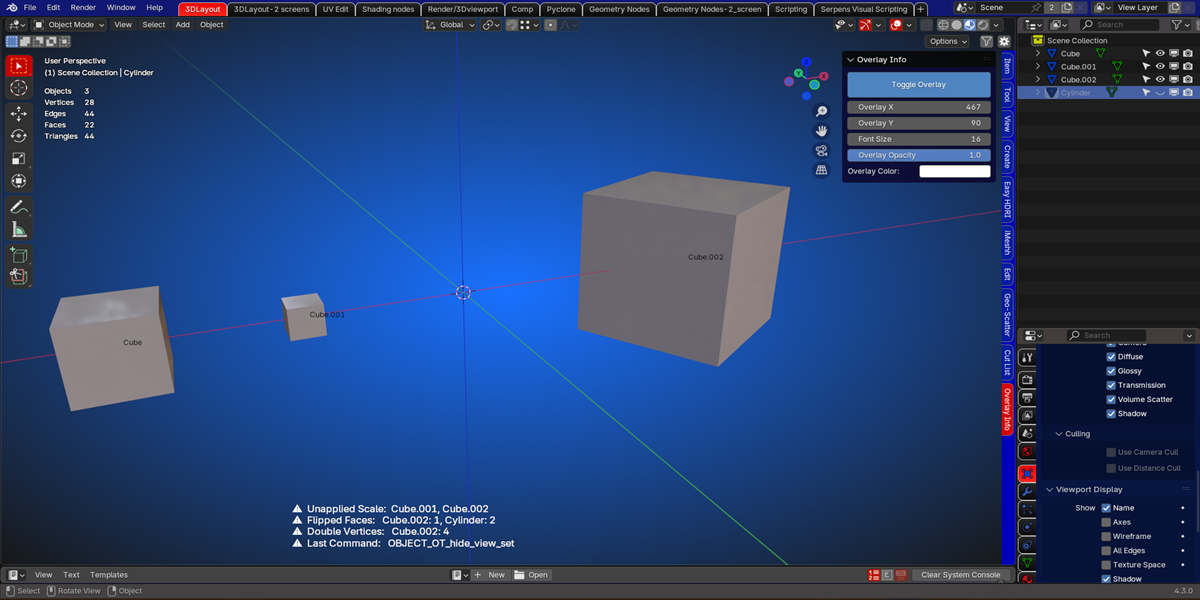
Other commands appear normal in the overlay.
And of course you can position your overlay to wherever you want in the viewport.
By using the controls in the panel, you can change the font size, opacity and color.
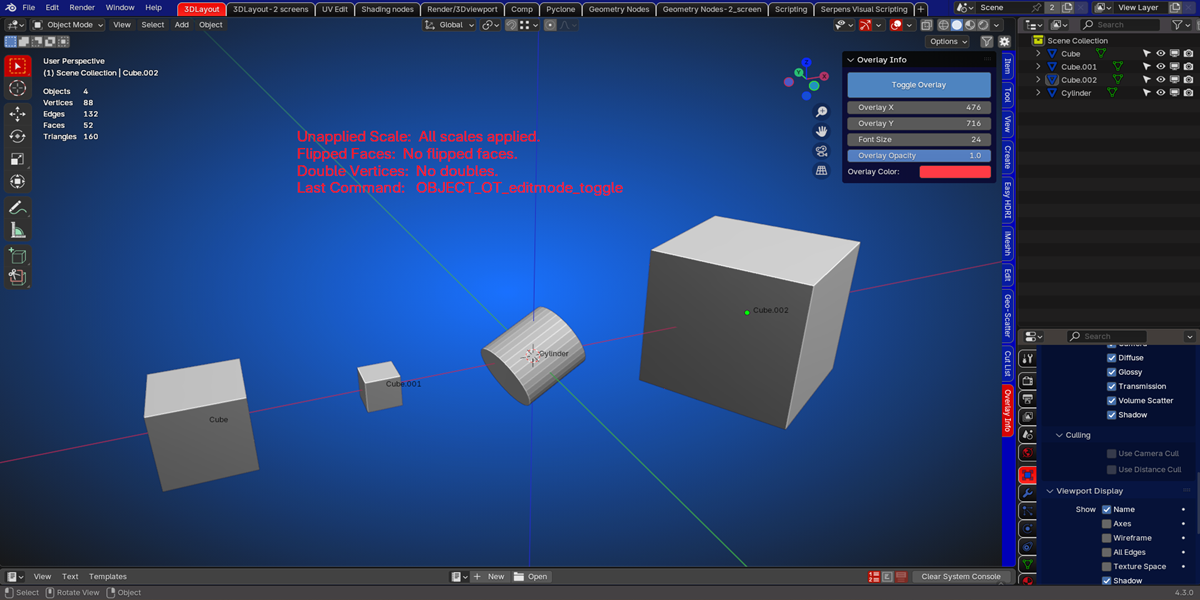
The overlay stays enabled when you use the other tools in blender.