 pacc studio


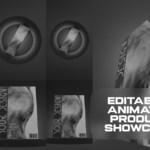
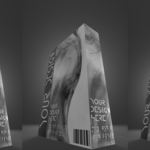
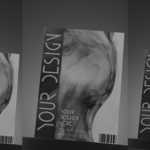
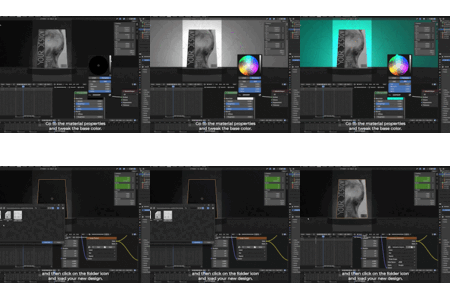
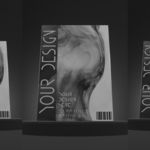

(Note: The preview above does not include the brief blackout in the middle. For the exact final output, see this short preview: https://youtube.com/shorts/dVuUAQjnAAk)
Animated Product Showcase Template Editable Blender Source for Digital Products, Online Courses, Product Bundles , Ads & promos #003
Animated Product Showcase for Digital Sellers is a ready-to-use Blender project created for digital sellers who want to present their products in a clean, professional, and engaging way.
This project is ideal for showcasing digital products such as textures, UI kits, mockups, templates, software assets, and downloadable content.
The animation, camera, and lighting are already set up. You only need to replace the design and render.
Just swap the design render in minutes.
-
Provided with a full clean and clear voice-over tutorial/guide!
🎤(https://youtu.be/mY0XJfDunuA?si=UlNOShRj2Jpc0dkn)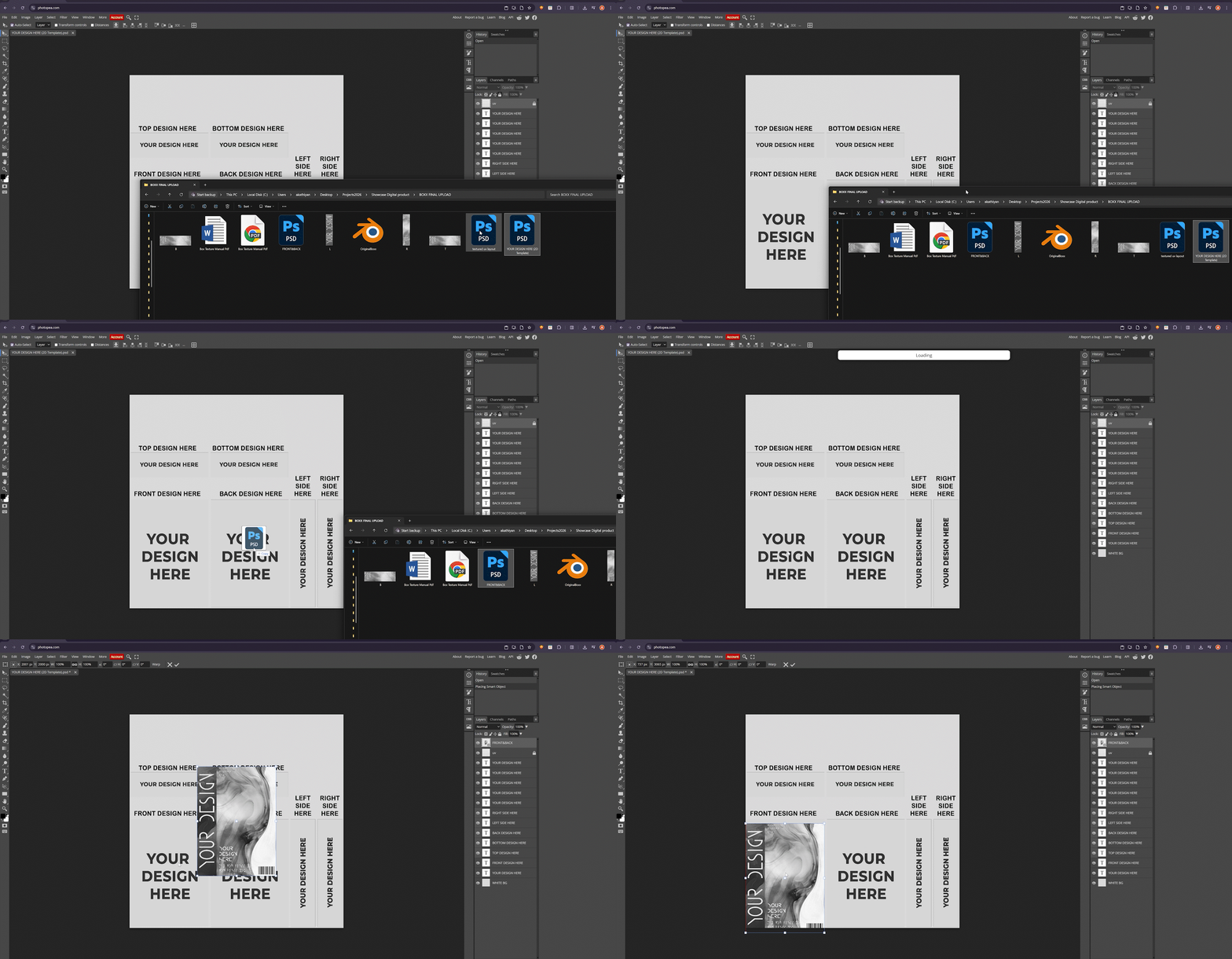
-
User Documentation:
-
Overview
Animated Product Showcase for Digital Sellers is a ready-to-use Blender project created for digital sellers who want to present their products in a clean, professional, and engaging way.
This project is ideal for showcasing digital products such as textures, UI kits, mockups, templates, software assets, and downloadable content.
The animation, camera, and lighting are already set up. You only need to replace the design and render. Included Video Tutorial
A full step-by-step video tutorial is included.
The tutorial contains voice-over explanations.
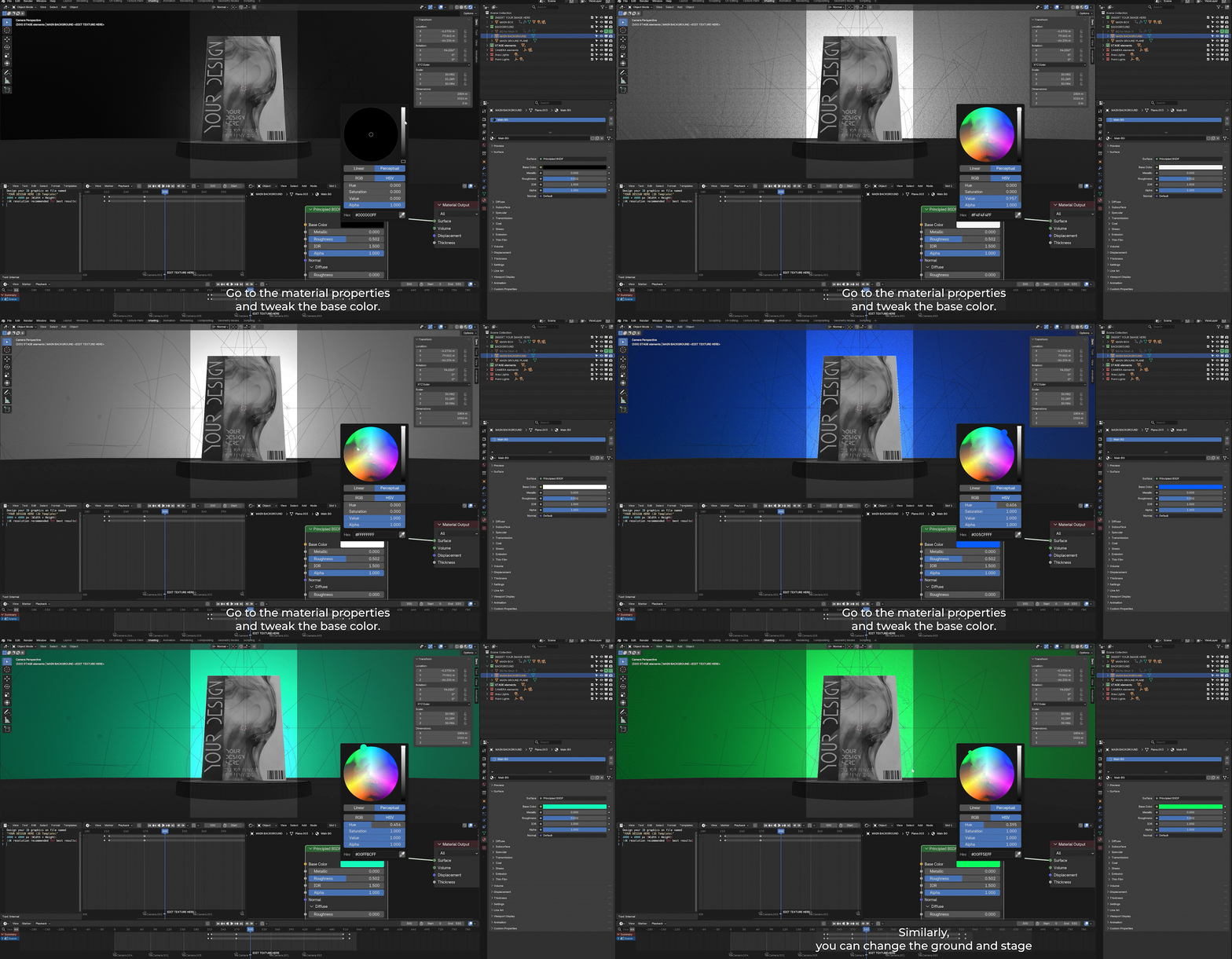
It covers design placement, texture export, Blender setup, and rendering.
No prior Blender experience is required.Software Requirements
Blender version 5.0 or newer is required.
The project is built and optimized using Eevee for fast and clean renders.What’s Included
One fully animated Blender project file.
Eevee-optimized lighting, camera, and animation setup.
A 2D design template file for placing your artwork.
A detailed 2D design guide provided as a PDF.
A full video tutorial in 4K with voice-over explaining every step in detail.Project Structure
The Blender file is organized and beginner-friendly.
All objects and collections are clearly named and pre-animated.How to Use the Project(step by step Video Guide provided)
Open Blender.
Open the provided .blend file.
Do not rename or delete existing objects unless necessary.
The animation will play automatically on the timeline.-
Customizing Your Design
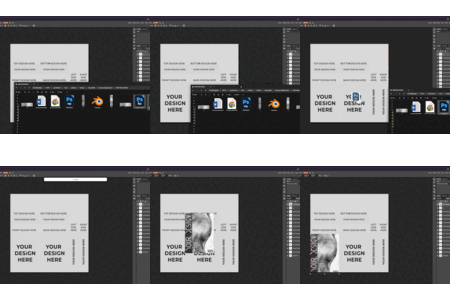
You will receive a 2D template file that shows exactly where each design goes.
Place your artwork on new layers above the template.
Make sure your artwork slightly overlaps the guide areas to avoid visible edges.
Hide the template layer before exporting.
Each design area is clearly labeled inside the template.(step by step Video Guide provided)
Exporting the Texture
Export your final texture as PNG or PSD.
Blender supports PSD files directly, so you can load PSD files without converting them.
High resolution is recommended.
Export size should be at least 4000 by 4000 pixels for best quality.Applying the Design in Blender
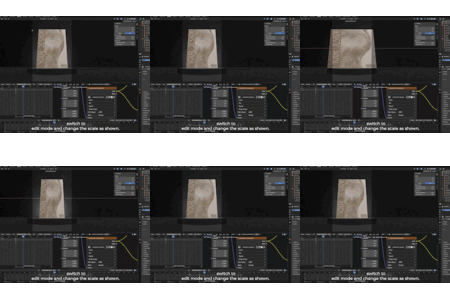
Open the Blender file.
Select the product model.
Replace the existing texture with your exported PNG or PSD file.
Your design will update instantly.Rendering
This project is designed for Eevee.
Choose your output resolution and frame range.
Render still images or full animations as needed.
The animation is suitable for marketplace previews, ads, and social media.Intended Use
This project is intended for promoting your own digital products.
You may use it for commercial promotional content such as videos, images, reels, and ads.License Information
You may use this project to create promotional content for your own products.
You may not resell, redistribute, or share the project files themselves.
You may not claim the template or animation as your own original work.Audio Note
The sound used in the preview video is not included with the project files due to copyright .
However, the exact audio source used in the preview will be provided so you can easily add it yourself for reels/shorts/TikTok.
Audio Name: Aloboi - Locrian Dominant {Score/Gonio Visual}
https://youtube.com/shorts/dVuUAQjnAAkSupport
If you need help, contact me(https://linktr.ee/paccstudio).