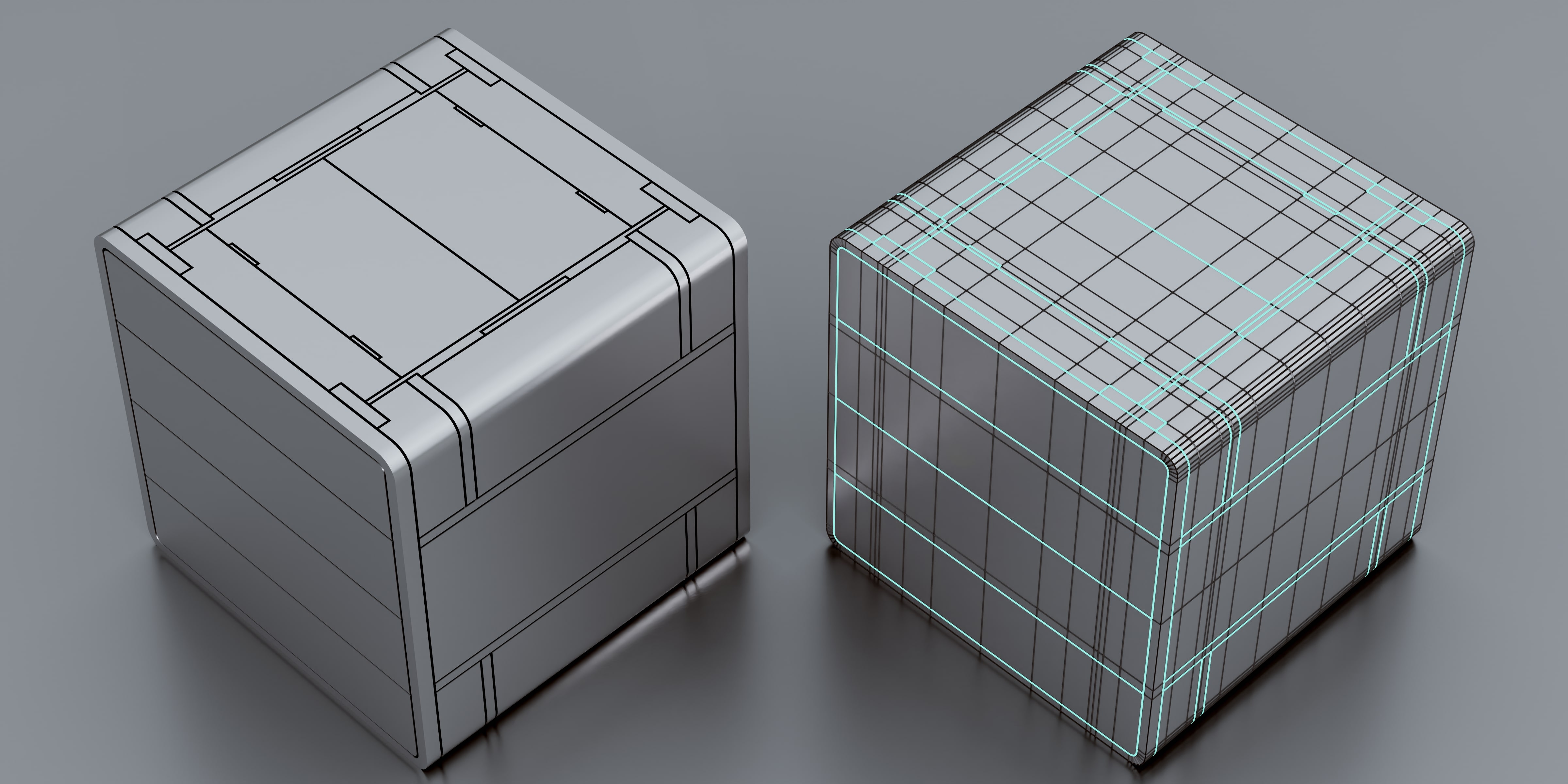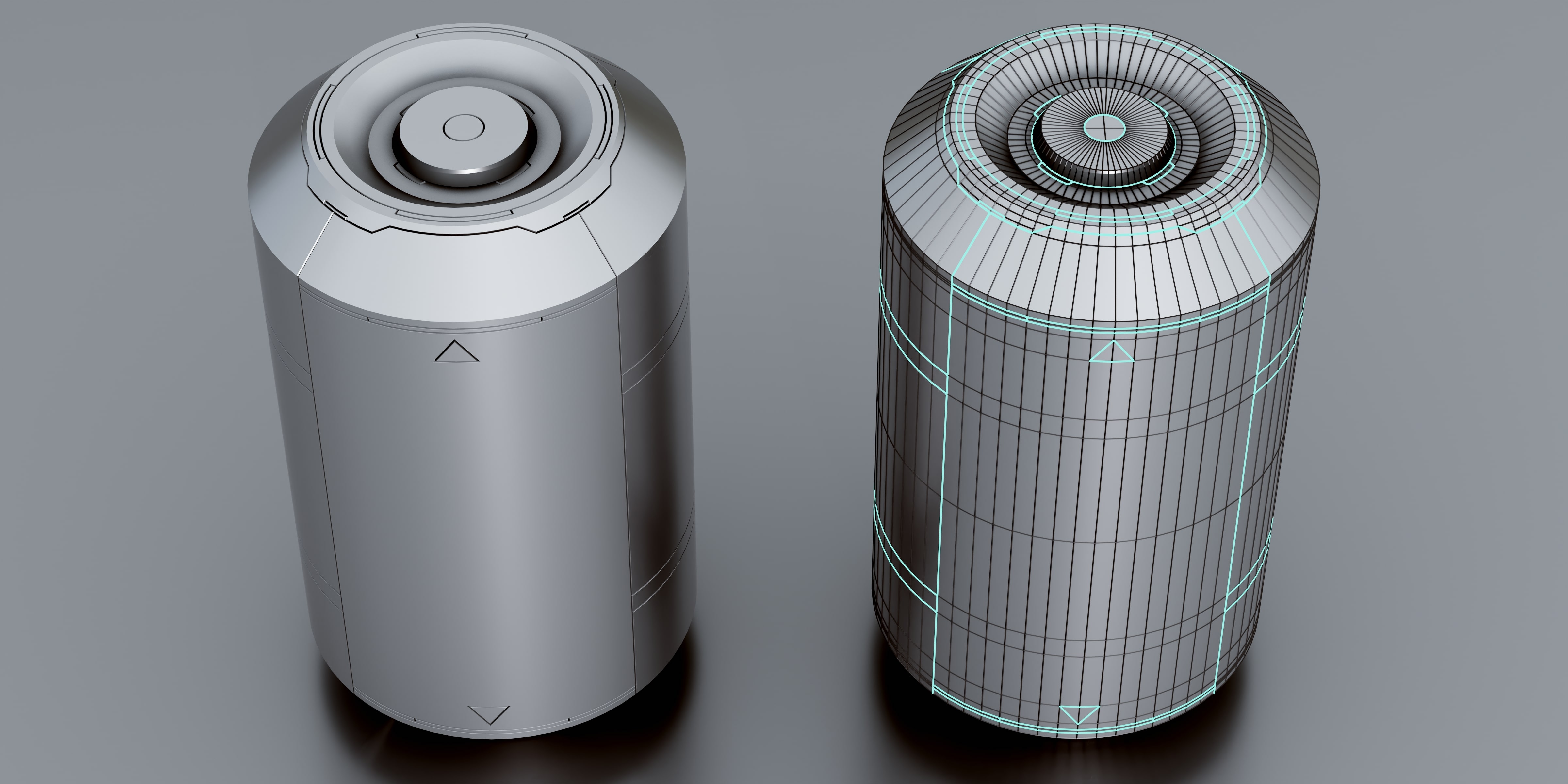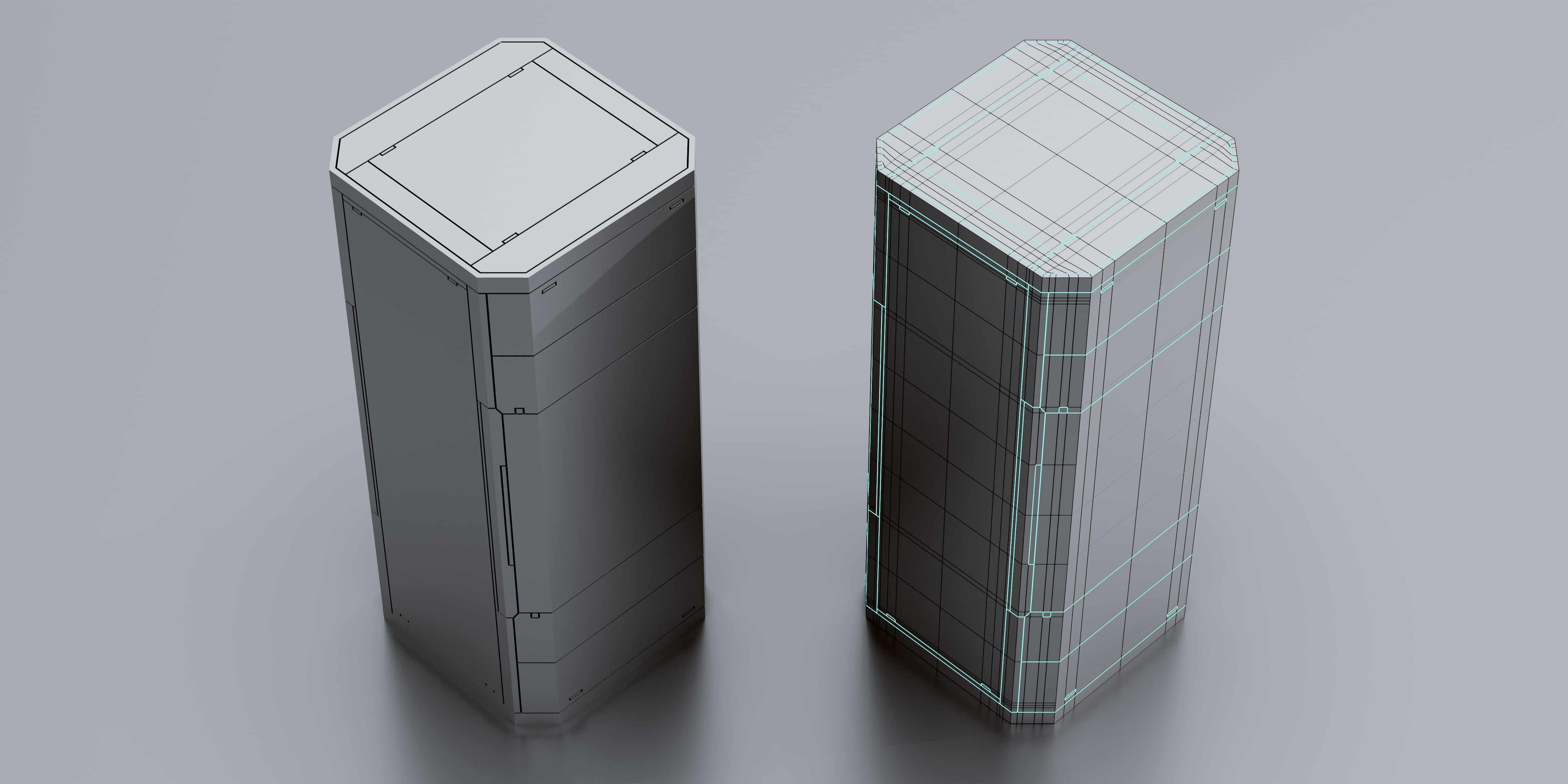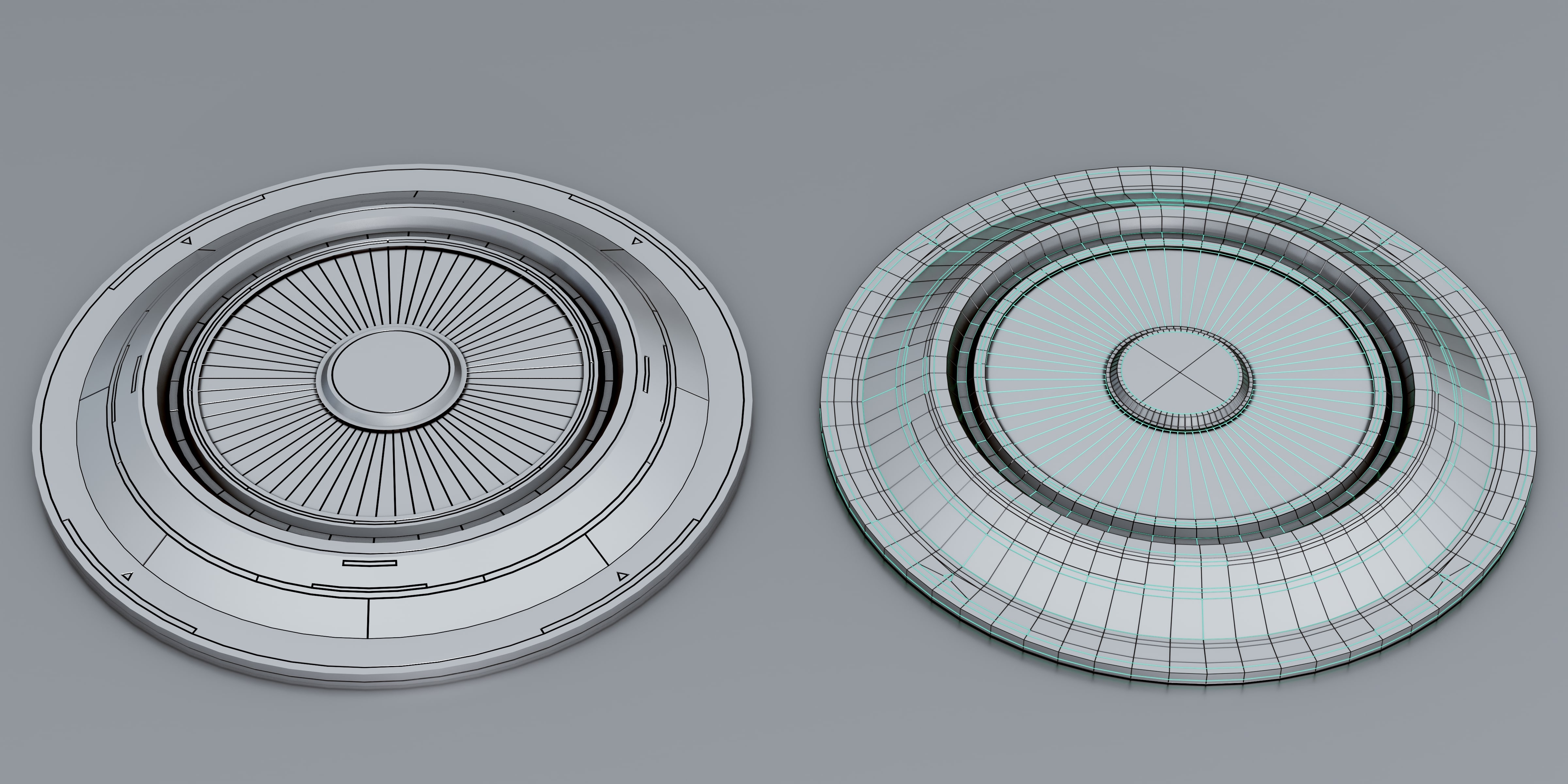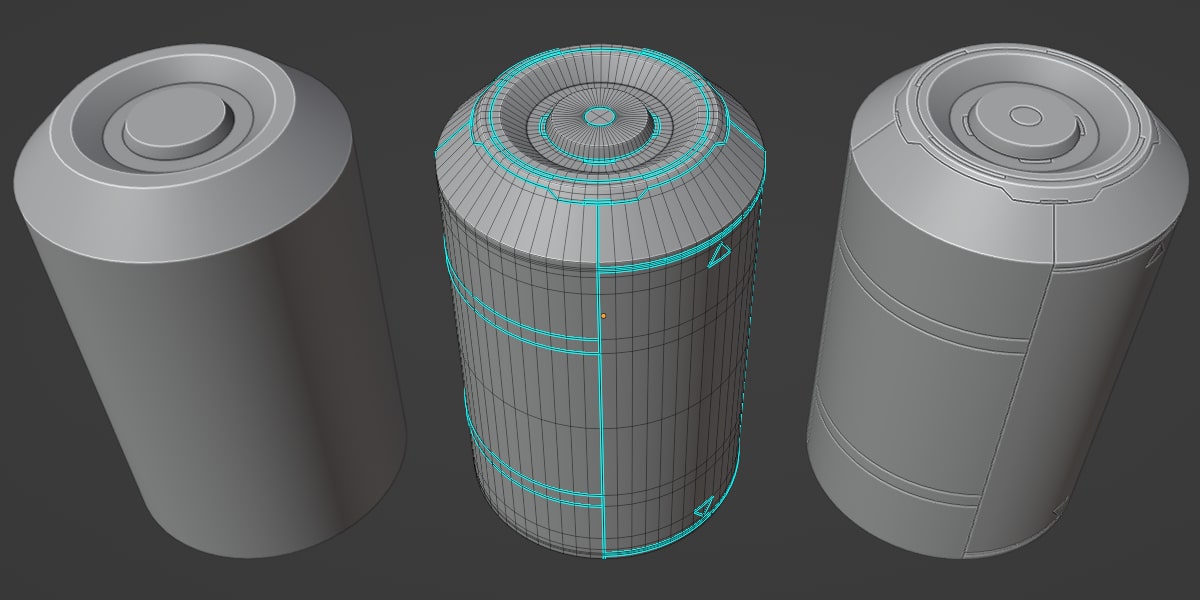
Panel Cutter

Blender Guppy in Modeling


Item Rating

This item has an average rating of 4 from 3 ratings by the community.

67%
0%
0%
34%
0%

Purchase this item to leave a review!

  • Shawn
    9 months ago

    For me, this is one of the best support add-ons for creating panel lines in geometry. I can craft out a design that flows with my theme or the shape of the ship/room/crate/whatever easily. Thanks for this Ian, its been a lifesaver.

  • noob13
    over 2 years ago

    Amazing! This add on solved a problem I was working on for over an hour in about 10 seconds. I was following a 3ds Max tutorial and was having real trouble duplicating 3ds' extrude operator to make panel lines. After an hour I decided to admit defeat and look for an add on. This worked flawlessly no shading issues on the outer rim where lines ended, which was the problem I was having. The only thing that is a little awkward now is that Blender marks sharps with the new auto smooth so you have to be aware of that.

    • Ian Lloyd Dela Cruz

      9 months ago

      Thanks for the great review!
  • LDuke
    9 months ago

    I am new to 3D modeling and am doing it just for fun. I am making science fictions models. The tutorial videos for this add-on are not great. It looks to me as tho many steps are not explained in the videos and so far, what I see in the video does not look at all like what I am seeing in my Blender.
    Also, when I can actually get the add-on to make a change to my object, the Material setting (-1,0,1,etc) doesn't seem to have any affect.
    Once again I am pretty sure most of the blame can be attributed to my not being an experienced 3D artist, but better thought out, step-by-step tutorial would help a lot with that.

    • Ian Lloyd Dela Cruz

      9 months ago

      You caught me in a bad time. Although I made a simpler version of the online documentation because the add-on just requires you to select edges and use either the bevel or inset type - the videos are currently WIP to catch up with the rapid changes I made for the add-on. However, most of what's shown in those videos still work.

      The material setting you have mentioned is made to inherit the materials from the source mesh, e.g. -1 will be using the active material if present, 0 will use the first material in the stack and 1 will use the second if they exist then so on. You can only see these changes in rendered view and if the source mesh has materials. This is made to make the workflow seamless and lets you avoid setting the materials manually.

      I will be updating the videos starting this very moment so you can start using it properly. However, your journey in Blender is your own and I hope this does not further affect your impression on this great plugin.

      Thanks for the support!

  • Displaying 3 ratings
$8$6

Support Period Included

Includes 12 months of

Extend this product’s Support Period +12 months: 50% of product price

Have questions before purchasing?
Login to message

Details
Blender Extension Compatible Yes
Sales 1100+
Rating
3 ratings
Dev Fund Contributor
Published over 3 years ago
Blender Version 3.6 - 5.0
Extension Type Add-on
Render Engine Used Cycles, Eevee
License GPL