 paradise

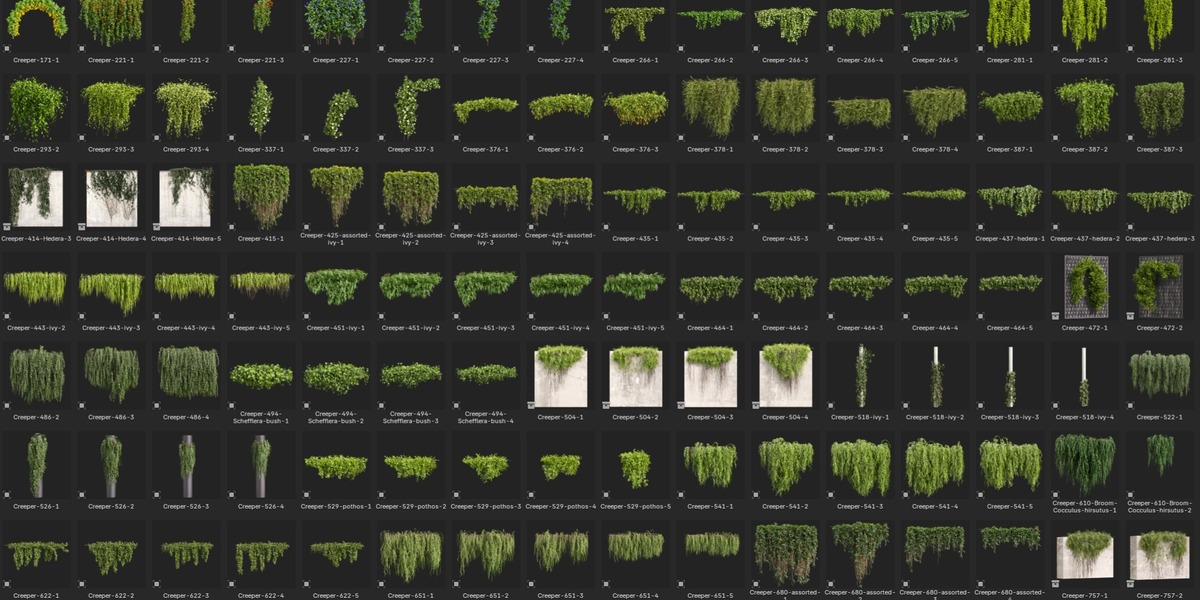
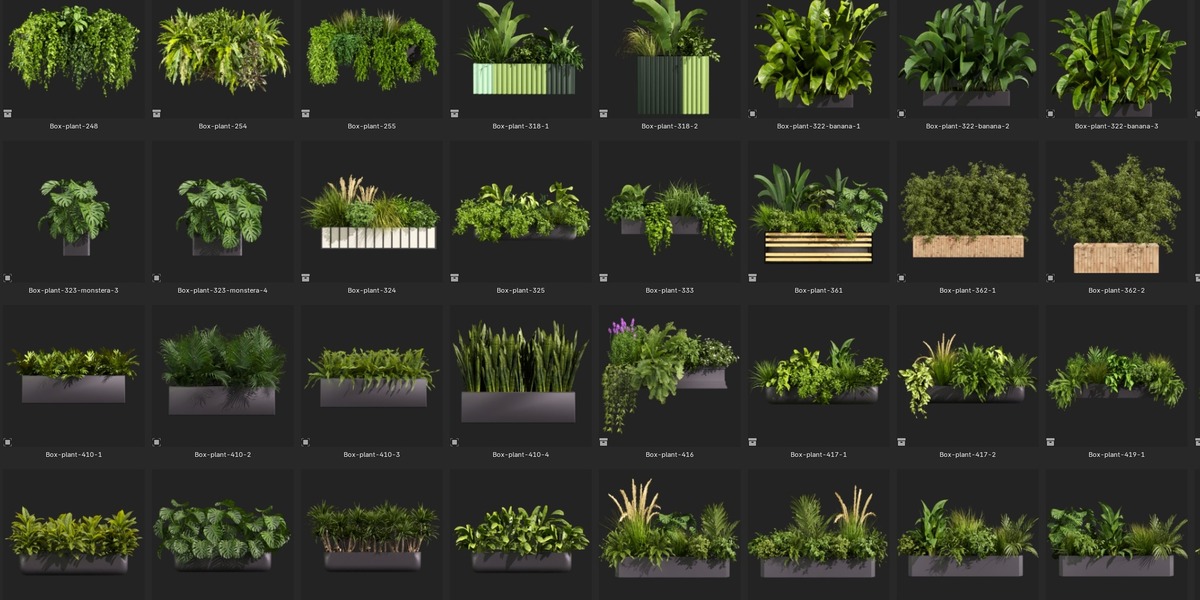
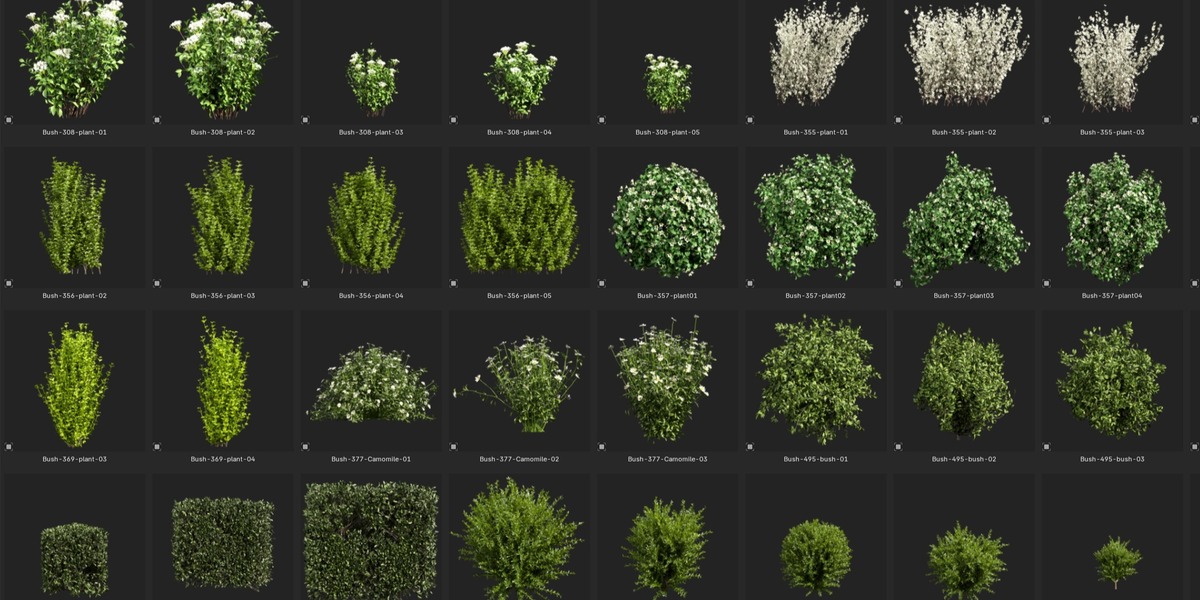
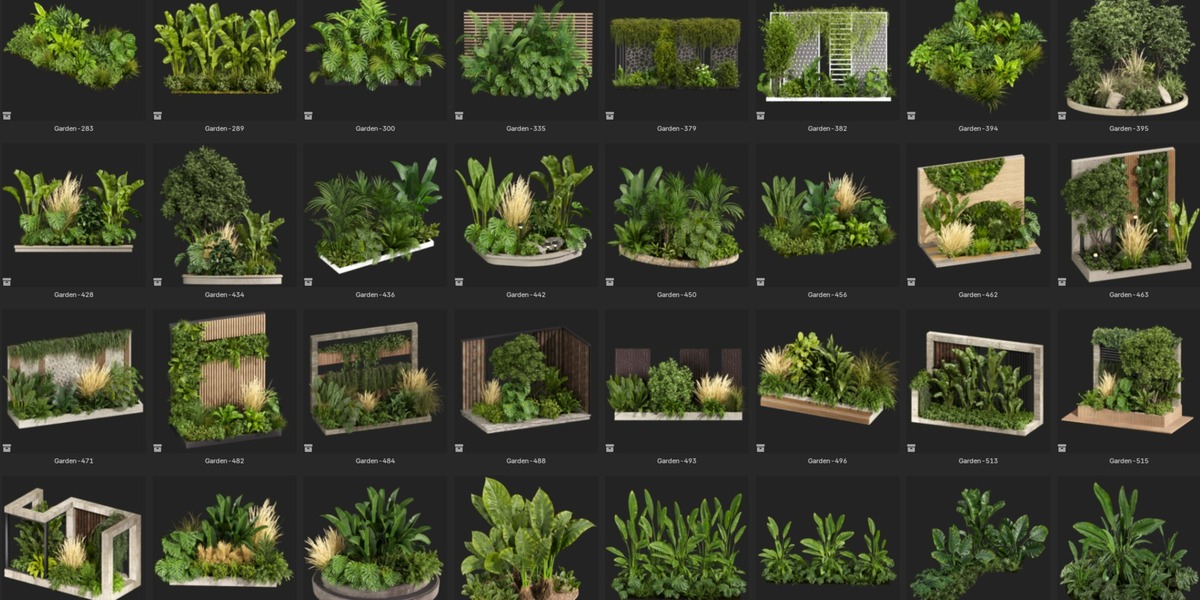





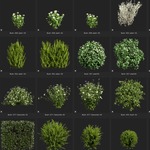
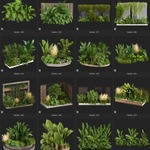
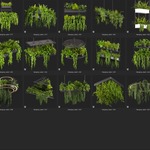
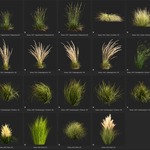
Paradise Plant Library – Installation & User Guide
Requirements
Blender 4.5
Compatible with Cycles and Eevee
Blender Asset Browser
How to Install
Download your purchased Paradise Plant Library package.
Extract the downloaded ZIP files into a folder on your computer.
Keep the original folder structure, including the Asset, Materials, and catalog files.
Open Blender 4.5.
Go to Edit → Preferences → File Paths → Asset Libraries.
Click the + button to add a new asset library.
Select the main extracted Paradise Plant Library folder.
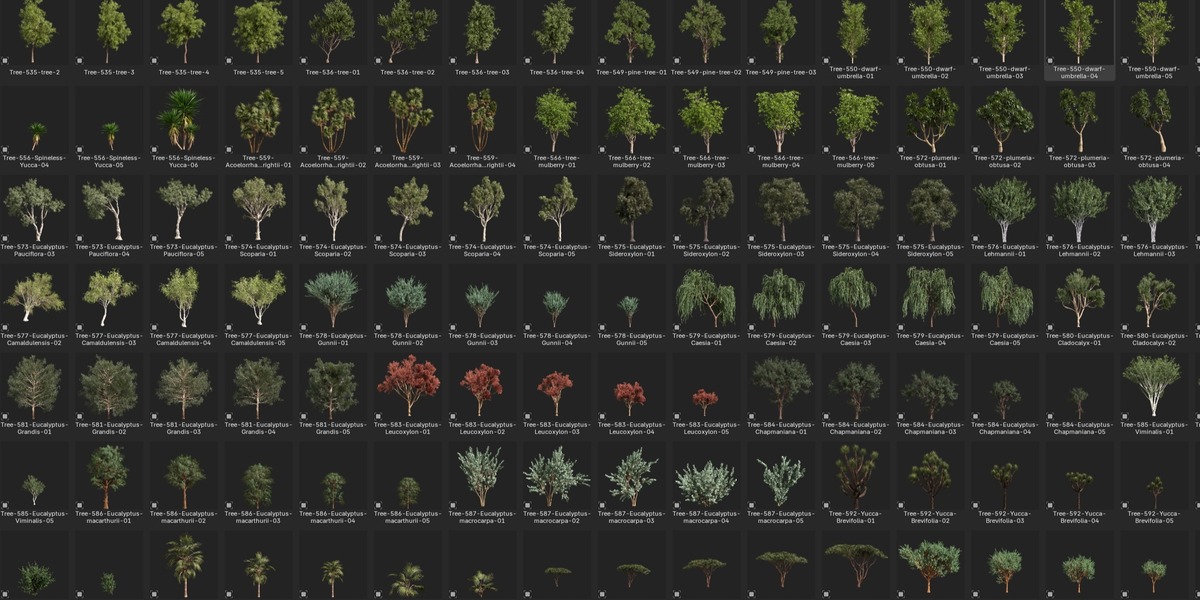
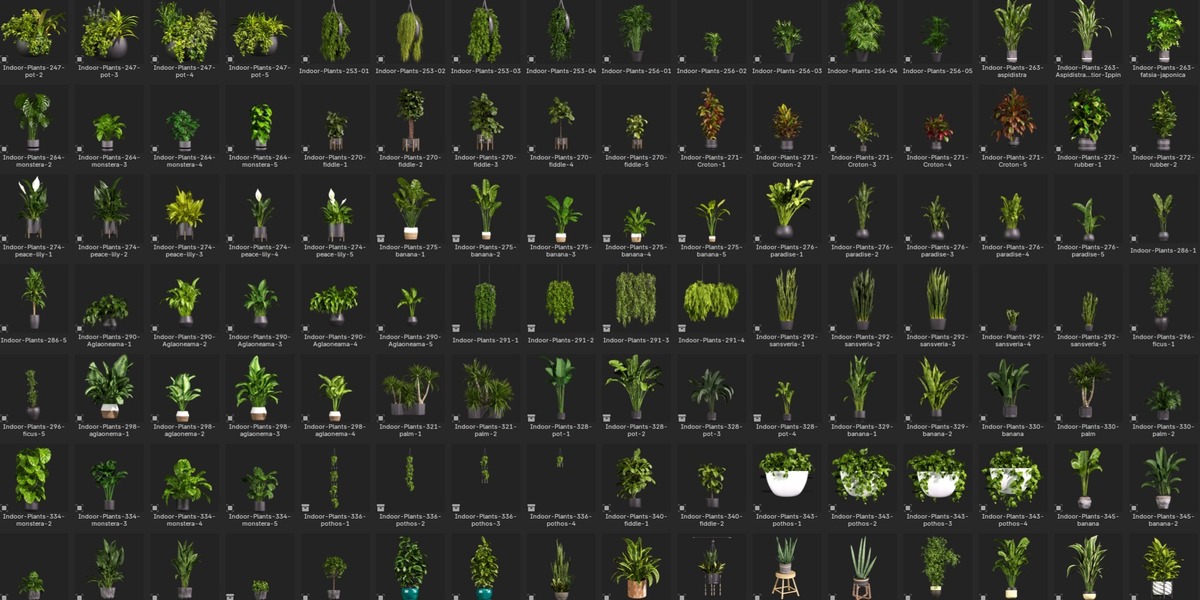
Open the Asset Browser in Blender and select your Paradise Plant Library.
How to Use
Open Blender's Asset Browser.
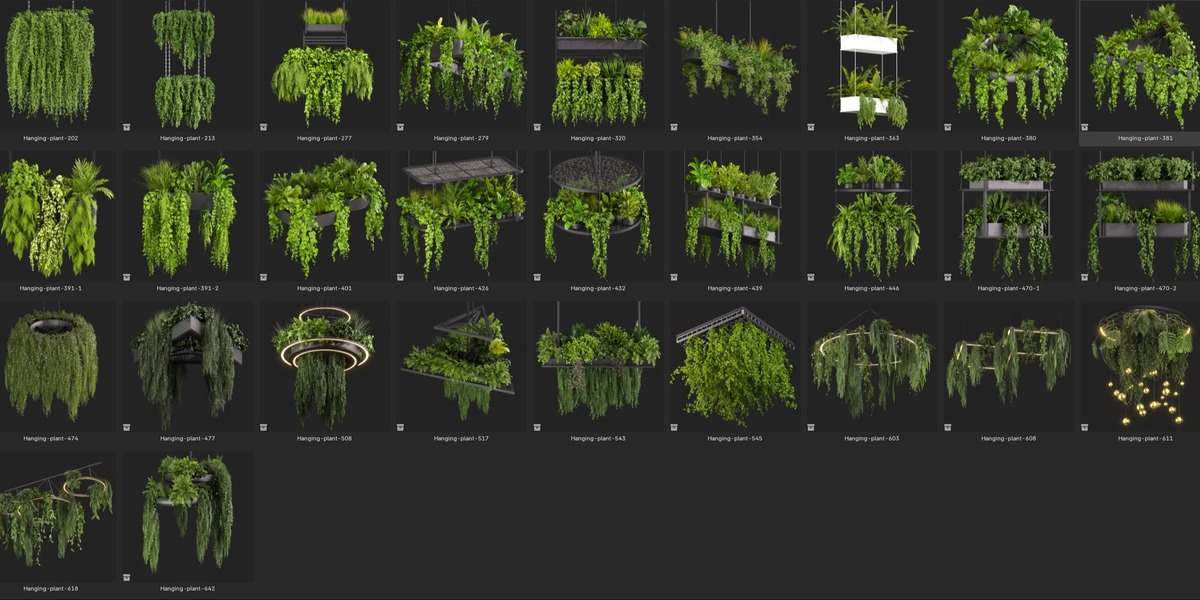
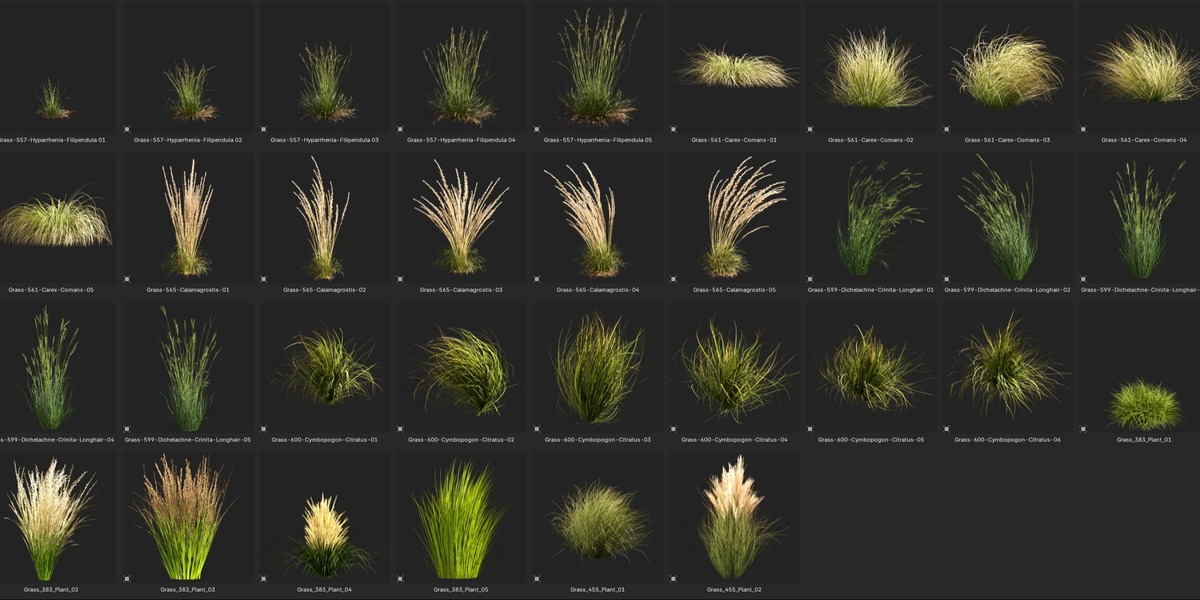
Browse the available plant categories.
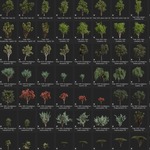
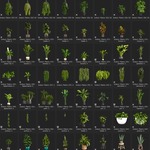
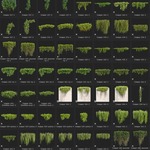
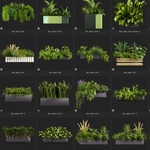
Select a plant using its rendered preview thumbnail.
Drag the desired asset into your 3D scene.
Adjust its position, rotation, and scale as needed.
Important Notes
Keep the original folder structure to preserve asset organization and material references.
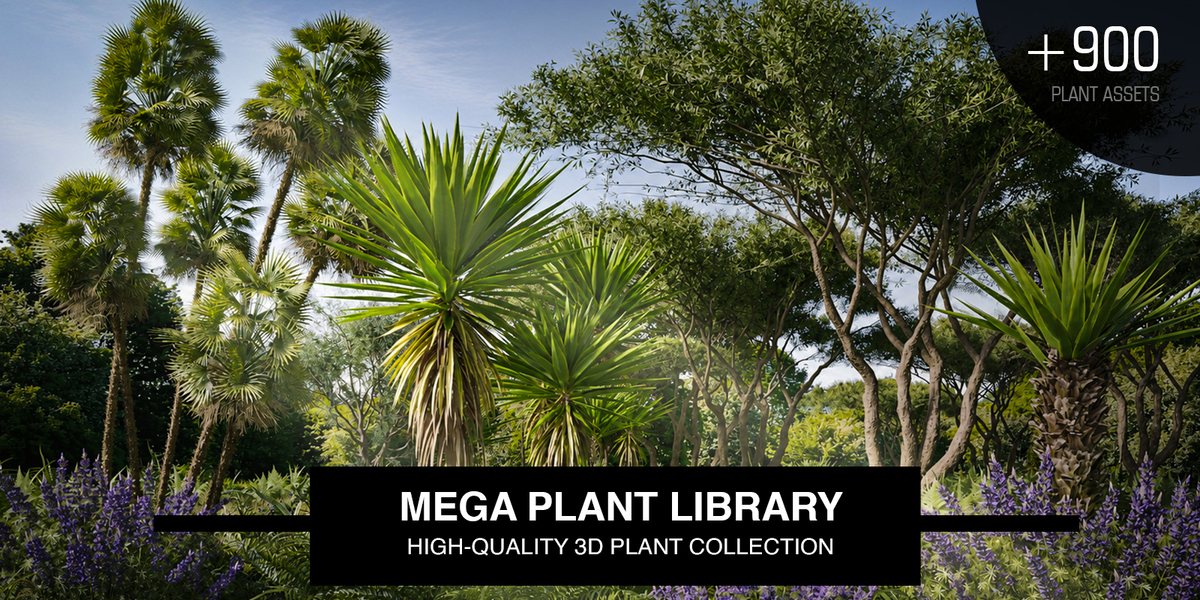
The Ultimate edition includes 900+ plant assets, including multiple variations of many plant types.
Texture resolutions range from 2K to 4K.
Different editions include different numbers of assets.
Support
If you experience installation issues, missing textures, or problems accessing the library, please contact us through Superhive's product support system.
Have questions about this product?
Login to message
| Published | about 1 hour ago |
| Blender Version | 4.5 |
| Render Engine Used | Cycles, Eevee |
| Misc Data | Uvs-Unwrapped, Normal-Mapped, Textured |
| License | Royalty Free |

Discover more products like this
garden plant library interior plants landscape #nature asset-browser realistic plants plant outdoor plants Trees 3d-plants architecture