 ZEG
Installation
In Blender open Edit, Preferences, Get Extensions, then use Install from Disk and pick the parking_lot_generator zip.
Usage
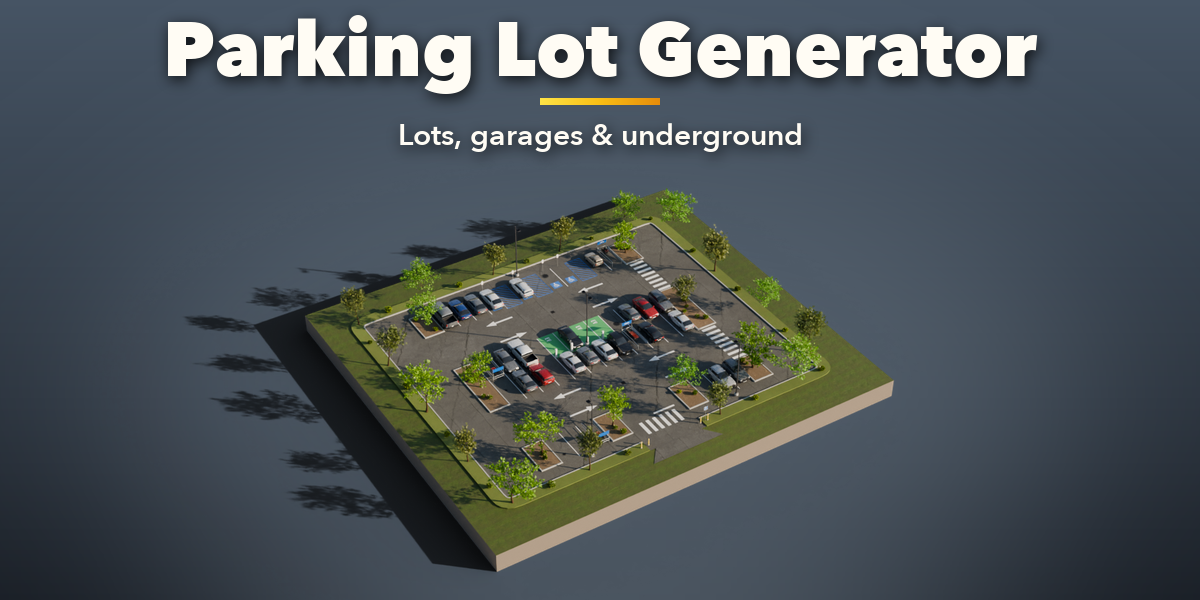
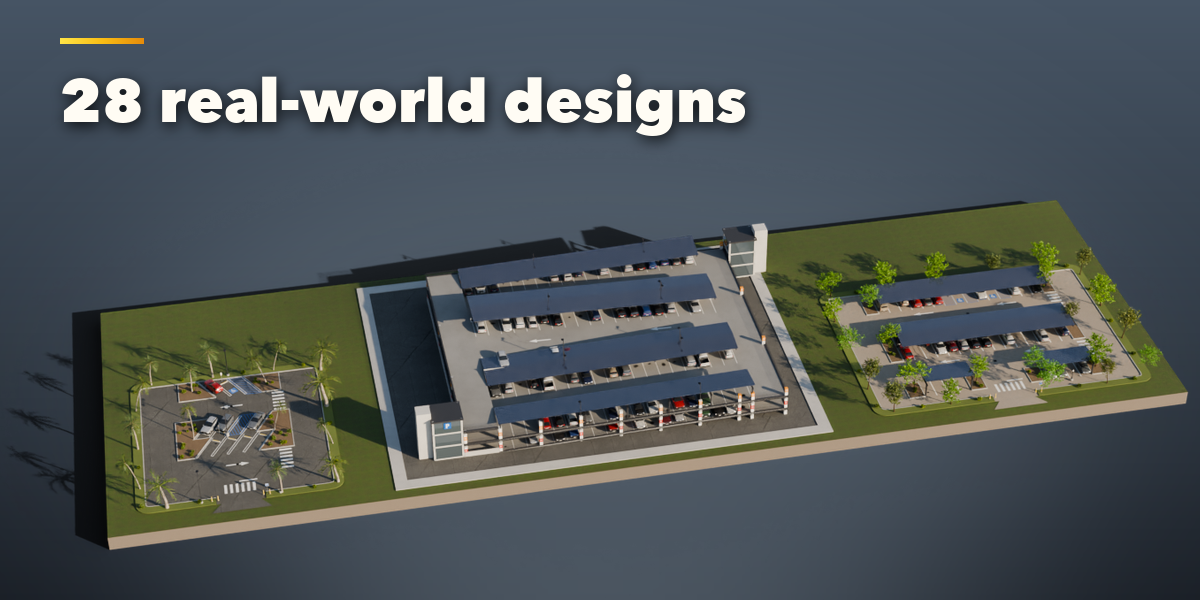
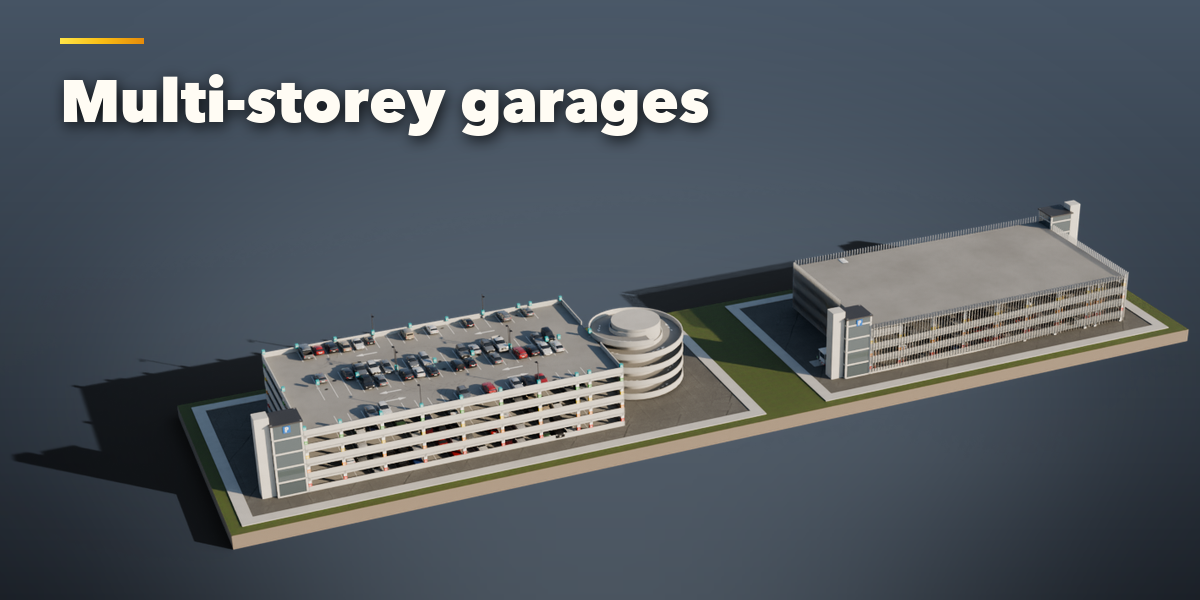
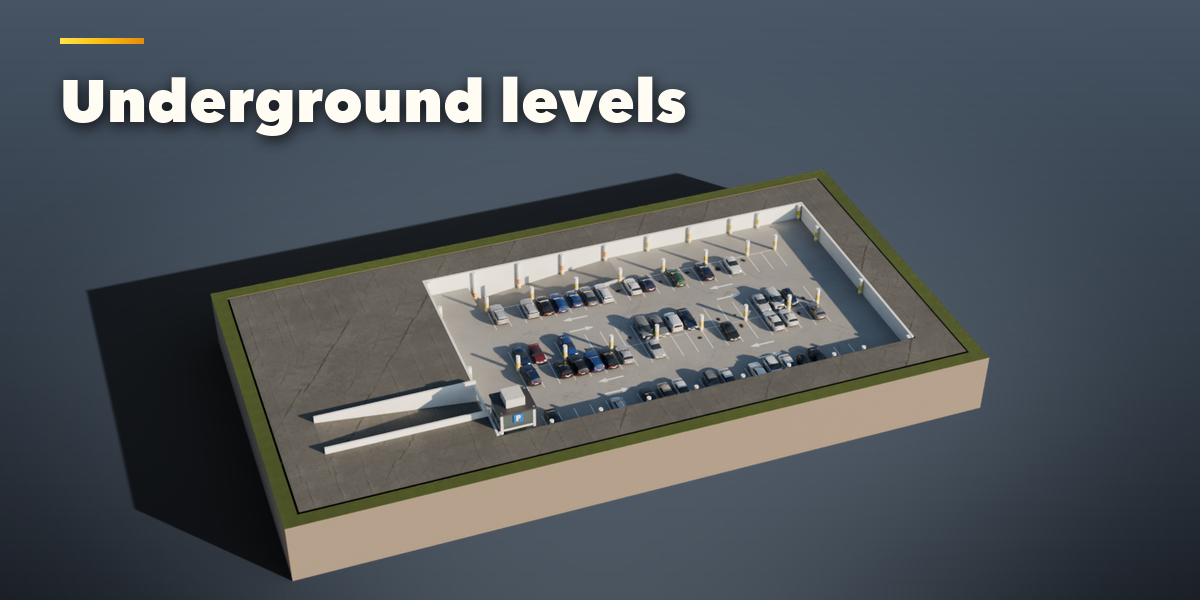
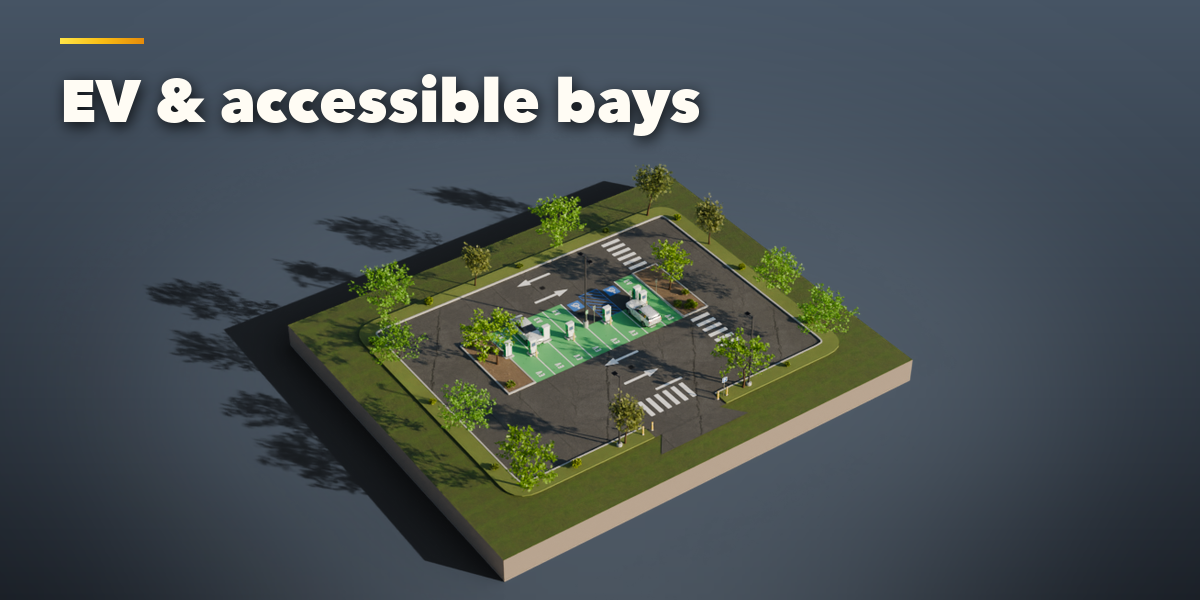
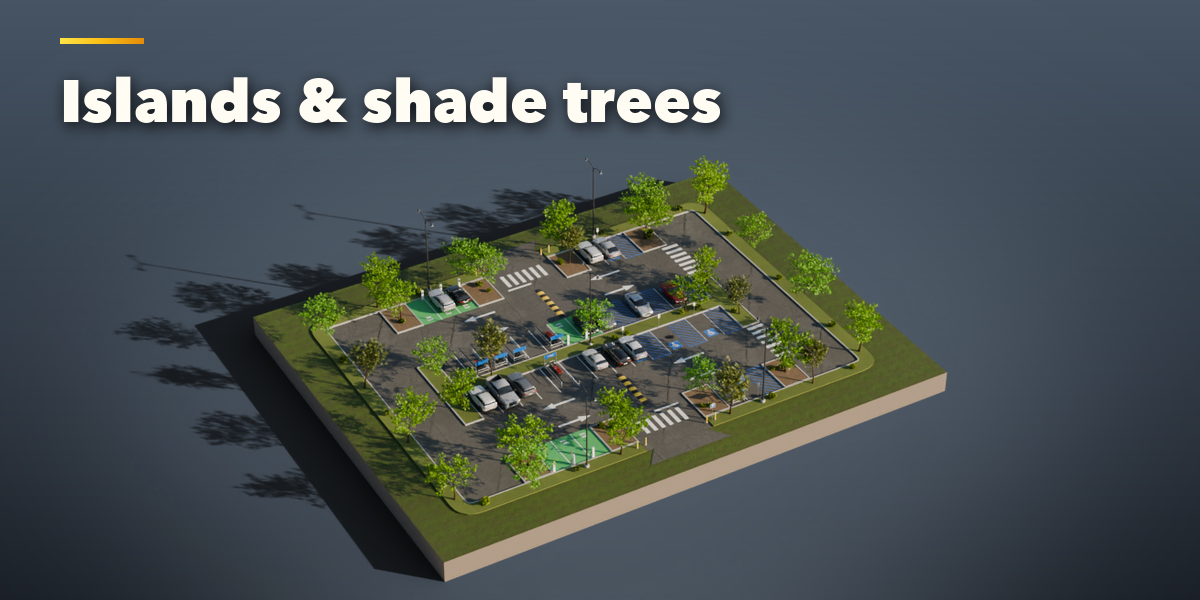
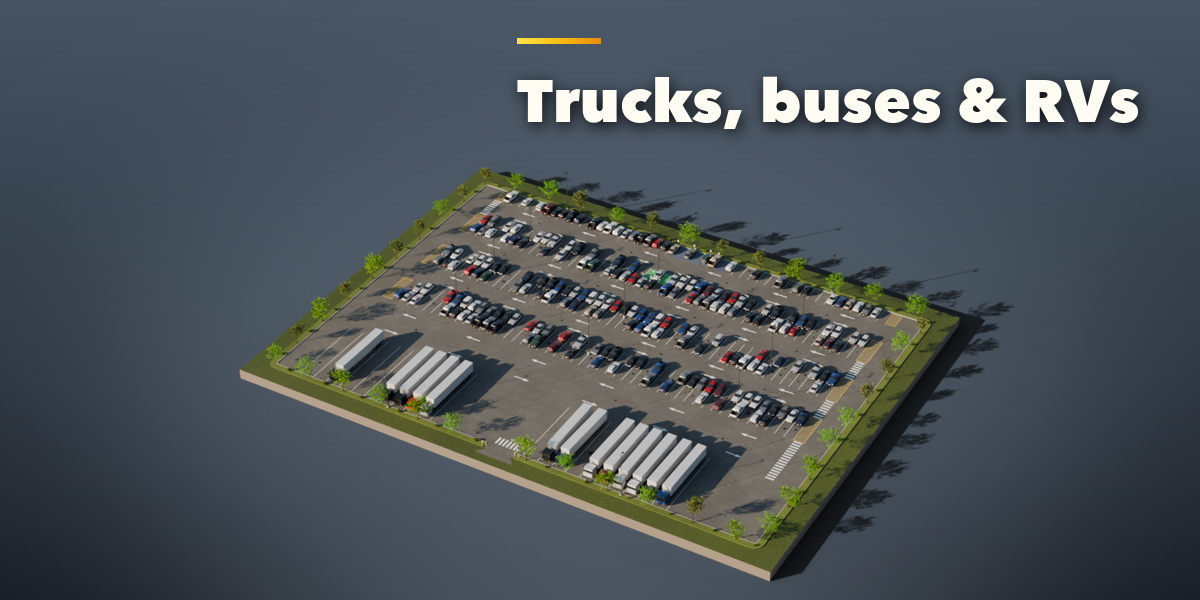
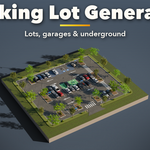
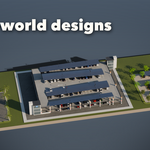
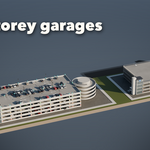
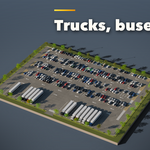
- Open the Parking tab in the 3D viewport sidebar (N). With nothing selected, click the picture to pick one of the 28 designs, or browse them by group, then press Add Parking Lot. You can also use Shift+A, Parking Lot.
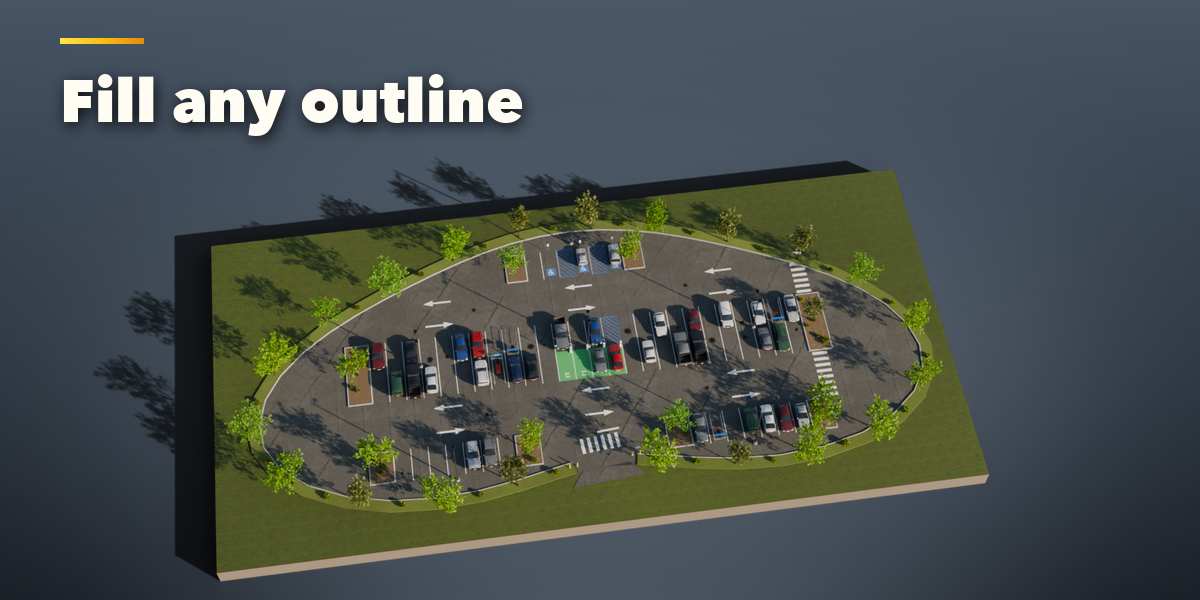
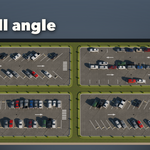
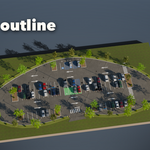
- To fill your own shape, select a closed curve or a flat mesh first: the button changes to Fill and the lot packs its stalls into that outline. Edit the curve and the lot follows.
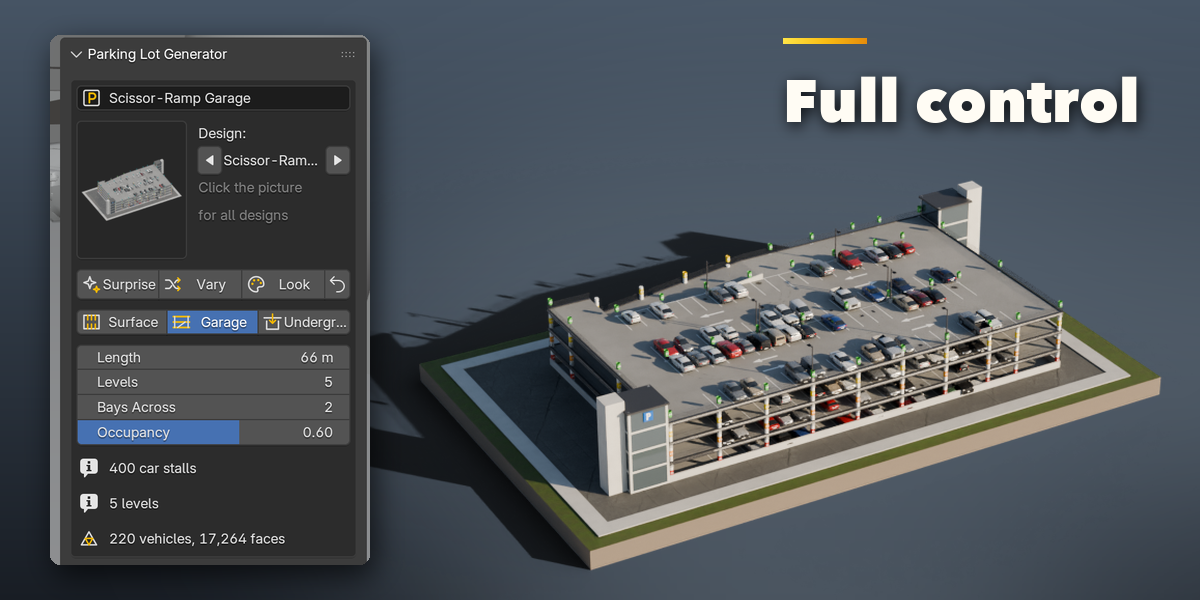
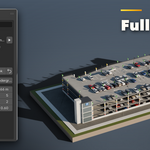
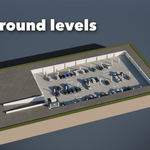
- The card at the top shows the design, stall counts and face count. Surprise makes a new random facility, Vary changes the current one a little, Look picks new car colors, concrete and wear, and the arrow resets the design. Switch between Surface, Garage and Underground, and set the size and the share of occupied stalls right there.
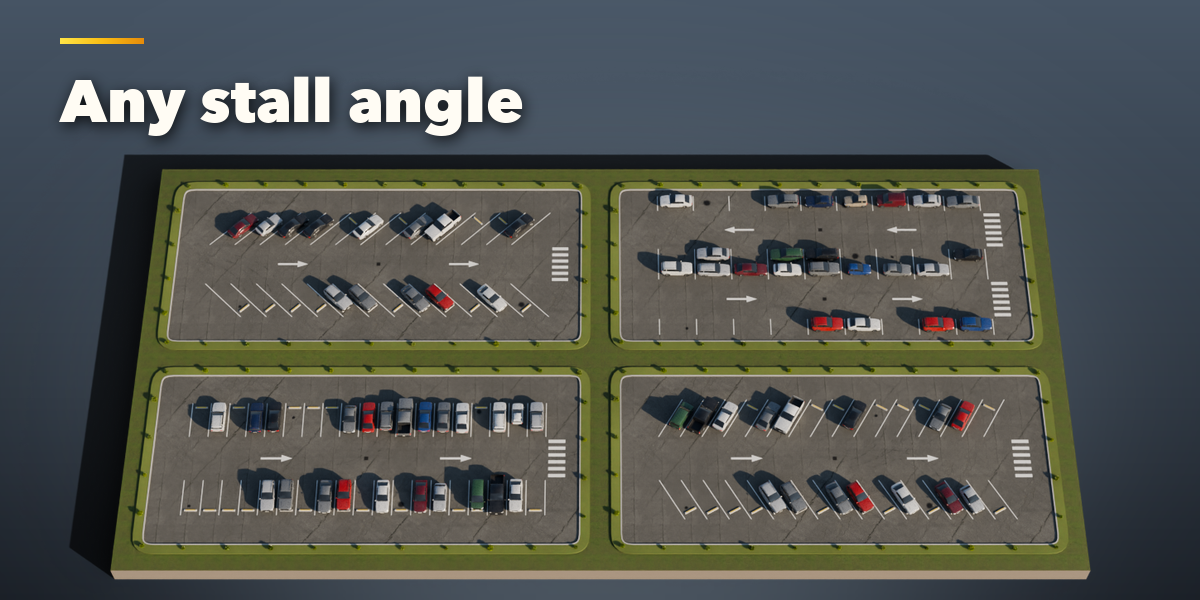
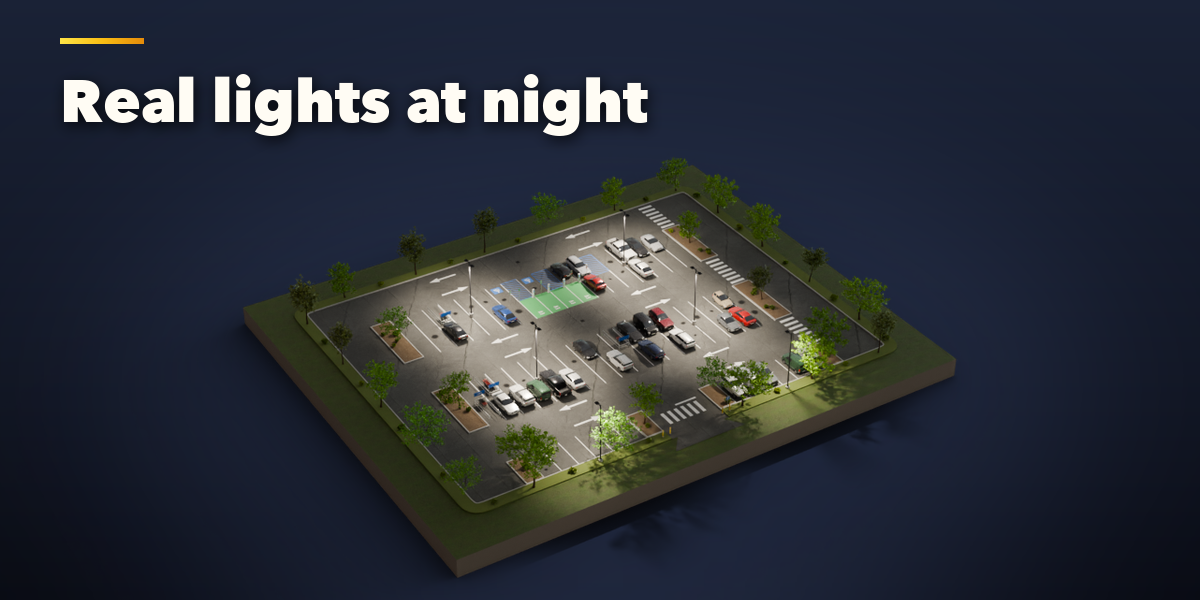
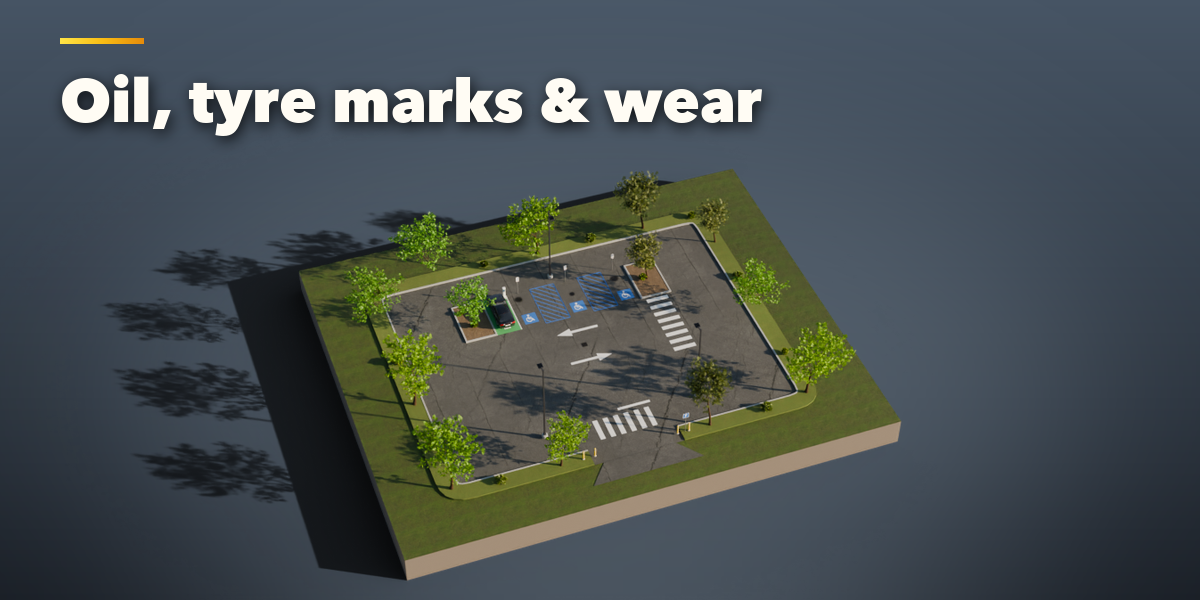
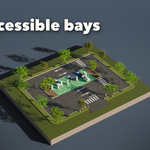
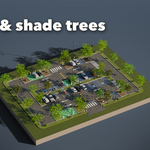
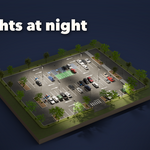
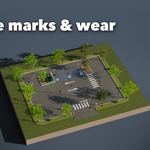
- The icon tabs hold every setting: Site, Stalls & Markings, Special Bays, Islands & Trees, Structure (garages), Furniture, Cars, Finish & Wear and Parts & Export (part visibility, detail level, Convert to Mesh).
- Everything is in real meters with the origin at the center of the lot on the ground. Each part (surface, markings, curbs, cars, lights and so on) is its own named object; Convert to Mesh copies the lot as plain meshes for export.
Have questions about this product?
Login to message
| Blender Extension Compatible | Yes |
| Published | 3 days ago |
| Blender Version | 4.2 - 5.2 |
| Extension Type | Add-on |
| Render Engine Used | Cycles, Eevee |
| License | GPL |

Discover more products like this
Cars road car park parking lot game ready procedural Parking Garage parking urban city architecture environment