 ZEG
Installation
In Blender open Edit, Preferences, Get Extensions, then use Install from Disk and pick the zip.
Usage
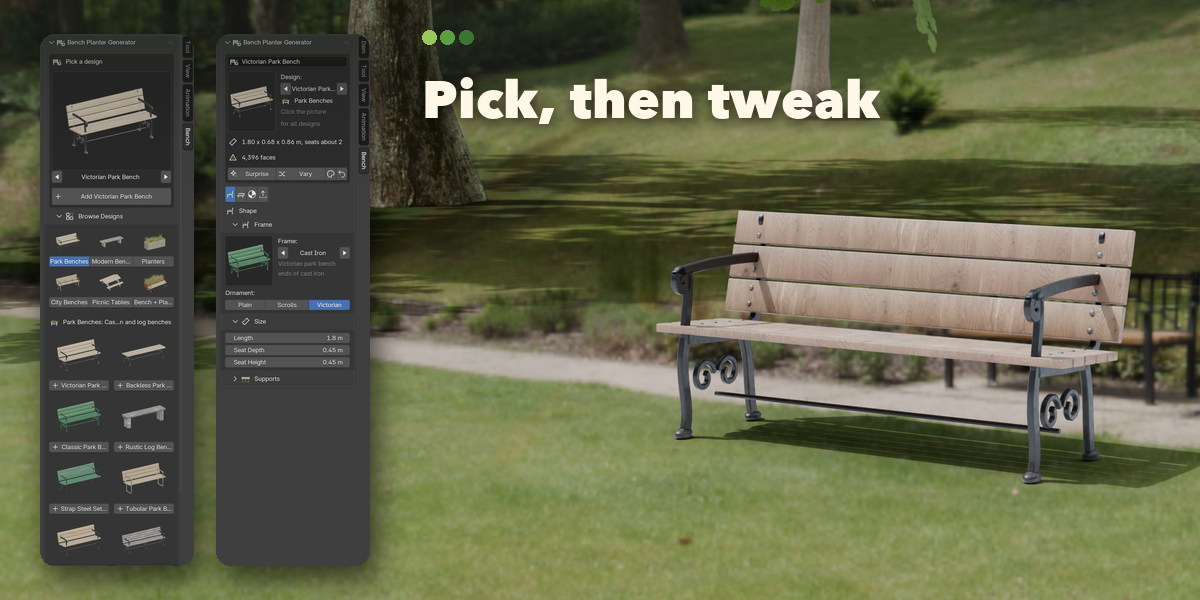
- Open the sidebar (N) and the Bench tab, or press Shift+A, Mesh, Bench & Planter.
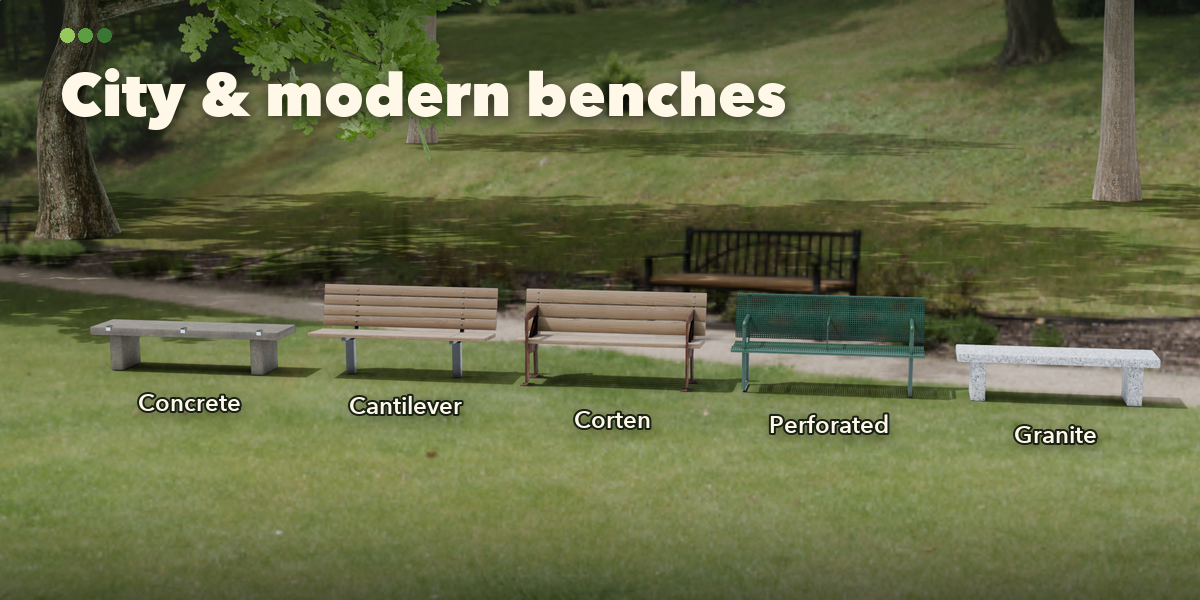
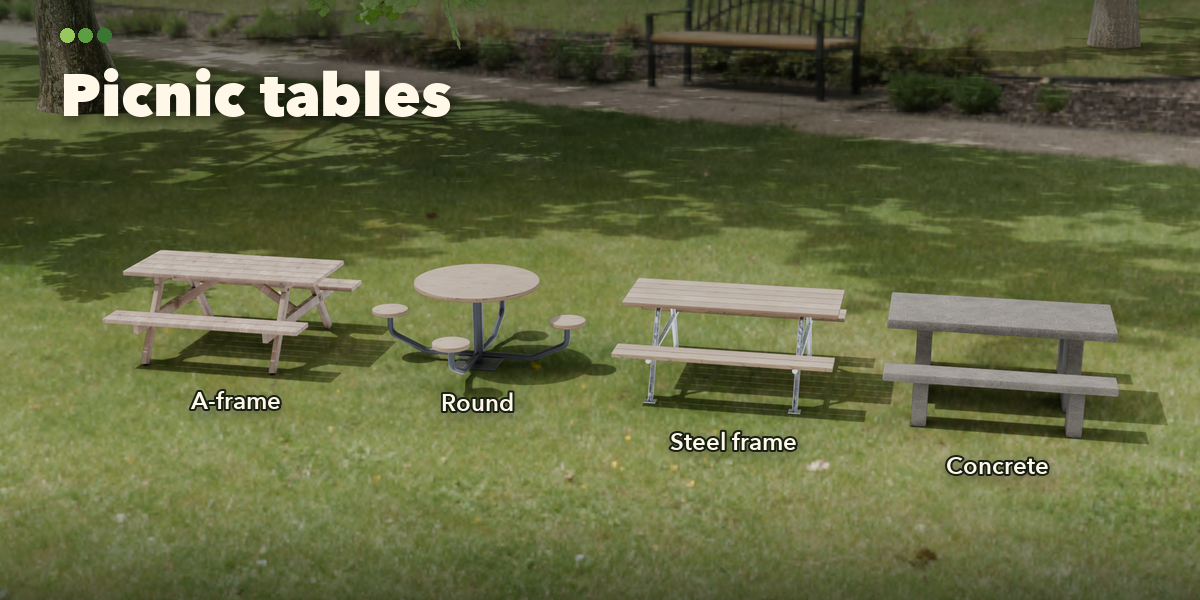
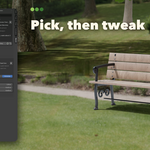
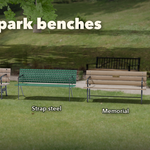
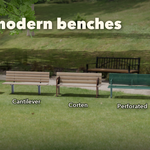
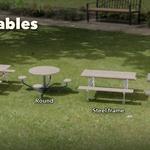
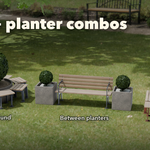
- Pick a design picture and click Add. The design appears at the 3D cursor.
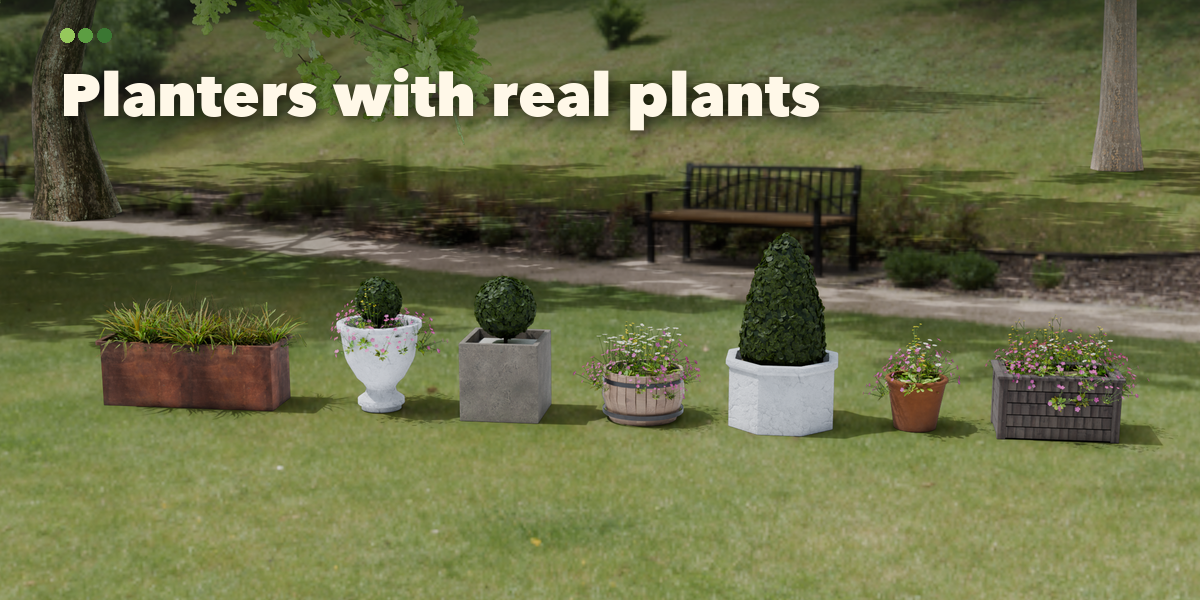
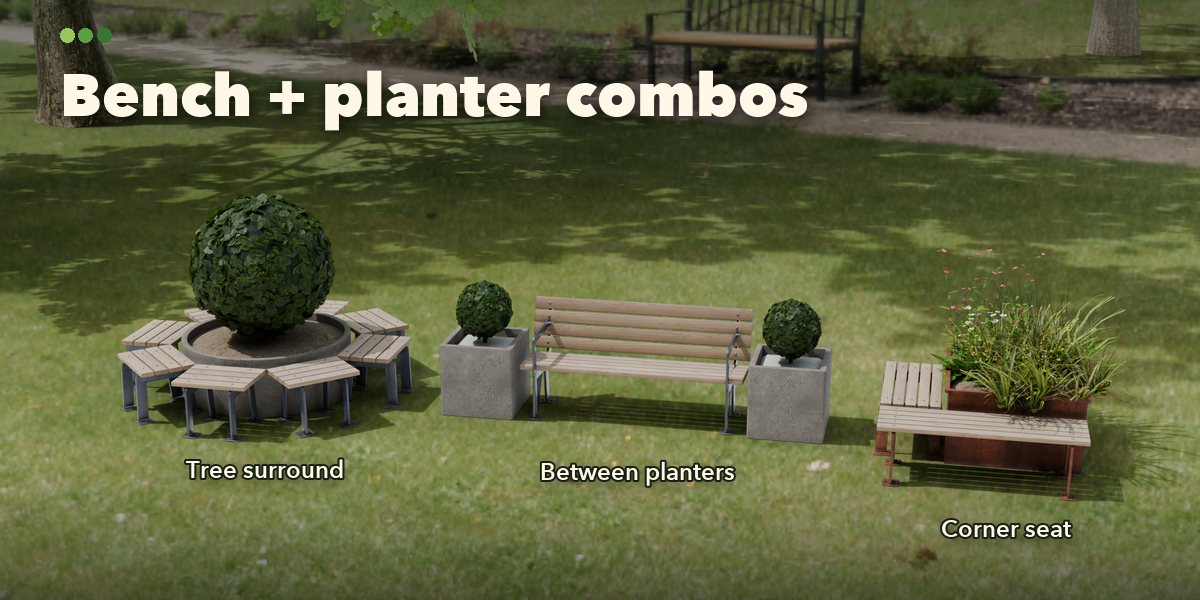
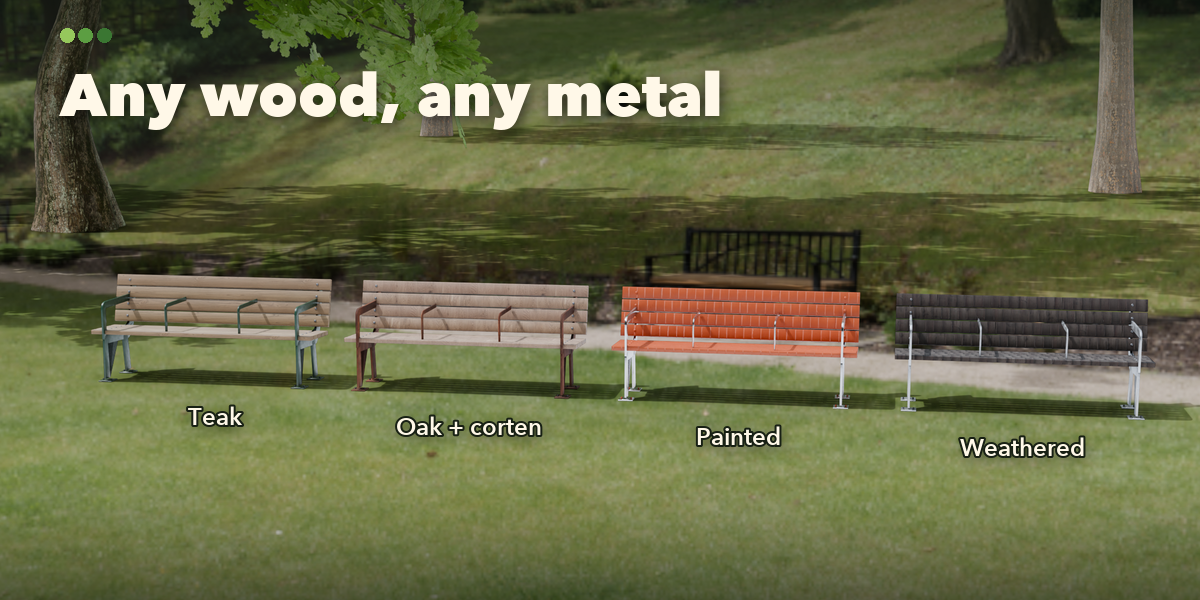
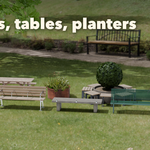
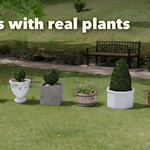
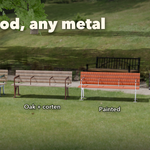
- Keep it selected and change its frame, seat, planter, plants and finish in the sidebar. It rebuilds live.
- Use Surprise Me, Variation or Random Finish for quick ideas, and Reset to Design to go back.
- Convert to Mesh makes a plain copy for export or hand editing.
Have questions about this product?
Login to message
| Blender Extension Compatible | Yes |
| Published | about 15 hours ago |
| Blender Version | 4.2 - 5.2 |
| Extension Type | Add-on |
| Render Engine Used | Cycles, Eevee |
| License | GPL |

Discover more products like this
park bench planter street furniture park procedural bench urban Generator picnic table garden plants ArchViz